
Every PC owner eventually asks the same question: do I need a whole new computer, or just one smart part? Newegg’s Smart PC Upgrades with AI, currently in beta, exists to answer exactly that. You tell it what you have and what you want; it tells you what to swap. Here are the questions everyone asks about it.
What exactly is the PC Upgrader?
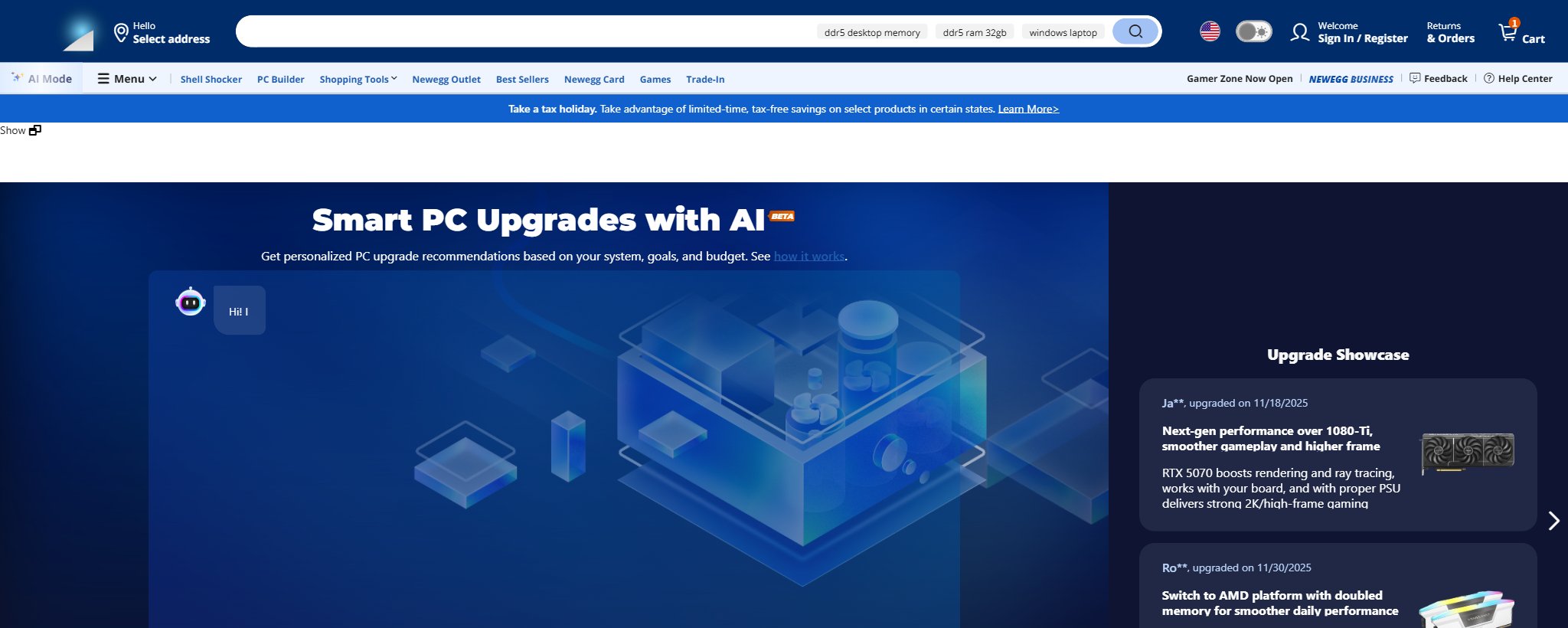
It is a free, chat-based tool at newegg.com/tools/pc-upgrader. Instead of browsing categories, you describe your current machine, your goals, and your budget in plain language, and the AI returns personalized upgrade recommendations with compatible parts. Think of it as the difference between wandering a hardware store and talking to the person who knows where everything is.
How do I use it?
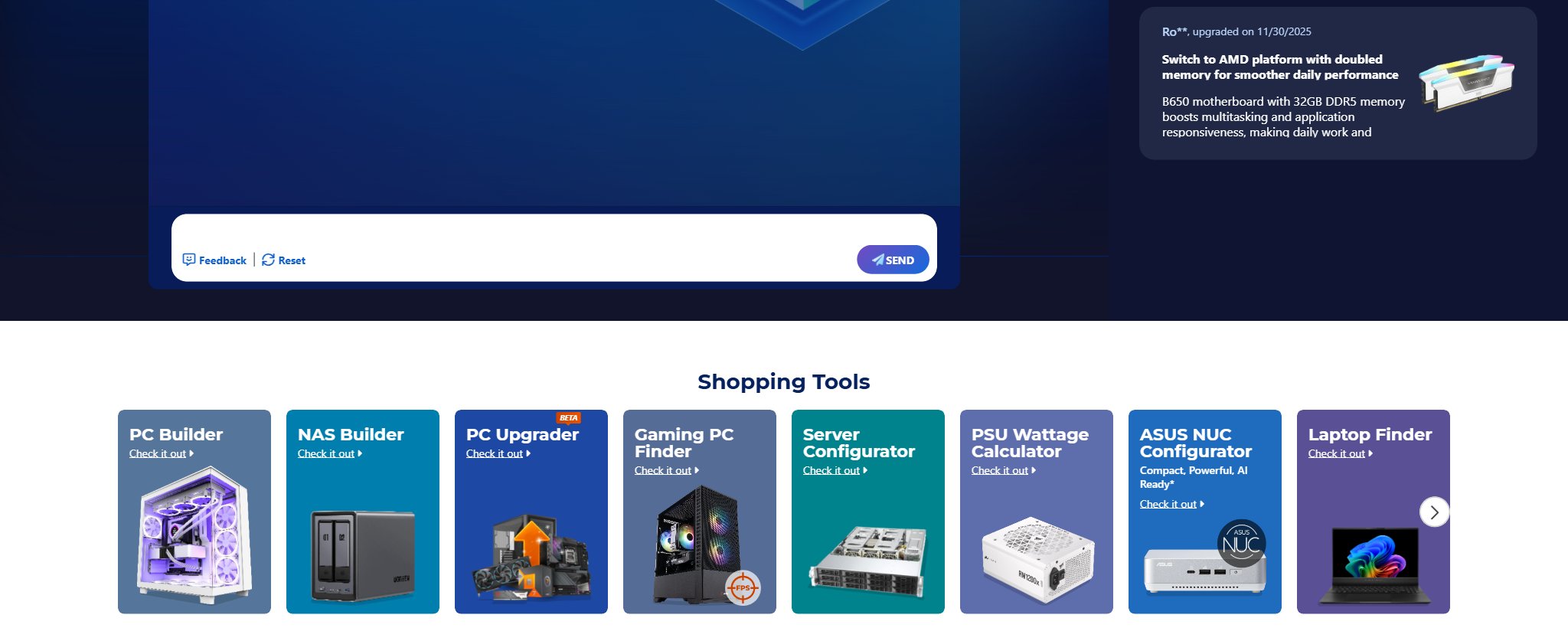
Type your current specs into the chat box, the prompt asks for CPU, motherboard, GPU, and RAM at minimum, then state a goal: “smoother 1440p gaming under $700” or “faster video exports.” The more specific your goal and budget, the sharper the recommendation. You can push back in the chat, ask for cheaper alternatives, or request an explanation of any suggestion before you buy.
What kinds of upgrades does it recommend?
The tool’s public Upgrade Showcase gives a candid picture of real outcomes. Recent examples include a builder moving from a B450 board with 16GB of RAM to a modern platform with 64GB of DDR5 for 4K gaming and Unreal Engine work, a 1440p player stepping up to a Ryzen 7 7800X3D on B650 with DDR5-6000, and a GPU-first upgrade pairing an RTX 5070 Ti with a 1000W power supply. It also covers quieter wins people forget: airflow-focused cases, CPU coolers, and PSU headroom for a future graphics card.
Why upgrade instead of just buying a new PC?

Because most PCs are only slow in one place. A case, power supply, and half your components typically have years of life left; replacing the whole machine means paying again for parts that were never the problem. A targeted upgrade concentrates your budget on the actual bottleneck. This week’s timely example: with the $328.99 Ryzen 7 7700X3D just launching as a Newegg exclusive, an AM4 gamer can jump platforms for far less than a prebuilt, and our companion article this morning walks through that exact upgrade step by step.
Is my data or hardware list safe to share?
You are typing component names, not personal files. The tool needs only spec-level information, what CPU, GPU, board, and memory you run, to reason about compatibility and bottlenecks. Share model names, not serial numbers or account details, and you are giving it nothing sensitive.
What should I try first?
Open the PC Upgrader, paste in your specs, and ask the question you have been Googling in fragments: “what single upgrade helps most for my games and budget?” Worst case, you learn your PC is better balanced than you feared. Best case, you skip a $2,000 replacement for a $400 fix.
Read More
- Tom’s Hardware: Best Graphics Cards — Reality-check any GPU recommendation against the current hierarchy.
- Crucial: System Upgrade Scanner — A complementary way to identify your exact memory and storage compatibility.
- AMD Official: Ryzen Desktop Processors — Spec sheets for CPU upgrade candidates.
- Newegg: Custom PC Builder — When the answer really is a whole new build.
- Newegg: 32GB DDR5 Kits — The most common single upgrade, with live pricing.
Related Posts
- DDR5 Got Expensive. Here Is the Memory Kit I Would Buy in 2026
- Is Your Gaming PC Ready for GTA 6? Best ABS Gaming Desktops to Consider
- RTX 50 Series Gaming Desktops: Which ABS PC Is Right for You?
- How to Choose the Right ABS Gaming PC by GPU
- Build Your First Home NAS with Newegg’s NAS Builder: Three Real Scenarios
Frequently Asked Questions
Answers to the most common questions about Newegg's Smart PC Upgrades with AI.