
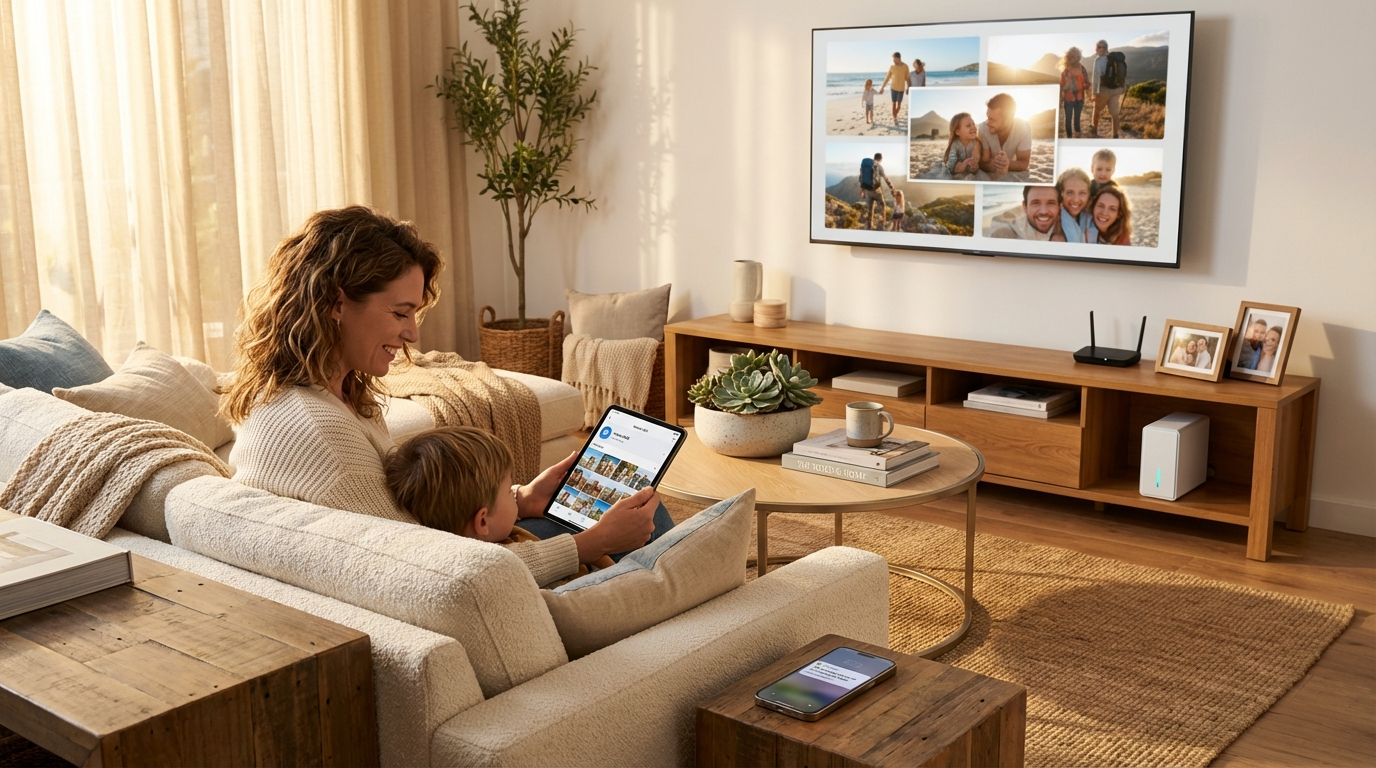
The category of Network Attached Storage covers an enormous range of hardware. A compact two-bay personal cloud device that sits on a bedroom shelf and backs up smartphones automatically has almost nothing in common with a 24-bay rackmount NAS humming in a data center rack, serving hundreds of simultaneous users across a corporate network. Both are technically NAS devices, but they serve fundamentally different purposes, audiences, and budgets. Understanding which end of this spectrum — or which point along it — matches your actual situation is the most important decision in any NAS purchase. This guide maps the full landscape and helps you find your fit.
The Personal Cloud NAS: Private Storage for Everyday Life
Personal cloud NAS devices are purpose-built for individuals and households who want the convenience of cloud storage — access from anywhere, automatic device backup, seamless photo management — without the monthly subscription costs or privacy implications of commercial cloud services. In 2026, the personal cloud NAS category has matured significantly, with user interfaces that rival consumer cloud apps in simplicity while maintaining the complete data sovereignty of on-premise storage.
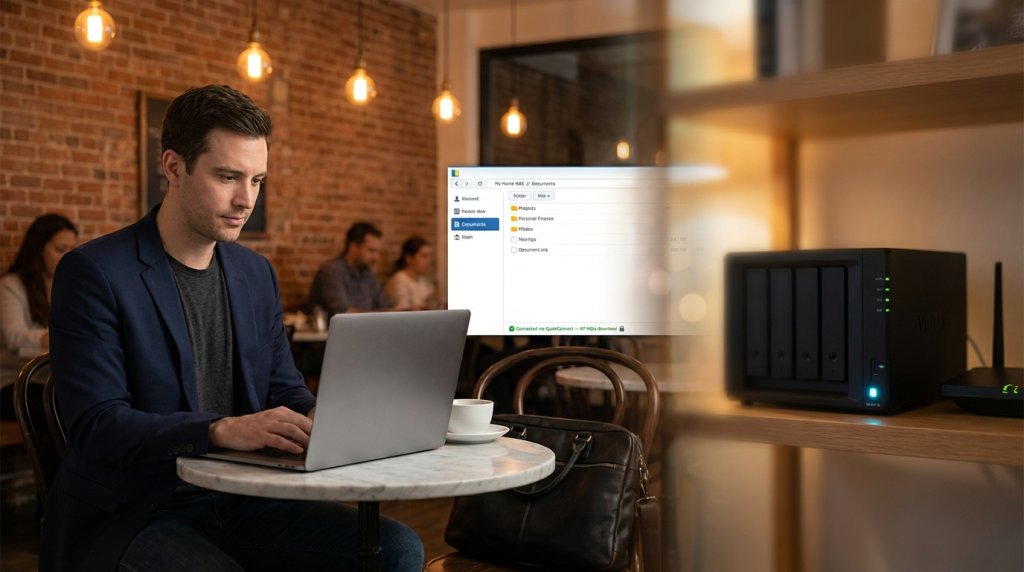
Synology’s BeeStation and BeeStation Plus represent the current definition of the personal cloud NAS. These are single-bay or two-bay devices with a mobile-first setup experience — install an app, plug in the device, and within minutes your phone’s photos are backing up automatically. Accessing your files from a coffee shop, airport, or hotel room is identical in experience to accessing a commercial cloud service, except the data lives on your hardware in your home. For users who have been paying $10–$20 per month for cloud storage subscriptions, a personal NAS pays for itself within one to two years while providing significantly more capacity.
The personal cloud NAS category at Newegg offers devices starting under $200, most including a single drive bay for an initial storage drive with expansion options. These devices are appropriate for individuals managing personal photo libraries, document archives, video collections, and multi-device backups within a household. They consume minimal power — typically 10–20 watts during active use — and are quiet enough to operate in a bedroom or living space without notice.
The Desktop NAS: The Versatile Middle Ground
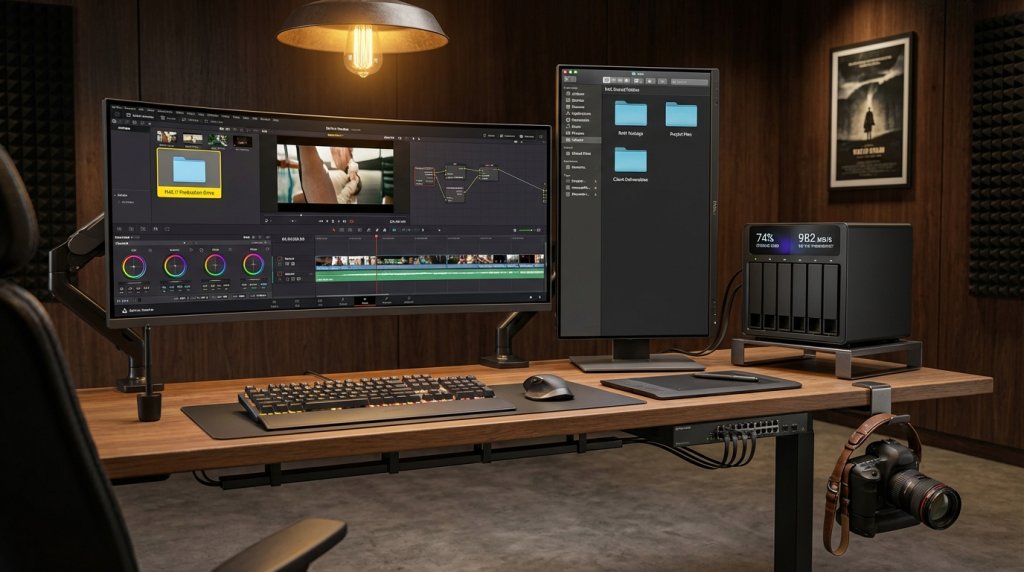
Between the simplicity of a personal cloud device and the complexity of rack infrastructure sits the desktop NAS — the most popular category for home power users, small businesses, content creators, and prosumer deployments. Desktop NAS devices offer two to eight drive bays, enterprise-grade operating systems with rich feature sets, and hardware specifications that range from modest dual-core ARM processors to powerful x86 Intel or AMD platforms with GPU expansion support.
Desktop NAS devices in 2026 are capable of serving as Plex media servers for an entire household, hosting multiple virtual machines for home lab or development environments, running Docker containers for self-hosted applications, and providing Time Machine backup destinations for Mac users and Windows File History backup destinations for PC users — all simultaneously on a single device that consumes 30–60 watts.
For content creators specifically, the desktop NAS has become essential infrastructure. Photographers and videographers working with terabytes of RAW files and 4K or 8K footage need a storage solution that multiple workstations can access simultaneously with sufficient throughput for smooth playback and editing. A desktop NAS with 10GbE network connectivity and a RAID 5 or RAID 6 array of NAS-optimized hard drives delivers the throughput needed for shared creative workflows without requiring enterprise-priced storage area network infrastructure.
The NAS Builder tool at Newegg is particularly useful for desktop NAS configuration, allowing you to select an enclosure and automatically filter compatible drives, memory upgrades, and expansion cards based on that specific model’s specifications. This removes a significant source of confusion for buyers who are not familiar with NAS hardware compatibility nuances.
The Rackmount NAS: Infrastructure for Business and Scale
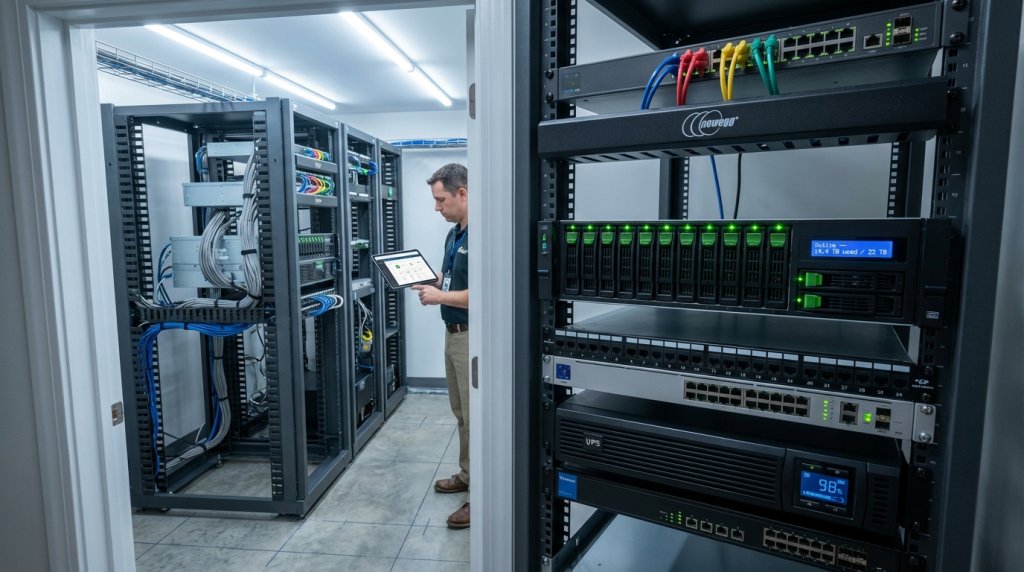
Rackmount NAS devices are designed for environments where storage performance, capacity, high availability, and integration with broader IT infrastructure take priority over simplicity or desk-friendly form factor. These devices mount into standard 19-inch equipment racks alongside servers, switches, and UPS units in dedicated server rooms, networking closets, or commercial data center cages.
Rackmount NAS solutions are available in 1U, 2U, 4U, and 5U form factors, with drive bay counts ranging from 4 to 60 or more in a single chassis. Enterprise features distinguish them clearly from desktop alternatives: dual redundant power supplies that allow hot-swapping a failed PSU without downtime, redundant network interface card slots with failover support, SAS drive compatibility for the highest-available drive performance specifications, and hardware RAID controllers with dedicated cache memory that maintain array integrity through power interruptions.
For small businesses with 5–50 employees sharing centralized file storage, a 2U or 4U rackmount NAS provides the concurrent user capacity, network throughput (commonly 10GbE or 25GbE), and IT management features — Active Directory integration, granular user and group permission controls, audit logging, and compliance reporting — that business data management requires. Integration with existing Windows Server or Azure Active Directory environments enables single sign-on for network storage access, an important operational consideration for businesses with managed IT.
Matching Your Use Case to the Right Category
The selection process becomes straightforward when you start from your specific requirements rather than from hardware specifications.
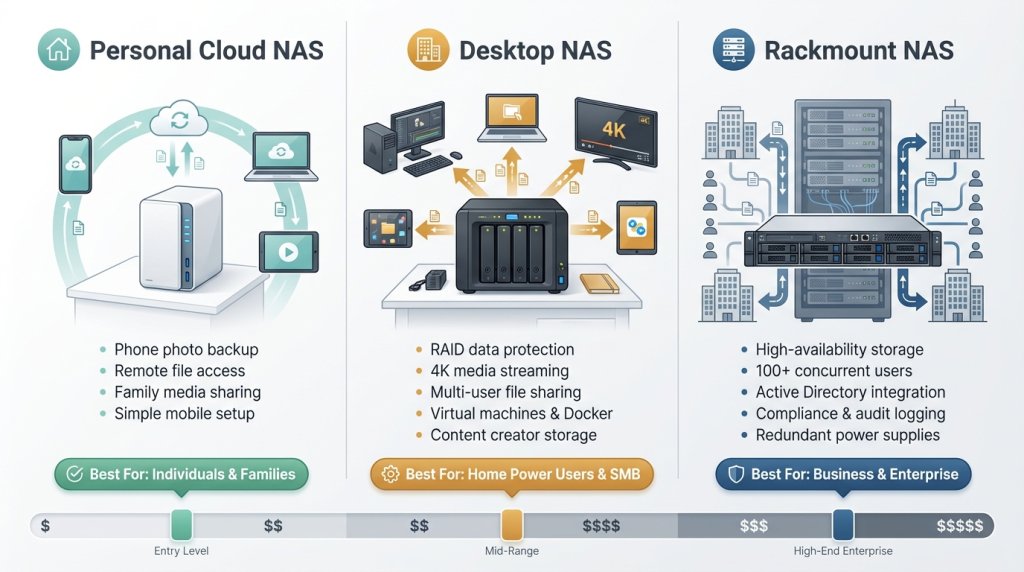
Choose a Personal Cloud NAS if: You want to eliminate cloud storage subscriptions, automatically back up household devices, access your files remotely from any device, and prefer a simple setup that does not require technical knowledge to maintain. The personal cloud NAS is the right answer for most individuals and families evaluating NAS for the first time.
Choose a Desktop NAS if: You are a home power user, content creator, small business with modest concurrent-user requirements, or home lab enthusiast who wants rich software features, RAID redundancy, multi-bay expansion, and the ability to run server applications alongside file storage. The desktop NAS category has the widest range of options and covers most use cases that fall between casual personal use and formal business infrastructure.
Choose a Rackmount NAS if: You are a small or medium business with more than 10–15 concurrent storage users, existing rack infrastructure, requirements for high availability and redundant power, and IT staff to manage the system. Rackmount NAS devices are over-engineered and over-priced for home use — their value proposition is in reliability, scalability, and enterprise feature integration that businesses with real operational dependencies require.
 Transitioning Between Categories
An important consideration that many buyers overlook: moving data between NAS generations is straightforward. Starting with a personal cloud NAS or a small desktop NAS does not lock you in permanently. As your storage needs grow, the primary cost of upgrading is the new hardware — your existing NAS hard drives often migrate directly to a larger enclosure from the same manufacturer with full compatibility. Both Synology and QNAP support drive migration between compatible models without data loss.
The full NAS category at Newegg spans the complete range from entry-level personal cloud devices to high-density rackmount systems, with filter options that allow narrowing by brand, bay count, drive compatibility, processor architecture, and maximum RAM. Regardless of where your current requirements fall on the spectrum from personal to enterprise, there is a NAS configuration in 2026 that fits precisely — and the cost of getting started has never been lower relative to the capabilities you receive.
Related Posts
- Best NAS for Home Users in 2026 (Backup, Media, Home Server)
- AI-Powered NAS in 2026: How Intelligent Storage Is Changing the Way We Manage Data
- NAS Storage Explained: How to Build the Right Capacity for Your Data in 2026
- Future-Proof Your Home Network: 10GbE NAS Solutions for Media Pros and Gamers
- Synology reverses its decision to block third-party hard drives after a sharp drop in NAS sales