
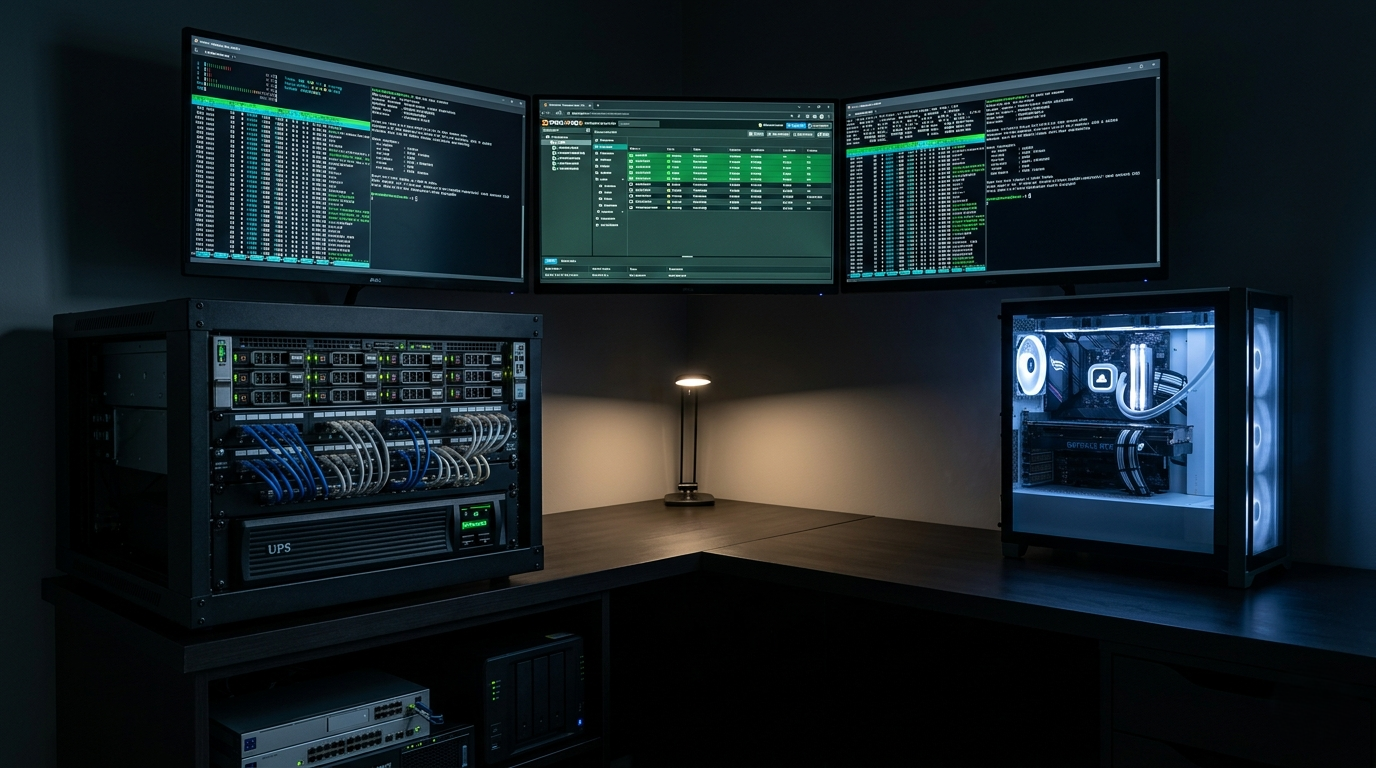
The desktop CPU landscape of 2026 is defined by two parallel revolutions: a generational leap in power efficiency that has broken the performance-per-watt ceiling that held for nearly a decade, and an explosion in workloads — virtualization, containerization, local AI, and parallel development environments — that demand a fundamentally different kind of processor. For buyers who run home lab servers, multi-VM development machines, or enterprise workstation deployments, understanding how this year’s platforms compare to their predecessors on efficiency and virtualization capability is essential context before committing to a build.
The Power Efficiency Revolution: What Changed and Why It Matters
Two years ago, the desktop CPU power efficiency conversation was dominated by one uncomfortable truth: Intel’s hybrid architectures consumed dramatically more power than AMD’s chiplet designs at comparable performance levels. The Core i9-13900K and i9-14900K demonstrated peak power draw figures exceeding 250W under sustained all-core workloads, while AMD’s Ryzen 9 7950X and 9950X maintained competitive rendering performance within a 170W envelope.
The 2025–2026 generation has partially corrected this imbalance. Intel’s Arrow Lake (Core Ultra 200 series) moved to TSMC’s N3 process node for the compute tiles, meaningfully improving performance per watt over Raptor Lake Refresh. AMD’s Zen 5 architecture on TSMC N4P similarly advanced power efficiency per clock cycle, particularly in the 8-core and 12-core configurations.
| Processor | Platform | All-Core Power (Sustained) | Cinebench R23 nT | Performance per Watt |
|---|---|---|---|---|
| Intel Core i9-14900K | LGA1700 | ~240W | ~40,000 pts | Baseline |
| AMD Ryzen 9 9950X | AM5 | ~170W | ~38,500 pts | +35% vs 14900K |
| Intel Core Ultra 9 285K | LGA1851 | ~190W | ~43,000 pts | +28% vs 14900K |
| AMD Ryzen 9 7950X | AM5 | ~170W | ~35,000 pts | +23% vs 14900K |
| Intel Core Ultra 7 265K | LGA1851 | ~150W | ~35,500 pts | +40% vs 14900K |
The efficiency gains compound significantly in workloads that don’t saturate all cores simultaneously — which describes the majority of real desktop usage patterns. In mixed workload scenarios (web browsing, background compiling, simultaneous video playback, and light gaming), the Core Ultra 200 and Ryzen 9000 series consume 40–60% less power than their Raptor Lake predecessors while delivering equal or superior responsiveness.
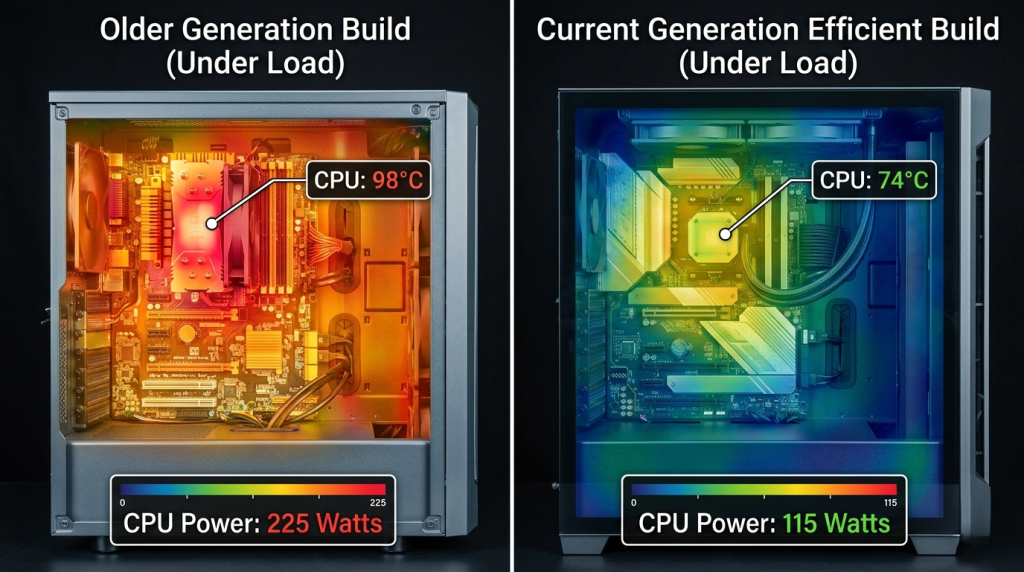 For home lab and small office deployments where servers run continuously, this efficiency improvement translates directly into measurable electricity cost reductions and reduced cooling demands. Pair an efficient processor with an appropriate power supply — efficiency-rated Gold or Platinum units significantly reduce waste heat across sustained workloads. For maximum reliability in always-on environments, Server Power Supplies with redundant rails are worth considering for workstation-grade deployments.
Virtualization Performance: Architecture Matters More Than Clock Speed
Virtualization performance is one of the most misunderstood segments of desktop CPU evaluation. Benchmark-focused buyers often assume more cores equals better virtualization — and while core count is important, it is one of four critical factors that determine real-world virtualization capability.
1. Hardware Virtualization Support Quality Both AMD (AMD-V / SVM) and Intel (VT-x / VT-d) provide hardware virtualization support, but implementation depth varies. Intel’s VT-d (Virtualization Technology for Directed I/O) provides superior PCIe passthrough capabilities for GPU passthrough configurations — a critical feature for gaming VM setups, GPU-accelerated AI VMs, or virtual workstations. AMD’s IOMMU implementation has improved substantially with Zen 4 and Zen 5, and AM5 platform motherboards with proper IOMMU group configuration now support GPU passthrough comparably to Intel’s VT-d in most scenarios.
2. Memory Bandwidth and Capacity Virtualization workloads are memory-hungry. Each running VM requires dedicated RAM, and the host OS itself consumes baseline memory. For a workstation running 4–8 concurrent VMs, 64GB or more RAM becomes necessary. Both the Ryzen 9 9950X and Core i9-14900K support DDR5-5600 for maximum bandwidth, though Intel’s platform extends DDR4-3200 compatibility for buyers reusing existing memory investments. Ensure your desktop memory selection accounts for ECC requirements if running Proxmox, ESXi, or production-grade hypervisors.
3. Core Count and Thread Density For a desktop processor running a mix of gaming, development, and light virtualization, the Ryzen 9 9950X’s 16-core / 32-thread configuration and the Core i9-14900K’s 24-thread hybrid design both provide adequate overhead for 3–5 concurrent VMs alongside host workloads. For buyers whose primary use case is heavy virtualization with 8+ concurrent VMs or complex containerized workloads, the scaling argument favors higher-core-count platforms.
4. Platform Memory Support Consumer desktop platforms are limited to dual-channel DDR5, capping memory bandwidth compared to workstation and server platforms. For serious virtualization work, the architecture jump from consumer to workstation platform is transformative:
| Platform | Max RAM | Memory Channels | ECC Support | PCIe Lanes |
|---|---|---|---|---|
| AMD AM5 (Ryzen 9000) | 192GB | Dual-channel DDR5 | Limited | 28 total |
| Intel LGA1851 (Core Ultra) | 192GB | Dual-channel DDR5/DDR4 | Limited | 20+ total |
| AMD TRX50 (Threadripper PRO 7000) | 2TB | Quad-channel DDR5 | Full ECC | 96 total |
| Intel LGA4677 (Xeon W) | 4TB | Octa-channel DDR5 | Full ECC | 112 total |
For small-to-medium business deployments and demanding personal virtualization setups, the AMD Ryzen Threadripper PRO 7965WX and Intel Xeon w9-3475X platforms represent the next tier of virtualization capability, with quad-channel or higher memory support, full ECC validation, and PCIe lane counts that support multiple NVMe RAID arrays and PCIe-attached accelerators simultaneously.
 ChromeOS and Linux Workload Efficiency
The efficiency improvements in both AMD Zen 5 and Intel Arrow Lake are particularly impactful for Linux and ChromeOS workloads, which often run closer to their CPU core targets without the same background service overhead present in Windows environments.
On Linux with a lean distribution (Ubuntu Server, Fedora, Arch), both the Ryzen 9 9950X and Core Ultra processors demonstrate significantly better performance-per-watt ratios than their Windows counterparts. Linux’s scheduler has been optimized for AMD’s NUMA (Non-Uniform Memory Access) chiplet topology since kernel 5.15, and Zen 5’s topology improvements further reduce cross-CCD scheduling overhead. Intel’s Arrow Lake performance on Linux improved substantially with kernel 6.8 and later, resolving thread scheduler issues that caused under-performance relative to Windows in earlier driver versions.
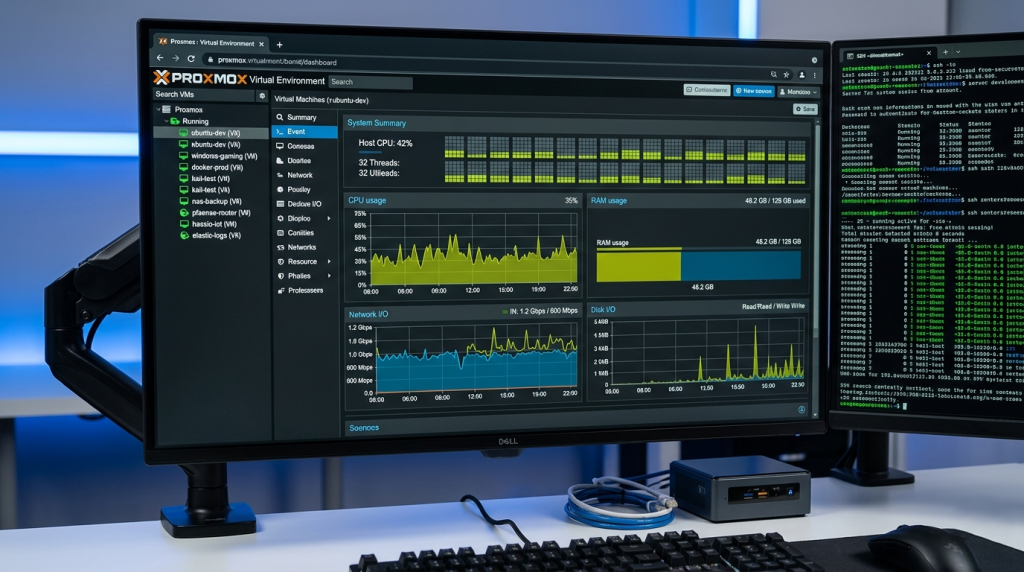
For Proxmox or KVM-based home lab servers running on these platforms, AMD’s open-source virtualization driver stack (AMDGPU-PRO, IOMMU kernel modules) benefits from the larger Linux contributor community actively maintaining these paths. Intel’s Linux support, while excellent, occasionally trails by a kernel version cycle in edge cases involving their newer NPU and efficiency core scheduling.
AMD’s legacy workstation platforms remain capable choices for Linux virtualization servers. The Ryzen Threadripper PRO 5955WX offers 16 cores with Zen 3 IPC, quad-channel ECC DDR4 support, and mature Linux driver stability accumulated over several kernel generations — a compelling choice for buyers who prioritize software reliability over cutting-edge architecture.
 Generational Power Efficiency: The Bottom Line Numbers
For buyers replacing a Raptor Lake or Zen 3 system, the efficiency gains available in 2026 platforms deserve serious consideration beyond raw performance metrics.
| Comparison | Performance Delta | Power Delta | Net Efficiency Gain |
|---|---|---|---|
| Ryzen 9 9950X vs. Ryzen 9 7950X | +10% nT | -2% | +12% perf/watt |
| Core Ultra 9 285K vs. Core i9-14900K | +8% nT | -22% | +30% perf/watt |
| Ryzen 9 9950X vs. Core i9-13900K | +2% nT | -32% | +34% perf/watt |
| Core Ultra 7 265K vs. Core i9-12900K | +18% nT | -28% | +46% perf/watt |
The efficiency revolution in Arrow Lake is particularly notable: Intel’s shift to TSMC manufacturing for Arrow Lake compute tiles produced its largest generational efficiency improvement in over a decade. For buyers still on Alder Lake (12th Gen) or Raptor Lake (13th Gen) Intel platforms, the upgrade argument based on power efficiency alone is compelling for workstations that run under sustained loads.
Complete your virtualization or workstation build with high-speed NVMe SSD storage for VM image storage, server-grade memory modules for critical workloads, and CPU/processors from Newegg’s full catalog to compare all available configurations across platforms.
 Choosing Your Virtualization Platform in 2026
The right virtualization platform in 2026 depends on workload scale, and the decision tree is cleaner than the benchmark comparisons suggest:
- 1–4 VMs alongside desktop workloads: Any Ryzen 9000 or Core Ultra 200 desktop processor with 64GB DDR5 RAM delivers excellent results. The Ryzen 9 9950X’s 16 full-performance cores and 64MB L3 cache provide strong VM-to-VM isolation.
- 5–10 VMs with GPU passthrough: Intel platforms with VT-d and sufficient IOMMU group separation, or AMD AM5 with verified IOMMU grouping for your target GPU, both work well. Threadripper PRO becomes the most reliable choice when PCIe bandwidth is the constraint.
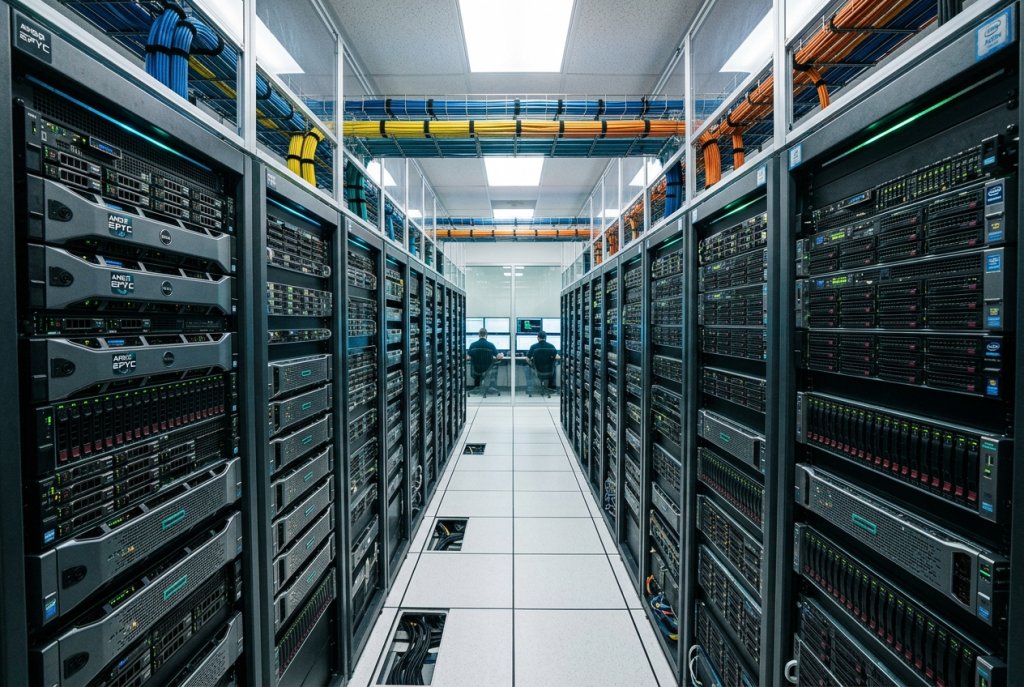
- 10+ VMs or production-grade deployments: AMD EPYC and Intel Xeon platforms with full ECC support, massive memory channel bandwidth, and enterprise-grade RAS features become the only architecturally appropriate choices.
The 2026 generation of desktop CPUs has closed the efficiency gap, raised the virtualization capability ceiling for consumer platforms, and sharpened the decision criteria that separate consumer, prosumer, and enterprise platform choices.
Related Posts
- Best CPUs for Gaming and Productivity in 2026: Intel vs AMD Showdown
- Should You Buy an Unlocked CPU in 2026? A Practical Guide for Every Type of Builder
- Unlocked vs. Locked CPUs Explained: What the “K” Really Means in 2026
- Do You Actually Need a Xeon or Threadripper? A 2026 Workload Guide to Choosing the Right CPU Platform
- Desktop CPU vs. Server CPU: What’s Actually Different Under the Hood in 2026