The RTX Spark vs MacBook Pro question finally has real answers. NVIDIA's first laptop chip went on sale on October 16, 2026, and it targets the same buyers Apple has courted for years. Both platforms put a powerful CPU and GPU on one chip, share up to 128 GB of unified memory. However, they reach those numbers in very different ways. This guide compares specs, real benchmark results, software support, and battery life. By the end, you will know which machine matches the way you work.
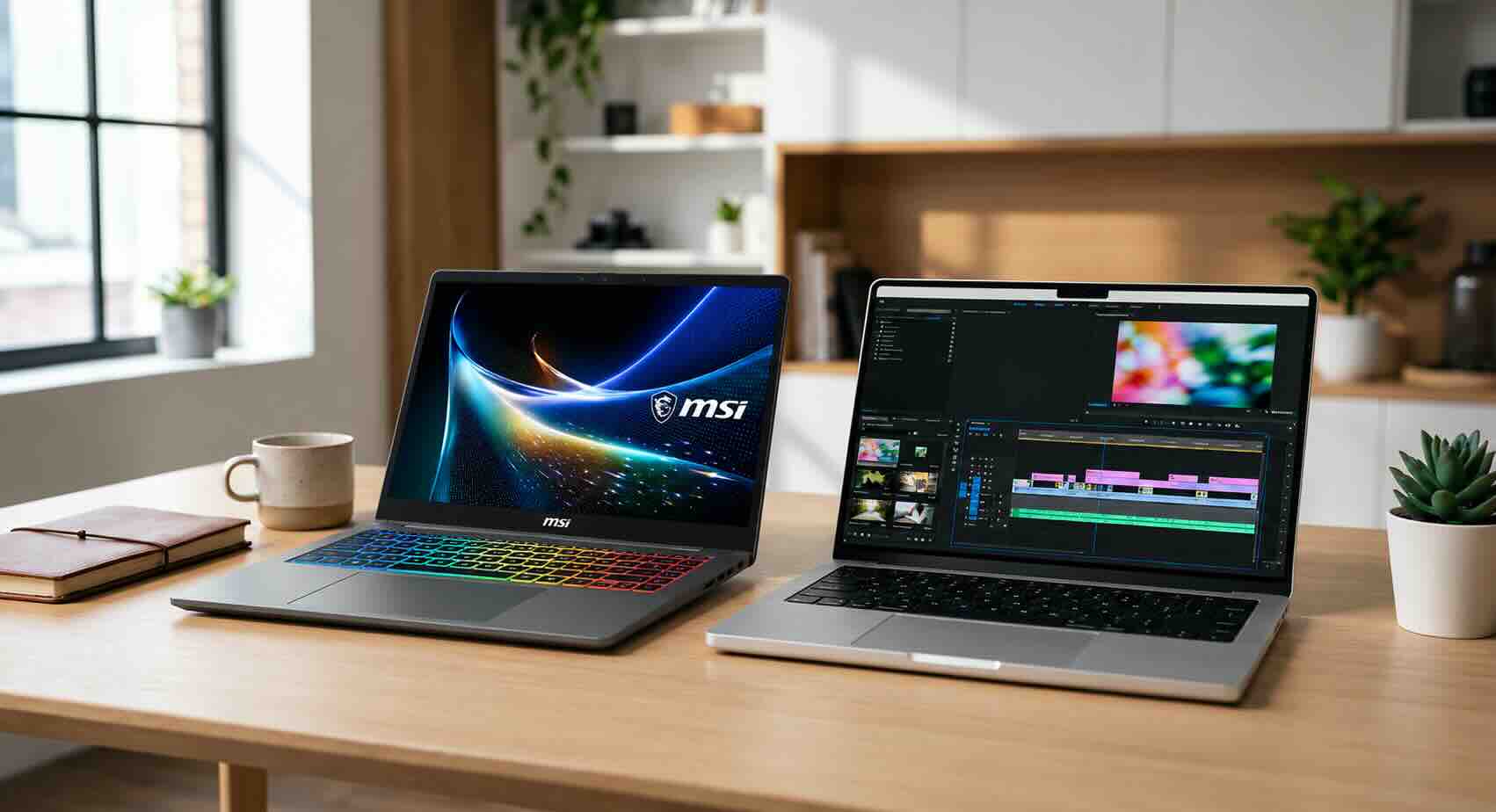
RTX Spark vs MacBook Pro: The Short Answer
Choose an RTX Spark laptop if CUDA, local AI models, or Windows apps drive your work. Choose a MacBook Pro if you want the fastest CPU, the longest battery life, and the most polished creative software. That split holds across almost every test published so far.
In practice, the decision comes down to four questions:
-
Do your AI tools, Python packages, or plugins depend on NVIDIA CUDA?
-
Do you need Windows, or are you comfortable in macOS?
-
How often do you work away from a power outlet?
-
Will you run large language models locally, or mostly in the cloud?
If you are still weighing other options, the Newegg Laptop Finder lets you filter by processor and memory before you commit. Next, here is what sits inside each machine.
What Is NVIDIA RTX Spark?
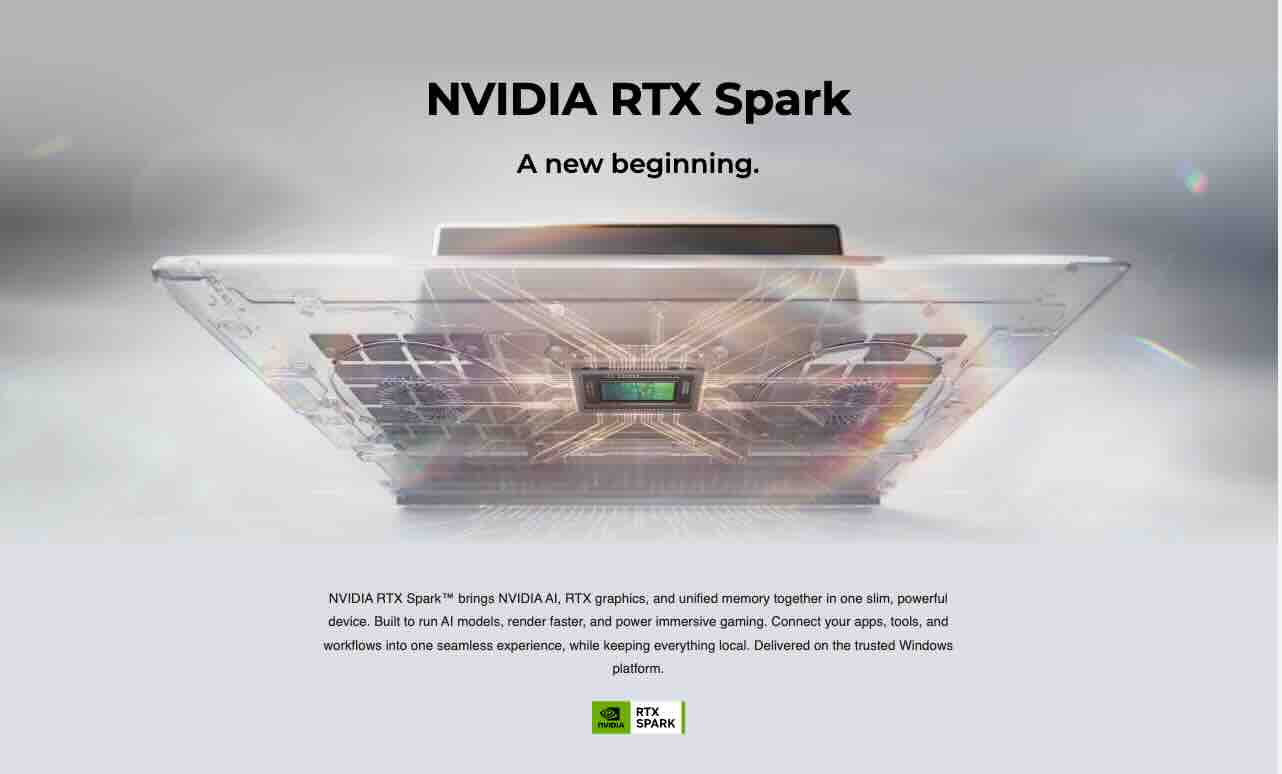
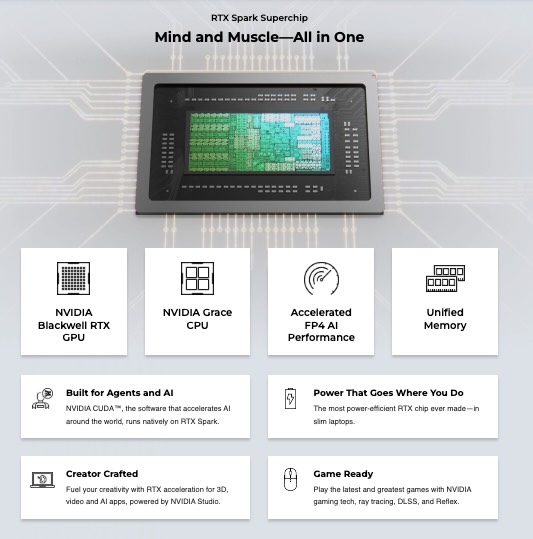
NVIDIA RTX Spark is an Arm-based system-on-chip for Windows laptops, built with MediaTek on TSMC's 3 nm process. It combines a 20-core CPU with a Blackwell GPU that has 6,144 CUDA cores. That GPU uses the same architecture as GeForce RTX 50 Series graphics cards.
The CPU pairs 10 Cortex-X925 performance cores, which reach 4.1 GHz, with 10 Cortex-A725 efficiency cores. Meanwhile, the chip supports up to 128 GB of LPDDR5x-9400 memory. The CPU and GPU share that pool, so the GPU can load AI models far larger than a typical laptop graphics card allows. Peak memory bandwidth is about 300 GB/s, and mobile designs run at up to 80 watts.
One caution matters before you shop. NVIDIA sells a smaller version under the same RTX Spark name. It has an 18-core CPU, 5,120 CUDA cores, and tops out at 32 GB of memory. Check the spec sheet carefully, because the two chips perform very differently.
Six brands launched RTX Spark laptops on day one. The lineup includes the ASUS ProArt P14 and P16, Dell XPS 16, HP OmniBook Ultra and OmniBook X 14, Lenovo Pro 9n, Microsoft Surface Laptop Ultra, and MSI Prestige N16. All of them run the Arm version of Windows 11, so they sit alongside other Windows 11 laptops rather than replacing them.
What the 2026 MacBook Pro Brings
Apple's 2026 MacBook Pro runs the M5 Pro or M5 Max chip and comes in 14-inch and 16-inch sizes. Apple announced both on March 3, 2026, so the platform has had months of software updates and reviews behind it.
Both chips offer up to an 18-core CPU. The M5 Pro supports up to 64 GB of unified memory at 307 GB/s. By contrast, the M5 Max supports up to 128 GB at 614 GB/s, roughly double the bandwidth of RTX Spark. That bandwidth matters for large AI models and heavy video timelines.
The rest of the package is familiar. Each MacBook Pro includes a Liquid Retina XDR display with ProMotion, three Thunderbolt 5 ports, HDMI, an SDXC card slot, and MagSafe charging. Apple also claims up to 24 hours of battery life on select configurations.
Spec Sheet Comparison
For an RTX Spark vs MacBook Pro spec check, the table below lines up the top RTX Spark configuration against both Apple chips. Specifications come from NVIDIA, Apple, and independent reviews published in October 2026.
| Spec | RTX Spark (20-core) | MacBook Pro M5 Pro | MacBook Pro M5 Max |
|---|---|---|---|
| CPU cores | 20 (10 performance + 10 efficiency) | Up to 18 | Up to 18 |
| GPU | Blackwell, 6,144 CUDA cores | 20-core GPU | 40-core GPU |
| Max unified memory | 128 GB | 64 GB | 128 GB |
| Memory bandwidth | About 300 GB/s | 307 GB/s | 614 GB/s |
| Operating system | Windows 11 on Arm | macOS | macOS |
| GPU software stack | CUDA, DLSS | Metal, MLX | Metal, MLX |
Two things stand out. First, RTX Spark matches the M5 Max on memory capacity but not on bandwidth. Second, the M5 Pro caps out at 64 GB. Large-model AI users should weigh that limit carefully.
CPU and GPU Performance: Benchmark Results
In the RTX Spark vs MacBook Pro benchmark race, Apple leads on CPU performance, while the GPU picture is split. Notebookcheck tested an ASUS ProArt P16 with the 20-core RTX Spark and 64 GB of memory against both M5 chips.
| Benchmark | RTX Spark (ProArt P16) | M5 Pro | M5 Max |
|---|---|---|---|
| Cinebench 2024 single-core | 130 | 201 | 199 |
| Cinebench 2024 multi-core | 1,726 | 2,347 | 2,490 |
| Geekbench 6 single-core | 3,092 | 4,295 | 4,336 |
| Geekbench 6 multi-core | 20,296 | 28,436 | 30,057 |
| 3DMark Steel Nomad (GPU) | 3,134 | 2,323 | 4,386 |
On the CPU side, the M5 chips win clearly. Apple is roughly 40-55% faster in single-core tests and 35-50% faster in multi-core tests. As a result, compiling code, exporting photos, and general app speed all favor the Mac.
The GPU results tell a different story. RTX Spark beats the M5 Pro by about 35% in Steel Nomad. However, the M5 Max still leads RTX Spark by about 40%. Notebookcheck rates the RTX Spark GPU as comparable to a strong RTX 5070-class laptop GPU, which is a big jump for an integrated design.
If you want to see the ASUS ProArt P16 that produced these numbers, it is one of the most powerful RTX Spark designs available.
Local AI: Where RTX Spark Shines
Local AI is the strongest argument in the RTX Spark vs MacBook Pro debate. CUDA support and 128 GB of shared memory let RTX Spark run large models with the same tools data scientists use on desktop NVIDIA GPUs.
Independent testing backs that up. In Artificial Analysis agent benchmarks, a 128 GB RTX Spark finished a Qwen 27B task in 18.7 minutes. A 64 GB M5 Pro needed 37.6 minutes for the same job. Similarly, Tom's Hardware found RTX Spark finished in about 19 minutes, compared with nearly 25 minutes for a 128 GB M5 Max. On a smaller Qwen 35B mixture-of-experts model, the gap narrowed to about 8 versus 10 minutes.
These results measure full agent workloads, not raw tokens per second. Tom's Hardware also used llama.cpp on both systems, not Apple's MLX framework. So your results will vary by model and runtime.
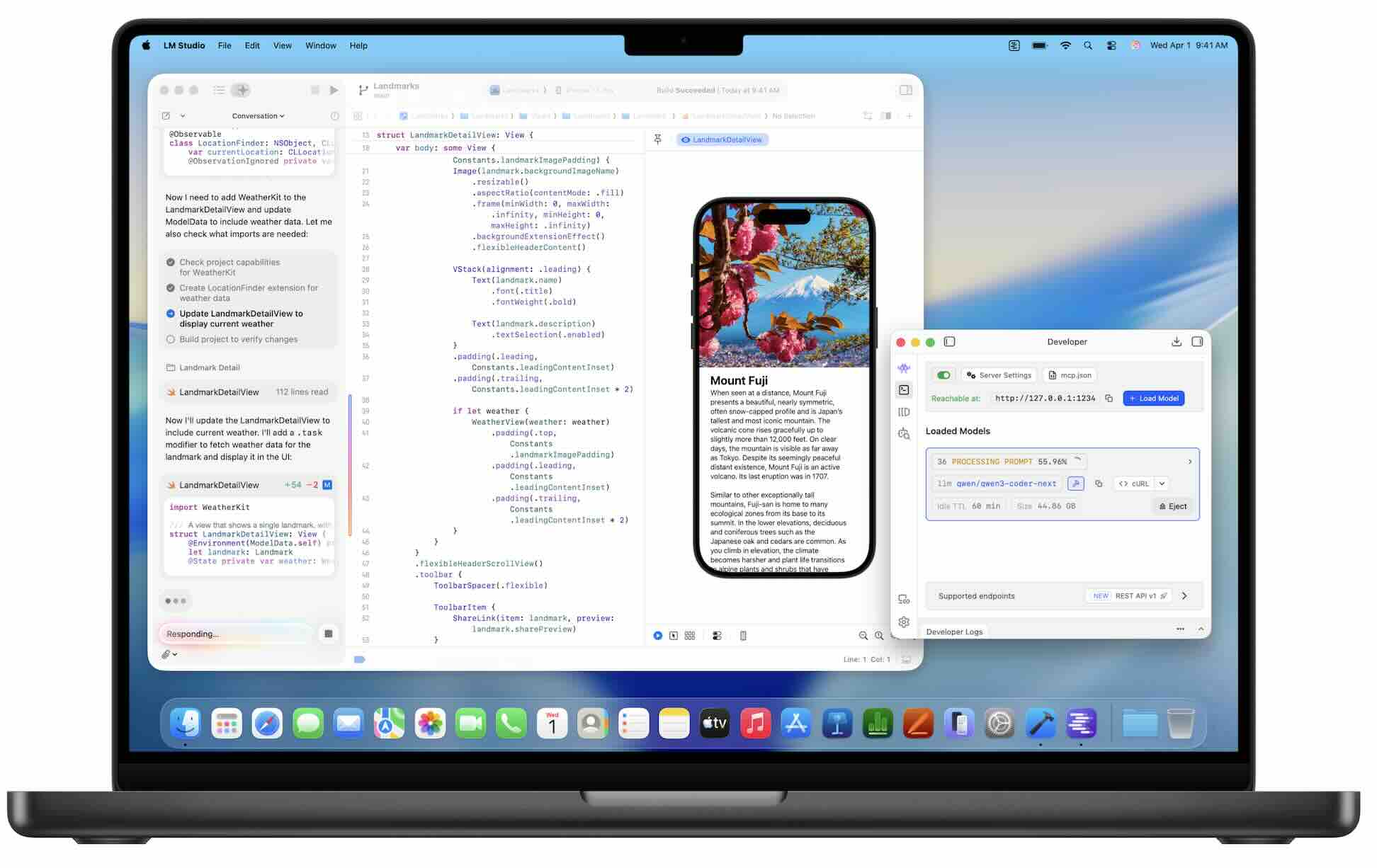
Software support is the bigger story. PyTorch, TensorRT, and most fine-tuning tools target CUDA first. On the other hand, Mac users rely on MLX and Metal, which cover popular apps like LM Studio and Ollama well. Some niche Python packages and CUDA extensions may still break on Windows on Arm, so check your stack first. If you want CUDA without the Arm caveats, GeForce RTX 50 Series laptops on standard x86 Windows remain a safe option.

RTX Spark vs MacBook Pro for Gaming and Creative Apps
For gaming, RTX Spark beats any MacBook Pro on game selection, but it does not replace a dedicated gaming laptop. DLSS and Frame Generation both work, which gives it a real edge over macOS.
Still, most Windows games run through emulation on Arm. Notebookcheck measured about 57 frames per second in Cyberpunk 2077 at Ultra settings, closer to an RTX 5060 than an RTX 5070. A native Arm build of Marvel Rivals ran about 20% faster at 1080p. Meanwhile, F1 25 and Battlefield 6 would not run in testing, and some titles stuttered. Anti-cheat support also varies by game. Serious players should still look at a traditional gaming laptop with a discrete GPU.
Creative work leans toward Apple. Final Cut Pro, Logic Pro, and the native Adobe apps run smoothly on Apple silicon. In addition, the M5 Max's 614 GB/s bandwidth helps with 8K video timelines. RTX Spark, however, brings NVIDIA drivers and CUDA acceleration to Windows creative apps that support Arm. Windows-based creators who need a pen display might prefer one of the RTX Spark convertibles covered below, or browse other 2-in-1 laptops with stylus support.
Battery Life, Software Compatibility, and Portability
On battery life, the RTX Spark vs MacBook Pro contest goes to Apple by a wide margin. Apple claims up to 24 hours on select models, and its chips stay fast whether plugged in or not.
Under heavy load, the difference is clear. In LTT Labs' GPU stress test, a Surface Laptop Ultra with RTX Spark lasted 53 minutes. By comparison, a 14-inch MacBook Pro lasted 1 hour and 33 minutes. Light browsing will stretch both much further, yet the ratio tends to hold.
Software compatibility is the other trade-off. RTX Spark runs Windows on Arm, which handles many apps natively and emulates others. Most office and browser tools work well. However, older plugins, VPN clients, printer drivers, and some games may fail. If your workplace relies on specialized Windows software, test it first or confirm Arm support with the vendor. That advice applies to every Arm-based Copilot+ PC, not just RTX Spark.
Portability is closer than you might expect. Both platforms ship in 14-inch and 16-inch sizes. For example, the Dell XPS 16 and Lenovo Pro 9n bring RTX Spark into slim, premium chassis.

RTX Spark Laptops You Can Pre-Order on Newegg
Four RTX Spark laptops are now available for pre-order on Newegg. Each one uses the NVIDIA RTX Spark N1X chip and runs Windows 11 on Arm.
| Laptop | Memory | Storage | Display | Best for |
|---|---|---|---|---|
| MSI Prestige 16 with RTX Spark N1X | 32 GB LPDDR5X | 1 TB SSD | 16-inch, 120 Hz | Office work and light AI |
| Lenovo Pro 9n with RTX Spark N1X | 32 GB LPDDR5X | 1 TB SSD | 15.3-inch | Portable creative work |
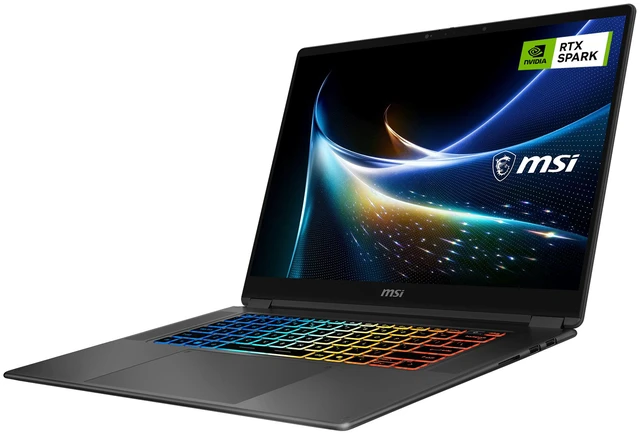
| MSI Prestige N16 Flip AI+ (64 GB) | 64 GB unified | 1 TB SSD | 16-inch 2.8K OLED touch | Creators and mid-size AI models |
| MSI Prestige N16 Flip AI+ (128 GB) | 128 GB unified | 2 TB SSD | 16-inch UHD+ tandem OLED touch | Large local AI models |
The two 32 GB models suit buyers who want CUDA and Windows on Arm for lighter workloads. However, check the spec sheet for CPU and CUDA core counts, since 32 GB configurations may use either RTX Spark version.
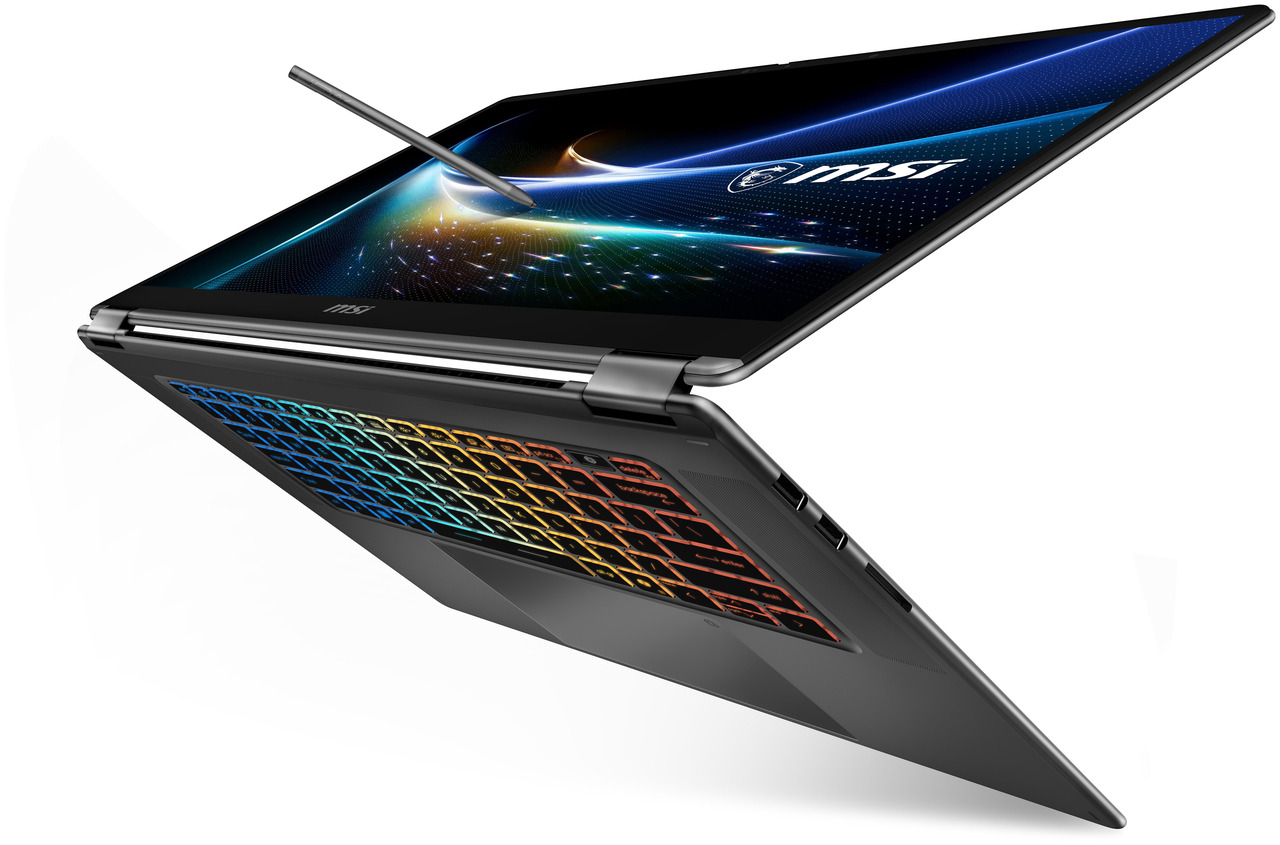
For serious AI work, the two MSI Prestige N16 Flip AI+ models stand out. Both use the full 20-core CPU and 6,144-core GPU. The 64 GB version handles most mid-size models. Meanwhile, the 128 GB version matches the largest M5 Max memory option. Both also fold into tablet mode and accept pen input, which helps sketching and photo retouching.
Who Should Buy Which?
The right pick in the RTX Spark vs MacBook Pro decision depends on your daily tools, not the spec sheet alone. Here is how common buyers break down.
Choose RTX Spark if you:
-
Build, fine-tune, or run local AI models that rely on CUDA
-
Need Windows for work apps, IT management, or casual gaming
-
Want 128 GB of GPU-accessible memory with full CUDA support
-
Prefer a wider choice of brands, designs, and form factors
Choose a MacBook Pro if you:
-
Edit video, photos, or music in macOS-native apps
-
Work unplugged for long stretches
-
Want the fastest single-core and multi-core CPU performance
-
Already use an iPhone, iPad, or other Apple devices
Some buyers need neither. IT teams that want standard x86 Windows, broad compatibility, and long-term support may prefer traditional business laptops. Likewise, if raw local AI throughput matters more than portability, an RTX-powered gaming desktop delivers far more GPU power.

Frequently Asked Questions
Is RTX Spark faster than the MacBook Pro M5 Max?
Not overall. The M5 Max leads in CPU benchmarks and in 3DMark Steel Nomad. However, RTX Spark finished several local AI agent tests faster than a 128 GB M5 Max, mainly thanks to CUDA-optimized software.
Can RTX Spark laptops run all Windows apps?
Most mainstream apps work, either natively or through emulation. Some games, anti-cheat systems, drivers, and niche plugins still fail on Windows on Arm. Check your must-have software before buying.
How much memory should I get for local AI?
Plan on 64 GB as a practical starting point for demanding local models. Choose 128 GB for the largest models, such as a 124-billion-parameter model that needs about 77 GB for its weights alone. Memory cannot be upgraded later on either platform.
Which has better battery life in RTX Spark vs MacBook Pro tests?
The MacBook Pro wins. Apple claims up to 24 hours, and in a GPU stress test it lasted 1 hour and 33 minutes, versus 53 minutes for a Surface Laptop Ultra with RTX Spark.
Is the 18-core RTX Spark worth buying?
It suits lighter work and smaller AI models. It tops out at 32 GB of memory and has fewer CUDA cores. Serious AI and creative users should choose the 20-core version.
Conclusion: Picking a Side in RTX Spark vs MacBook Pro
The RTX Spark vs MacBook Pro choice is closer than any Windows-versus-Mac matchup in years. Apple still leads on CPU speed, battery life, and polish. NVIDIA, on the other hand, finally gives Windows users a thin laptop with 128 GB of unified memory and full CUDA support.
If local AI and Windows matter most, RTX Spark is a strong first-generation platform. If you value endurance and macOS creative apps, the MacBook Pro remains the safer pick. Either way, start by listing your essential apps and confirming they run well. Then compare current models across all laptops on Newegg, and watch the premium laptop deals to find your next pro machine.