
One of the most underrated ways to save money on a new PC is to buy your parts as a bundle rather than one at a time. On the Ryzen 7 7700X3D’s Newegg product page you will find combo offers that pair the new $329 gaming CPU with a motherboard, a memory kit, or a cooler at a lower combined price than buying each item separately. Beyond the savings, bundles take the guesswork out of compatibility, which is a genuine relief for first-time builders. The catch is that the best bundle for you depends entirely on what you still need to buy. Here is how to figure out which combo fits your situation, organized by the three most common builder scenarios.
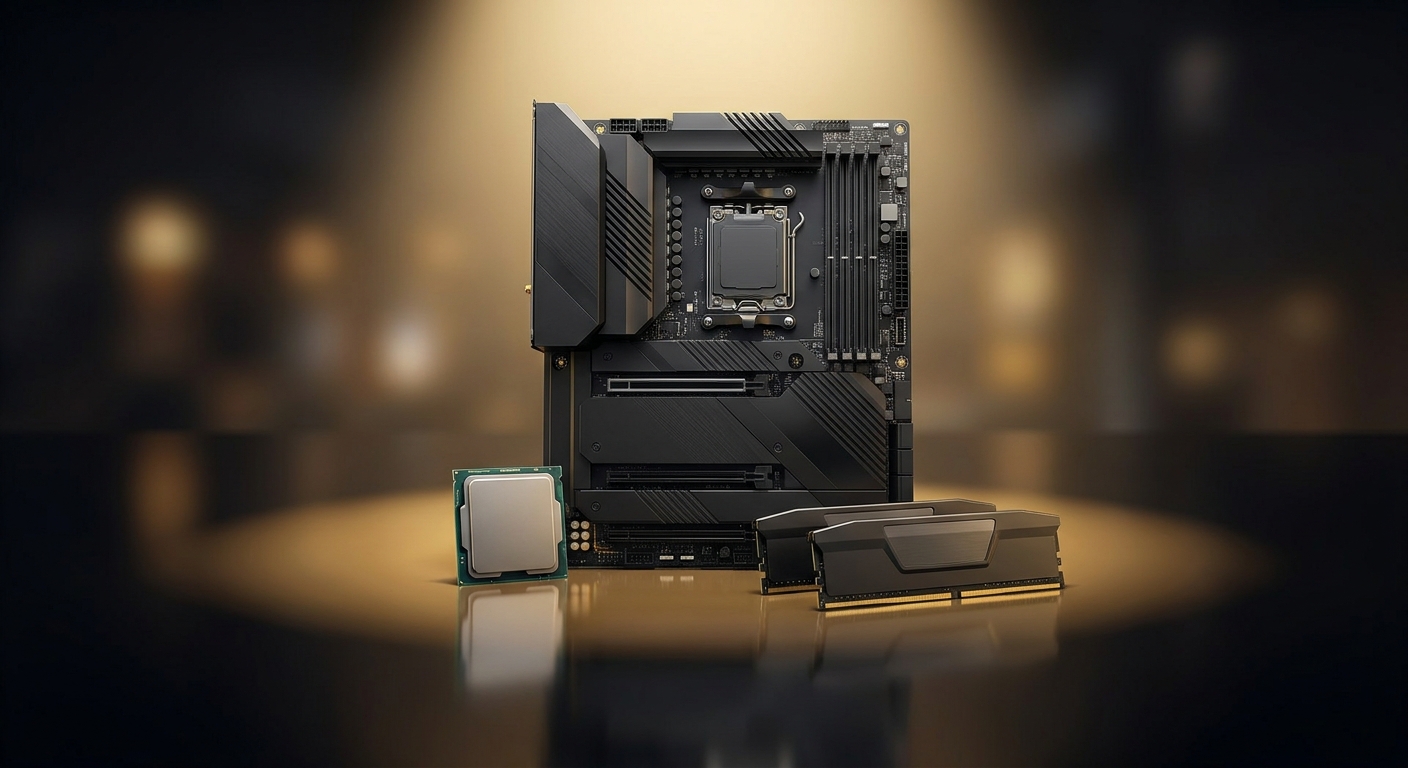
Start Here: Why Bundle at All?
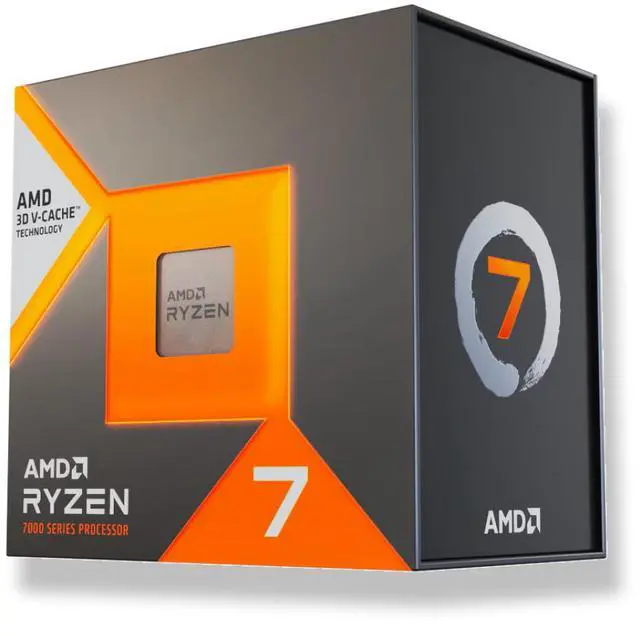
Bundles do two valuable things at once: they save money, and they save decisions. When Newegg pairs the Ryzen 7 7700X3D ($328.99) with a compatible board or memory kit, the combined price is often lower than the sum of the individual parts, and just as importantly you get the reassurance that the pieces are known to work together, with the right socket and supported memory. For a newcomer, that peace of mind is worth as much as the dollars saved. To see the current pairings, scroll to the combo section on the CPU’s product page, where the live offers are listed. Below are the scenarios where each type of bundle makes the most sense so you can shop with a plan.
Scenario 1: The Board Bundle (Fresh Builders)
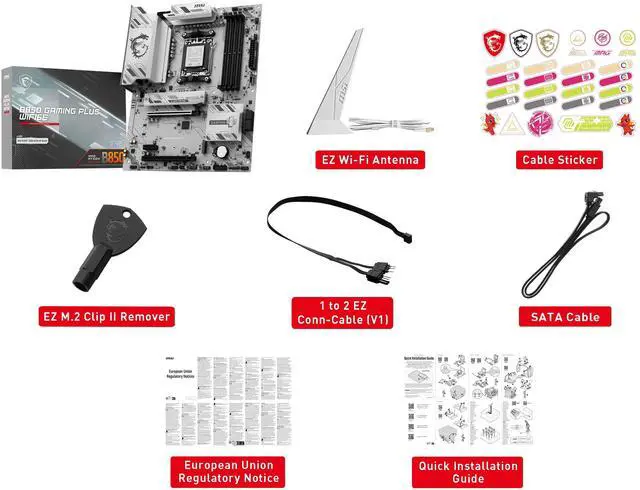
If you are building completely from scratch, a CPU-and-motherboard combo is usually the highest-value bundle you can pick. It guarantees socket compatibility, ensures the board ships with BIOS support for the chip so it boots on the first try, and lowers your combined cost versus buying the two separately. A board like the MSI B850 GAMING PLUS WIFI6E ($149.99) is a natural match for the 7700X3D, giving you Wi-Fi 6E, PCIe 5.0, and dependable power delivery without paying for high-end features a gaming rig will not use. This is the bundle to look for if the CPU is your starting point and you need everything to build around it.
Scenario 2: The Memory Bundle (Value Seekers)
With DDR5 prices notably elevated this year, memory has become a bigger line item in any build than it was a couple of years ago, which makes a CPU-and-RAM combo a smart way to trim the total. A 32GB DDR5-6000 kit like the CORSAIR Vengeance RGB 32GB ($454.99) pairs beautifully with the X3D chip, because fast, low-latency memory complements the large cache and keeps the platform running at its best. If you already have a motherboard picked out or in hand, look specifically for the memory pairing; it targets the part of the budget that has climbed the most, so the combined savings tend to be meaningful right now.
Scenario 3: The Cooler Bundle (First-Time Builders)
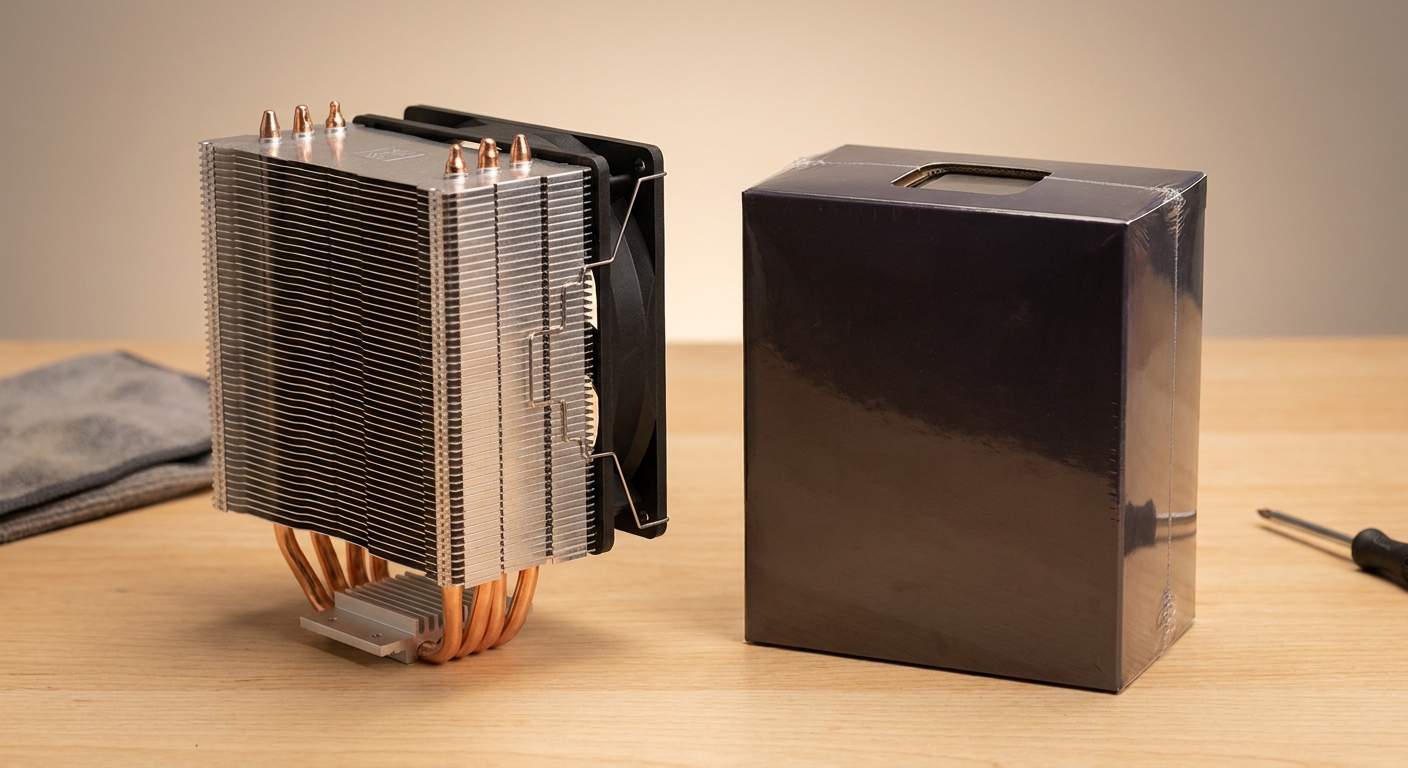
Because the 7700X3D does not include a cooler in the box, a CPU-and-cooler bundle solves a very real problem for new builders, who might otherwise assemble everything and then realize they have no way to keep the chip cool. The good news is that the 7700X3D’s low power draw means even a modest tower air cooler keeps it comfortable, so you do not need to overspend on an elaborate liquid cooler to get quiet, stable temperatures. If a cooler combo appears on the product page, it is a convenient, budget-friendly way to make sure your first build boots up cool and quiet on day one, with nothing left off the shopping list.
How to Pick Your Bundle
The simplest approach is to match the bundle to whatever you still need. Building everything new? Prioritize the board combo, which delivers the biggest compatibility peace of mind. Already have a board but watching the budget closely? The memory combo tends to deliver the largest savings right now given DDR5 pricing. Missing only a cooler? The cooler combo rounds out your build for less. In all three cases, start on the 7700X3D product page, review the live combo options, and compare the bundled total against buying the same parts individually to confirm the saving. You can also browse the full 7700X3D listings to check current pricing before you commit.
Read More
- AMD Official: Ryzen 7 7700X3D — Official specs and platform compatibility for the chip.
- Tom’s Hardware: Best Gaming CPUs — Where the 7700X3D ranks among gaming processors.
- PC Guide: 7700X3D Price and Specs — A concise rundown of the new chip.
- Newegg: 7700X3D Product Page — See the current combo and bundle offers.
- Newegg: AM5 CPU + Motherboard Combos — Browse related bundle deals.
Related Posts
- Buying the Ryzen 7 7700X3D on Newegg: Everything in One Cart
- 7800X3D vs 7700X3D: Which X3D Gaming Chip Should You Buy Now?
- Build a New 2026 Gaming PC Around the Ryzen 7 7700X3D
- Ryzen 7 7700X3D vs 7700X, 9600X, Core Ultra 7 265K & i7-14700K: Which Gaming CPU Wins?
- AMD Ryzen 7 7700X3D Is Here: The $329 Gateway to High-End AM5 Gaming
Frequently Asked Questions
Answers to the most common questions about 7700X3D bundle deals.