In today’s digital age, solid-state drives (SSDs) have emerged as the primary storage medium for both consumer and enterprise computing. Unlike traditional hard disk drives (HDDs), SSDs leverage flash memory to deliver faster read/write speeds, lower latency, and better energy efficiency. However, one of the most critical factors that buyers often overlook is SSD endurance and reliability—elements that determine the lifespan and consistent performance of these drives. This article will guide you through what every buyer should know to make an informed SSD purchase, whether for a personal computer, gaming rig, or enterprise server.
Understanding SSD Endurance
SSD endurance refers to how long a drive can reliably store data before its memory cells begin to degrade. Unlike HDDs, which rely on mechanical components, SSDs use NAND flash memory that has a finite number of program/erase (P/E) cycles. Each cycle slightly wears out the memory cells, eventually leading to potential failure.
Key Endurance Metrics
-
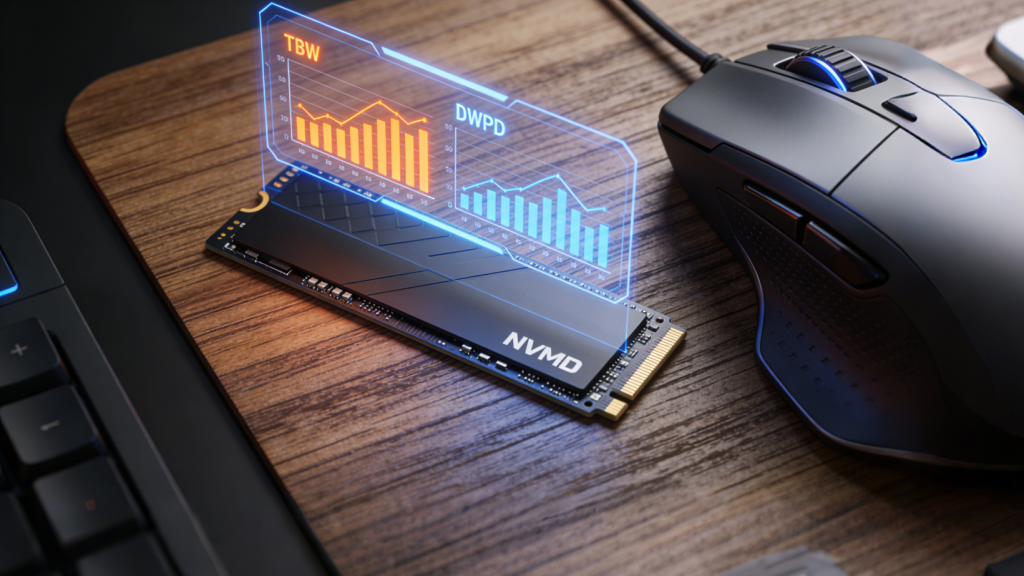
TBW (Terabytes Written): TBW indicates the total amount of data that can be written to an SSD over its lifetime. For instance, an SSD with a TBW of 600 TB can handle writing 600 terabytes of data before the likelihood of cell failure increases. Buyers targeting heavy workloads—like video editing, large file transfers, or database management—should prioritize higher TBW ratings.
-
DWPD (Drive Writes Per Day): DWPD measures how many times you can write the entire capacity of the SSD daily throughout its warranty period. This metric is especially relevant for enterprise environments where high write workloads are common.
-
MTBF (Mean Time Between Failures): MTBF gives an estimate of the reliability of an SSD in hours, indicating the expected operational lifespan before failures are statistically likely to occur. While useful, it should be considered alongside TBW and manufacturer warranty.
For general consumers, a typical SATA or NVMe SSD with TBW of 150–600 TB is sufficient for everyday computing, gaming, or moderate creative workloads. Enterprise drives, however, may offer TBWs in the thousands, optimized for intensive write operations.
Types of SSDs and Their Reliability
Not all SSDs are created equal. Understanding the type of NAND flash is crucial for assessing endurance:
-
SLC (Single-Level Cell): Stores 1 bit per cell. Offers the highest endurance and performance but comes at a premium cost. Commonly found in enterprise storage.
-
MLC (Multi-Level Cell): Stores 2 bits per cell. Balances performance, endurance, and cost, suitable for prosumers and heavy desktop users.
-
TLC (Triple-Level Cell): Stores 3 bits per cell. Most consumer SSDs today are TLC. Offers decent endurance and cost efficiency for everyday computing.
-
QLC (Quad-Level Cell): Stores 4 bits per cell. High capacity at a lower price point, but lower endurance. Best for read-heavy workloads rather than frequent writes.
Check Internal SSDs on Newegg | Check External SSDs on Newegg | Enterprise SSDs for high-endurance needs
Factors Affecting SSD Reliability
-
Workload Type: Drives used for constant video rendering, virtual machines, or databases will wear faster than those used for casual browsing or gaming.
-
Controller and Firmware: The SSD controller manages data distribution and error correction. High-quality controllers and optimized firmware improve longevity by reducing wear unevenness.
-
Temperature and Cooling: Excessive heat can degrade NAND cells and controller components. Ensure proper airflow or heatsinks, especially in high-performance NVMe SSDs.
-
Overprovisioning: Some drives reserve extra storage space to improve write endurance and maintain consistent performance. Higher overprovisioning generally extends lifespan.
-
Power Loss Protection: Features like capacitors or firmware-level safeguards prevent data corruption during sudden power loss, enhancing reliability.
SSD accessories for better reliability
Practical Tips for Buyers
-
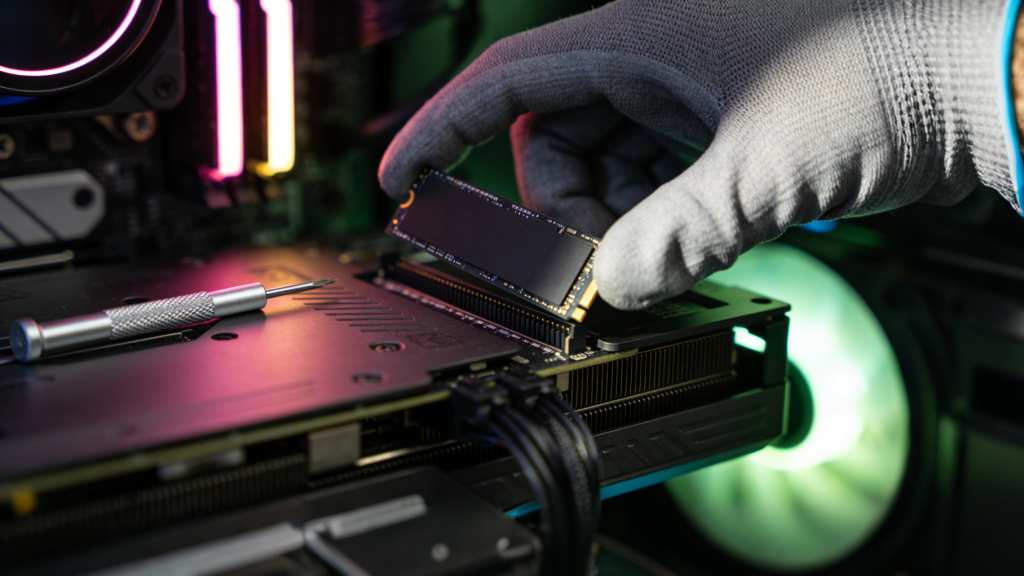
Determine Your Usage Pattern: Casual users don’t need enterprise-grade endurance. Gamers and creative professionals should consider TBW and DWPD carefully.
-
Prioritize Warranty and Brand Reputation: Established brands offer better firmware support, consistent performance, and longer warranties.
-
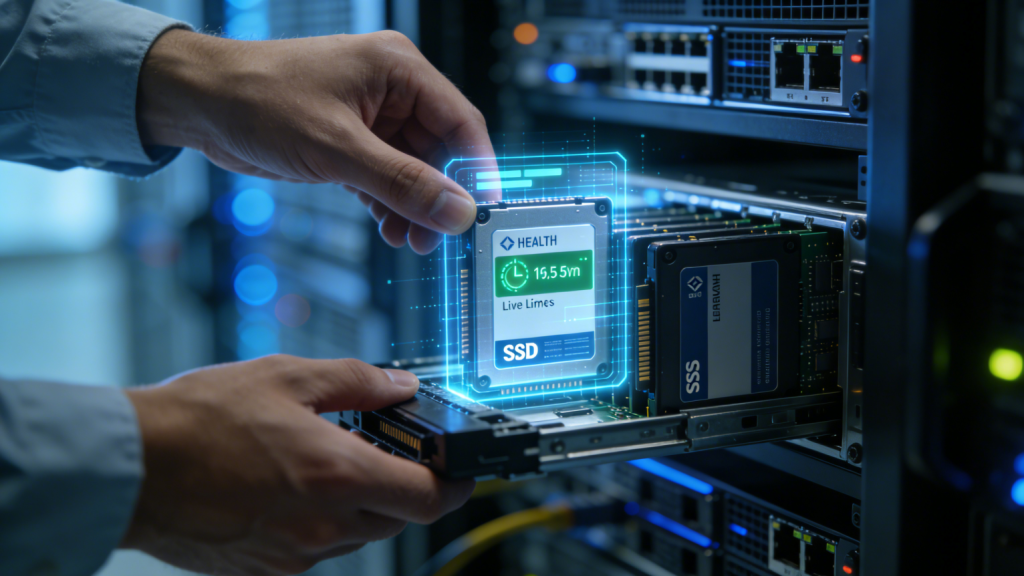
Monitor Drive Health: Most SSDs come with management software that tracks wear level and estimated remaining lifespan. Regularly monitoring these metrics can prevent unexpected failures.
-
Pair With Reliable Hardware: For optimal performance, combine SSDs with compatible CPUs, motherboards, and RAM. Tools like Newegg Custom PC Builder or Gaming PC Finder can help ensure compatibility.
Newegg CPU options | Newegg GPU options | Newegg Motherboards | Newegg RAM
Future-Proofing Your Storage
As storage demands increase with higher-resolution media, advanced gaming, and AI workloads, selecting an SSD with adequate endurance and reliability is critical. Buyers should focus on:
- High TBW or DWPD for heavy write scenarios
- Enterprise-grade or high-quality consumer SSDs for intensive usage
- Effective cooling solutions for sustained performance
Regular backups, combined with monitoring software, further safeguard data integrity, ensuring that your SSD continues to deliver peak performance throughout its lifespan.
Conclusion
Understanding SSD endurance and reliability is essential for making an informed purchase. While newer SSDs offer impressive speed and capacity, their longevity depends on factors like NAND type, write cycles, controller quality, and environmental conditions. By considering your usage patterns, monitoring drive health, and selecting quality drives, you can ensure a long-lasting storage solution that meets both personal and professional needs.
Whether you are a casual user, gamer, or IT professional, knowing these details allows you to maximize your investment, avoid unexpected failures, and confidently enjoy the high-speed benefits of modern SSDs.
Browse Newegg SSD collection to find the right drive for your needs.