
A mini PC may start out as a compact desktop for browsing, office work, or streaming. Add a webcam, a local language model, and access to a folder of documents, and it can take on a much bigger role. The same small system can summarize meeting notes, transcribe audio, organize images, answer questions about private files, and forward only selected information to a cloud service.
That is the appeal of edge computing: processing data near the devices and people generating it. For AI workflows, a mini PC can add a local layer between your data and the cloud. This can improve privacy, reduce latency and bandwidth use, and limit how much text a cloud model needs to process. It will not make every AI task faster or less expensive, but it can make many everyday workflows more controlled and efficient.
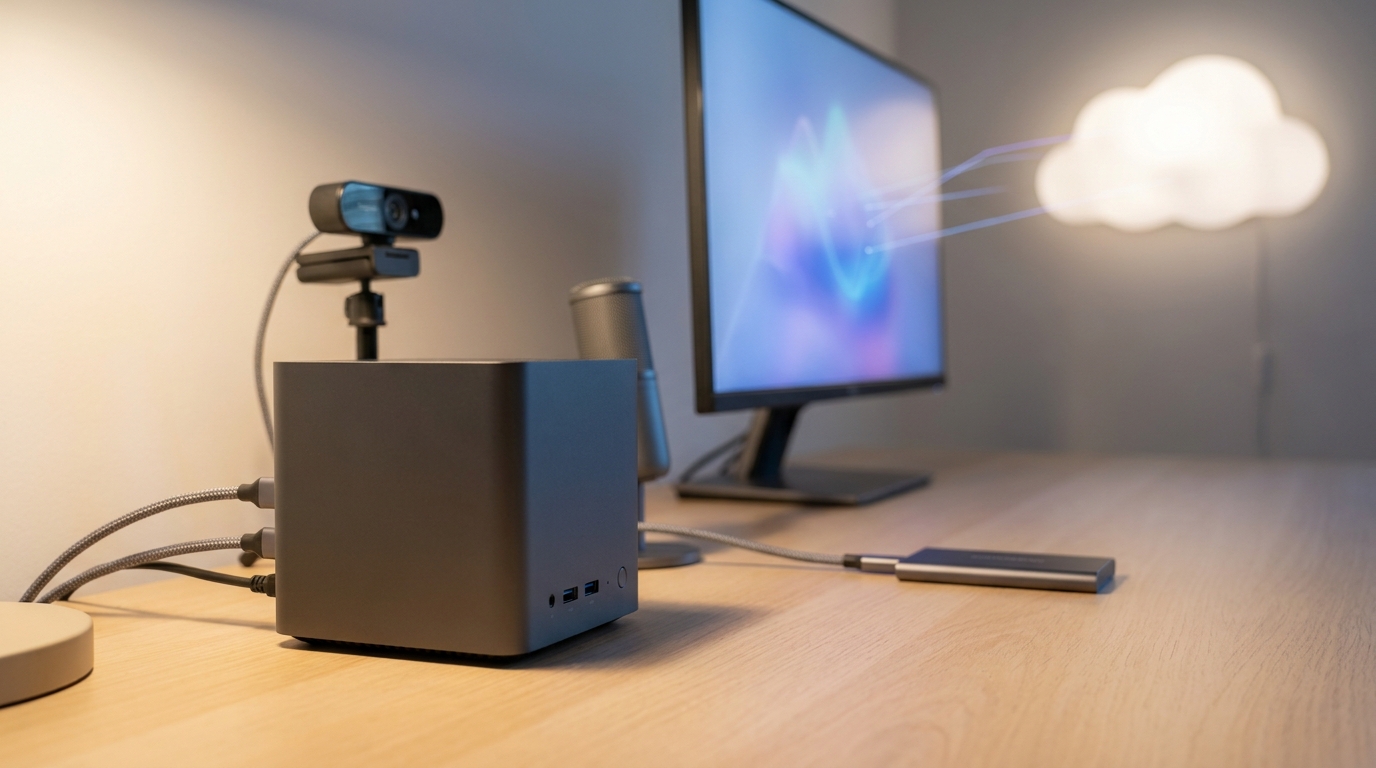
What Makes a Mini PC an Edge Computer?
An edge computer sits close to the source of the data it processes. At home, that might mean security cameras, microphones, a local NAS, or a smart-home controller. For a small business, the sources could include point-of-sale systems, inventory cameras, service records, or factory sensors. The mini PC does not have to replace every cloud service. Instead, it can filter, organize, and respond to information locally before sending selected results elsewhere.
Modern mini PCs can handle this work with a combination of computing resources. The CPU manages operating-system tasks, automation, and many compact AI models. An integrated GPU can speed up supported machine-learning operations, while some newer processors include a neural processing unit, or NPU, for sustained AI inference at lower power than a general-purpose CPU. Intel Core Ultra mobile processors combine CPU, GPU, and NPU resources, while AMD Ryzen AI processors include dedicated XDNA-based AI acceleration. Actual software support depends on the operating system, model, runtime, and driver.
- CPU: Useful for orchestration, document processing, lightweight language models, and applications that are not optimized for an accelerator.
- Integrated GPU: Helpful for image processing, video workloads, and model runtimes that support graphics acceleration.
- NPU: Designed for selected AI inference tasks with an emphasis on efficiency, but not automatically faster for every local model.
- Memory: Important because model weights, operating-system processes, and context data share available RAM in many mini PCs.
- Storage: A fast NVMe SSD reduces startup and file-processing delays, while capacity determines how many models and documents can remain local.
Who Needs Local AI on a Mini PC?
Local AI makes the most sense when your information is repetitive, sensitive, time-sensitive, or expensive to move. A mini PC can run continuously on a desk, in a network cabinet, or near a group of devices without taking up the space or power of a full tower. Its compact design also makes it easier to position near a router, camera system, or production workstation.
It is important to match expectations to the hardware. A compact system with 16GB of memory may handle speech transcription, automation, and small quantized language models. Moving to 32GB or 64GB creates more room for larger models, longer prompts, containers, and simultaneous services. Dedicated desktop GPUs remain substantially better for demanding generative AI, including large models and image generation, but they also require more power, produce more heat, and cost more.
- Privacy-conscious households: Process personal notes, voice recordings, and home-camera events locally before using a cloud assistant.
- Students and researchers: Search a local collection of PDFs without uploading an entire private archive.
- Small businesses: Create a local knowledge base for policies, product documents, or service procedures.
- Creators: Transcribe interviews, generate searchable captions, and organize footage before editing.
- Developers: Test retrieval-augmented generation, agent workflows, and model-serving tools without paying for every experiment.
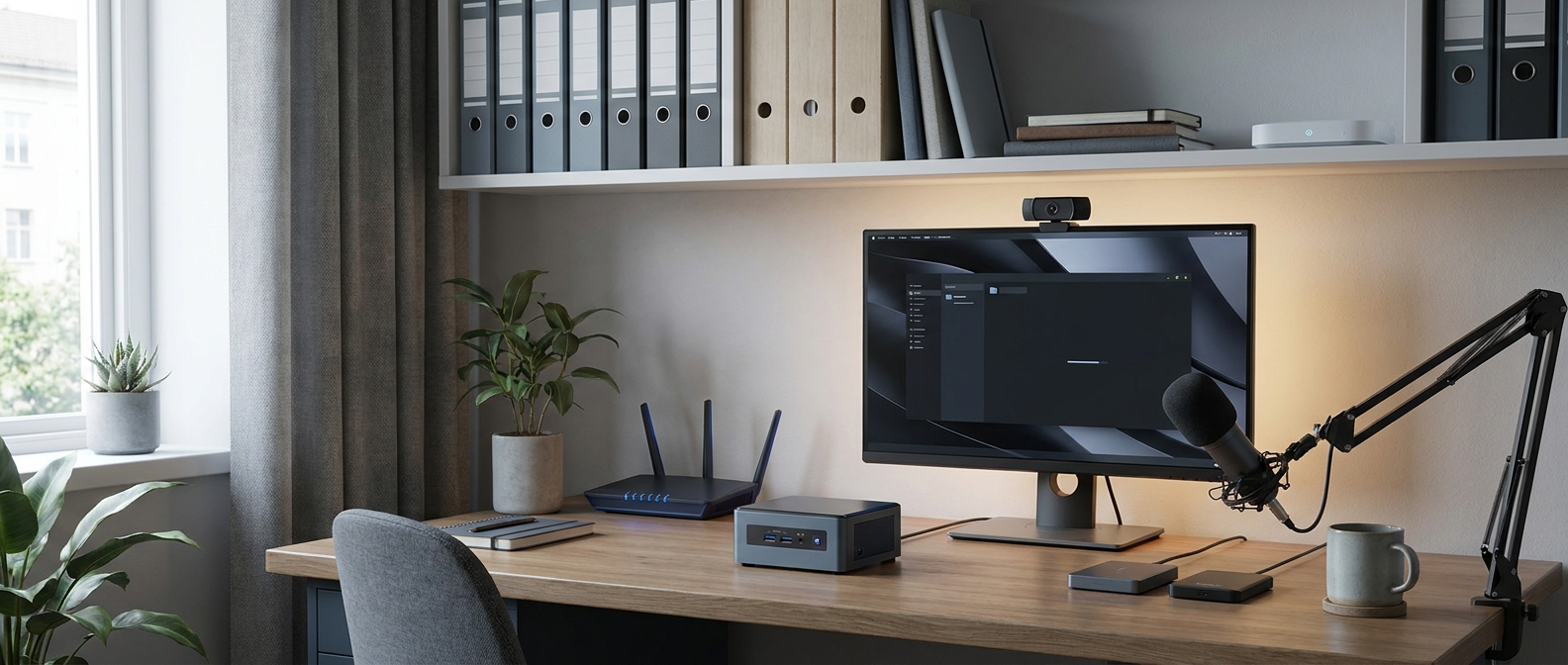
Real Use Case: Reducing Tokens Before Cloud Inference
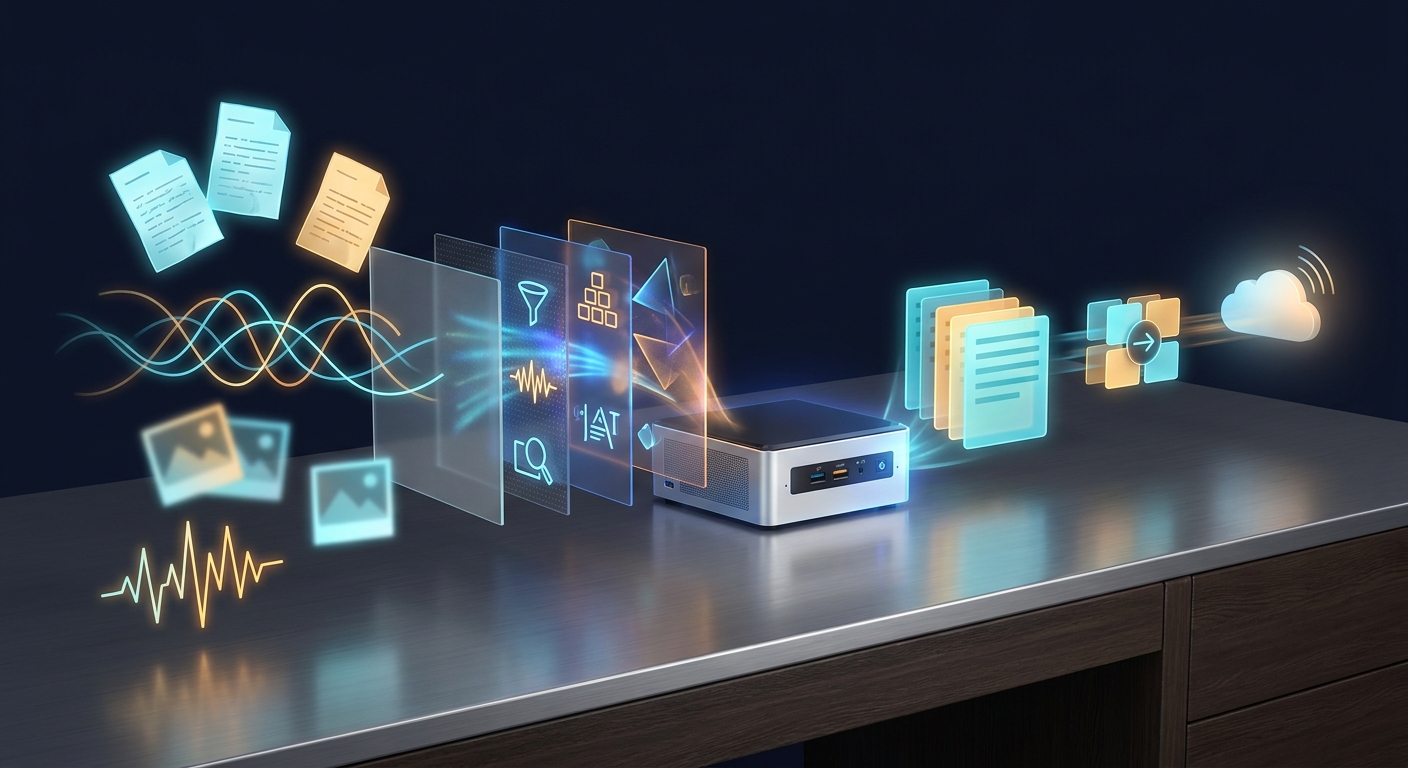
Token reduction is not the same as changing how a language model works. A token is a piece of text processed by a model. Depending on the tokenizer, it may represent a word, part of a word, punctuation, or a space. A mini PC cannot magically reduce the number of tokens a model needs to answer a question. What it can do is remove unnecessary input before the question reaches the cloud.
Imagine a support team with thousands of product manuals. A local mini PC can extract text, remove duplicate headers, identify language, divide documents into meaningful sections, create embeddings, and save the results in a local vector database. When someone asks a question, the edge system retrieves only the most relevant passages. The cloud model receives a focused evidence set instead of the entire manual collection. This can reduce input-token usage, improve retrieval consistency, and prevent irrelevant text from crowding out useful context.
The same strategy applies to audio and images. A local speech-to-text model can convert a one-hour recording into a transcript, allowing a cloud model to receive only a short summary or selected timestamp range. A camera pipeline can recognize that nothing important happened and avoid uploading hours of empty video. These steps reduce transmitted data and model context, but they do not guarantee lower costs in every architecture.
- Collect locally: Receive documents, audio, images, or sensor events on the mini PC.
- Clean locally: Remove duplicate content, irrelevant metadata, silence, blank frames, and repeated boilerplate.
- Extract locally: Use OCR, speech recognition, classification, or object detection to create structured information.
- Retrieve locally: Search a vector database or keyword index for only the relevant records.
- Escalate selectively: Send a short prompt, selected evidence, or an anonymized result to a cloud model only when needed.
Three Practical Mini PC AI Scenarios
1. A Private Document Assistant
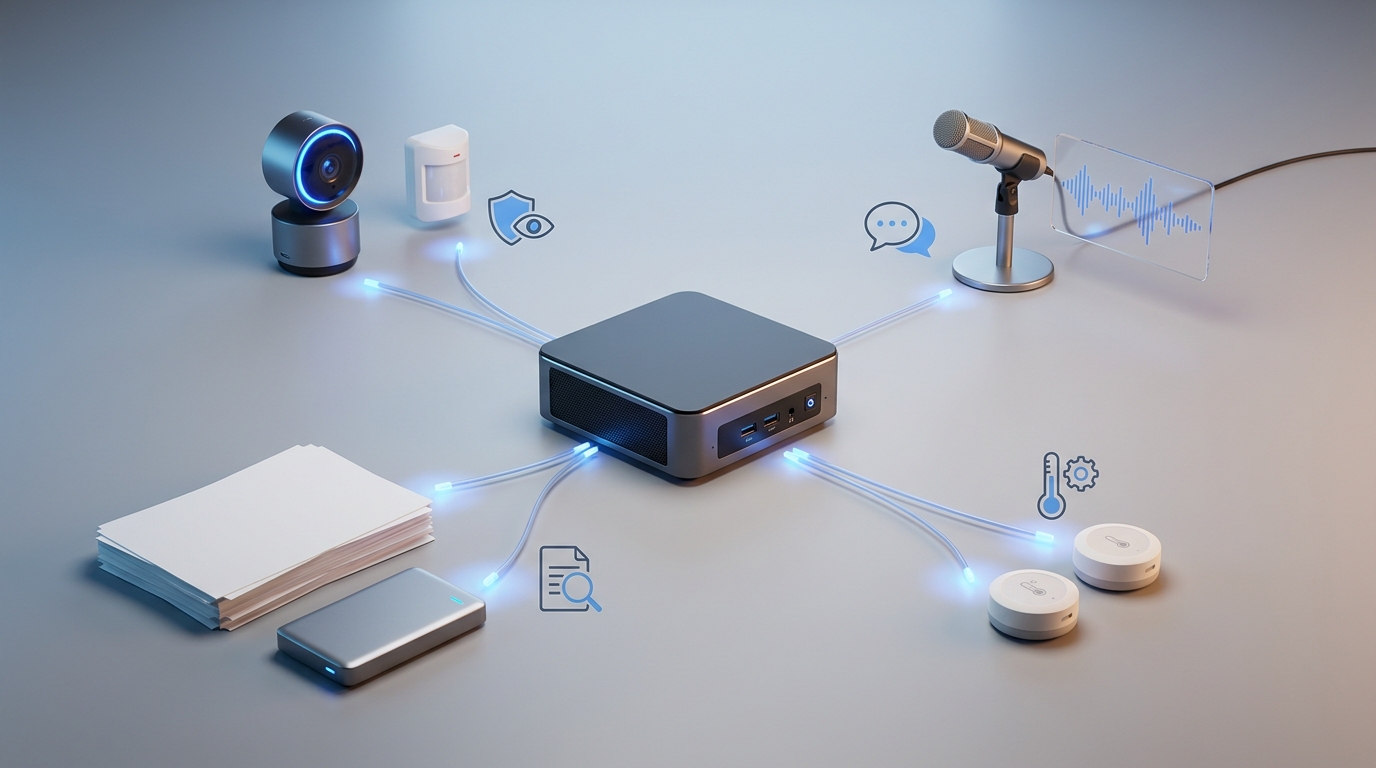
A mini PC with 32GB of RAM and a modern multi-core processor can run a local document workflow with tools such as Ollama, llama.cpp, Open WebUI, or a comparable local inference stack. A small quantized model can answer basic questions about manuals, family records, or internal procedures. For most users, retrieval-augmented generation is more practical than asking a local model to memorize an entire document library: the system searches the files and adds relevant passages to the prompt.
For this setup, memory, NVMe storage, and reliable networking are often more important than headline NPU figures. An NPU may accelerate supported application features, but many local language-model runtimes still rely primarily on CPU or GPU paths. A mini PC with upgradeable memory or a second storage slot can therefore be a better long-term purchase than a thinner system with limited expansion.
2. A Local Voice and Meeting Assistant
Speech recognition is an excellent edge use case because raw audio can be both large and private. A local transcription tool based on Whisper-family models can convert recordings into text, and a smaller local model can then identify action items or create a draft summary. If the final summary needs advanced reasoning, the mini PC can send only the transcript segment or structured notes to a cloud service.
Results depend on the selected model, audio length, quantization, and available compute. Look for fast storage and enough memory to run the operating system, transcription model, and automation service without constant swapping. A microphone that captures clean audio can improve results more than simply choosing a faster processor.
3. A Camera and Sensor Gateway
For home monitoring or a small workshop, a mini PC can serve as a local gateway for cameras and sensors. It can detect motion, classify selected objects, aggregate temperature readings, or trigger an alert when a rule is met. Applications such as Frigate can use supported detectors and hardware acceleration, although compatibility varies by operating system, camera stream, and accelerator.
The key advantage is selective escalation. Routine events can remain on the local network while the system sends a notification only when a defined condition occurs. That can reduce bandwidth, improve response time, and limit the amount of continuous footage sent elsewhere. Plan storage carefully, since even compressed video can use substantial capacity over time.
How to Choose the Best Mini PC for Each Scenario
The right mini PC depends on whether you want a quiet assistant, an always-on gateway, or a development system. Processor branding alone does not determine AI performance. Before buying, review the complete configuration, memory type, upgrade options, storage interface, cooling design, operating-system support, and compatibility with the software you plan to use.
- Best for local documents: Choose at least 32GB of RAM when possible, a 1TB NVMe SSD for a growing document collection, and a processor with strong multi-core performance. Upgradeable memory is valuable for larger embeddings and containers.
- Best for voice workflows: Prioritize quiet cooling, a fast SSD, dependable USB connectivity, and enough RAM for speech recognition plus summarization. A modern Intel Core Ultra or AMD Ryzen AI mini PC may provide useful accelerator support when the application supports it.
- Best for cameras and sensors: Look for dual Ethernet or fast networking where appropriate, multiple display and USB ports, low idle power, and support for the required video codecs or AI detector. Storage endurance and cooling are important for 24-hour operation.
- Best for AI experimentation: Favor 32GB or 64GB of memory, upgradeable storage, Linux compatibility, and a processor or integrated GPU supported by your chosen runtime. A compact system with a dedicated mobile GPU can be more capable, but it may consume more power and cost more.
- Best for basic automation: A lower-power mini PC with 16GB of RAM may be enough for Home Assistant, document sorting, scheduled scripts, and lightweight models, provided expectations remain modest.
Memory bandwidth and thermal limits deserve attention, too. Integrated graphics and NPUs often share system memory, making dual-channel configurations relevant. Sustained workloads can also reveal cooling differences that short benchmark tests miss. Check whether the advertised RAM is replaceable, whether the SSD uses PCIe 4.0 or another interface, and whether the manufacturer provides stable firmware and driver updates.
Limits, Privacy, and Reliability
Local processing gives you more control, but it is not automatically private or secure. Keep the operating system updated, use strong account credentials, encrypt storage where appropriate, segment the network, and review logging. If a cloud API handles final answers, define exactly what data leaves the mini PC. Redaction can remove names, account numbers, and other sensitive fields before escalation.
Small local models may still produce weaker answers than larger cloud models. Quantization reduces memory requirements but can affect quality. NPUs are not universal AI accelerators, and local inference may require a specific runtime, driver, or operating system. A dependable design should include fallback paths: local processing for routine work, human review for important decisions, and cloud escalation only when the task justifies it.
Verdict: A Small Computer with a Useful AI Role
A mini PC will not replace every cloud model or high-end GPU, but that is not its main advantage. Its strength is being close to your data. It can handle repetitive preparation, make local decisions, and send only the information that needs more powerful processing. For local search, transcription, camera events, automation, and privacy-sensitive workflows, that makes it a practical edge computer.
The best token-reduction strategy is usually not to run the biggest model locally. It is to send less irrelevant information anywhere. Clean documents, transcribe audio, filter events, retrieve useful passages, and summarize before escalation. Choose a mini PC with adequate memory, fast storage, supported software, and realistic performance expectations, and it can become a quiet first stage for a modern AI setup—saving bandwidth, improving responsiveness, and keeping more of your data under local control.
Frequently Asked Questions
How much RAM does a mini PC need for local AI?
A mini PC with 16GB of RAM can handle basic automation, transcription, and small quantized models. Choose 32GB for document assistants, containers, longer prompts, or multiple services, and consider 64GB if you plan to run larger models or several AI workloads at once.
Can a mini PC run local language models without a dedicated GPU?
Yes, many mini PCs can run compact quantized language models using the CPU, integrated GPU, or a supported NPU. Performance depends on model size, quantization, memory bandwidth, thermal limits, and whether your chosen runtime supports hardware acceleration.
Is local AI on a mini PC more private than using cloud AI?
Local processing can keep documents, recordings, and camera events on your network until you choose to send selected information to a cloud service. It is not automatically secure, so you should still use strong credentials, system updates, storage encryption where appropriate, network segmentation, and clear rules for cloud escalation.
What storage capacity is best for a local AI mini PC?
A 1TB NVMe SSD is a practical starting point for the operating system, applications, models, embeddings, and a growing document collection. Camera recordings and large media archives can quickly require additional storage, so systems with a second drive slot or dependable network storage offer more flexibility.
Can a mini PC replace a desktop GPU for generative AI?
Usually not for large language models, image generation, or other demanding generative workloads. A mini PC is better suited to retrieval, transcription, classification, automation, and filtering, while a desktop GPU provides substantially more compute and memory bandwidth at the cost of higher power use, heat, and expense.
Read More
- Ollama Documentation — Explore the official documentation for running and integrating local language models on macOS, Windows, and Linux.
- Open WebUI Documentation — Learn how to deploy a self-hosted interface for local and cloud-based AI models, including Ollama integrations.
- llama.cpp on GitHub — Review the open-source C/C++ inference framework commonly used to run quantized language models on local hardware.
- Frigate Hardware Acceleration Guide — See how Frigate uses Intel, AMD, NVIDIA, Raspberry Pi, and other hardware for accelerated local video processing.
- AMD XDNA Architecture — Read AMD’s overview of the XDNA NPU architecture used to accelerate selected AI workloads on supported Ryzen AI processors.
Related Posts
- Best Small Form Factor and Mini Desktop PCs for Dorms and Small Desks in 2026
- Best Budget Desktop PCs for Students in 2026
- Back to School: Best Mini PCs and Budget Desktops for Students
- Mini PCs Explained: What They’re Good For and Why Shoppers Love Them
- ASRock DeskMini X600: Small Form Factor, Big Capabilities with USB4 Boost