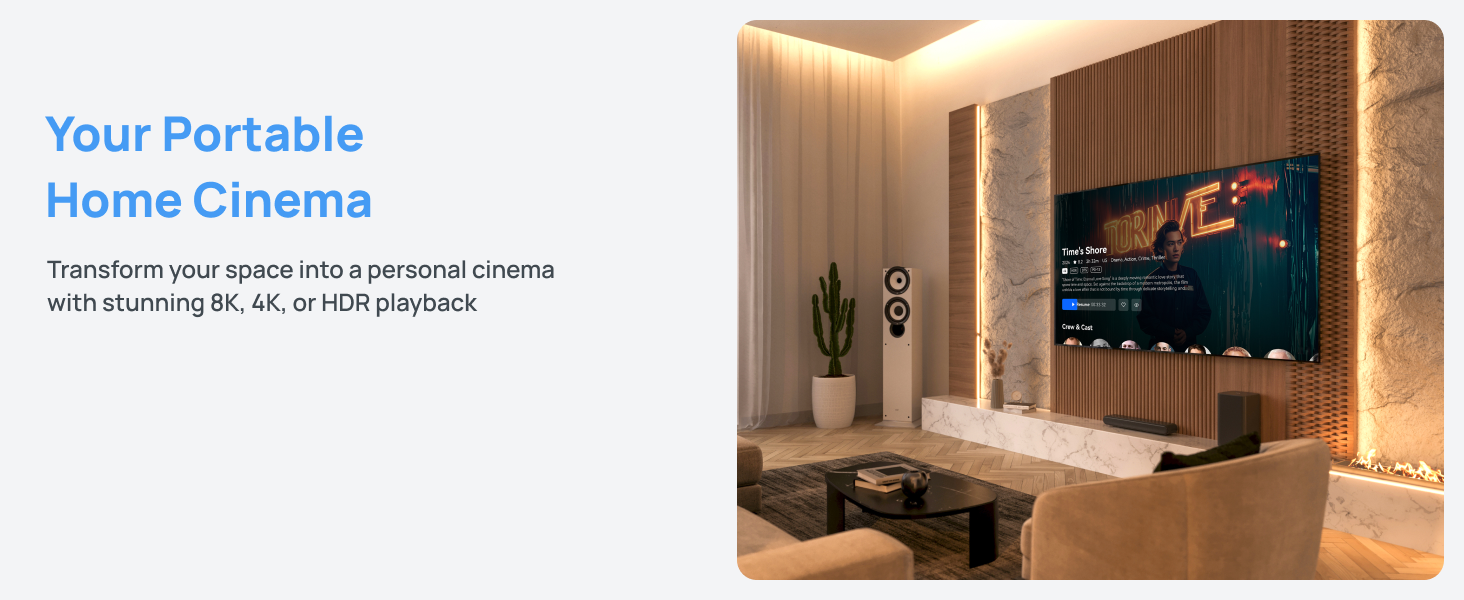
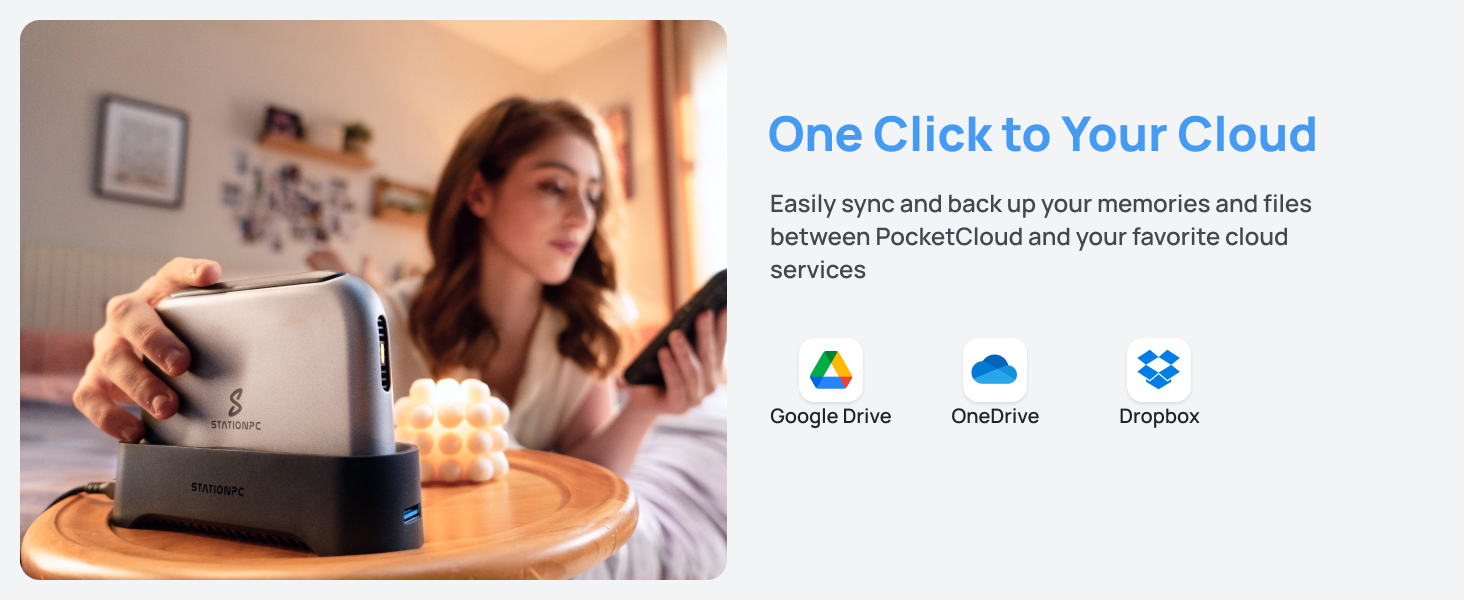
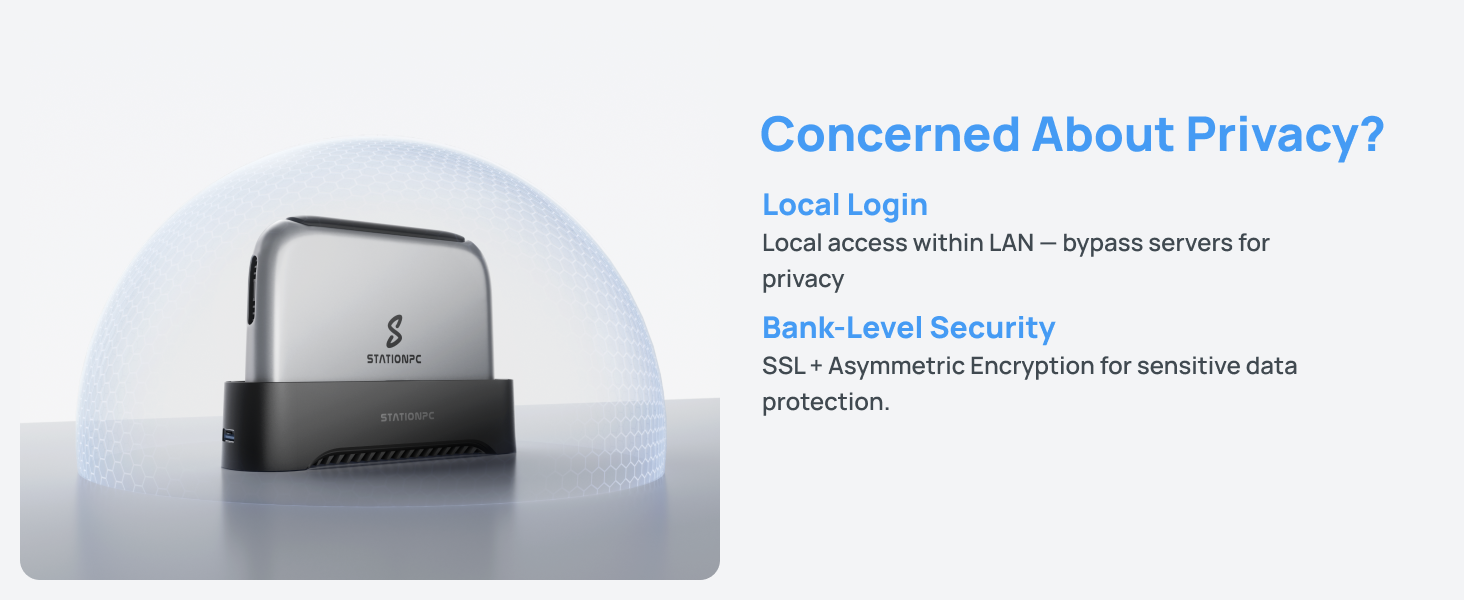
here!
here!
I’m your shopping assistant for PC builds, upgrades, and everything tech.
Got questions? Ask away!
Start a conversation
here!
I’m your shopping assistant for PC builds, upgrades, and everything tech.
Got questions? Ask away!
Start a conversation




Any questions? Ask CelesteSM will help you find out quickly.
(As StationPC is about to launch new products and feature updates, the iOS client is undergoing version update and review maintenance on the Apple App Store and is temporarily unavailable. We apologize for the inconvenience.)
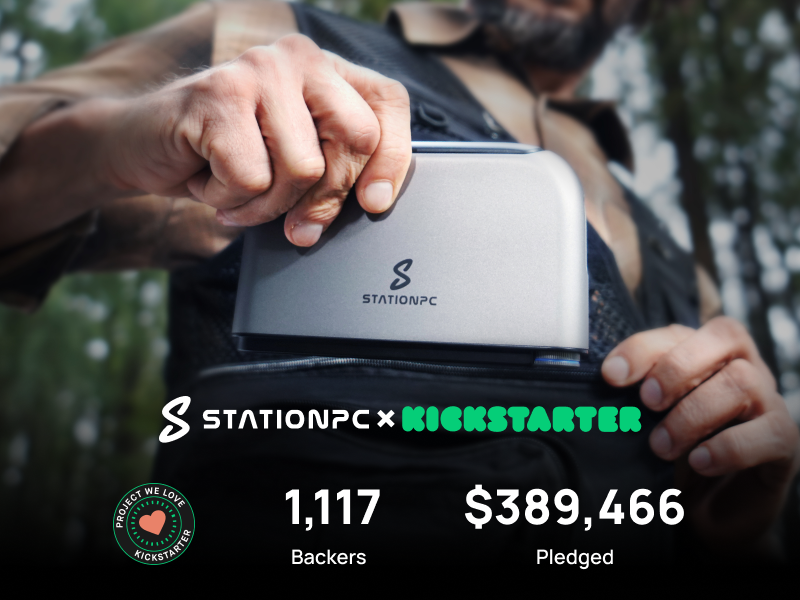
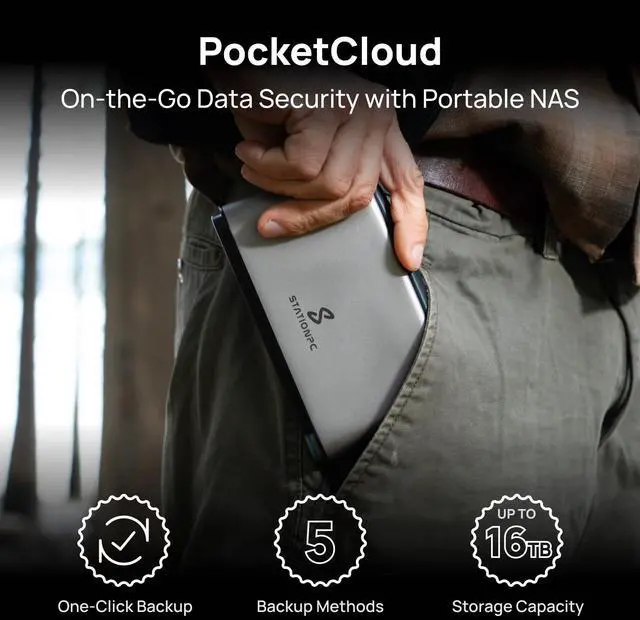
Portable.Powerful. Private. PocketCloud sets a new standard for portable NAS, giving you complete control over your data wherever life takes you.
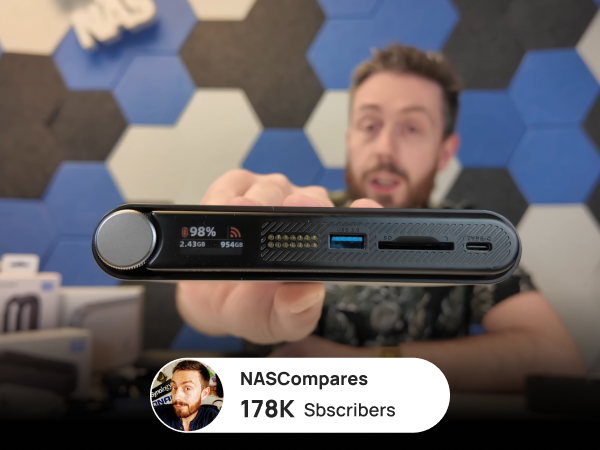
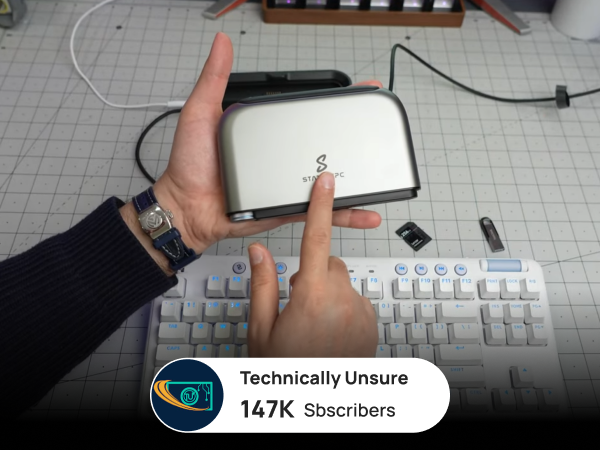
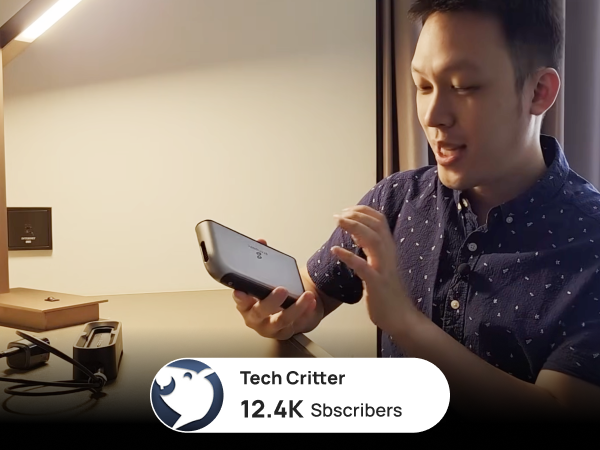
PocketCloud has earned widespread acclaim from major media and tech reviewers for its smart design, performance, and ease of use — setting a new benchmark in portable NAS innovation.
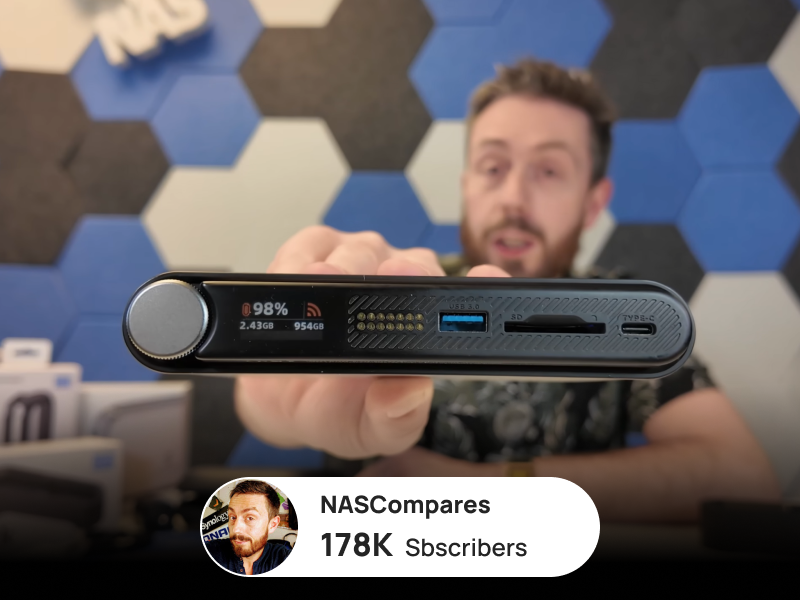
I can back up everything from my camera in seconds — anywhere
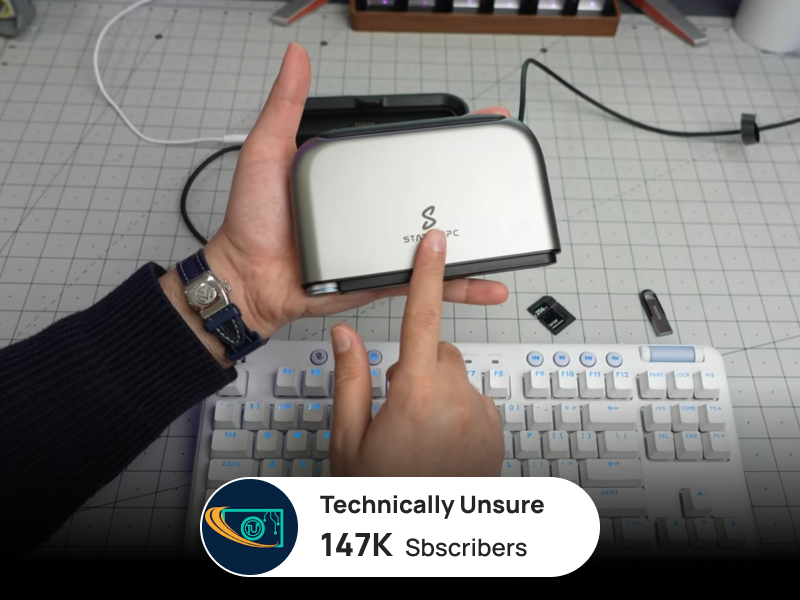
Setup takes minutes, and the intuitive app makes file management faster than ever
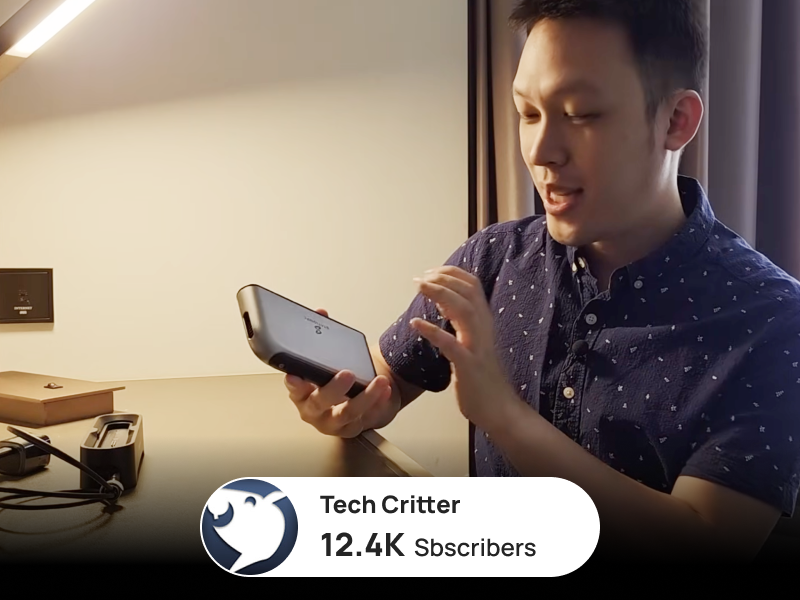
Now I can back up, review, and share footage on-site — no cables, no downtime.
(As StationPC is about to launch new products and feature updates, the iOS client is undergoing version update and review maintenance on the Apple App Store and is temporarily unavailable. We apologize for the inconvenience.)

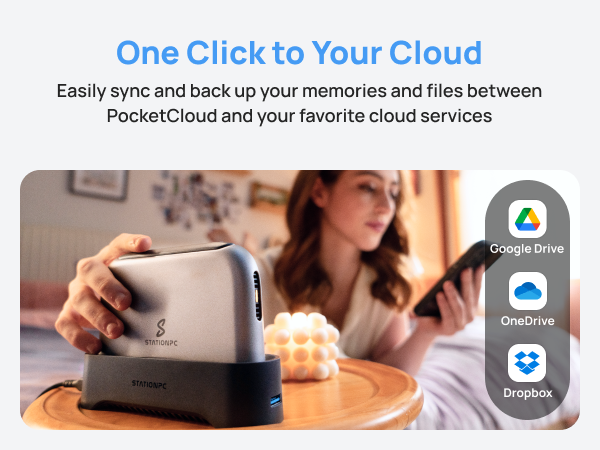
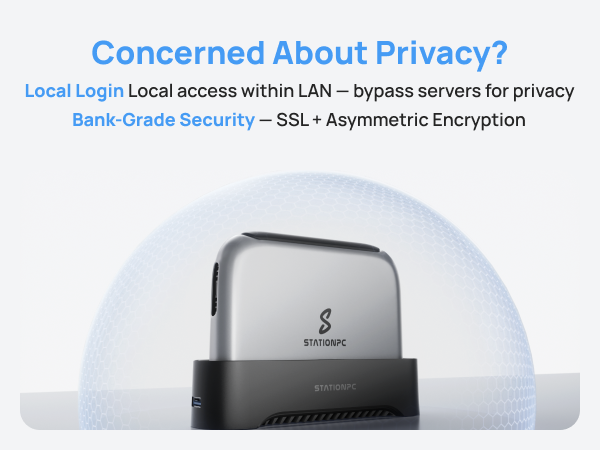
Portable.Powerful. Private. PocketCloud sets a new standard for portable NAS, giving you complete control over your data wherever life takes you.
PocketCloud has earned widespread acclaim from major media and tech reviewers for its smart design, performance, and ease of use — setting a new benchmark in portable NAS innovation.
I can back up everything from my camera in seconds — anywhere
Setup takes minutes, and the intuitive app makes file management faster than ever
Now I can back up, review, and share footage on-site — no cables, no downtime.
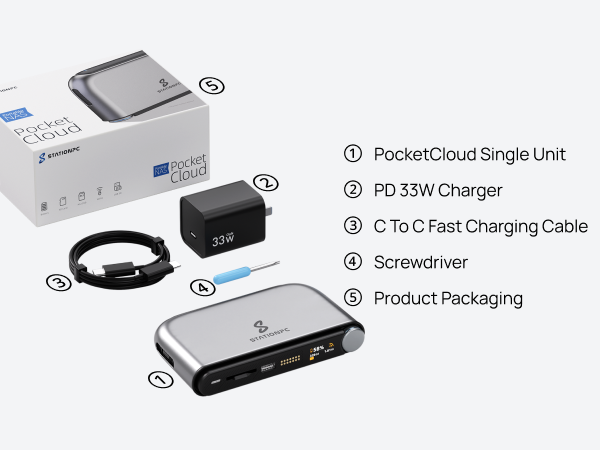
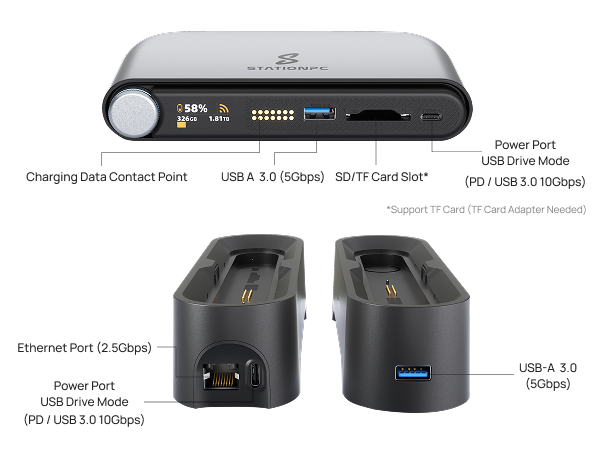
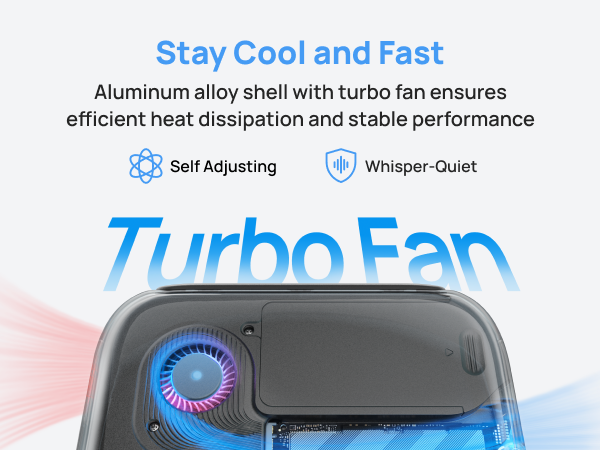
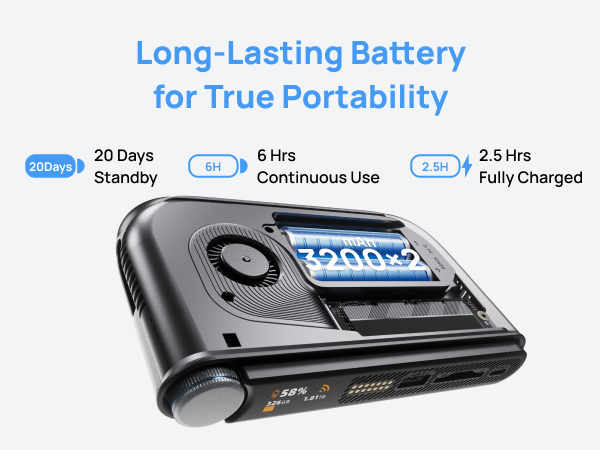
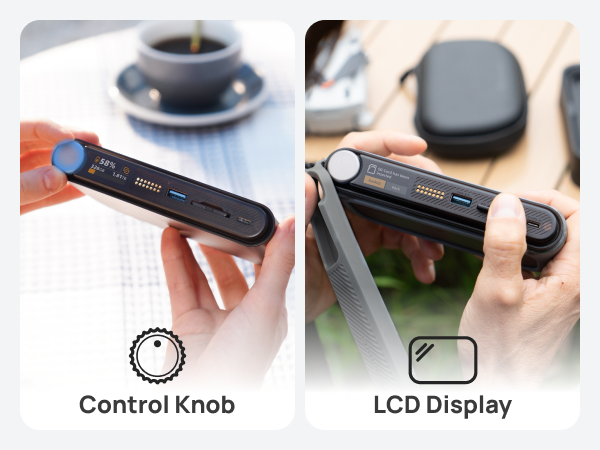
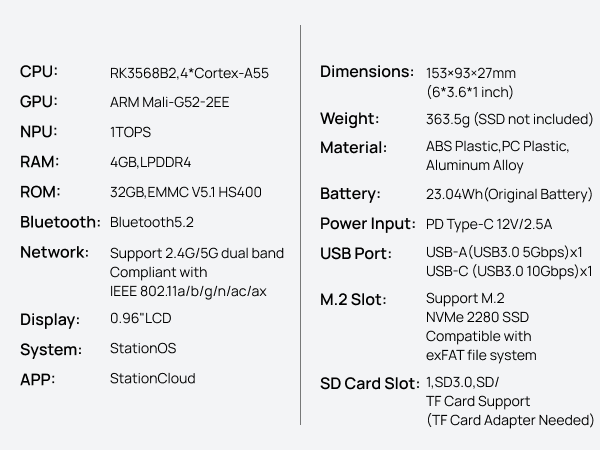
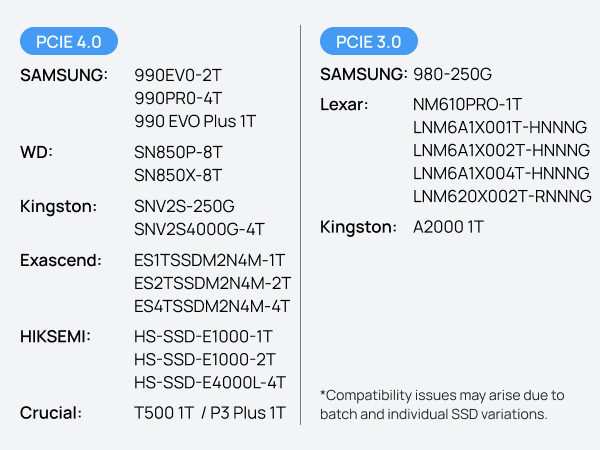
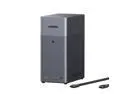
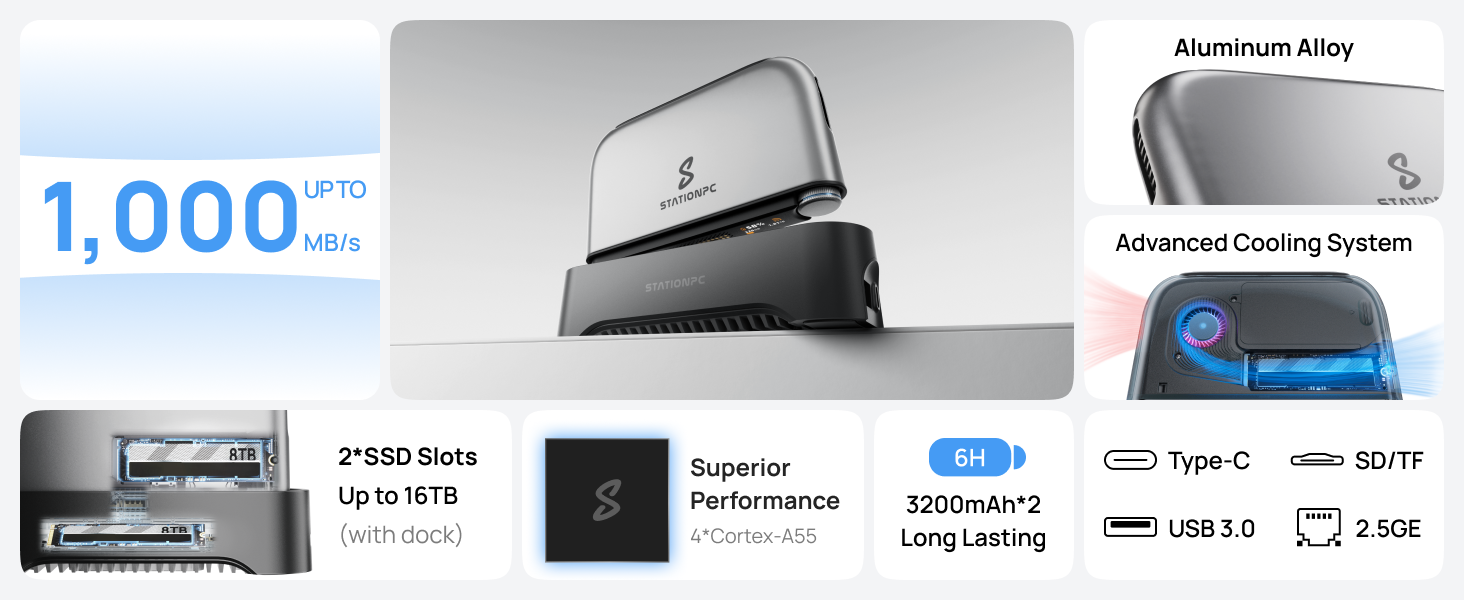
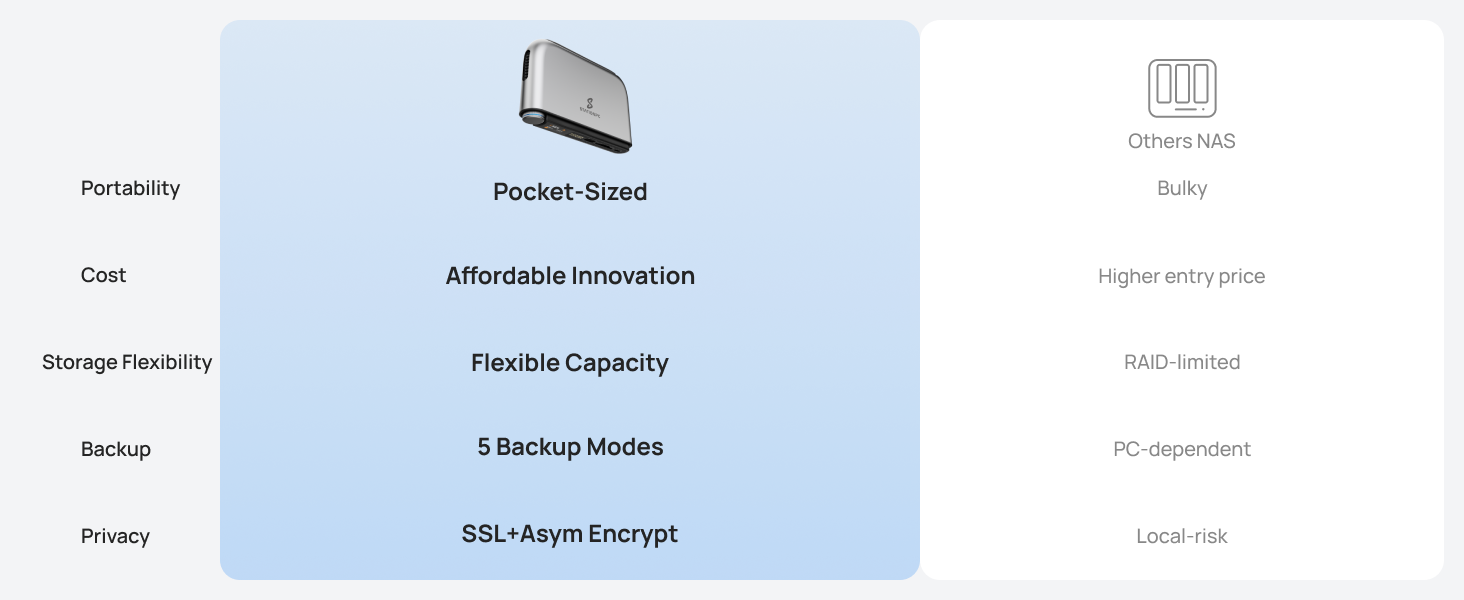
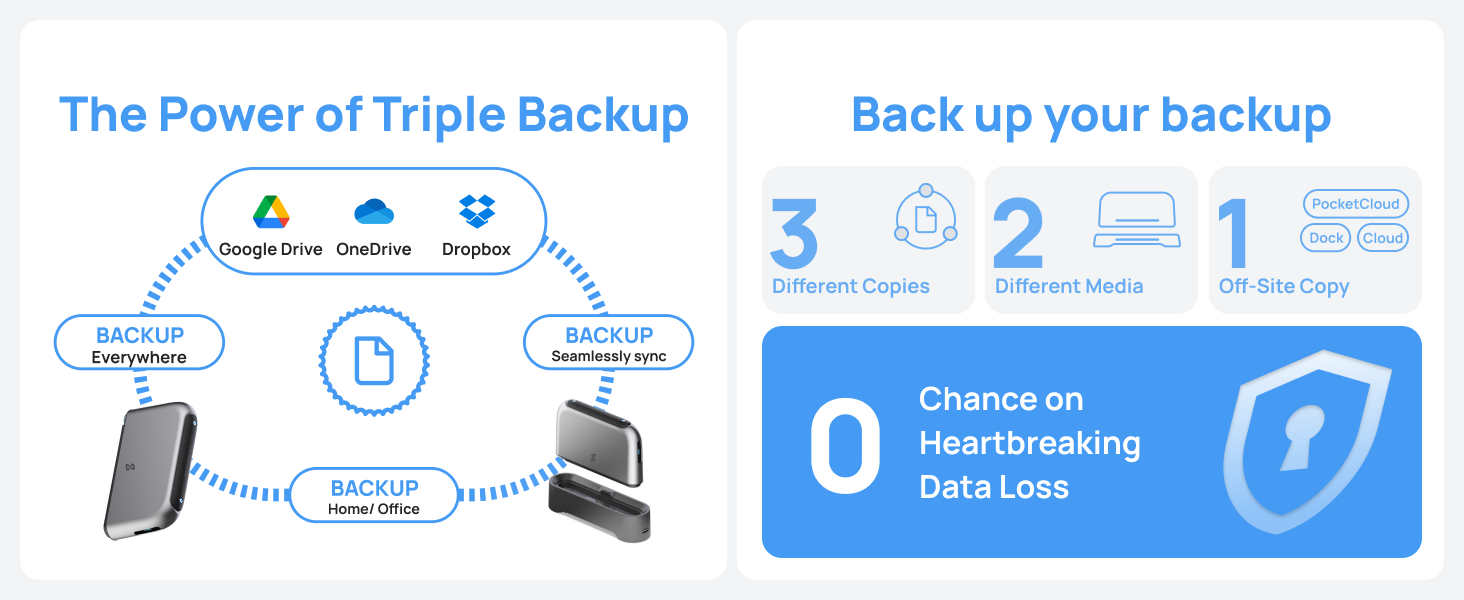
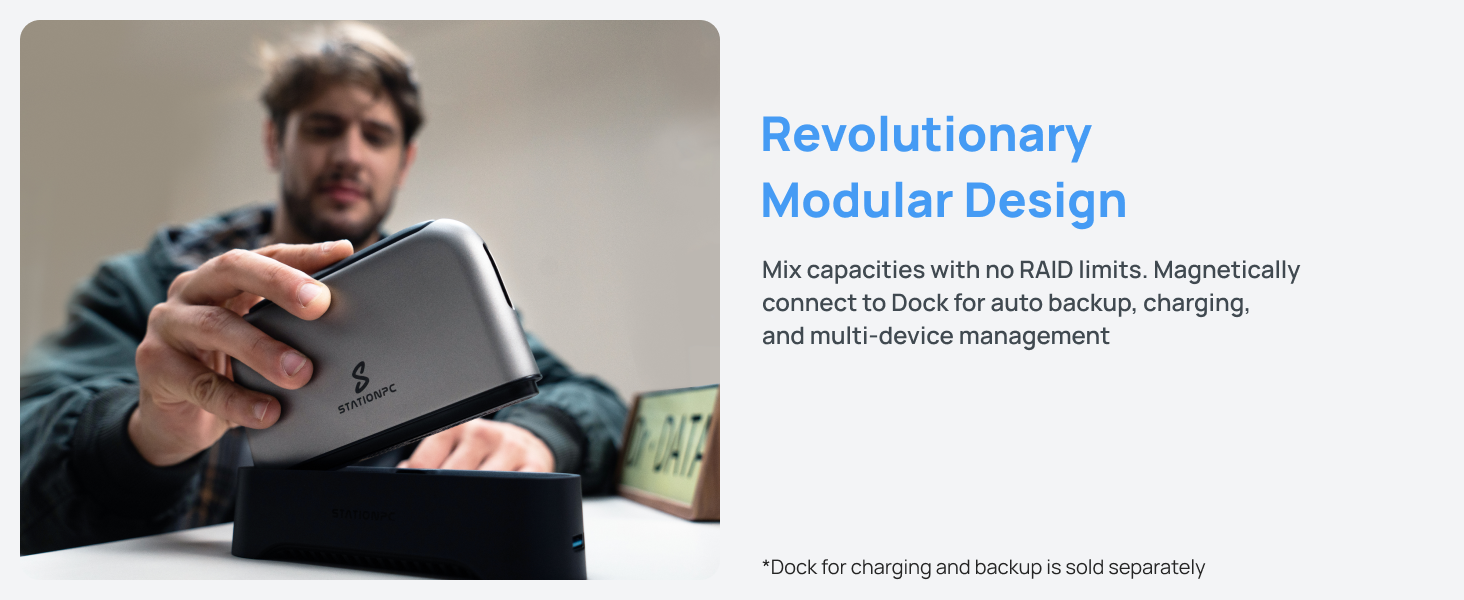
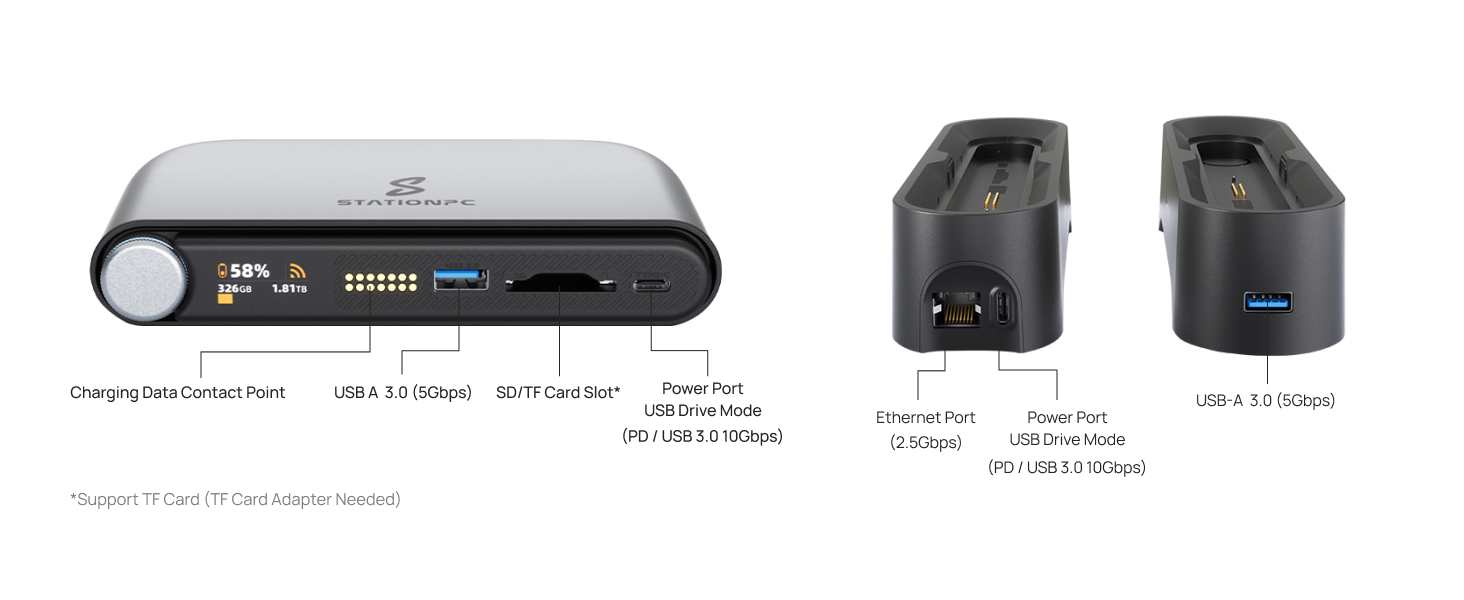
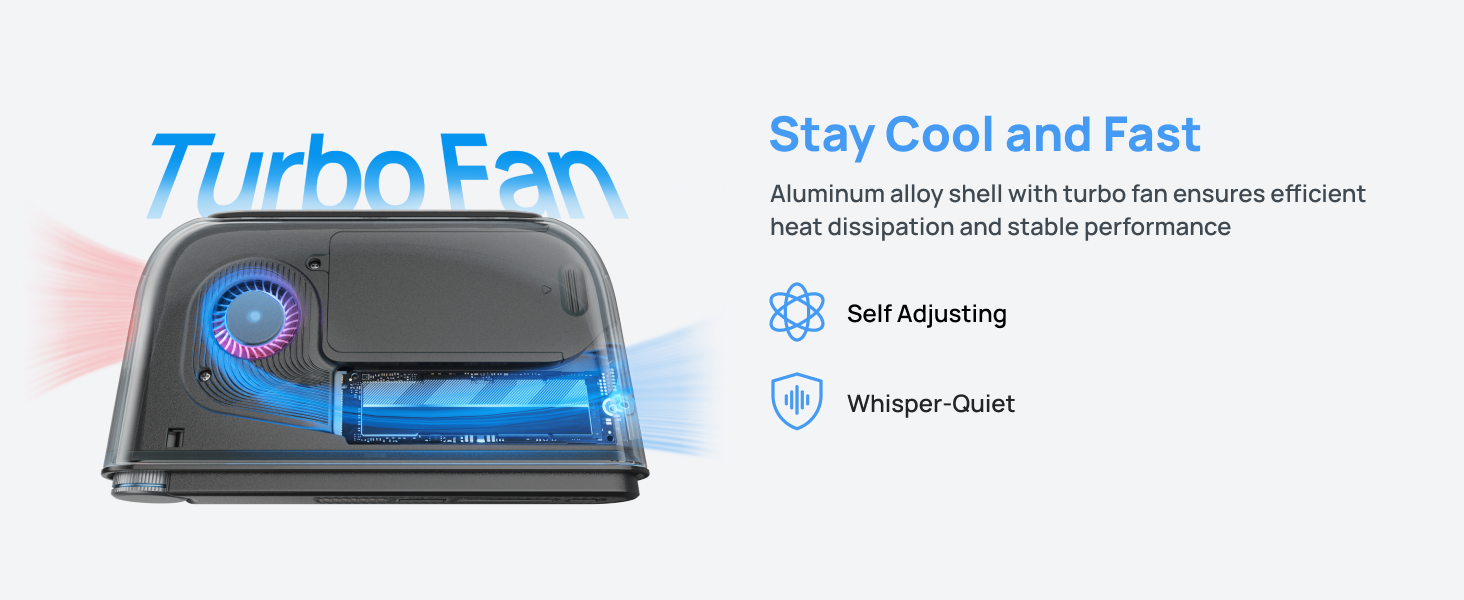
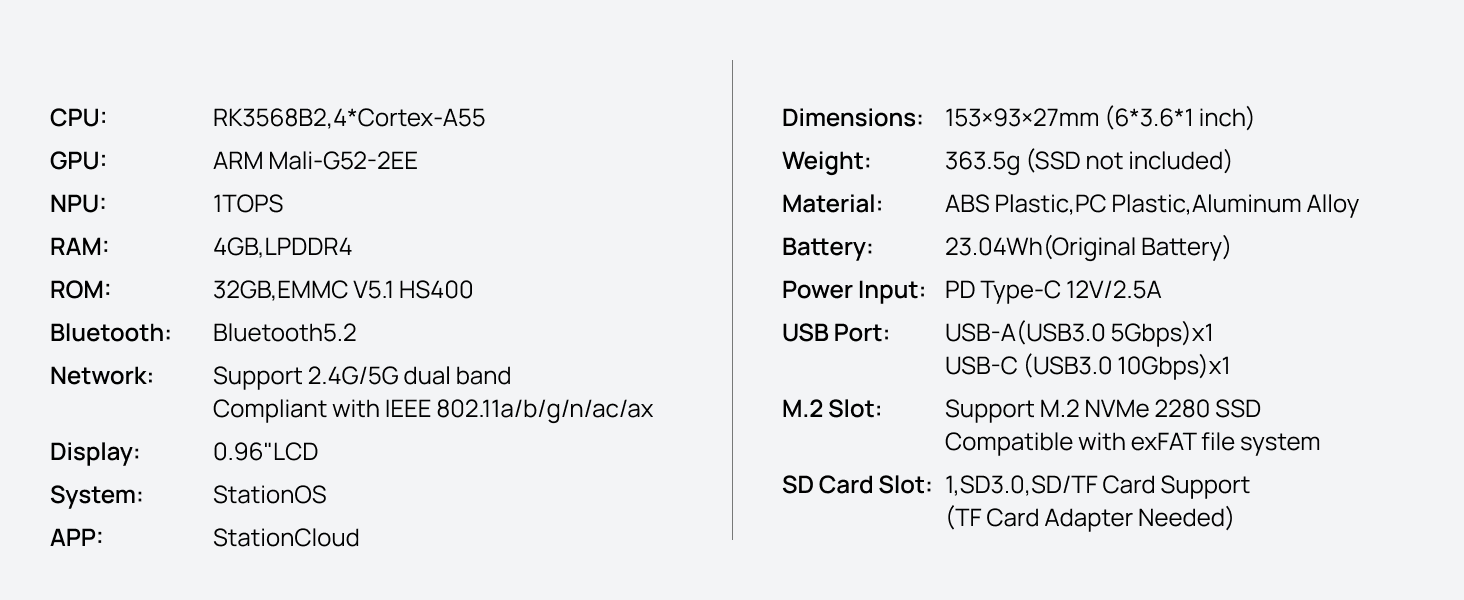
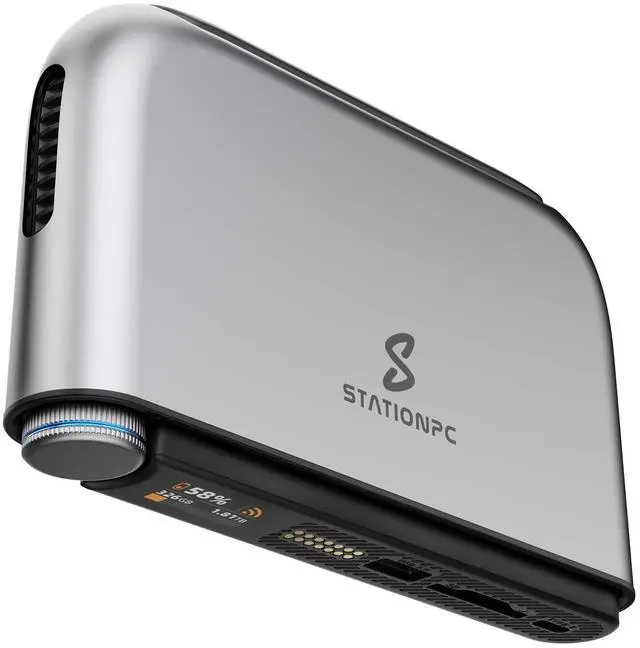
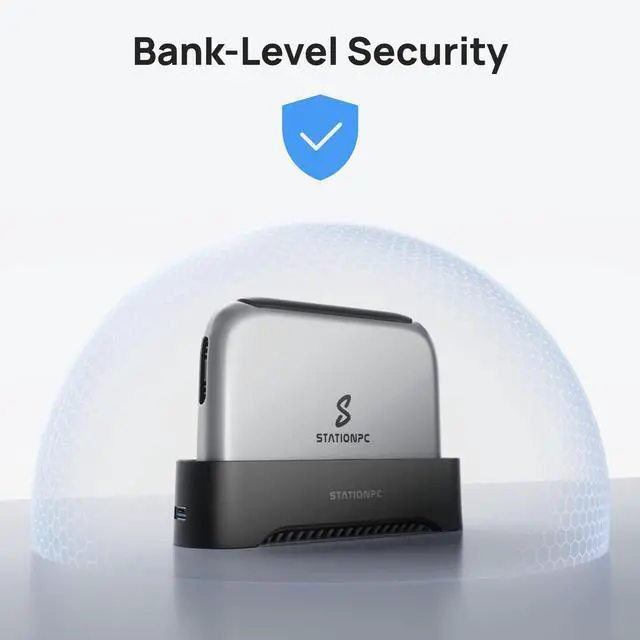
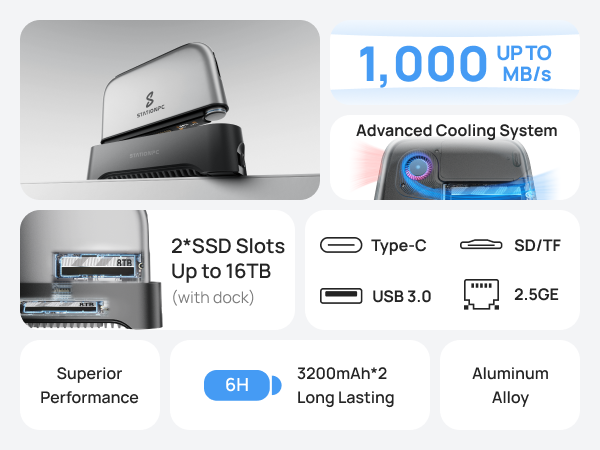
StationPC PocketCloud Portable NAS offers flexible and secure storage in a compact, portable design. With its dual M.2 NVMe SSD slots, you can mix and match different-sized drives to create your real-time backup solution. It combines the power of a NAS with the portability of a mobile device, giving you the freedom to store, back up, and access your data wherever you are. With built-in encryption and no cloud dependency, your data remains secure and under your control.
| Digital Storage Capacity | 8 TB |
| Hard Disk Interface | PCIE x 4 |
| Connectivity Technology | USB |
| Brand | STATIONPC |
| Special Feature | Portable |
| Hard Disk Description | M.2 NVMe |
| Compatible Devices | Camera, Desktop, Laptop, Smartphone, Television |
| Installation Type | External Hard Drive |
| Color | Space Gray |
| Hard Disk Size | 8 TB |
| Additional Features | Portable |
| Specific Uses For Product | Multimedia, Personal |
| Form Factor | M2 |
| Hardware Connectivity | PCI Express 3.0 |
| Hard-Drive Size | 8 TB |
| Item Weight | 722 Grams |
| Item Dimensions L x W x Thickness | 6"L x 3.6"W x 1"Th |
| Number of Items | 1 |
| Unit Count | 1.0 Count |
| Enclosure Material | Alloy Steel |
| Model Number | PA100 |
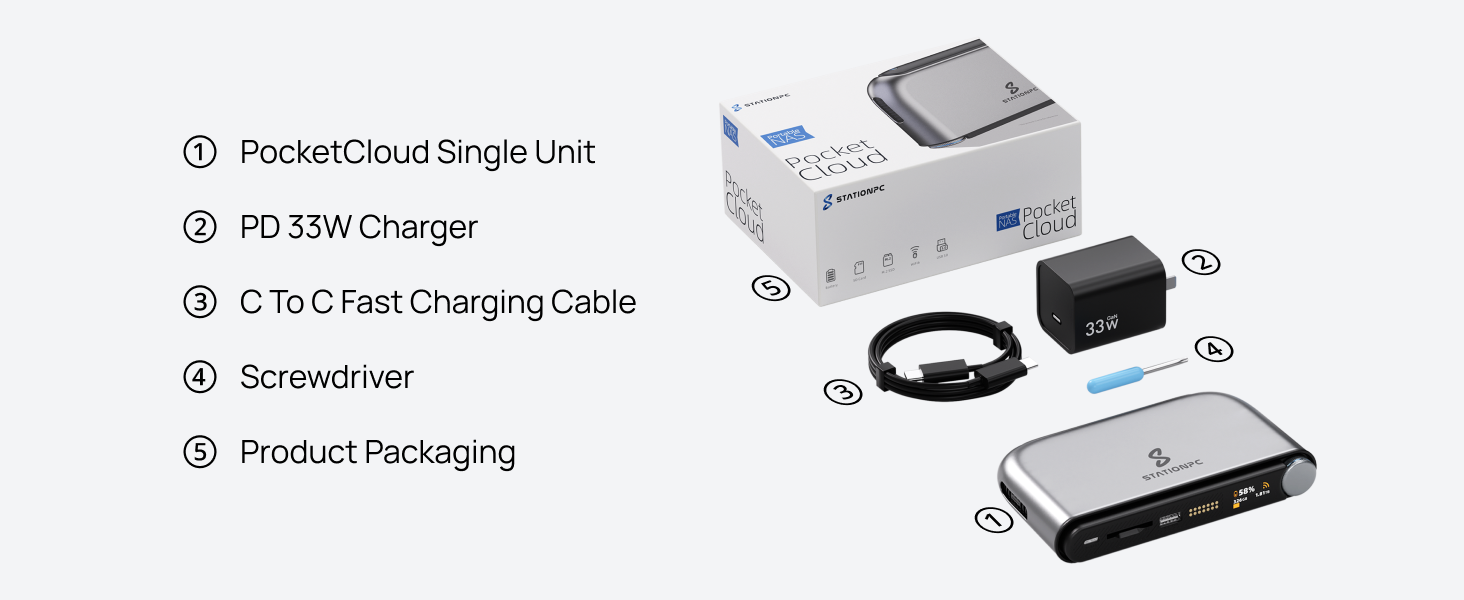
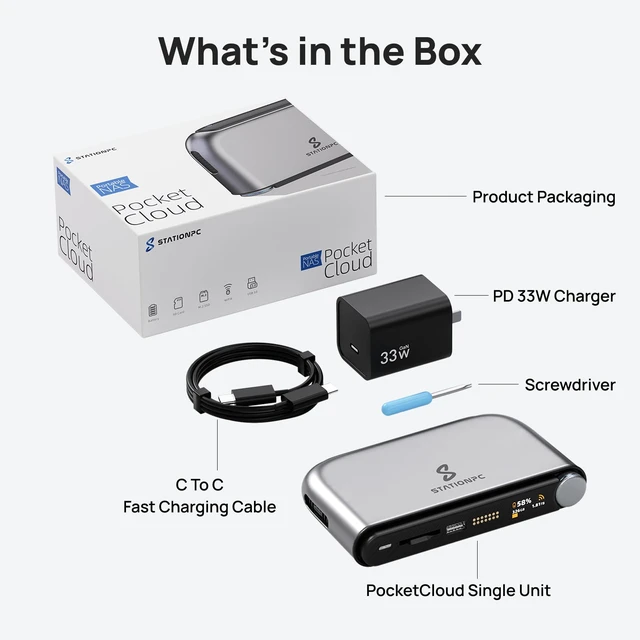
| Built-In Media | Portable NAS Single Unit, Power Adapter, Quick Start Guide, Screwdriver, USB Cable |
| Model Name | PocketCloud |
| Manufacturer | StationPC Technology Co.,Limited |
| UPC | 860014318207 |
| Warranty Description | 2-year limited warranty |
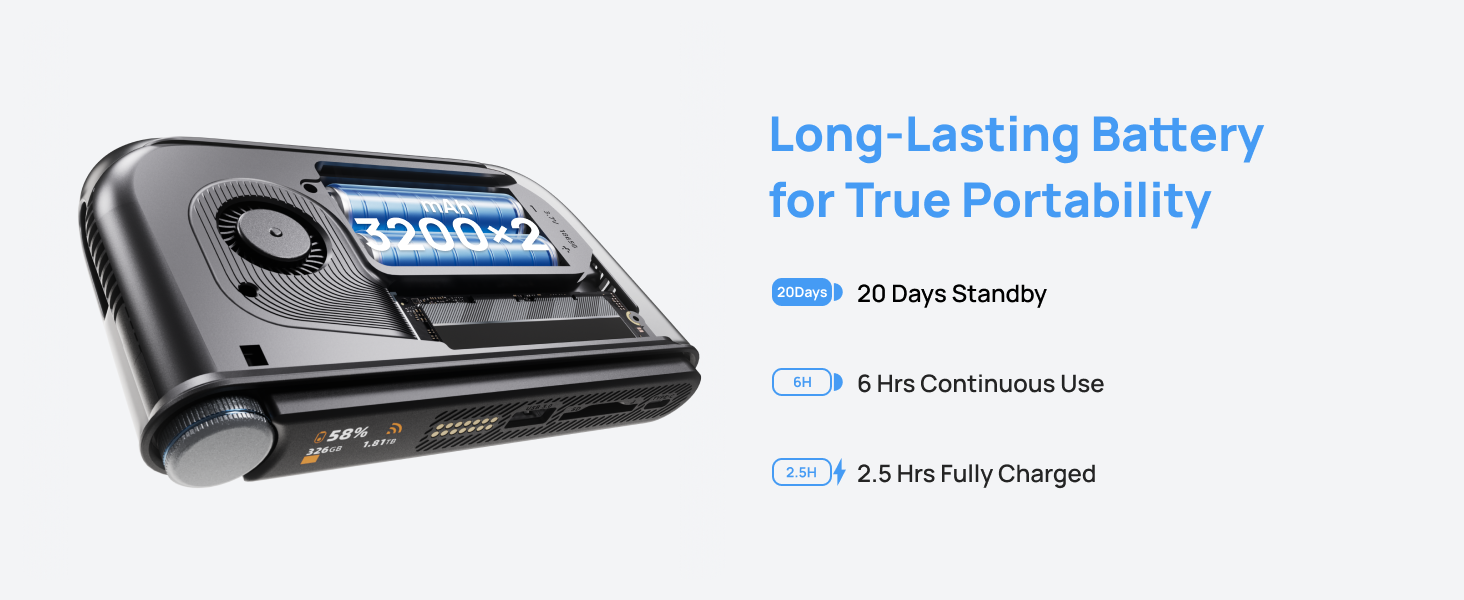
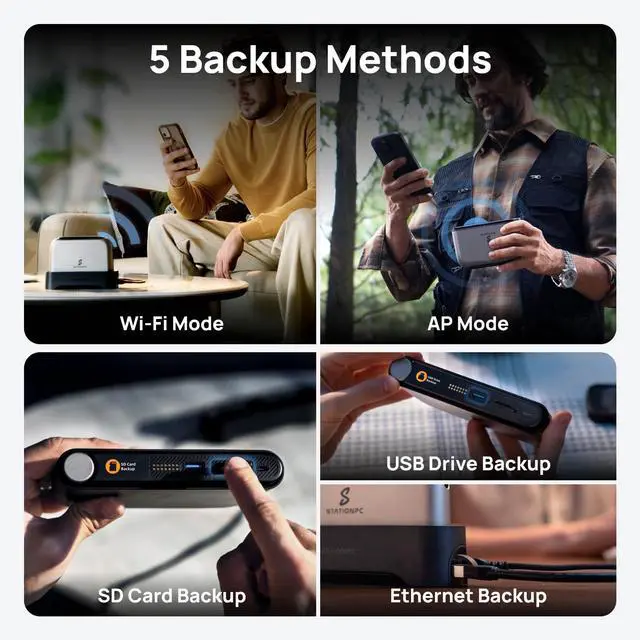
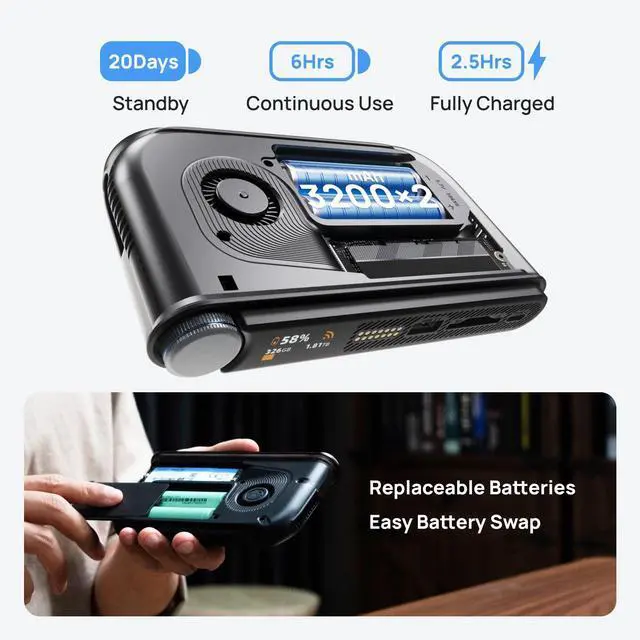
The STATIONPC PocketCloud is a portable NAS for photographers, vloggers, and travelers who want local file backup in the field, combining an M.2 NVMe slot, SD card backup, Wi‑Fi 6, app control, and dual replaceable batteries in a compact design.
Q: Should I buy the STATIONPC PocketCloud or the UnifyDrive UT2?
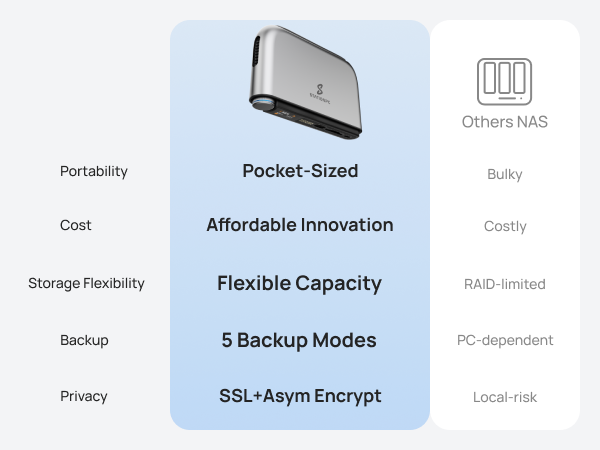
A: Choose the STATIONPC PocketCloud if your priority is the lightest-entry portable NAS workflow for SD-card and USB backup, app-based remote access, and a lower starting price in a one-slot design. Choose the UnifyDrive UT2 if you want a more feature-rich portable NAS platform with dual NVMe storage, up to 16TB capacity, RAID or drive-management options, and HDMI media output. The main trade-off is that PocketCloud is simpler and more travel-backup focused, while UT2 is broader and more capacity-oriented. ([stationpc.com](https://www.stationpc.com/))
Q: Is PocketCloud better than a portable SSD for travel backup?
A: PocketCloud is the better fit when you want backup without depending on a laptop, especially for SD-card ingest, wireless access, and multi-device file management. A portable SSD is the better fit when you only need the fastest direct-attached storage at the lowest complexity. In practice, PocketCloud is for users who want a backup workflow and mini personal-cloud behavior, while a portable SSD is for users who mainly want simple local storage. ([stationpc.com](https://www.stationpc.com/))
Q: Should I choose PocketCloud or a docked desktop NAS for primary storage?
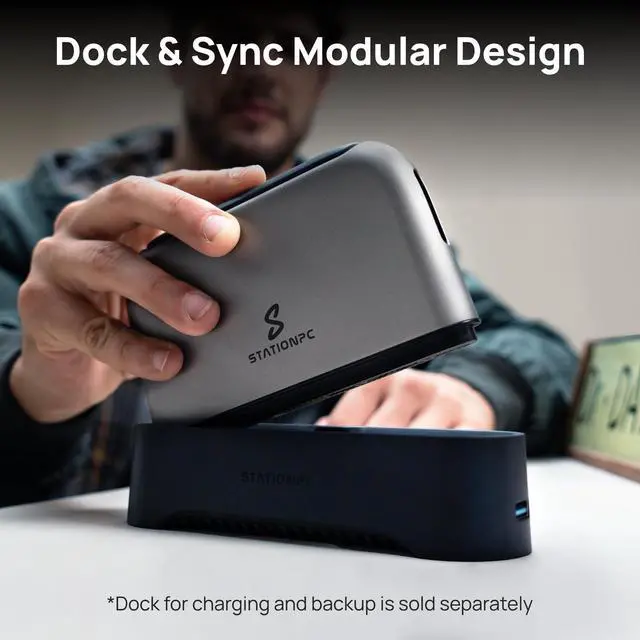
A: Choose PocketCloud if your main need is portable capture backup and personal-cloud access that can travel with you. Choose a desktop NAS if your priority is sustained performance, larger multi-drive capacity, RAID redundancy, and always-on home or office storage. PocketCloud can extend with its dock, but the product positioning and reviewer feedback still place it closer to a travel-first NAS than a full desktop NAS replacement. ([stationpc.com](https://www.stationpc.com/))
Q: Is PocketCloud a good choice for photographers compared with higher-capacity portable NAS options?
A: PocketCloud makes more sense for photographers who prioritize field backup, SD-card workflows, battery-powered operation, and a compact one-drive setup. Higher-capacity portable NAS options such as the UnifyDrive UT2 make more sense when you expect larger active libraries, want two NVMe drives, or prefer RAID-style protection and more room for expansion in the device itself. The decision is mainly portability-first versus capacity-and-flexibility-first. ([stationpc.com](https://www.stationpc.com/))
Q: Is PocketCloud a good fit for travel photo and video backup without a laptop?
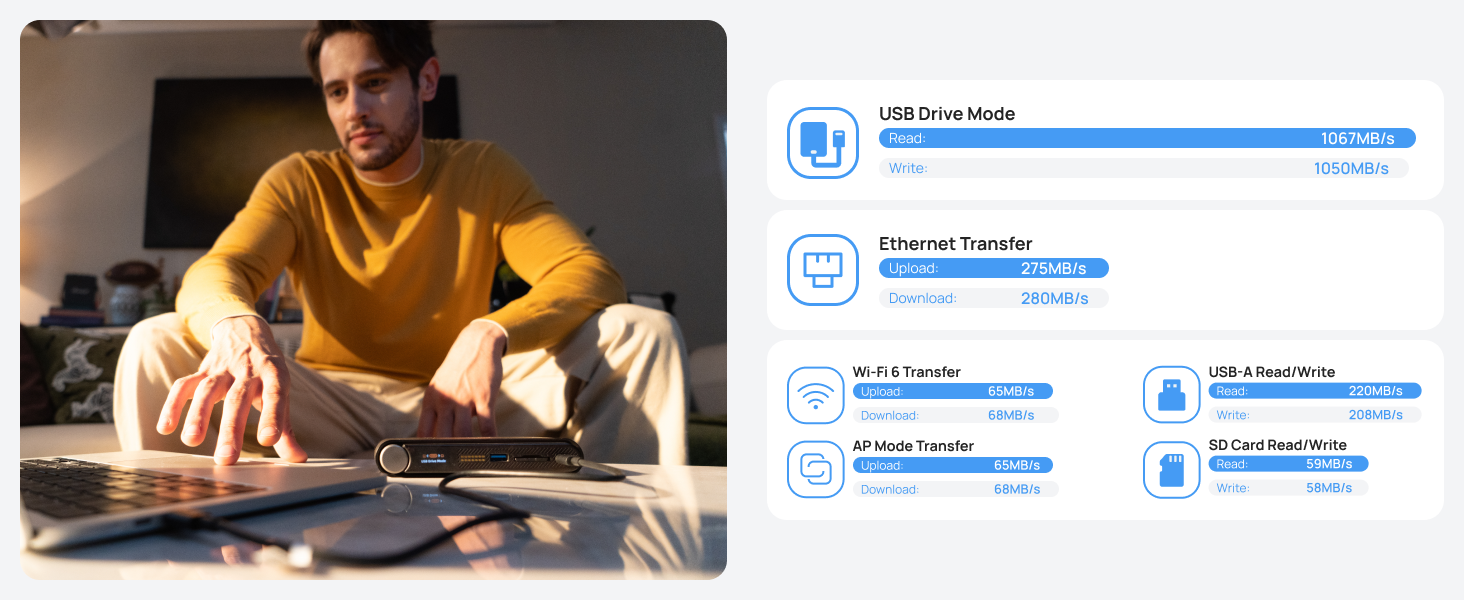
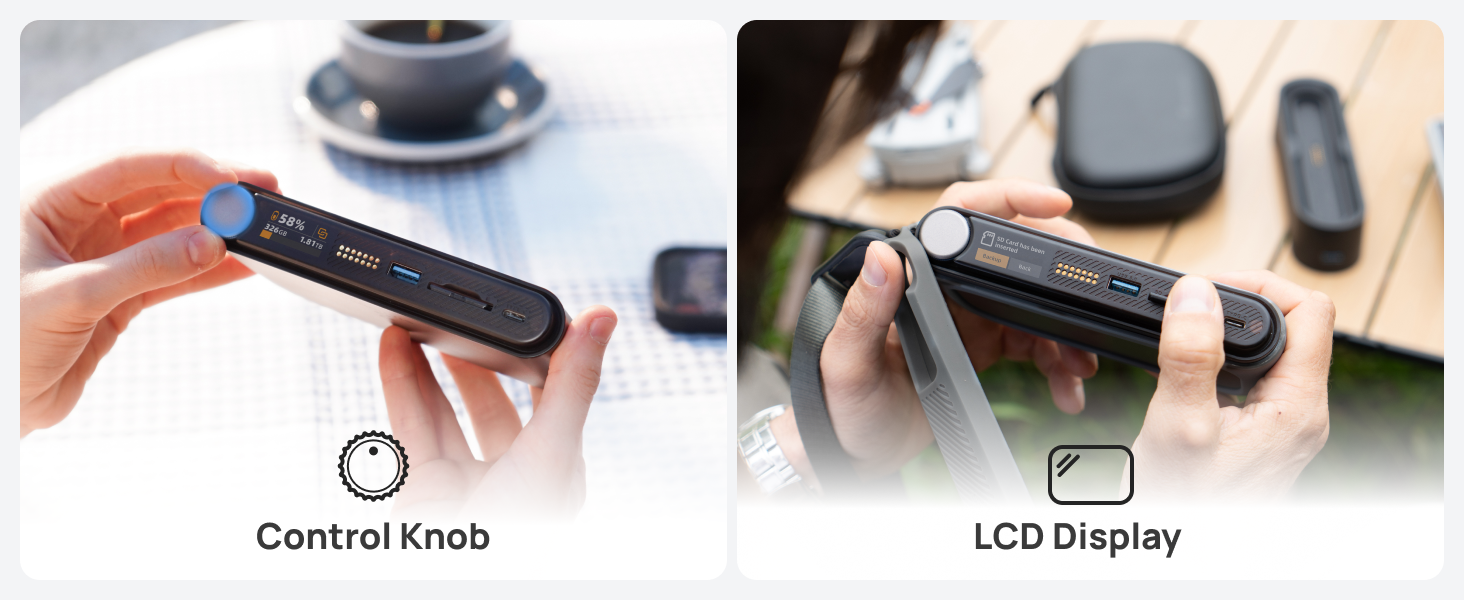
A: Yes, if your main need is field backup from SD cards or USB storage without carrying a computer. PocketCloud is designed for portable backup with an internal M.2 NVMe slot, SD card support, LCD status display, app control, and battery-powered operation. The main trade-off is that it is a specialized backup device, not just a simple external SSD, so it makes more sense for photographers, vloggers, and travelers who want direct ingest and wireless access rather than the fastest or cheapest raw storage.
Q: Who is PocketCloud most suitable for?
A: PocketCloud is most suitable for photographers, vloggers, drone users, and frequent travelers who need local backup in the field and want more control than cloud-only storage. It is less suitable for buyers who only want a plug-in external drive for a laptop, because its value comes from SD ingest, wireless access, app features, and portable NAS-style workflows rather than simple USB storage alone.
Q: What are the main trade-offs versus a regular portable SSD like the SanDisk Extreme?
A: PocketCloud offers more workflow features than a regular portable SSD: direct SD backup, wireless access, app control, LCD status viewing, and NAS-style sharing. A regular portable SSD is usually better if you only need fast, rugged, simple storage for use with a phone or computer. In short, PocketCloud favors standalone backup convenience and device-to-device workflows, while a standard portable SSD favors simplicity, speed, and durability at the drive level.
Q: Do I need to buy storage separately, and is that a downside?
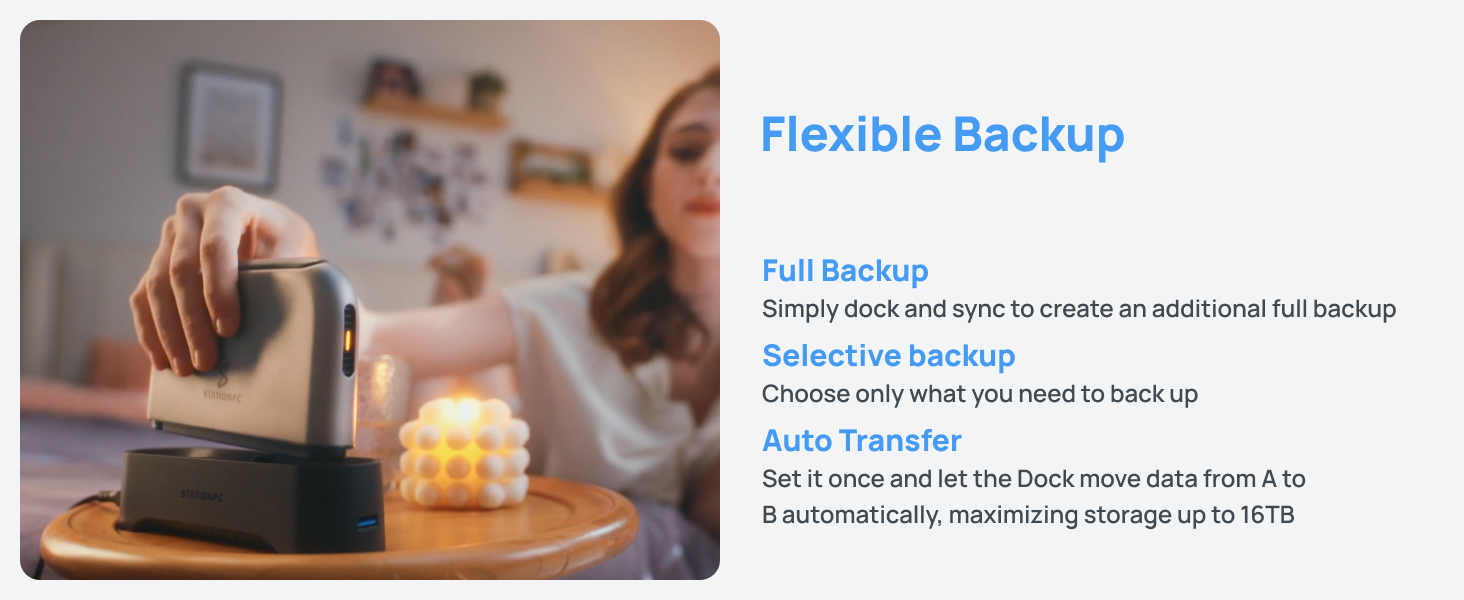
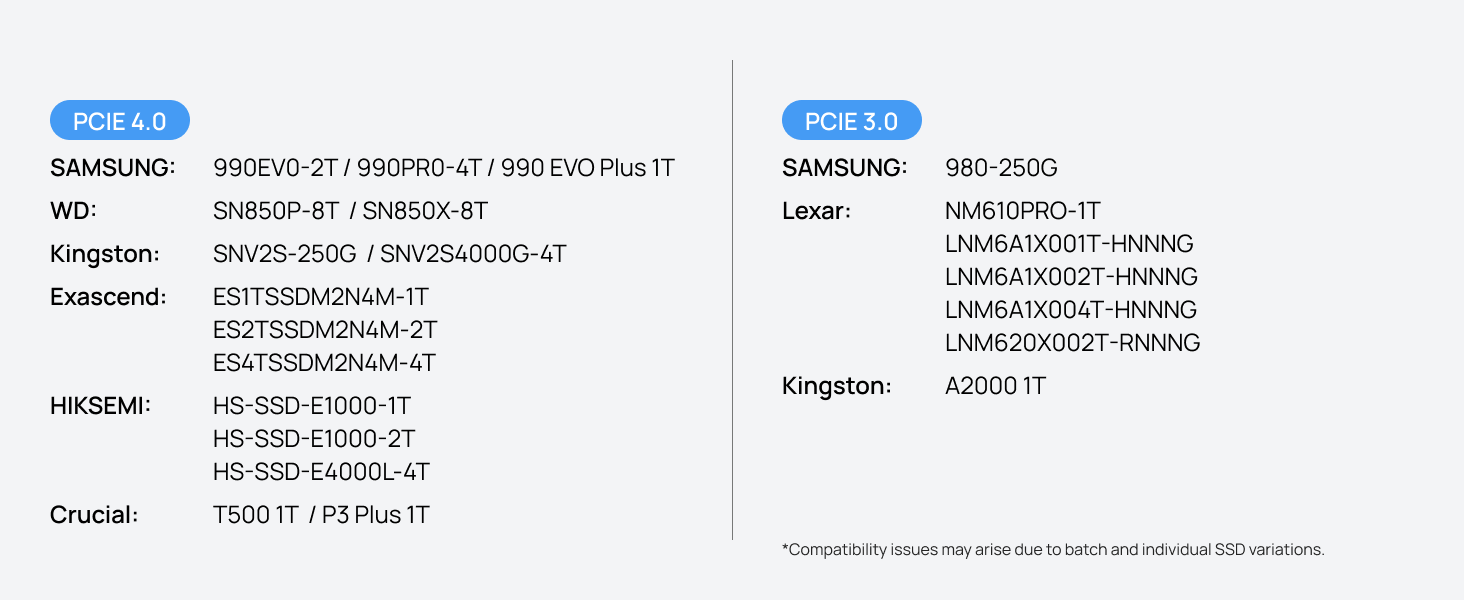
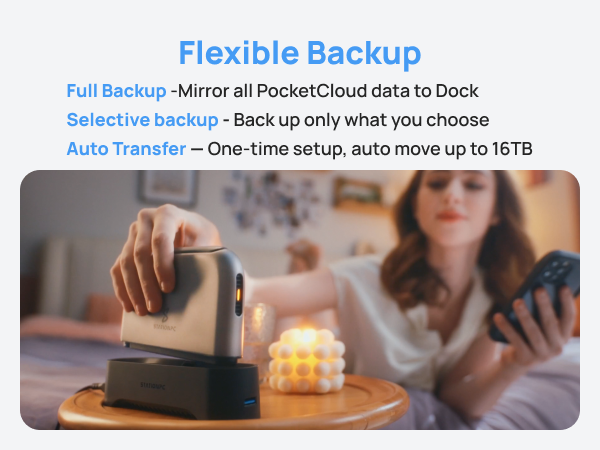
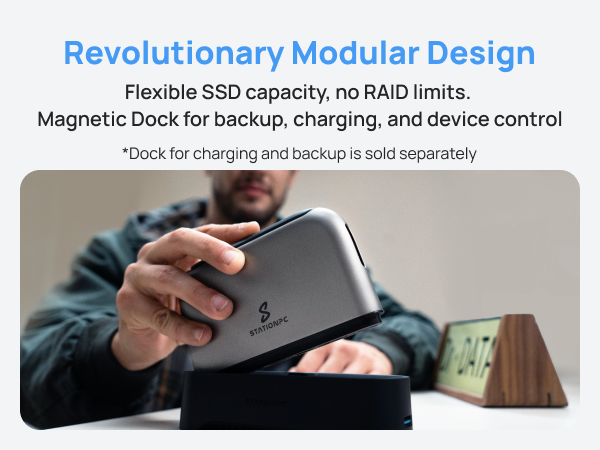
A: Yes. PocketCloud is diskless, so you need to install your own M.2 NVMe SSD before using it as primary internal storage. That is a downside for buyers who want a ready-to-use device out of the box, but it is also a benefit for users who want to choose their own capacity, performance level, or upgrade path. Based on the listing, it supports up to 8TB internally and up to 16TB with the matching dock.
Q: Is PocketCloud better than a home NAS for everyday office backup and shared storage?
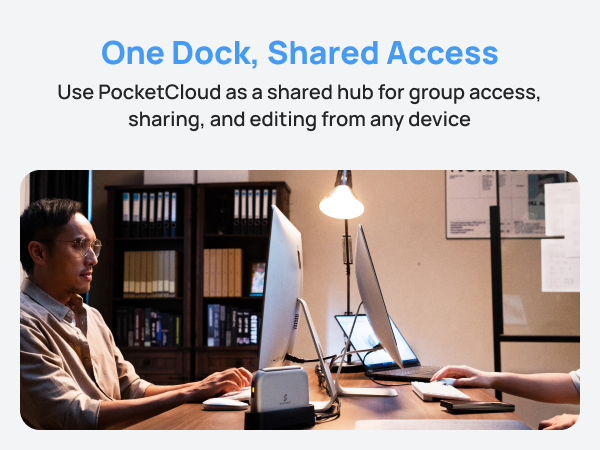
A: Not usually. PocketCloud is better for portable, on-location backup and travel use. A home NAS is usually the better choice for always-on office backup, larger shared storage pools, and multi-user desktop workflows. PocketCloud makes more sense as a mobile capture-and-backup device or a secondary personal NAS, not as a full replacement for a traditional home or small-office NAS.
Q: Who is the STATIONPC PocketCloud best suited for?
A: It is best suited for photographers, videographers, and travelers who want portable, self-managed backup without carrying a laptop. The main fit is users who need SD card ingest, app-based file access, and battery-powered backup in the field. It is less suitable for buyers who mainly want a traditional home NAS with multi-drive redundancy.
Q: Is PocketCloud a good choice for travel and camera backup?
A: Yes, if your priority is backing up photos or video on the go. Based on the product data, it supports SD cards, M.2 NVMe storage, app control, Wi‑Fi 6, and internal batteries, which matches the main travel-use cases discussed in Reddit and YouTube coverage. The trade-off is that it is a specialized backup device, not a full editing workstation or a high-capacity multi-bay NAS.
Q: Is PocketCloud worth buying instead of a regular NAS or external SSD?
A: It is worth considering only if you specifically need portable, wireless, battery-powered backup and remote-style access. Compared with an external SSD, it adds app-based management, network features, and direct backup options. Compared with a regular NAS, it gives up multi-drive expandability and built-in redundancy. If you only need cheap local storage, an external SSD is simpler. If you want long-term home storage with RAID, a conventional NAS is usually the better fit.
Q: What are the main trade-offs of PocketCloud?
A: The main trade-offs are single-drive design, no built-in RAID protection, and higher total cost once you add your own NVMe SSD. It is designed more for portable backup convenience than for maximum capacity per dollar. Buyers should treat it as a mobile backup hub and private file device, not as a full substitute for a multi-bay desktop NAS.