






Will this holder fit my monitor or MacBook, and why might the screen tilt backward?
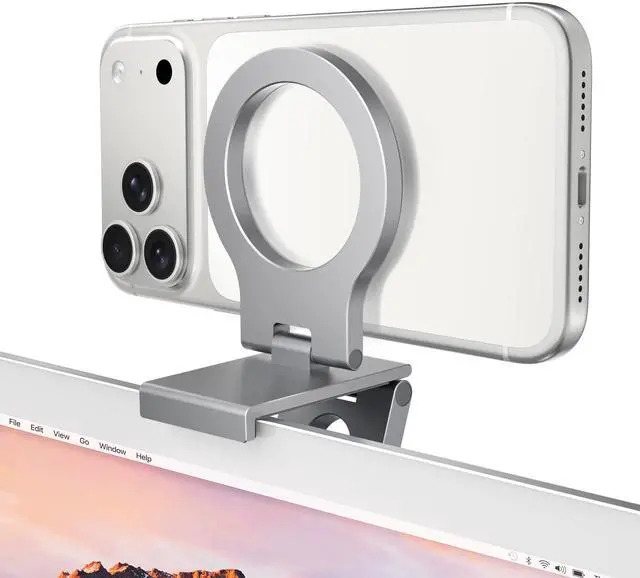
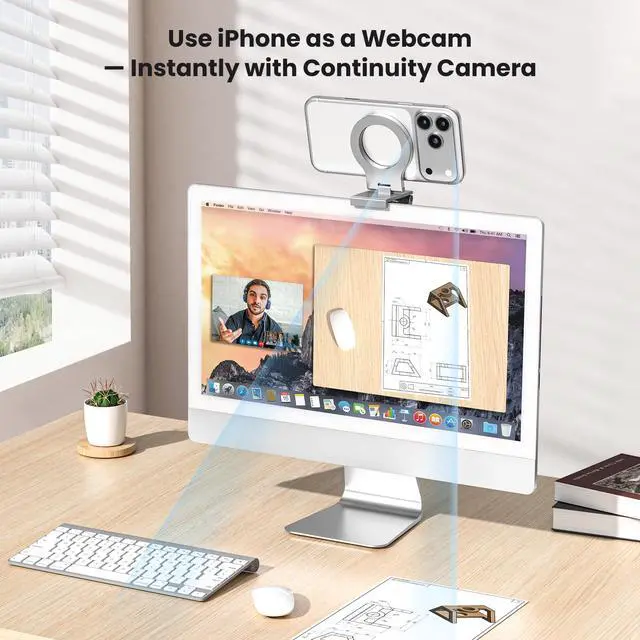
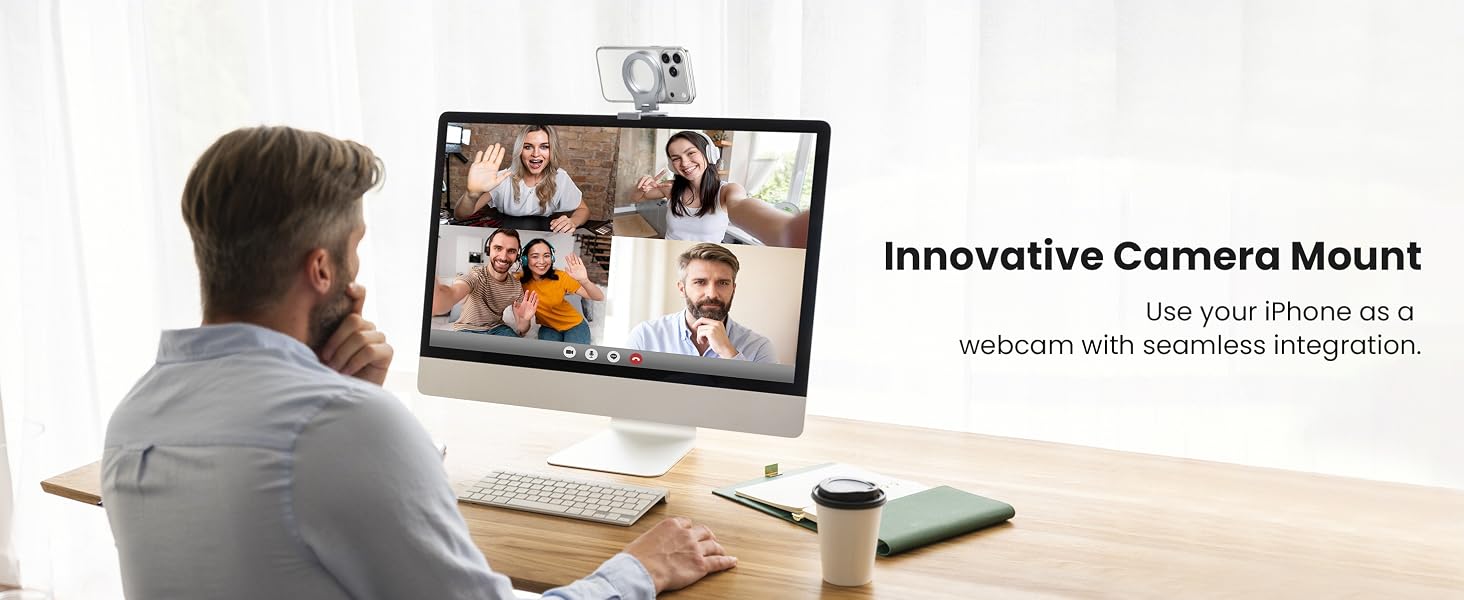
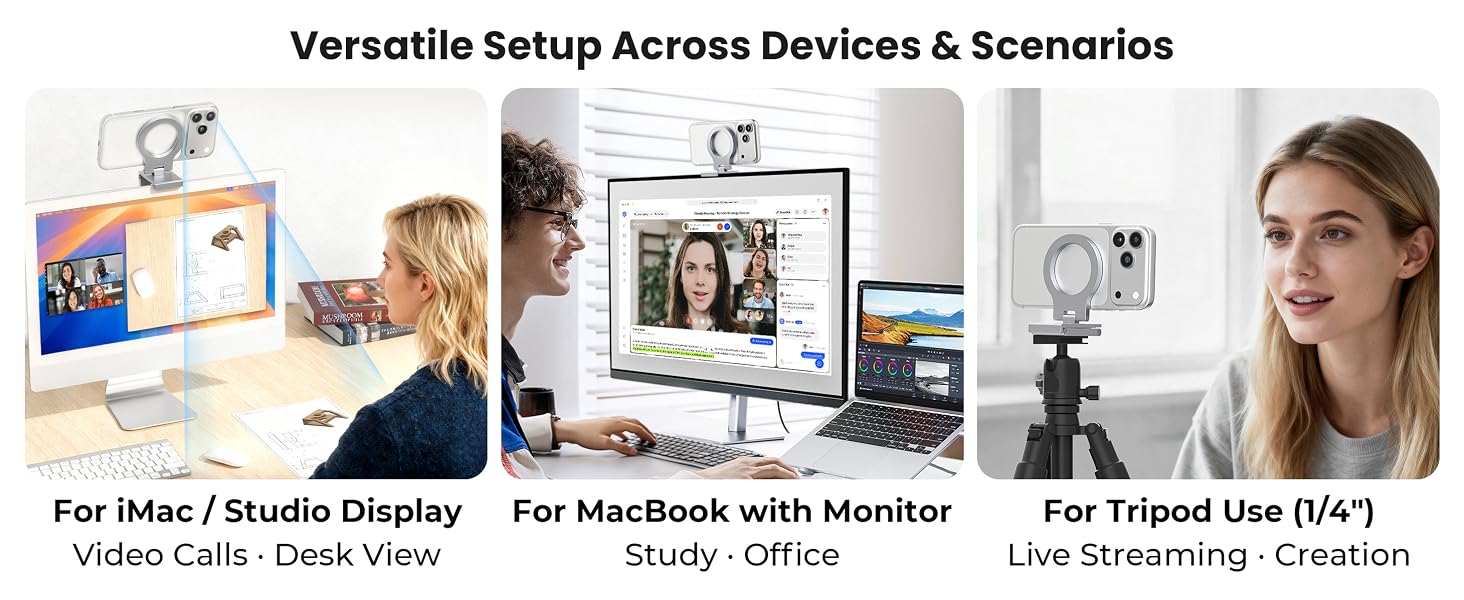
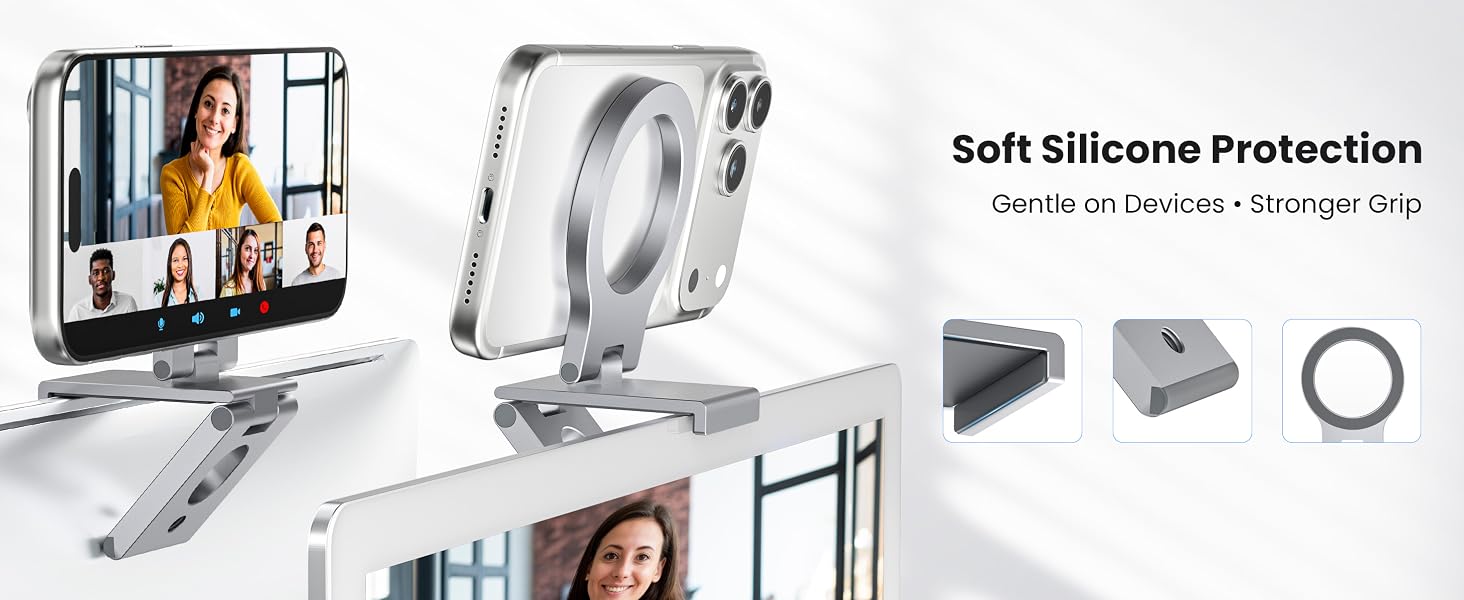
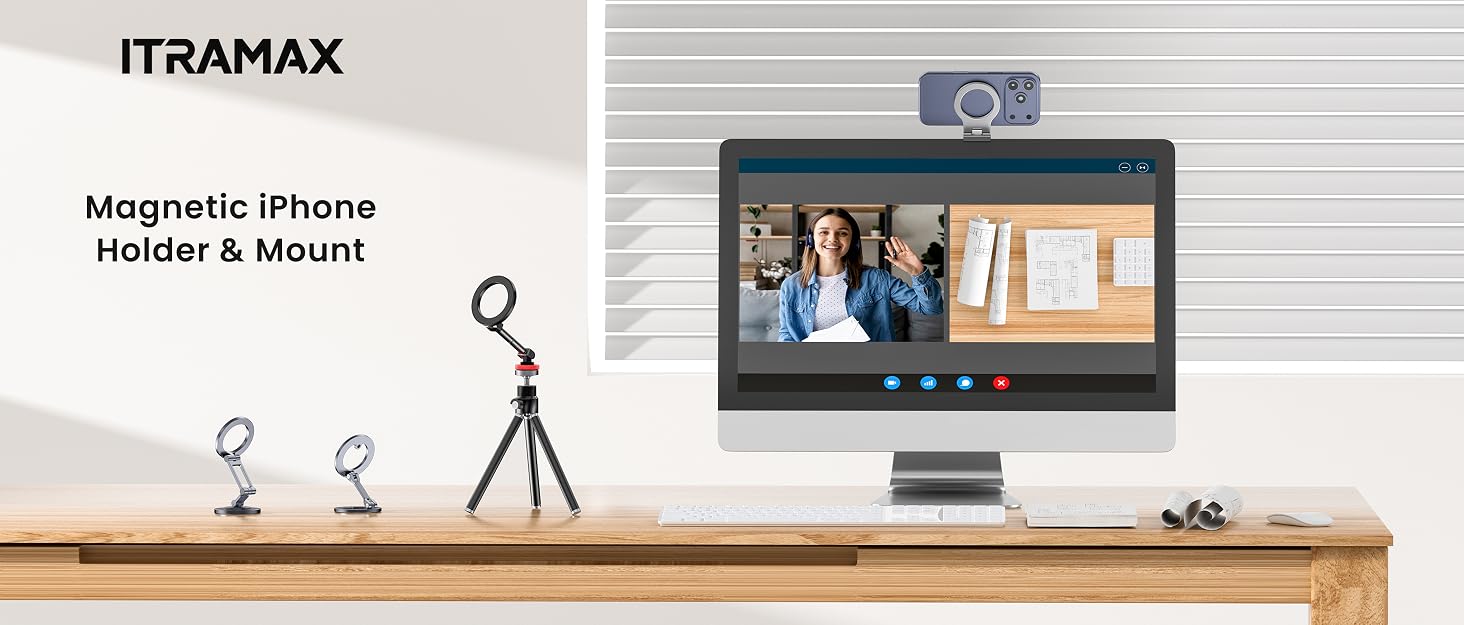
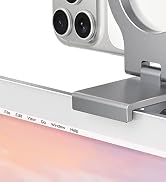
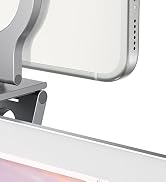
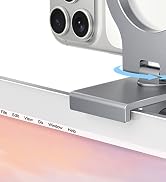
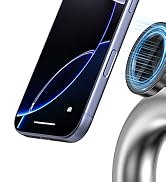
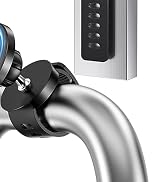
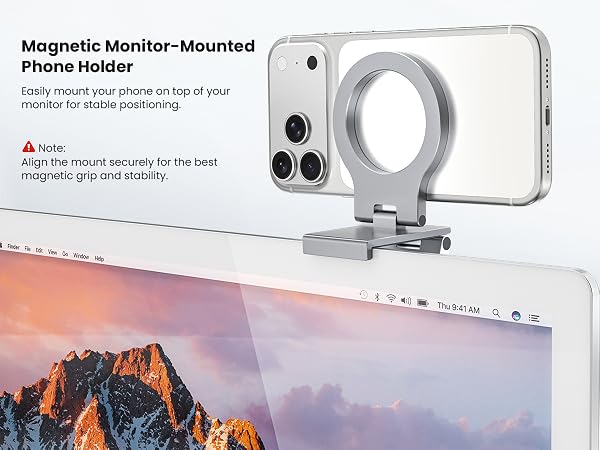
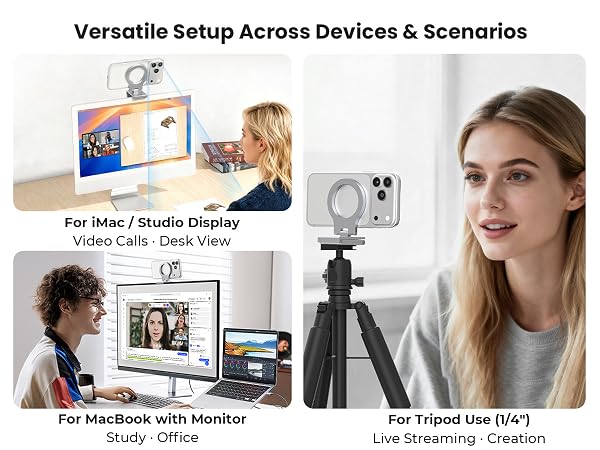
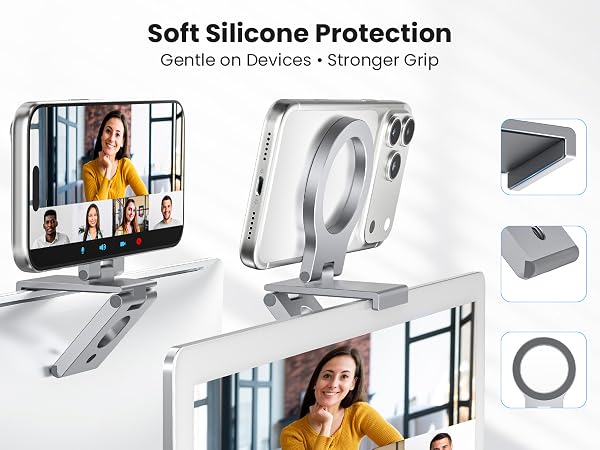
This PC monitor phone mount is designed mainly for iMac, Studio Display and desktop monitors. Thick or curved edges may affect fit. Heavy phones, such as Pro Max models, may tilt some MacBook screens backward, so an external monitor is recommended.
Why won’t my phone stay securely attached to the mount?
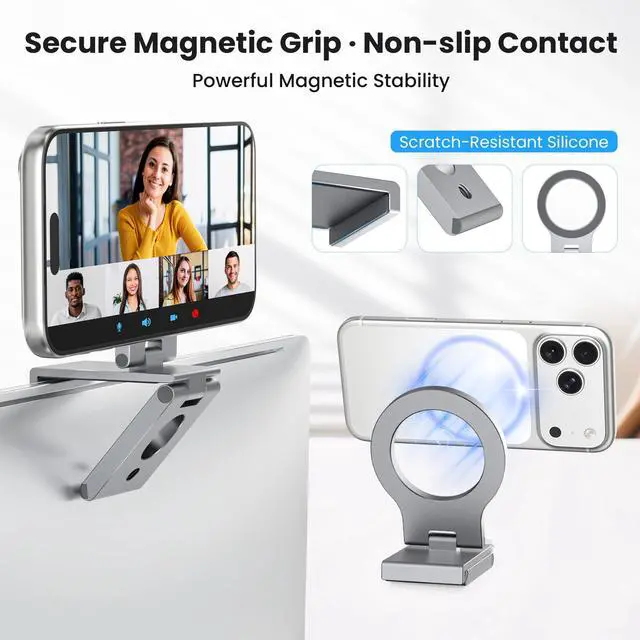
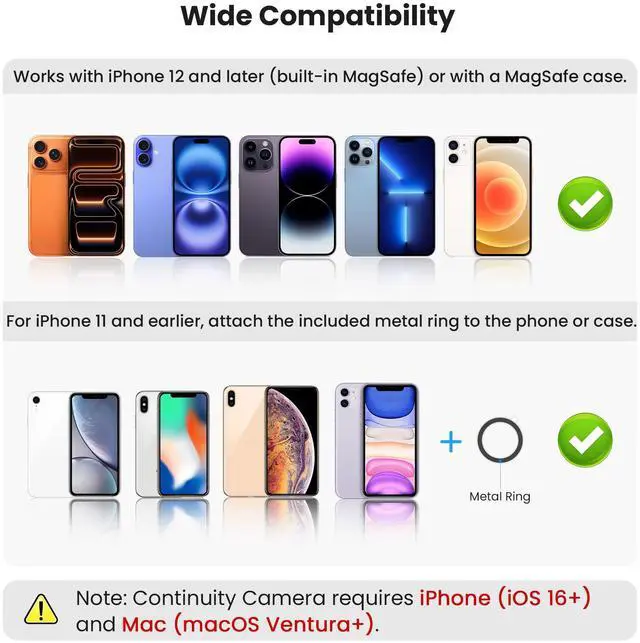
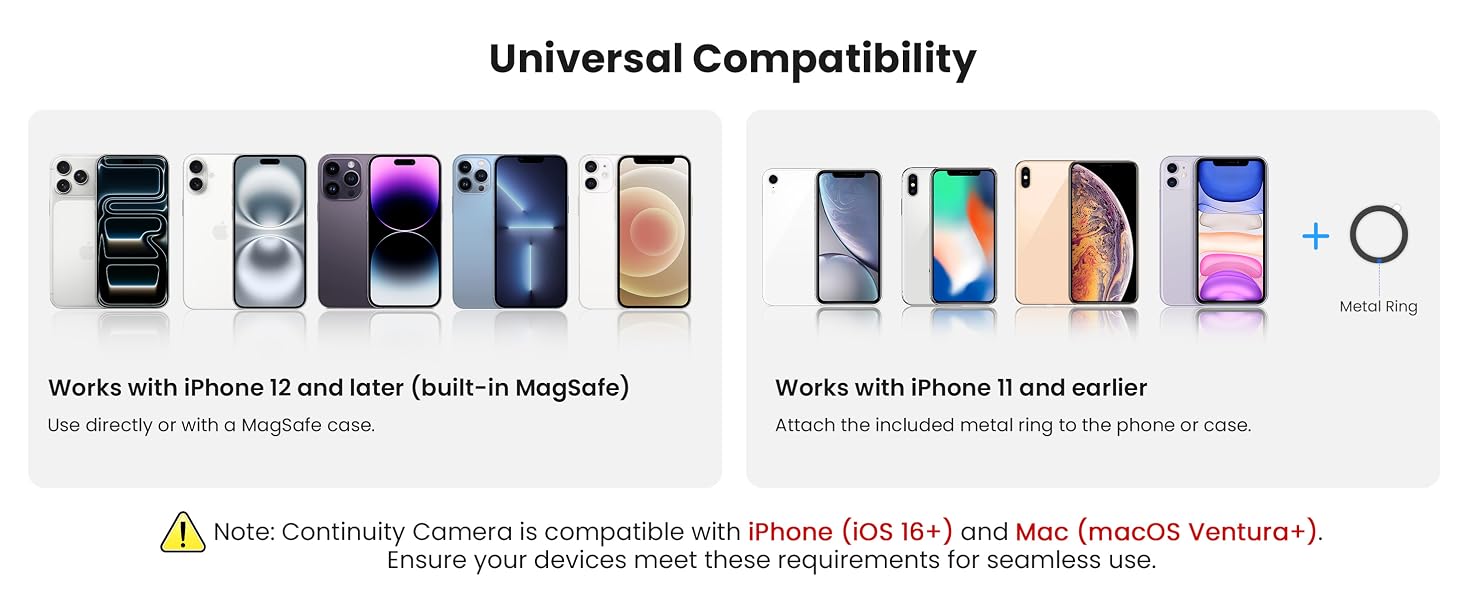
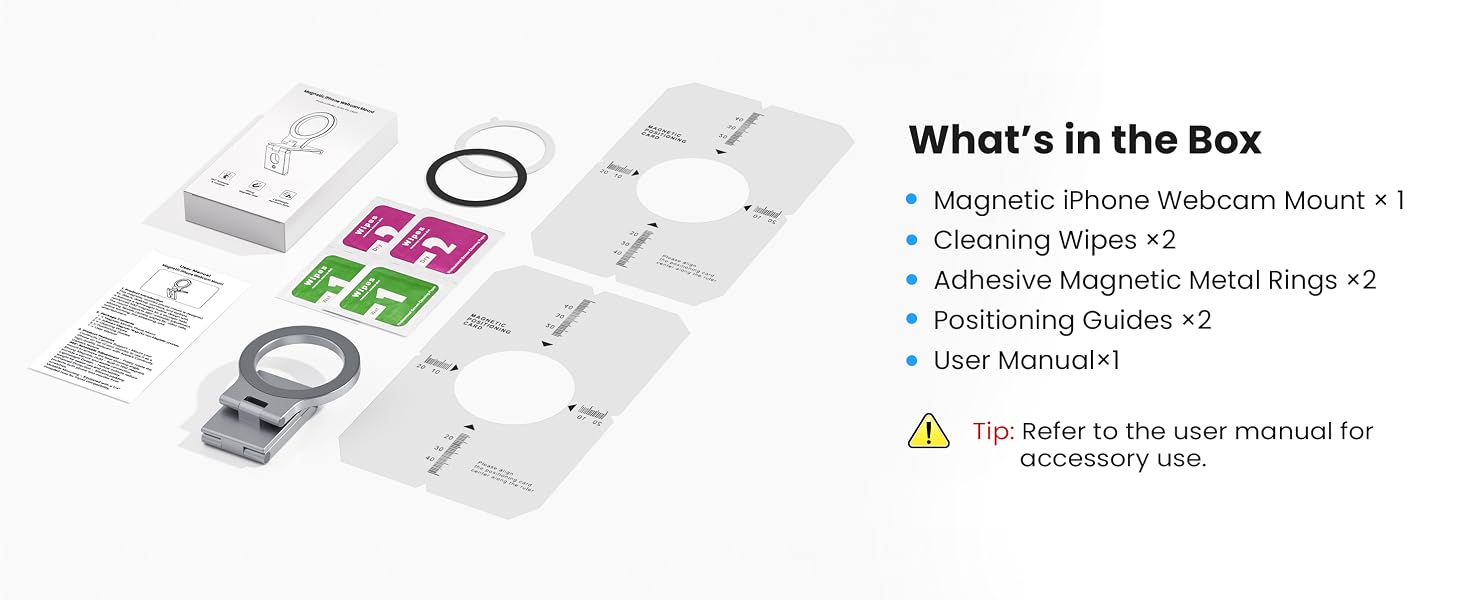
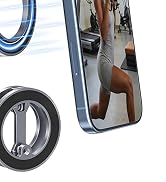
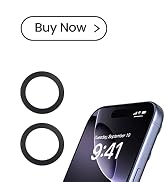
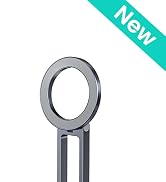
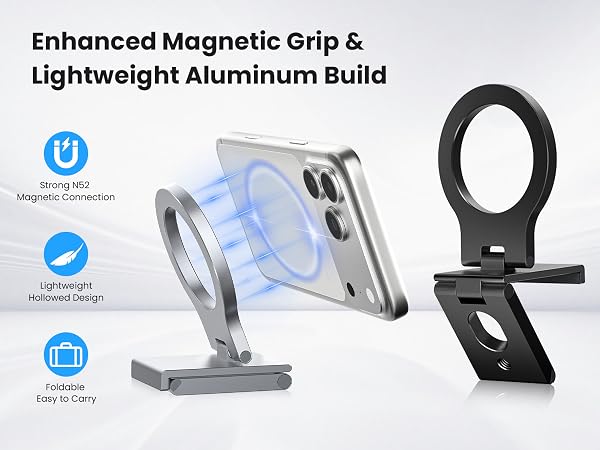
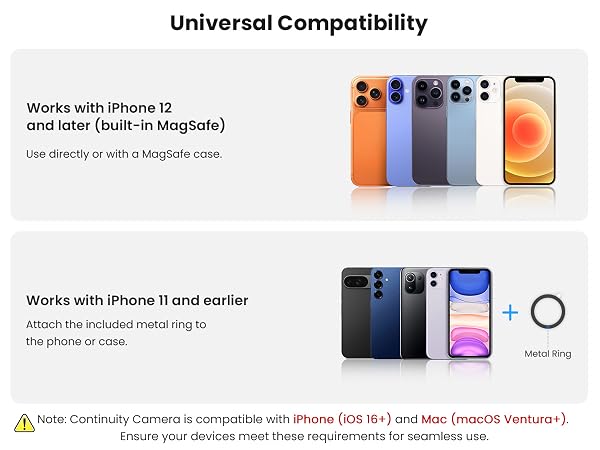
For a secure hold, use a bare Mag/Safe i/Phone or MagSafe-compatible case. Thick, rubberized, textured or non-MagSafe cases may weaken the grip. For iPhone 16e, 11, XR or XS Series, use the included metal ring on a smooth, hard surface.
Can I see my phone screen or use the front camera while mounted?
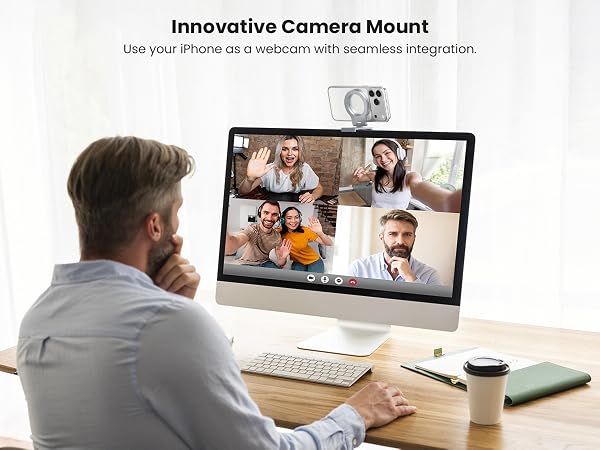
No. This magnetic phone webcam stand for iMac is designed to use your iPhone’s rear camera as a webcam, so the screen faces away from you when mounted. It works well for Continuity Camera on Mac, but it is not intended for front-camera viewing.
What do I need to use Continuity Camera with this mount?
You need an iPhone XR or later with iOS 16+, a compatible Mac with macOS Ventura 13+, and both devices signed in to the same Apple Account. Features such as Center Stage, Desk View, Portrait and Studio Light may vary by device and setup.
Is it portable, can I use it on a tripod, and how should I remove my phone?
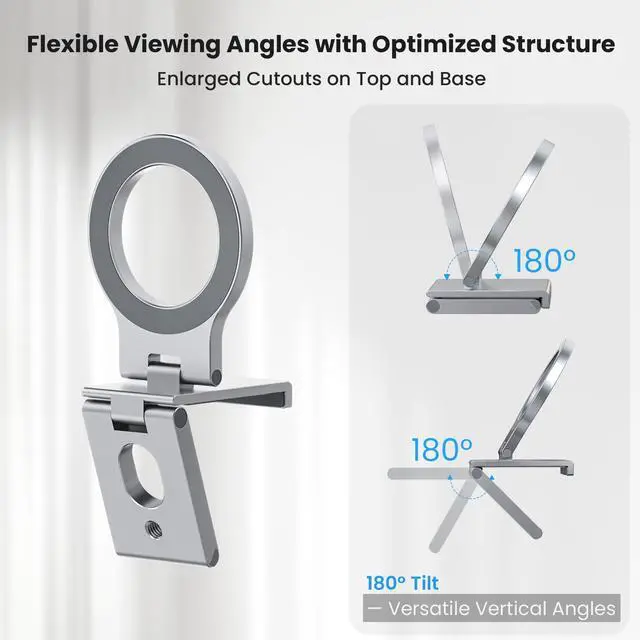
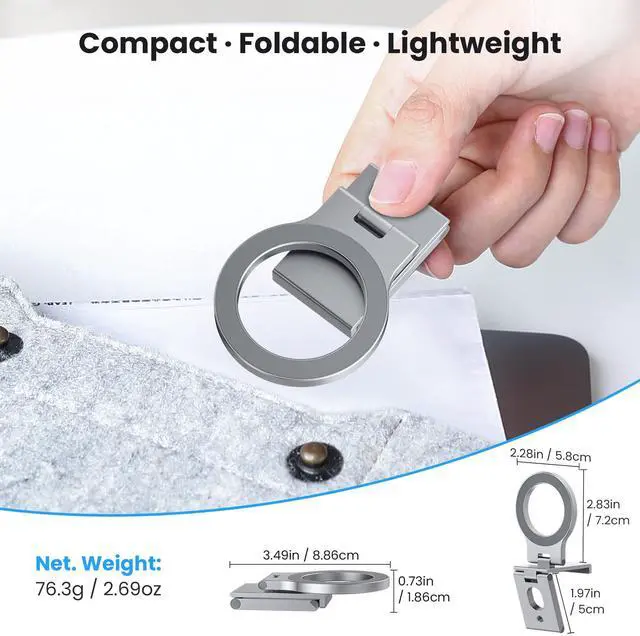
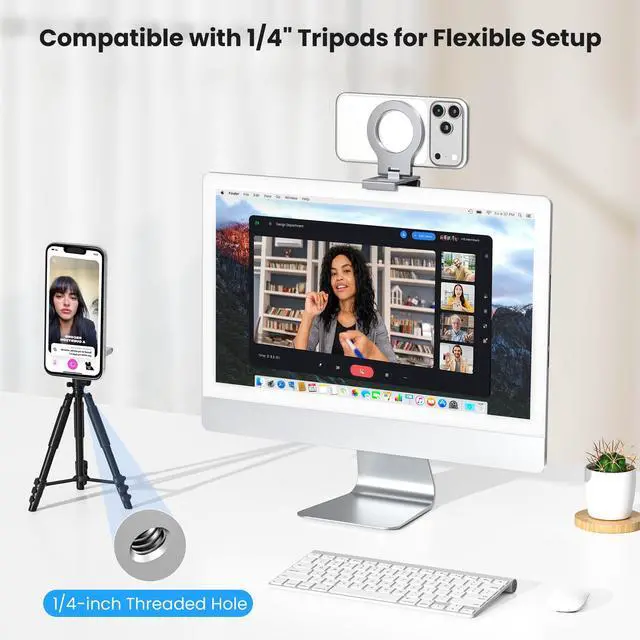
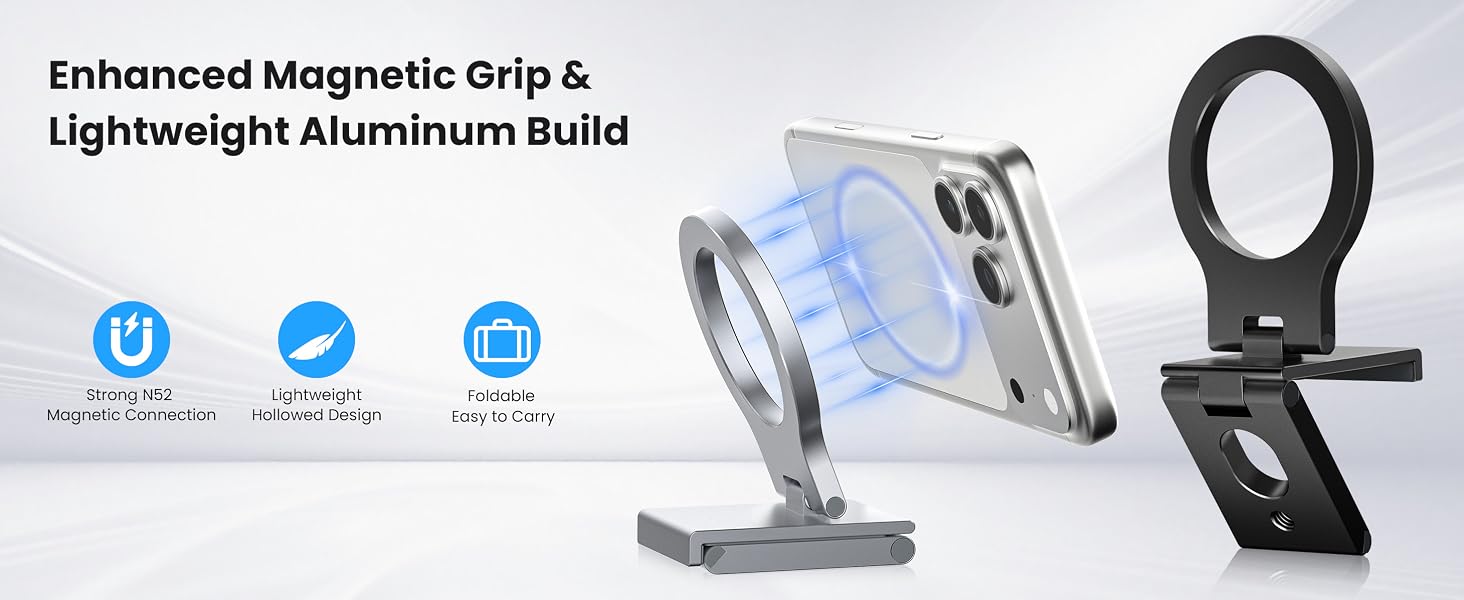
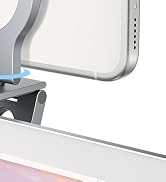
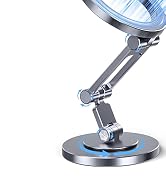
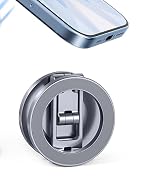
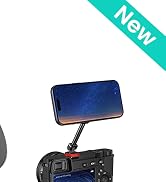
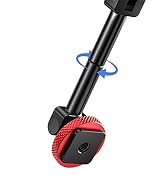
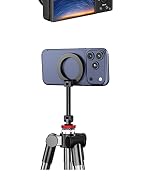
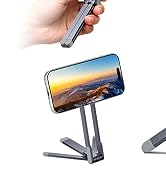
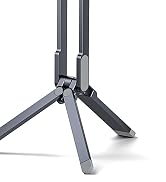
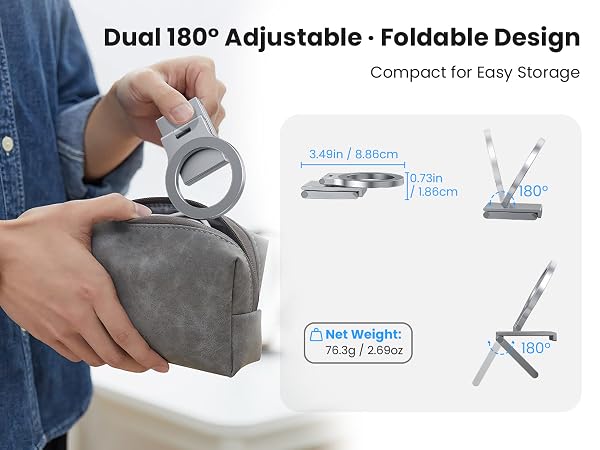
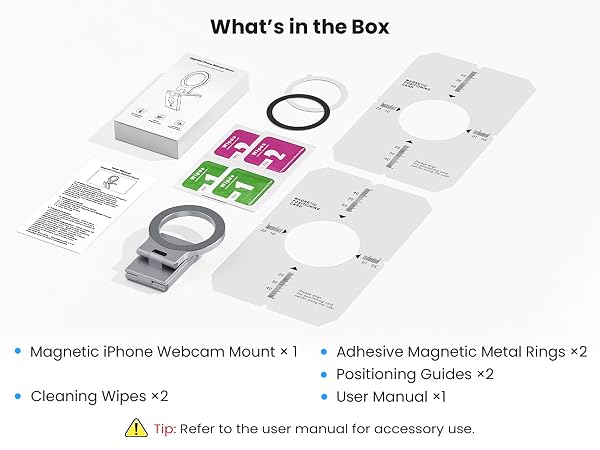
Yes. The continuity camera webcam mount folds flat and includes a built-in 1/4-inch thread for compatible tripods and desktop stands. To remove your phone, support the holder with one hand and peel the phone away from one edge.




Will this holder fit my monitor or MacBook, and why might the screen tilt backward?
This PC monitor phone mount is designed mainly for iMac, Studio Display and desktop monitors. Thick or curved edges may affect fit. Heavy phones, such as Pro Max models, may tilt some MacBook screens backward, so an external monitor is recommended.
Why won’t my phone stay securely attached to the mount?
For a secure hold, use a bare Mag/Safe i/Phone or MagSafe-compatible case. Thick, rubberized, textured or non-MagSafe cases may weaken the grip. For iPhone 16e, 11, XR or XS Series, use the included metal ring on a smooth, hard surface.
Can I see my phone screen or use the front camera while mounted?
No. This magnetic phone webcam stand for iMac is designed to use your iPhone’s rear camera as a webcam, so the screen faces away from you when mounted. It works well for Continuity Camera on Mac, but it is not intended for front-camera viewing.
What do I need to use Continuity Camera with this mount?
You need an iPhone XR or later with iOS 16+, a compatible Mac with macOS Ventura 13+, and both devices signed in to the same Apple Account. Features such as Center Stage, Desk View, Portrait and Studio Light may vary by device and setup.
Is it portable, can I use it on a tripod, and how should I remove my phone?
Yes. The continuity camera webcam mount folds flat and includes a built-in 1/4-inch thread for compatible tripods and desktop stands. To remove your phone, support the holder with one hand and peel the phone away from one edge.
iPhone Webcam Monut
360° iPhone Webcam Monut
Dual Magnetic Phone Stand

Dual Magnetic Phone Stand
Cold Shoe Phone Mount
2IN1 Magnetic Bar Mount
MagSafe Mini Tripod Mount
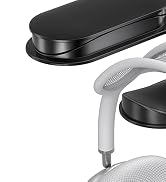
Wall Mount Headset Hook
