


![Main image of USB Multi-Polar Pattern Condenser Microphone with Mute Noise Cancelation RGB for Podcasting Gaming Streaming YouTube Zoom AMSR Singing Recording [Compatible with PC Laptop Mac PS4/5], J101-CS](https://c1.neweggimages.com/productimage/nb640/C5RZD2604080FKDI08B.jpg)
![Alt view image 2 of 6 - USB Multi-Polar Pattern Condenser Microphone with Mute Noise Cancelation RGB for Podcasting Gaming Streaming YouTube Zoom AMSR Singing Recording [Compatible with PC Laptop Mac PS4/5], J101-CS](https://c1.neweggimages.com/productimage/nb640/C5RZD2604080FKDOU27.jpg)
![Alt view image 3 of 6 - USB Multi-Polar Pattern Condenser Microphone with Mute Noise Cancelation RGB for Podcasting Gaming Streaming YouTube Zoom AMSR Singing Recording [Compatible with PC Laptop Mac PS4/5], J101-CS](https://c1.neweggimages.com/productimage/nb640/C5RZD2604080FKDL967.jpg)
![Alt view image 4 of 6 - USB Multi-Polar Pattern Condenser Microphone with Mute Noise Cancelation RGB for Podcasting Gaming Streaming YouTube Zoom AMSR Singing Recording [Compatible with PC Laptop Mac PS4/5], J101-CS](https://c1.neweggimages.com/productimage/nb640/C5RZD2604080FKDN4B3.jpg)
![Alt view image 5 of 6 - USB Multi-Polar Pattern Condenser Microphone with Mute Noise Cancelation RGB for Podcasting Gaming Streaming YouTube Zoom AMSR Singing Recording [Compatible with PC Laptop Mac PS4/5], J101-CS](https://c1.neweggimages.com/productimage/nb640/C5RZD2604080FKDPTE6.jpg)
![Alt view image 6 of 6 - USB Multi-Polar Pattern Condenser Microphone with Mute Noise Cancelation RGB for Podcasting Gaming Streaming YouTube Zoom AMSR Singing Recording [Compatible with PC Laptop Mac PS4/5], J101-CS](https://c1.neweggimages.com/productimage/nb640/C5RZD2604080FKDRX71.jpg)


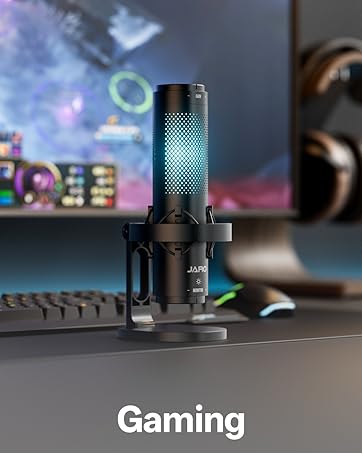
JARO J101-CS Microphone
Merchant Video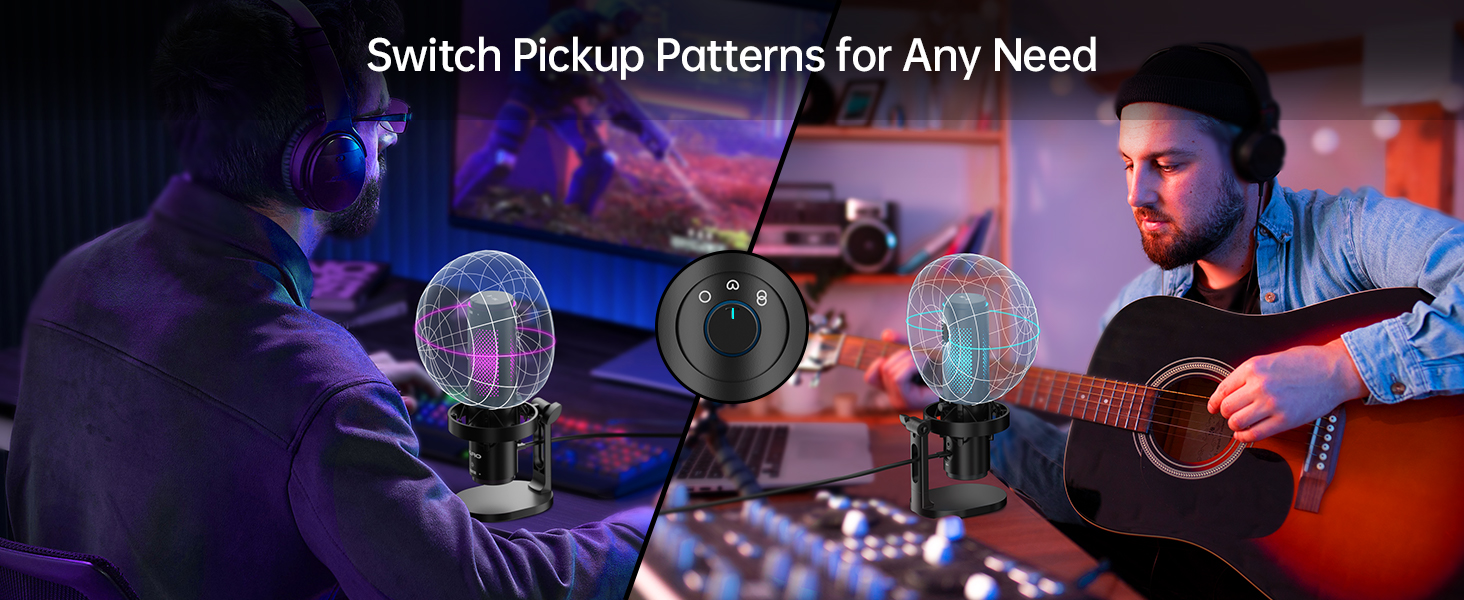
Cardioid Precision
Designed to spotlight your voice, not the room.
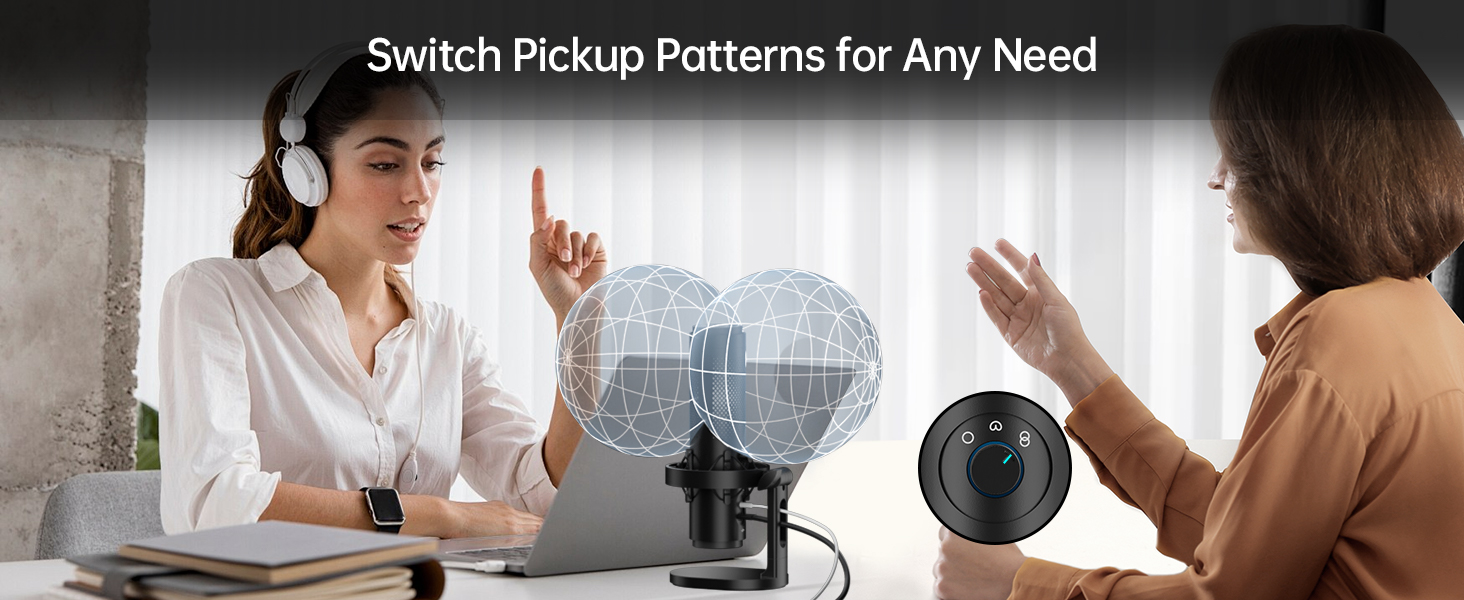
One Mic, Two Voices
Introduce the bipolar pattern - Ideal for interviews, podcasts, or any other face-to-face setup.
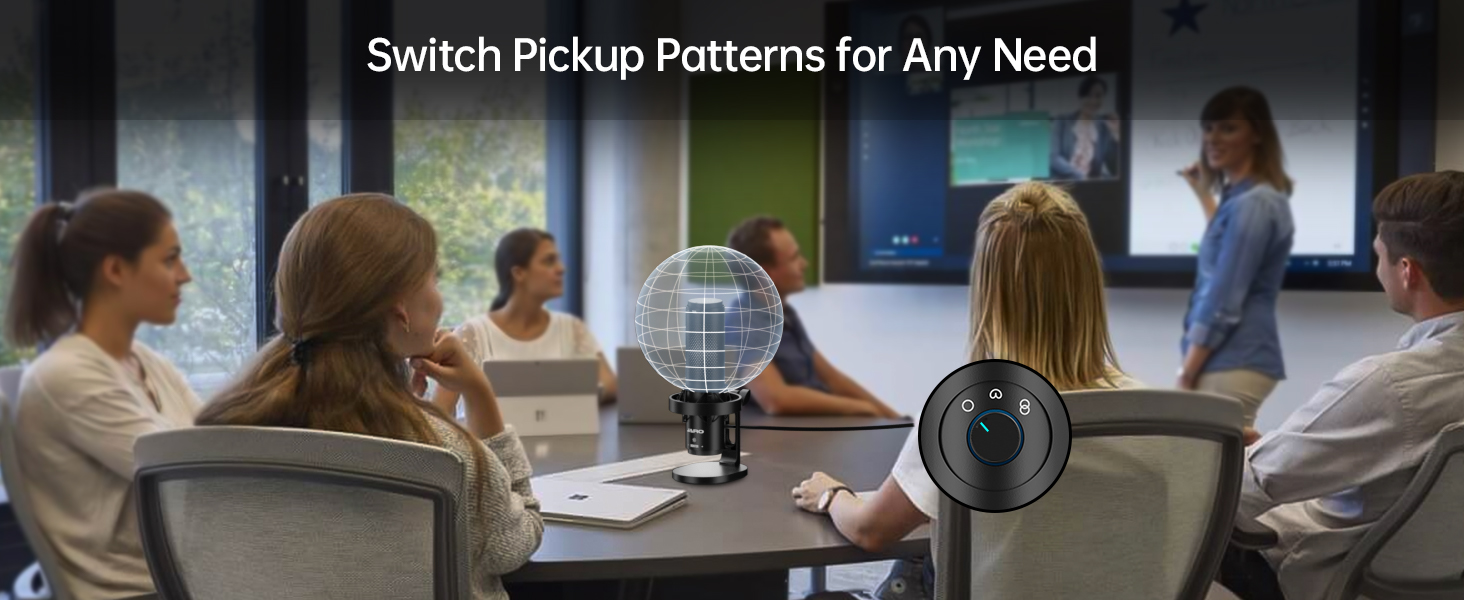
From All Sides
The omnidirectional pattern leaves no voice behind, designed for multi-person sessions and lively gatherings.
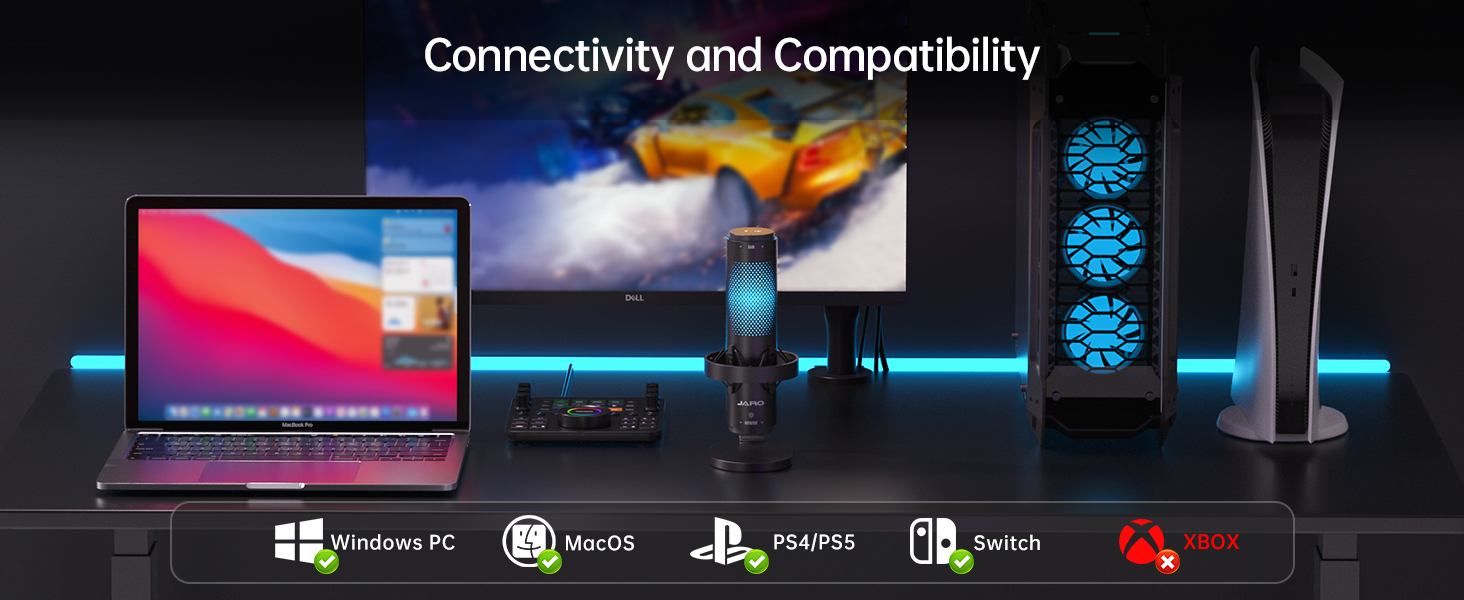
Connectivity and Compatibility
Simply connect the microphone to your device via a USB, no drivers required.
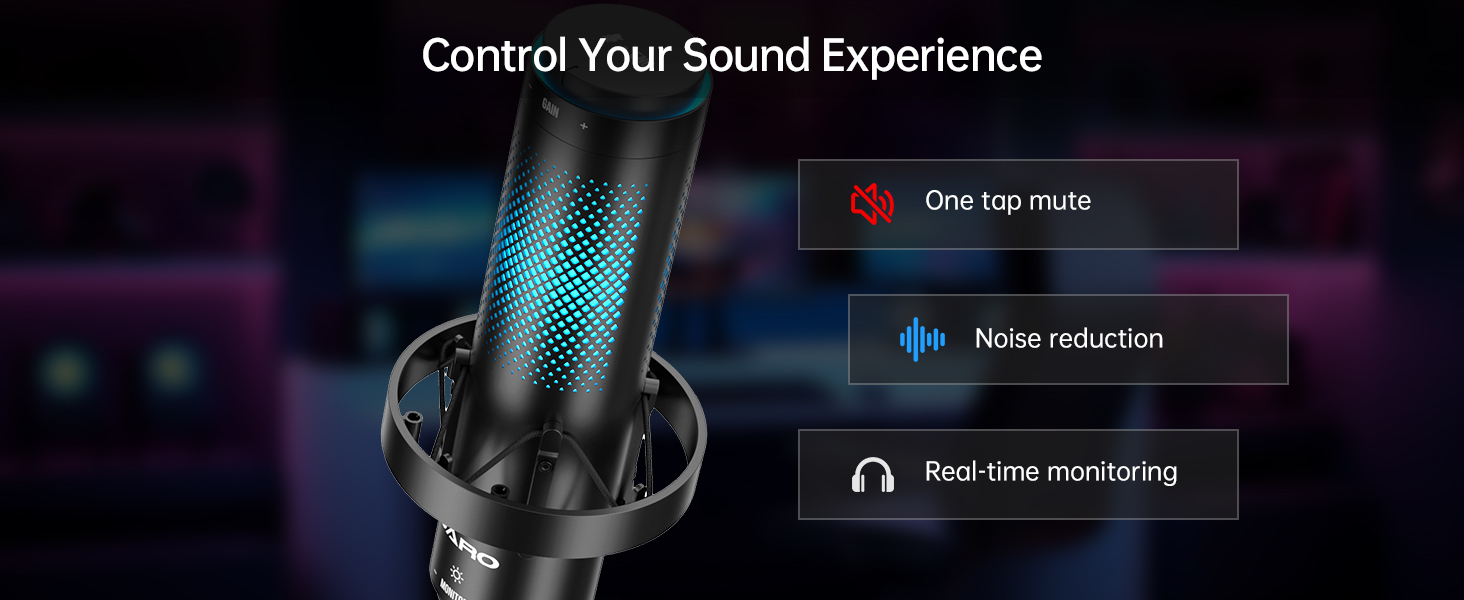
Hear It, Mute It, Filter It
- Stay Ahead with Real-Time Monitoring via a 3.5mm Jack.
- One tap is all it takes for instant mute.
- Noise reduction mode keeps your audio clear in any environment.
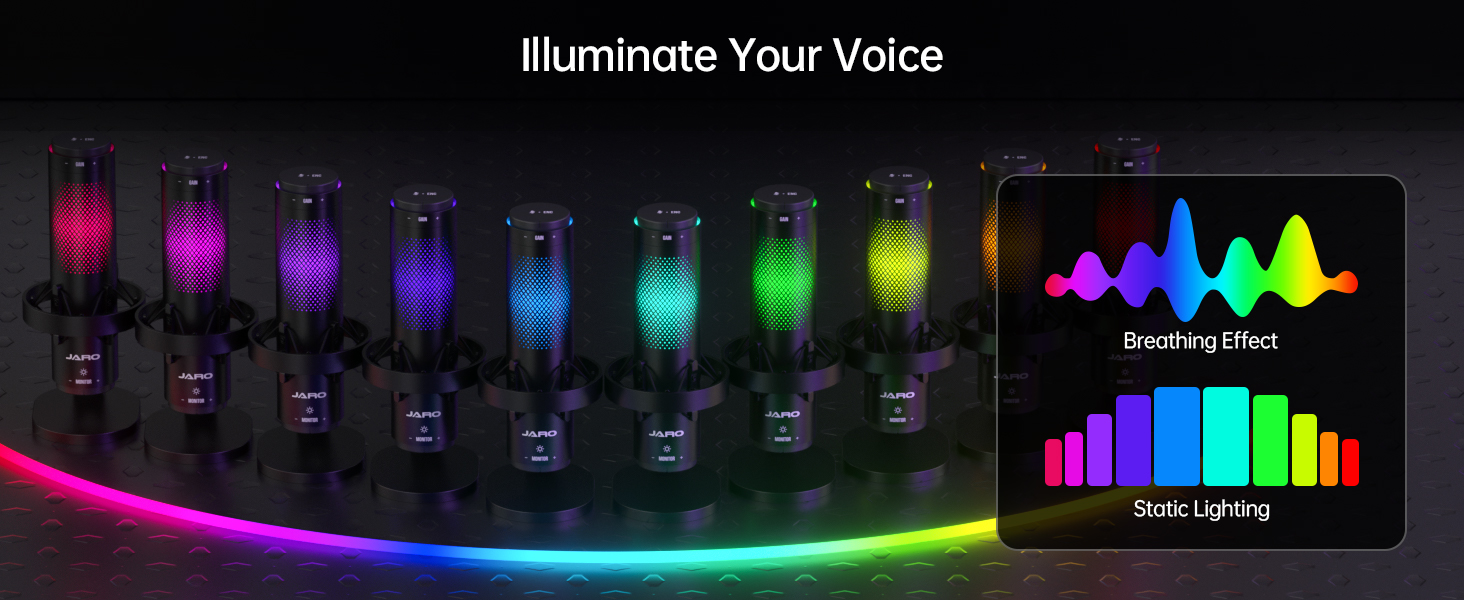
Illuminate Your Voice
- Find your perfect vibe with 10 RGB effects.
- Or turn it off for zero distractions.


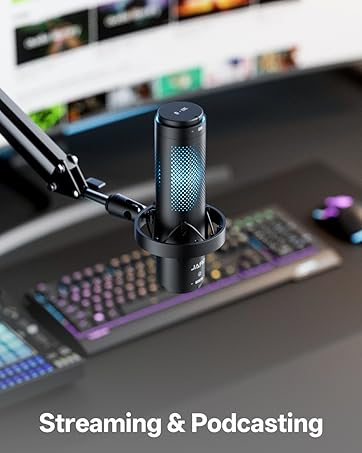
How to Mount J101-CS on a Boom Arm
A boom arm connector is included in the package. You can remove the microphone from the desk stand by twisting off the mounting nut and then attach the connector. If needed, use the included 3/8" to 5/8" adapter to fit your boom arm’s threaded head.
How to Turn Off the RGB Lighting
Long press the bottom MONITOR knob switches on and off the RGB lighting.
Does J101-CS work with an audio interface
The J101-CS microphone features only a USB connection. If you plan to use it with an audio interface, make sure the interface supports USB input.
Does J101-CS work with phones or tablets
Yes!
Once connect the mic to the mobile device, hit accept or confirm to have the mic doing the sound pickup. If Dismiss or Cancel was hit by mistake, you have to manually set it up in the control center.
Switch the RGB off for better battery life.
How to setup J101-CS for the best recording quality
1. The cardioid pickup pattern is preferable for the best recording quality;
2. Record with the appropriate distance (5 - 10 in.);
3. Adjust the microphone GAIN and the device mic input level for a desired volume.
Multi-Pattern | Pickup Pattern | Cardioid |
Shock Mount | ||
Boom Arm | ||
Built-in Pop Filter | ||
RGB Lighting | ||
Click-free Control | ||
75dB | SNR | 78dB |
Multi-Pattern | Pickup Pattern | Cardioid |
Shock Mount | ||
Boom Arm | ||
Built-in Pop Filter | ||
RGB Lighting | ||
Click-free Control | ||
75dB | SNR | 78dB |



About JARO
At JARO, we believe every voice deserves to be heard with clarity and precision. We create high-quality audio products that elevate the experience for creators, gamers, and musicians. JARO microphones use cutting-edge technology to deliver crystal-clear sound, capturing every detail. Our products are designed for both professionals and enthusiasts, offering a reliable, versatile, and stylish experience.
JARO J101-CS Microphone
Merchant VideoCardioid Precision
One Mic, Two Voices
From All Sides
Connectivity and Compatibility
Hear It, Mute It, Filter It
Illuminate Your Voice


Designed to spotlight your voice, not the room.
Introduce the bipolar pattern - Ideal for interviews, podcasts, or any other face-to-face setup.
The omnidirectional pattern leaves no voice behind, designed for multi-person sessions and lively gatherings.
Simply connect the microphone to your device via a USB, no drivers required.
- Stay Ahead with Real-Time Monitoring via a 3.5mm Jack.
- One tap is all it takes for instant mute.
- Noise reduction mode keeps your audio clear in any environment.
- Find your perfect vibe with 10 RGB effects.
- Or turn it off for zero distractions.

How to Mount J101-CS on a Boom Arm
A boom arm connector is included in the package. You can remove the microphone from the desk stand by twisting off the mounting nut and then attach the connector. If needed, use the included 3/8" to 5/8" adapter to fit your boom arm’s threaded head.
How to Turn Off the RGB Lighting
Long press the bottom MONITOR knob switches on and off the RGB lighting.
Does J101-CS work with an audio interface
The J101-CS microphone features only a USB connection. If you plan to use it with an audio interface, make sure the interface supports USB input.
Does J101-CS work with phones or tablets
Yes!
Once connect the mic to the mobile device, hit accept or confirm to have the mic doing the sound pickup. If Dismiss or Cancel was hit by mistake, you have to manually set it up in the control center.
Switch the RGB off for better battery life.
How to setup J101-CS for the best recording quality
1. The cardioid pickup pattern is preferable for the best recording quality;
2. Record with the appropriate distance (5 - 10 in.);
3. Adjust the microphone GAIN and the device mic input level for a desired volume.
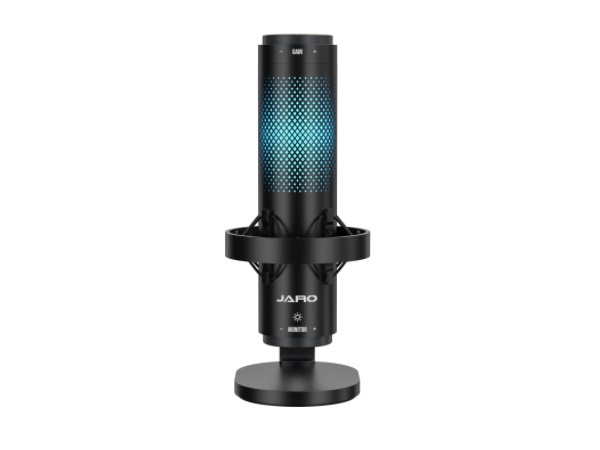
JARO J101-CS Microphone
Pickup Pattern
Multi-Pattern
Shock Mount
Boom Arm
Built-in Pop Filter
RGB Lighting
Click-free Control
SNR
75dB
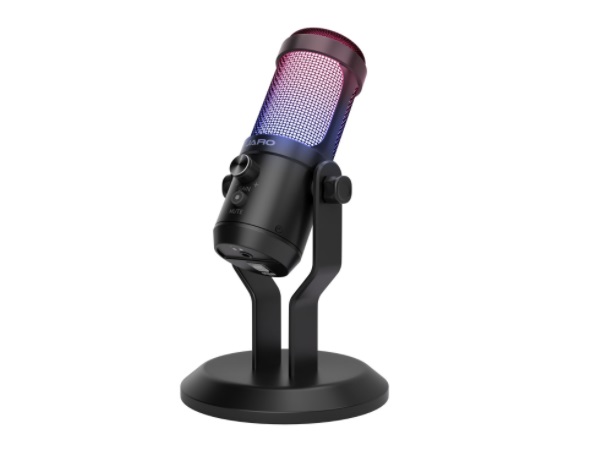
JARO J00-CS Microphone
Pickup Pattern
Cardioid
Shock Mount
Boom Arm
Built-in Pop Filter
RGB Lighting
Click-free Control
SNR
78dB
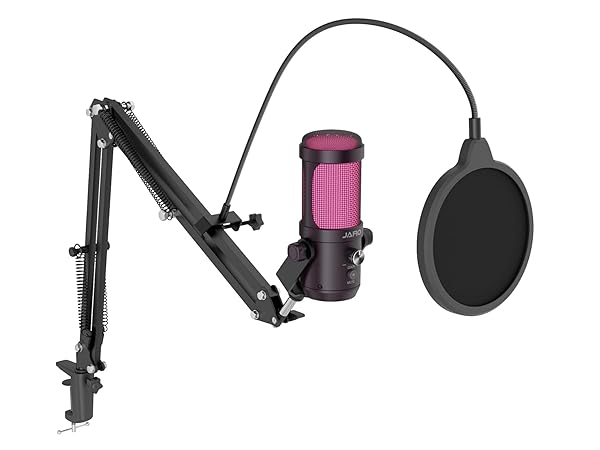
JARO J00-CB Microphone
Pickup Pattern
Cardioid
Shock Mount
Boom Arm
Built-in Pop Filter
RGB Lighting
Click-free Control
SNR
78dB
About JARO
At JARO, we believe every voice deserves to be heard with clarity and precision. We create high-quality audio products that elevate the experience for creators, gamers, and musicians. JARO microphones use cutting-edge technology to deliver crystal-clear sound, capturing every detail. Our products are designed for both professionals and enthusiasts, offering a reliable, versatile, and stylish experience.