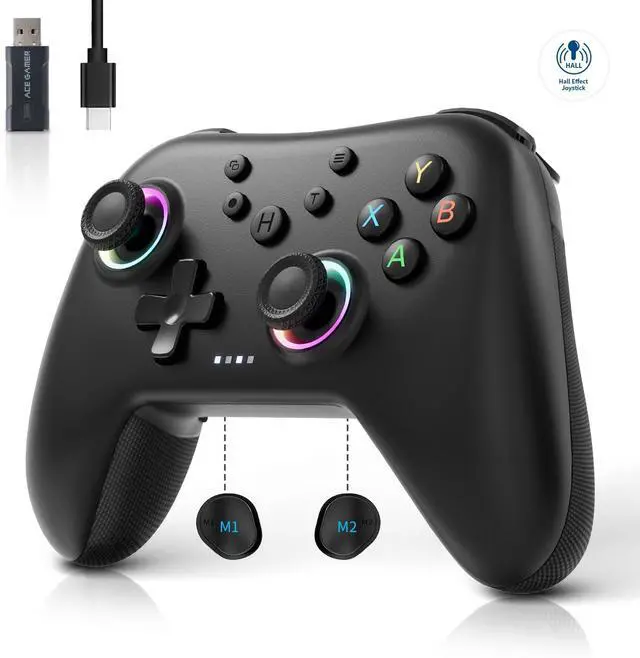
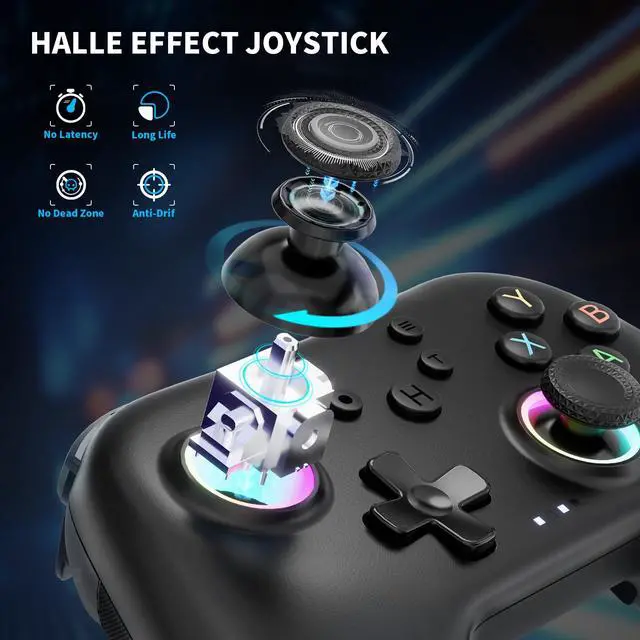
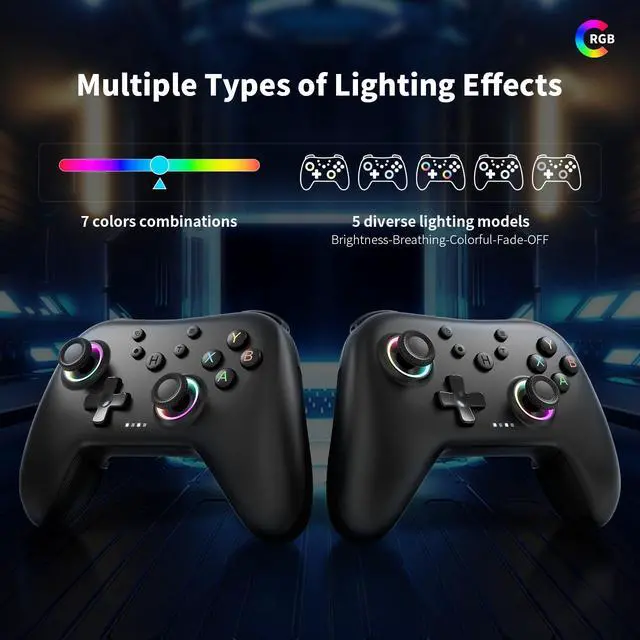
JAYSUING 2.4G Wireless Bluetooth Controller for Windows PC/Steam with Hall Triggers, Hall Joysticks and RGB Light- Upgraded PC Controller Compatible with Black Myth: Wukong, Multi-Platform Support
Product information
| Compatible Devices | PC |
| Controller Type | Gamepad |
| Connectivity Technology | Bluetooth |
| Additional Features | Ergonomic, Multiuse, Rumble, Wireless |
| Hardware Platform | Desktop |
| Power Source | Battery Powered |
| Item Weight | 0.28 Kilograms |
| Package Quantity | 1 |
| Brand Name | JAYSUING |
| Model Name | RM |
| Manufacturer | JAYSUING |
| Color | Black 1 |
Additional Features
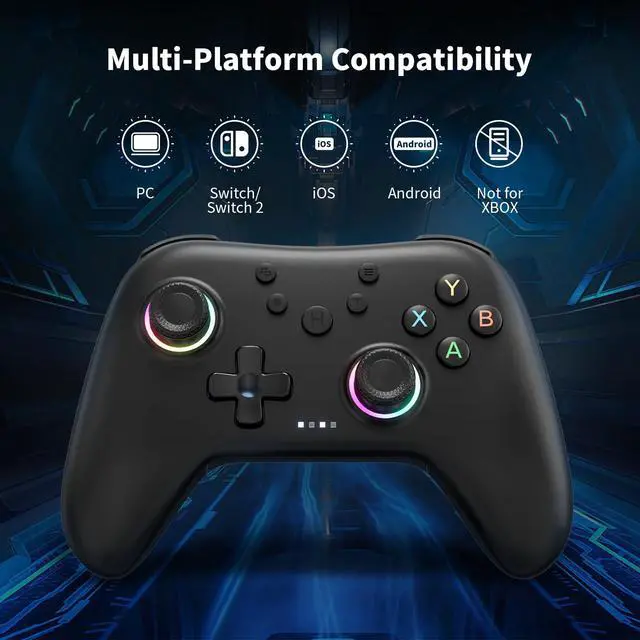
- [Multi-Platform Compatibility ]Our controller is designed to be compatible with various platforms, including PC Windows 7,Windows 10and later version, Switch, iOS, and Android. Supports PC games running through Steam. No matter which device you prefer for gaming, our controller provides seamless connectivity and smooth gameplay across multiple platforms, ensuring versatility and convenience.!Note!: The controller is not compatible with the Xbox system.
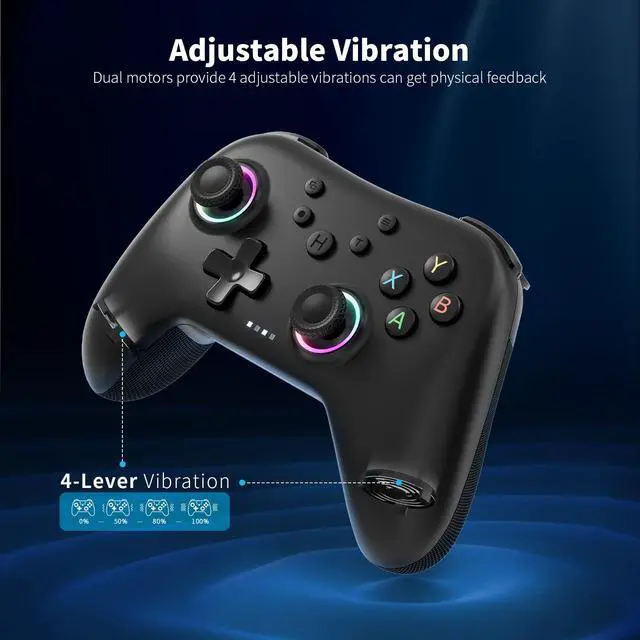
- [Double Rotary Motorr]dual vibration adjustable, vibration intensity can be adjusted in four grades, the real experience of the game in the collision, vibration, shooting and other scenes.
- [How to connect ]1. For 2.4G receiver connection, first press and hold the A button, then press and hold the HOME button for 3 seconds to begin pairing with the receiver. For Bluetooth connection, press and hold the HOME button for 3 seconds. 2. Bluetooth connection: Press and hold the HOME button on the controller for approximately 3 seconds to initiate Bluetooth pairing. Enable Bluetooth search on your PC, then click to connect to Xbox Wireless Controller. Once Bluetooth pairing is successful, LED2 will illuminate.