


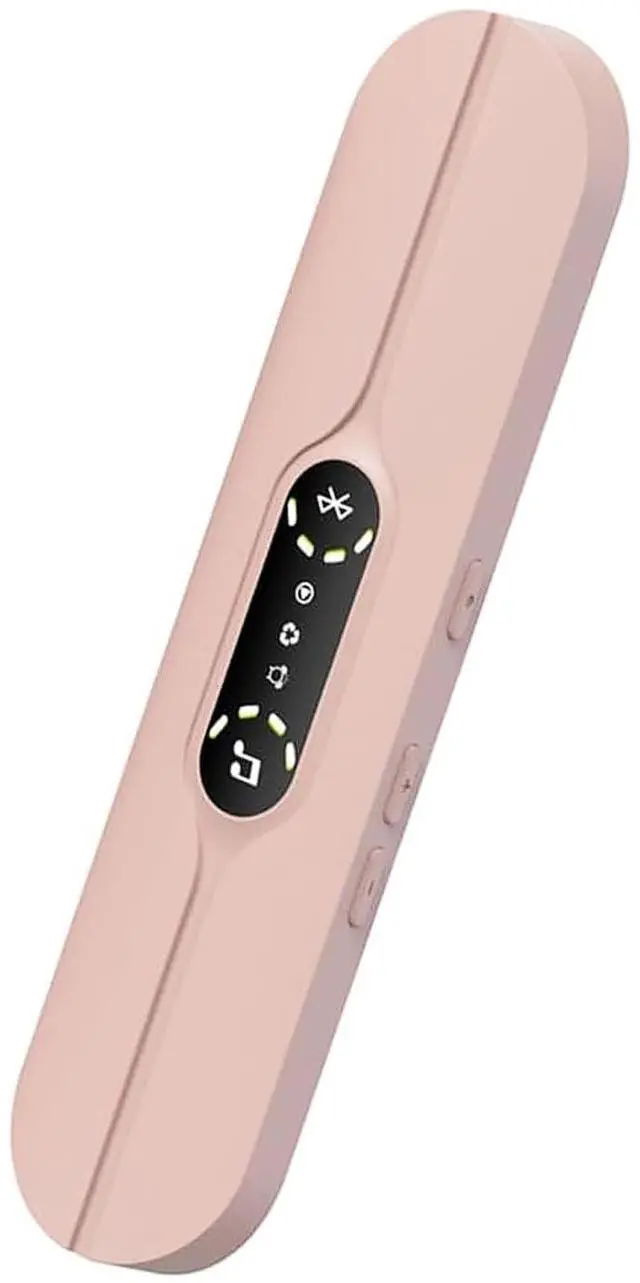
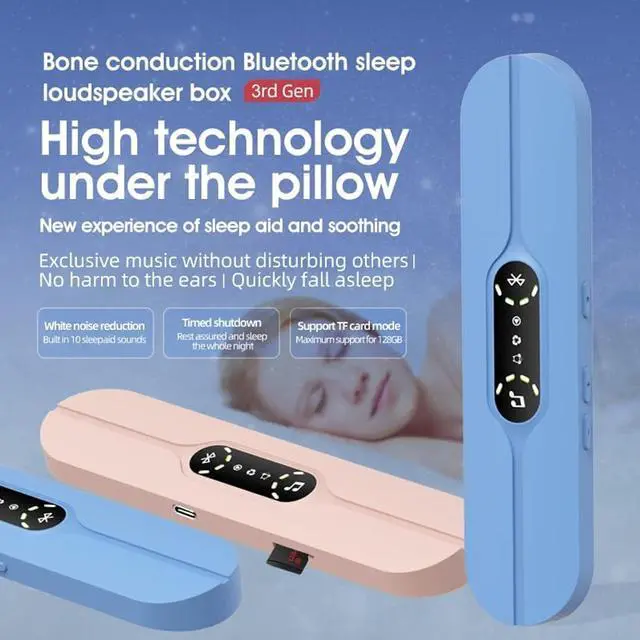
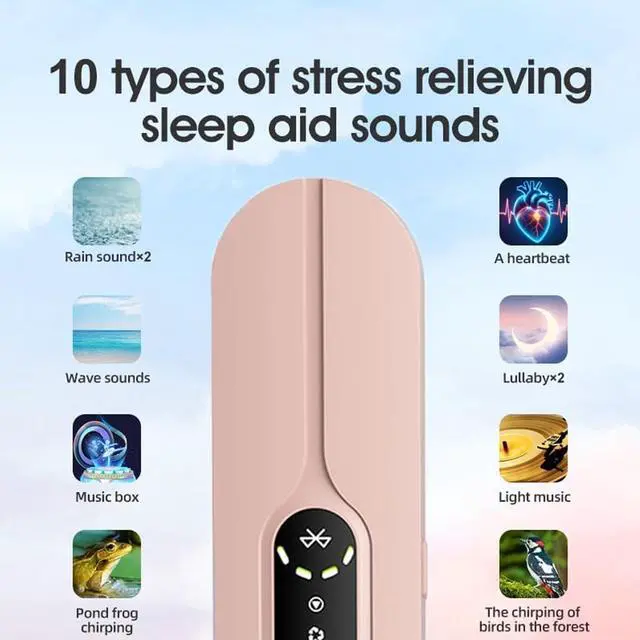
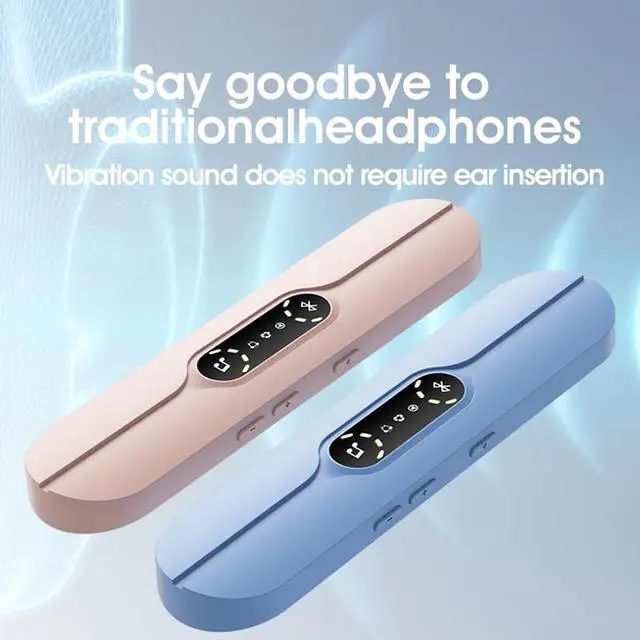



The speaker cannot enter Bluetooth mode
Ensure speaker is off, press & hold power button for ~5 secs until white indicator on, then double-click for Bluetooth mode (red & blue lights flash alternately). No response? Use included cable to charge it 1-2 hrs, then try again.
The phone cannot detect speaker devices
1. Confirm speaker in Bluetooth mode (red/blue lights flash alternately).
2. Turn off phone Bluetooth, wait 10s, turn on & search; check speaker’s other connections (disconnect if any).
3. Still undetectable? Restart speaker.
Unstable connection, intermittent sound
1. Keep the speaker within 10m of the connected device, minimize obstacles.
2. Turn off nearby Bluetooth to avoid signal interference.
3. Unpair the speaker in phone Bluetooth settings, then reconnect
No sound after successful connection
1. Adjust phone volume to appropriate level.
2. Use speaker’s side volume button to turn up volume.
3. Check if phone is in silent mode or Bluetooth audio output is wrong – reselect speaker as output in Bluetooth settings.


The speaker cannot enter Bluetooth mode
Ensure speaker is off, press & hold power button for ~5 secs until white indicator on, then double-click for Bluetooth mode (red & blue lights flash alternately). No response? Use included cable to charge it 1-2 hrs, then try again.
The phone cannot detect speaker devices
1. Confirm speaker in Bluetooth mode (red/blue lights flash alternately).
2. Turn off phone Bluetooth, wait 10s, turn on & search; check speaker’s other connections (disconnect if any).
3. Still undetectable? Restart speaker.
Unstable connection, intermittent sound
1. Keep the speaker within 10m of the connected device, minimize obstacles.
2. Turn off nearby Bluetooth to avoid signal interference.
3. Unpair the speaker in phone Bluetooth settings, then reconnect
No sound after successful connection
1. Adjust phone volume to appropriate level.
2. Use speaker’s side volume button to turn up volume.
3. Check if phone is in silent mode or Bluetooth audio output is wrong – reselect speaker as output in Bluetooth settings.