





JierLottume Camera Remote
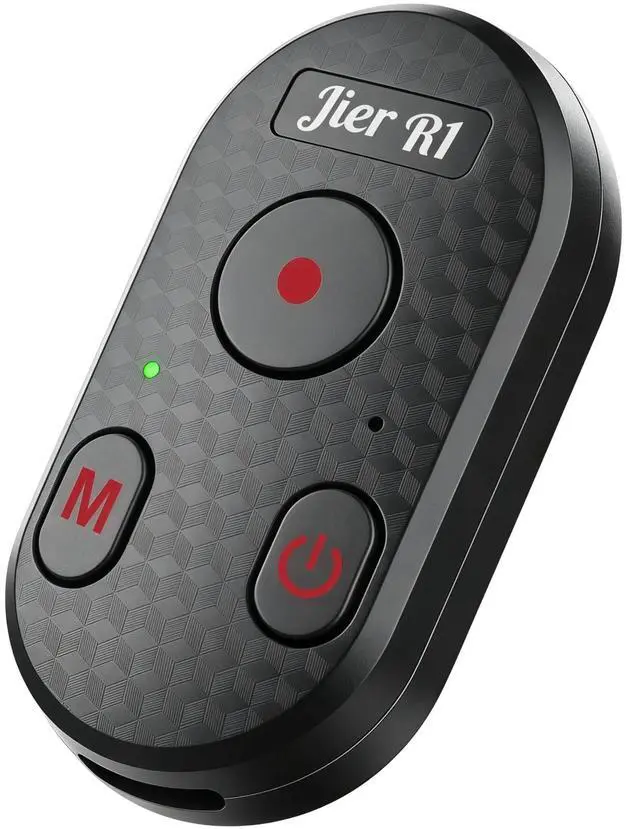
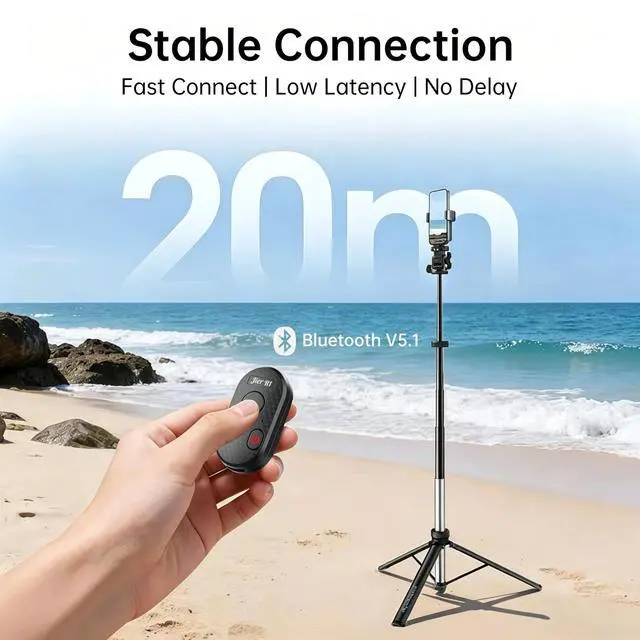
The Wireless Bluetooth Camera Remote for Phone and GoPro - Enjoy instant pairing and seamless 65ft wireless control with Bluetooth 5.1 for fast response and stable connection. Ultra-portable with 10-hour battery life (55mAh/Type-C). Perfect for hassle-free shooting!
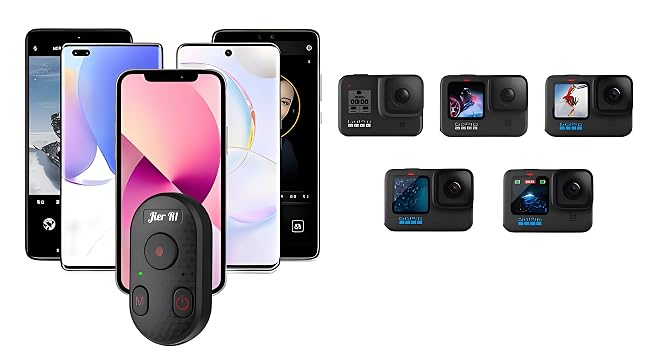
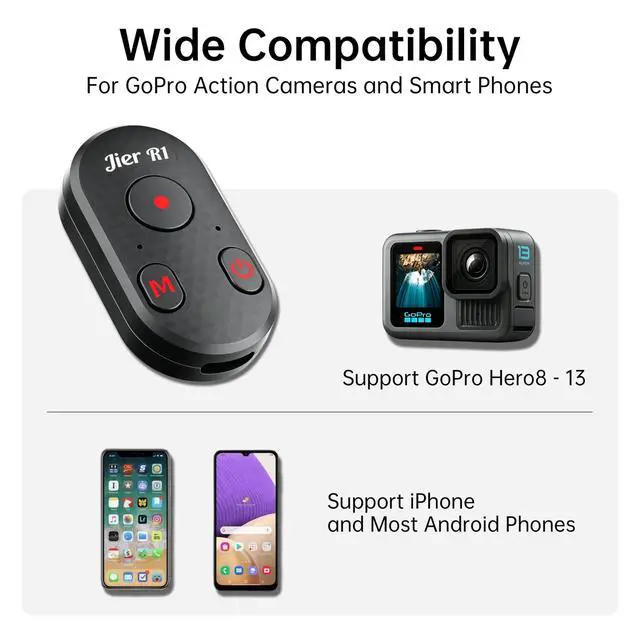
Wide Compatibility
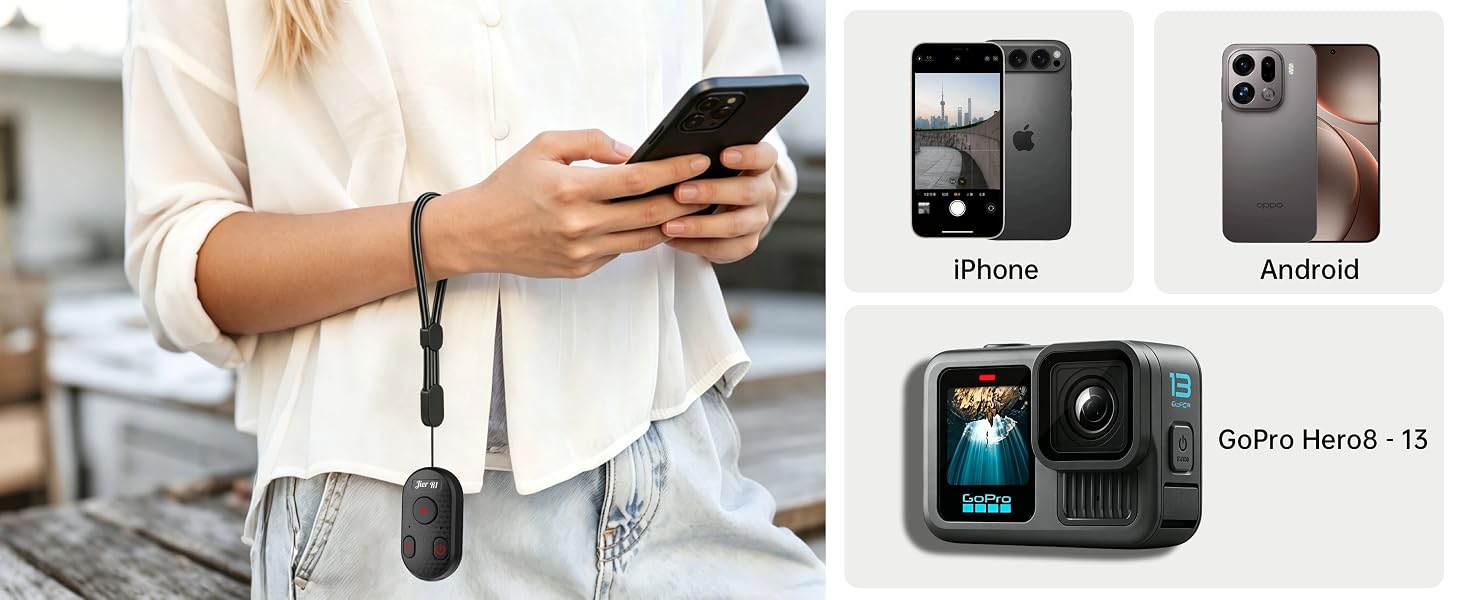
The iPhone remote camera control Offers both smartphone and GoPro compatibility modes, ensuring compatibility with most smartphones and GoPro models available on the market.
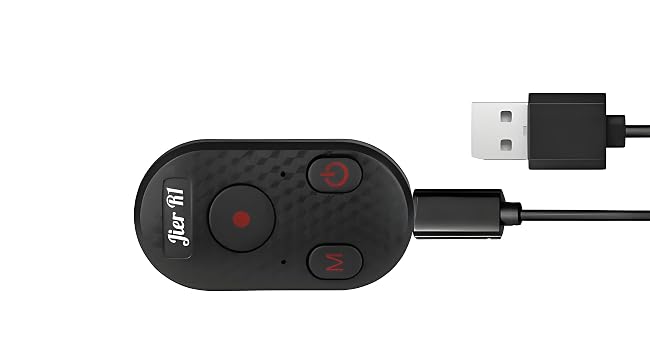
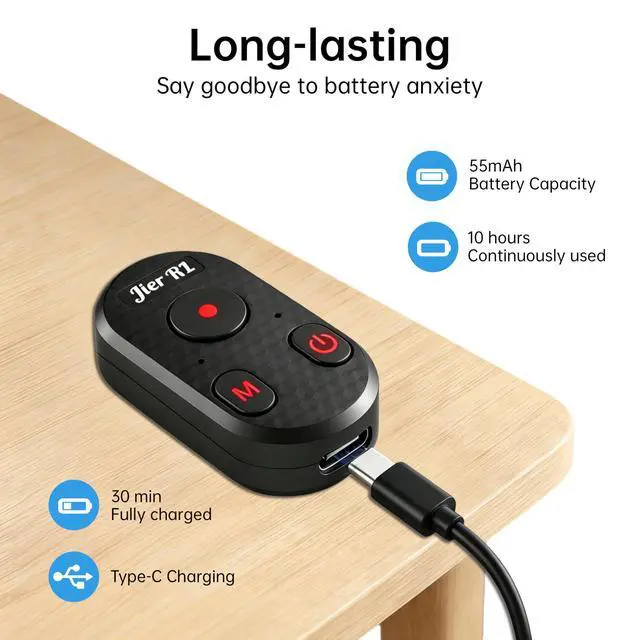
Type-C Recharagable
The rechargeable Bluetooth shutter remote for iPhone features Type-C charging, allowing you to recharge the device easily while traveling, eliminating the worry of running out of power.

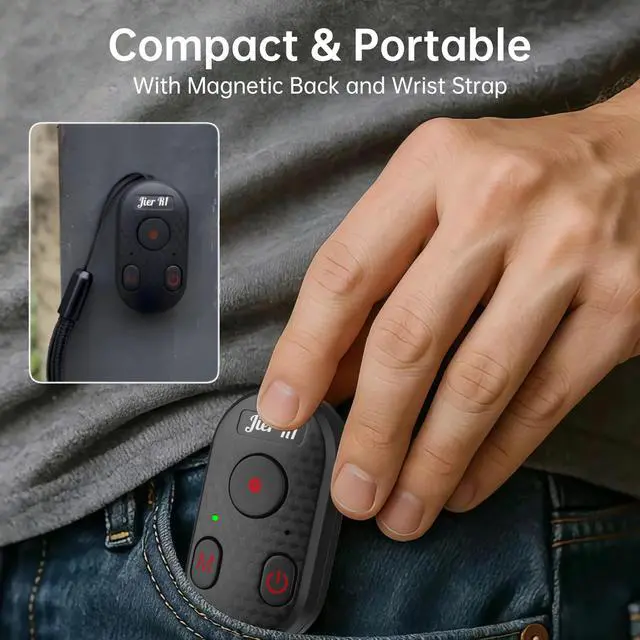
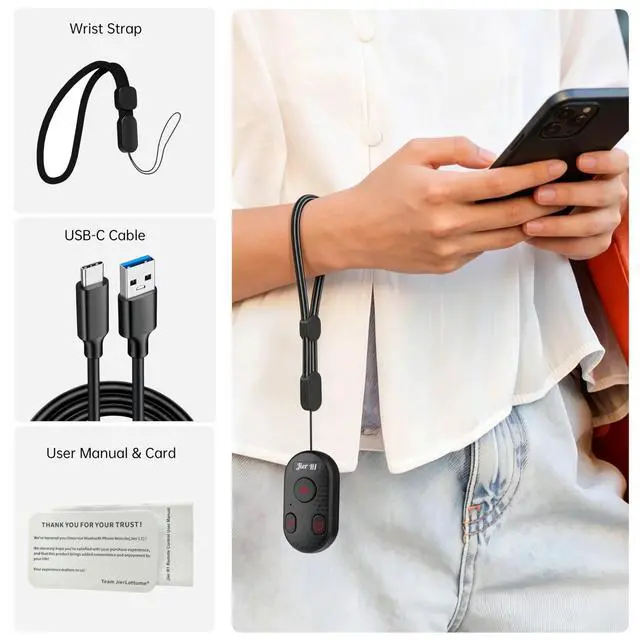
This camera remote control weighs only 11 grams. Its back features a magnetic suction design, allowing it to be attached to metal surfaces. The Wrap Stripe allows it to be worn on the hand, and it can also be used in combination with a tripod.

Compact in size and easy to carry, it can be casually put into your backpack or pocket, thus making it convenient to use in various scenarios.
How to Connect
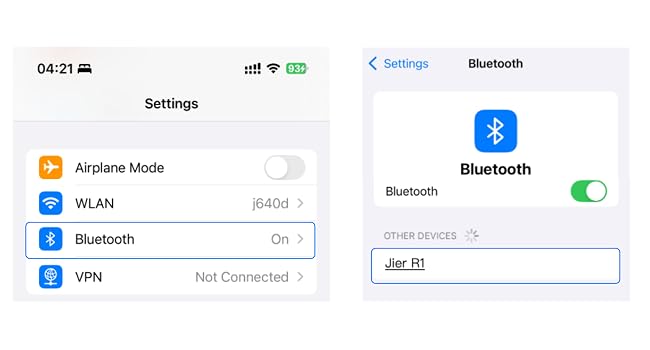
Connect to the phone
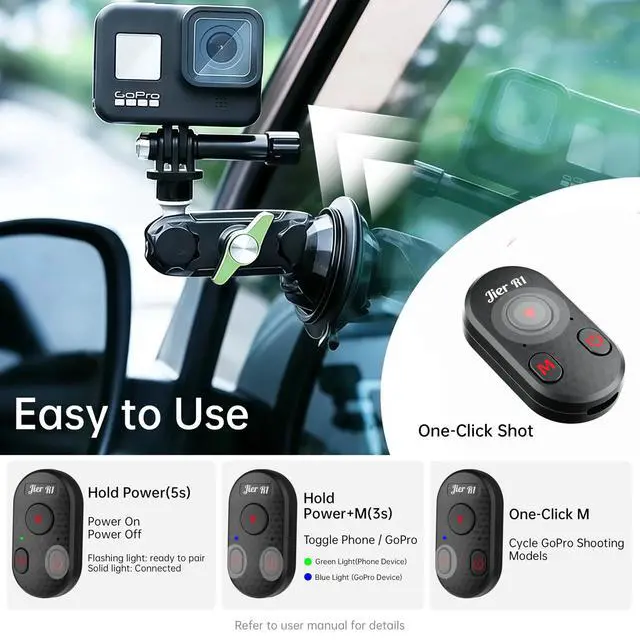
- Hold the Power button for 5 seconds to power on the remote. Green light flashes indicating Phone mode. If not, press 'M' + 'Power' for 3 seconds to switch to Phone mode.
- Open your phone's settings, enable Bluetooth, pair with "Jier R1," and then use your camera app.
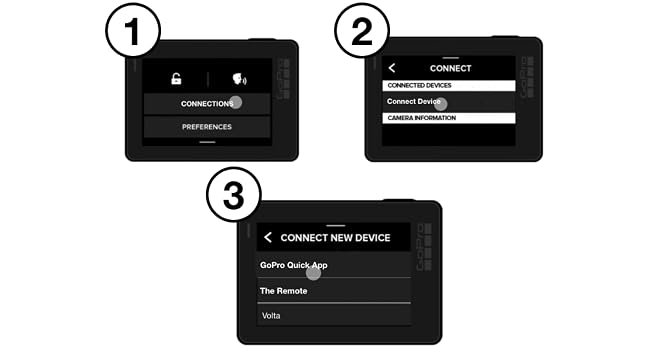
Connect to the GoPro
- Power on the remote. Blue light flashes indicating GoPro mode. If not, press 'M' + 'Power' for 3s to switch.
- Power on the camera.
- HERO12/13: Swipe down on the screen > swipe left > tap [Pair Device].
- HERO9-11: Swipe down > swipe left > tap [Connections] > tap [Connect Device] > tap [GoPro Quik App].
How to Use
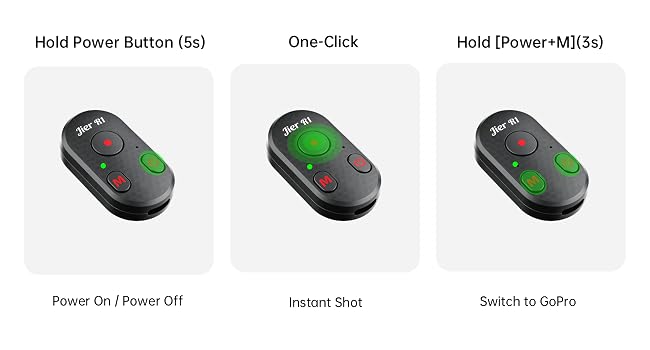
Using on Smart Phone
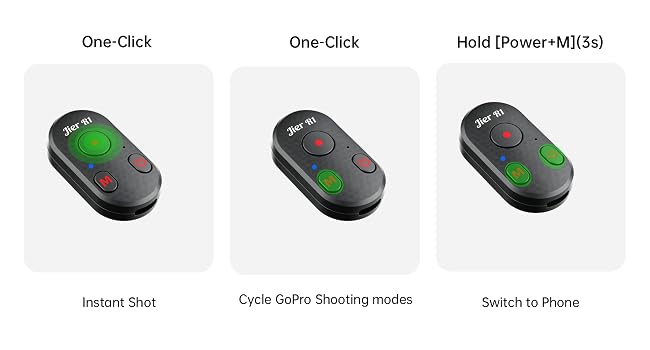
Using on GoPro

Jier R1 rechargeable Bluetooth camera remote: Perfect for iPhone & GoPro, 65ft range, Bluetooth 5.1, 10hr battery, one-touch control, anti-interference, reliable connectivity, ultra-portable. Capture life's moments effortlessly wherever you go!
Product Specification


Durable, sustainably sourced, ethically made, Better than you expect!
Easy to use, adjustable, foldable, detachable, and rotatable.
High quality, safe to use, and elegant appearance.
Optimize your desktop, and save space in your backpack.
Choose us and start your own journey of discovery with a light step.
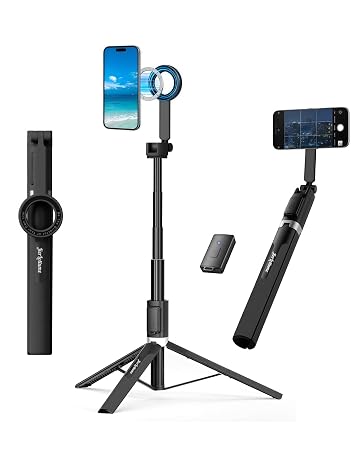
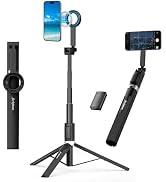
Magnetic Selfie Stick Tripod
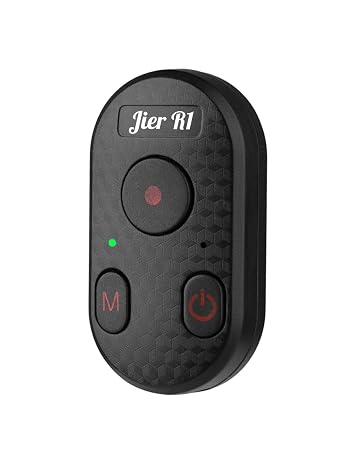
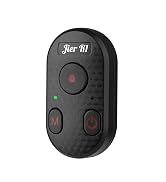
GoPro & iPhone Camera Remote
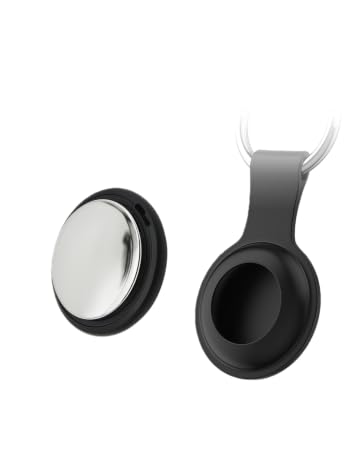
Smart Tracker Tag

JierLottume Store
How did we get our start?
In this era of full speed ahead, we are willing to slow down and walk with partners who create with their hands.
What makes our products unique?
We saw a need that was not taken seriously during travel. Durable, sustainably sourced, and ethically made. Every product is produced based on reasonable creationand can be fully used. One is enough.
Why do we love what we do?
We promise that part of the comprehensive net profit margin of our products will be used to link projects in the third world that work hard and deserve to be seen.
JierLottume Camera Remote
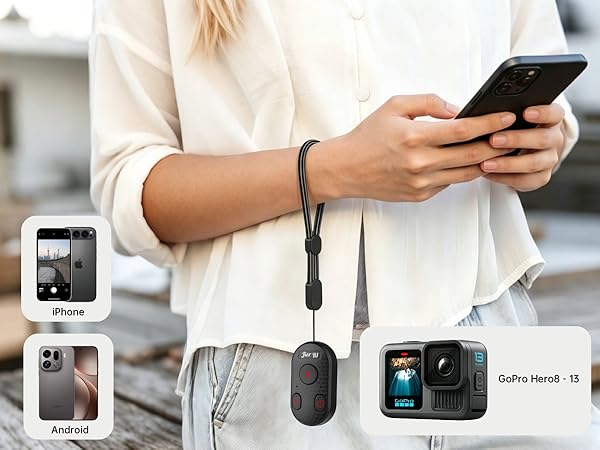
The Wireless Bluetooth Camera Remote for Phone and GoPro - Enjoy instant pairing and seamless 65ft wireless control with Bluetooth 5.1 for fast response and stable connection. Ultra-portable with 10-hour battery life (55mAh/Type-C). Perfect for hassle-free shooting!
Wide Compatibility
The iPhone remote camera control Offers both smartphone and GoPro compatibility modes, ensuring compatibility with most smartphones and GoPro models available on the market.
Type-C Recharagable
The rechargeable Bluetooth shutter remote for iPhone features Type-C charging, allowing you to recharge the device easily while traveling, eliminating the worry of running out of power.
This camera remote control weighs only 11 grams. Its back features a magnetic suction design, allowing it to be attached to metal surfaces. The Wrap Stripe allows it to be worn on the hand, and it can also be used in combination with a tripod.
Compact in size and easy to carry, it can be casually put into your backpack or pocket, thus making it convenient to use in various scenarios.
How to Connect
Connect to the phone
- Hold the Power button for 5 seconds to power on the remote. Green light flashes indicating Phone mode. If not, press 'M' + 'Power' for 3 seconds to switch to Phone mode.
- Open your phone's settings, enable Bluetooth, pair with "Jier R1," and then use your camera app.
Connect to the GoPro
- Power on the remote. Blue light flashes indicating GoPro mode. If not, press 'M' + 'Power' for 3s to switch.
- Power on the camera.
- HERO12/13: Swipe down on the screen > swipe left > tap [Pair Device].
- HERO9-11: Swipe down > swipe left > tap [Connections] > tap [Connect Device] > tap [GoPro Quik App].
How to Use
Using on Smart Phone
Using on GoPro

Jier R1 rechargeable Bluetooth camera remote: Perfect for iPhone & GoPro, 65ft range, Bluetooth 5.1, 10hr battery, one-touch control, anti-interference, reliable connectivity, ultra-portable. Capture life's moments effortlessly wherever you go!
Product Specification
| Model | Jier R1 |
|---|---|
| Weight | 0.41 ounces |
| Dimensions | 1.65*0.91*0.47 inches |
| Wrist Strap Length | 7.48 inches |
| Bluetooth Version | 5.1 |
| Remote Control Range | 65 ft |
| Battery Capacity | 55 mAh |
| Charging Port | Type-C |
| Compatible Systems | iOS, Android, GoPro |
| Compatible Smartphones | iPhone 6/6s/7/8/X/11/12/13/14/15 Mini, Pro, Pro Max; Samsung Galaxy S10/S10+/S9/S9+/S8/S8+/S22/S21/Z Flip, Note 20/10/9/8/7; OnePlus 1+ Series |
| Compatible GoPro Models | GoPro Hero 8/9/10/11/12/13 |
Durable, sustainably sourced, ethically made, Better than you expect!
Easy to use, adjustable, foldable, detachable, and rotatable.
High quality, safe to use, and elegant appearance.
Optimize your desktop, and save space in your backpack.
Choose us and start your own journey of discovery with a light step.
Magnetic Selfie Stick Tripod
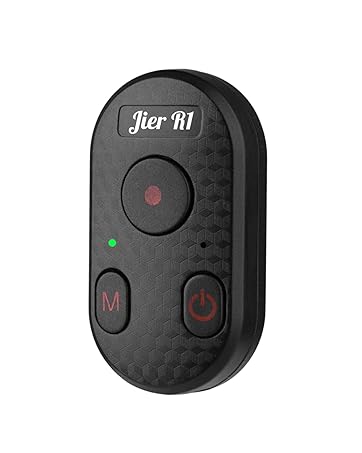
GoPro & iPhone Camera Remote
Smart Tracker Tag
JierLottume Store
How did we get our start?
In this era of full speed ahead, we are willing to slow down and walk with partners who create with their hands.
What makes our products unique?
We saw a need that was not taken seriously during travel. Durable, sustainably sourced, and ethically made. Every product is produced based on reasonable creationand can be fully used. One is enough.
Why do we love what we do?
We promise that part of the comprehensive net profit margin of our products will be used to link projects in the third world that work hard and deserve to be seen.
