





Specification
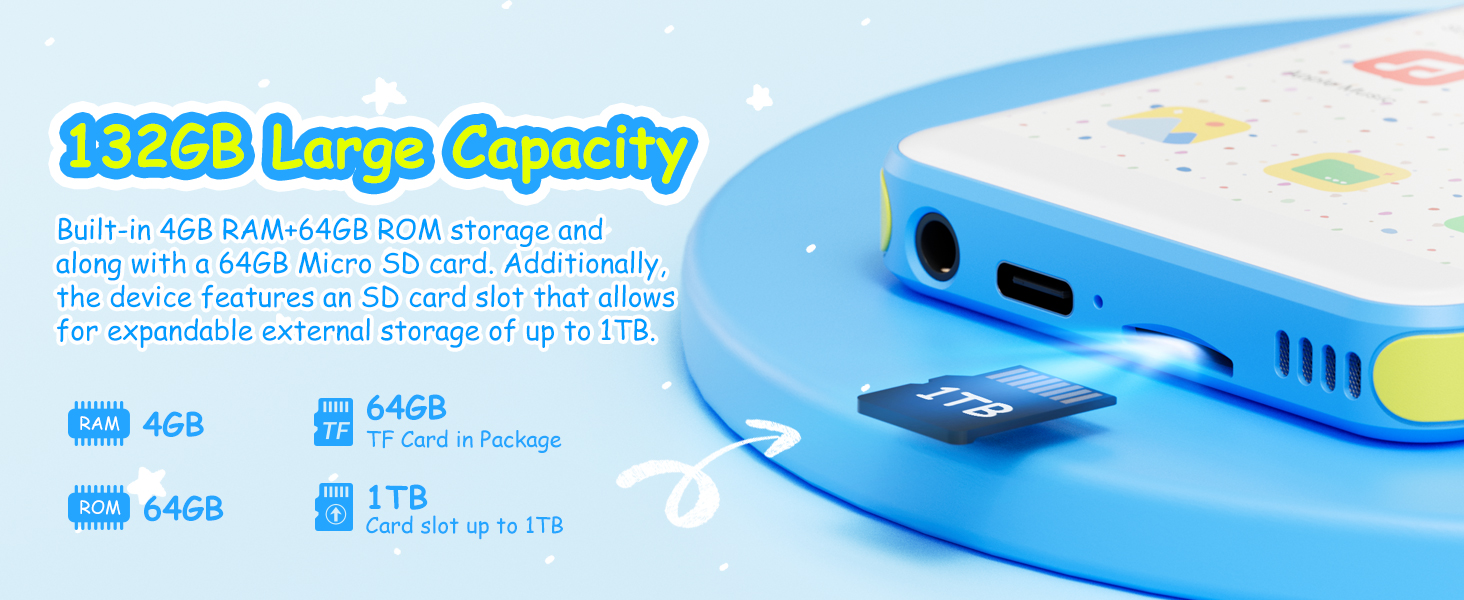
How to keep the micro SD card securely in the slot ?
Push it firmly until you hear and feel a distinct click, confirming it is securely seated. If necessary, you can carefully use the tip of an unbent paperclip to apply pressure and ensure it is fully inserted.
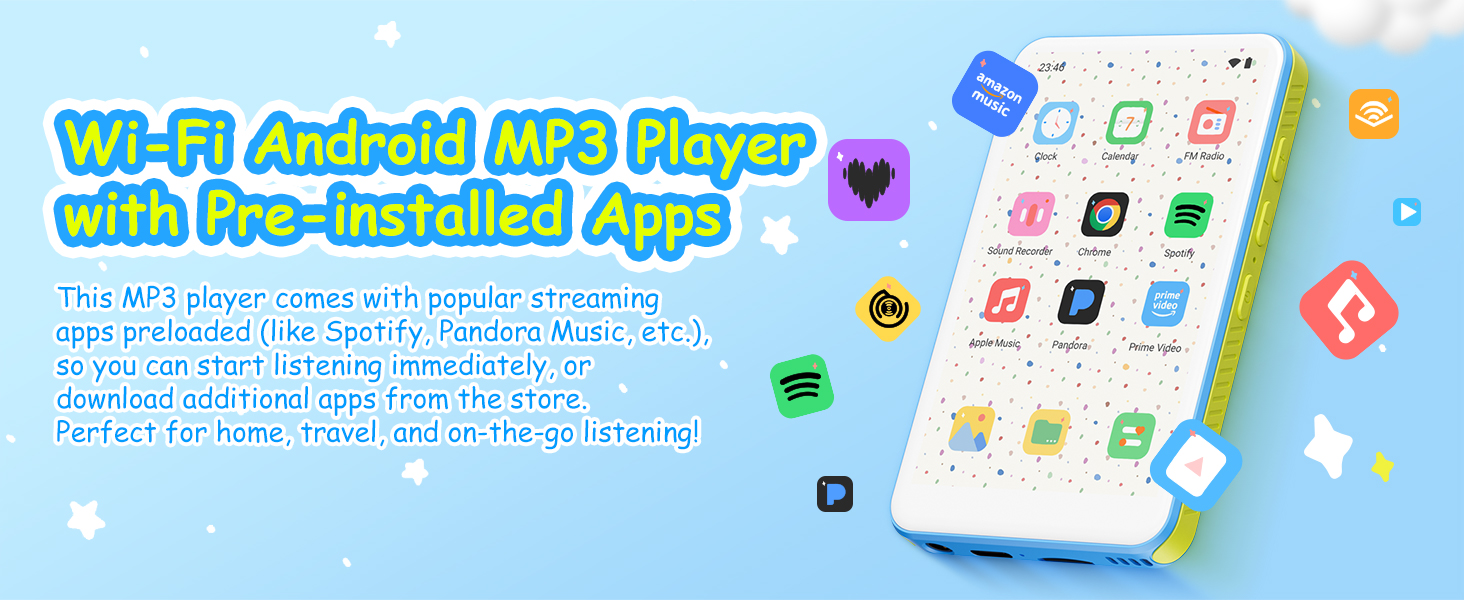
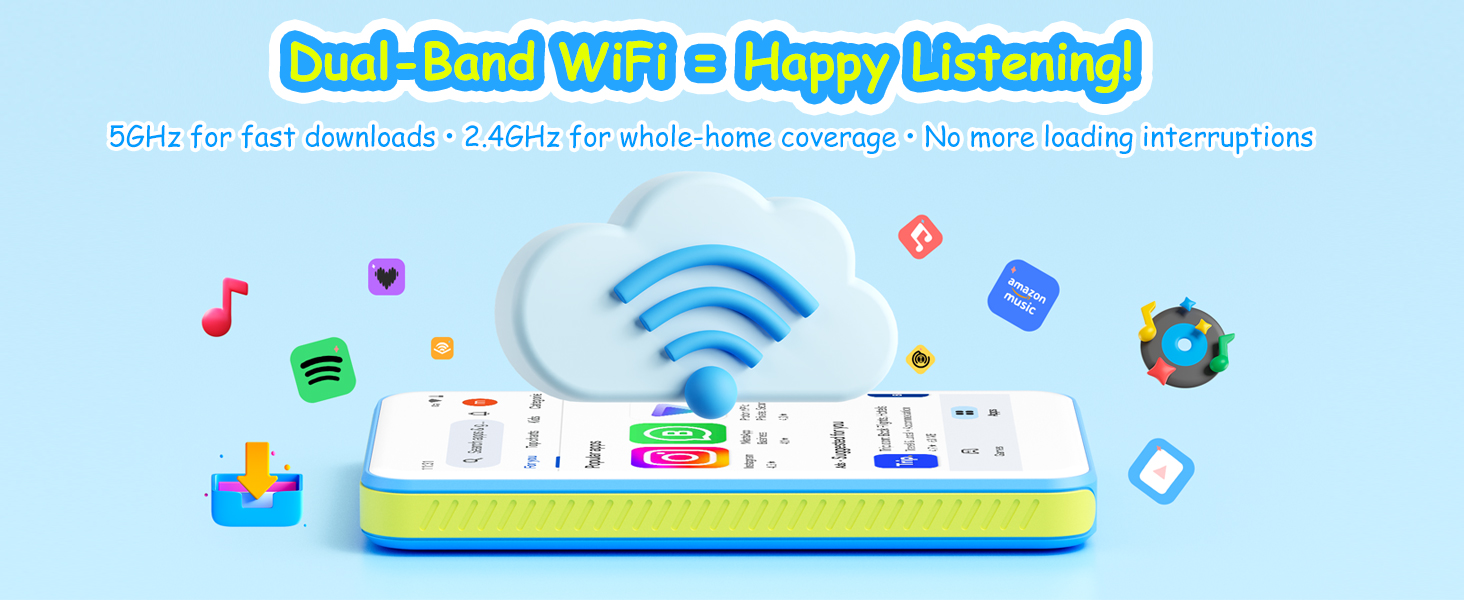
How to ensure a successful WiFi connection?
First, make sure you are not trying to connect to an outdoor public network. Additionally, check that your router is not set to restrict access by MAC address and that it is using DHCP to assign IP addresses automatically.
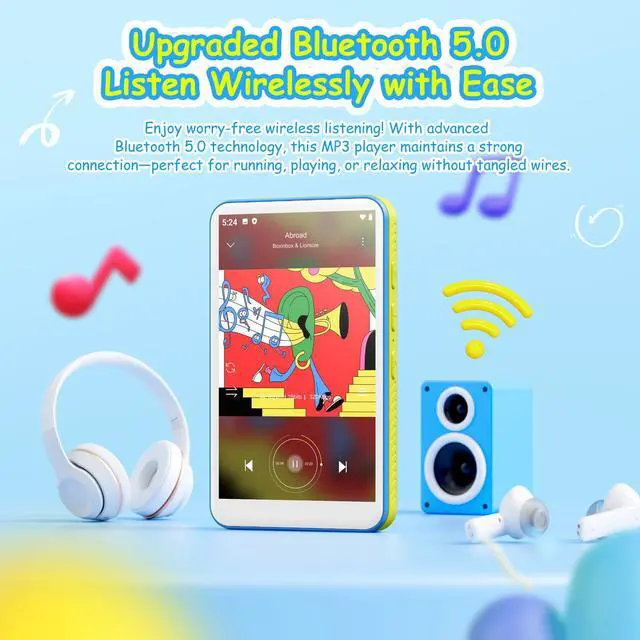
How to connect to Bluetooth headphones or speakers?
If your Bluetooth headphones or speakers are not found in the device's list, 1.Turn Bluetooth off and then on again to restart the search for nearby devices. If the device still doesn't appear, try resetting the mp3 to factory settings.
Specification
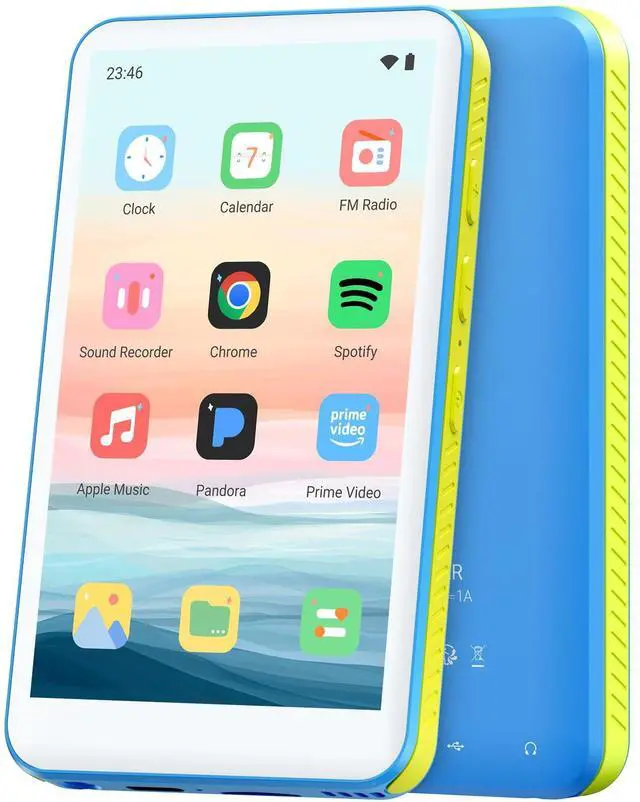
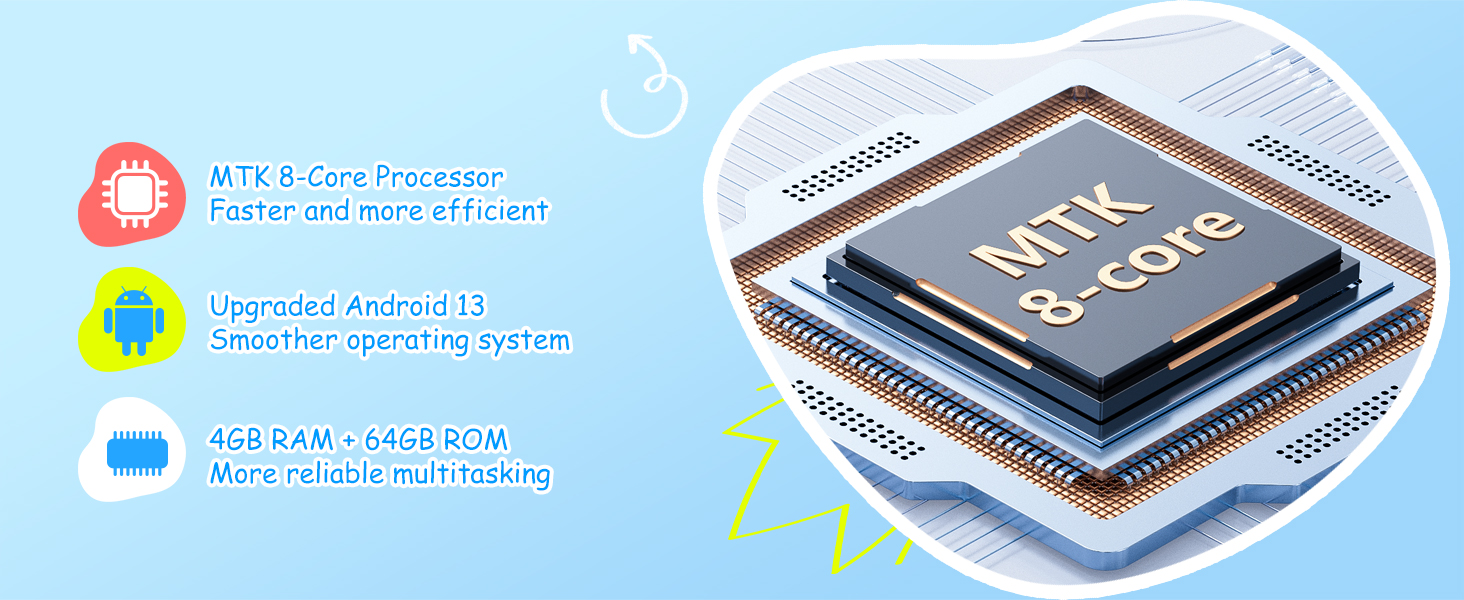
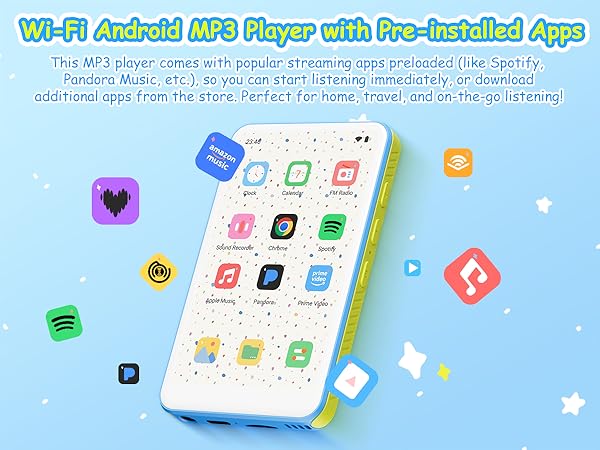
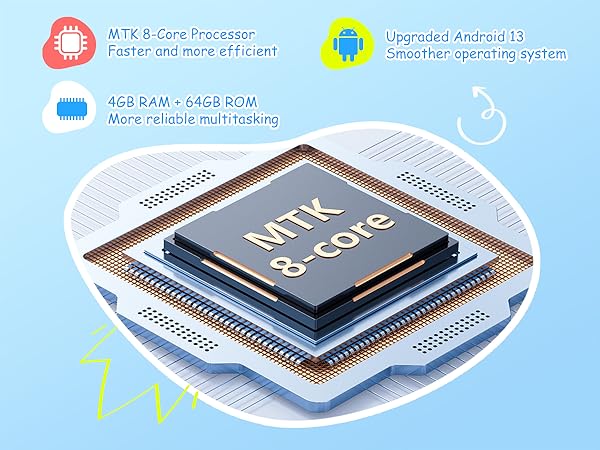
| Android system | Android 13 |
|---|---|
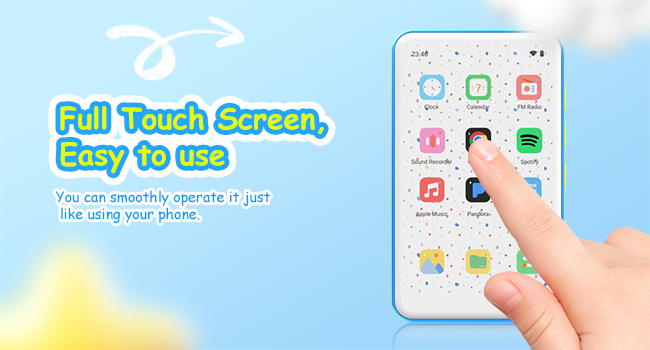
| Screen size | 4.0inch, 400*800 Resolution |
| CPU Chip Core | MTK6750 8-core |
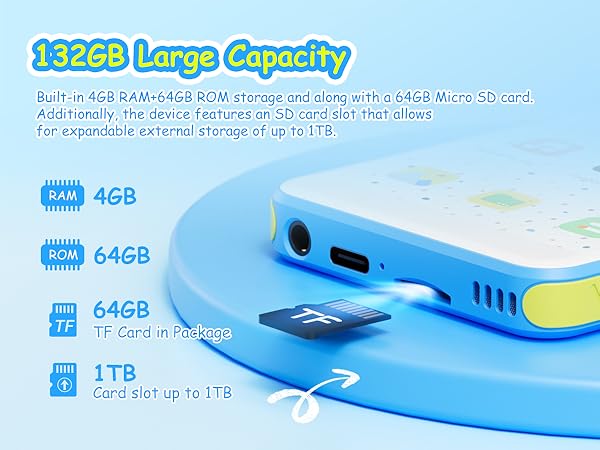
| Built-in RAM+ROM | 4G RAM+64GB ROM |
| External Memory | 64GB Micro-SD Card |
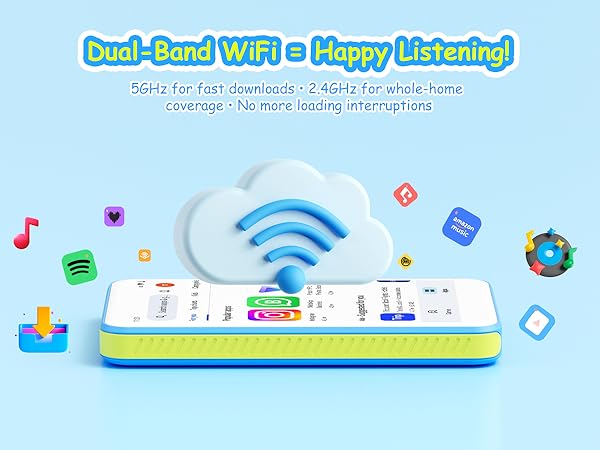
| Wifi Connection | Dual-band (2.4 GHz and 5 GHz) |
| Bluetooth version | 5.0 |
| Language support | Multiple languages |
| USB slot | USB-C |
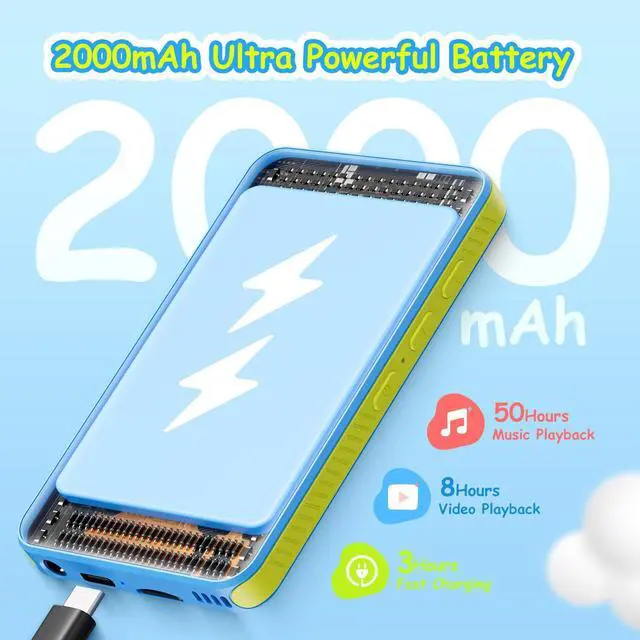
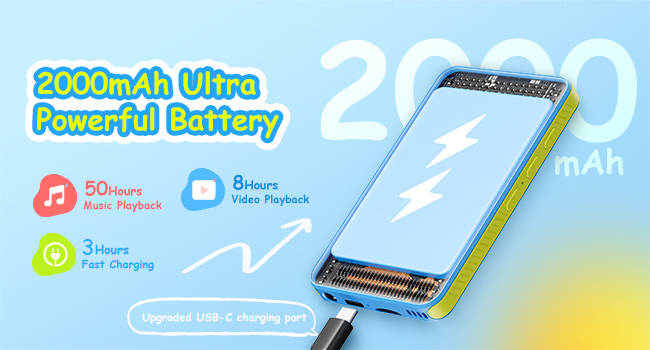
| Battery Capacity | 2000mAh |
| Recording format | WAV |
| Video format | AVI?MKV?MP4?MPG?MOV |
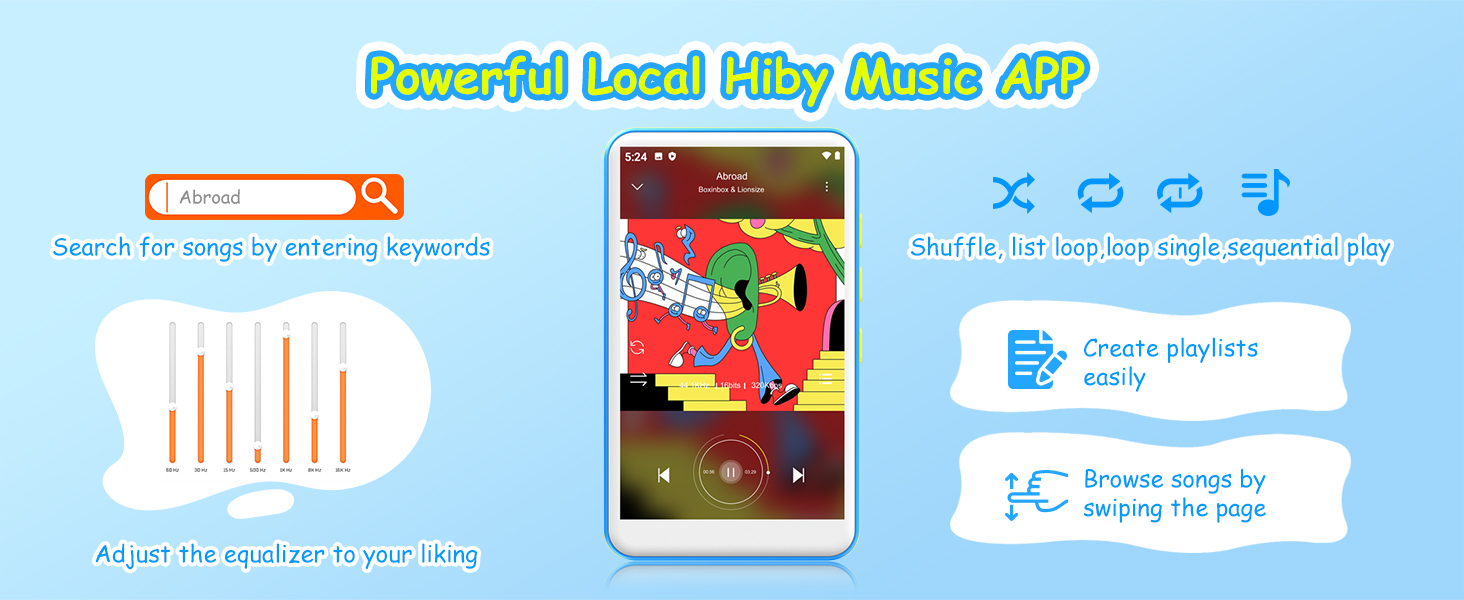
| Music format | MP3?WAV?APE?FLAC?AAC |
| Picture format | JPEG?BMP?GIF?PNG |
| Item size / Net weight | 4*2.3*0.4 Inch/3.16oz |
How to keep the micro SD card securely in the slot ?
Push it firmly until you hear and feel a distinct click, confirming it is securely seated. If necessary, you can carefully use the tip of an unbent paperclip to apply pressure and ensure it is fully inserted.
How to ensure a successful WiFi connection?
First, make sure you are not trying to connect to an outdoor public network. Additionally, check that your router is not set to restrict access by MAC address and that it is using DHCP to assign IP addresses automatically.
How to connect to Bluetooth headphones or speakers?
If your Bluetooth headphones or speakers are not found in the device's list, 1.Turn Bluetooth off and then on again to restart the search for nearby devices. If the device still doesn't appear, try resetting the mp3 to factory settings.