





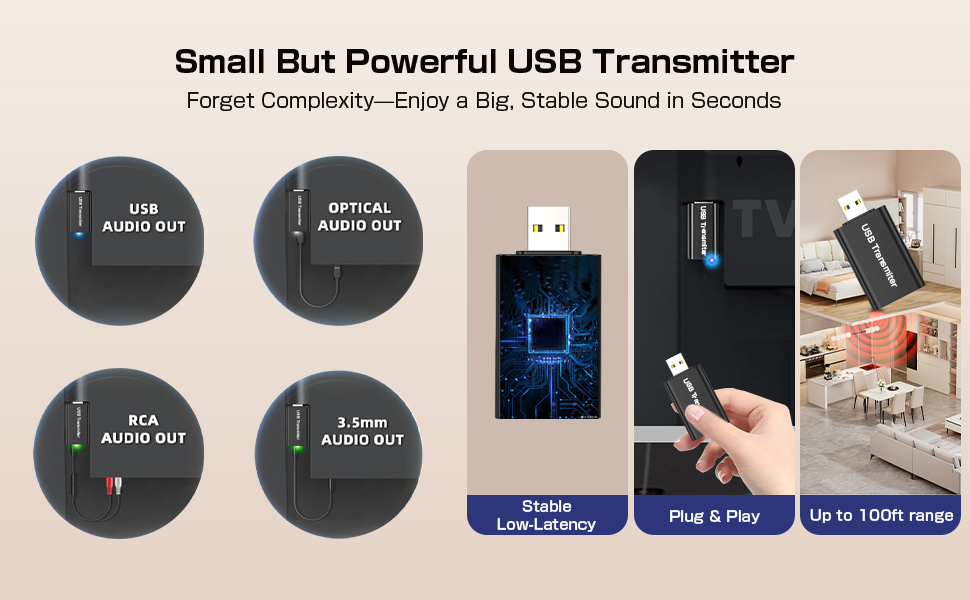
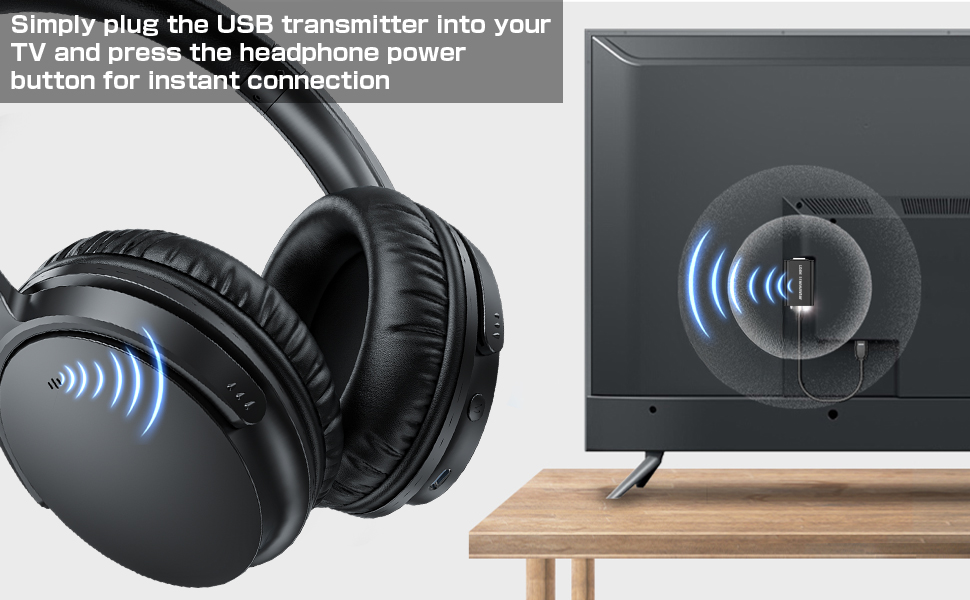
Check TV's Audio Output Port
Make sure your TV has the right audio output ports and that they work correctly.
Example: Select the optical audio output port for connection.
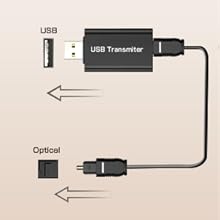
Select Fiber Optic Cables
- Connect the optical cable from your TV's Optical Output to the transmitter's OPTICAL port.
- Plug the USB transmitter into TV's USB port for power.
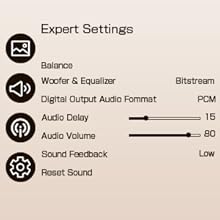
Adjust TV Audio Settings
- Go to: Settings > Sound > Sound Output, select Optical.
- Set audio format to PCM to avoid no sound.
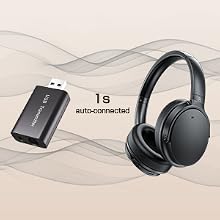
Power On and Auto-Connect
Adjust your headphones to a comfortable volume, relax, and enjoy!

The Gift of Sound, For All Occasions
- Perfect for Holidays, Birthdays & More
- Creates Your Personal Audio Sanctuary
- Keeps the Household Peaceful
Frequently Asked Question (FAQ):
Q: How do these wireless TV headphones work, and what do I need to connect them?
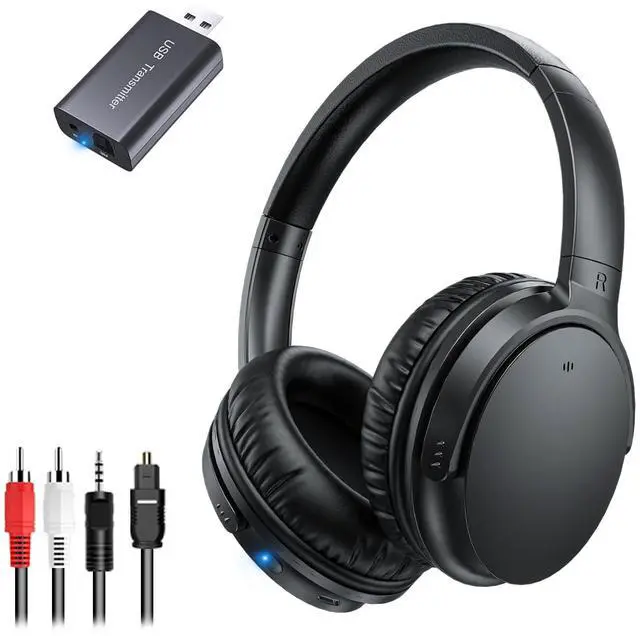
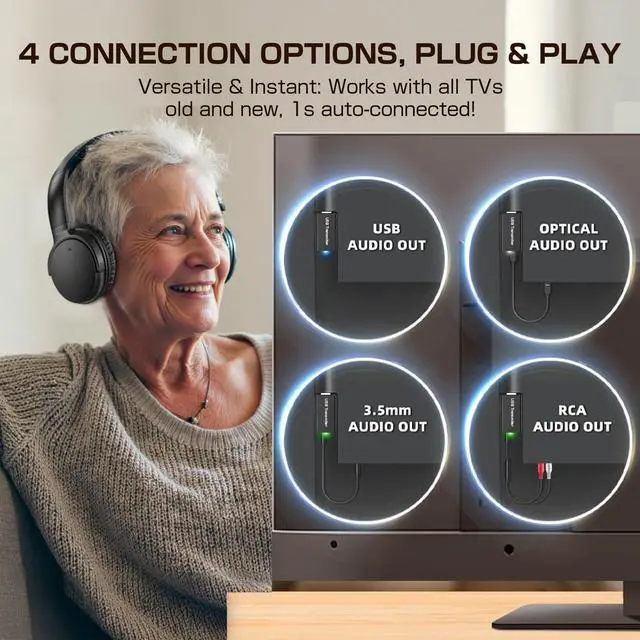
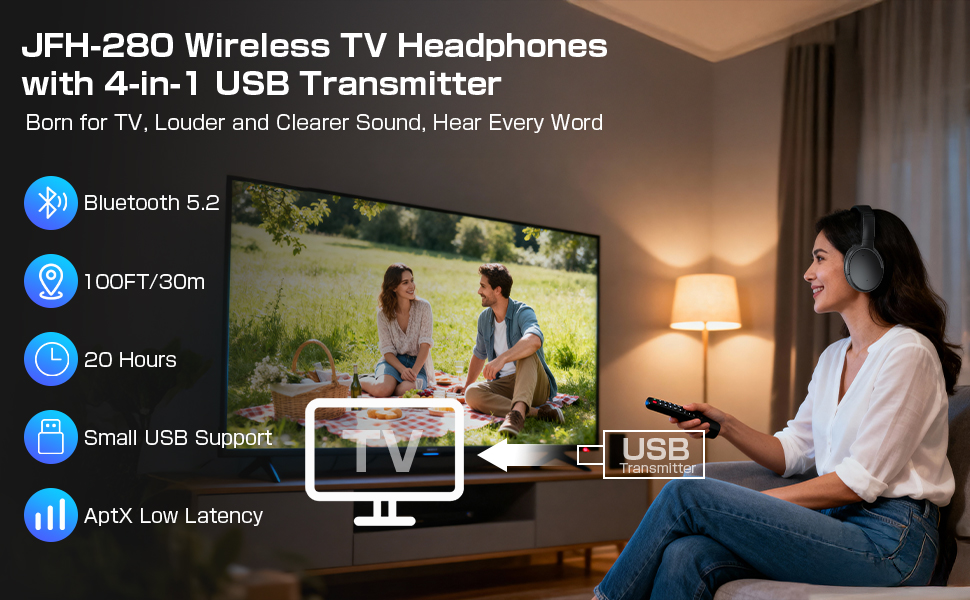
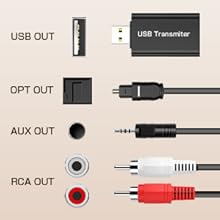
A: JFH-280TV Wireless Headphones work with a dedicated Bluetooth transmitter that must be connected to your TV’s audio output port (such as USB, 3.5mm AUX, RCA, or Optical). The transmitter sends audio wirelessly to the headphones. Note that the headphones and transmitter are pre-paired and cannot be used separately or with other Bluetooth devices like smartphones.
Q: Are these headphones compatible with my TV?
A: Yes, as long as your TV has at least one of the following audio output ports: USB, 3.5mm AUX, RCA, or Optical. If your TV’s USB port does not support audio output, use an optical, AUX, or RCA cable instead.
Q: Why is there no sound, or why is sound only coming from one side?
A: First, check that the transmitter is securely connected to the TV’s audio port and that the port is clean and undamaged. If using USB and there’s no sound, try another audio output type (e.g., optical or AUX). Also, ensure your TV’s audio format is set to PCM when using an optical connection.
Q: Are these headphones suitable for seniors or those with hearing loss?
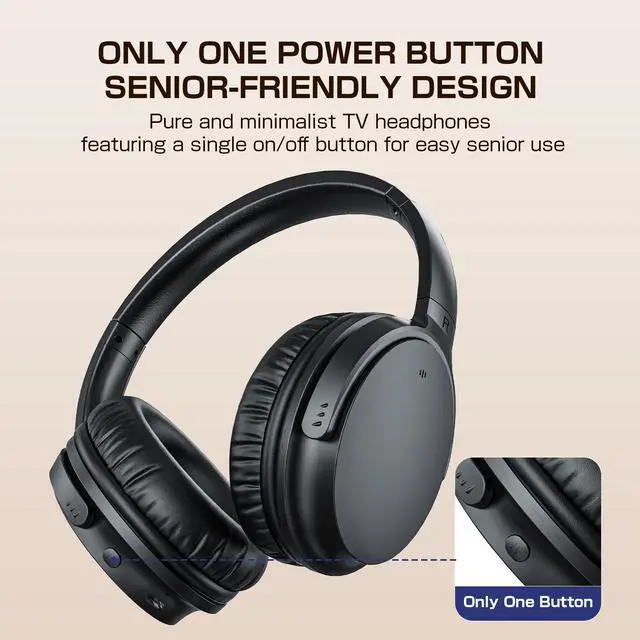
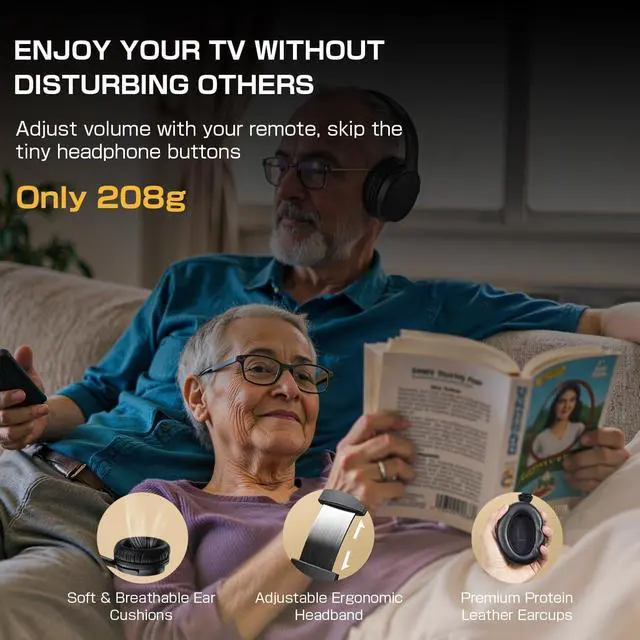
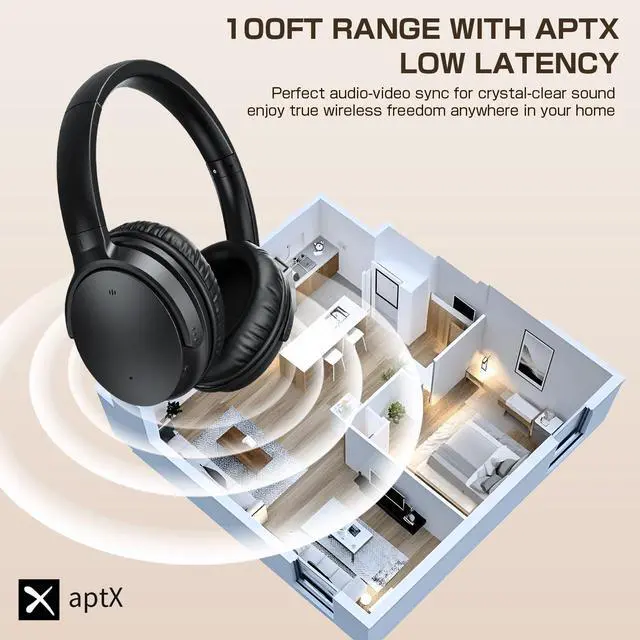
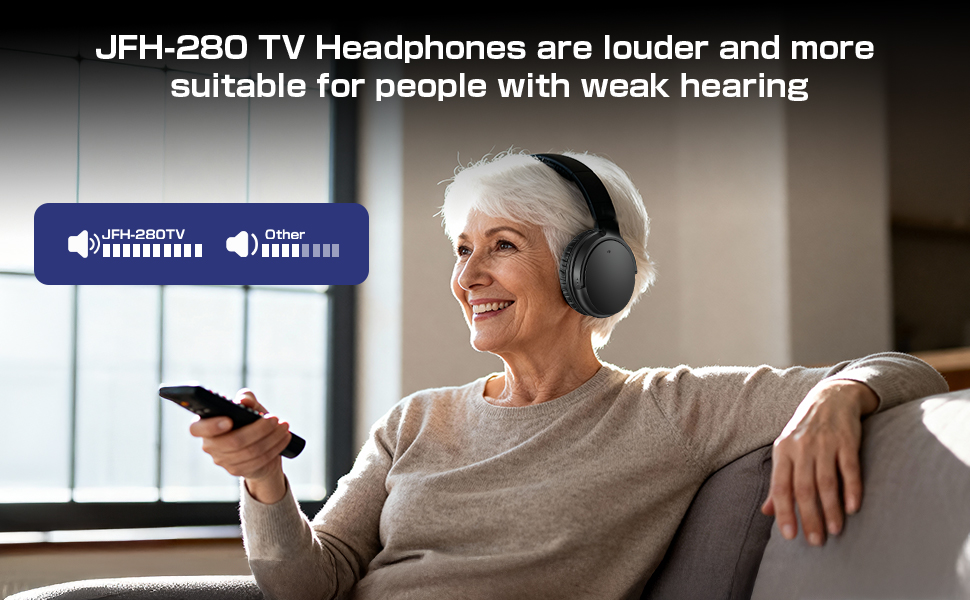
A: Absolutely. These headphones are designed specifically for seniors and individuals with mild to moderate hearing loss. They offer high volume and clear dialogue, with AptX Low Latency technology to keep sound in sync with the picture.
Q: Why can’t I pair the headphones with my phone?
A: The JFH-280TV is specifically designed for TVs, and the headphones' Bluetooth cannot be detected by other devices. The headphones and transmitter are locked in a matched pair and cannot be used with other Bluetooth devices.
Check TV's Audio Output Port
Make sure your TV has the right audio output ports and that they work correctly.
Example: Select the optical audio output port for connection.
Select Fiber Optic Cables
- Connect the optical cable from your TV's Optical Output to the transmitter's OPTICAL port.
- Plug the USB transmitter into TV's USB port for power.
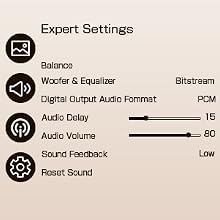
Adjust TV Audio Settings
- Go to: Settings > Sound > Sound Output, select Optical.
- Set audio format to PCM to avoid no sound.
Power On and Auto-Connect
Adjust your headphones to a comfortable volume, relax, and enjoy!
The Gift of Sound, For All Occasions
- Perfect for Holidays, Birthdays & More
- Creates Your Personal Audio Sanctuary
- Keeps the Household Peaceful
Frequently Asked Question (FAQ):
Q: How do these wireless TV headphones work, and what do I need to connect them?
A: JFH-280TV Wireless Headphones work with a dedicated Bluetooth transmitter that must be connected to your TV’s audio output port (such as USB, 3.5mm AUX, RCA, or Optical). The transmitter sends audio wirelessly to the headphones. Note that the headphones and transmitter are pre-paired and cannot be used separately or with other Bluetooth devices like smartphones.
Q: Are these headphones compatible with my TV?
A: Yes, as long as your TV has at least one of the following audio output ports: USB, 3.5mm AUX, RCA, or Optical. If your TV’s USB port does not support audio output, use an optical, AUX, or RCA cable instead.
Q: Why is there no sound, or why is sound only coming from one side?
A: First, check that the transmitter is securely connected to the TV’s audio port and that the port is clean and undamaged. If using USB and there’s no sound, try another audio output type (e.g., optical or AUX). Also, ensure your TV’s audio format is set to PCM when using an optical connection.
Q: Are these headphones suitable for seniors or those with hearing loss?
A: Absolutely. These headphones are designed specifically for seniors and individuals with mild to moderate hearing loss. They offer high volume and clear dialogue, with AptX Low Latency technology to keep sound in sync with the picture.
Q: Why can’t I pair the headphones with my phone?
A: The JFH-280TV is specifically designed for TVs, and the headphones' Bluetooth cannot be detected by other devices. The headphones and transmitter are locked in a matched pair and cannot be used with other Bluetooth devices.