




 here!
here!
I’m your shopping assistant for PC builds, upgrades, and everything tech.
Got questions? Ask away!
Start a conversation
here!
I’m your shopping assistant for PC builds, upgrades, and everything tech.
Got questions? Ask away!
Start a conversation
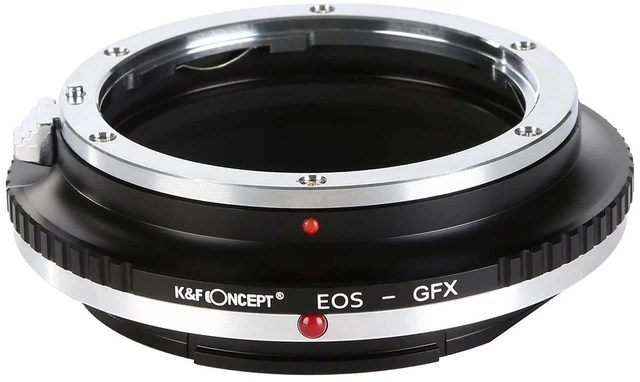
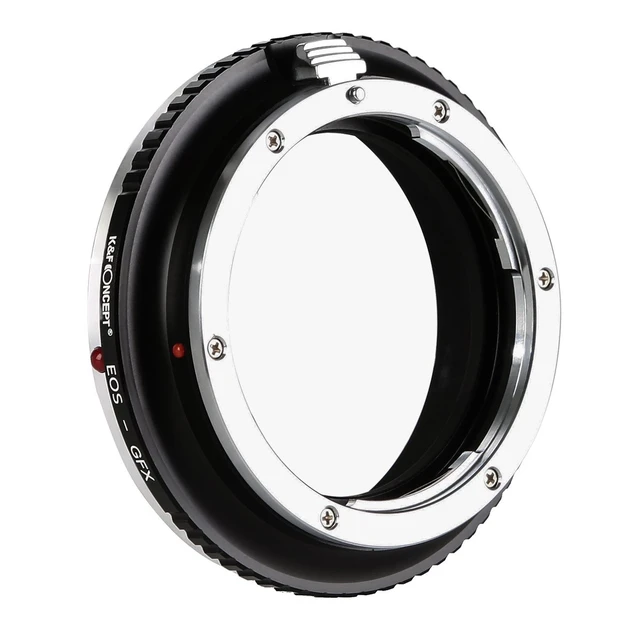
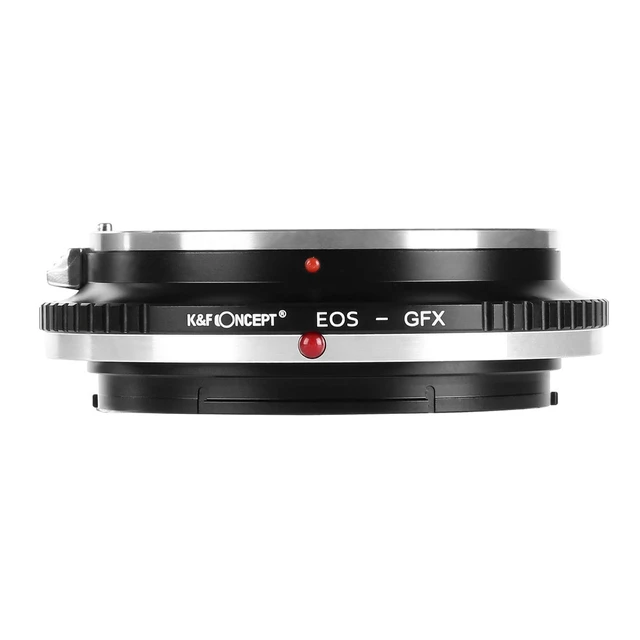
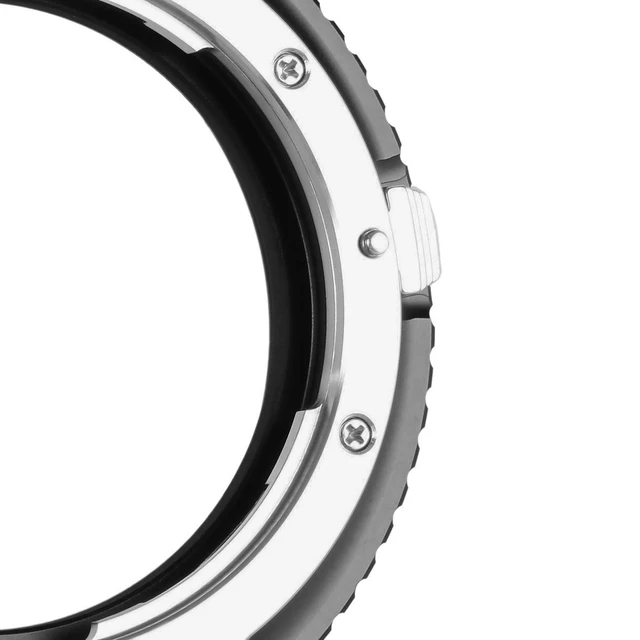
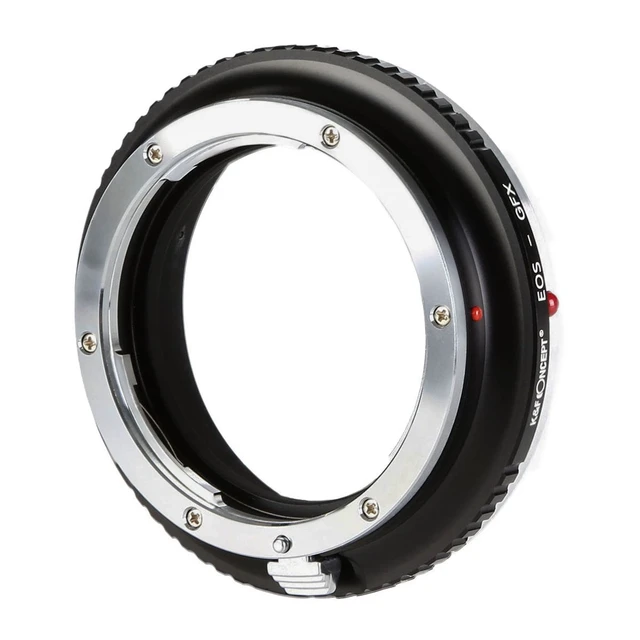
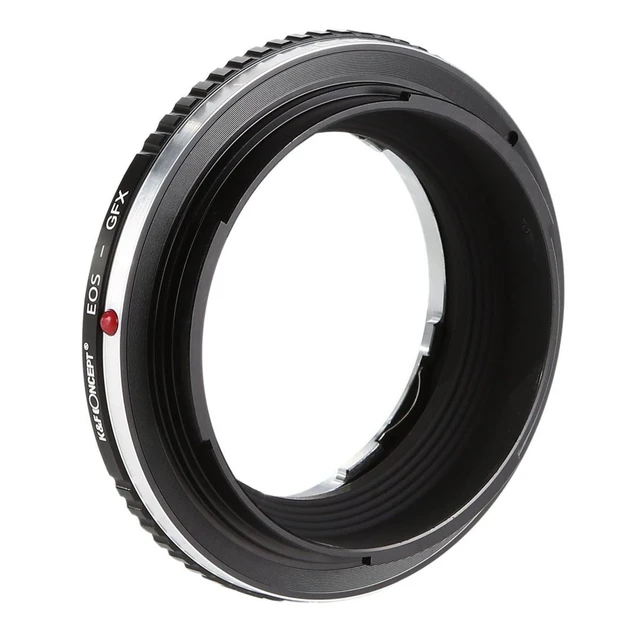



Any questions? Ask CelesteSM will help you find out quickly.
Features:
Allows focus infinity
Elegant clear appearance
Compact and high quality metal material
High Precise to ensure the perfect fit
Diaphragm control of the lens is set manually
Instructions for use:
Attention:
1.Manual adapter without autofocus or aperture ring.
2.Skillful installation, don't too much force.
3.Adapting an APS-frame lens to a full-frame camera may generate vignetting, some cameras could correct it by adjusting APSC.
4.Adapting a full-frame lens to an APS-frame camera provides excellent edge-to-edge sharpness. The smaller image field helps minimize the effects of lens distortion and aberration by using the 'sweet spot' or center of the larger lens image circle.
Infinity focus position:
The position of the infinity mark [] of the telephoto lens is shifted slightly to the positive side to enable focus adjustment even when focus shift is caused due to temperature changes. The shift range is denoted by an L-shaped line, Be sure to check the focus through the viewfinder even when you shoot at infinity.
No Lens Attached' - Warning Message Appears:
1.If your camera indicates "lens is not properly installed", please modify the camera settings: 'Menu' -> 'Setup' -> 'Release w/o Lens' -> 'Enable' (Exact naming and location may change depending on camera model). If your lens does not have a manual aperture control ring, it will be maximum aperture by default.If you want to adjust the aperture but without manual control ring, then you need to remove the adapter ring and adjust the aperture on the camera.
2.Set camera "release shutter without lens" to enable when using the adapter for the first time, or the camera will fail to recognize the lens and the shutter may not be released.


