



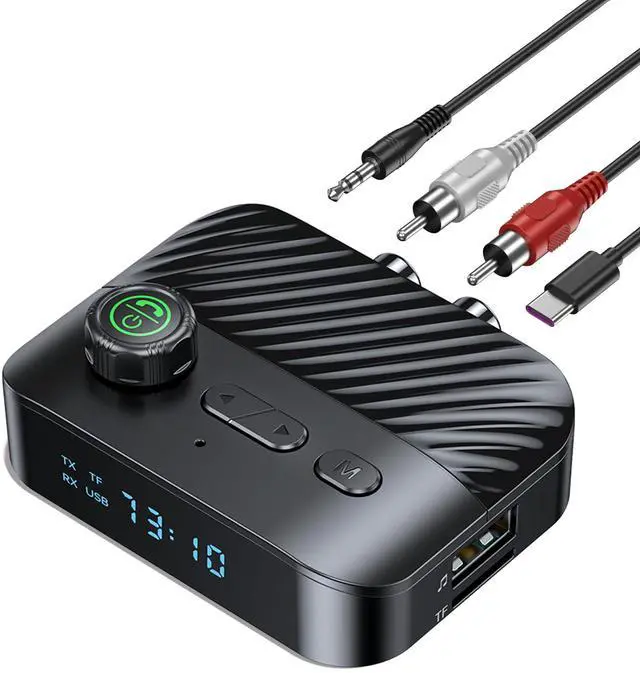
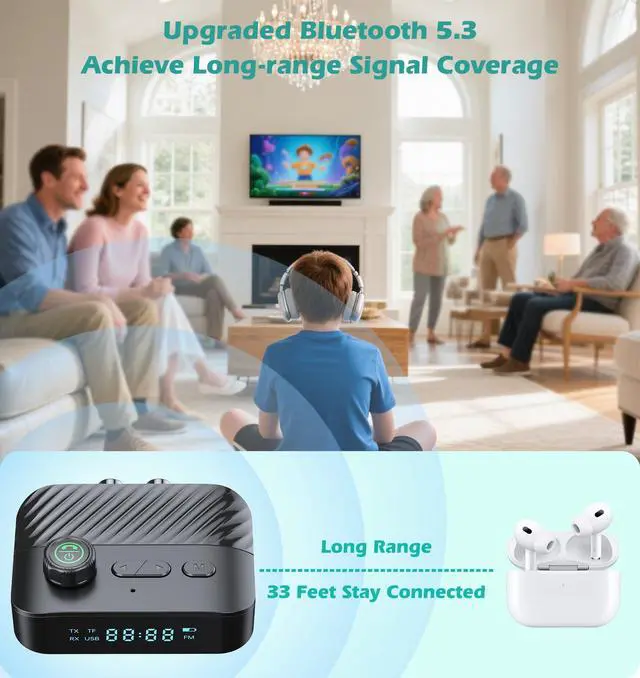


Transform your home audio game! This wireless Bluetooth transmitter streams audio to wireless headphones or speakers, or upgrades old stereos to wireless. No tech hassles, all entertainment wins.


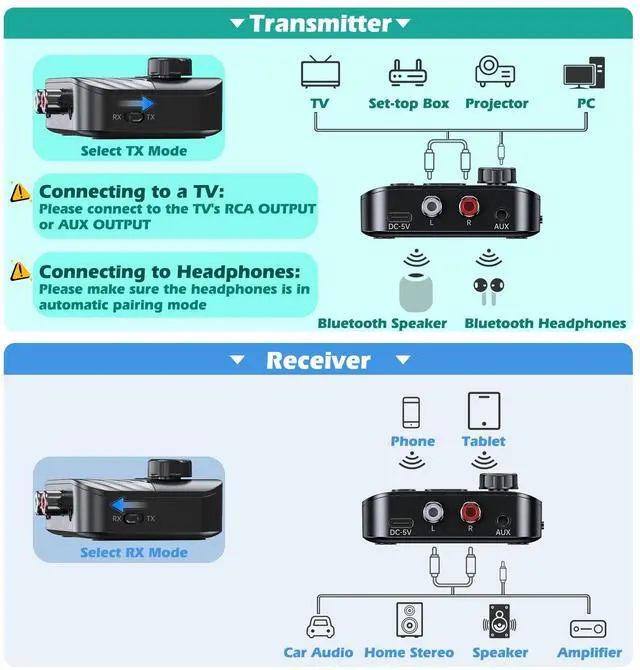
TX Mode
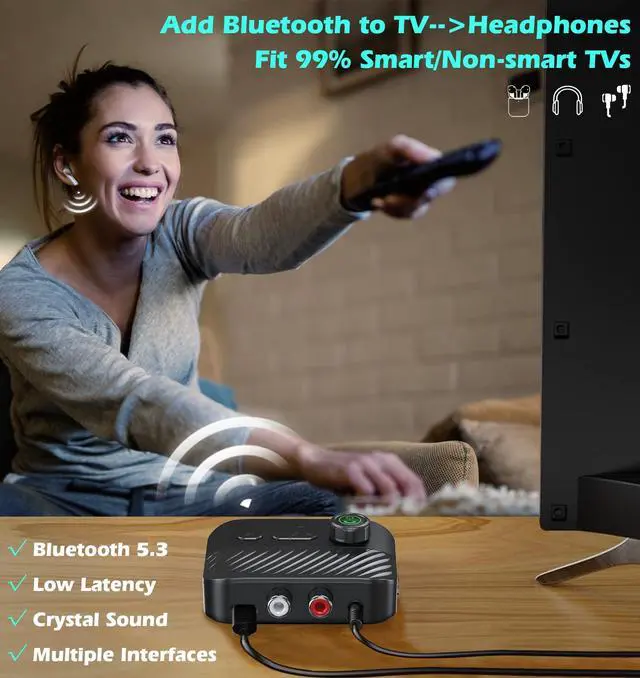
Bluetooth Transmitter for TV Audio
Works with nearly any TV, AUX/RCA ready! Our Bluetooth TV transmitter syncs audio to on-screen lip movements in real-time.

RX Mode
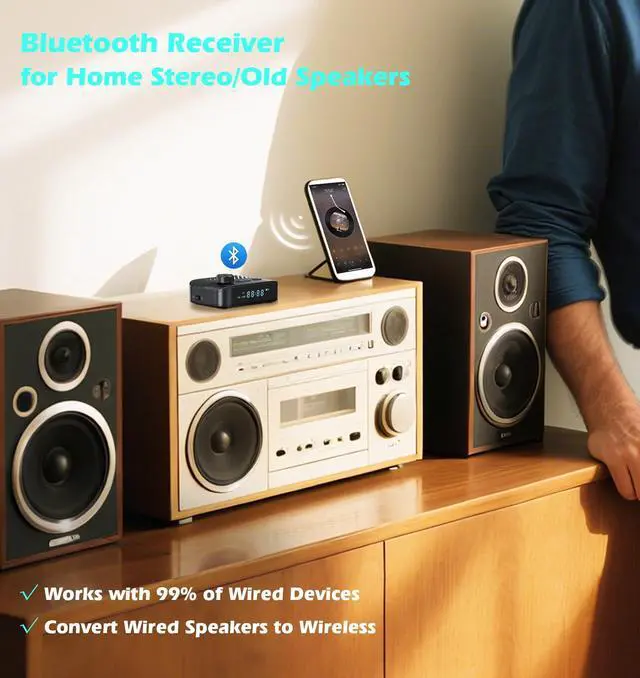
Bluetooth Receiver for Home Stereo
Plug & Play Anywhere, the Bluetooth receiver transmitter is perfect for any audio system craving wireless freedom.
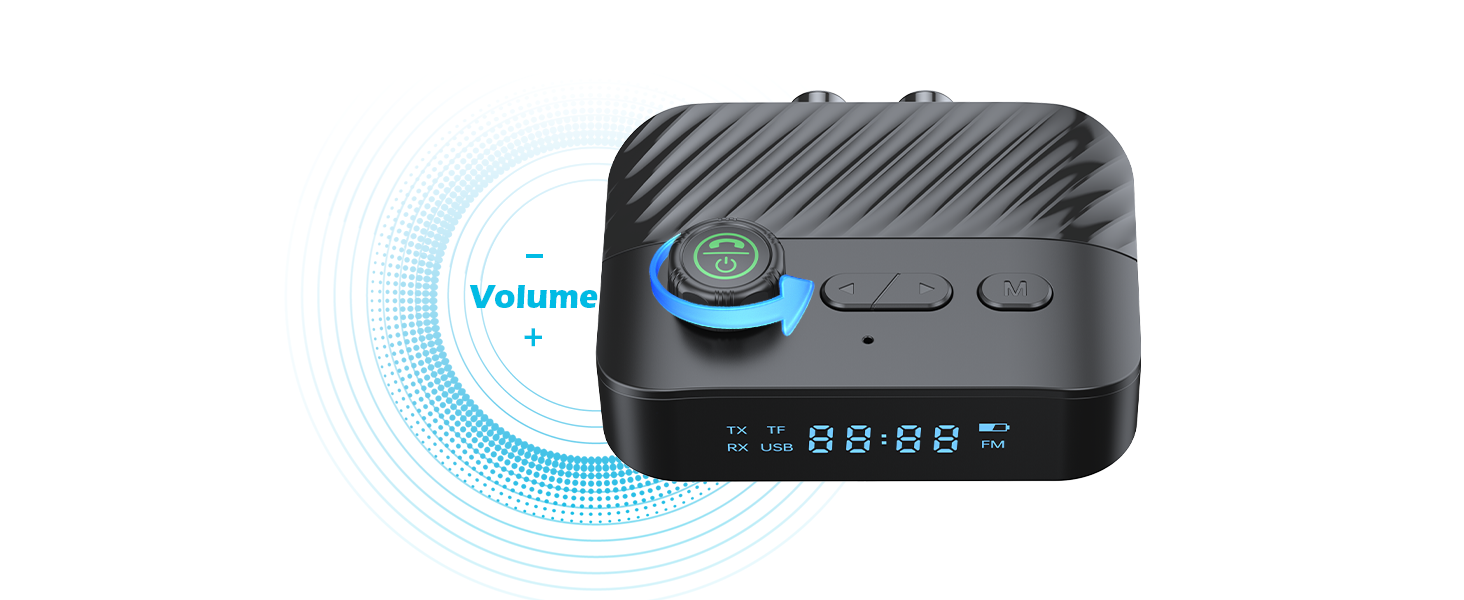
Music Control
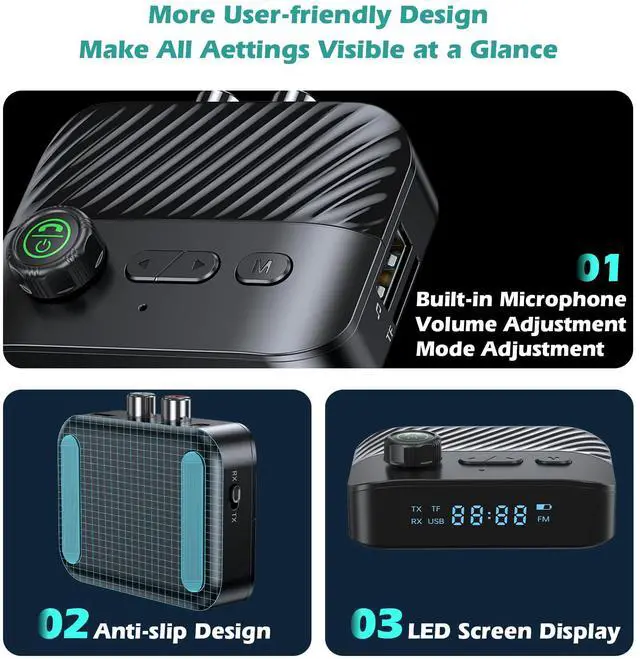
Smooth-turn knob adjusts volume on the fly. Play/pause, skip tracks with easy-press buttons.
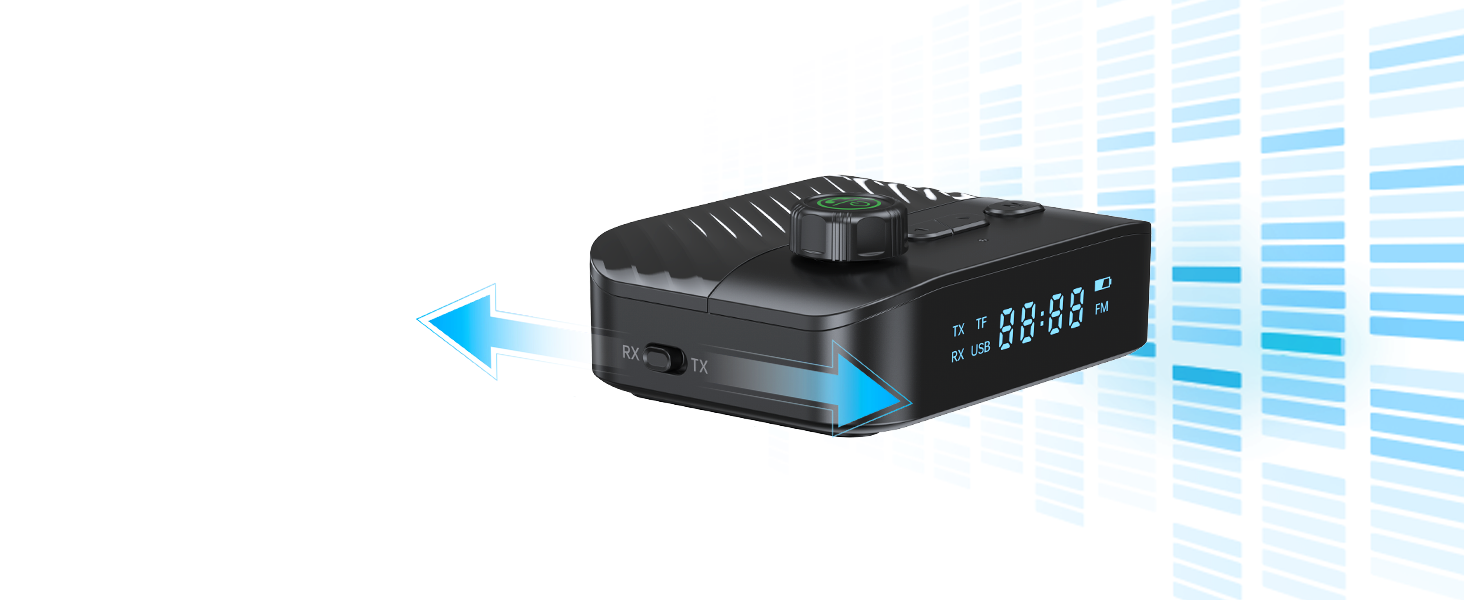
Clear at a Glance
LEDs glow pairing mode, volume & battery. Slide to switch Transmitter/Receiver modes in seconds.
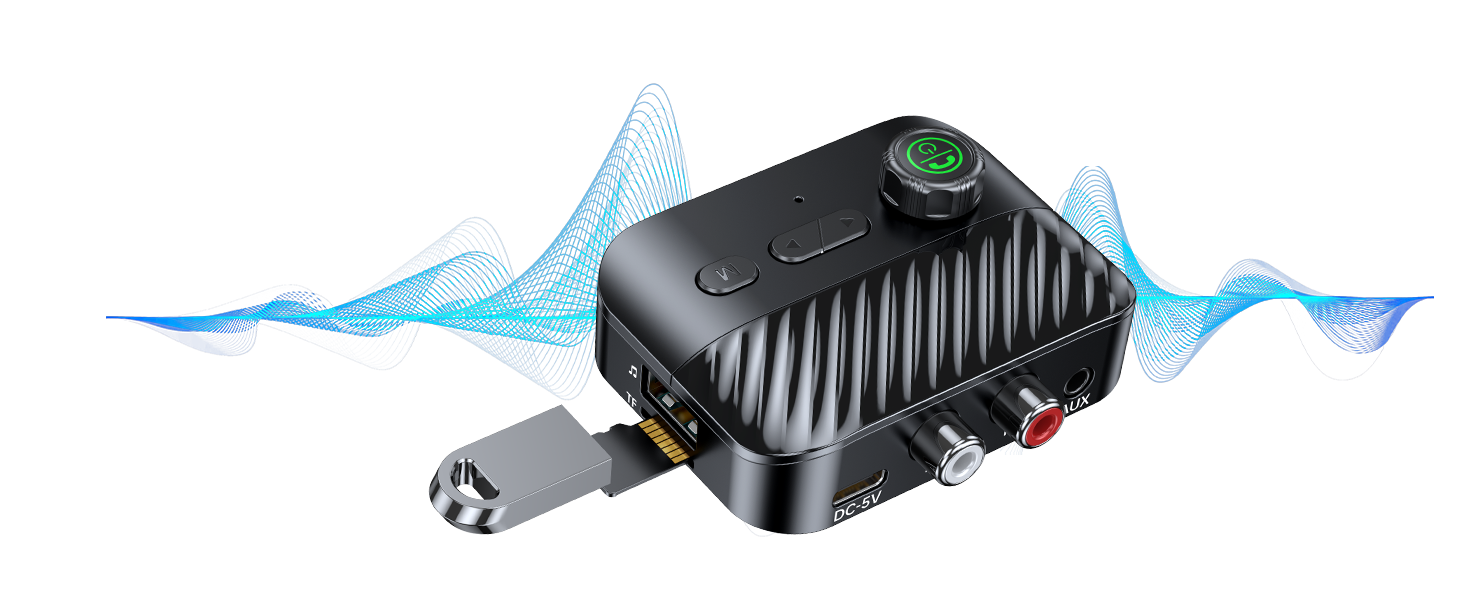
Play Music Directly
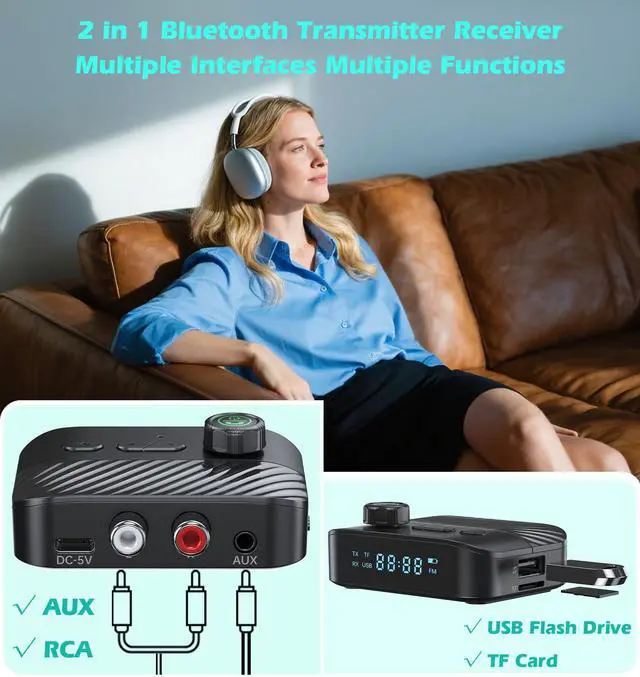
Skip the phone! Plug in a USB drive or TF card to play your saved tunes.
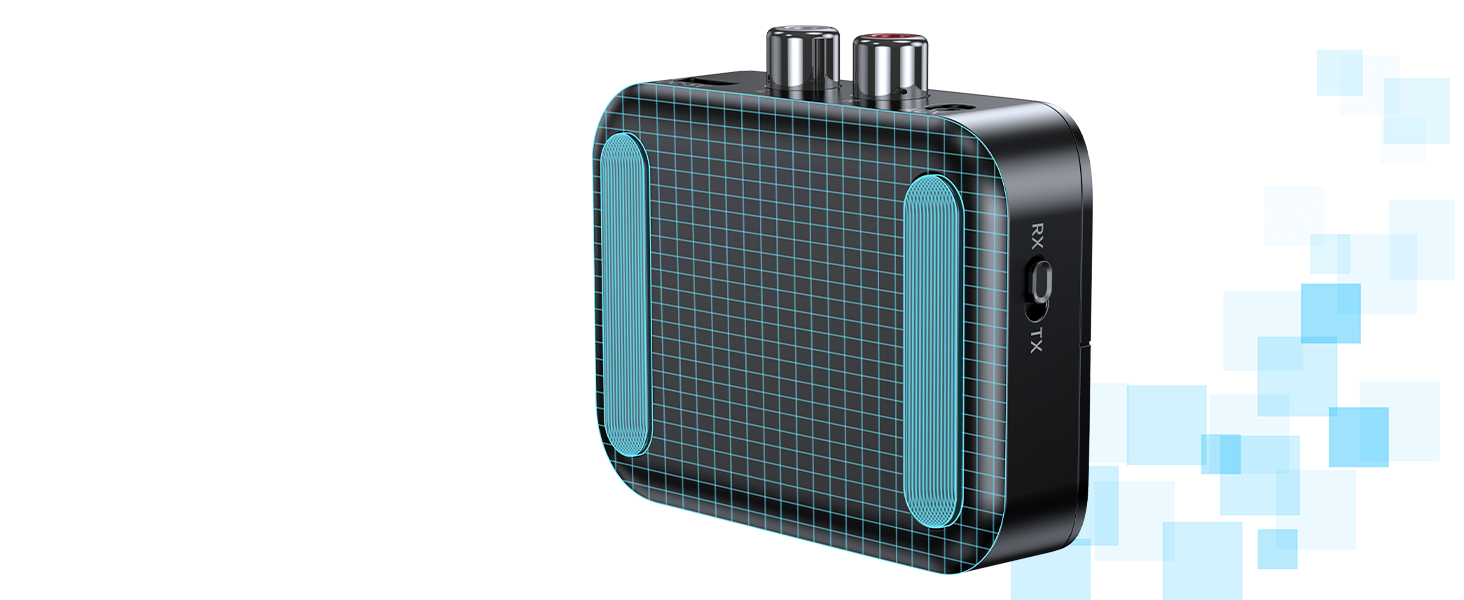
Non-Slip Base
Rubber pads keep the Bluetooth RCA adapter firmly in place on any surface.
How to Setup Bluetooth Adapter?
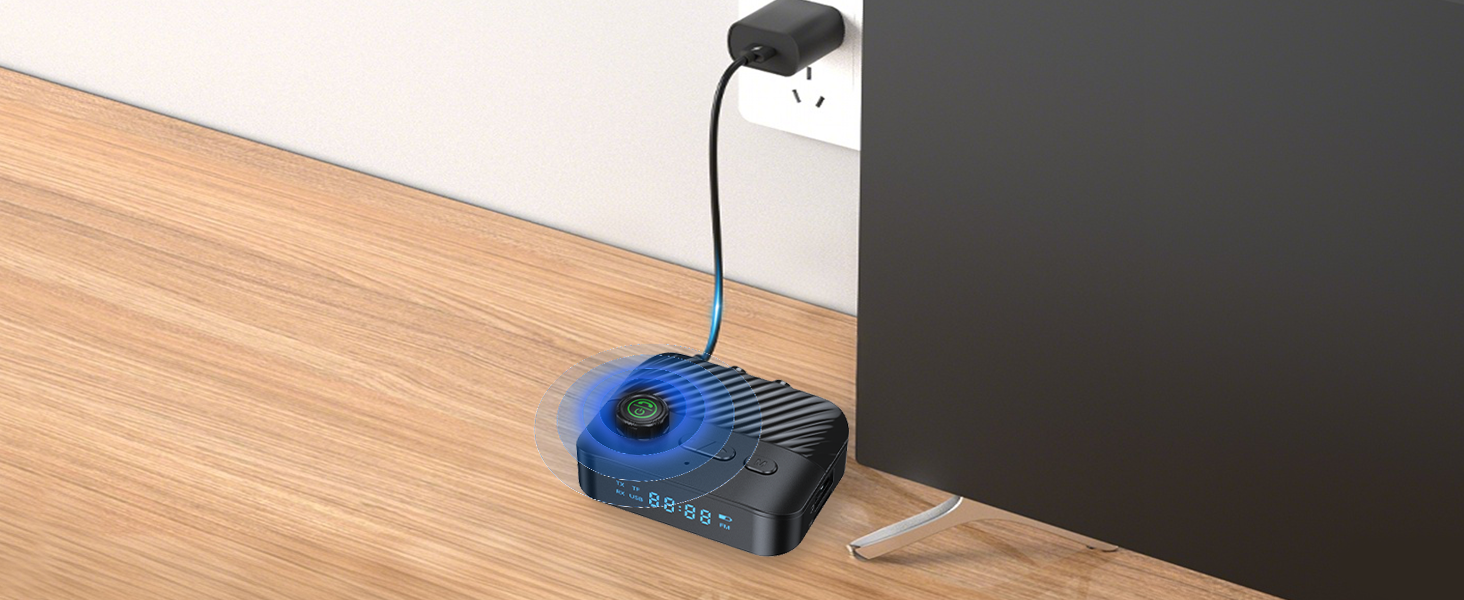
Step 1 :Power On
Plug the Type-C power cable into the Bluetooth adapter's charging port and connect to a power source (charging adapter not included).
Press the power button for 3s to turn on the Bluetooth adapter.
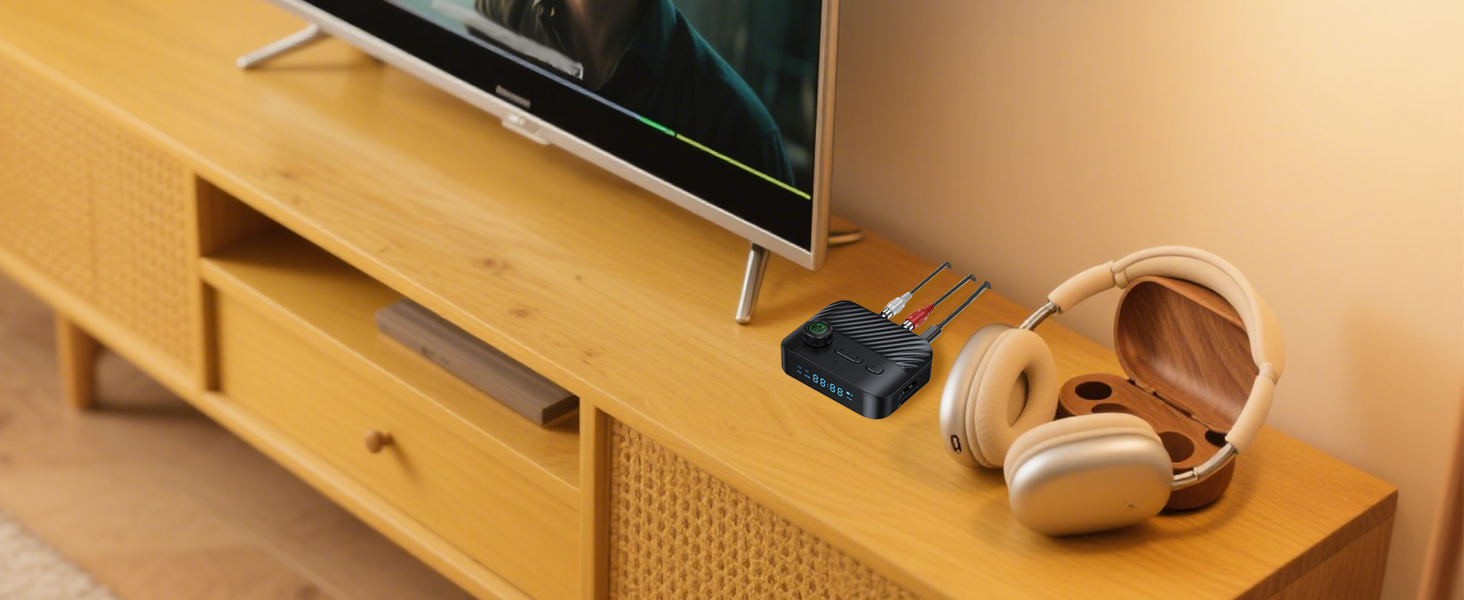
Step 2 :TX Mode
Connect the AUX/RCA cable to the port of the Bluetooth adapter and the TV OUTPUT port.
Switch to TX Mode.
The Bluetooth adapter will automatically pair with the Bluetooth headphones/speaker.
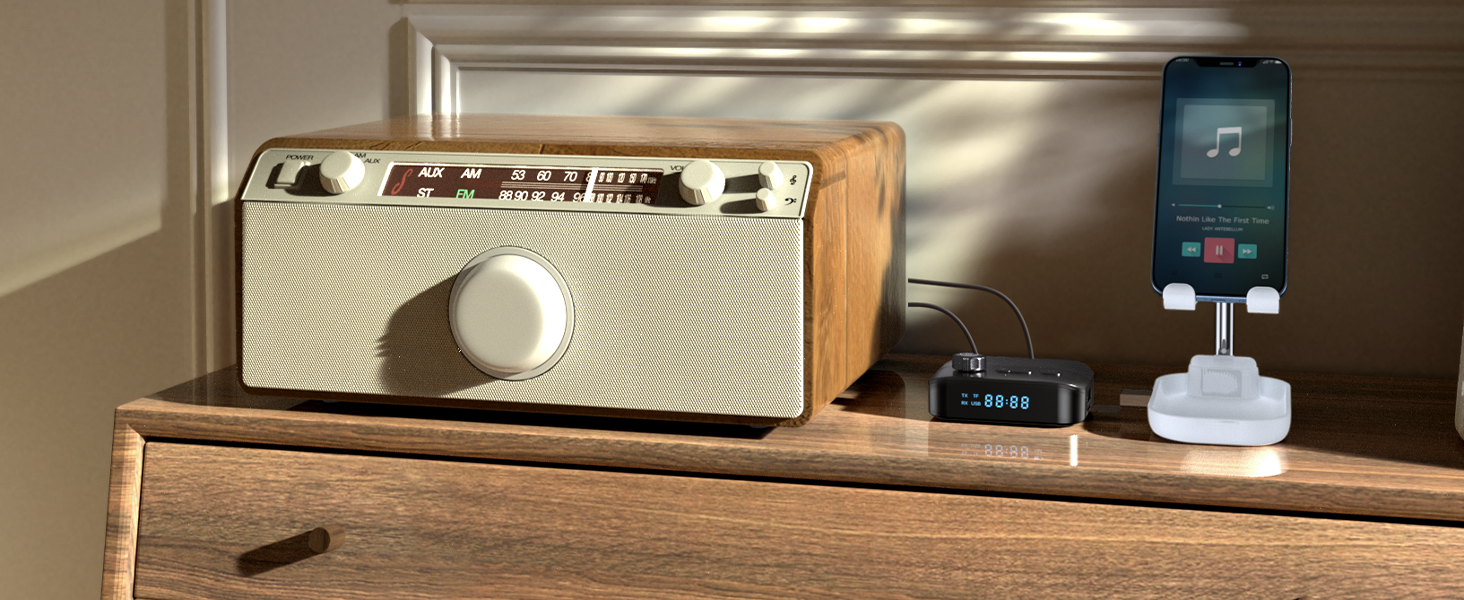
Step 3 :RX Mode
Connect the AUX/RCA cable to the port of the Bluetooth adapter and the home stereo/old speaker port.
Switch to RX Mode.
Connect the Bluetooth of your Phone/Tablet/Laptop to "C68" to play audio.
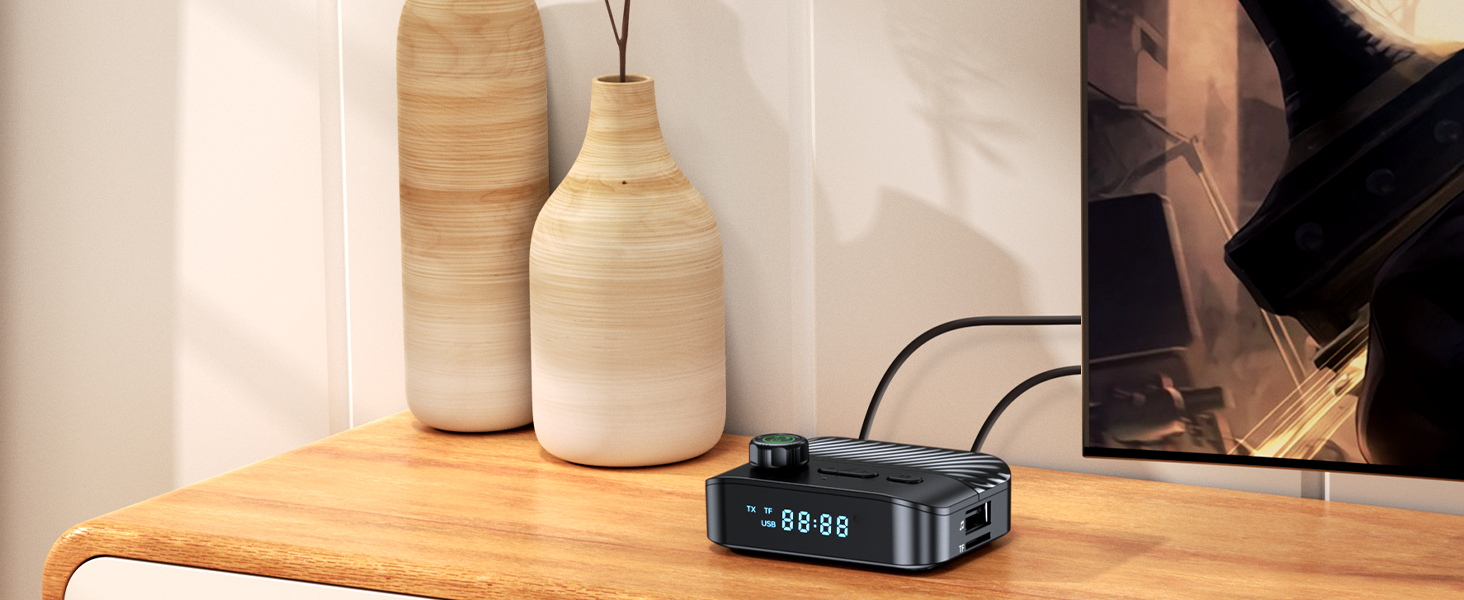
Key Success Tips
Make sure the headphones are in pairing mode - this solves 95% of setup problems.
Need help? Search "your headphone model + pairing tips" for instant fixes.
KAIY Bluetooth Transmitter or Receiver
 C68 Bluetooth 2 in 1 |  C41S Bluetooth 2 in 1 |  C36 Bluetooth Receiver |  C39 Bluetooth Receiver |  T59 Bluetooth Receiver |  T52 Bluetooth Receiver |  C39HD Bluetooth Receiver | |
|---|---|---|---|---|---|---|---|
Customer Reviews | — | — | — | — | — | — | — |
Price | — | — | — | — | — | — | — |
Transmitter Mode | ? | ? | ? | ? | ? | ? | ? |
Receiver Mode | ? | ? | ? | ? | ? | ? | ? |
RCA | ? | ? | ? | ? | ? | ? | ? |
AUX | ? | ? | ? | ? | ? | ? | ? |
Playing USB Drive Music | ? | ? | ? | ? | ? | ? | ? |
Playing TF Card Music | ? | ? | ? | ? | ? | ? | ? |
| ? | ? | ? | ? | ? | ? | ? |

Transform your home audio game! This wireless Bluetooth transmitter streams audio to wireless headphones or speakers, or upgrades old stereos to wireless. No tech hassles, all entertainment wins.


Bluetooth Transmitter for TV Audio
Works with nearly any TV, AUX/RCA ready! Our Bluetooth TV transmitter syncs audio to on-screen lip movements in real-time.

Bluetooth Receiver for Home Stereo
Plug & Play Anywhere, the Bluetooth receiver transmitter is perfect for any audio system craving wireless freedom.


Music Control
Smooth-turn knob adjusts volume on the fly. Play/pause, skip tracks with easy-press buttons.
Clear at a Glance
LEDs glow pairing mode, volume & battery. Slide to switch Transmitter/Receiver modes in seconds.
Play Music Directly
Skip the phone! Plug in a USB drive or TF card to play your saved tunes.
Non-Slip Base
Rubber pads keep the Bluetooth RCA adapter firmly in place on any surface.
How to Setup Bluetooth Adapter?
Step 1 :Power On
Step 2 :TX Mode
Step 3 :RX Mode
Key Success Tips


Plug the Type-C power cable into the Bluetooth adapter's charging port and connect to a power source (charging adapter not included).
Press the power button for 3s to turn on the Bluetooth adapter.
Connect the AUX/RCA cable to the port of the Bluetooth adapter and the TV OUTPUT port.
Switch to TX Mode.
The Bluetooth adapter will automatically pair with the Bluetooth headphones/speaker.
Connect the AUX/RCA cable to the port of the Bluetooth adapter and the home stereo/old speaker port.
Switch to RX Mode.
Connect the Bluetooth of your Phone/Tablet/Laptop to "C68" to play audio.
Make sure the headphones are in pairing mode - this solves 95% of setup problems.
Need help? Search "your headphone model + pairing tips" for instant fixes.
KAIY Bluetooth Transmitter or Receiver
C68 Bluetooth 2 in 1 | C41S Bluetooth 2 in 1 | C36 Bluetooth Receiver | C39 Bluetooth Receiver | T59 Bluetooth Receiver | T52 Bluetooth Receiver | C39HD Bluetooth Receiver |
|---|---|---|---|---|---|---|
| Customer Reviews | ||||||
| — | — | — | — | — | — | — |
| Price | ||||||
| — | — | — | — | — | — | — |
| Transmitter Mode | ||||||
| ? | ? | ? | ? | ? | ? | ? |
| Receiver Mode | ||||||
| ? | ? | ? | ? | ? | ? | ? |
| RCA | ||||||
| ? | ? | ? | ? | ? | ? | ? |
| AUX | ||||||
| ? | ? | ? | ? | ? | ? | ? |
| Playing USB Drive Music | ||||||
| ? | ? | ? | ? | ? | ? | ? |
| Playing TF Card Music | ||||||
| ? | ? | ? | ? | ? | ? | ? |
| ? | ? | ? | ? | ? | ? | ? |