




TX Mode
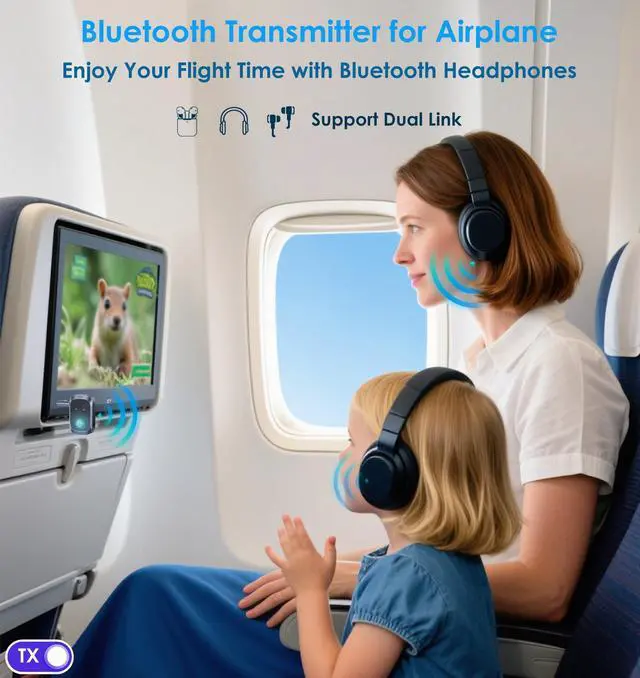
Connect Bluetooth Headphones on the Plane
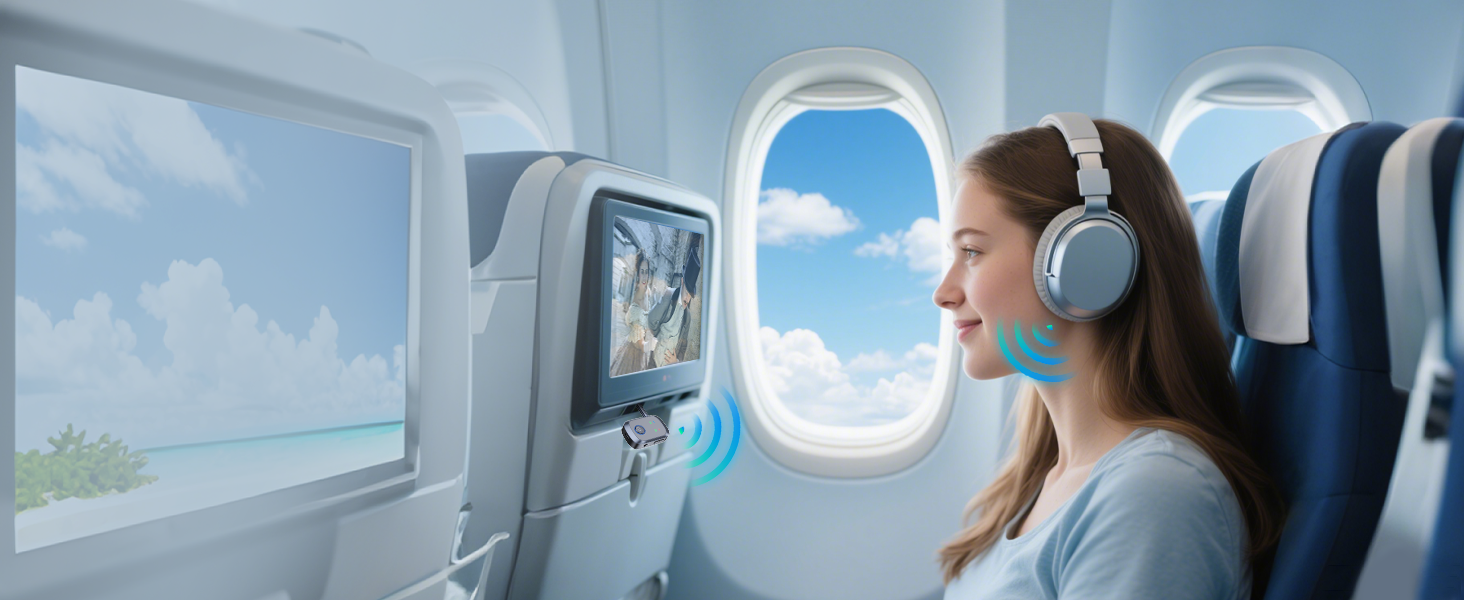
Enjoy superior sound and wireless freedom. If you're traveling with someone, you can even connect the Bluetooth airplane adapter to both of your headphones at the same time and remembered them on my return flight.

TX Mode
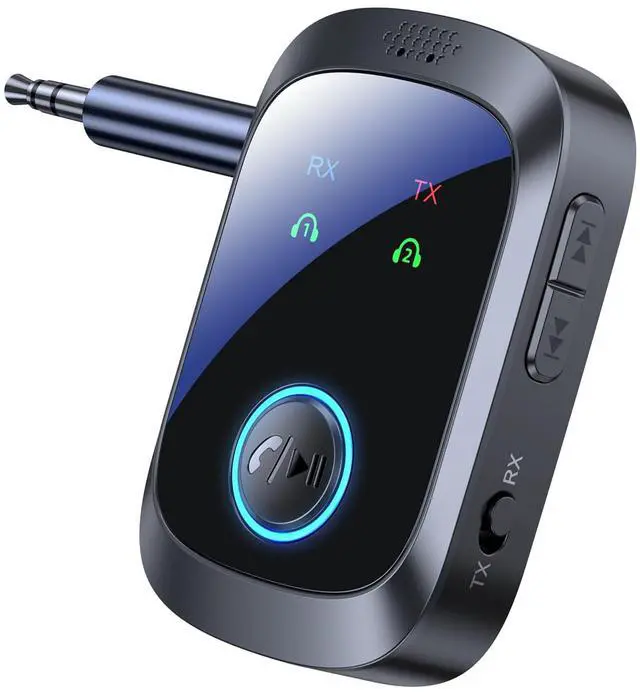
Dual Device Pairing
Connects two sets of Bluetooth headphones to one device for shared listening.
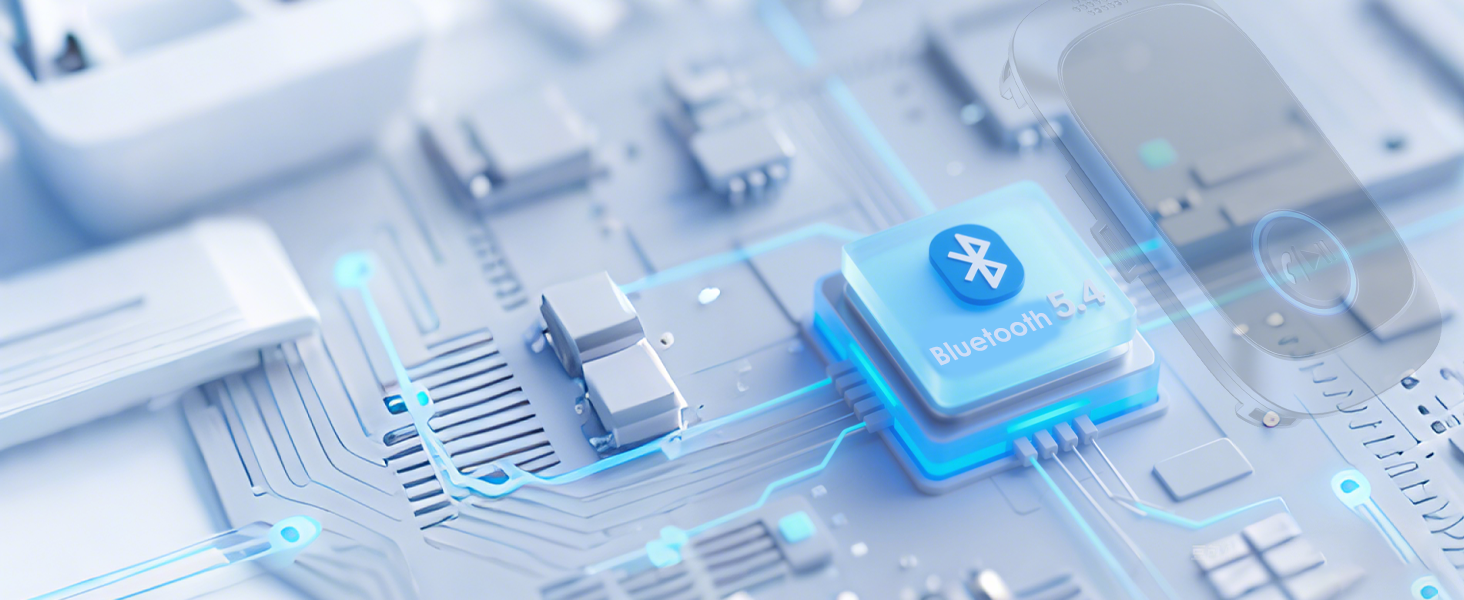
Upgraded Bluetooth
Effortless Bluetooth 5.4 pairing and physical buttons for easy volume control.
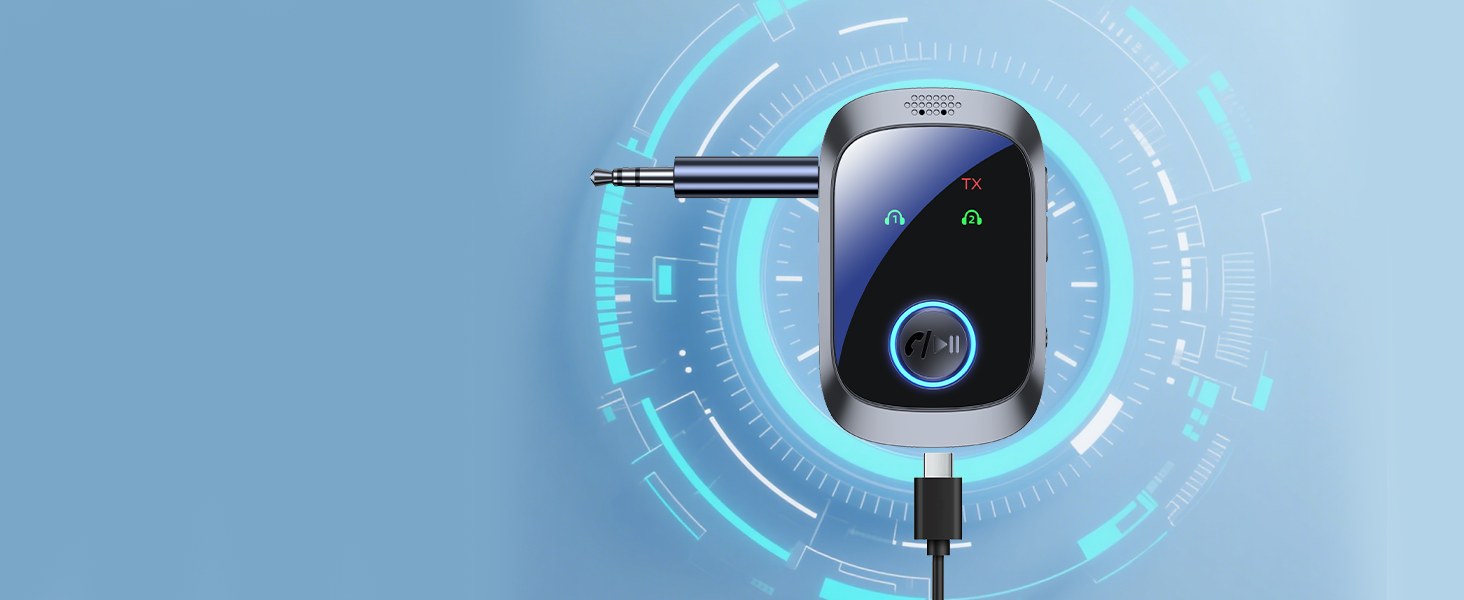
Type-C Quick Charge
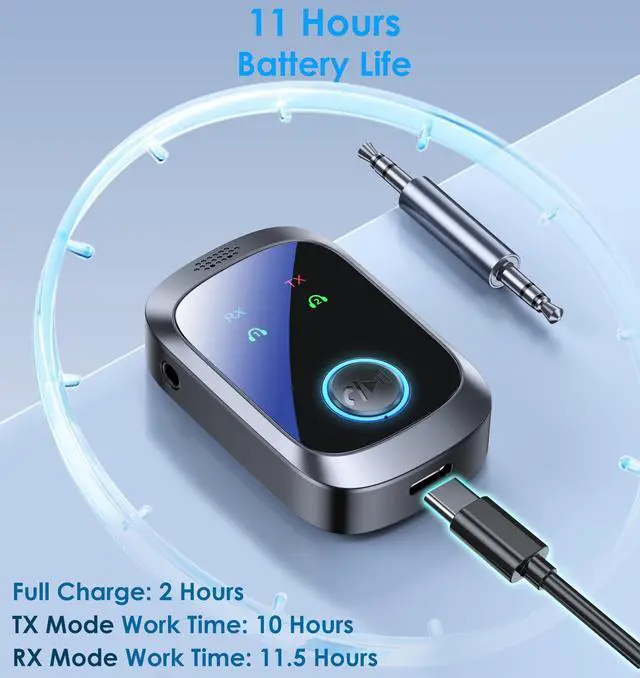
With intuitive pairing buttons, physical volume controls, and 11+ hours of battery life.
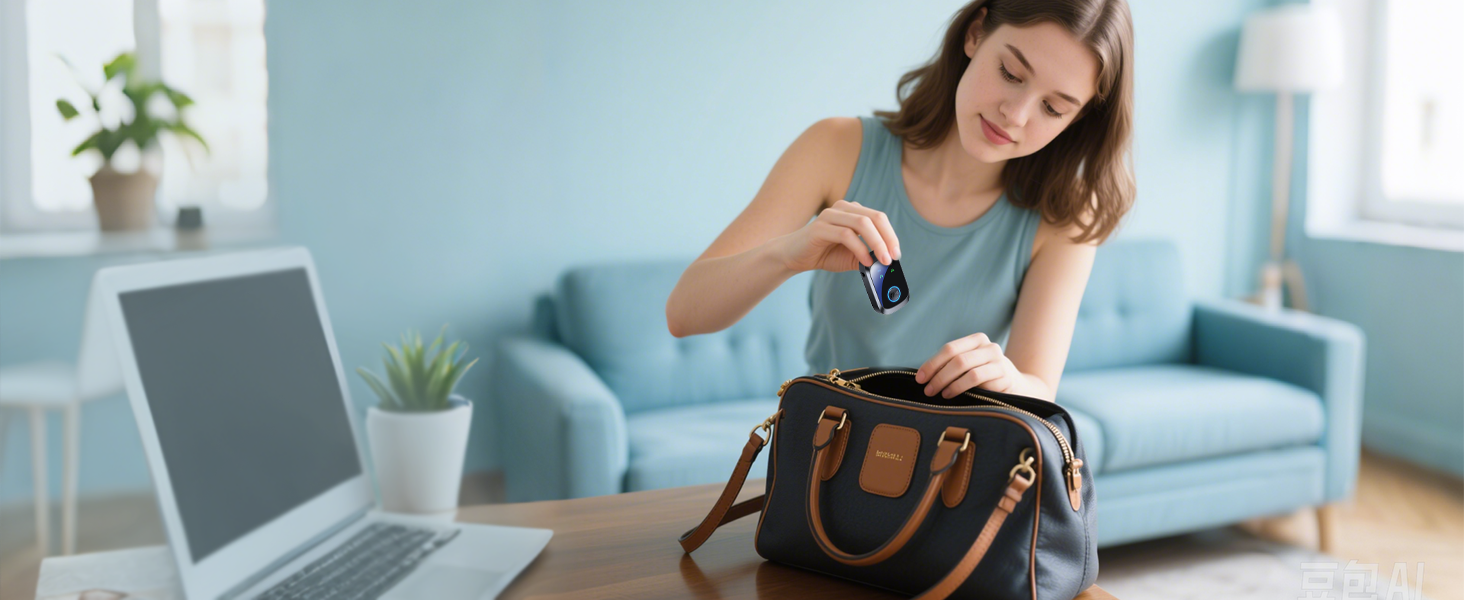
Small & Lightweight
The Bluetooth adapter easily slips into your carry-on, backpack, or even your pocket.

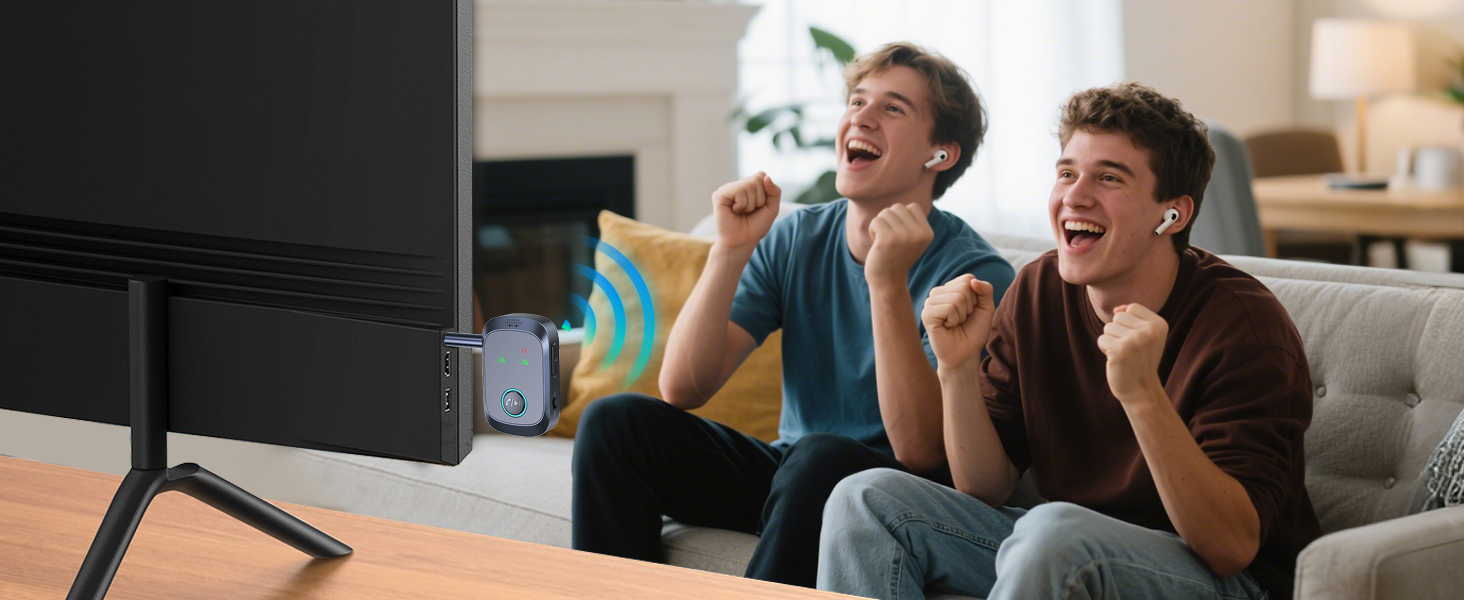
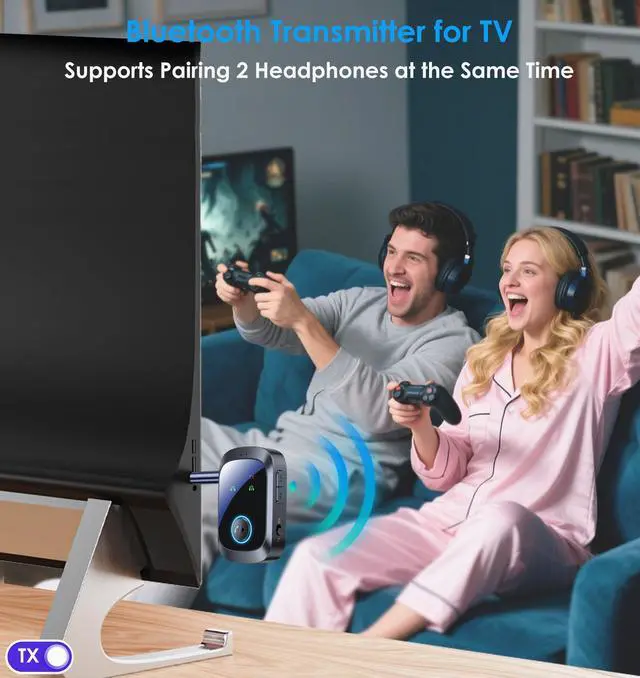
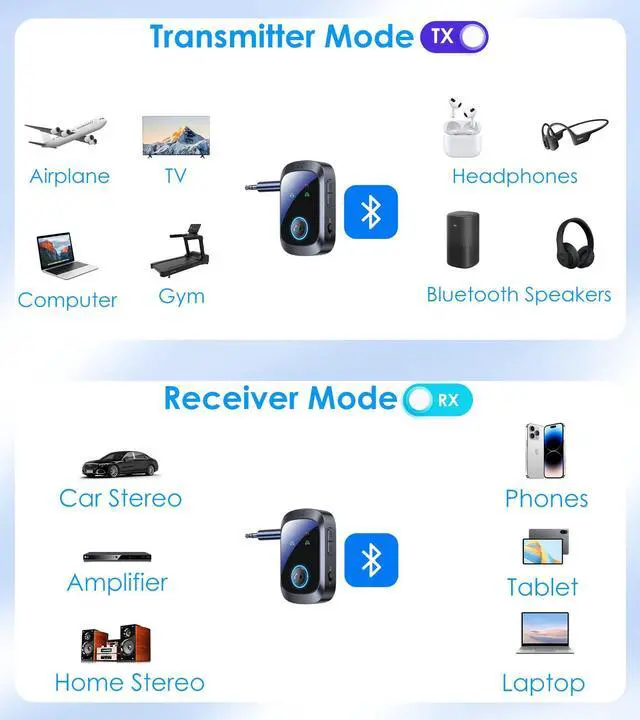
Now you can connect your favorite Bluetooth headphones or speakers to the TV.

No more wires getting caught on the equipment or getting in the way of your workout moves.

Whether you’re gaming, watching videos, without the need for long, tangled wires.

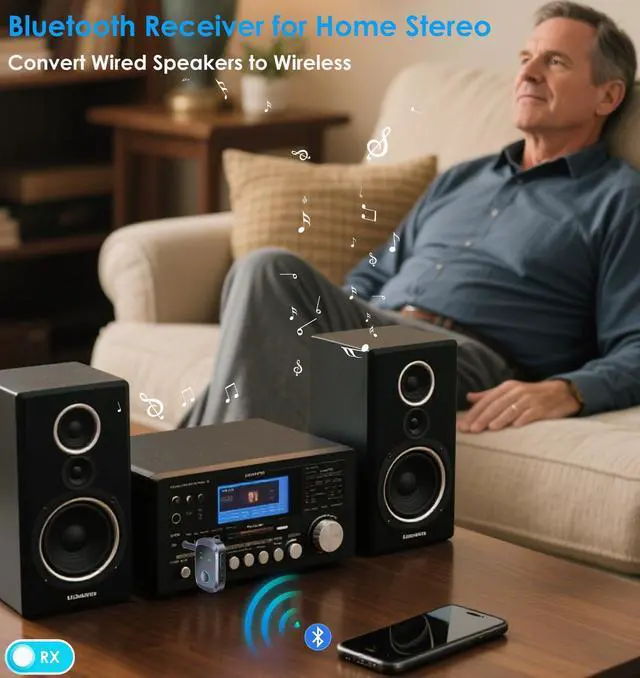
Stream music from your phone, tablet, or laptop directly to your home stereo with ease.
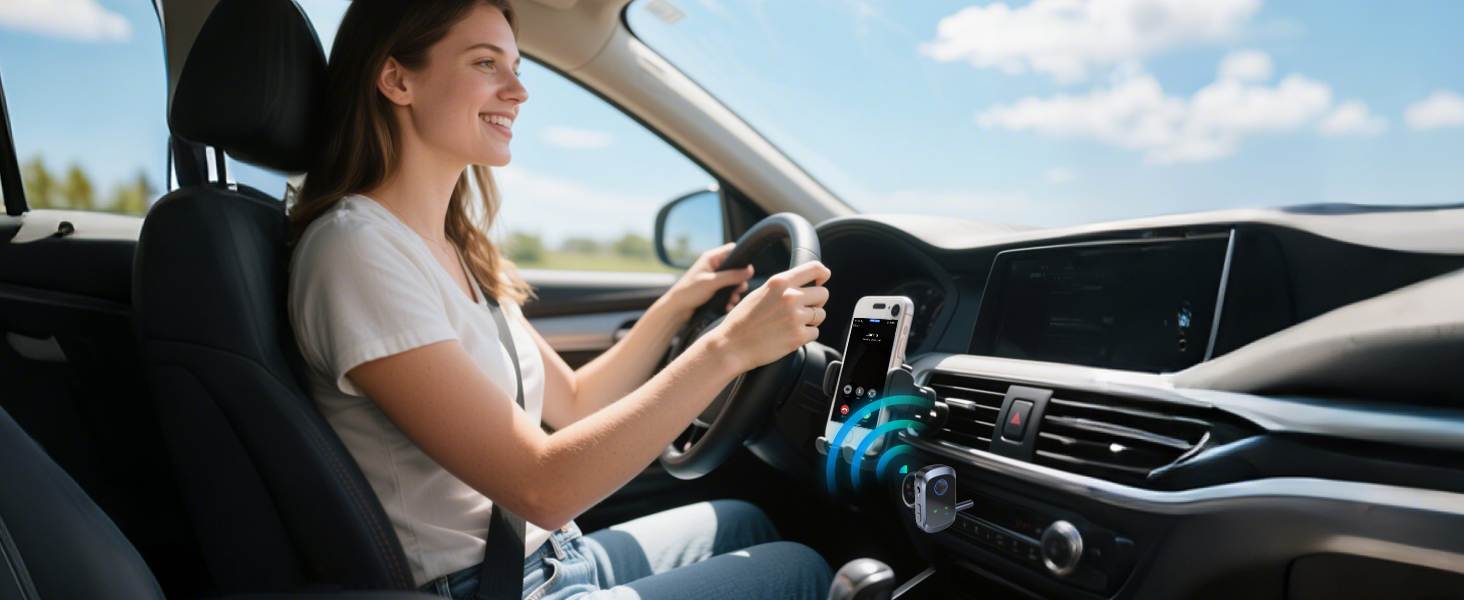
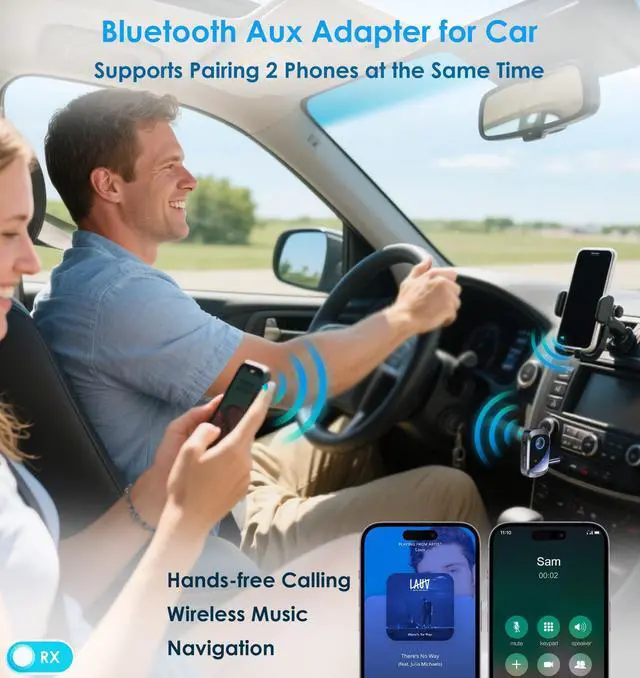
Transforms into an AUX-IN adapter to stream phone audio in your car or truck.

How to connect with Bluetooth AUX Adapter?

Plug & Power on
Insert the Bluetooth adapter and press the power button for 3 seconds.
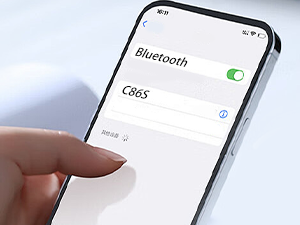
RX Mode
Select "RX" and wait for pairing. Select "C86S" on the mobile phone Bluetooth. If the No.1 light is always on = the phone 1 is successfully connected.

TX Mode
Select "TX" and wait for pairing. Put the headphones in pairing mode. If the No.1 light is always on = the headphones 1 is successfully connected.
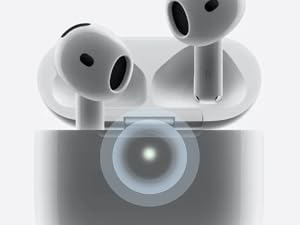
Transmitter for AirPods
Note: Pairing modes differ per AirPods gen.
For AirPods 4, double-tap the case front till the light flashes white.
Check your version's pairing.
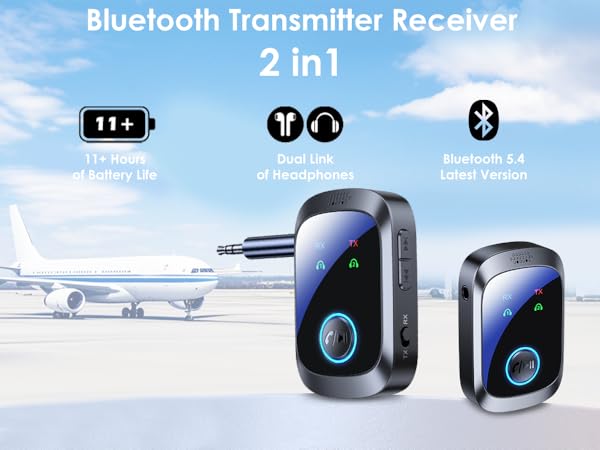

Connect Bluetooth Headphones on the Plane
Enjoy superior sound and wireless freedom. If you're traveling with someone, you can even connect the Bluetooth airplane adapter to both of your headphones at the same time and remembered them on my return flight.

Dual Device Pairing
Connects two sets of Bluetooth headphones to one device for shared listening.

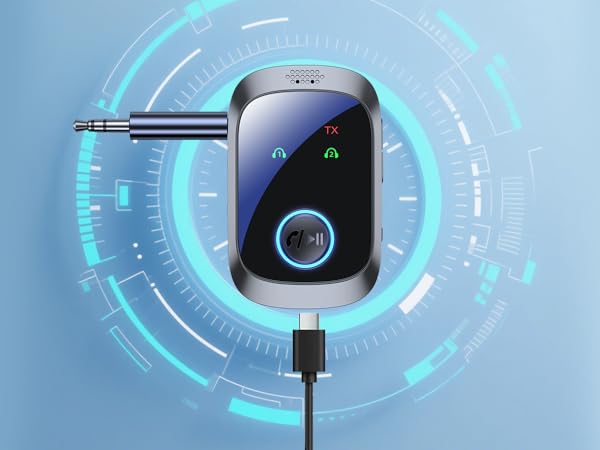

Upgraded Bluetooth
Effortless Bluetooth 5.4 pairing and physical buttons for easy volume control.
Type-C Quick Charge
With intuitive pairing buttons, physical volume controls, and 11+ hours of battery life.
Small & Lightweight
The Bluetooth adapter easily slips into your carry-on, backpack, or even your pocket.
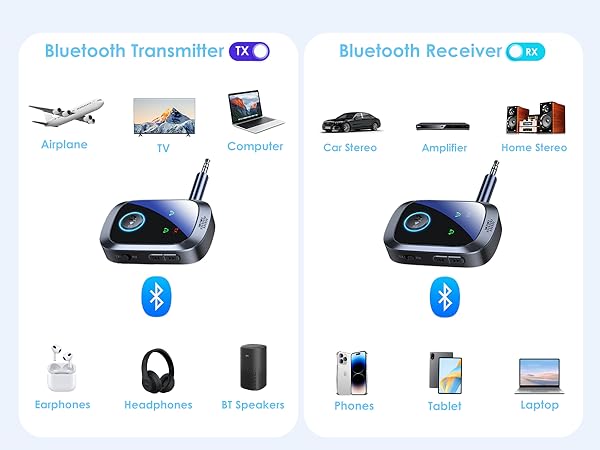


Now you can connect your favorite Bluetooth headphones or speakers to the TV.
No more wires getting caught on the equipment or getting in the way of your workout moves.
Whether you’re gaming, watching videos, without the need for long, tangled wires.
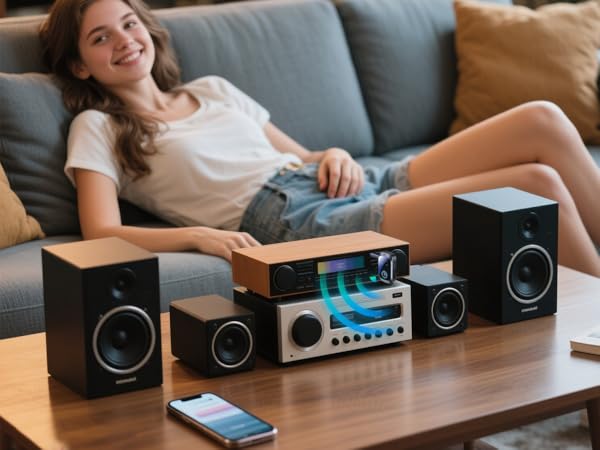
Stream music from your phone, tablet, or laptop directly to your home stereo with ease.
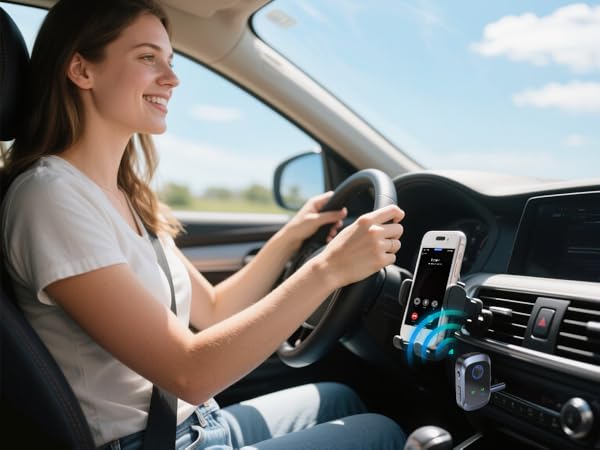
Transforms into an AUX-IN adapter to stream phone audio in your car or truck.
How to connect with Bluetooth AUX Adapter?
Plug & Power on
Insert the Bluetooth adapter and press the power button for 3 seconds.
RX Mode
Select "RX" and wait for pairing. Select "C86S" on the mobile phone Bluetooth. If the No.1 light is always on = the phone 1 is successfully connected.
TX Mode
Select "TX" and wait for pairing. Put the headphones in pairing mode. If the No.1 light is always on = the headphones 1 is successfully connected.
Transmitter for AirPods
Note: Pairing modes differ per AirPods gen.
For AirPods 4, double-tap the case front till the light flashes white.
Check your version's pairing.