





Why the recorder can't be recognized when connecting computer?
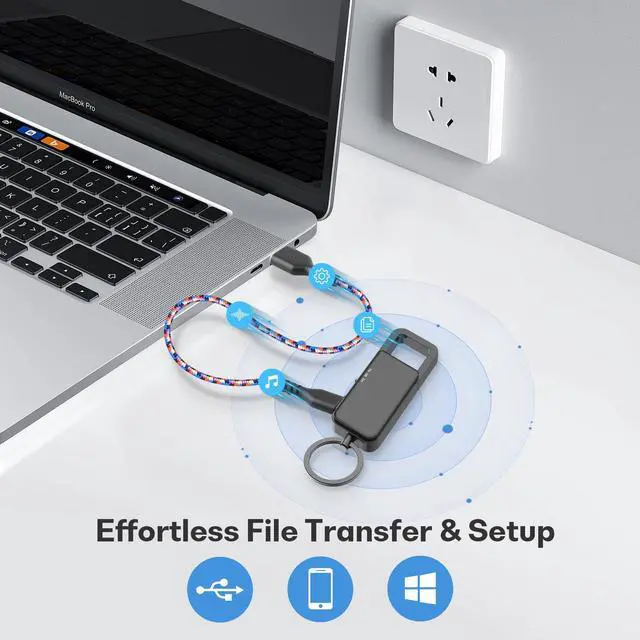
Please confirm turn off the recorder before connecting computer, then try different TYPE-C cables or computers.
Where can I find the recording?
Connect computer to find the removeable disk , then you can see all recordings in "RECORD" file. (When you save the file, it is automatically named according the time of date.)
How to delete recordings?
When you find the recordings in "RECORD", just right-click and choose delete.
Why the recordings failed to playback on computer?
Some computer systems are not compatible, such as win11, do not use their own audio Player, change other music players, such as: SM Player
Why the battery can't be charged?
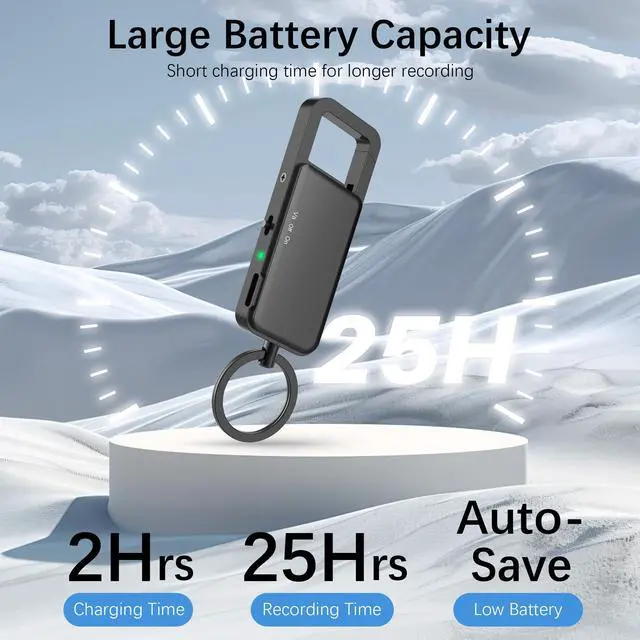
It may be because the battery has not been charged for a long time. The recorder built-in lithium battery, if you don't use it for a long time,
please remember to charge once a month to ensure the health of the battery.


Why the recorder can't be recognized when connecting computer?
Please confirm turn off the recorder before connecting computer, then try different TYPE-C cables or computers.
Where can I find the recording?
Connect computer to find the removeable disk , then you can see all recordings in "RECORD" file. (When you save the file, it is automatically named according the time of date.)
How to delete recordings?
When you find the recordings in "RECORD", just right-click and choose delete.
Why the recordings failed to playback on computer?
Some computer systems are not compatible, such as win11, do not use their own audio Player, change other music players, such as: SM Player
Why the battery can't be charged?
It may be because the battery has not been charged for a long time. The recorder built-in lithium battery, if you don't use it for a long time,
please remember to charge once a month to ensure the health of the battery.