


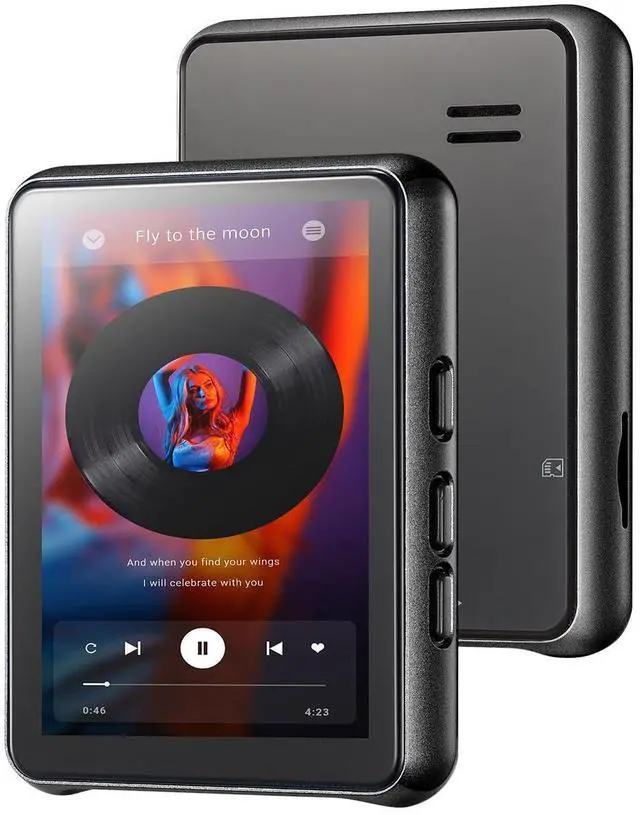
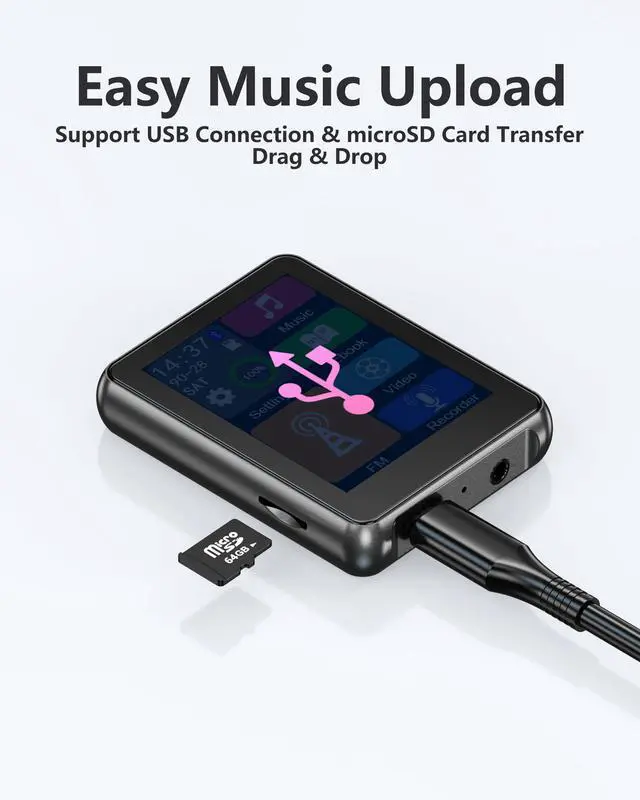


Works like a USB drive
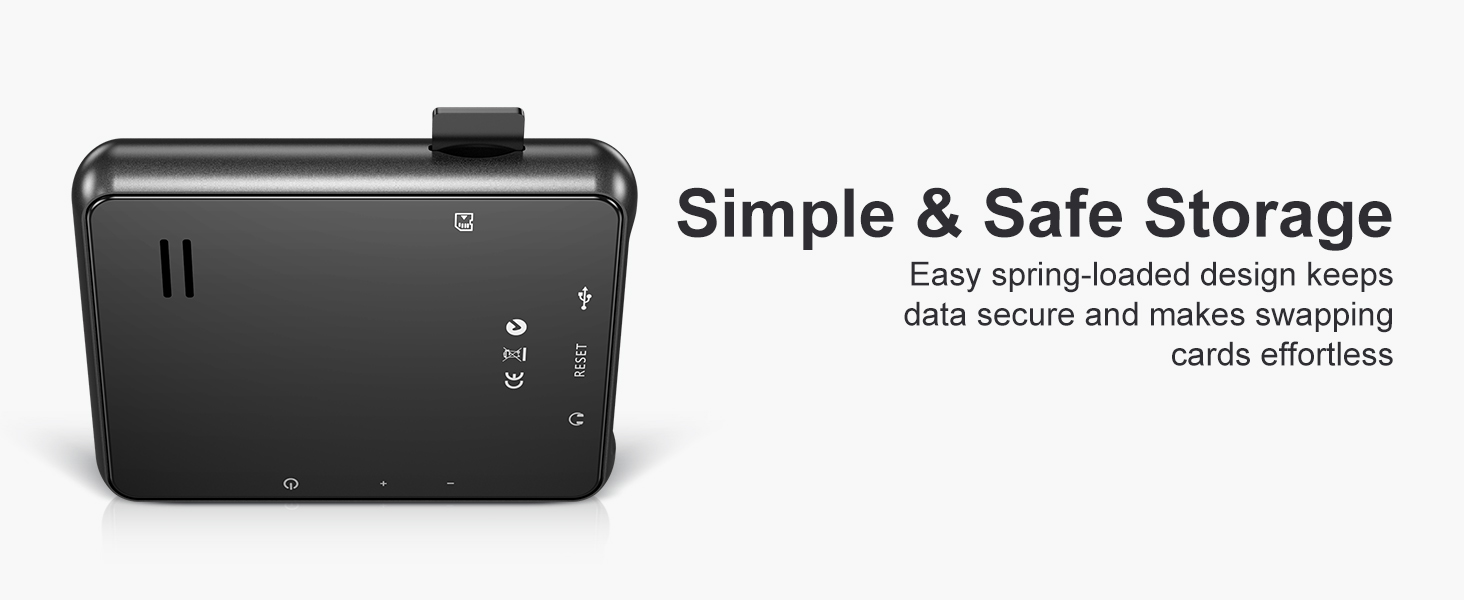
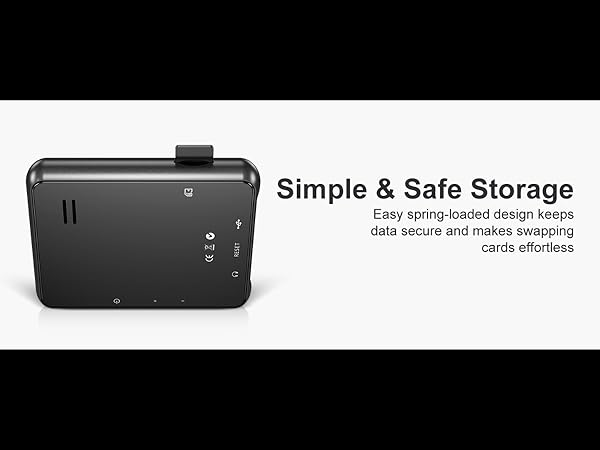
Simply swap the Micro SD card to move your music library between devices instantly
Expandable Storage & Easy Card Swap
Merchant VideoIs the device durable enough for kids?
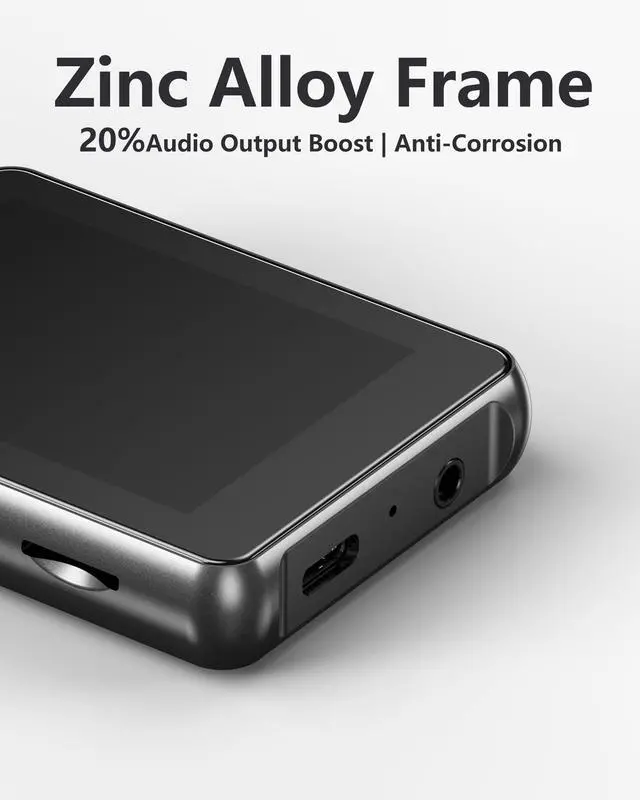
Yes. Unlike cheap plastic players, the Keenplus 03b is built with a high-grade Zinc Alloy Metal Body. It is sturdy, drop-resistant, and has rounded corners, making it perfect for active kids and daily use.
How do I put music on it? Do I need iTunes or specific software?
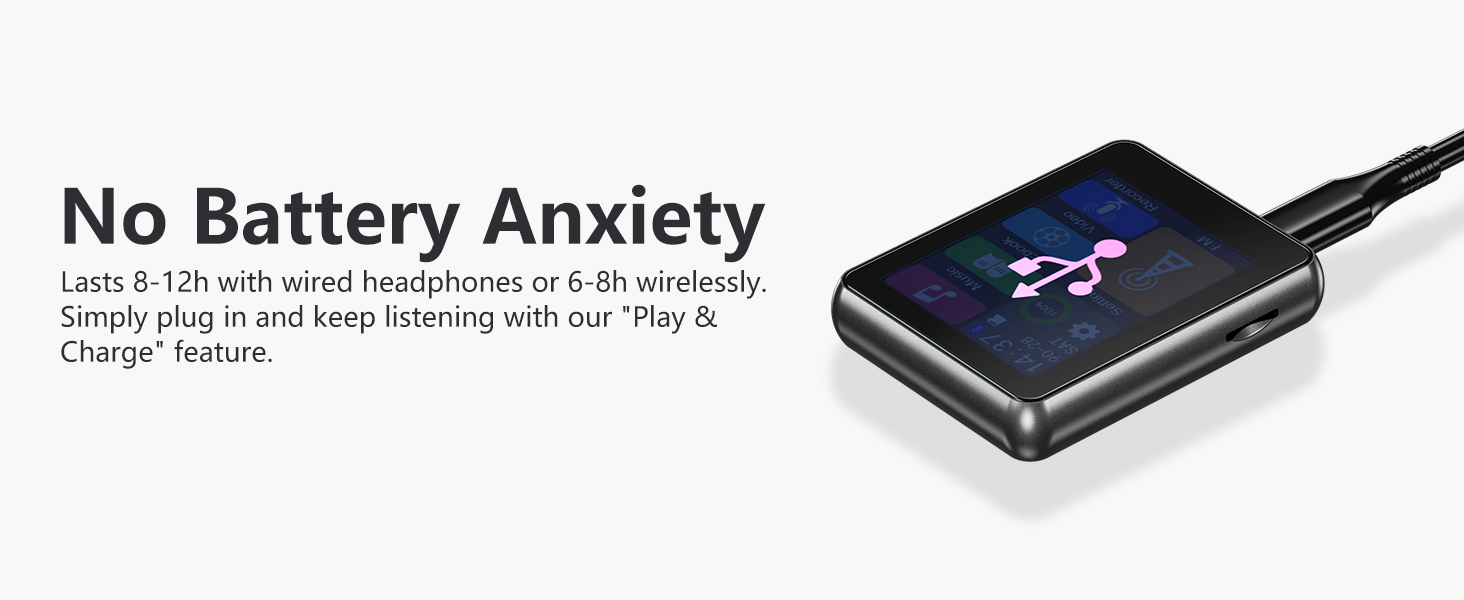
No software is needed. It works like a USB Flash Drive. Simply connect it to your computer (PC or Mac) with the included USB-C cable, and Drag-and-Drop your music files into the folder. It's very easy for parents and seniors.
Can I upgrade the storage capacity?
The device comes with a 64GB Micro SD card included. If you need more space, you can easily swap it with another card up to 128GB to store even more HiFi songs.
Can I connect this to my car stereo?
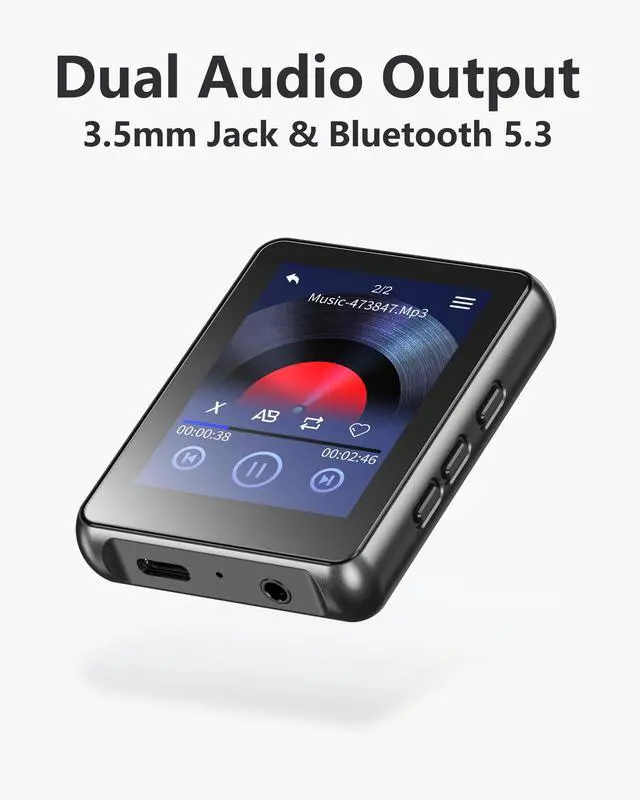
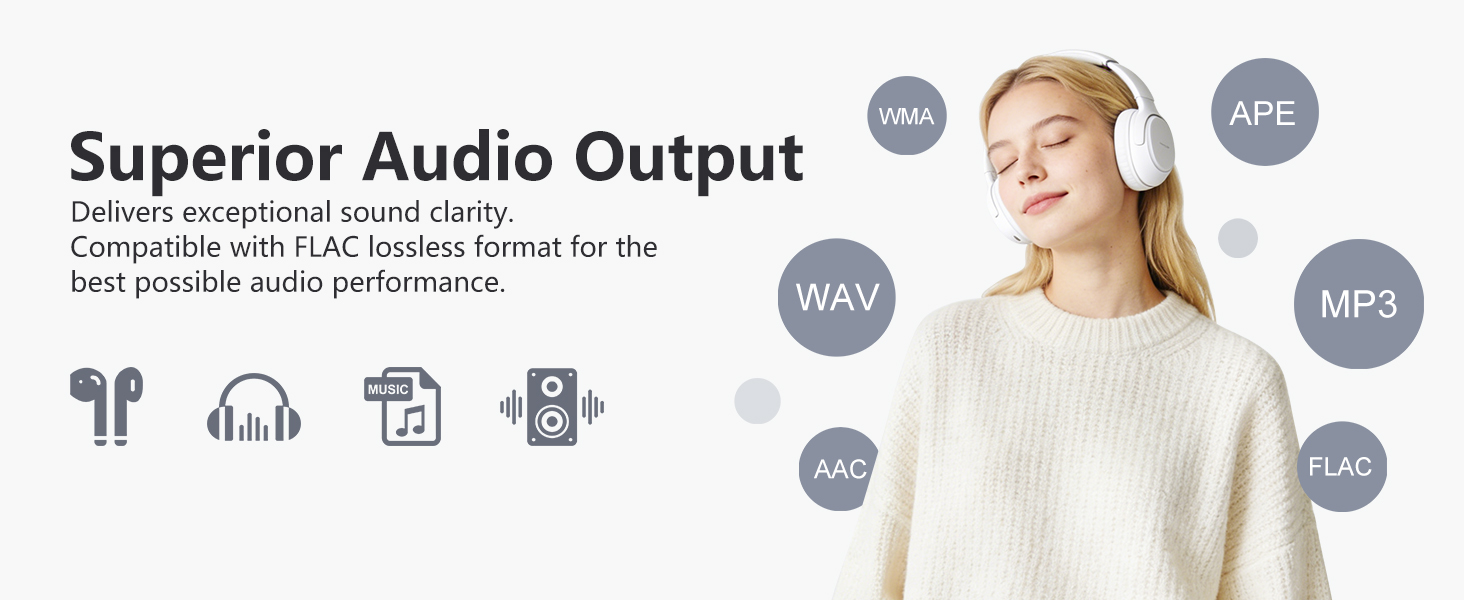
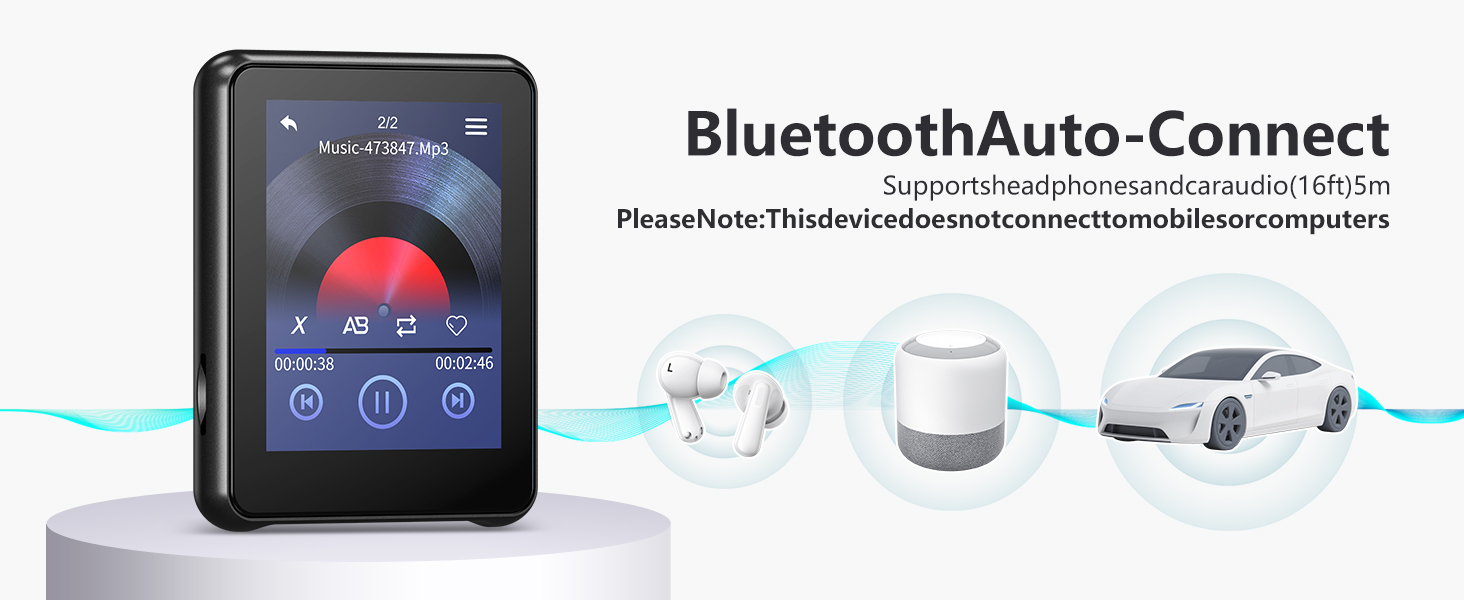
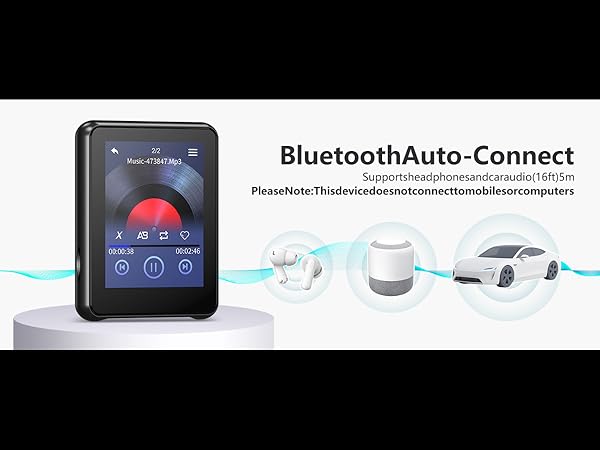
Yes! You have two options: 1. Use Bluetooth 5.3 for a wireless connection (supports Auto-Reconnect). 2. Use the 3.5mm AUX Jack with an audio cable for lossless sound transmission.
I'm not very tech-savvy. Can you help me if I get stuck?
English: We offer dedicated product support. If you have questions about Mac transfer, Bluetooth, or Video conversion, please reach out via "Your Orders" > "Contact Seller". We are ready to assist with detailed troubleshooting steps.
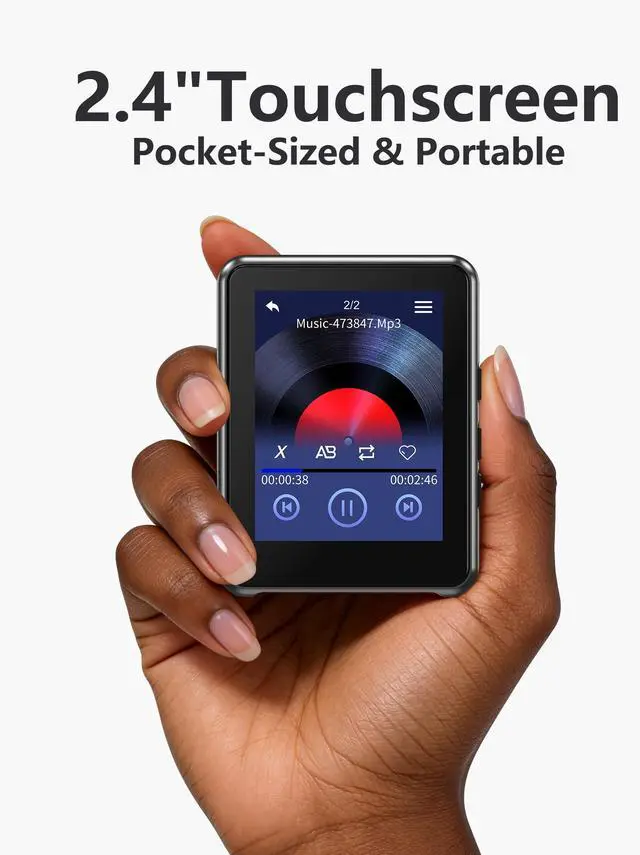
1.About Size: Handheld Portability
- Please refer to the handheld photo for an accurate size reference. Its compact, pocket-sized design ensures easy carrying anywhere.
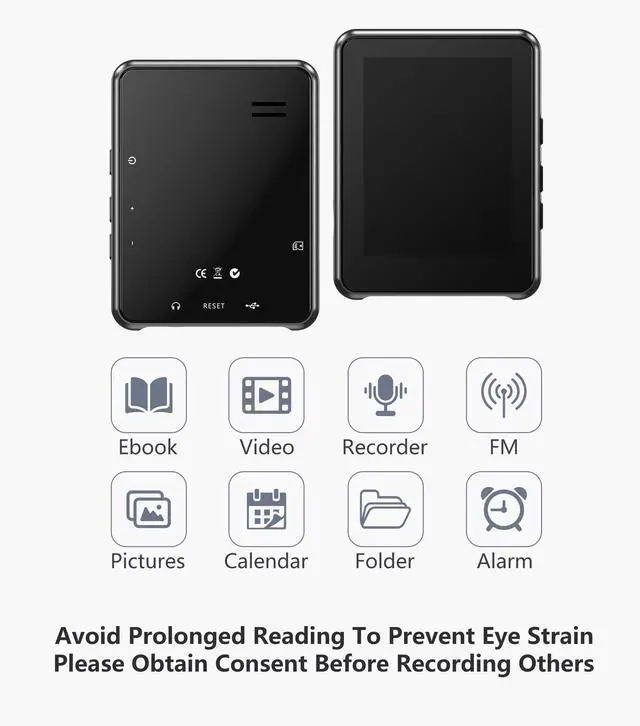
2.About Video: AVI 240x320 Only
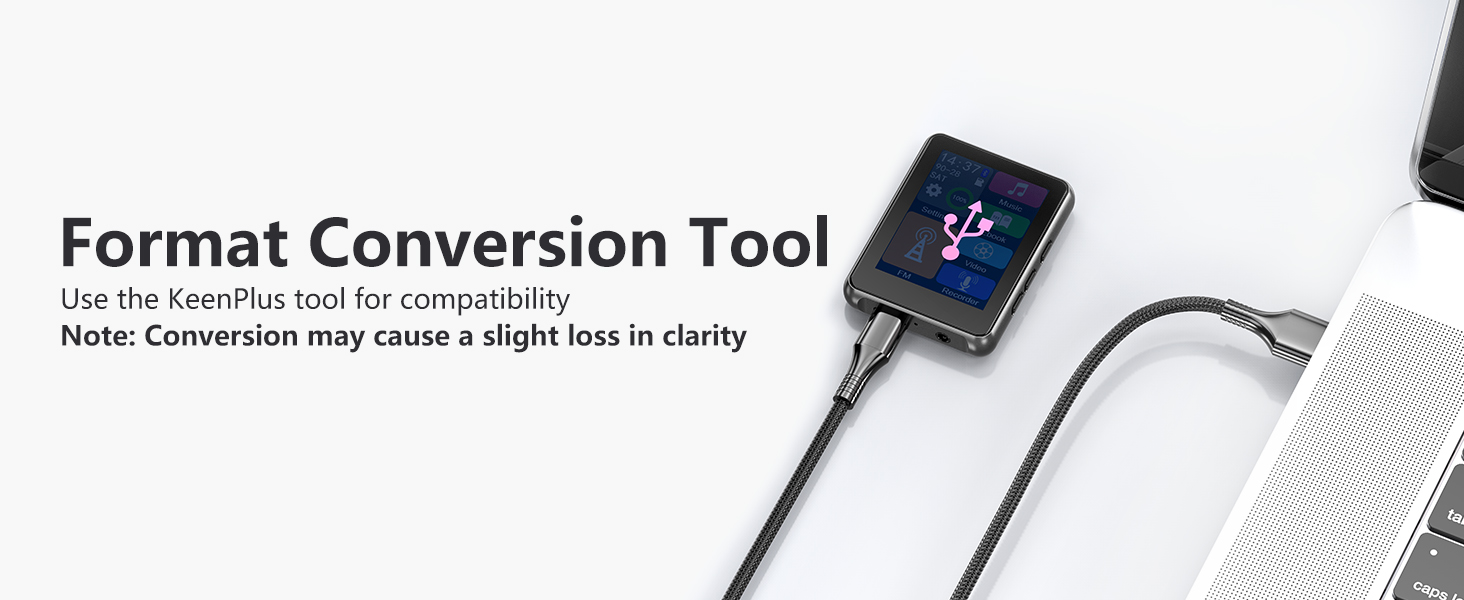
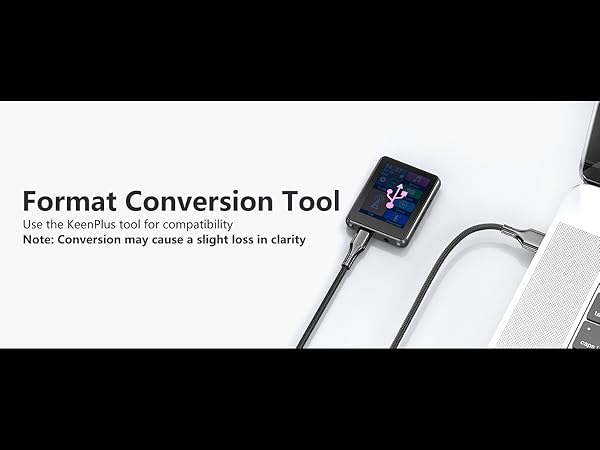
- Supports AVI/AMV (240x320). For MP4 conversion, please message us via "Contact Seller" for the necessary conversion tool.
3.About Storage: Works as a Flash Drive
- Use it as a USB drive to store any files (Word, PDF, etc.). Note: Unsupported file types will be stored safely but will not be displayed on the screen.
4.Pre-set to English
- The system language is set to English by default for your convenience. To change it, please go to "Settings > Language."
5.Precision Touch Tip
- For precise navigation, we recommend tapping slightly above the center of the "Back" icon. This ensures the best touch accuracy for the compact screen.

Enjoy the Moment
Leave the chaos behind. Unplug and lose yourself in your favorite songs. No texts, no alerts, just pure, uninterrupted peace.

Here for Every User
We are committed to providing more than just a device. Count on our responsive support team to ensure you get the most out of your music player
Is this device safe for kids?
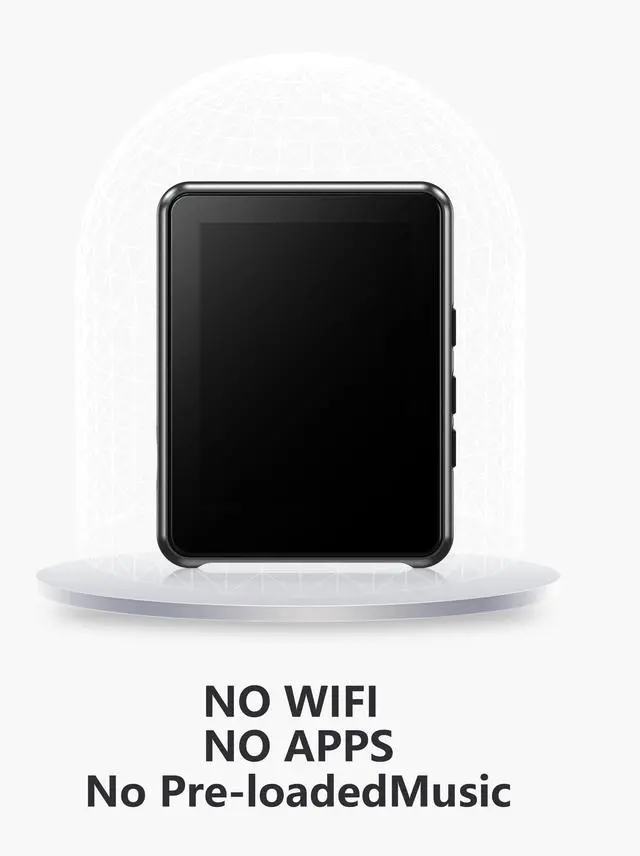
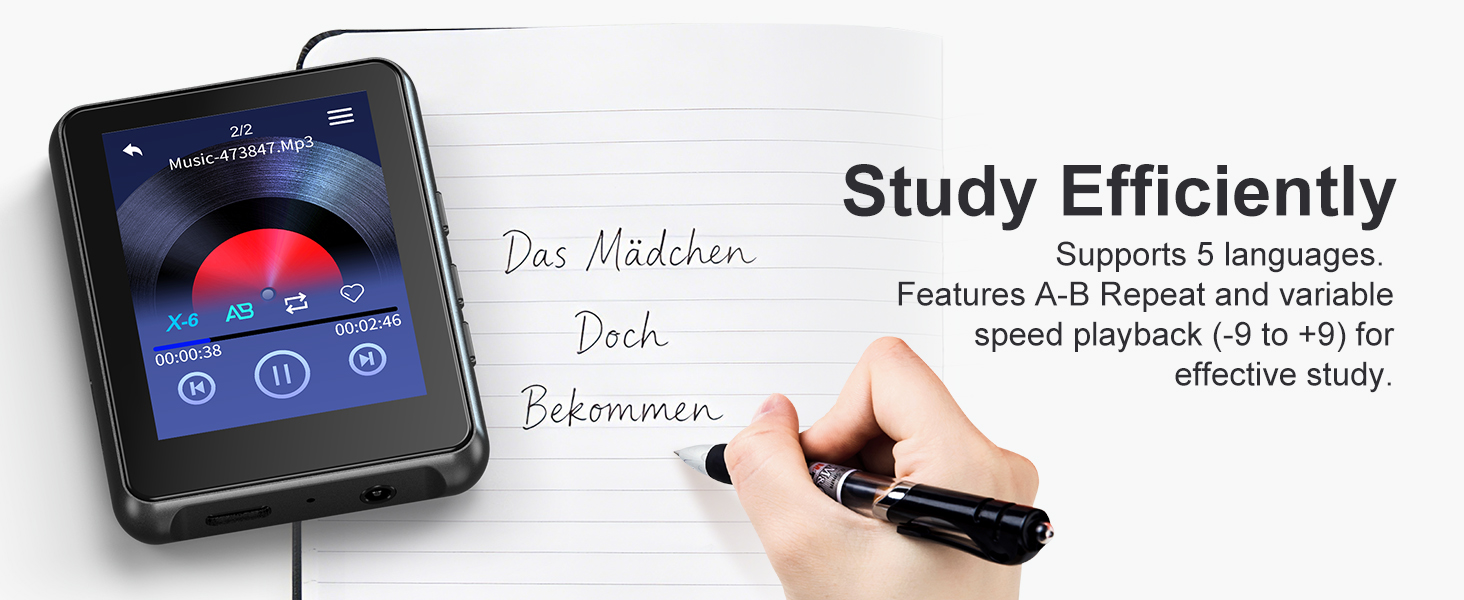
Yes. With no internet or browser, it prevents access to games and social media, ensuring focus on study.
How do I transfer music without WiFi?
Simply connect to your PC via USB cable. Drag and drop your music files directly. No software needed.
How is the build quality? Is it durable?
Unlike cheap plastic models, this player features a robust metal frame and a scratch-resistant screen. It feels solid, premium, and is designed to withstand daily wear and tear.

Expandable Storage & Easy Card Swap
Merchant VideoWorks like a USB drive
Simply swap the Micro SD card to move your music library between devices instantly
Is the device durable enough for kids?
Yes. Unlike cheap plastic players, the Keenplus 03b is built with a high-grade Zinc Alloy Metal Body. It is sturdy, drop-resistant, and has rounded corners, making it perfect for active kids and daily use.
How do I put music on it? Do I need iTunes or specific software?
No software is needed. It works like a USB Flash Drive. Simply connect it to your computer (PC or Mac) with the included USB-C cable, and Drag-and-Drop your music files into the folder. It's very easy for parents and seniors.
Can I upgrade the storage capacity?
The device comes with a 64GB Micro SD card included. If you need more space, you can easily swap it with another card up to 128GB to store even more HiFi songs.
Can I connect this to my car stereo?
Yes! You have two options: 1. Use Bluetooth 5.3 for a wireless connection (supports Auto-Reconnect). 2. Use the 3.5mm AUX Jack with an audio cable for lossless sound transmission.
I'm not very tech-savvy. Can you help me if I get stuck?
English: We offer dedicated product support. If you have questions about Mac transfer, Bluetooth, or Video conversion, please reach out via "Your Orders" > "Contact Seller". We are ready to assist with detailed troubleshooting steps.
1.About Size: Handheld Portability
- Please refer to the handheld photo for an accurate size reference. Its compact, pocket-sized design ensures easy carrying anywhere.
2.About Video: AVI 240x320 Only
- Supports AVI/AMV (240x320). For MP4 conversion, please message us via "Contact Seller" for the necessary conversion tool.
3.About Storage: Works as a Flash Drive
- Use it as a USB drive to store any files (Word, PDF, etc.). Note: Unsupported file types will be stored safely but will not be displayed on the screen.
4.Pre-set to English
- The system language is set to English by default for your convenience. To change it, please go to "Settings > Language."
5.Precision Touch Tip
- For precise navigation, we recommend tapping slightly above the center of the "Back" icon. This ensures the best touch accuracy for the compact screen.
Enjoy the Moment
Leave the chaos behind. Unplug and lose yourself in your favorite songs. No texts, no alerts, just pure, uninterrupted peace.
Here for Every User
We are committed to providing more than just a device. Count on our responsive support team to ensure you get the most out of your music player
Is this device safe for kids?
Yes. With no internet or browser, it prevents access to games and social media, ensuring focus on study.
How do I transfer music without WiFi?
Simply connect to your PC via USB cable. Drag and drop your music files directly. No software needed.
How is the build quality? Is it durable?
Unlike cheap plastic models, this player features a robust metal frame and a scratch-resistant screen. It feels solid, premium, and is designed to withstand daily wear and tear.