
• $19.68
  • Free 30-day Returns
  • Shipped by Xuerhurai Shop

    Price alert
    Shop it at NeweggBusiness.

    Meet Your Seller

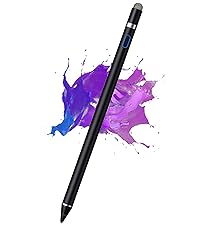
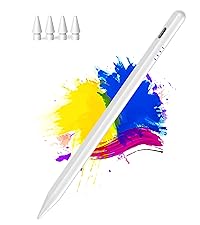
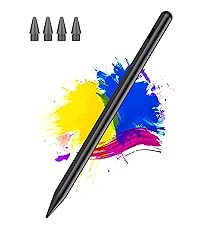
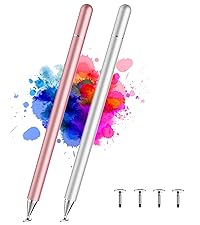
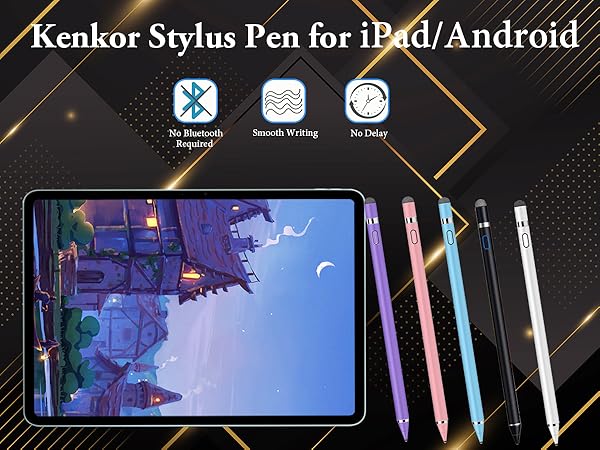
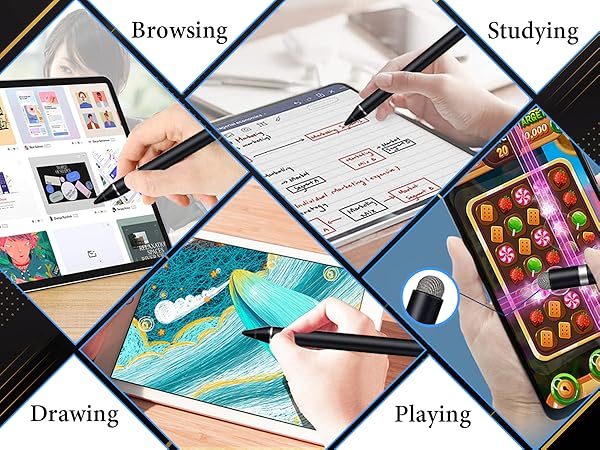
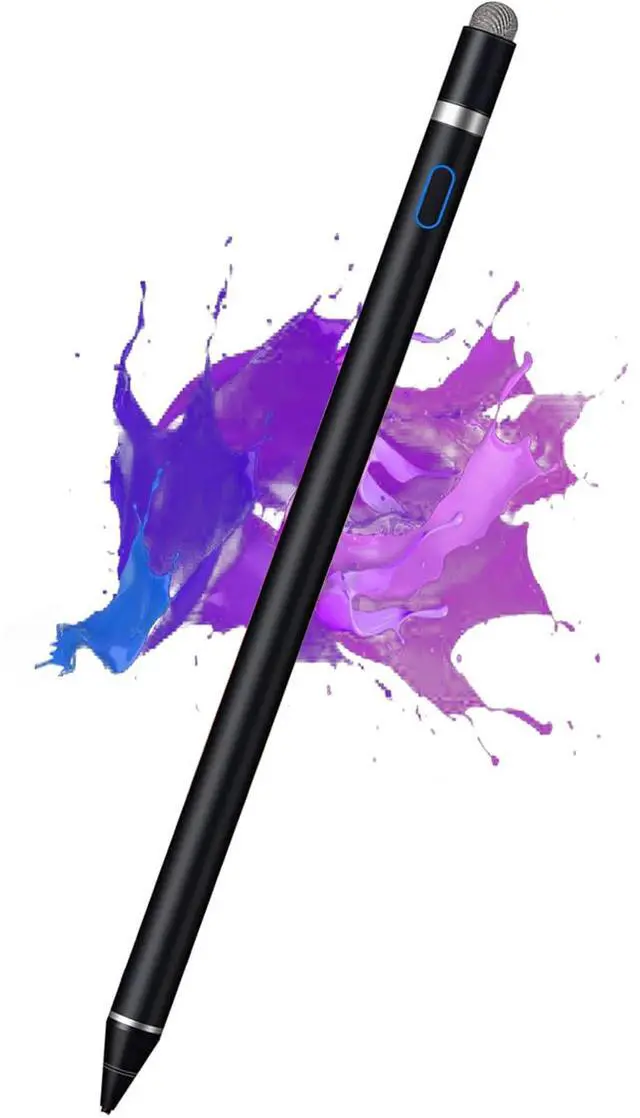
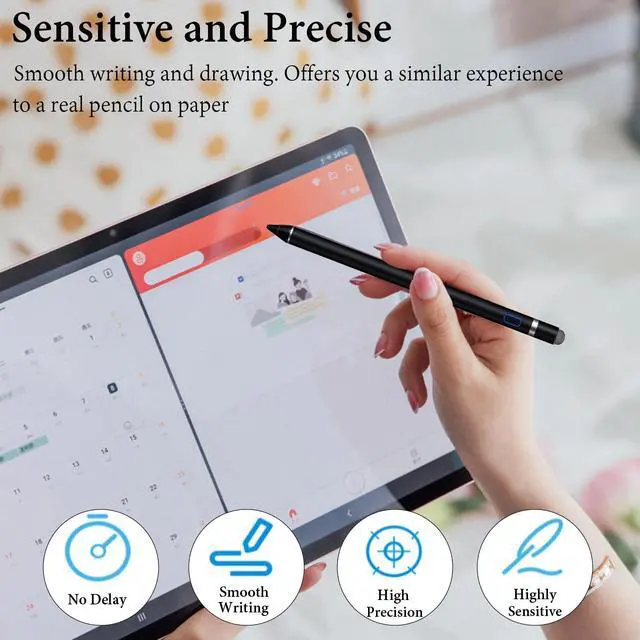
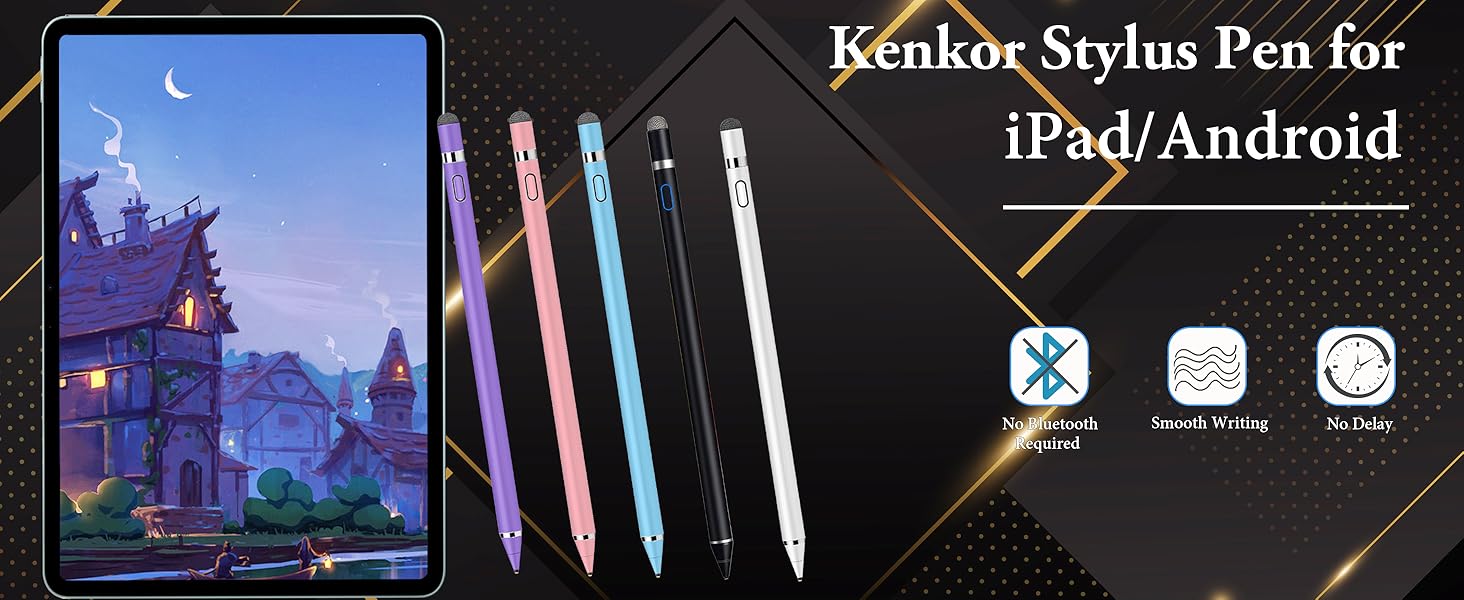
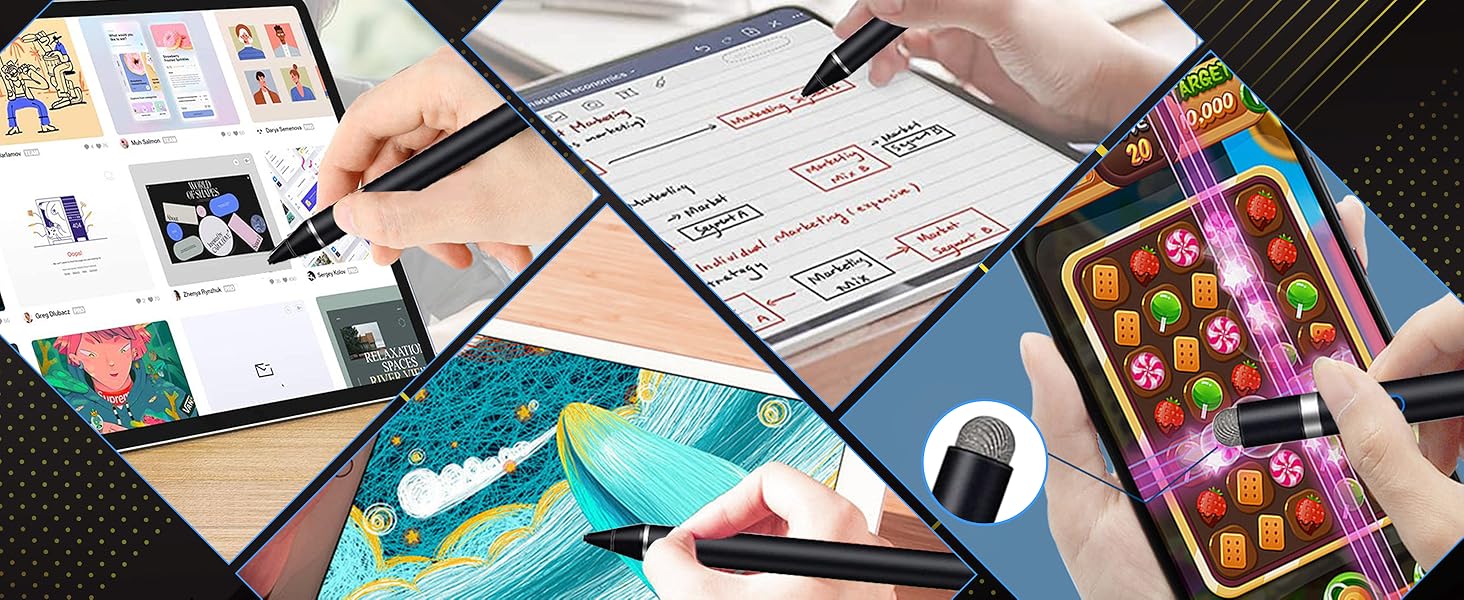
    Active Stylus Pen for iPhone/iPad/Android, Pencil with Dual Touch Function, Rechargeable Digital Fine Point Pen for Apple iPad Pro/Air/Mini/iPhone/Cell Phone/Samsung/Tablet Drawing & Writing

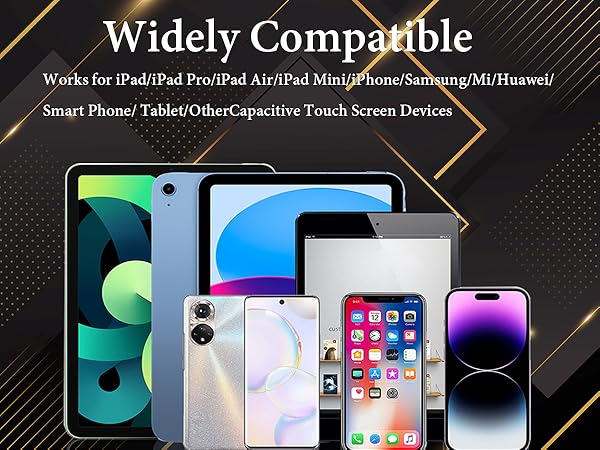
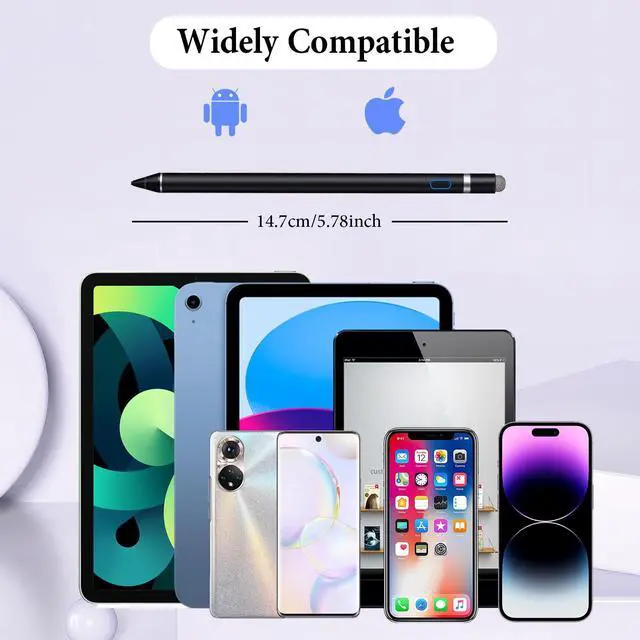
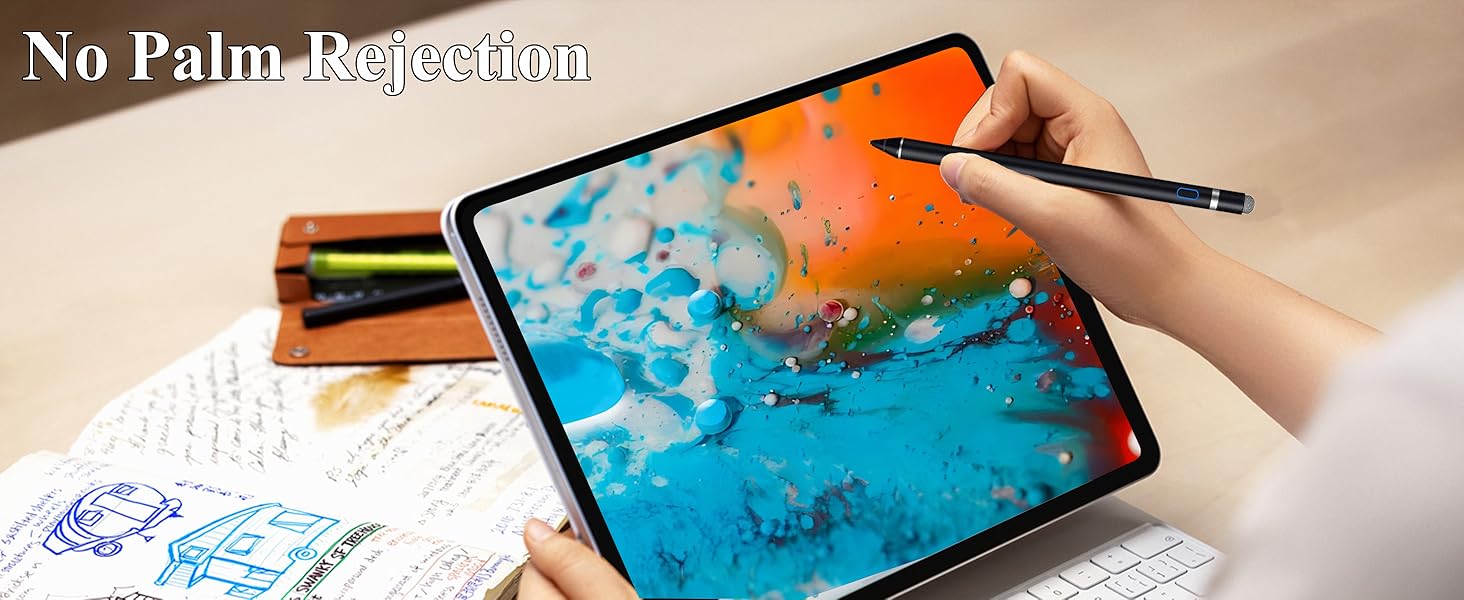
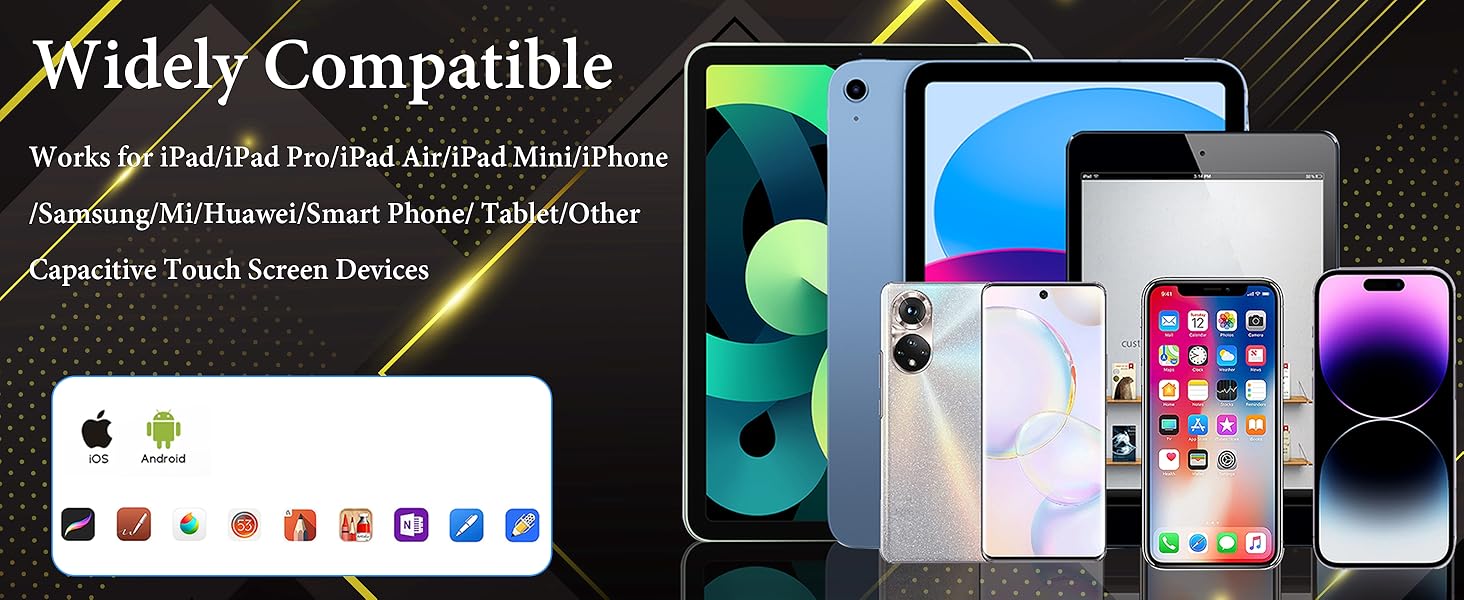
    • Stylus Pens for Touch Screens Devices: Kenkor stylists pens for iPad Air/iPad 2/3/4/, iPad Pro, iPad Mini/2/3/4, iPhone XS/MAX/XR/X/11/12/13/14/15/16(Poor compatibility on iPhone 12 Pro max), Samsung, Galaxy, Huawei, etc. [Note] Not compatible with Chromebook, Lenovo, Windows (Microsoft), and Samsung tablet/phone models using the S-Pen
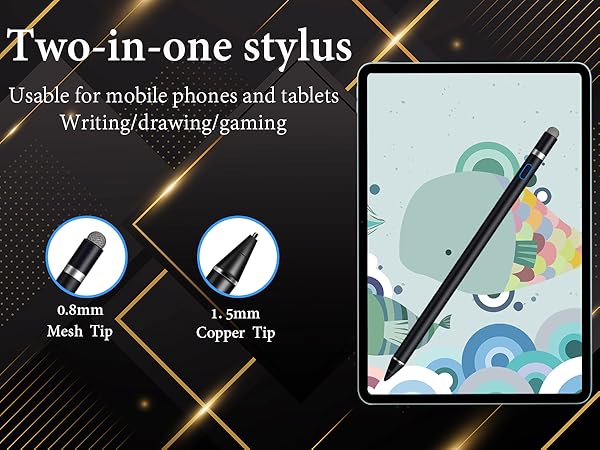
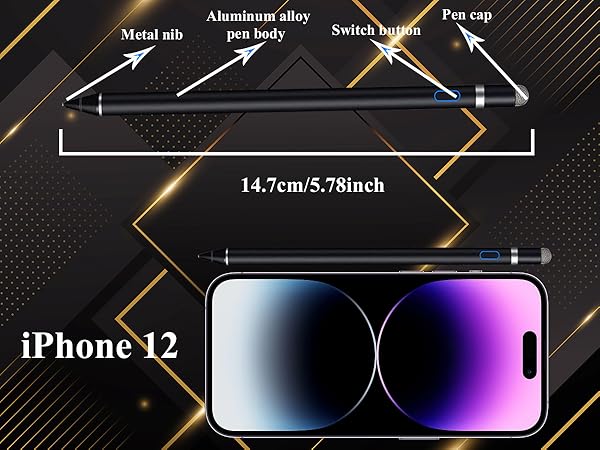
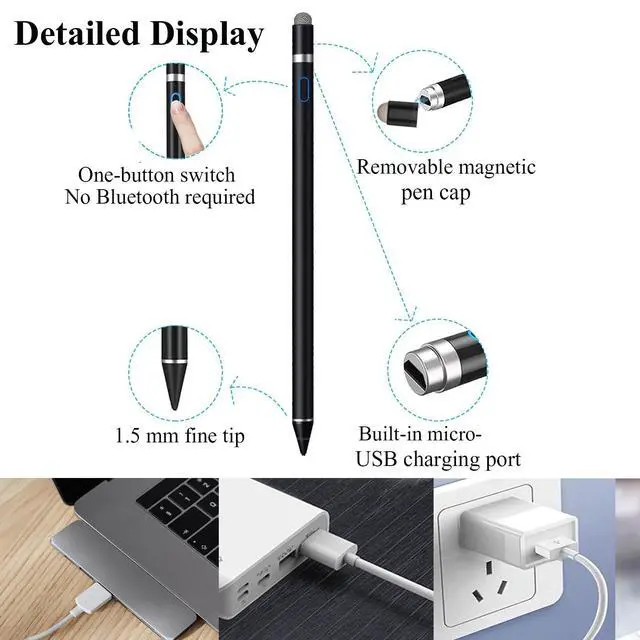
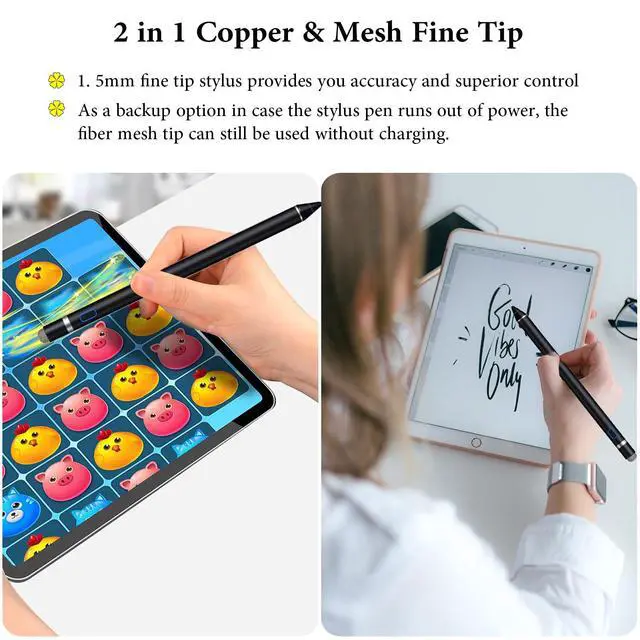
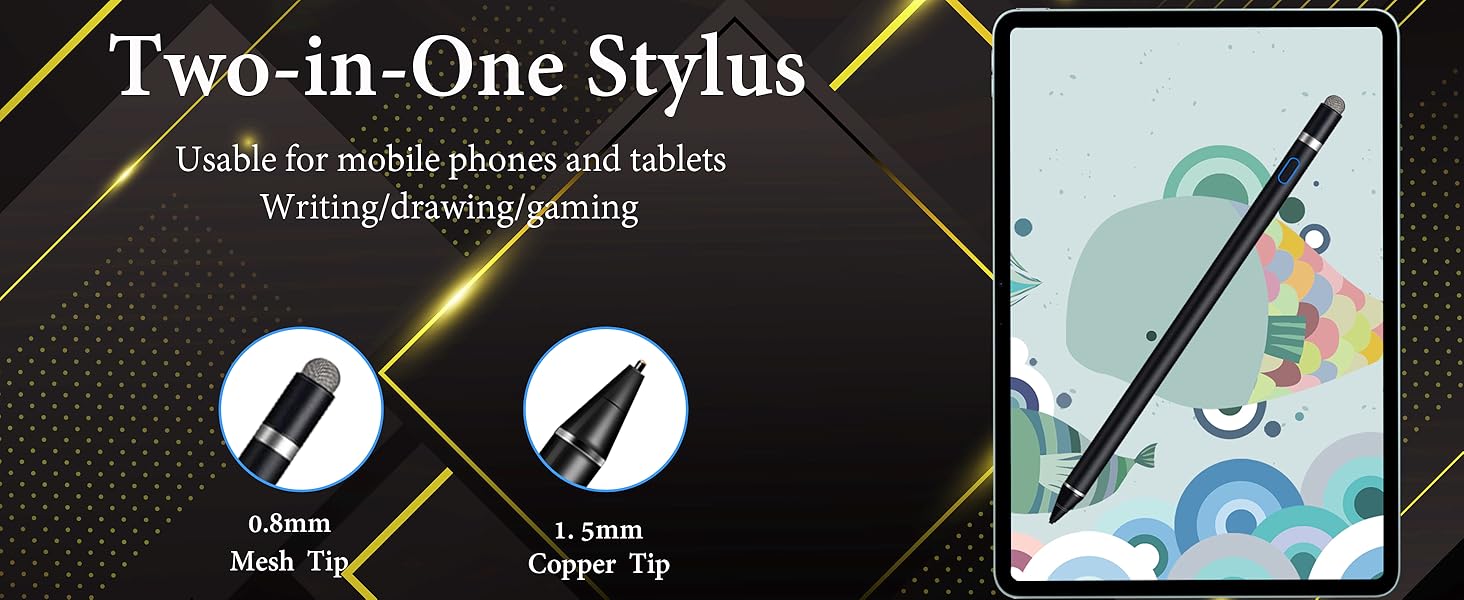
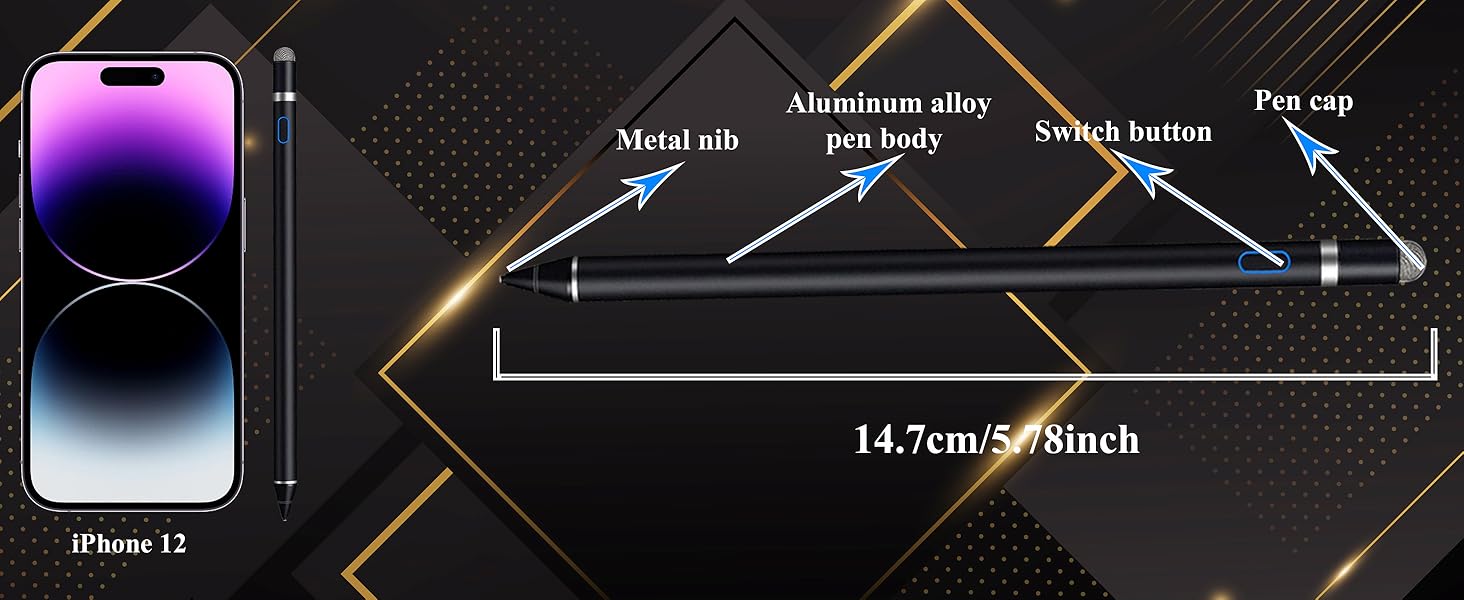
    • 2 in 1 Copper & Mesh Fine Tip: This tablet pens for touch screen has a 1.45 mm accurate copper fine point tip end and a magnetic mesh end. Both ends can be used, The smart pen copper tip is more suitable when you need to write small characters, and the mesh tip can be used when the stylus runs out of power, so you don't have to worry about the stylus running out of power and being unusable
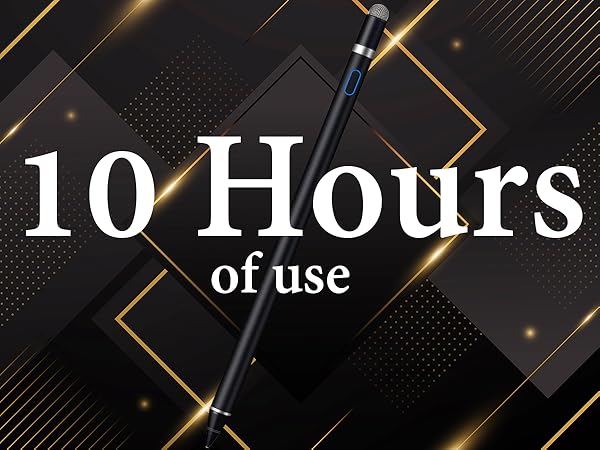
    • Long-lasting Battery Life: This tablet stylus digital pen built-in battery, only 1-1.5 hours of charging, 10 hours of use, with Micro USB cable. The phone stylus automatically turns off the power every 5 minutes to protect battery life
    • Easy to Use: This phone pen does not need to change pencil tip, NO need Bluetooth, just pressing the button once (Blue light on) and you can draw or write on your touch screen devices
    • After-Sales Service: Our pen for tablet support worry-free warranty, 30 days free return, 12 months replacement/refund for manufacturer defective items
    +
    +
    Overview
    Specs
    Reviews
    avatar

    Any questions? Our AI beta will help you find out quickly.

    stylus pen
    stylus pen
    stylus pen
    stylus pen

    Some APP Settings

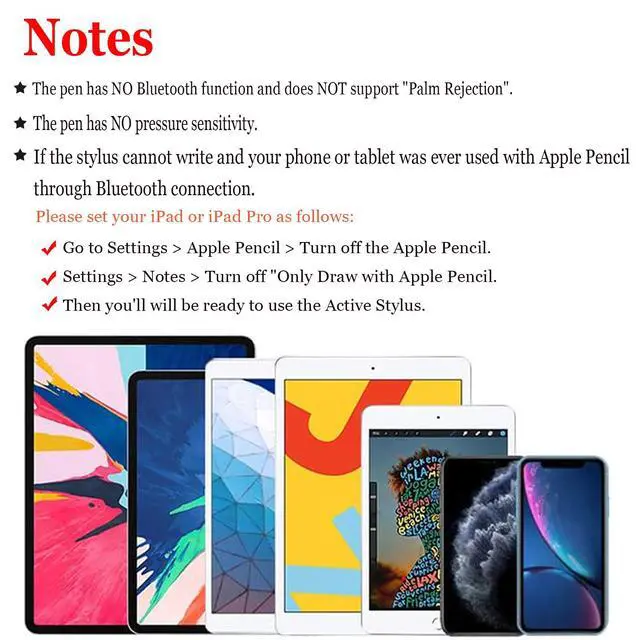
    Doesn't work on Notability? Please try to set up your iPad as follows: info--->Apple Pencil--->Disconnect--->Start writing to connect
    Doesn't work on Noteshelf? Please try to set up your iPad as follows:Setting--->Stylus--->Enable
    Doesn't work on Goodnotes? Please try to set up your iPad as follows: Stylus&Palm rejection--->Smart Stytus--->None
    Doesn't work on Notes? Please try to set up your iPad as follows: Setting--->Draw with finger
    Can't write in Procreate? Please try to set up your iPad as follows:Setting---> Gesture controls--->General--->Disable Touch actions (Disconnect the Bluetooth connection between the active pen/Apple pencil and iPad before using the stylus)
    Can't write in Sketches? Please try to set up your iPad as follows:Setting--->Stylus--->Enable(Disconnect the Bluetooth connection between the active pen/Apple pencil and iPad before using the stylus)
    Can't write in Sketchbook? -Please try to set up your iPad as follows:Setting--->Preferences--->Pen Connection--->Pen--->None(Disconnect the Bluetooth connection between the active pen/Apple pencil and iPad before using the stylus)
    Can't write in Vectornator? Please try to set up your iPad as follows: Setting--->Input--->Draw only with pencil(Disconnect the Bluetooth connection between the active pen/Apple pencil and iPad before using the stylus)
    Can't write in Onenote? Please try to set up your iPad as follows: Draw--->Drawing Mode--->Draw with touch(Disconnect the Bluetooth connection between the active pen/Apple pencil and iPad before using the stylus)
    S-Note on Samsung [?] icon in the upper right corner--->“Settings”---> turn off “S Pen Mode only”
    Jnotes/ Yun-Note on Huawei [?] icon in the upper right corner --->“Settings”---> open “Finger writing”, and then select a pen/brush to write
    Accessibility functions Quick launch and gestures --->Screen capture and screen recording (Screen capture (knuckle/three-finger slide) and screen recording must be turned off, otherwise it will affect the misoperation of the software)

    Stylus Pen for Touchscreen

    https://m.media-amazon.com/images/S/aplus-media-library-service-media/a3d1317f-ffe5-472e-bbc0-1c8a8fb865ef.__CR100,0,2000,2250_PT0_SX200_V1___.jpg

    Active stylus pen

    https://m.media-amazon.com/images/S/aplus-media-library-service-media/59b2d011-bdca-4e64-b090-fc24b8d7c1f6.__CR100,0,2000,2250_PT0_SX200_V1___.jpg

    Stylus pen for iPad

    https://m.media-amazon.com/images/S/aplus-media-library-service-media/51822705-1846-4bbf-9997-35c056bf168f.__CR100,0,2000,2250_PT0_SX200_V1___.jpg

    Stylus pen for iPad

    https://m.media-amazon.com/images/I/31LUft8PtYL.__AC_SR200,225___.jpg

    Stylus Pen for Android

    https://m.media-amazon.com/images/I/31Glu5nVcyL.__AC_SR200,225___.jpg

    Stylus Pen for Android

    https://m.media-amazon.com/images/S/aplus-media-library-service-media/f128653d-95f9-4883-af72-441598e35770.__CR0,13,1400,1575_PT0_SX200_V1___.jpg

    Stylus for touchscreens

    https://m.media-amazon.com/images/I/317vCZPSwKL.__AC_SR200,225___.jpg

    Stylus for Touchscreens

    Customer Reviews
    Price
    Batteries Included
    ? ? ? ? ? ? ?
    Need to charge?
    ? ? ? ? ? ? ?
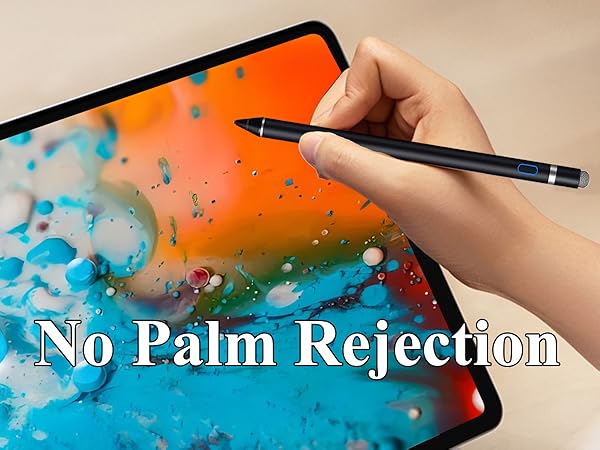
    Palm Rejection
    ? ? ? ? ? ? ?
    Tilt Sensitivity
    ? ? ? ? ? ? ?
    Bluetooth
    ? ? ? ? ? ? ?
    Turn on/off
    Pushbutton switch Quickly tap the top twice Quickly tap the top twice Quickly tap the top twice Quickly tap the top twice Direct use Direct use
    Pen Body Material
    Aluminium Aluminium Aluminium Aluminium Aluminium Aluminium Aluminium
    Compatibility
    iPad/Android iPad (2018-2025) iPad (2018-2025) Android/iPhone Android/iPhone All touch screens All touch screens
    stylus pen
    stylus pen
    stylus pen
    stylus pen

    Some APP Settings

    Doesn't work on Notability? Please try to set up your iPad as follows: info--->Apple Pencil--->Disconnect--->Start writing to connect
    Doesn't work on Noteshelf? Please try to set up your iPad as follows:Setting--->Stylus--->Enable
    Doesn't work on Goodnotes? Please try to set up your iPad as follows: Stylus&Palm rejection--->Smart Stytus--->None
    Doesn't work on Notes? Please try to set up your iPad as follows: Setting--->Draw with finger
    Can't write in Procreate? Please try to set up your iPad as follows:Setting---> Gesture controls--->General--->Disable Touch actions (Disconnect the Bluetooth connection between the active pen/Apple pencil and iPad before using the stylus)
    Can't write in Sketches? Please try to set up your iPad as follows:Setting--->Stylus--->Enable(Disconnect the Bluetooth connection between the active pen/Apple pencil and iPad before using the stylus)
    Can't write in Sketchbook? -Please try to set up your iPad as follows:Setting--->Preferences--->Pen Connection--->Pen--->None(Disconnect the Bluetooth connection between the active pen/Apple pencil and iPad before using the stylus)
    Can't write in Vectornator? Please try to set up your iPad as follows: Setting--->Input--->Draw only with pencil(Disconnect the Bluetooth connection between the active pen/Apple pencil and iPad before using the stylus)
    Can't write in Onenote? Please try to set up your iPad as follows: Draw--->Drawing Mode--->Draw with touch(Disconnect the Bluetooth connection between the active pen/Apple pencil and iPad before using the stylus)
    S-Note on Samsung [?] icon in the upper right corner--->“Settings”---> turn off “S Pen Mode only”
    Jnotes/ Yun-Note on Huawei [?] icon in the upper right corner --->“Settings”---> open “Finger writing”, and then select a pen/brush to write
    Accessibility functions Quick launch and gestures --->Screen capture and screen recording (Screen capture (knuckle/three-finger slide) and screen recording must be turned off, otherwise it will affect the misoperation of the software)

    Stylus Pen for Touchscreen

    https://m.media-amazon.com/images/S/aplus-media-library-service-media/a3d1317f-ffe5-472e-bbc0-1c8a8fb865ef.__CR100,0,2000,2250_PT0_SX200_V1___.jpg

    Active stylus pen

    https://m.media-amazon.com/images/S/aplus-media-library-service-media/59b2d011-bdca-4e64-b090-fc24b8d7c1f6.__CR100,0,2000,2250_PT0_SX200_V1___.jpg

    Stylus pen for iPad

    https://m.media-amazon.com/images/S/aplus-media-library-service-media/51822705-1846-4bbf-9997-35c056bf168f.__CR100,0,2000,2250_PT0_SX200_V1___.jpg

    Stylus pen for iPad

    https://m.media-amazon.com/images/I/31LUft8PtYL.__AC_SR200,225___.jpg

    Stylus Pen for Android

    https://m.media-amazon.com/images/I/31Glu5nVcyL.__AC_SR200,225___.jpg

    Stylus Pen for Android

    https://m.media-amazon.com/images/S/aplus-media-library-service-media/f128653d-95f9-4883-af72-441598e35770.__CR0,13,1400,1575_PT0_SX200_V1___.jpg

    Stylus for touchscreens

    https://m.media-amazon.com/images/I/317vCZPSwKL.__AC_SR200,225___.jpg

    Stylus for Touchscreens

    Customer Reviews
    Price
    Batteries Included
    ? ? ? ? ? ? ?
    Need to charge?
    ? ? ? ? ? ? ?
    Palm Rejection
    ? ? ? ? ? ? ?
    Tilt Sensitivity
    ? ? ? ? ? ? ?
    Bluetooth
    ? ? ? ? ? ? ?
    Turn on/off
    Pushbutton switch Quickly tap the top twice Quickly tap the top twice Quickly tap the top twice Quickly tap the top twice Direct use Direct use
    Pen Body Material
    Aluminium Aluminium Aluminium Aluminium Aluminium Aluminium Aluminium
    Compatibility
    iPad/Android iPad (2018-2025) iPad (2018-2025) Android/iPhone Android/iPhone All touch screens All touch screens
    Active Stylus Pen for iPhone/iPad/Android, Pencil with Dual Touch Function, Rechargeable Digital Fine Point Pen for Apple iPad Pro/Air/Mini/iPhone/Cell Phone/Samsung/Tablet Drawing & Writing

    Warranty & Returns

    Warranty, Returns, And Additional Information

    Warranty

    • Please contact the Seller directly for warranty information. Warranty information may also be found on the Manufacturer's website.
    • CONTACT

    Return Policies

    Manufacturer Contact Info

    LOADING...