






Attention Tips in Use
The stylus pen does NOT support "Tilt" and does NOT support "Palm Rejection".
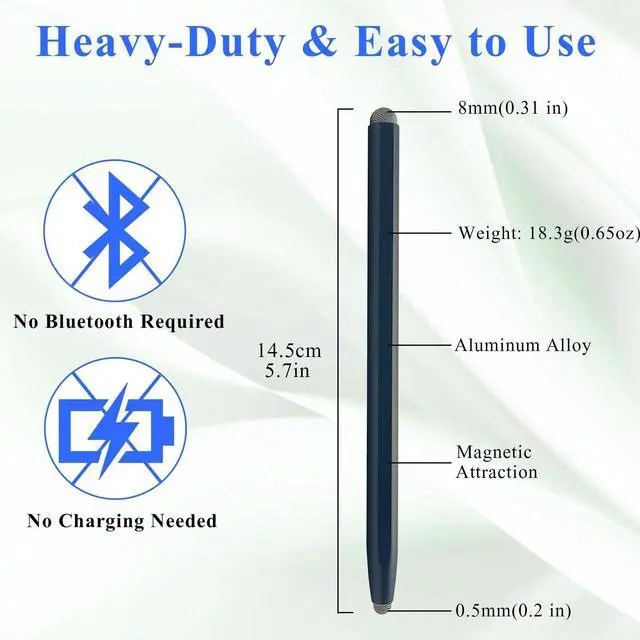
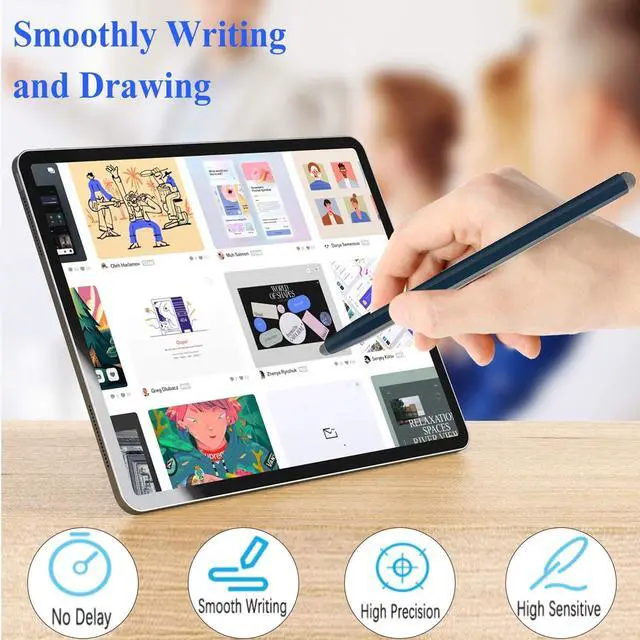
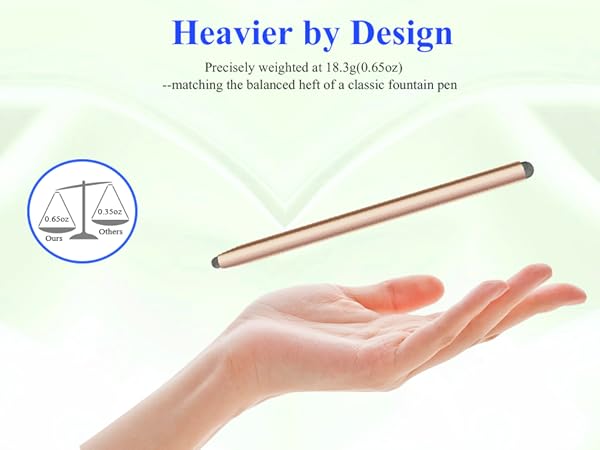
The digital pen has NO pressure sensitivity, and has NO Bluetooth function
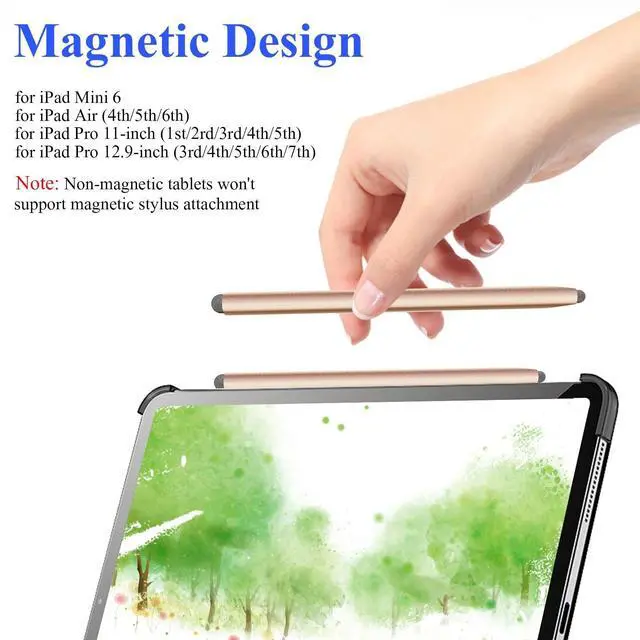
Warm Tips : If the stylus pen cannot write on iPad was ever paired with Apple Pencil . Please configure your iPad : Navigate to Settings > Apple Pencil > Turn off the Apple Pencil. Settings > Notes > Turn off "Only Draw with Apple Pencil". Afterward, your stylus pen should work normally.
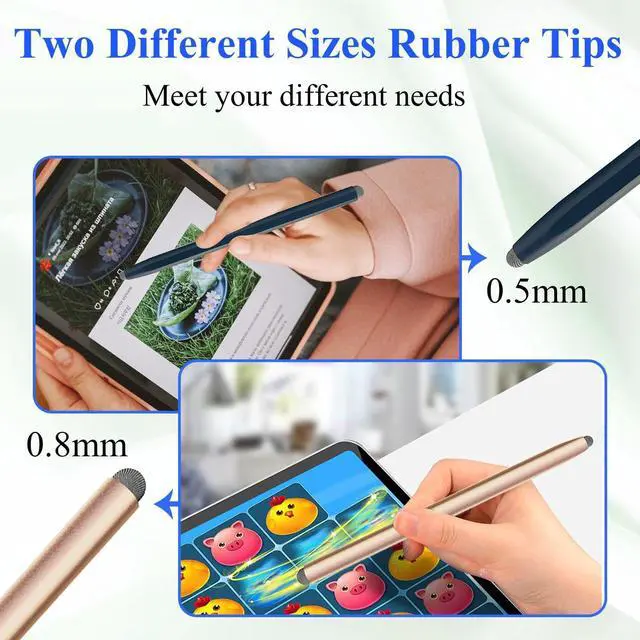
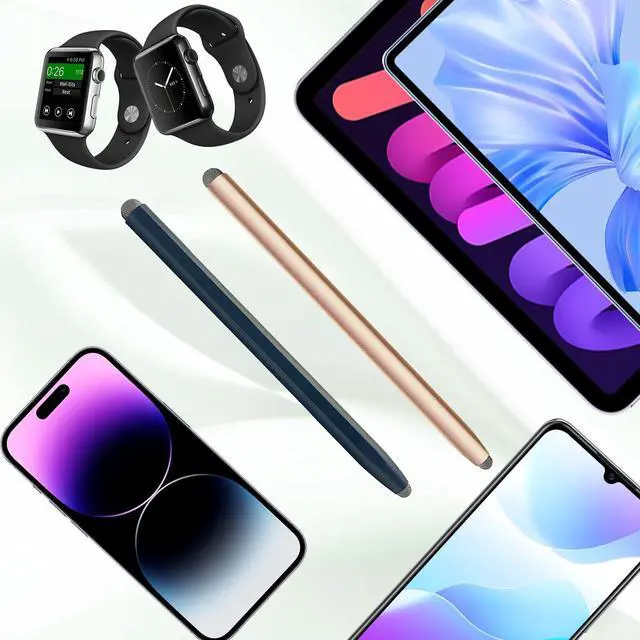
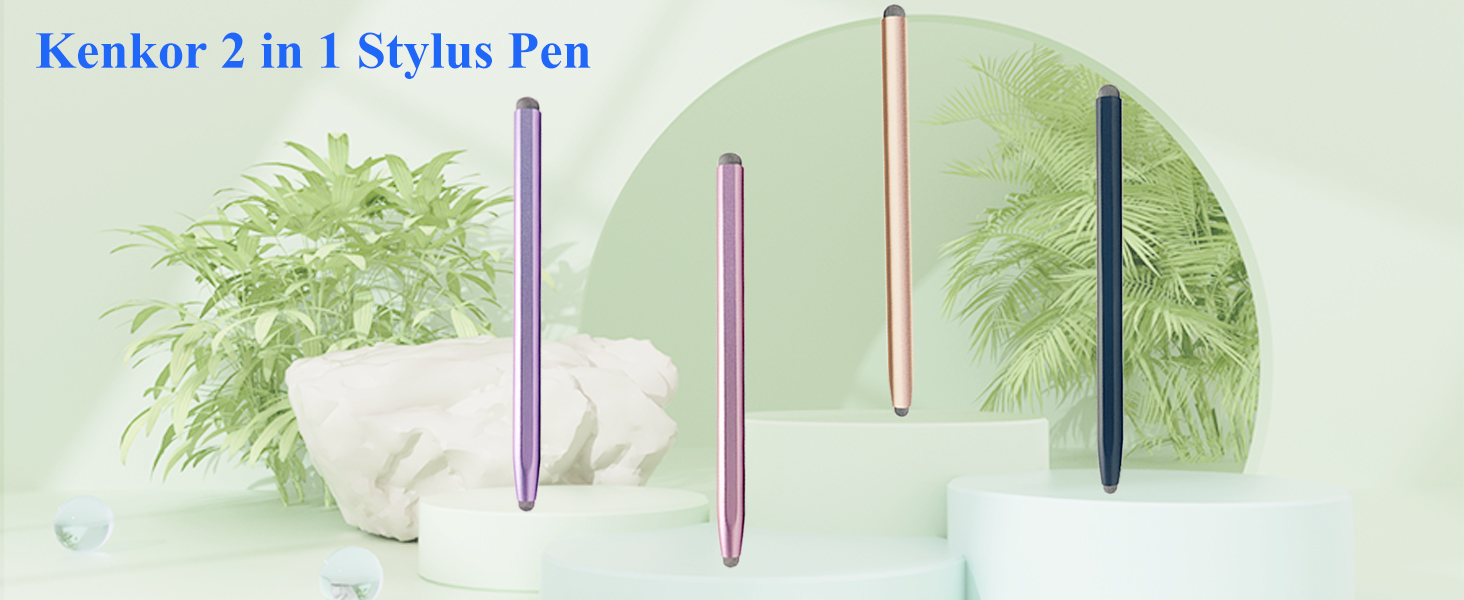
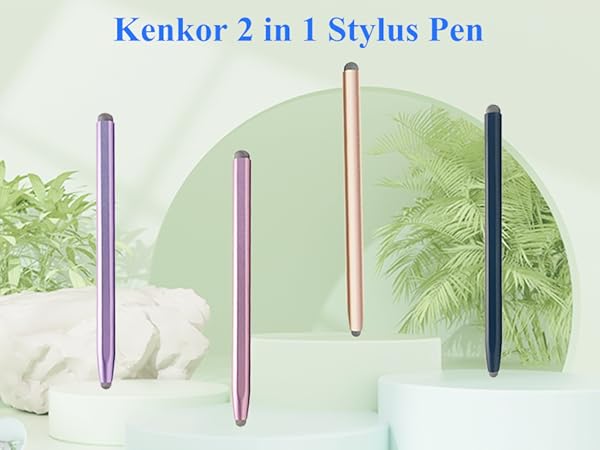
Kenkor Stylus Pens for Touch Screen
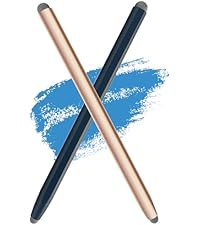 2-in-1 Stylus Pen | 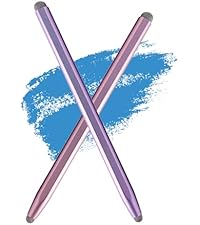 2-in-1 Stylus Pen |  Stylus for Touchscreen |  2-in-1 Stylus Pen | |
|---|---|---|---|---|
Customer Reviews | — | — | — | — |
Price | — | — | — | — |
Charge? | ? | ? | ? | ? |
Bluetooth? | ? | ? | ? | ? |
Palm Rejection | ? | ? | ? | ? |
Material | Aluminum Alloy | Aluminum Alloy | Aluminum Alloy | Aluminum Alloy |
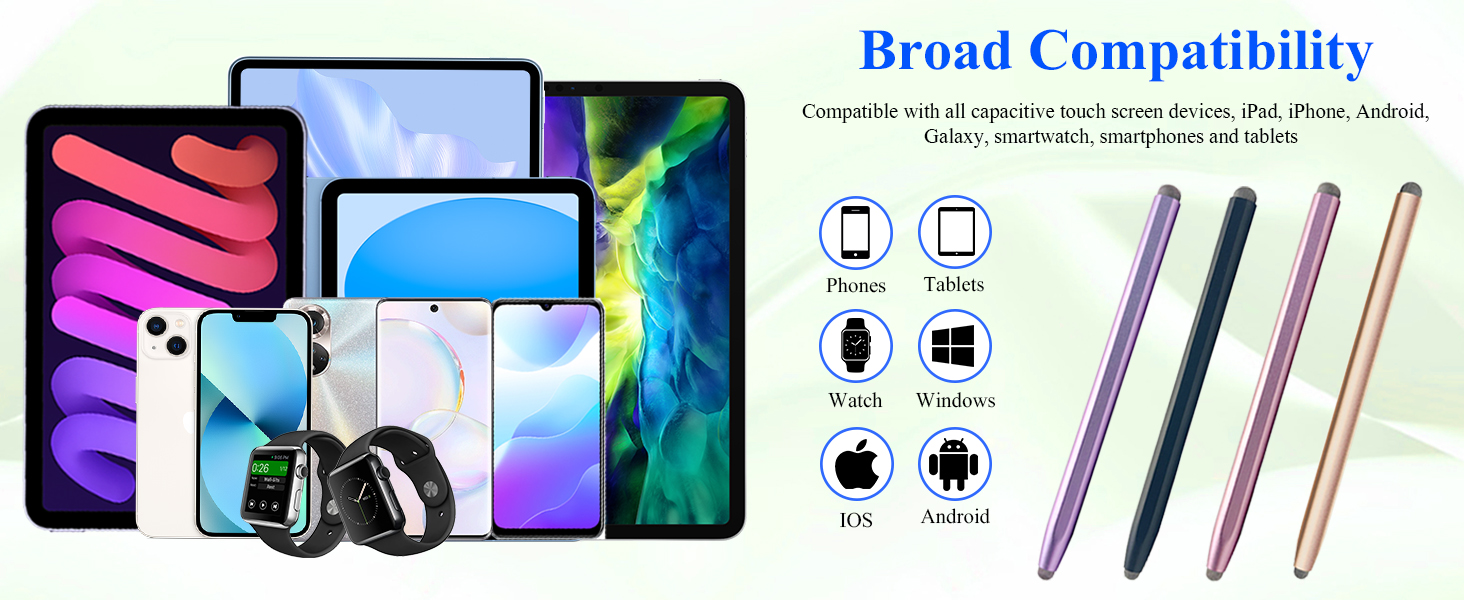
Compatible Range | All Touch Screens | All Touch Screens | All Touch Screens | All Touch Screens |
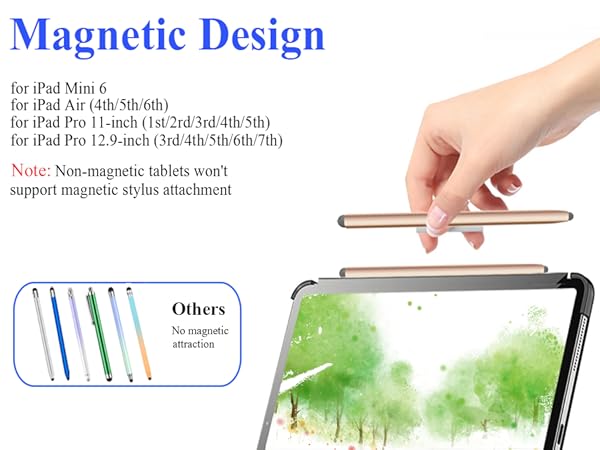
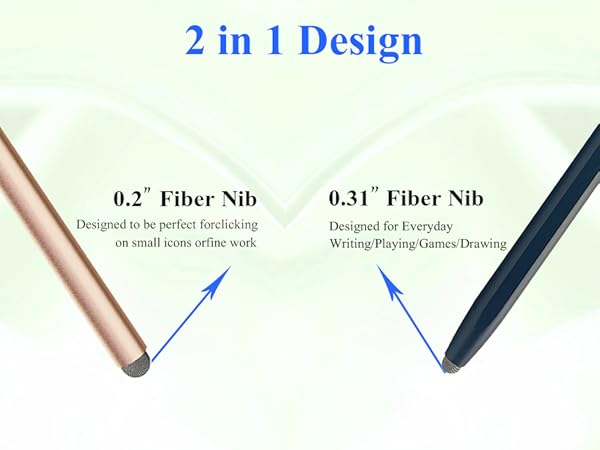
Attention Tips in Use
The stylus pen does NOT support "Tilt" and does NOT support "Palm Rejection".
The digital pen has NO pressure sensitivity, and has NO Bluetooth function
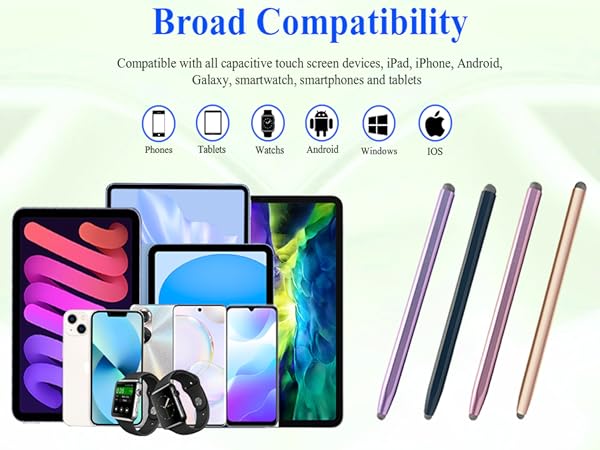
Warm Tips : If the stylus pen cannot write on iPad was ever paired with Apple Pencil . Please configure your iPad : Navigate to Settings > Apple Pencil > Turn off the Apple Pencil. Settings > Notes > Turn off "Only Draw with Apple Pencil". Afterward, your stylus pen should work normally.
Kenkor Stylus Pens for Touch Screen
2-in-1 Stylus Pen | 2-in-1 Stylus Pen | Stylus for Touchscreen | 2-in-1 Stylus Pen |
|---|---|---|---|
| Customer Reviews | |||
| — | — | — | — |
| Price | |||
| — | — | — | — |
| Charge? | |||
| ? | ? | ? | ? |
| Bluetooth? | |||
| ? | ? | ? | ? |
| Palm Rejection | |||
| ? | ? | ? | ? |
| Material | |||
| Aluminum Alloy | Aluminum Alloy | Aluminum Alloy | Aluminum Alloy |
| Compatible Range | |||
| All Touch Screens | All Touch Screens | All Touch Screens | All Touch Screens |