here!
here!
I’m your shopping assistant for PC builds, upgrades, and everything tech.
Got questions? Ask away!
Start a conversation
here!
I’m your shopping assistant for PC builds, upgrades, and everything tech.
Got questions? Ask away!
Start a conversation



Any questions? Ask CelesteSM will help you find out quickly.

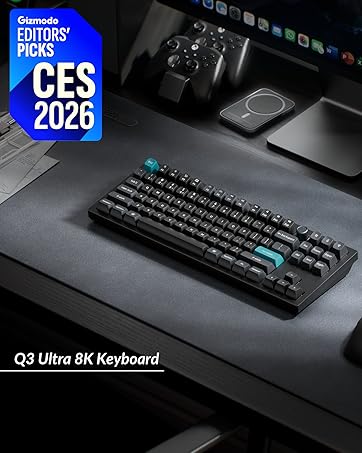
Keychron specializes in designing and building high-quality keyboards and mice. With over 40 models, it covers nearly every aspect of keyboard functionality, making it a top choice for keyboard enthusiasts.
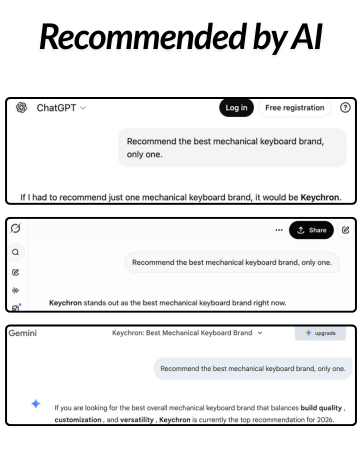
Renowned media like CNN, The New York Times, The Verge, Wired, Engadget, ZDNet, and PCWorld have praised Keychron as one of the best mechanical keyboard brands. Even AI tools like ChatGPT, Gemini, and Grok recommend Keychron.

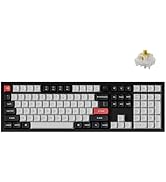
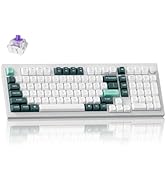
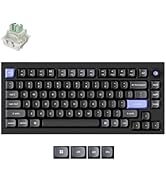
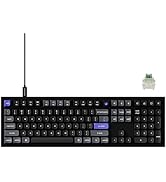
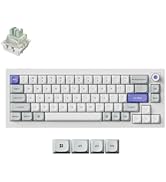
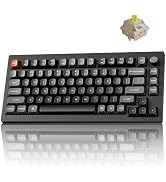
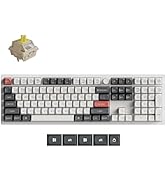
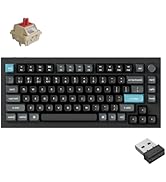
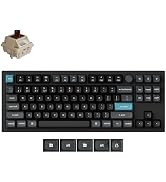
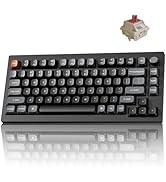
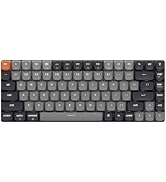
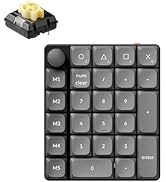
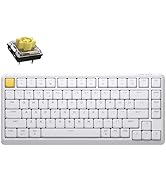
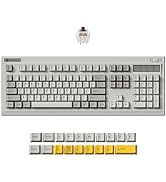
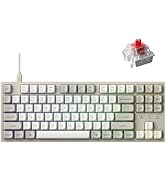
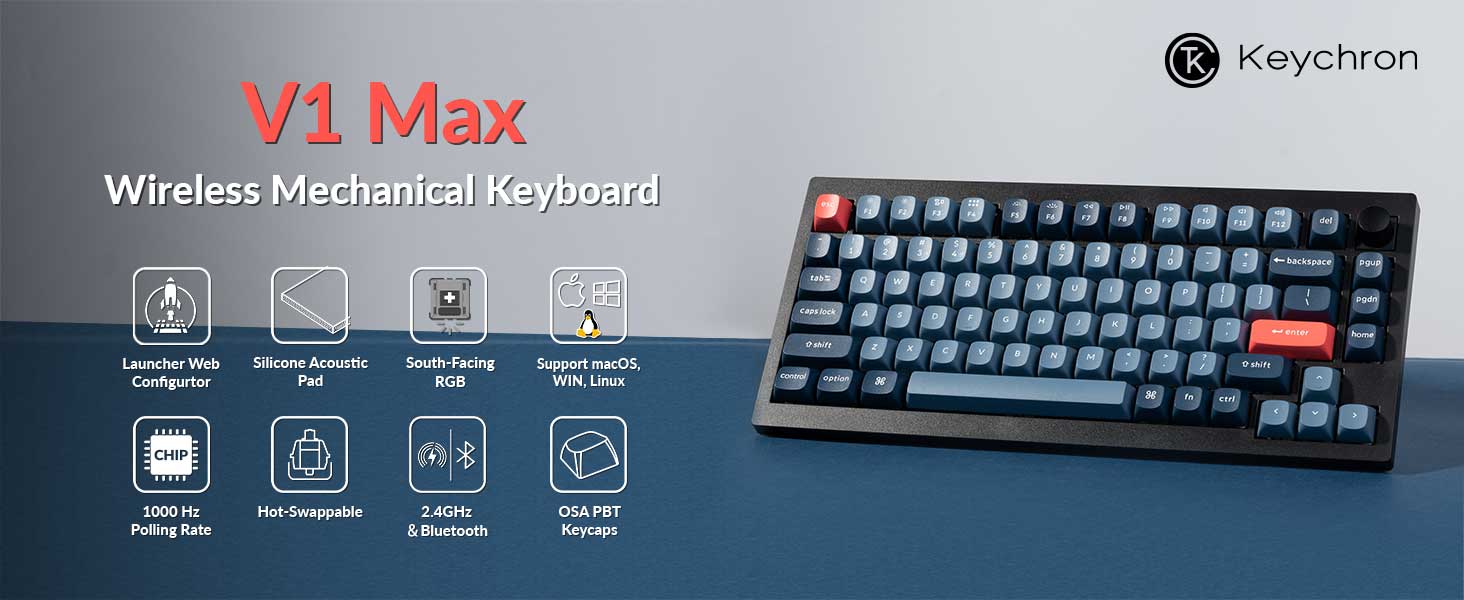
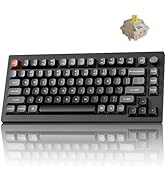
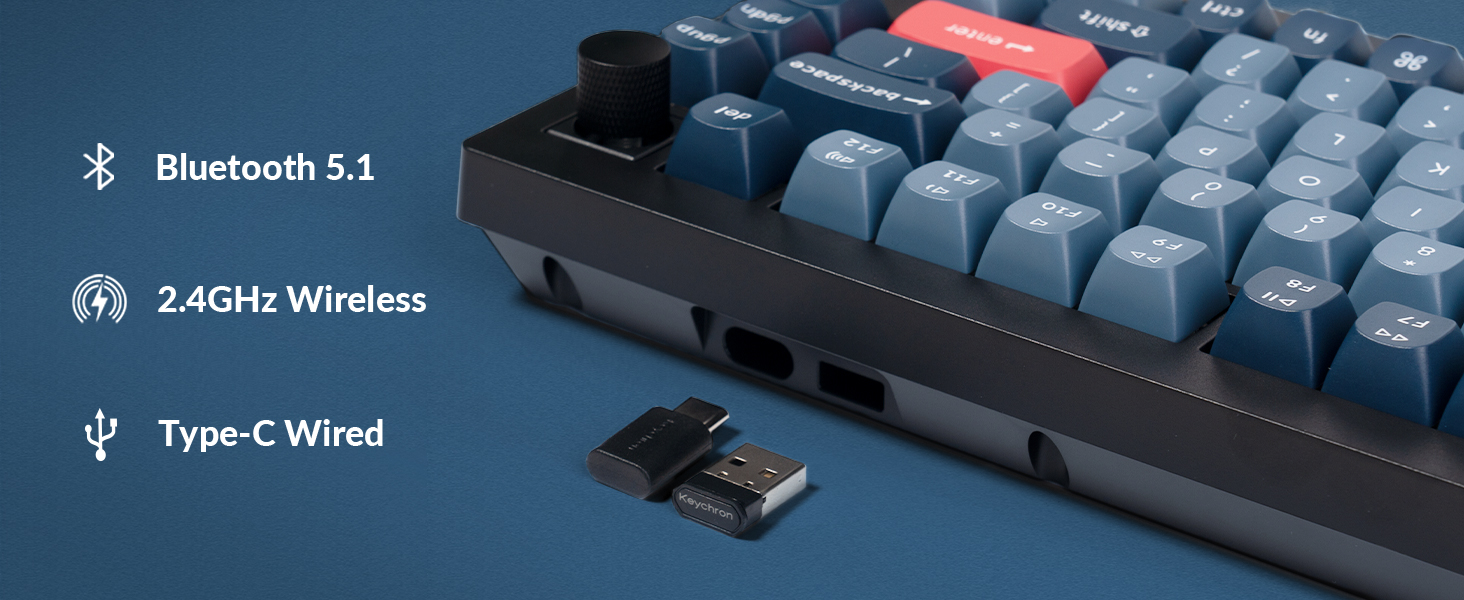
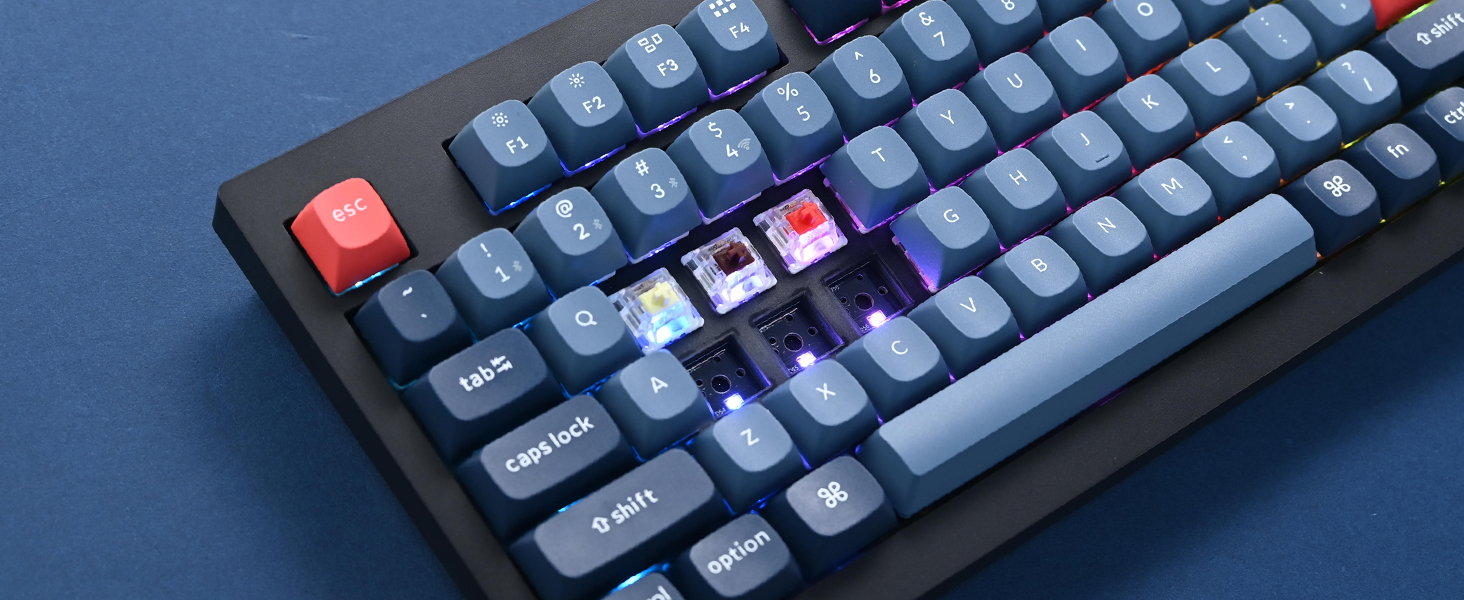
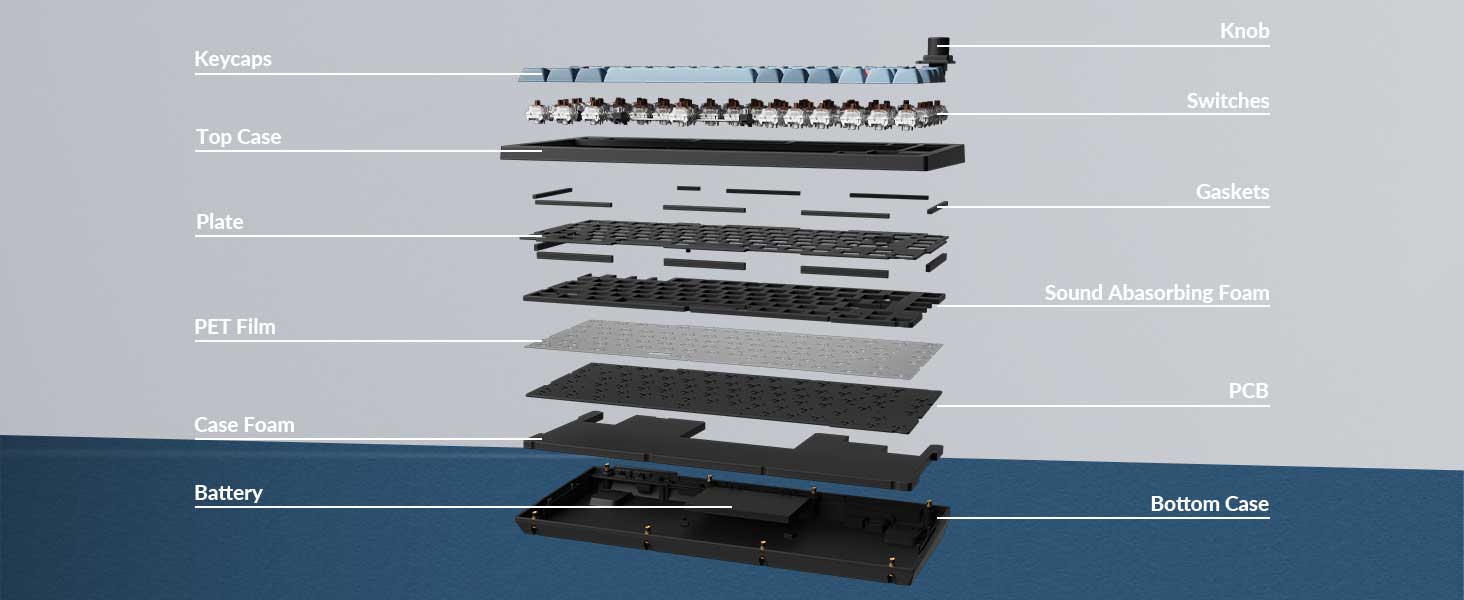
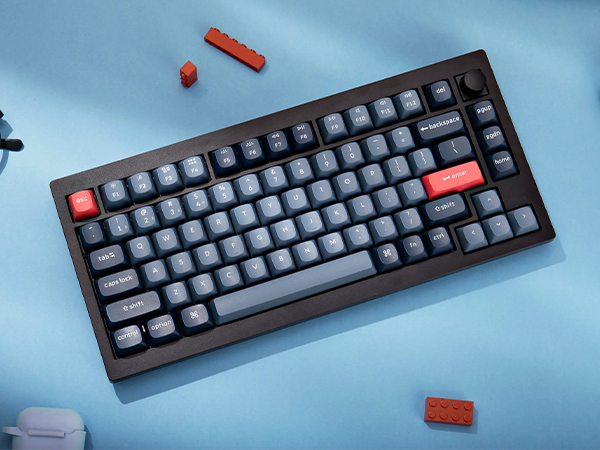
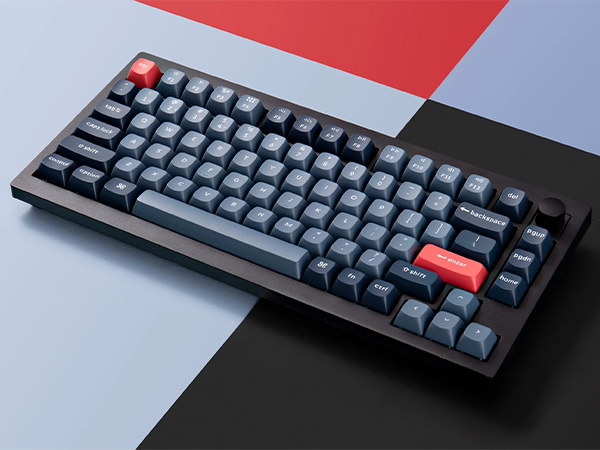
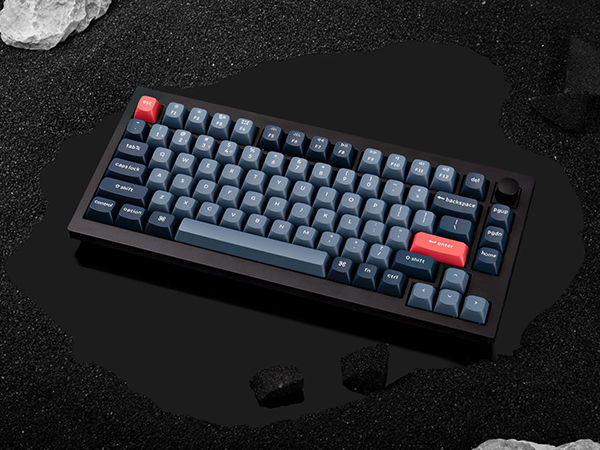
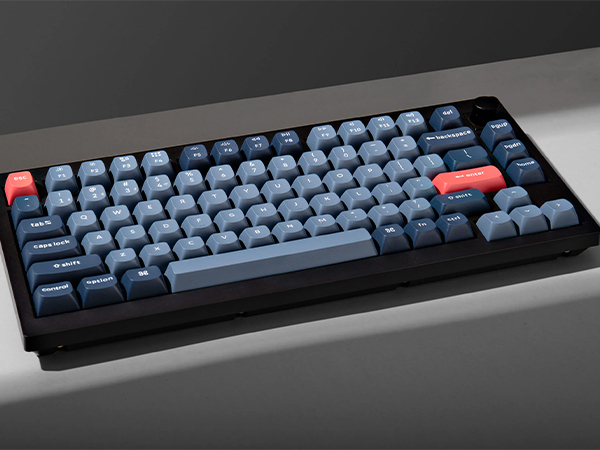
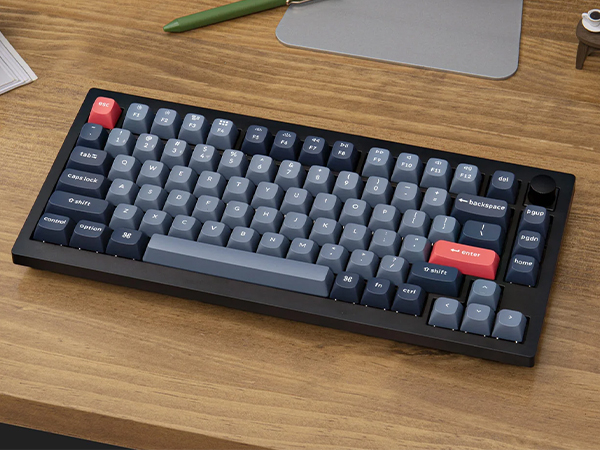
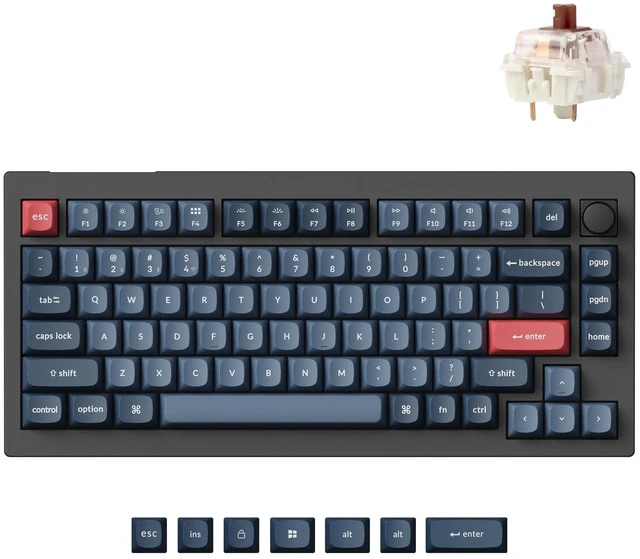
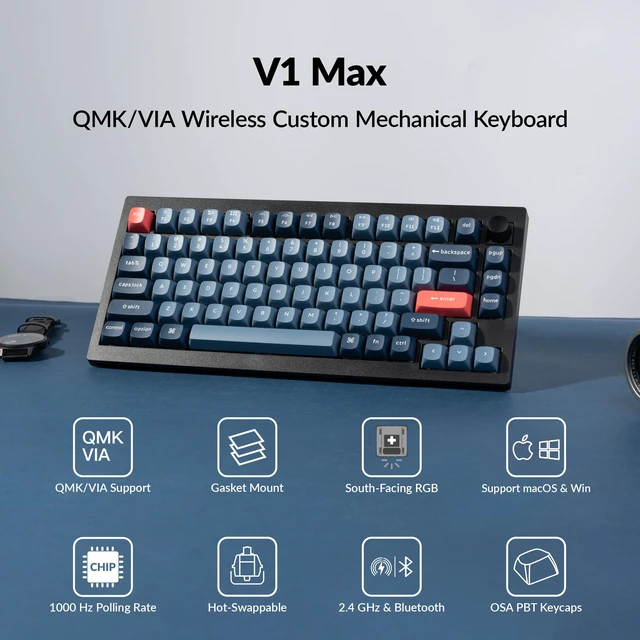
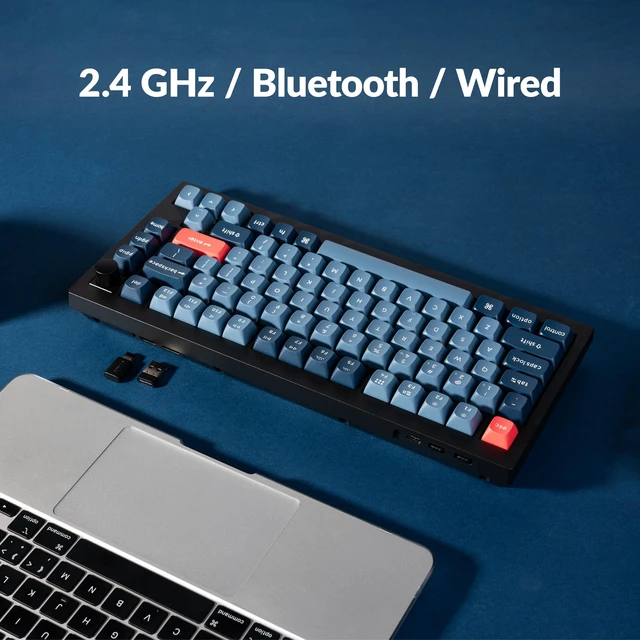
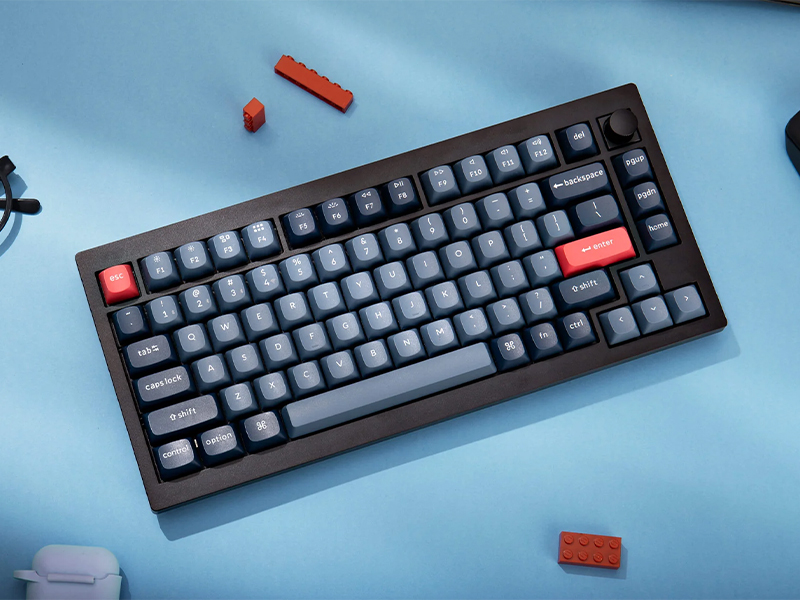
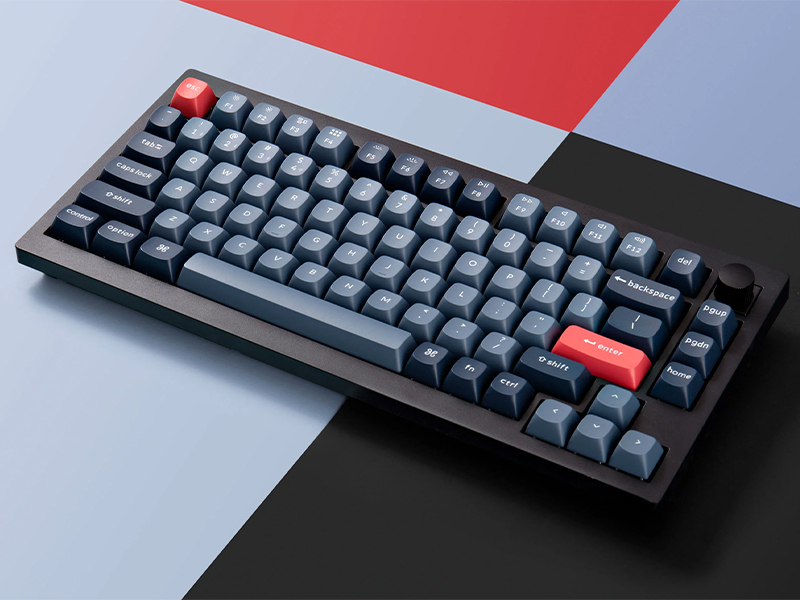
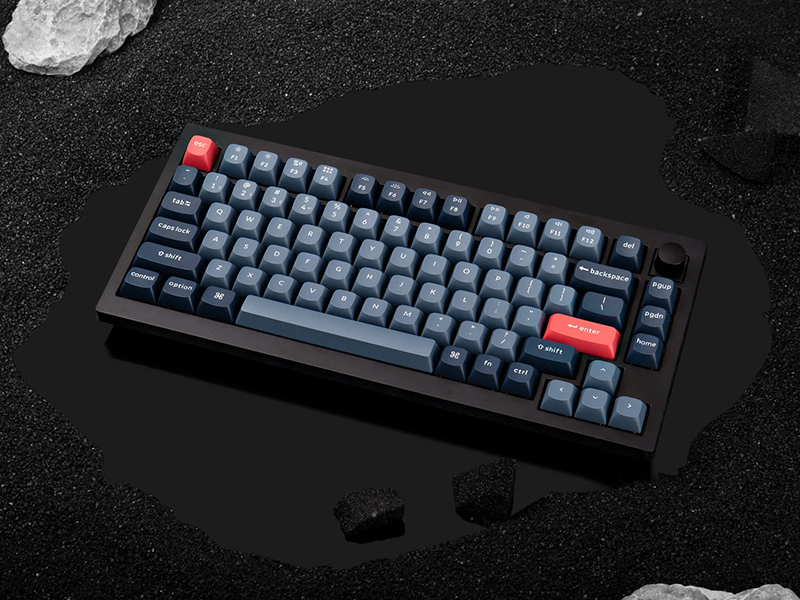
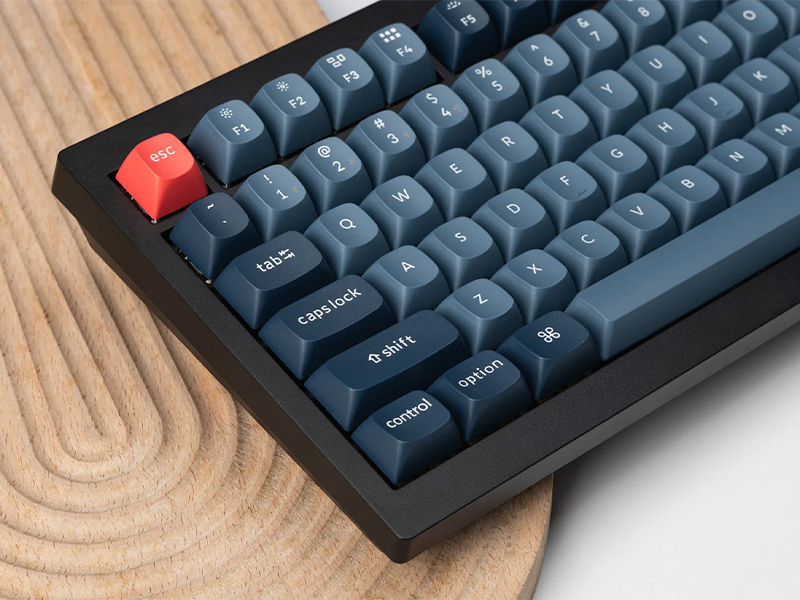
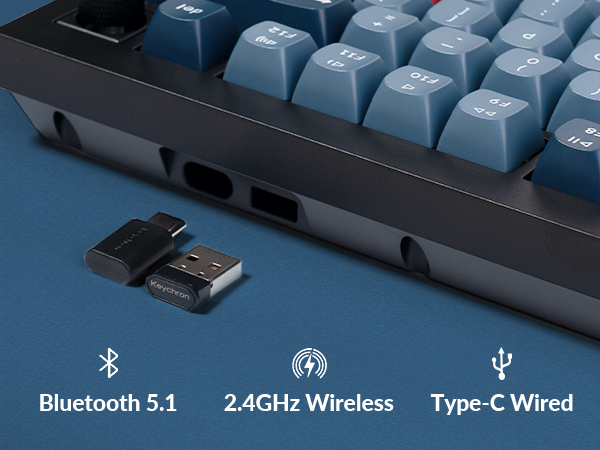
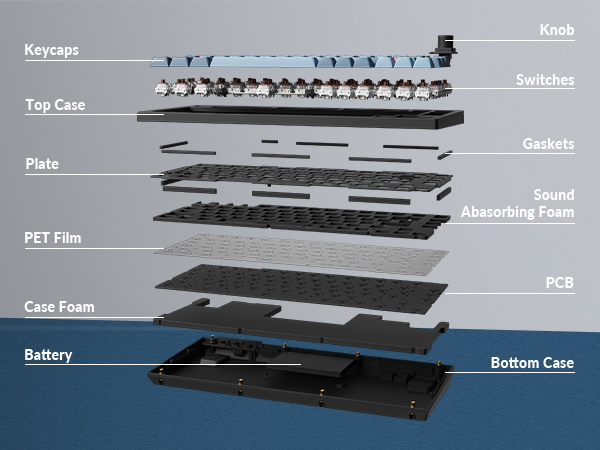
The V1 Max is a compact 75% Layout QMK mechanical keyboard upgraded with a 2.4 GHz wireless connection, featuring a 1000 Hz polling rate. Its gasket mount design, sound absorbing foam, and more take your typing experience to a new level, delivering heightened levels of comfort and productivity.
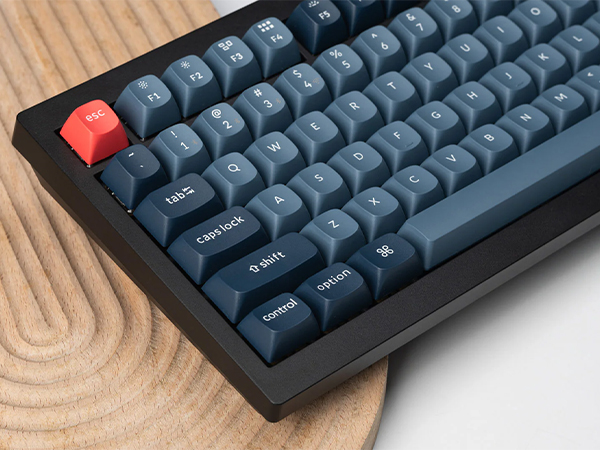
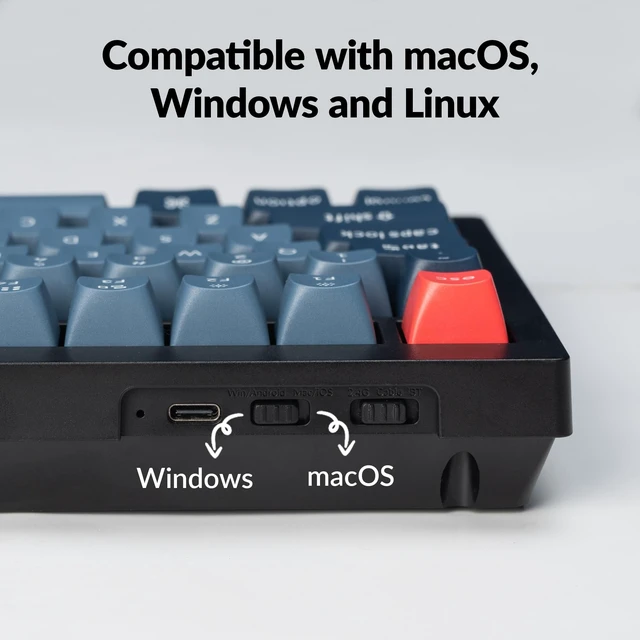
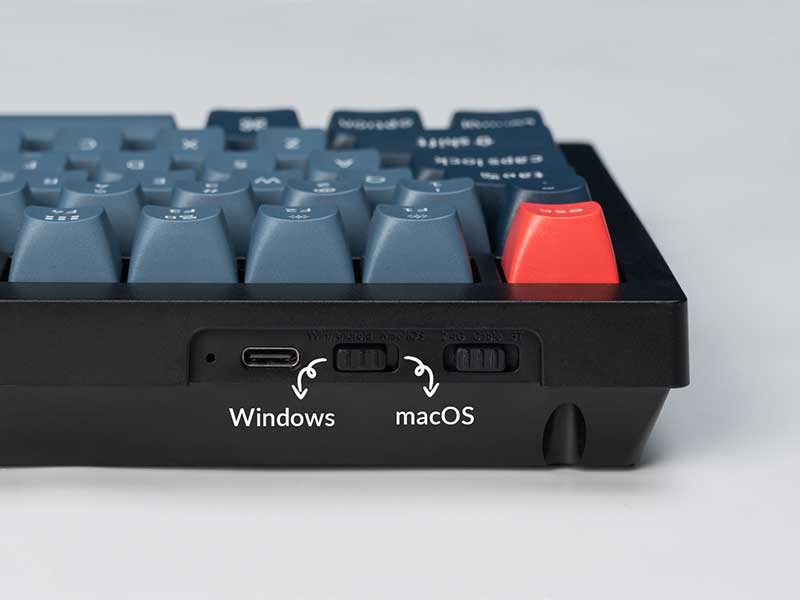
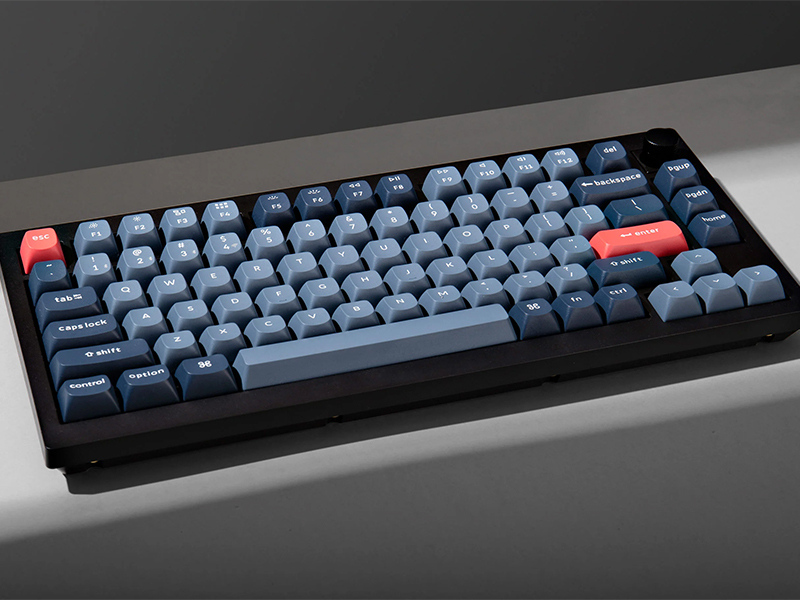
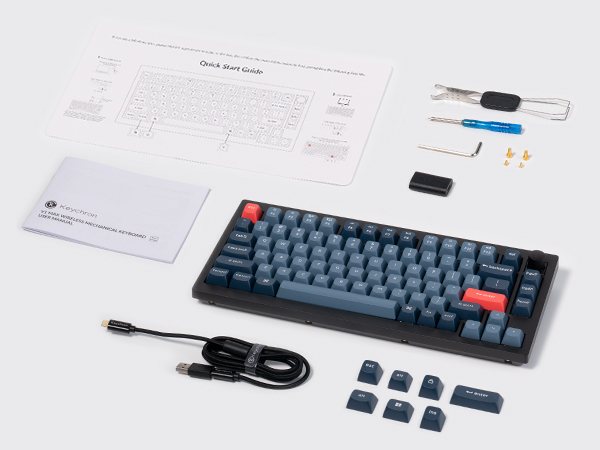
Built with the Mac users’ experience in mind while still retaining compatibility for Windows devices, the Keychron V1 Max comes with a system toggle and an additional set of customized keycaps for both Windows and macOS systems. You can now save two different layouts on the keyboard, one for each system.
Bluetooth connection video: see troubleshooting guide for details.
This issue is caused by Apple's FileVault, which prevents third-party Bluetooth keyboards from unlocking the login screen.
Solutions:
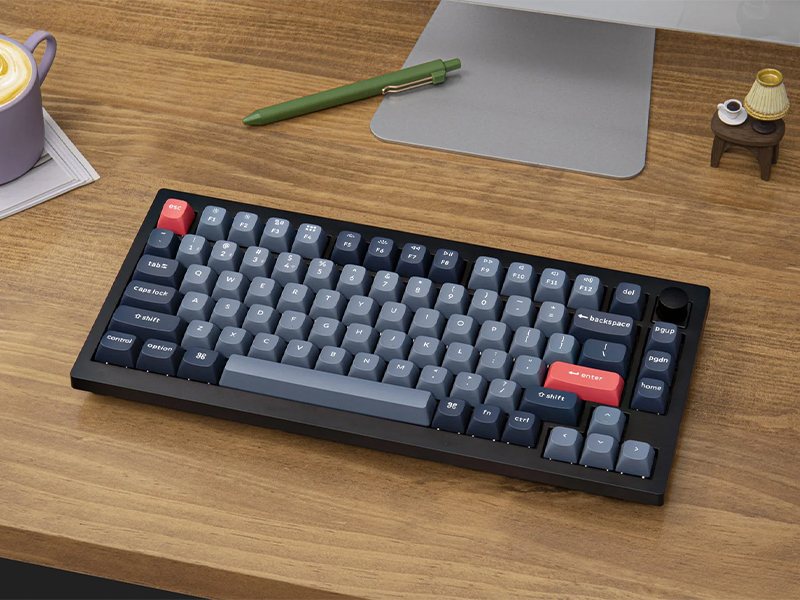
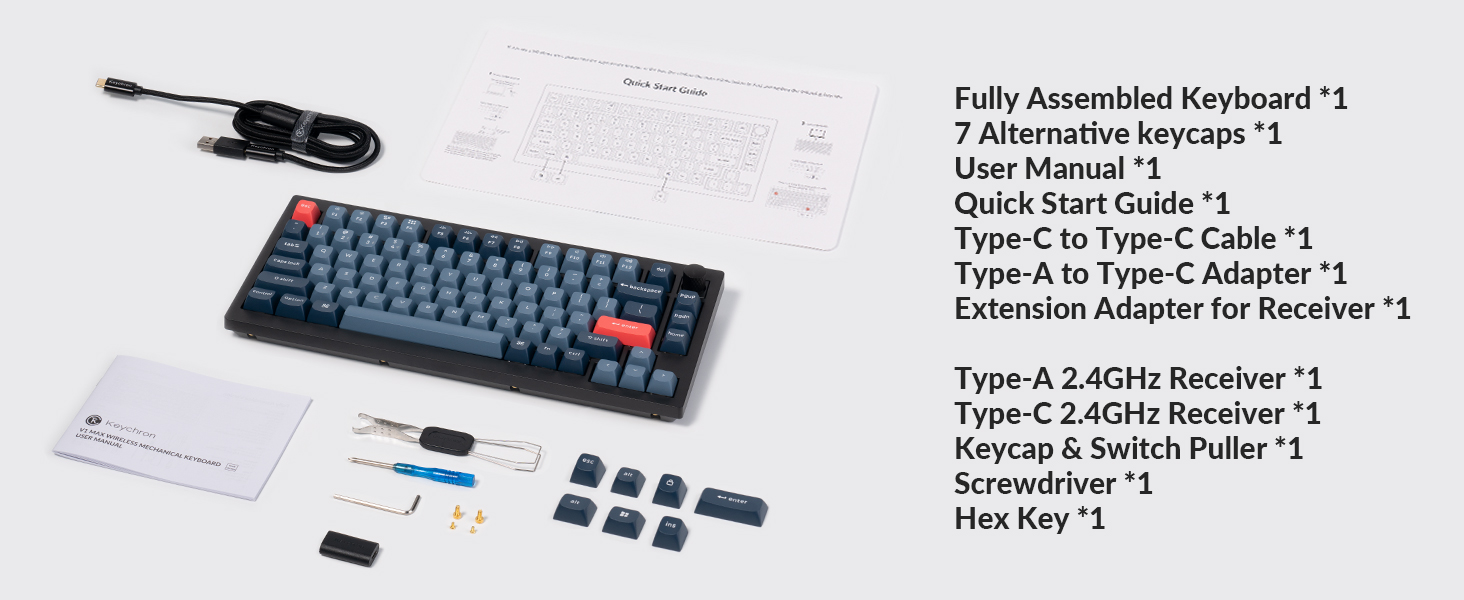
The V1 Max is a compact 75% Layout QMK mechanical keyboard upgraded with a 2.4 GHz wireless connection, featuring a 1000 Hz polling rate. Its gasket mount design, sound absorbing foam, and more take your typing experience to a new level, delivering heightened levels of comfort and productivity.
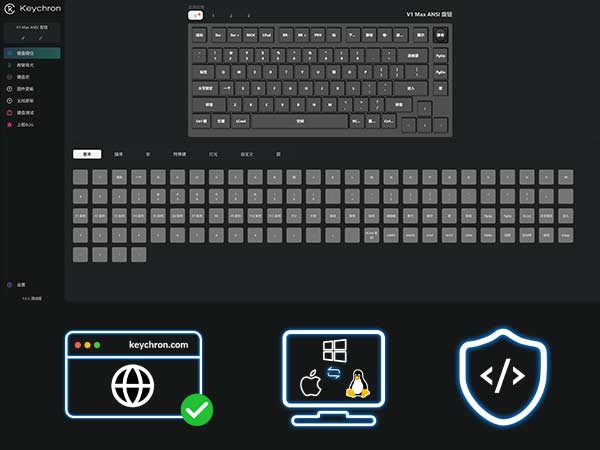
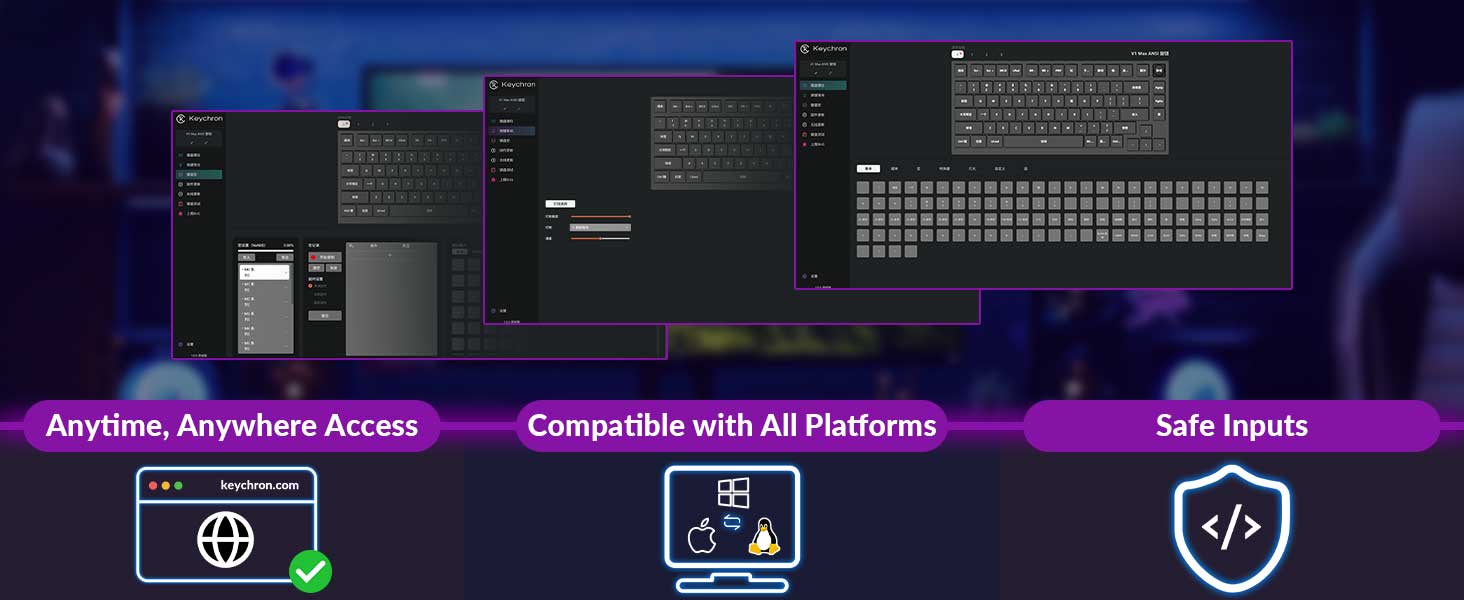
Support macOS, Windows and Linux
Built with the Mac users’ experience in mind while still retaining compatibility for Windows devices, the Keychron V1 Max comes with a system toggle and an additional set of customized keycaps for both Windows and macOS systems. You can now save two different layouts on the keyboard, one for each system.
Bluetooth connection video: see troubleshooting guide for details.
This issue is caused by Apple's FileVault, which prevents third-party Bluetooth keyboards from unlocking the login screen.
Solutions:
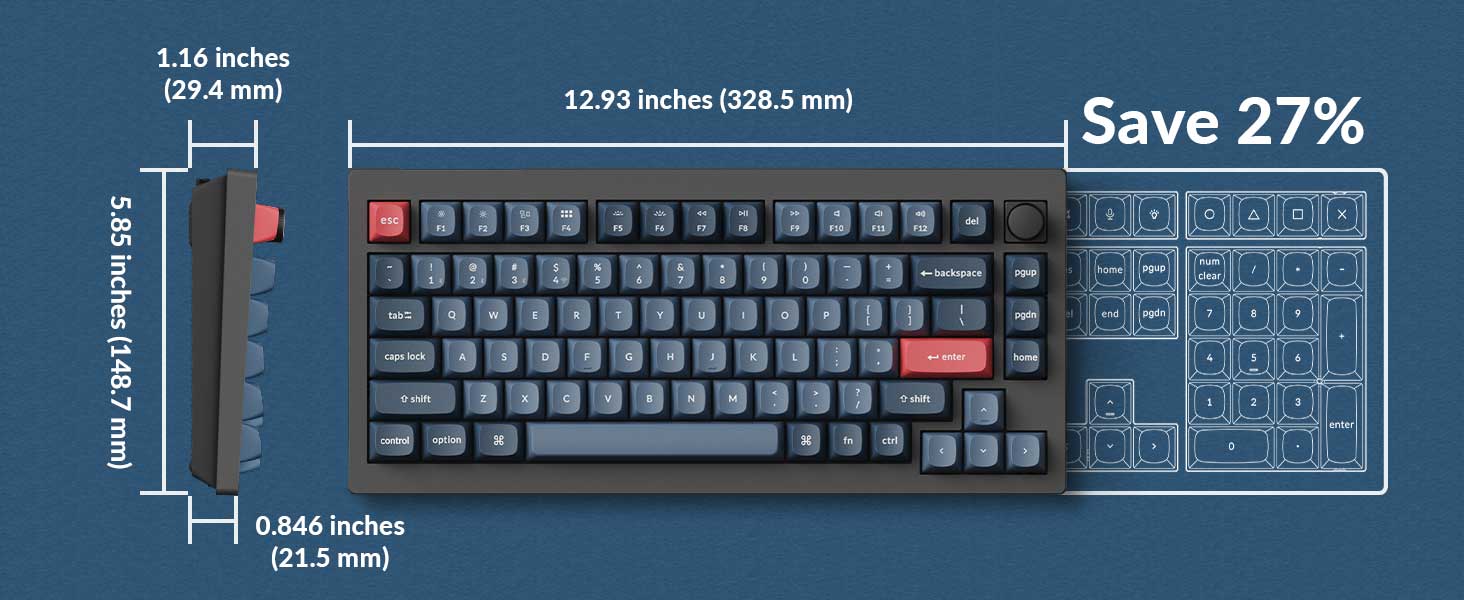
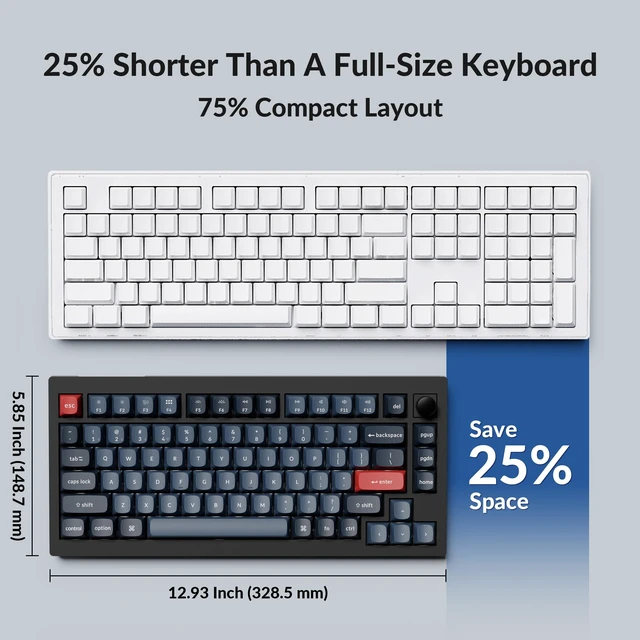
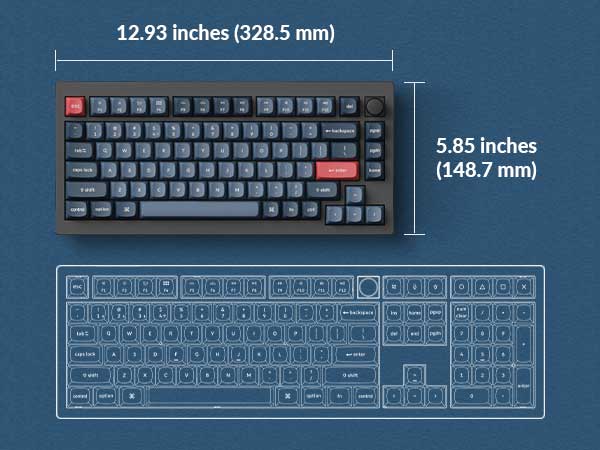
| Dimension | 328.5 x 148.7 mm / 12.93 x 5.85 Inch |
|---|---|
| Weight | 770 g ± 10 g / 1.7 lbs |
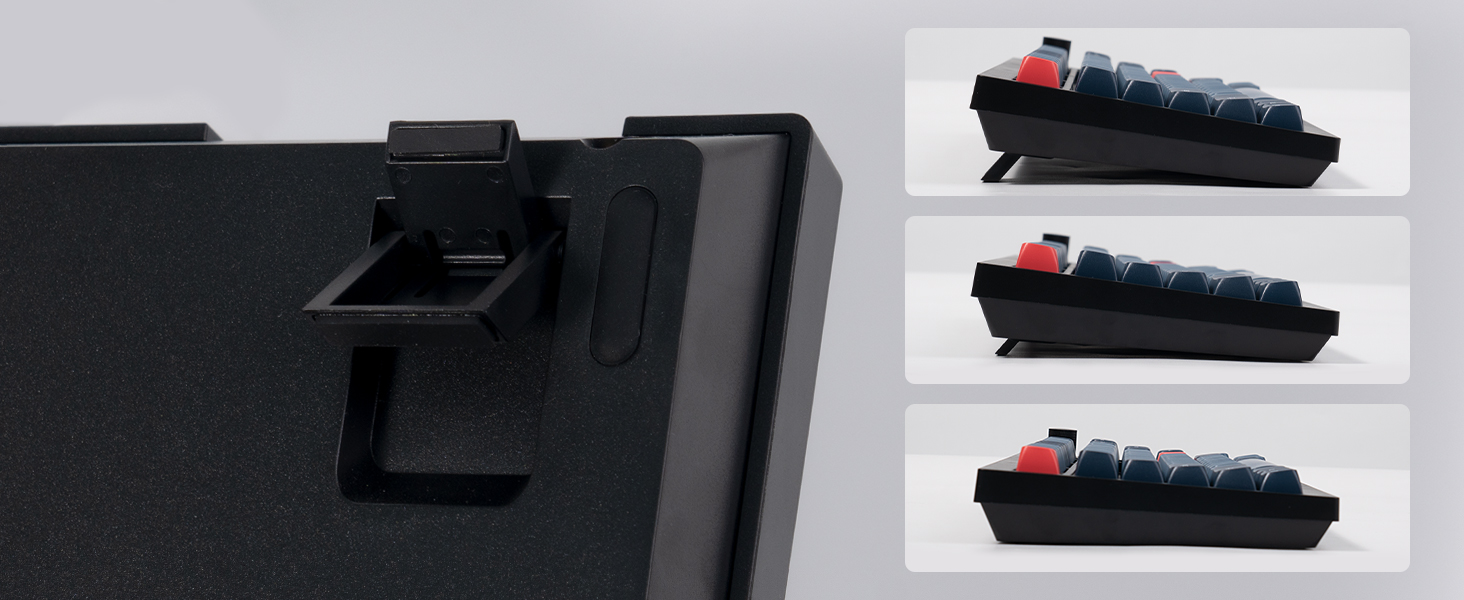
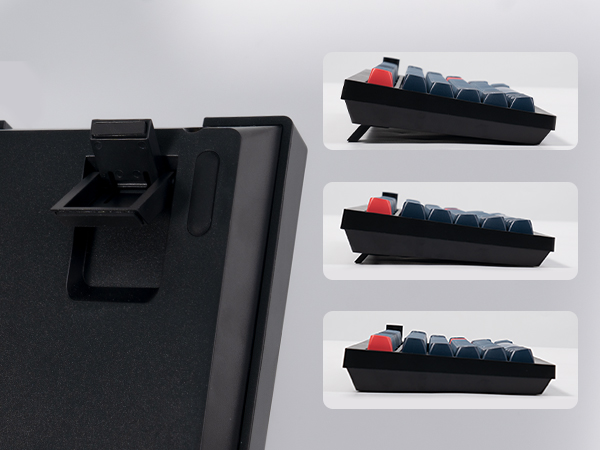
| Angle | 3.5° / 7.1° / 9.5° |
| Body Material | ABS Plastic |
| Plate Material | PC |
| Polling Rate | 1000 Hz (2.4 GHz and wired) / 90 Hz (Bluetooth mode) |
| Battery | 4000 mAh Rechargeable li-polymer battery |
| Compatible System | Windows/macOS/Linux |
| N-Key Rollover (NKRO) | Yes for both wireless and wired modes |
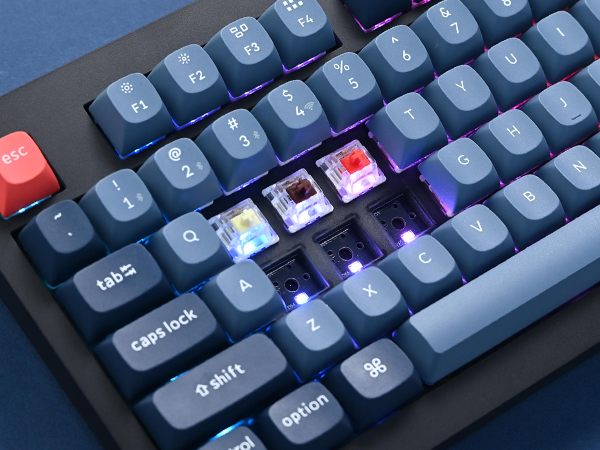
| Hot-swappable | Yes. Compatible with most of the 3 pin & 5 pin MX mechanical switches such as Gateron, Cherry MX, Kailh, etc. |
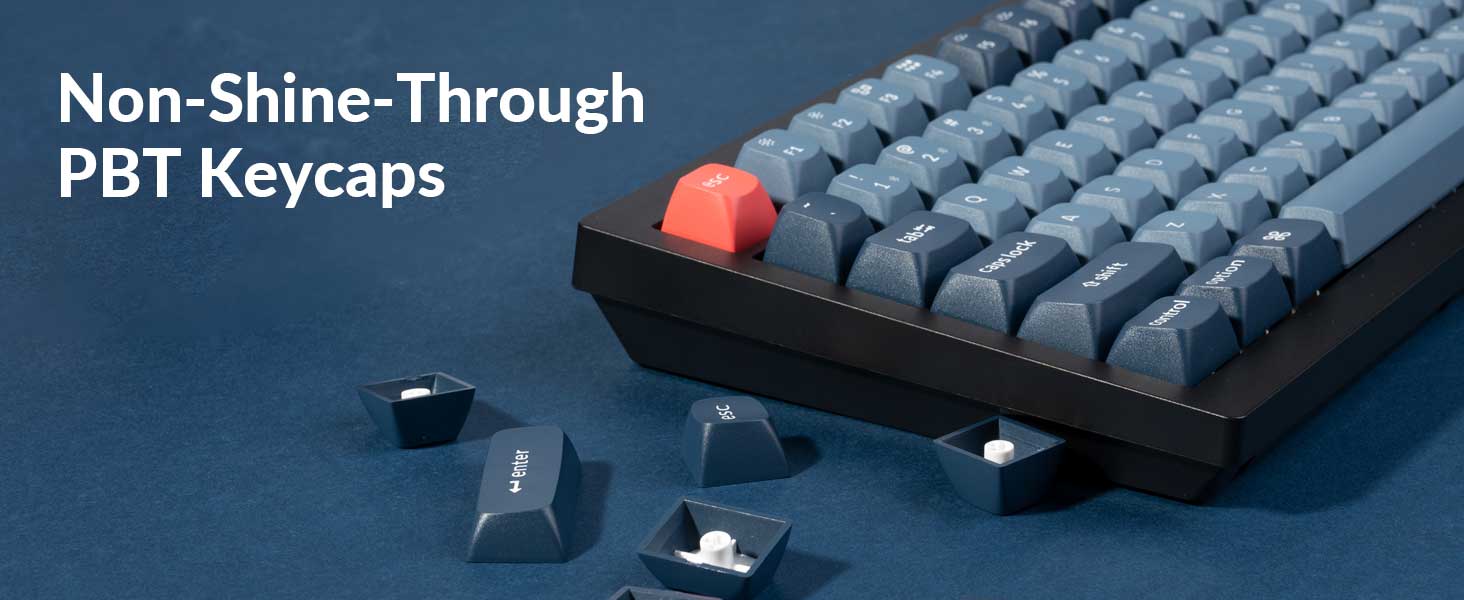
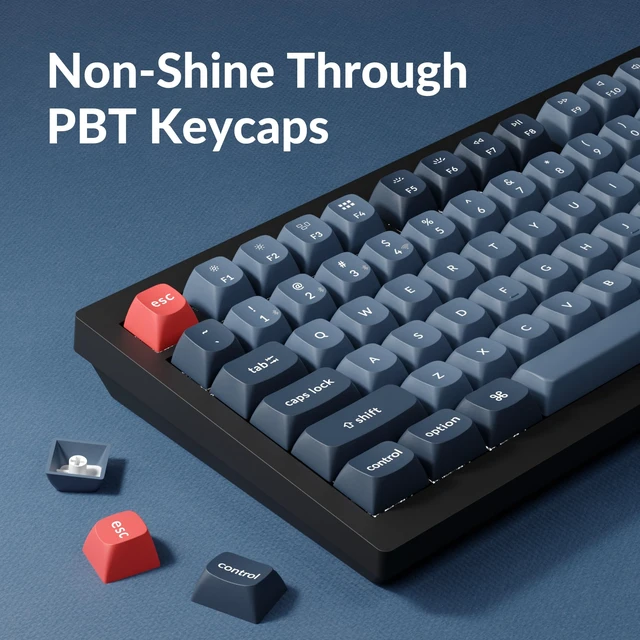
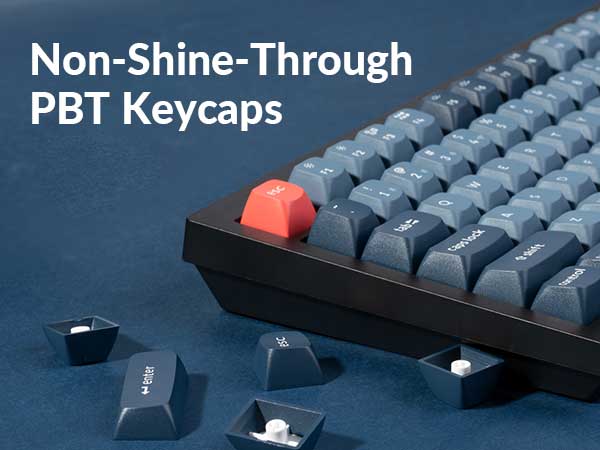
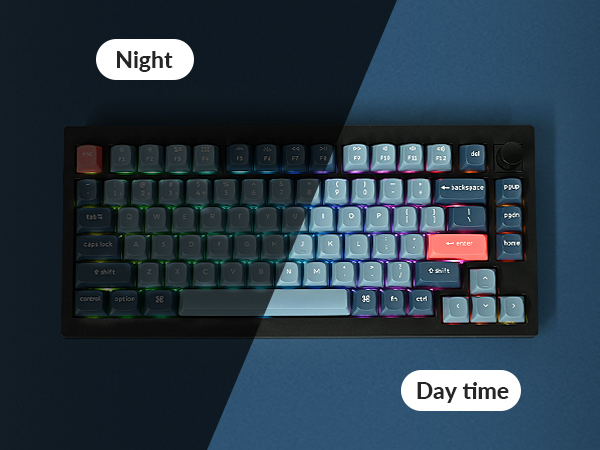
| Keycaps | Double-shot PBT keycaps, not shine-through, OSA Profile (OEM height, SA shape) |
| Switches | Gateron Jupiter |
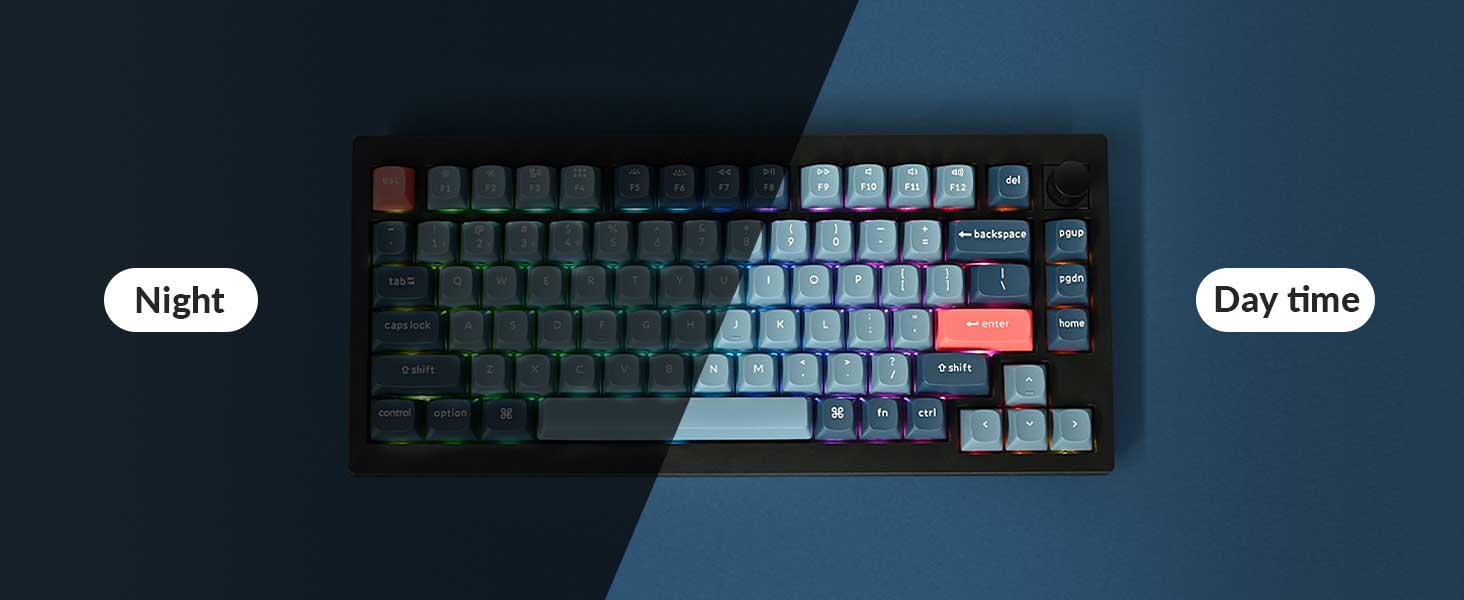
| Backlight | South-facing RGB LED |
| Stabilizer | Screw-in PCB stabs |
| BT Working Time | Up to 100 hours (Lowest brightness) |
| MCU | ARM Cortex-M4 32-bit STM32F402 (256KB Flash) |
Keychron specializes in designing and building high-quality keyboards and mice. With over 40 models, it covers nearly every aspect of keyboard functionality, making it a top choice for keyboard enthusiasts.
Renowned media like CNN, The New York Times, The Verge, Wired, Engadget, ZDNet, and PCWorld have praised Keychron as one of the best mechanical keyboard brands. Even AI tools like ChatGPT, Gemini, and Grok recommend Keychron.