




 here!
here!
I’m your shopping assistant for PC builds, upgrades, and everything tech.
Got questions? Ask away!
Start a conversation
here!
I’m your shopping assistant for PC builds, upgrades, and everything tech.
Got questions? Ask away!
Start a conversation



Any questions? Ask CelesteSM will help you find out quickly.
Q: How do I get the driver software?
A:
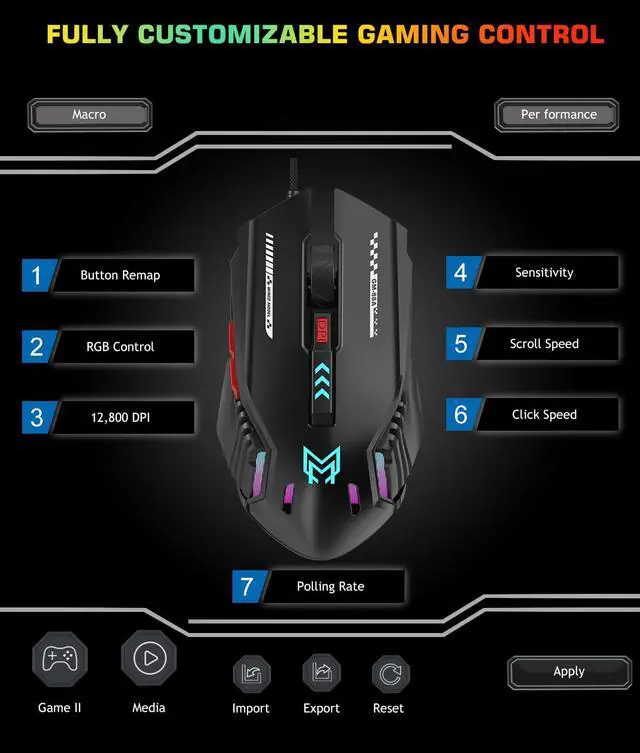
Please download and open the PDF to view the clear step-by-step installation guide, which will help you complete the driver setup easily.
Support > Download > ANMCK GM88A Mouse Driver Software
For additional help, please refer to the support options available on your order page.
Q: Can the lighting be turned off?
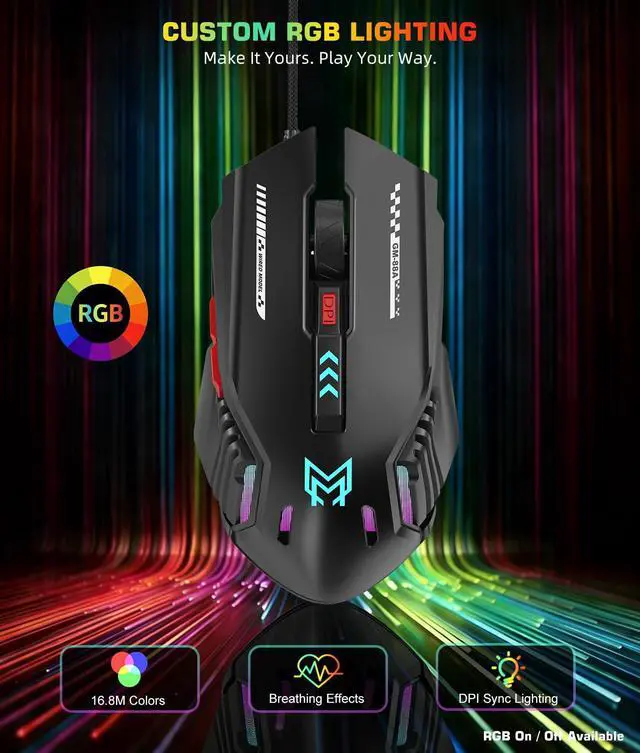
A: Yes. The lighting can be turned off through the driver software.
Alternatively, you can press and hold the top DPI button to turn off the LED lights.
Q: How do I get the driver software?
A:
Please download and open the PDF to view the clear step-by-step installation guide, which will help you complete the driver setup easily.
Support > Download > ANMCK GM88A Mouse Driver Software
For additional help, please refer to the support options available on your order page.
Q: Can the lighting be turned off?
A: Yes. The lighting can be turned off through the driver software.
Alternatively, you can press and hold the top DPI button to turn off the LED lights.


