




Trusted Smart Home Safety
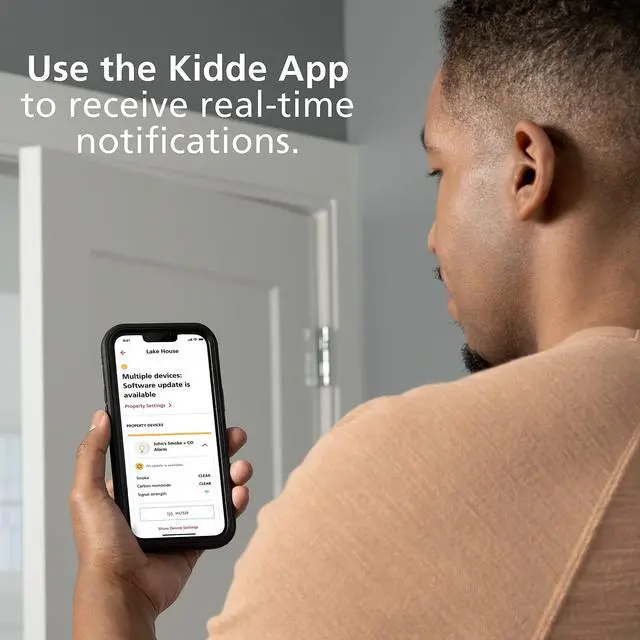
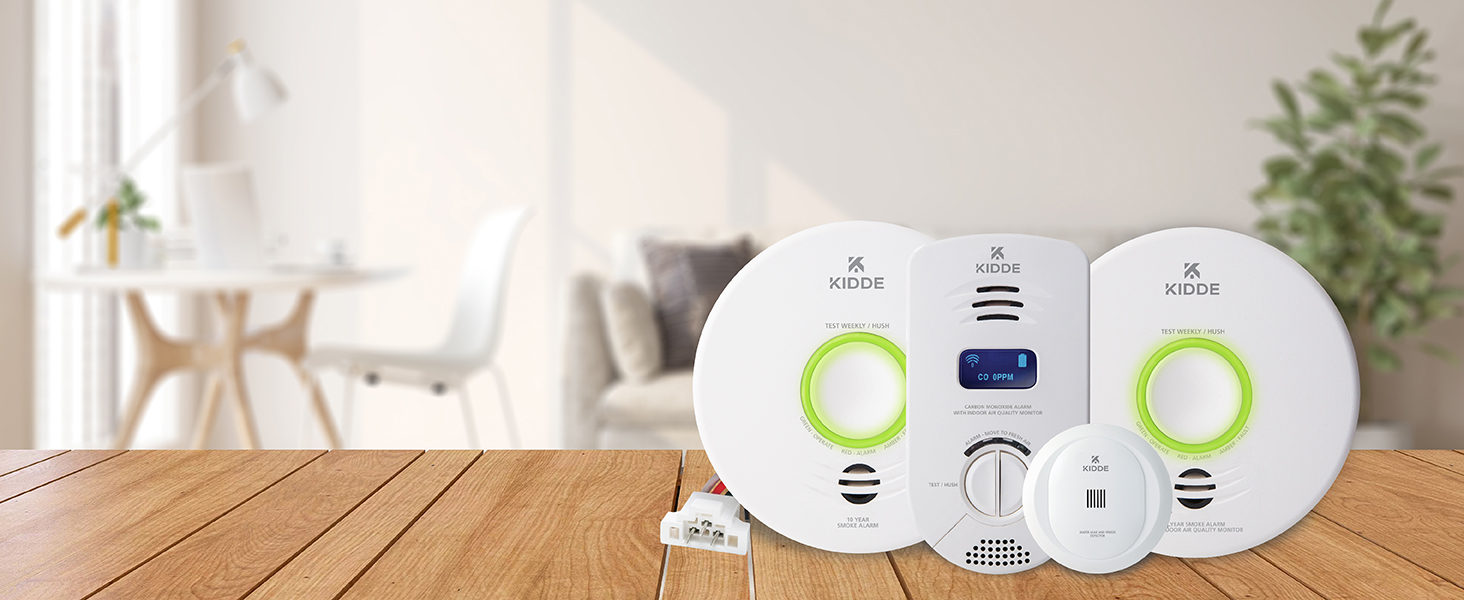
Kidde’s Smart Home devices provide real-time notifications for home hazards with the Kidde App.
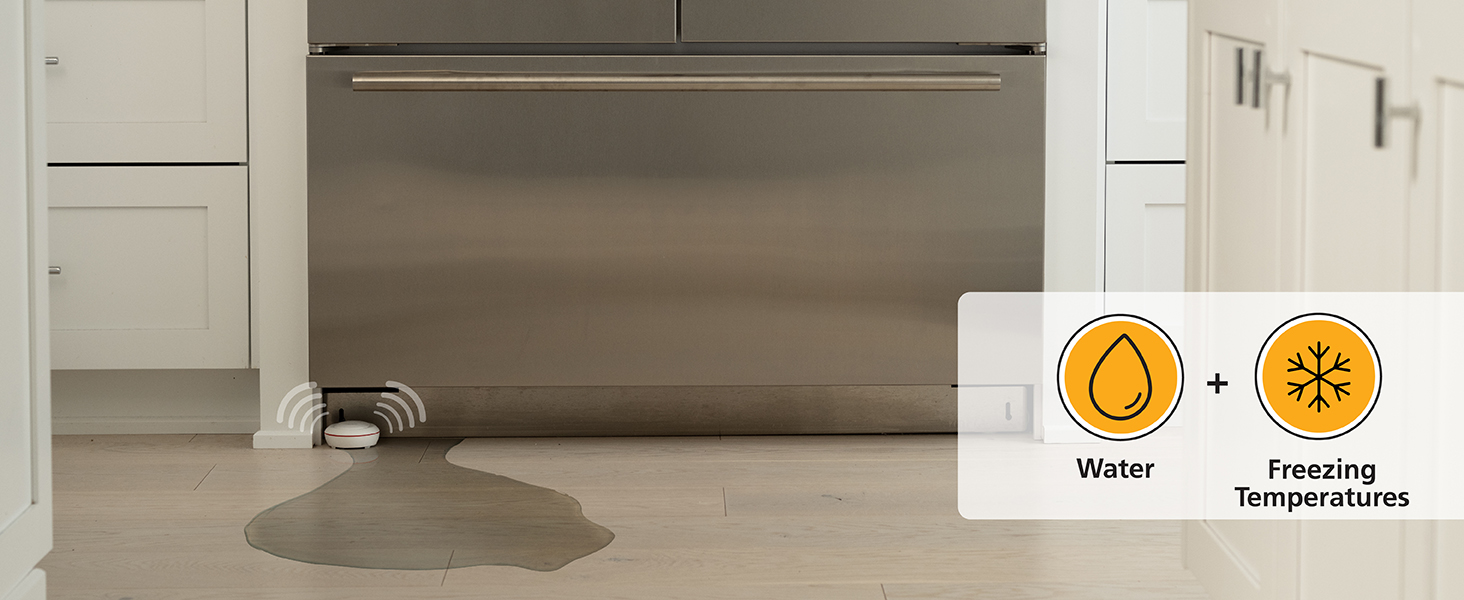
Avoid Costly Water Damage
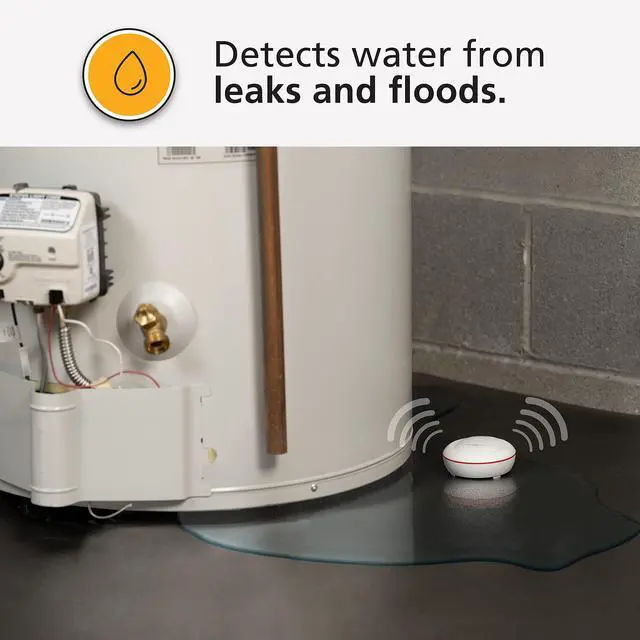
Water leaks can damage flooring, drywall, and lead to mold.
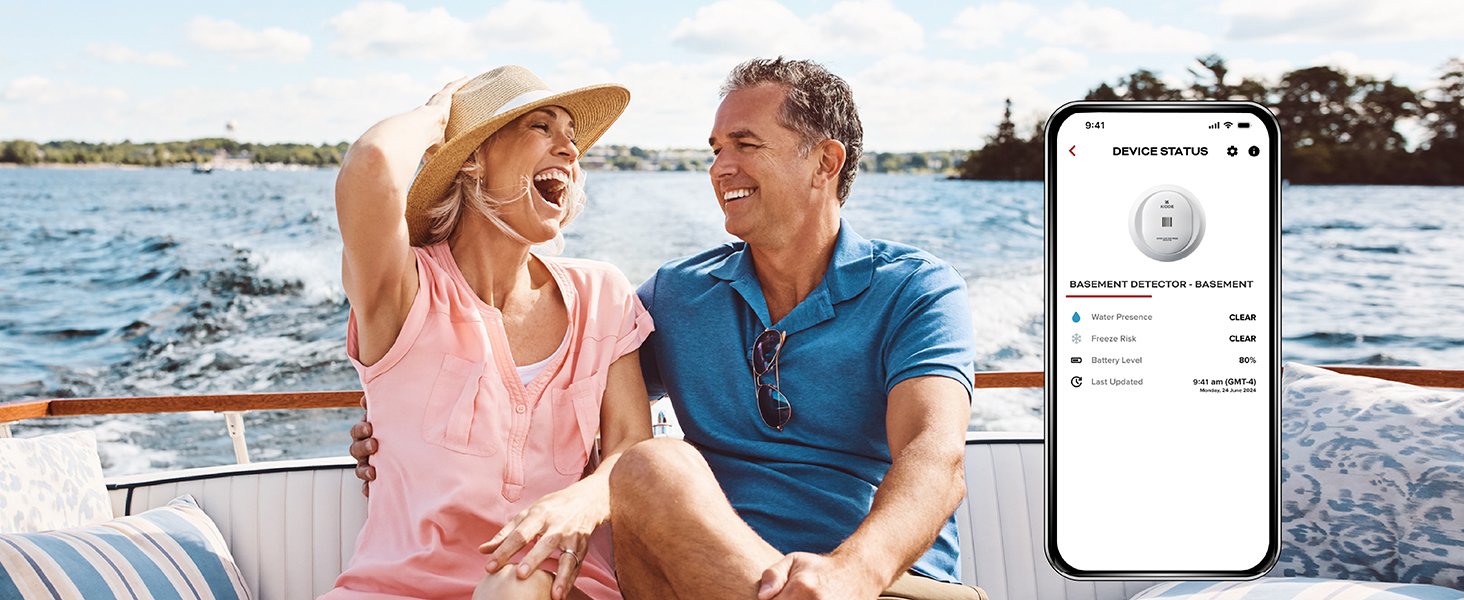
Peace of Mind While You’re Away
Send notifications through the Kidde app or by email to friends & family.
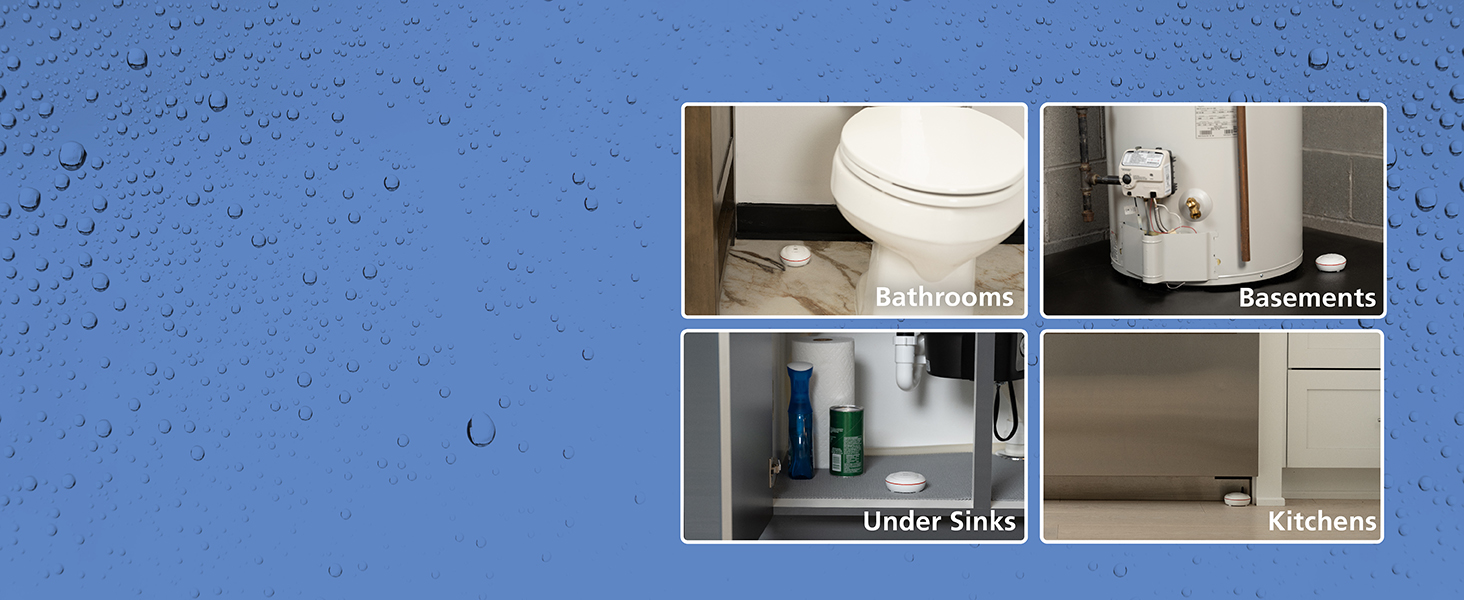
Whole Home Protection
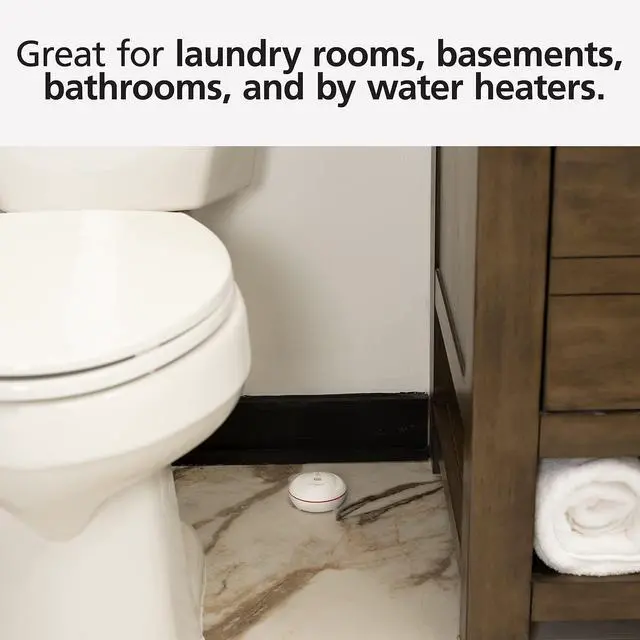
Place in bathrooms, under sinks, laundry rooms, basements and kitchens.
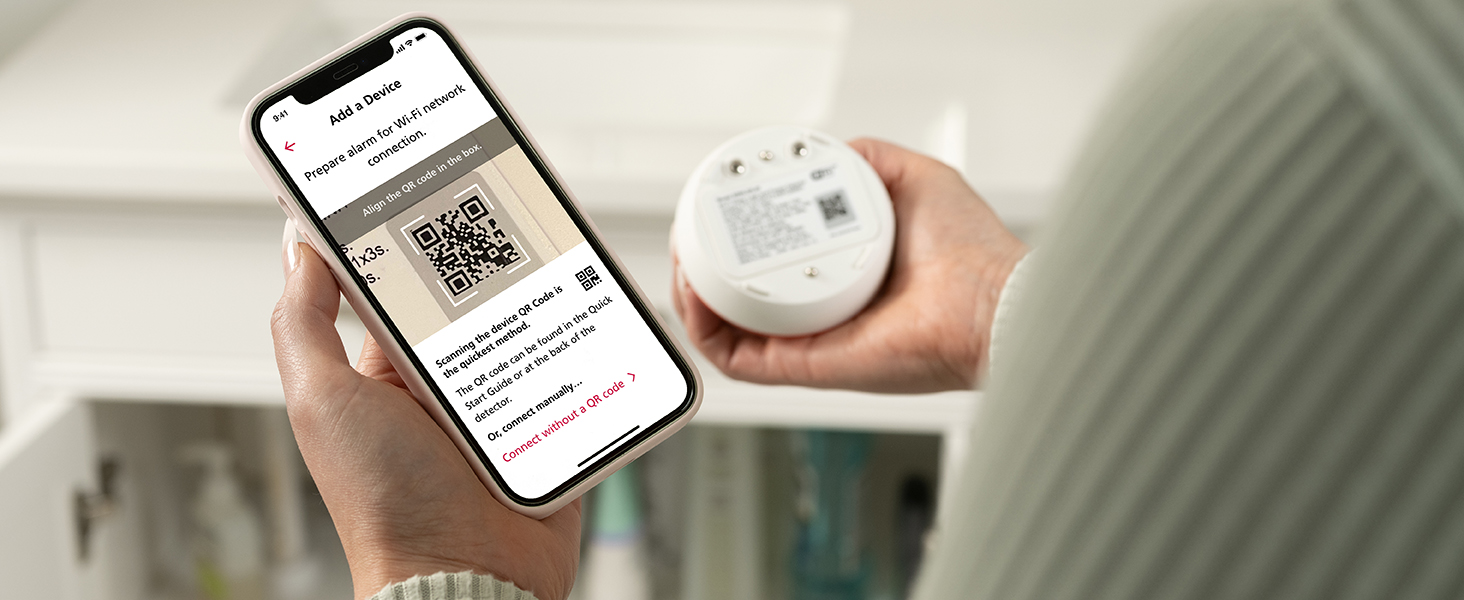
Simple Setup
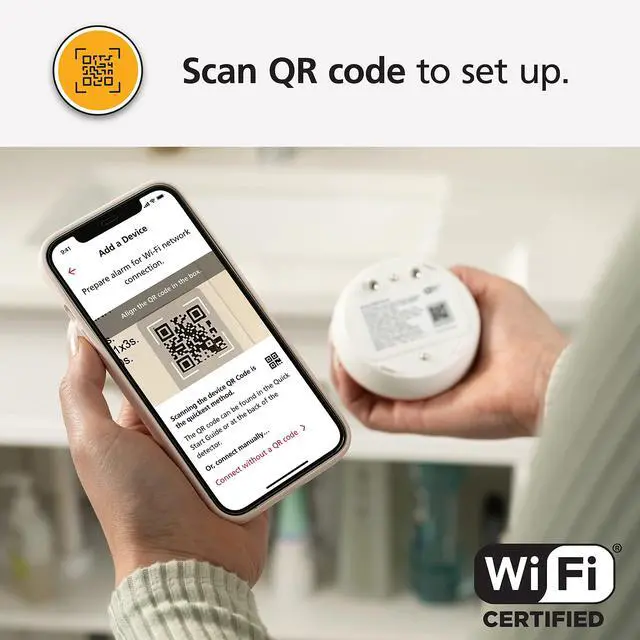
Scan the QR code and follow the step-by-step instructions to set up your water leak alarm.
Kidde Smart Home Comparison Chart
 Smart Water Leak Detector |  Smart Smoke Detector |  Smart Smoke Detector/IAQM |  Smart CO Detector/IAQM | |
|---|---|---|---|---|
Customer Reviews | — | — | — | — |
Price | — | — | — | — |
Connects to WiFi | ? | ? | ? | ? |
Real-Time App Notifications | ? | ? | ? | ? |
Free App for iOS or Android | ? | ? | ? | ? |
Interconnection Capability | — | ? | ? | — |
Power Source | 2 AA Batteries, Included | Hardwired; 10yr backup battery | Hardwired; 10yr backup battery | Plug-in; 10yr backup battery |
Water & Freezing Conditions | ? | — | — | — |
TVOC Monitoring | — | — | ? | ? |
Mold Risk/Humidity Monitoring | — | — | ? | ? |
Temperature Monitoring | ? | — | ? | ? |
Do I need any smart home hubs or additional products to work with my Water Leak + Freeze Detector?
No. The Kidde Smart Water Leak Detector does not need additional home hubs or additional products to work.
How do I set up an emergency contact in the Kidde app?
In the Kidde App, add your emergency contacts & label them as "Crew". Your "Crew" will get an invitation & will need to accept it, prior to begin receiving push notifications.
How do I Hush a Water Leak or Freeze incident?
During a water leak, the Kidde app will show the name of the alarming unit & provide an option to Smart Hush the detector with the Hush button. This function only works if your mobile device and the alarm are connected to the same Wi-Fi network.
Does the water leak and freeze detector have to be connected to WiFi to work?
No. If not connected to WiFi, the Kidde Smart Water Leak Detector will only alarm audibly. It must be connected to WiFi & the Kidde app to receive push notifications.
Does the Kidde Smart Water & Freeze Detector alert you when the batteries need to be changed?
Yes. If you select to receive low battery notifications in the Kidde app, a push notification will be sent when battery level is low. An audible alert from the alarm will also occur to notify you.


Sleek Design
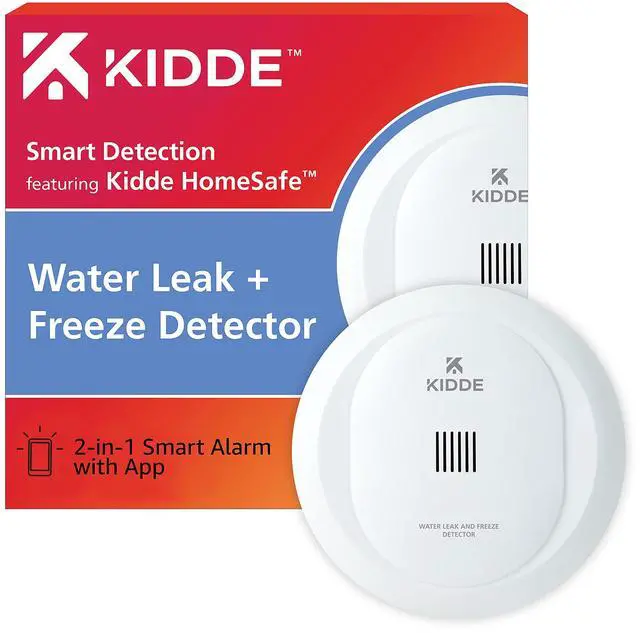
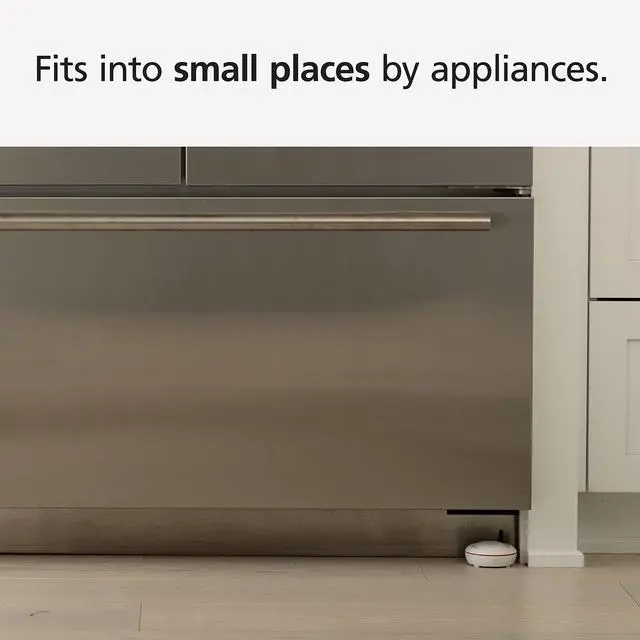
Kidde water leak detector fits in small spaces by appliances.
Battery Operated
2 AA batteries included. The Kidde App will notify if batteries are low.
Detects Water
Place the Kidde water detector by appliances, under sinks in bathrooms, laundry rooms, and by water heaters to detect water leaks.
Easy Setup
Simply place water leak detector by appliance or water source. Scan QR code on the product to connect to the Kidde App.
Real-Time Notifications
Get notifications through the Kidde App or by email. Friends and family can be set up to receive notifications.

Freezing Temperatures
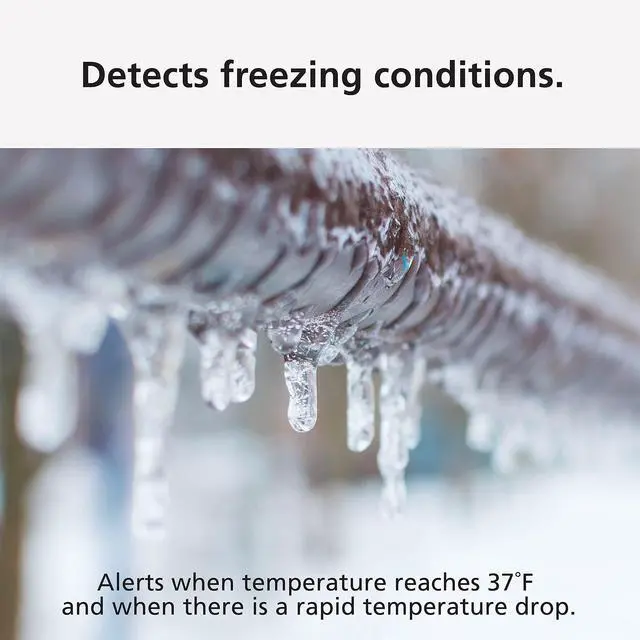
Kidde Water Leak Detector detects freezing conditions and big temperature drops that can lead to frozen pipes and can cause leaks.
Trusted Smart Home Safety
Kidde’s Smart Home devices provide real-time notifications for home hazards with the Kidde App.
Avoid Costly Water Damage
Water leaks can damage flooring, drywall, and lead to mold.
Peace of Mind While You’re Away
Send notifications through the Kidde app or by email to friends & family.
Whole Home Protection
Place in bathrooms, under sinks, laundry rooms, basements and kitchens.
Simple Setup
Scan the QR code and follow the step-by-step instructions to set up your water leak alarm.


Kidde Smart Home Comparison Chart
Smart Water Leak Detector | Smart Smoke Detector | Smart Smoke Detector/IAQM | Smart CO Detector/IAQM |
|---|---|---|---|
| Customer Reviews | |||
| — | — | — | — |
| Price | |||
| — | — | — | — |
| Connects to WiFi | |||
| ? | ? | ? | ? |
| Real-Time App Notifications | |||
| ? | ? | ? | ? |
| Free App for iOS or Android | |||
| ? | ? | ? | ? |
| Interconnection Capability | |||
| — | ? | ? | — |
| Power Source | |||
| 2 AA Batteries, Included | Hardwired; 10yr backup battery | Hardwired; 10yr backup battery | Plug-in; 10yr backup battery |
| Water & Freezing Conditions | |||
| ? | — | — | — |
| TVOC Monitoring | |||
| — | — | ? | ? |
| Mold Risk/Humidity Monitoring | |||
| — | — | ? | ? |
| Temperature Monitoring | |||
| ? | — | ? | ? |
Do I need any smart home hubs or additional products to work with my Water Leak + Freeze Detector?
No. The Kidde Smart Water Leak Detector does not need additional home hubs or additional products to work.
How do I set up an emergency contact in the Kidde app?
In the Kidde App, add your emergency contacts & label them as "Crew". Your "Crew" will get an invitation & will need to accept it, prior to begin receiving push notifications.
How do I Hush a Water Leak or Freeze incident?
During a water leak, the Kidde app will show the name of the alarming unit & provide an option to Smart Hush the detector with the Hush button. This function only works if your mobile device and the alarm are connected to the same Wi-Fi network.
Does the water leak and freeze detector have to be connected to WiFi to work?
No. If not connected to WiFi, the Kidde Smart Water Leak Detector will only alarm audibly. It must be connected to WiFi & the Kidde app to receive push notifications.
Does the Kidde Smart Water & Freeze Detector alert you when the batteries need to be changed?
Yes. If you select to receive low battery notifications in the Kidde app, a push notification will be sent when battery level is low. An audible alert from the alarm will also occur to notify you.