














What makes an audio brand truly worth trusting?
At Kinglucky, we believe trust starts with consistent quality—sound you can rely on every single day.
How does Kinglucky ensure reliable quality?
With our own R&D and manufacturing facilities, we control every step—from engineering to production—delivering audio products you can trust.
What makes Kinglucky different?
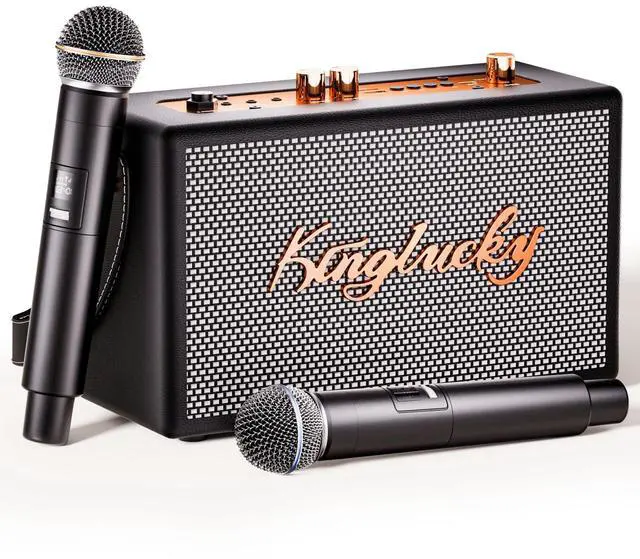
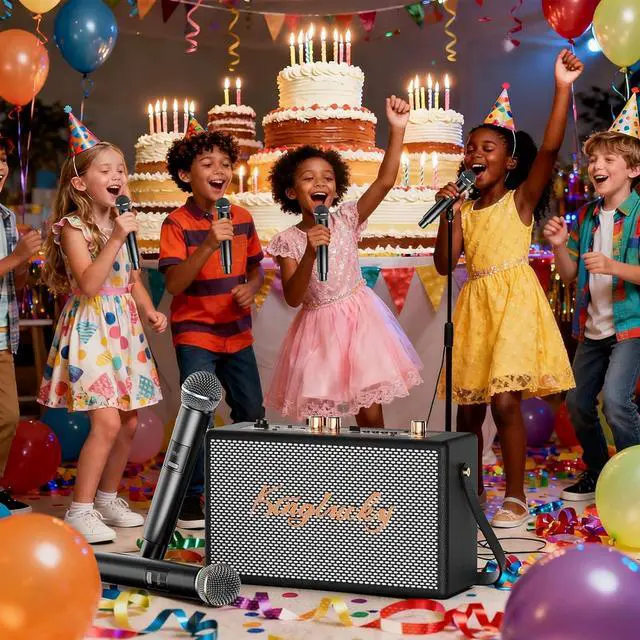
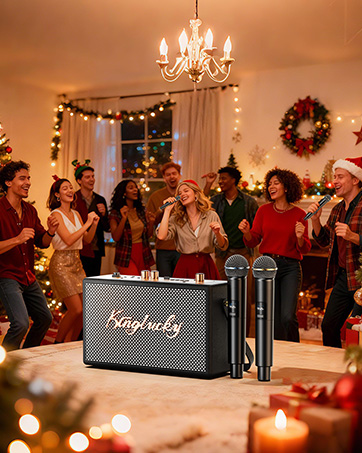
We create headphones and speakers that are powerful, easy to use, and made for real-life moments—family karaoke nights, work focus, outdoor fun, and everyday entertainment.


Why does the microphone sometimes make a high-pitched squealing sound?
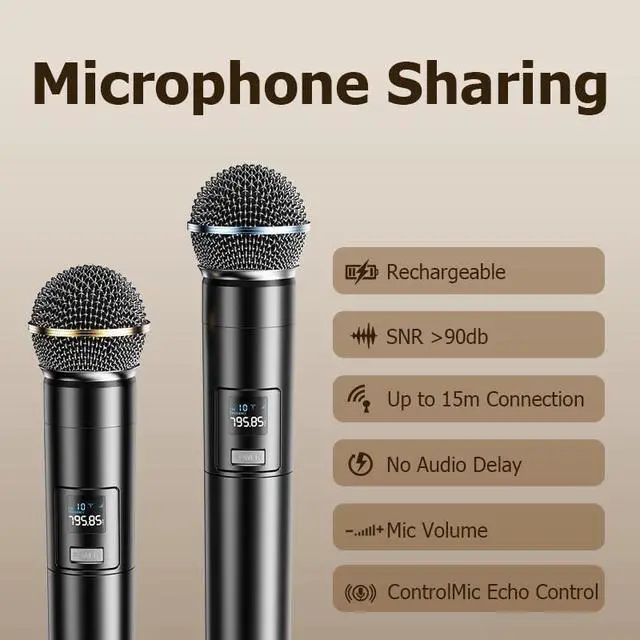
This is called audio feedback and can occur with any karaoke system. It happens when the microphone picks up sound from the speaker. This is normal and does not mean the microphone is faulty.
What should I do if I hear microphone feedback?
Should microphone feedback occur, please contact our support team for quick assistance. Our team will guide you through simple adjustments to restore clear sound.
What should I do if accessories are missing or damaged when I receive the product?
If accessories are missing or damaged when the product arrives, support options are available through your order.
How do I use the TWS (True Wireless Stereo) feature?
To set up TWS, turn on both karaoke speakers and press and hold the Mode button on each speaker at the same time. They will automatically link together, creating a true dual-speaker karaoke sound experience.
What is Karaoke Mode and how do I turn it on?
Karaoke Mode lets you sing along by reducing or removing the original vocals, leaving only the background music. Double-press the Play/Pause button with the microphone icon to switch it on or off and enjoy singing anytime.


Why does the microphone sometimes make a high-pitched squealing sound?
This is called audio feedback and can occur with any karaoke system. It happens when the microphone picks up sound from the speaker. This is normal and does not mean the microphone is faulty.
What should I do if I hear microphone feedback?
Should microphone feedback occur, please contact our support team for quick assistance. Our team will guide you through simple adjustments to restore clear sound.
What should I do if accessories are missing or damaged when I receive the product?
If accessories are missing or damaged when the product arrives, support options are available through your order.
How do I use the TWS (True Wireless Stereo) feature?
To set up TWS, turn on both karaoke speakers and press and hold the Mode button on each speaker at the same time. They will automatically link together, creating a true dual-speaker karaoke sound experience.
What is Karaoke Mode and how do I turn it on?
Karaoke Mode lets you sing along by reducing or removing the original vocals, leaving only the background music. Double-press the Play/Pause button with the microphone icon to switch it on or off and enjoy singing anytime.
What makes an audio brand truly worth trusting?
At Kinglucky, we believe trust starts with consistent quality—sound you can rely on every single day.
How does Kinglucky ensure reliable quality?
With our own R&D and manufacturing facilities, we control every step—from engineering to production—delivering audio products you can trust.
What makes Kinglucky different?
We create headphones and speakers that are powerful, easy to use, and made for real-life moments—family karaoke nights, work focus, outdoor fun, and everyday entertainment.