




 here!
here!
I’m your shopping assistant for PC builds, upgrades, and everything tech.
Got questions? Ask away!
Start a conversation
here!
I’m your shopping assistant for PC builds, upgrades, and everything tech.
Got questions? Ask away!
Start a conversationShipped by Newegg







Combo Up Savings Up To $360+
The more you add, the more you'll save!
Any questions? Ask CelesteSM will help you find out quickly.


M.2 NVMe PCle 5.0 SSD

Blazing-Fast Speed: Sequential read speeds up to 14,000MB/s-delivering a revolutionary speed experience.

Independent DRAM cache + simulated SLC dynamic caching minimizes loading times, even under heavy workloads.

Next-gen architecture slashes heat and power while delivering blistering 3,600MT/s data transfer speeds. Fully unlocks the next-gen interface's potential for unmatched throughput.

2,000K IOPS Read/Write: Lightning-fast file operations, instant game asset streaming, and zero-delay responsiveness.

X500 PCle 5.0 SSD is optimized for Intel Ultra 9 and AMD Ryzen 9000 series CPUs, delivering peak performance when paired with compatible motherboards.

Graphene-Infused Copper Heat Dissipation: Engineered with composite graphene copper foil to actively draw heat away from the drive.
Intelligent Thermal Management: Combines low-power controller design with advanced temperature control algorithms to keep performance stable under extreme work.

Up to 4TB Storage: Whether you're training AI models, editing 8K videos, or installing AAA games, the X500 eliminates storage anxiety with room to spare.
[ Next-Gen Blazing Speeds ]: With PCIe Gen5 technology delivering up to 14000 MB/s read and 13000 MB/s write speeds, it loads games instantly and handles massive project files in seconds - ideal for gamers and professionals who demand ultra-fast performance without delays
[ Enhanced DRAM Cache Performance ]: Equipped with a dedicated external DRAM cache, it accelerates file access and multitasking responsiveness, ensuring sustained peak speeds during intensive tasks like 3D rendering or video editing for a smoother, lag-free workflow
[ Advanced Thermal Management ]: Featuring a high-efficiency graphene heat-sticker, it dissipates heat effectively to prevent throttling and maintain consistent top-tier performance during extended gaming sessions or long renders, ensuring reliability under heavy loads
[ Versatile for Demanding Applications ]: Optimized for high-performance gaming PCs (PS5 compatible with heatsink), 4K/8K video editing, 3D animation, and CAD/CAM, it handles data-intensive tasks efficiently, saving time and boosting productivity in critical workflows
[ Reliable and Long-Lasting ]: Built with premium components and backed by a robust 3-year warranty, it offers exceptional durability and data integrity for peace of mind in demanding environments, from gaming marathons to professional creative projects
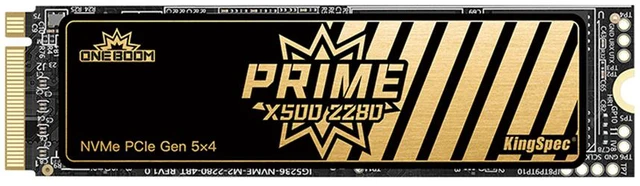
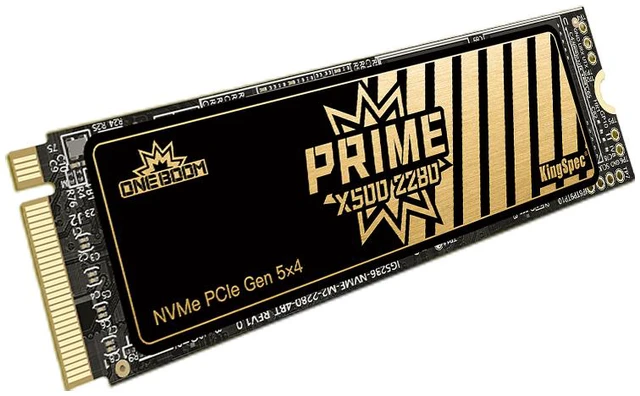
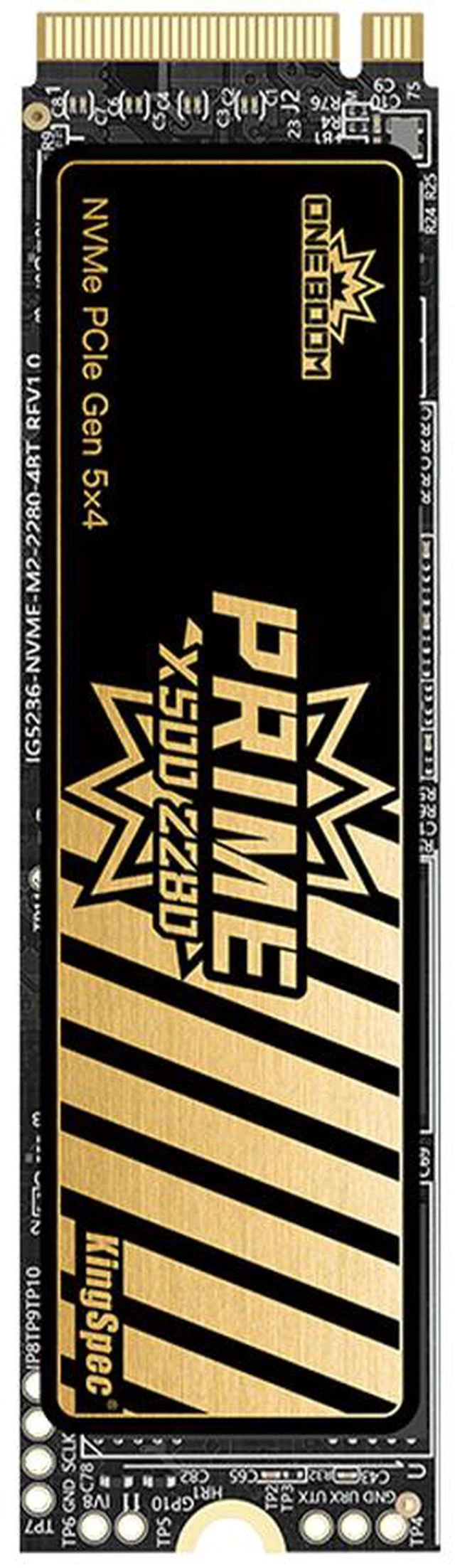
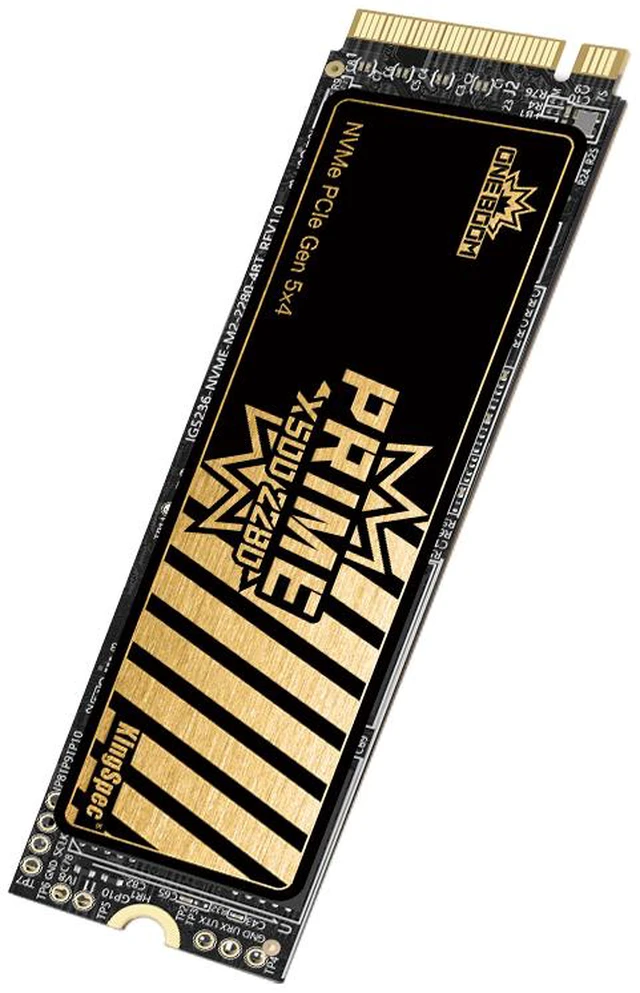
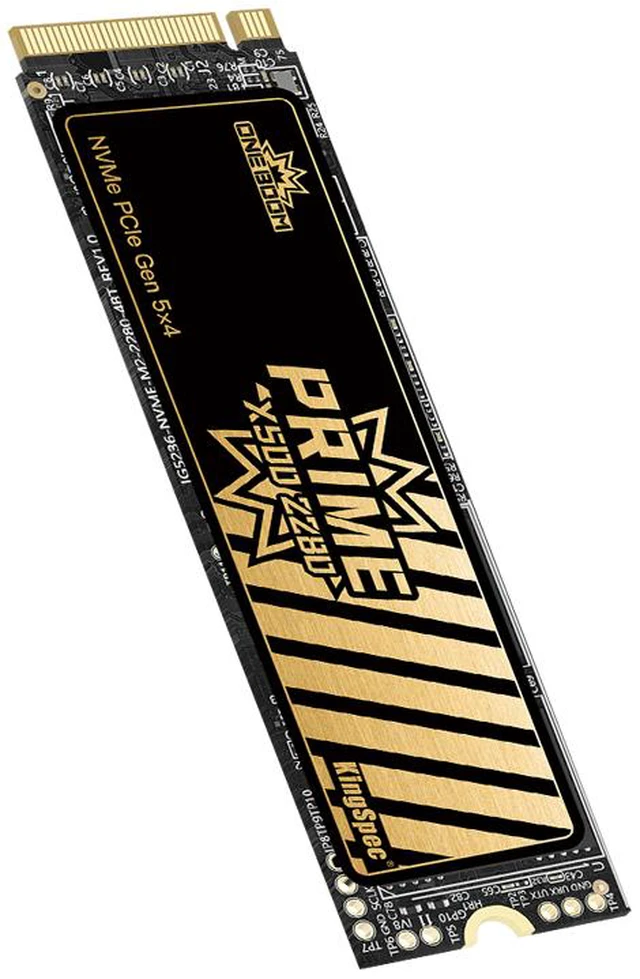
The KingSpec ONEBOOM X500 1TB is a PCIe 5.0 x4 NVMe 2.0 M.2 2280 internal SSD built for high-end desktops and workstations that need very fast storage, making it a strong fit for gaming, 4K/8K video editing, 3D design, and other heavy data workloads.
| Attribute | Value |
|---|---|
| Best For | High-performance consumer desktops and workstations that need PCIe 5.0 M.2 2280 NVMe storage for gaming, large media files and other heavy sequential workloads |
| Capacity | 1TB usable capacity |
| Interface And Form Factor | M.2 2280 form factor with a PCI-Express 5.0 interface using the NVMe 2.0 protocol |
| Read Write Performance | Sequential read up to 14,000 MB/s and sequential write up to 13,000 MB/s, providing very high throughput for large file transfers and media workloads |
| Endurance And Reliability | 600 TBW endurance rating with 1,000,000 hours MTBF for sustained long-term use |
| Operating And Storage Temperature | Operating: 0°C to +70°C; Storage: -20°C to +75°C |
| Physical Dimensions And Weight | 22mm × 80mm × 2mm (M.2 2280) and weight 5 g |
| Model Identifiers | KingSpec ONEBOOM model X500-1TB-2280 |
Q: Should I buy the KingSpec ONEBOOM X500 1TB or a PCIe 4.0 SSD like the WD_BLACK SN850X 1TB for gaming?
A: Choose the KingSpec ONEBOOM X500 1TB if you have a PCIe 5.0 desktop and you also do large file transfers, project exports, or other storage-heavy work in addition to gaming. Its listed sequential speeds are much higher than a drive like the WD_BLACK SN850X. Choose a strong PCIe 4.0 drive instead if your main goal is game loading value, because multiple review and community sources consistently show that gaming load-time gains from Gen5 over good Gen4 SSDs are usually modest in current games.
Q: Is the KingSpec ONEBOOM X500 1TB a better fit than a premium PCIe 5.0 SSD like the Samsung 9100 PRO 1TB?
A: Buy the KingSpec ONEBOOM X500 1TB when your priority is getting into the PCIe 5.0 class with flagship-level advertised throughput and DRAM cache for a mainstream desktop build. Buy the Samsung 9100 PRO 1TB if you want a more established premium option with broader review coverage, longer 5-year warranty coverage, and a stronger official ecosystem around firmware tools and migration software. This is mainly a confidence-and-support decision, not a simple speed-class difference.
Q: Should I choose the KingSpec ONEBOOM X500 1TB or save up for a faster flagship Gen5 SSD like the Crucial T705 or Samsung 9100 PRO?
A: Choose the higher-tier Gen5 models if you specifically want the most validated top-end PCIe 5.0 performance from heavily reviewed drives and you are comfortable paying for that last step up. Choose the KingSpec ONEBOOM X500 1TB if you want the core Gen5 experience, very high listed sequential performance, and DRAM cache without centering the purchase around chasing benchmark leadership. For many buyers, the decision is less about visible everyday speed and more about review depth, warranty length, and platform confidence.
Q: Is the KingSpec ONEBOOM X500 1TB a meaningful upgrade over an older PCIe 4.0 or PCIe 3.0 NVMe SSD?
A: It is a meaningful upgrade if your workflow involves sustained writes, large media files, code builds, scratch-disk use, or frequent installs and transfers on a PCIe 5.0-capable system. It is a smaller upgrade for normal desktop use and game launching, where users and reviewers often report that the jump from good Gen4 storage to Gen5 feels much smaller than the benchmark numbers suggest. In practice, this drive makes the most sense as a workflow upgrade first and a gaming upgrade second.
Q: Should I use the KingSpec ONEBOOM X500 1TB in a PS5 or keep it for a performance-first PC build?
A: Keep the KingSpec ONEBOOM X500 1TB focused on a performance-first PC build if you want to benefit from its PCIe 5.0 positioning. For PS5 storage expansion, a quality PCIe 4.0 M.2 SSD is usually the more direct fit because Sony's published compatibility guidance is built around PCIe 4.0 x4 NVMe drives with appropriate sizing and heatsink requirements. The X500 may exceed PS5 speed needs on paper, but its extra Gen5 headroom is mainly useful in a compatible PC platform rather than in the console.
Q: Will this SSD work at full speed in any M.2 slot?
A: No. The KingSpec ONEBOOM X500 is a PCIe 5.0 x4 NVMe M.2 2280 SSD, so you only get its advertised top-end performance when it is installed in a motherboard M.2 slot that supports PCIe Gen5 NVMe x4. In an older Gen4 or Gen3 slot, it may still work, but it will run at the lower slot speed. This is a common buyer question on comparable SSD retail pages.
Q: Is this a good SSD for PS5?
A: Only with an important caveat: PS5 storage expansion requires an M.2 NVMe drive with effective heat dissipation, typically a heatsink. The provided KingSpec product data says "PS5 Ready," but the listed specs do not mention an included heatsink. That means it may be suitable for PS5 only if the installed configuration meets PS5 thermal requirements. For a desktop PC, this is less of a concern if your motherboard already provides SSD cooling.
Q: Who is this SSD best for?
A: This SSD is best for desktop users building a high-end PCIe 5.0 system for gaming, large media projects, or other heavy storage workloads. Based on its 14,000 MB/s rated read speed, DRAM cache, and 600 TBW endurance rating, it fits buyers who care about top-tier sequential performance more than lowest cost. It is less compelling for basic office work or older systems that cannot use Gen5 speeds.
Q: Is this a good choice for a laptop upgrade?
A: Usually not the safest default choice. While the M.2 2280 form factor is common, Gen5 SSDs tend to run hotter and are most practical in desktops with stronger cooling and confirmed PCIe 5.0 support. Comparable retail Q&A pages often warn that heatsink-equipped or higher-thermal SSDs may not fit or be ideal in many laptops. Buyers should verify slot size, Gen5 support, and thermal clearance before choosing this drive for a laptop.
Q: Is a PCIe 5.0 SSD like this better than a cheaper PCIe 4.0 alternative?
A: It depends on the system and workload. A PCIe 5.0 SSD like the KingSpec X500 is better if you already have a Gen5-capable motherboard and you regularly move large files, edit high-bitrate video, or run storage-heavy workstation tasks. A good PCIe 4.0 SSD is often the better value for mainstream gaming, PS5 use, and everyday computing, because many buyers will not notice the extra Gen5 speed in normal use.
Q: Is the KingSpec ONEBOOM X500 1TB worth buying over a good PCIe 4.0 SSD?
A: Usually only if you already have a PCIe 5.0 system and your work benefits from very high sequential throughput. Its main advantage is rated speed up to 14,000 MB/s read and 13,000 MB/s write, plus DRAM cache. For gaming and general everyday use, repeated Reddit and YouTube discussion around PCIe 5.0 SSDs suggests the real-world gain over strong PCIe 4.0 drives is often small, so value depends heavily on price and platform support.
Q: Who is the KingSpec ONEBOOM X500 1TB best suited for?
A: It is best suited for buyers building a modern desktop or workstation with an M.2 2280 PCIe 5.0 slot and workloads that can use high transfer speeds, such as large media files, project exports, scratch storage, or other heavy file movement. It is less compelling for casual upgrades where boot speed, app launches, and gaming are the main goals.
Q: What are the main trade-offs of choosing this SSD?
A: The trade-offs are platform dependence, likely higher heat than slower NVMe drives, and brand-confidence risk versus more established SSD vendors. The X500 does offer DRAM cache and TLC positioning in the product description, but community discussion around PCIe 5.0 SSDs repeatedly raises cooling needs, while broader KingSpec discussions on Reddit show buyers often question long-term reliability and support compared with top-tier brands.
Q: Is the KingSpec ONEBOOM X500 1TB a good choice for gaming?
A: It is a workable gaming SSD, but it is not an obvious gaming-first buy unless its price is close to strong PCIe 4.0 alternatives. Its rated sequential performance is very high, but gaming discussions on Reddit and YouTube commonly note that game loading and general play do not scale much with PCIe 5.0 SSD speeds compared with good PCIe 4.0 models.
Q: Should you buy this drive if you care most about reliability and low risk?
A: If reliability confidence is your top priority, a more established SSD brand may be the safer choice. The X500's listed specs are competitive for a 1TB PCIe 5.0 drive, including DRAM cache, 600 TBW, and a 3-year warranty, but Reddit discussion around KingSpec shows mixed buyer confidence, which makes this a more price-sensitive and risk-tolerant purchase.


