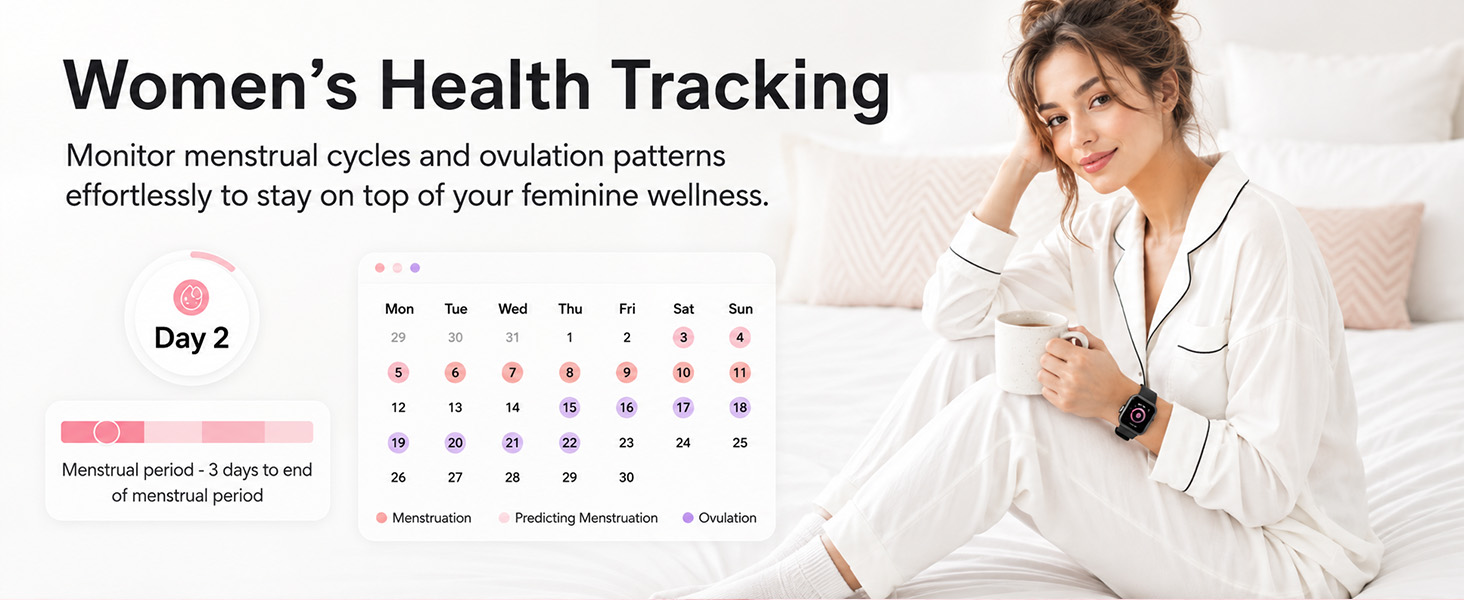
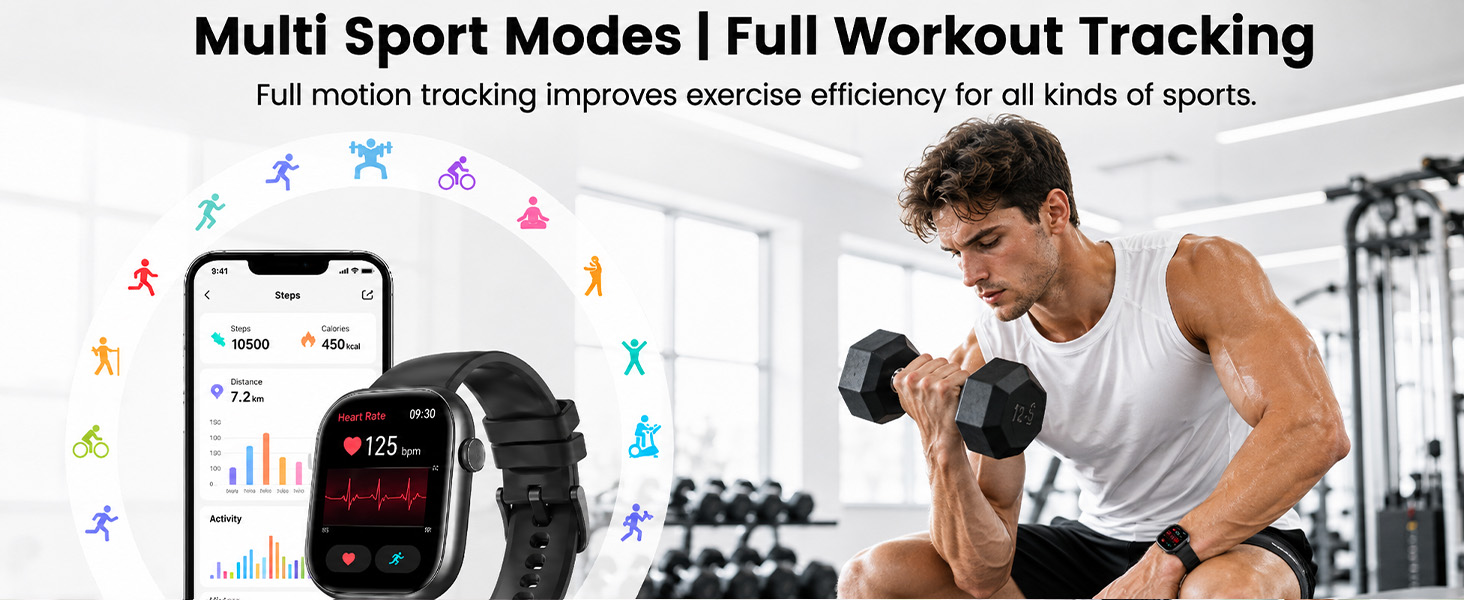
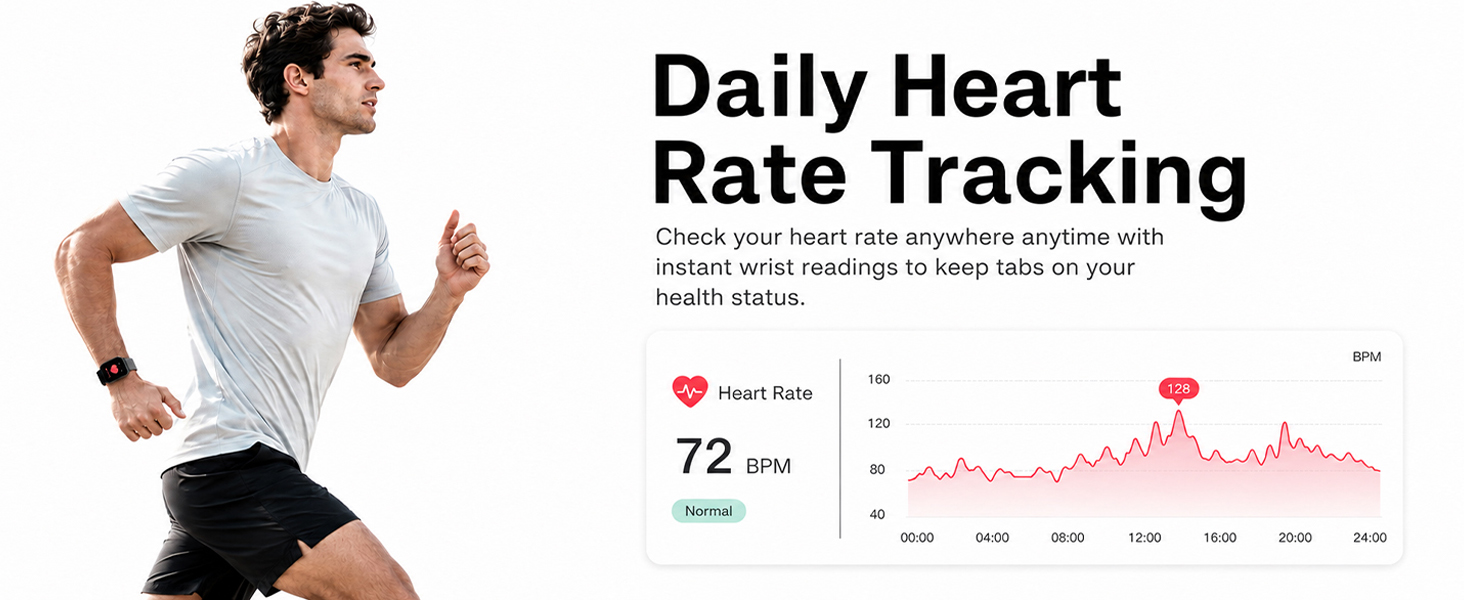
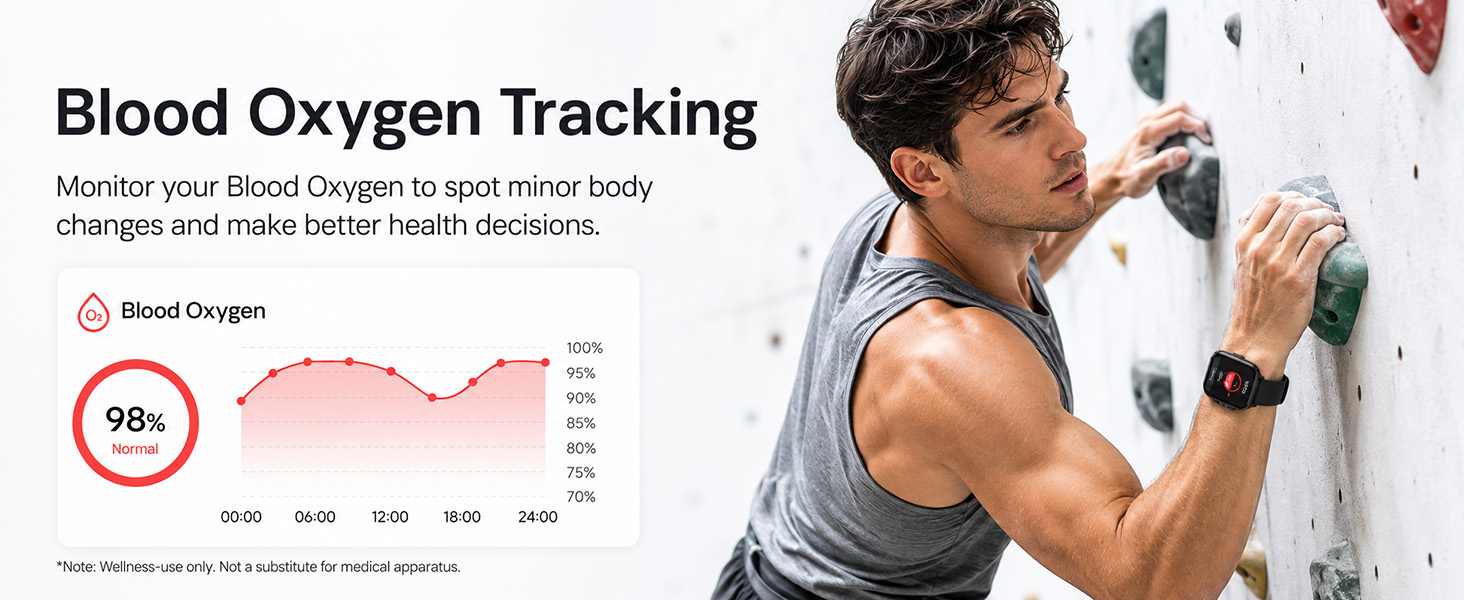
here!
here!
I’m your shopping assistant for PC builds, upgrades, and everything tech.
Got questions? Ask away!
Start a conversation
here!
I’m your shopping assistant for PC builds, upgrades, and everything tech.
Got questions? Ask away!
Start a conversation
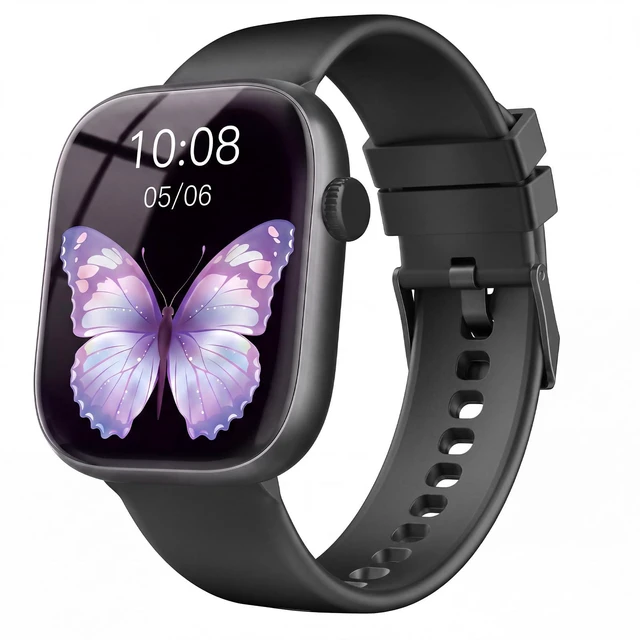
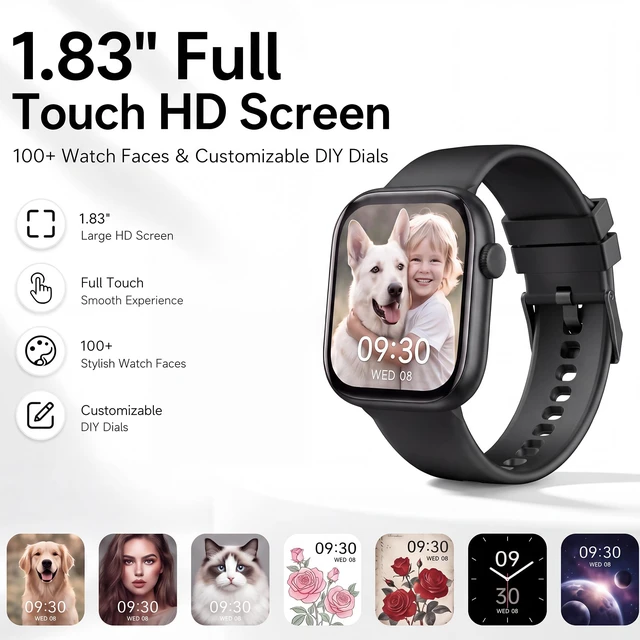
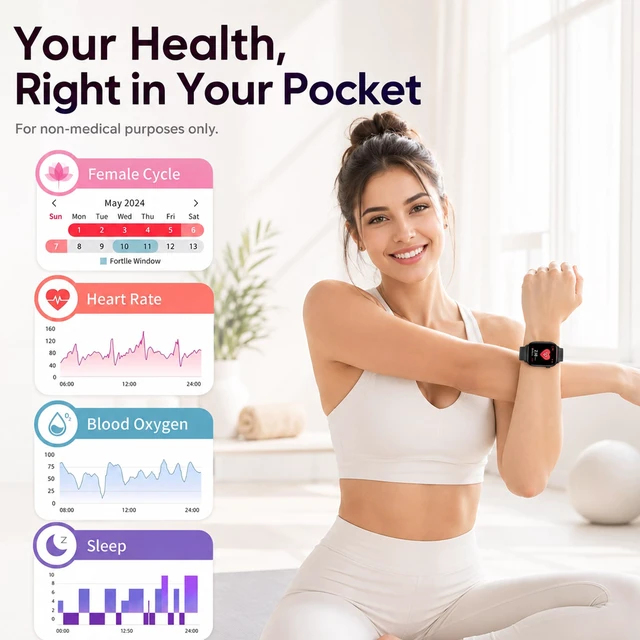
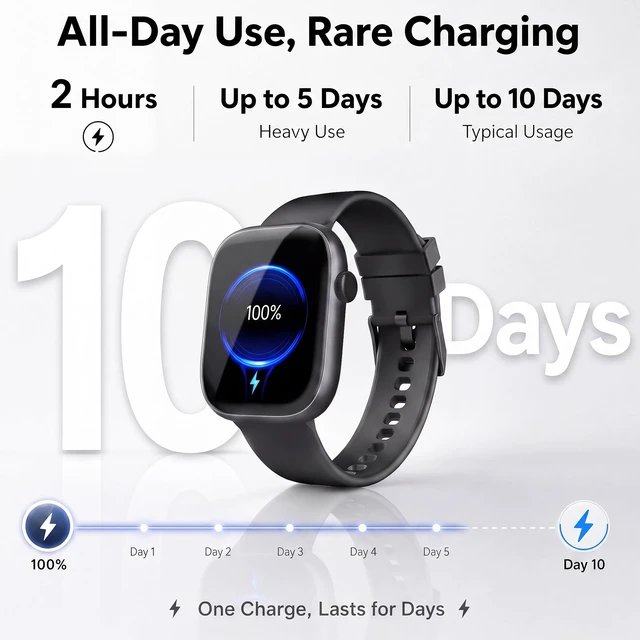
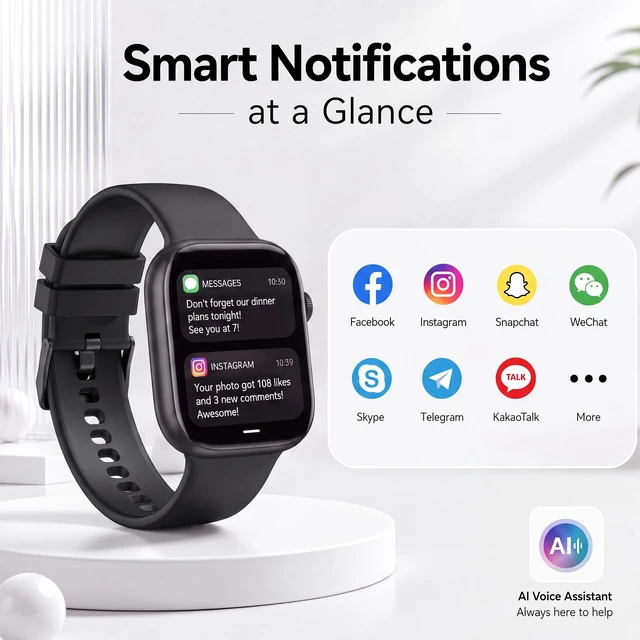
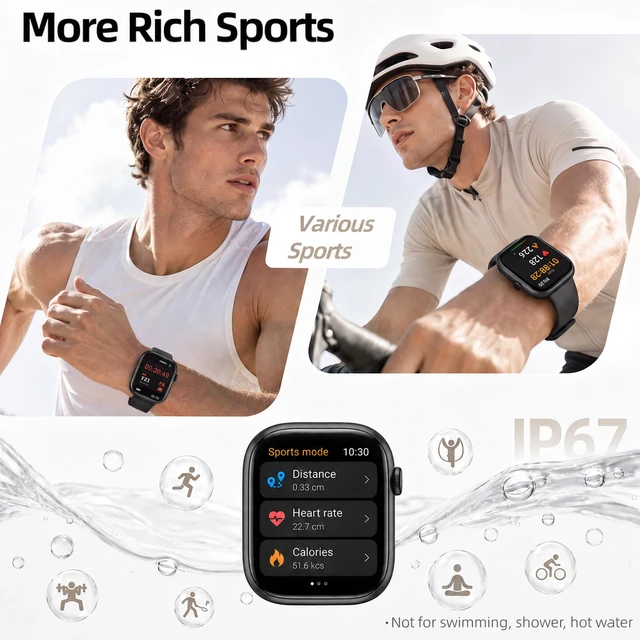
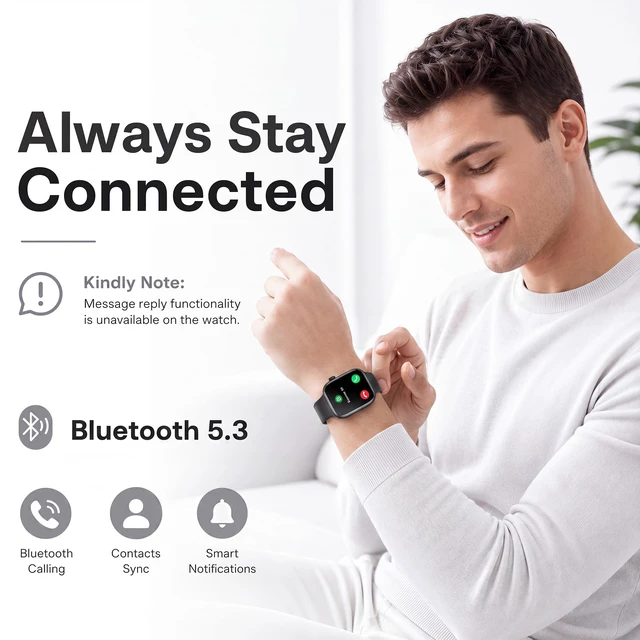
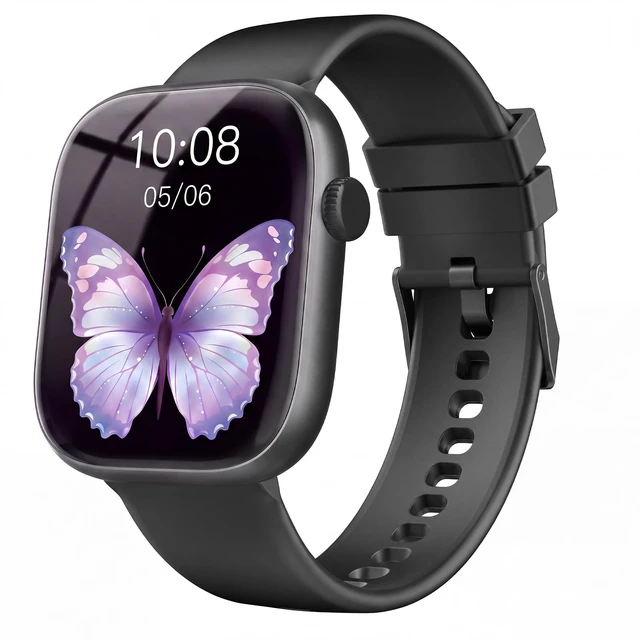



Any questions? Ask CelesteSM will help you find out quickly.
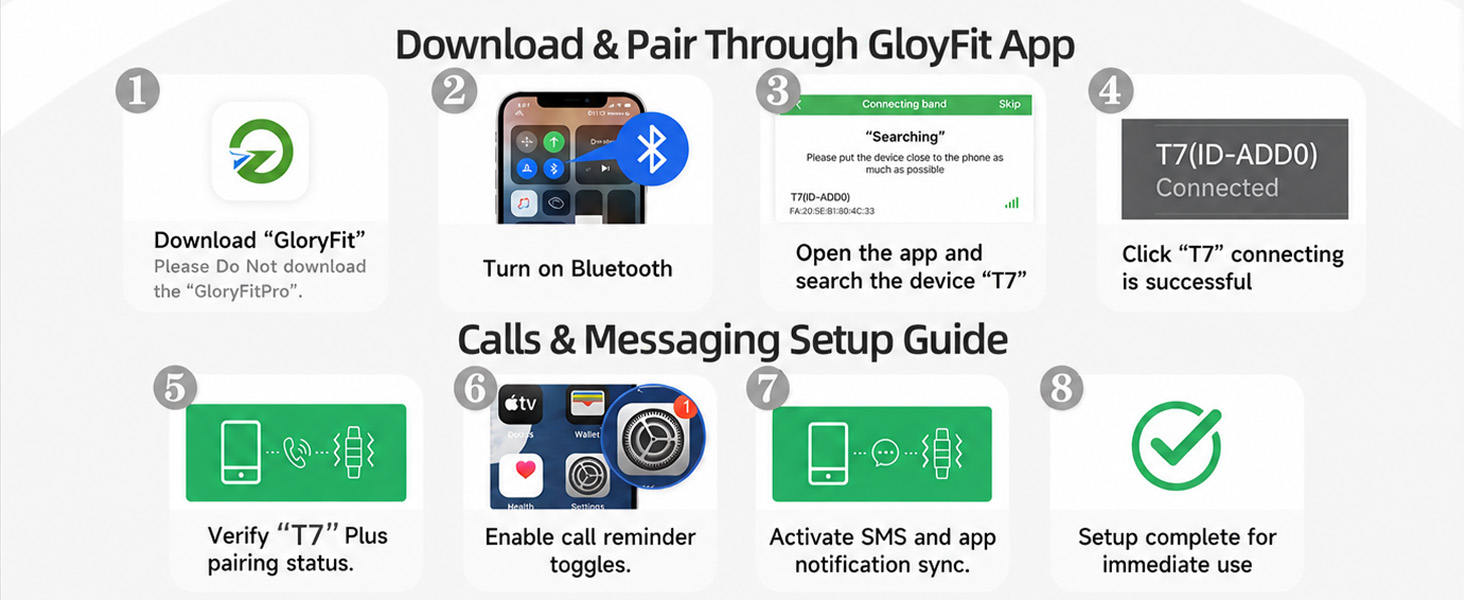
Smart watch keeps connecting and disconnecting repeatedly.
1. Ensure the watch has sufficient power.
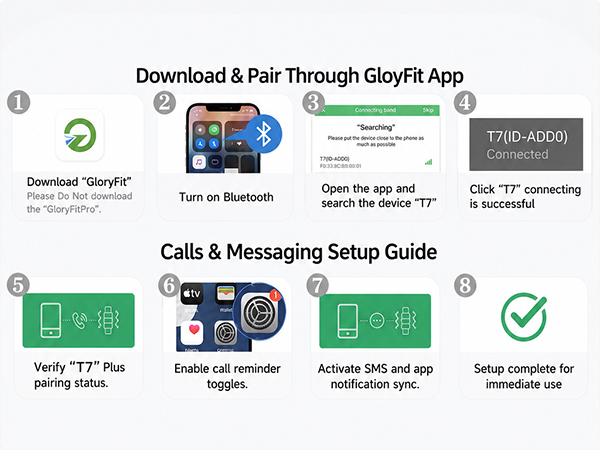
2. For iPhone: Remove unused paired Bluetooth devices if the list is overcrowded.
3. Restart Bluetooth or your phone if problems remain.
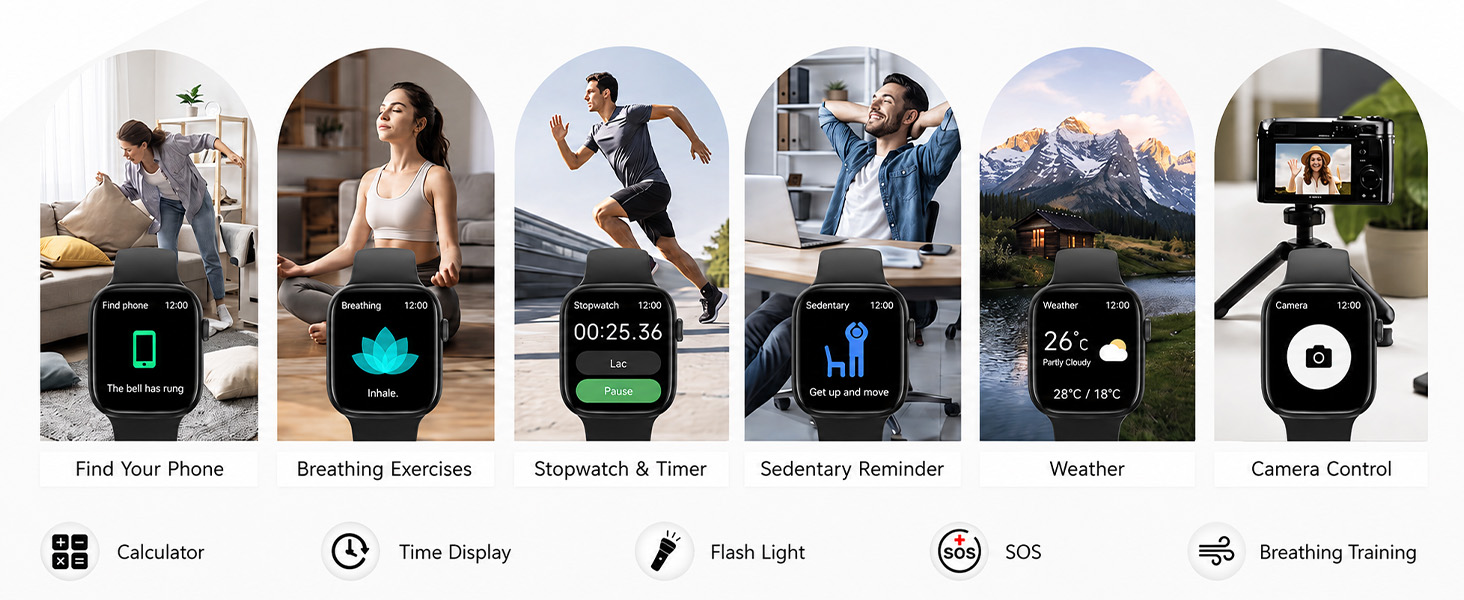
Does phone Bluetooth need to stay enabled while wearing the device?
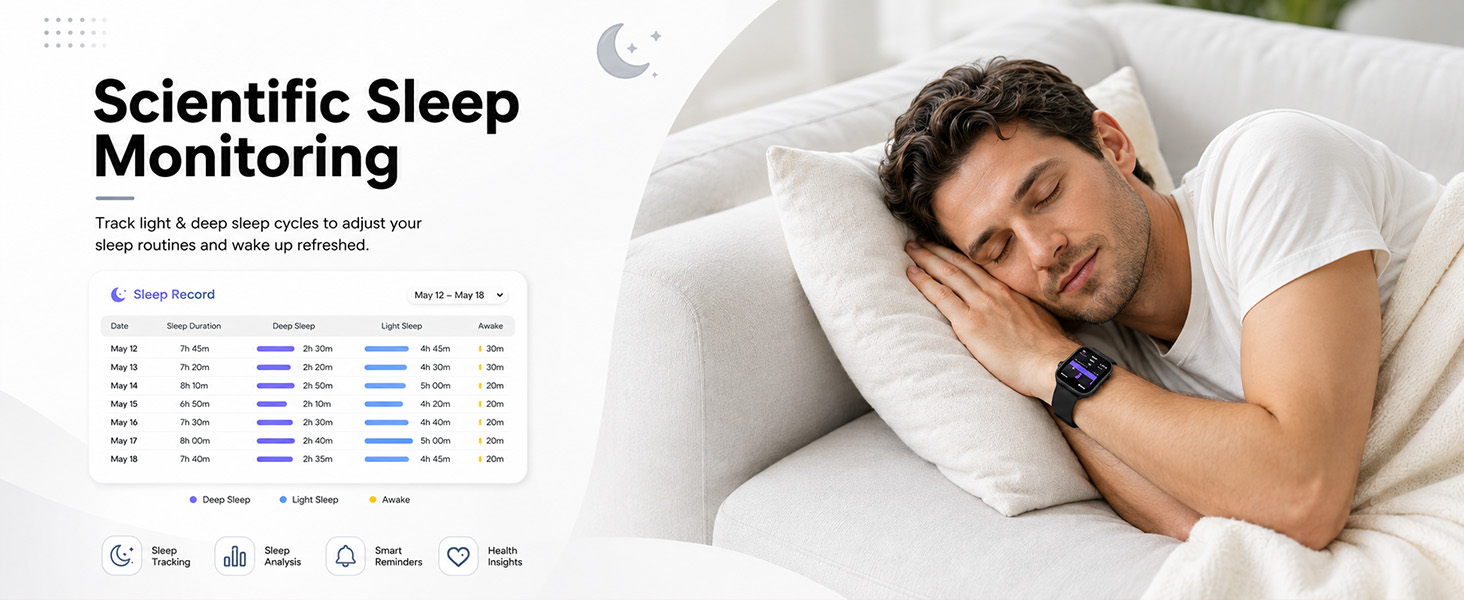
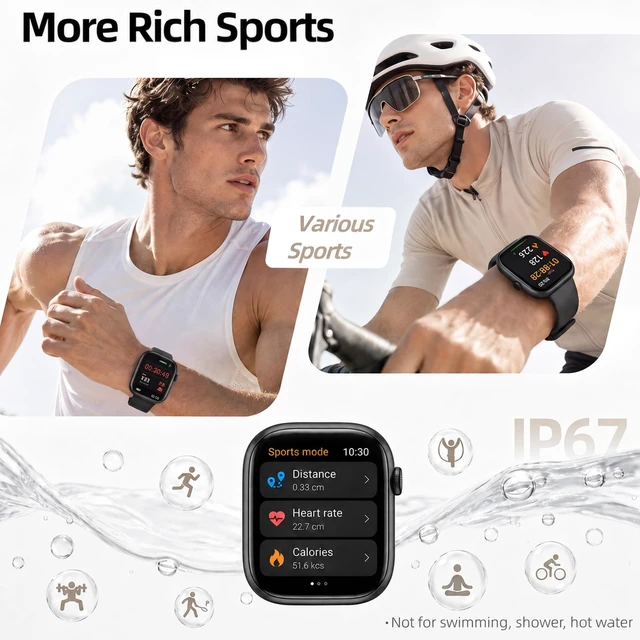
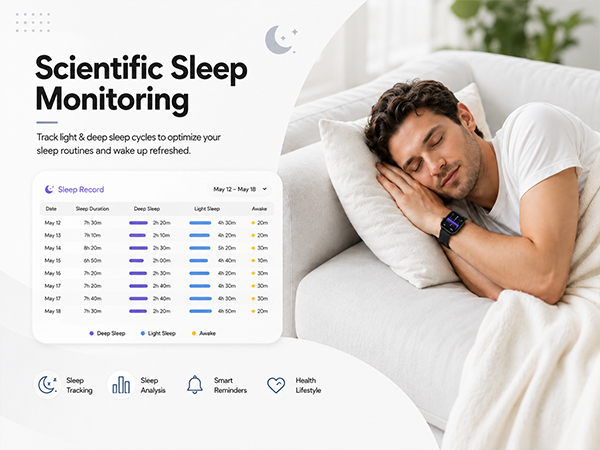
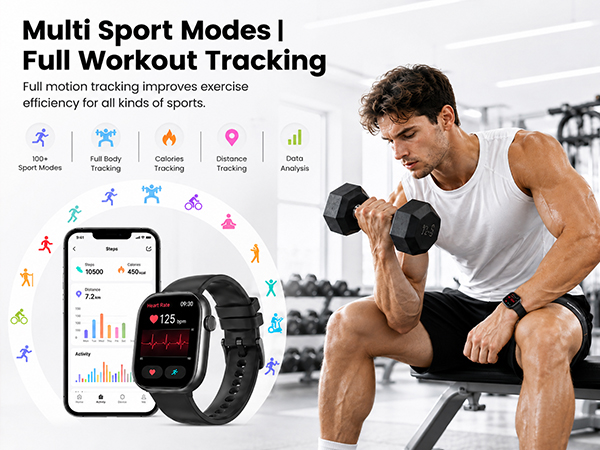
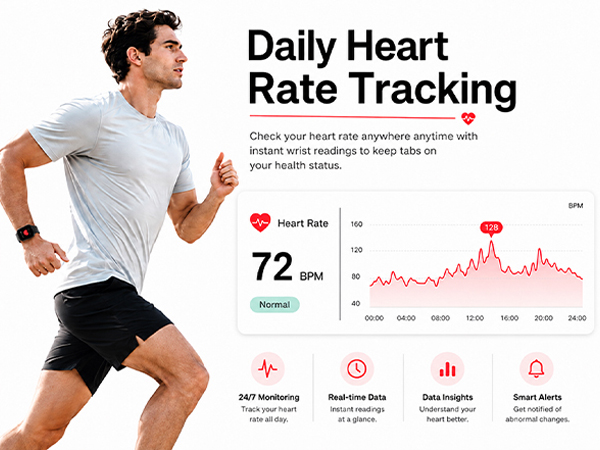
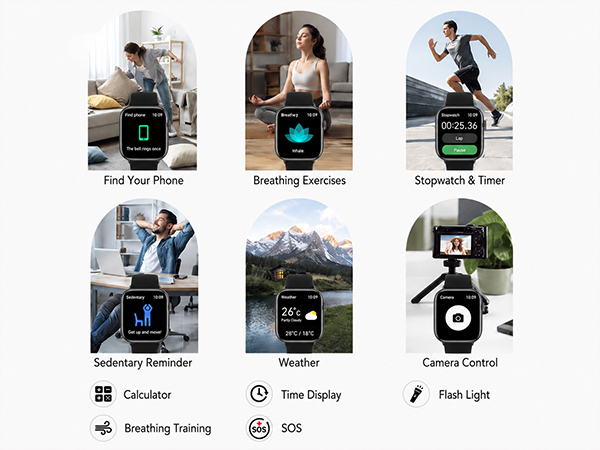
1. Steps, sleep, HR, stopwatch, alarm, sedentary alerts: No. Wear watch during exercise, then open app to auto-sync data afterwards.
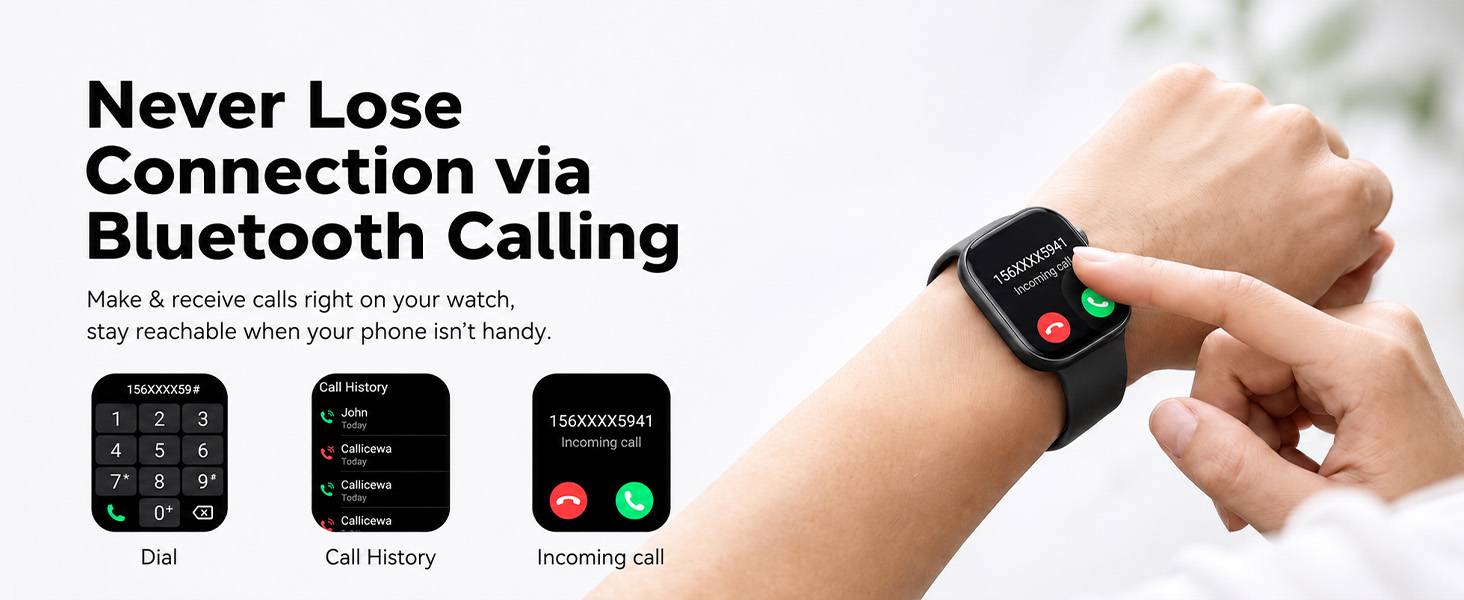
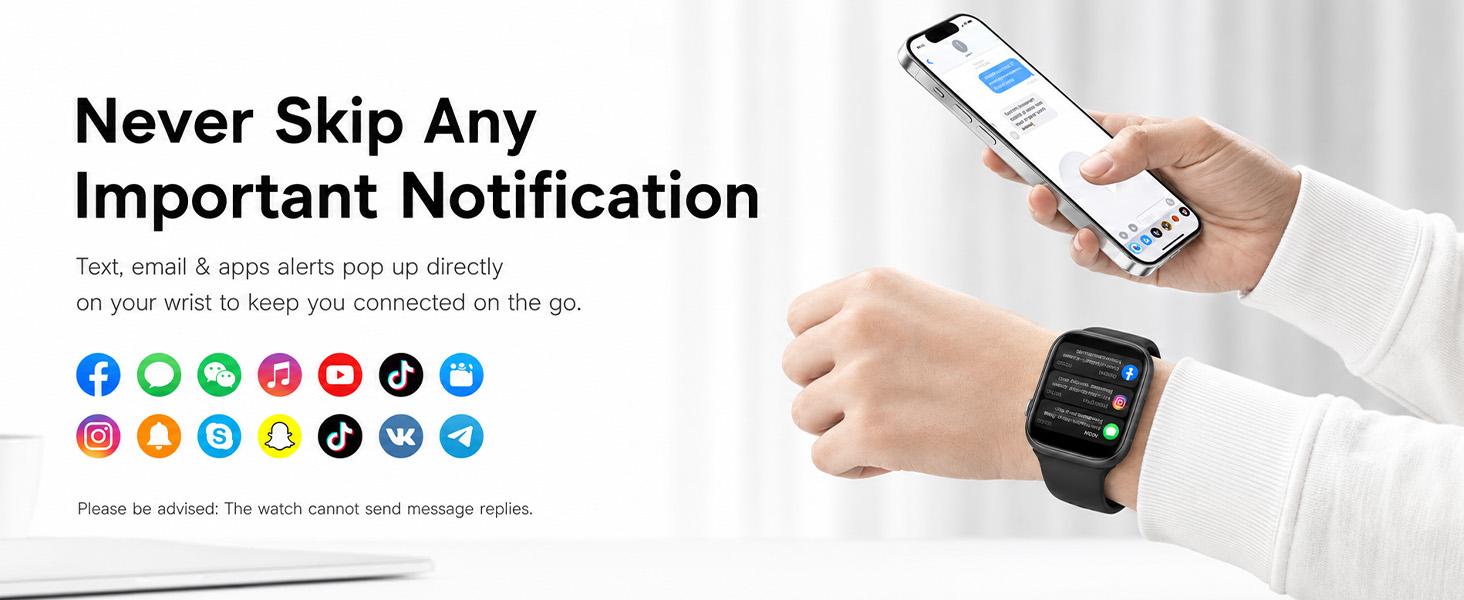
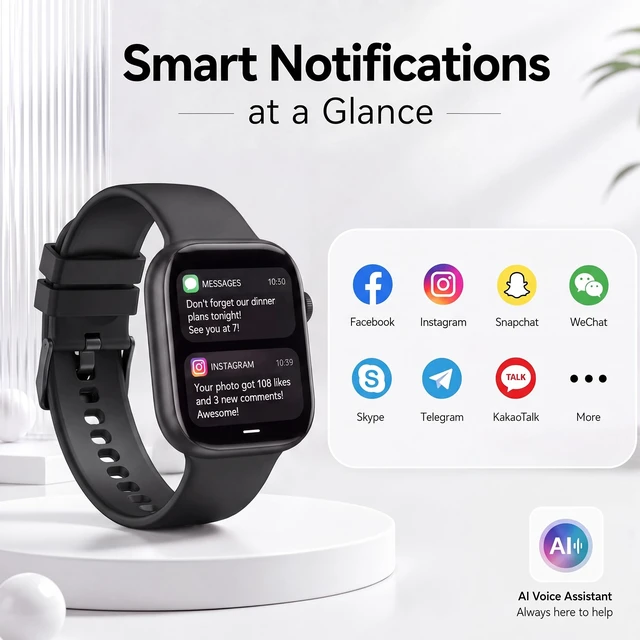
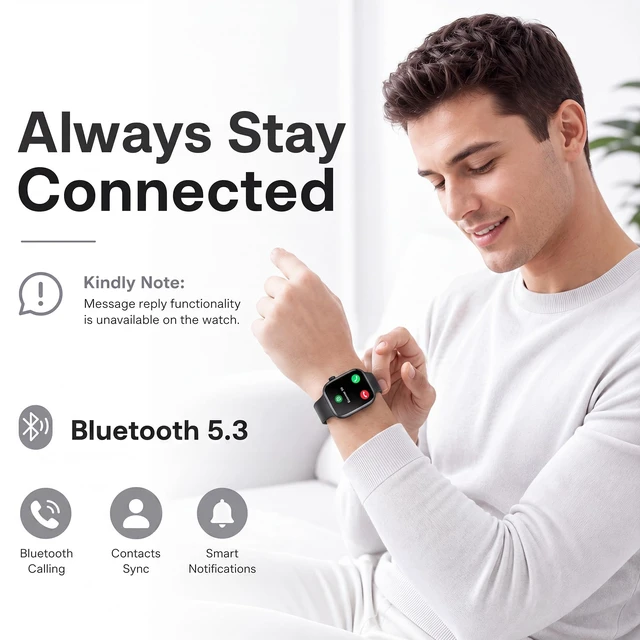
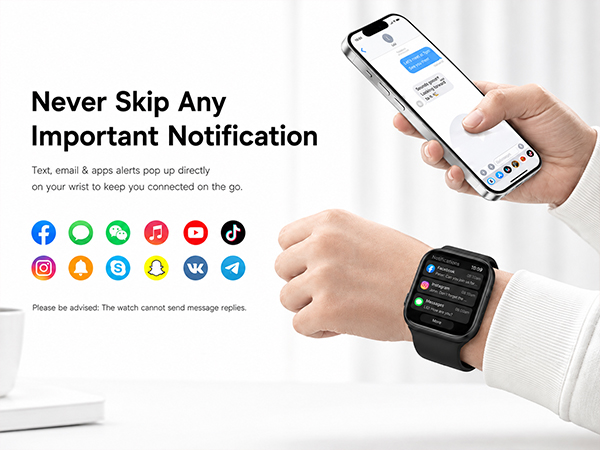
2. Call alerts, app notifications, find phone: Yes, keep phone Bluetooth on for real-time connection.
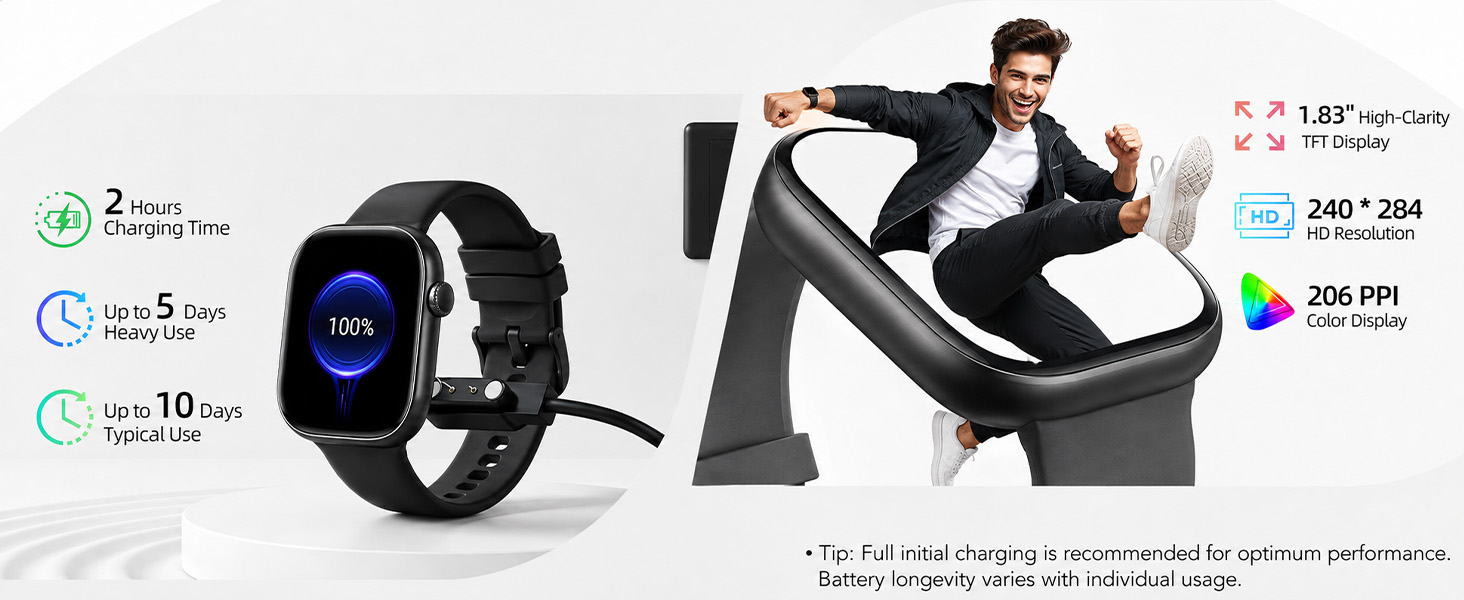
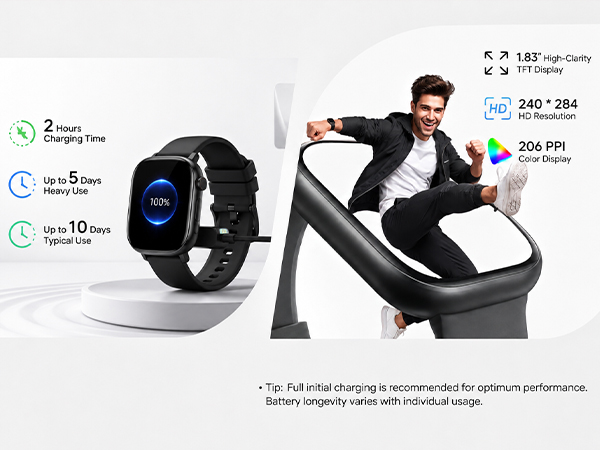
Smart watch not charging?
1. Ensure USB port (PC etc.) supplies power normally.
2. Clean dirty/rusty contacts; ensure good contact between USB and charger.
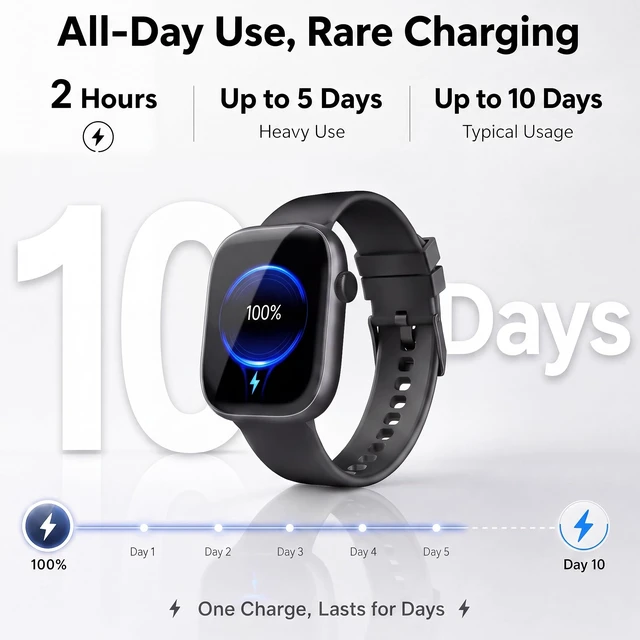
3. If battery is very low, wait 2 min for charge screen.
How long can the device record data when your phone is not nearby?
Without phone nearby, the smart watch records data independently. You don't need to carry your phone when running. To sync later, turn on Bluetooth, open the app, and bring them close for auto-connection. The watch keeps up to 7 days of data.
How to sync data?
1. Open app with Bluetooth on to auto-sync with your smart watch, or pull down to manually sync.
2. If sync fails, pull down again or force close and reopen the app.
3. Still failing? Toggle Bluetooth or restart phone.
Smart watch keeps connecting and disconnecting repeatedly.
1. Ensure the watch has sufficient power.
2. For iPhone: Remove unused paired Bluetooth devices if the list is overcrowded.
3. Restart Bluetooth or your phone if problems remain.
Does phone Bluetooth need to stay enabled while wearing the device?
1. Steps, sleep, HR, stopwatch, alarm, sedentary alerts: No. Wear watch during exercise, then open app to auto-sync data afterwards.
2. Call alerts, app notifications, find phone: Yes, keep phone Bluetooth on for real-time connection.
Smart watch not charging?
1. Ensure USB port (PC etc.) supplies power normally.
2. Clean dirty/rusty contacts; ensure good contact between USB and charger.
3. If battery is very low, wait 2 min for charge screen.
How long can the device record data when your phone is not nearby?
Without phone nearby, the smart watch records data independently. You don't need to carry your phone when running. To sync later, turn on Bluetooth, open the app, and bring them close for auto-connection. The watch keeps up to 7 days of data.
How to sync data?
1. Open app with Bluetooth on to auto-sync with your smart watch, or pull down to manually sync.
2. If sync fails, pull down again or force close and reopen the app.
3. Still failing? Toggle Bluetooth or restart phone.