


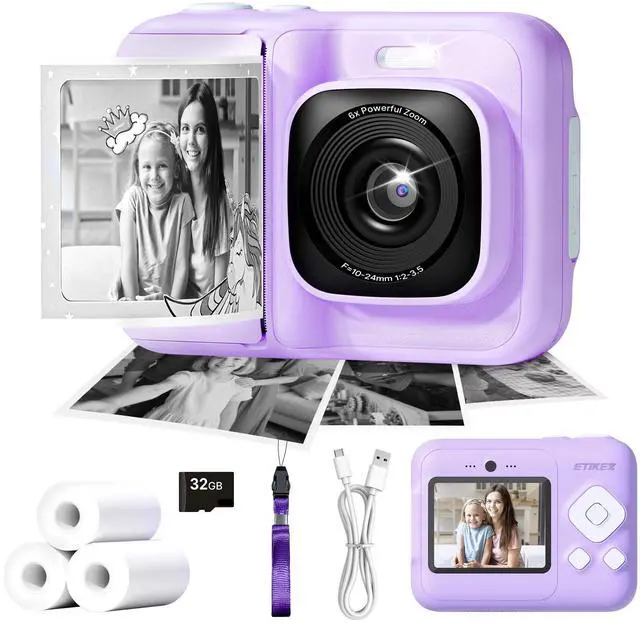
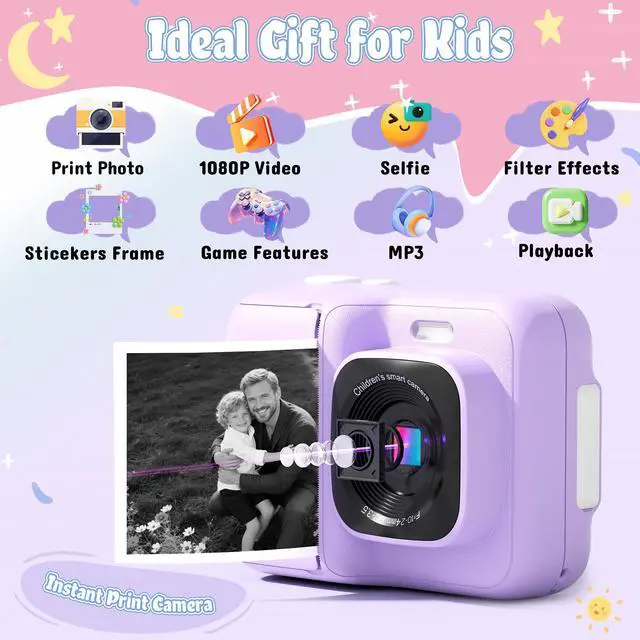
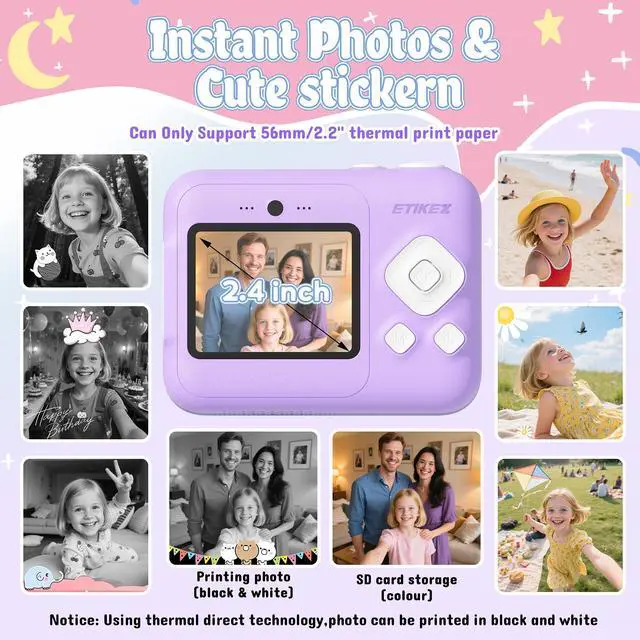
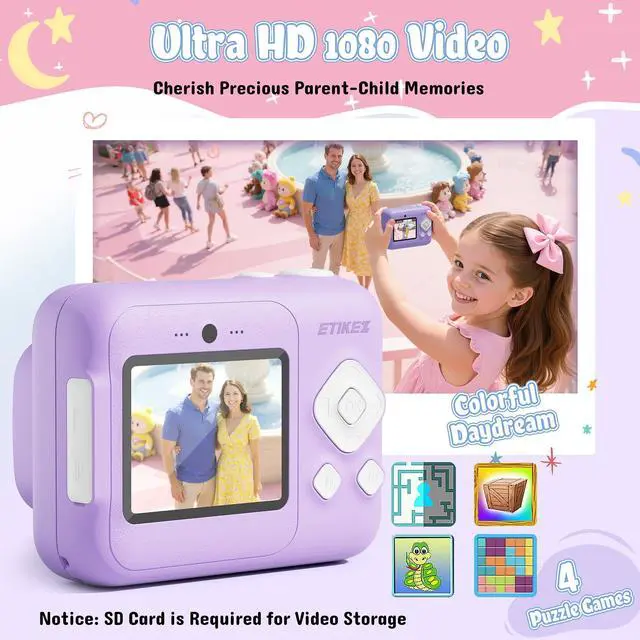
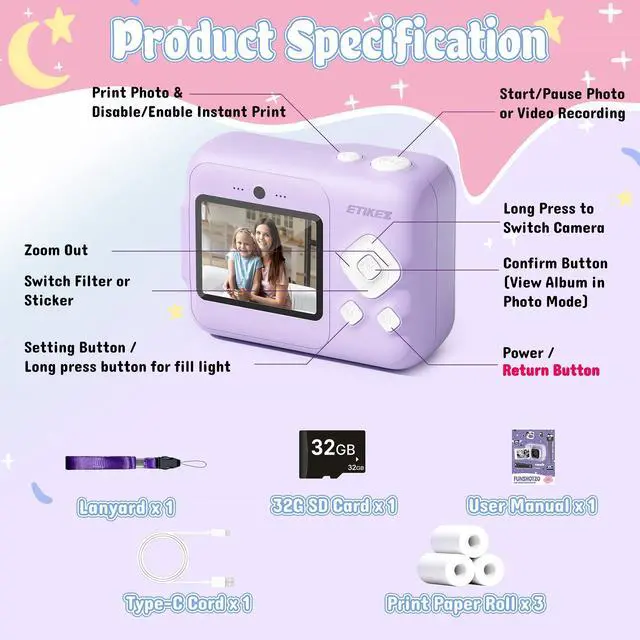
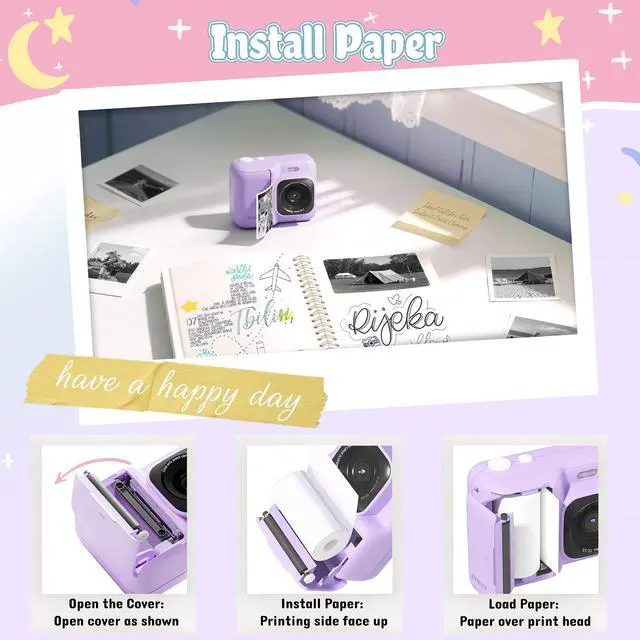


ETIKEZ Instant Print Camera
Merchant Video


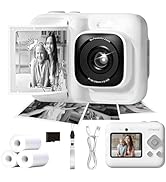
ETIKEZ Instant Print Camera and Print Paper
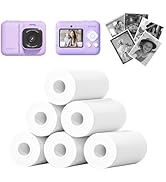
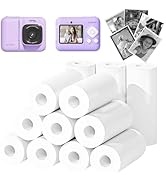
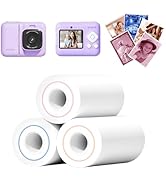
 ETIKEZ Kids Camera |  ETIKEZ Kids Camera |  ETIKEZ Kids Camera |  ETIKEZ Print Paper |  ETIKEZ Print Paper |  ETIKEZ Print Paper |  ETIKEZ Print Paper | |
|---|---|---|---|---|---|---|---|
Customer Reviews | — | — | — | — | — | — | — |
Price | — | — | — | — | — | — | — |
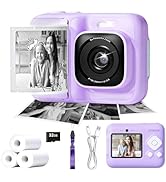
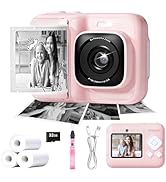
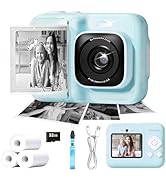
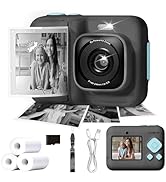
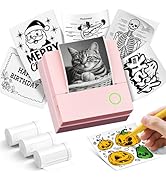
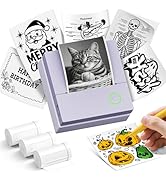
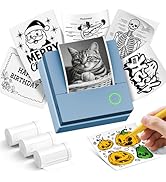
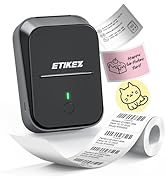
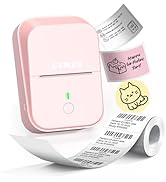
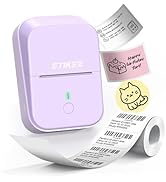
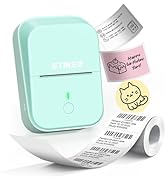
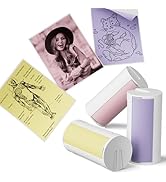
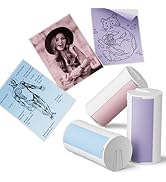
Color | Purple | Pink | Blue | White | White | White | Blue/Orange/Red |
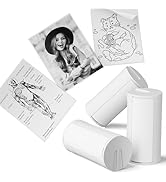
Size | 6.97 x 5.2 x 2.44 inches | 6.97 x 5.2 x 2.44 inches | 6.97 x 5.2 x 2.44 inches | 5.6cmx8m | 5.6cmx8m | 5.6cmx8m | 5.7cmx5m |
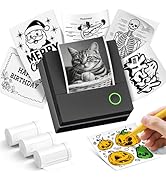
Pack | 1 Printer with 3 rolls paper | 1 Printer with 3 rolls paper | 1 Printer with 3 rolls paper | 6 Rolls | 3 Rolls | 12 Rolls | 3 Rolls |
Print Technology | Thermal | Thermal | Thermal | Thermal | Thermal | Thermal | Thermal |
Print Outcome | Black and white | Black and white | Black and white | Black and white | Black and white | Black and white | Blue/Orange/Red |
Compatible with | / | / | / | ETIKEZ Funshot 20 Kids Camera | ETIKEZ Funshot 20 Kids Camera | ETIKEZ Funshot 20 Kids Camera | ETIKEZ Funshot 20 Kids Camera |
What should I do if the machine's screen gets stuck ?
1. Locate the small round hole (labeled "Reset") near the charging port
2. Press it with a pen tip or other pointed object to restart the device
How to Disable/Enable Instant Print After Photo Capture
1. In the photo mode: Press the Print button on the top of the camera can Disable/Enable
2. Press the "Setting" button to enter the settings menu also can Disable/Enable
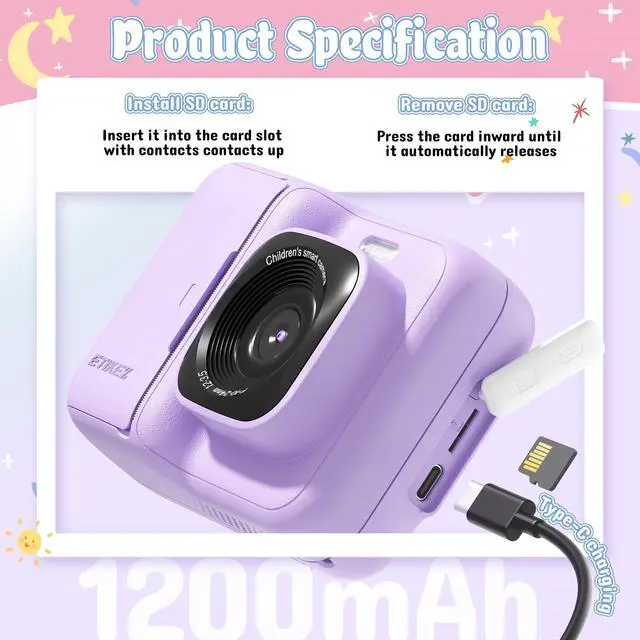
Install/Remove SD Card
1. Install SD card: Insert it into the card slot with the metal contacts facing up
2. Remove SD card: Press the card inward until it automatically releases

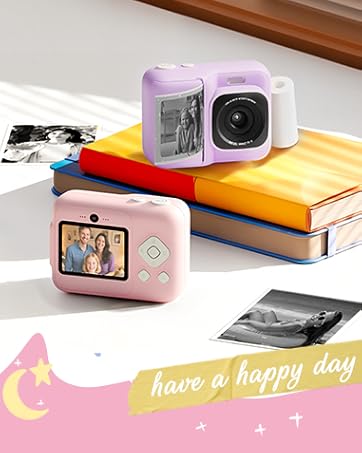
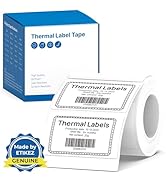
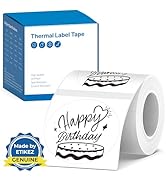
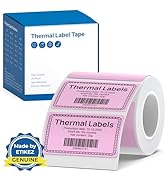
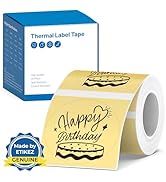
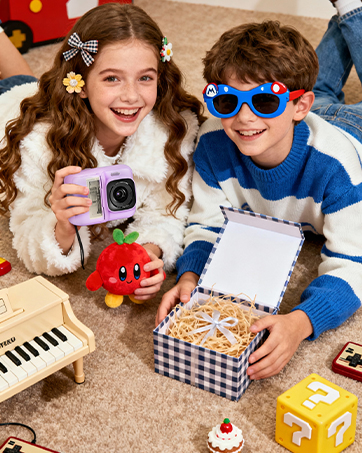
ETIKEZ Instant Print Camera
Merchant Video


ETIKEZ Instant Print Camera and Print Paper
ETIKEZ Kids Camera | ETIKEZ Kids Camera | ETIKEZ Kids Camera | ETIKEZ Print Paper | ETIKEZ Print Paper | ETIKEZ Print Paper | ETIKEZ Print Paper |
|---|---|---|---|---|---|---|
| Customer Reviews | ||||||
| — | — | — | — | — | — | — |
| Price | ||||||
| — | — | — | — | — | — | — |
| Color | ||||||
| Purple | Pink | Blue | White | White | White | Blue/Orange/Red |
| Size | ||||||
| 6.97 x 5.2 x 2.44 inches | 6.97 x 5.2 x 2.44 inches | 6.97 x 5.2 x 2.44 inches | 5.6cmx8m | 5.6cmx8m | 5.6cmx8m | 5.7cmx5m |
| Pack | ||||||
| 1 Printer with 3 rolls paper | 1 Printer with 3 rolls paper | 1 Printer with 3 rolls paper | 6 Rolls | 3 Rolls | 12 Rolls | 3 Rolls |
| Print Technology | ||||||
| Thermal | Thermal | Thermal | Thermal | Thermal | Thermal | Thermal |
| Print Outcome | ||||||
| Black and white | Black and white | Black and white | Black and white | Black and white | Black and white | Blue/Orange/Red |
| Compatible with | ||||||
| / | / | / | ETIKEZ Funshot 20 Kids Camera | ETIKEZ Funshot 20 Kids Camera | ETIKEZ Funshot 20 Kids Camera | ETIKEZ Funshot 20 Kids Camera |
What should I do if the machine's screen gets stuck ?
1. Locate the small round hole (labeled "Reset") near the charging port
2. Press it with a pen tip or other pointed object to restart the device
How to Disable/Enable Instant Print After Photo Capture
1. In the photo mode: Press the Print button on the top of the camera can Disable/Enable
2. Press the "Setting" button to enter the settings menu also can Disable/Enable
Install/Remove SD Card
1. Install SD card: Insert it into the card slot with the metal contacts facing up
2. Remove SD card: Press the card inward until it automatically releases
ETIKEZ Instant Print Camera
Instant Camera
PM290C Sticker Printer
PM260 Label Maker
PM290C Thermal Printer Label
PM260 Label Maker Tape
