




 here!
I’m your shopping assistant for PC builds, upgrades, and everything tech.
Got questions? Ask away!
Start a conversation
here!
I’m your shopping assistant for PC builds, upgrades, and everything tech.
Got questions? Ask away!
Start a conversationShipped by Newegg




Any questions? Ask CelesteSM will help you find out quickly.
| Best Seller Ranking | #11 in Backup & Utilities |
|---|
| Brand | Laplink |
|---|---|
| Model | PAFGPCMX0B000P0RTDML |
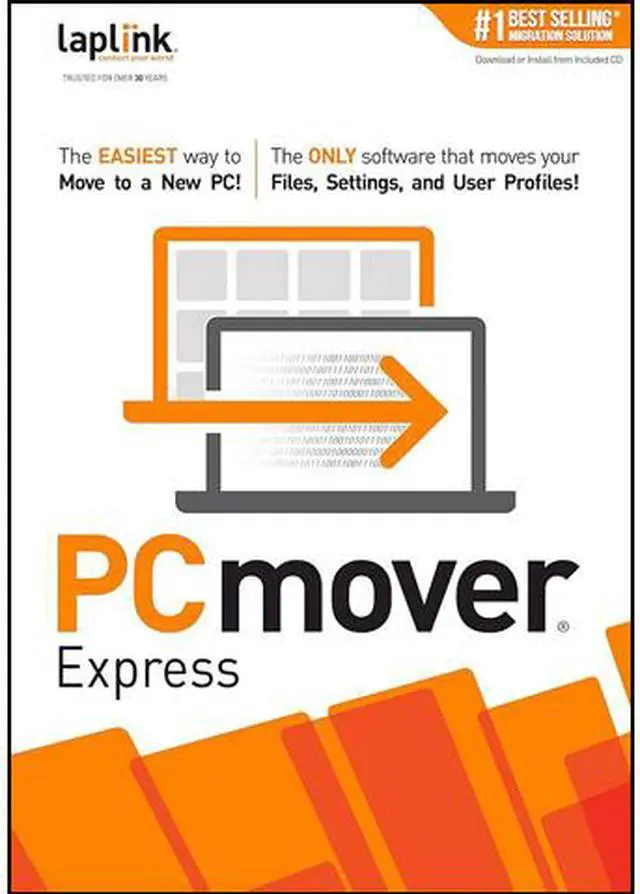
| Name | PCmover Express v11 - 1 Use |
|---|---|
| Type | System Backup |
| Operating Systems Supported | Windows |
| System Requirements | Windows 10 / 8.1 / 8 / 7 / Vista / XP 200 MB of hard disk space |
|---|---|
| Packaging | Download |
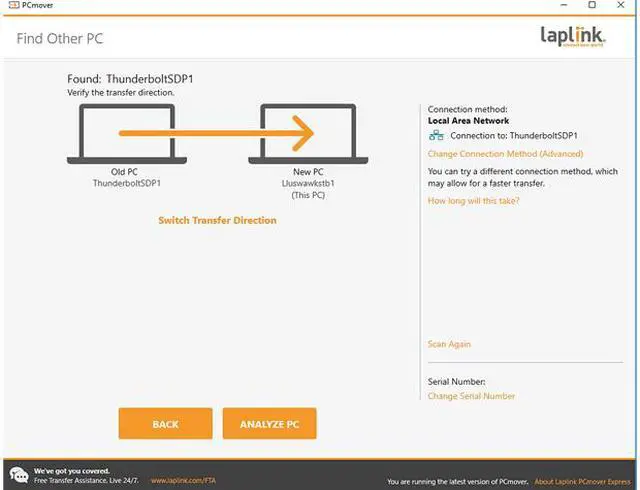
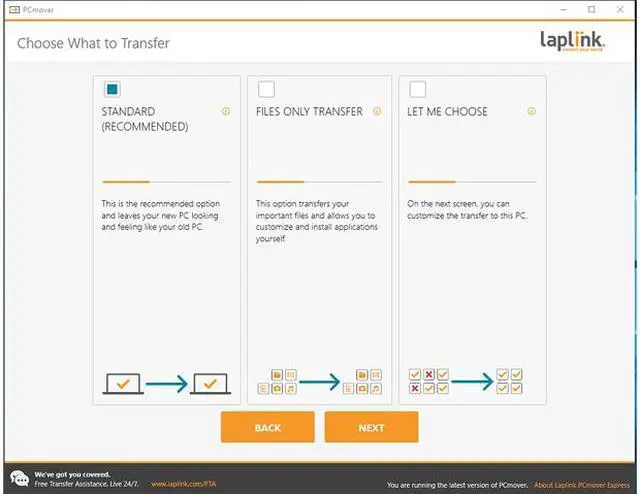
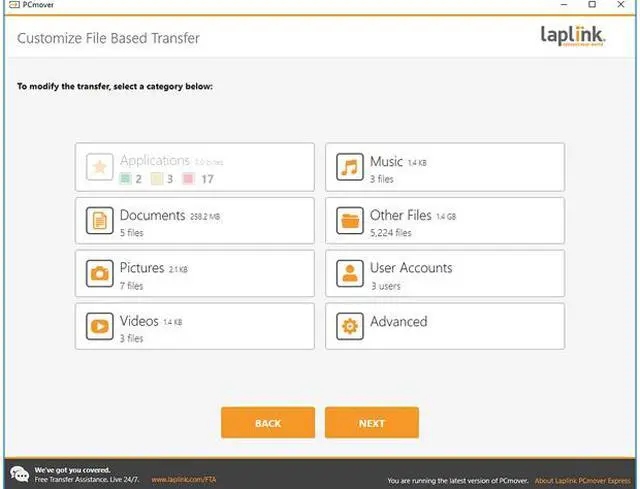
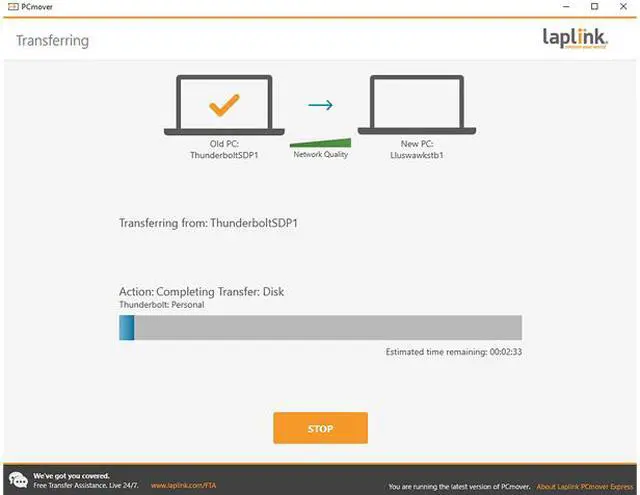
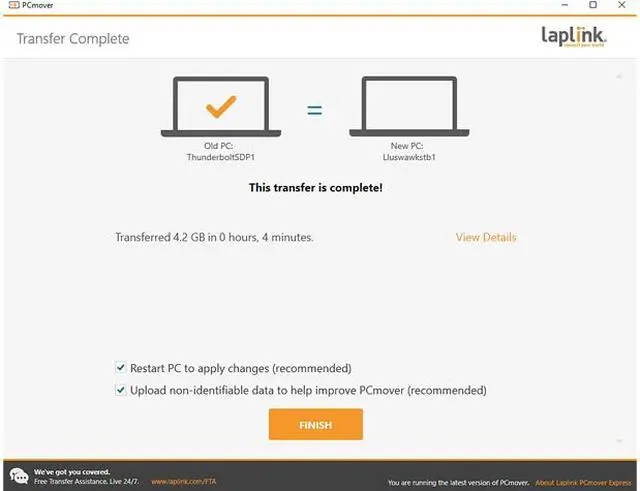
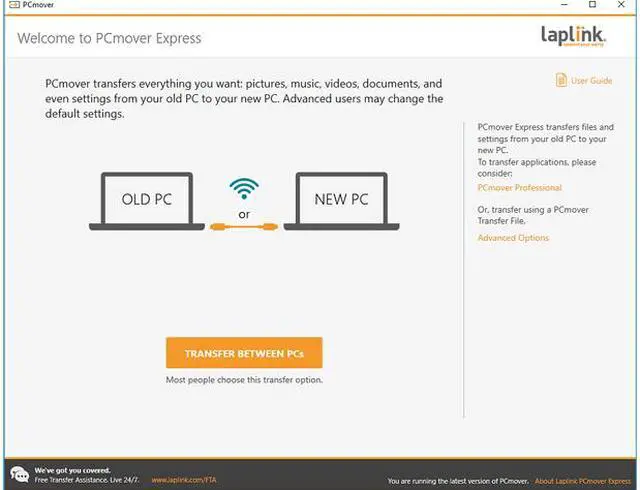
| Feature | Easy-to-Use - Install PCmover on both of your computers and follow the simple wizard to transfer everything you select to your new PC. Set It and Forget It - You start the transfer and walk away. PCmover does the rest! PCs Auto Connect - Discovers and connects PCs using the fastest method detected. Optimized for Fastest Transfer - Provides maximum performance and time savings. You will quickly be using your new PC with everything ready to go. Complete Selectivity - Automatically transfers all selected files, folders, settings, and user profiles to your new PC. Free Transfer Assistance - Simply set up the transfer to your new PC with the help of a certified PC migration expert, over the phone or remotely. Free, 24 hours a day, 7 days a week. Microsoft's recommended migration solution. |
| First Listed on Newegg | February 22, 2019 |
|---|
Laplink PCmover Express v11 is a one-use Windows migration download for people moving to a new PC who want to transfer selected files, folders, settings, and user profiles with a guided setup.
| Attribute | Value |
|---|---|
| Best For | Migrating selected files, folders, settings, and user profiles from one Windows PC to another |
| Windows Compatibility And Requirements | Supports Windows 10, 8.1, 8, 7, Vista, and XP; requires 200 MB of hard disk space |
| PC Transfer Capabilities | A setup wizard helps select what to transfer; the software automatically discovers and connects the PCs using the fastest method detected, then transfers selected files, folders, settings, and user profiles |
| Transfer Assistance | Free phone or remote assistance from a certified PC migration expert, available 24/7 |
| License And Delivery | 1 use; delivered as a download |
| Model Identifiers | Laplink PCmover Express v11; model PAFGPCMX0B000P0RTDML |


