here!
here!
I’m your shopping assistant for PC builds, upgrades, and everything tech.
Got questions? Ask away!
Start a conversation
here!
I’m your shopping assistant for PC builds, upgrades, and everything tech.
Got questions? Ask away!
Start a conversation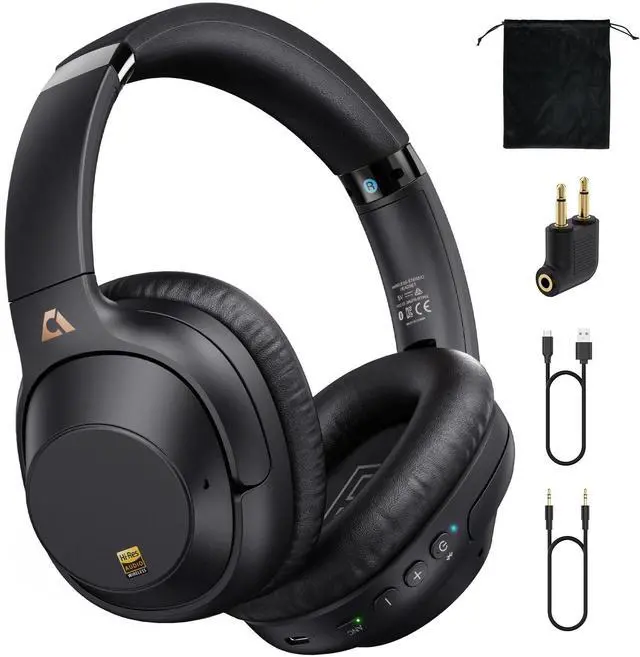






Any questions? Ask CelesteSM will help you find out quickly.
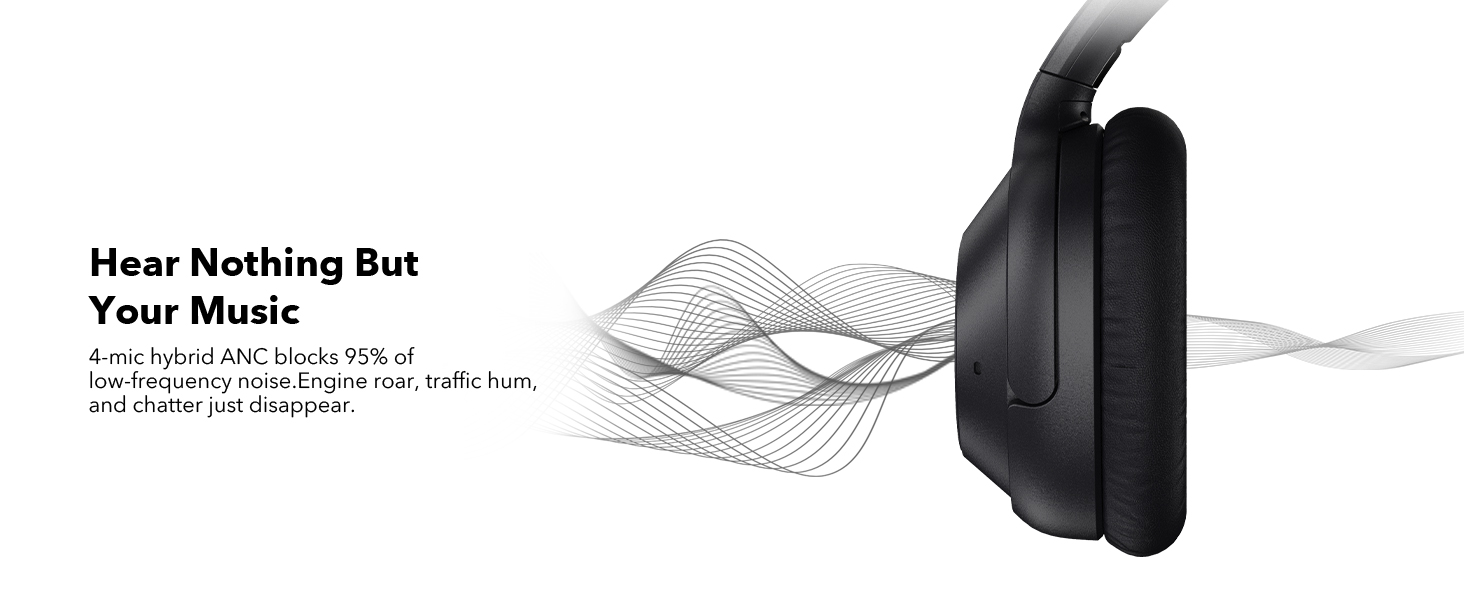
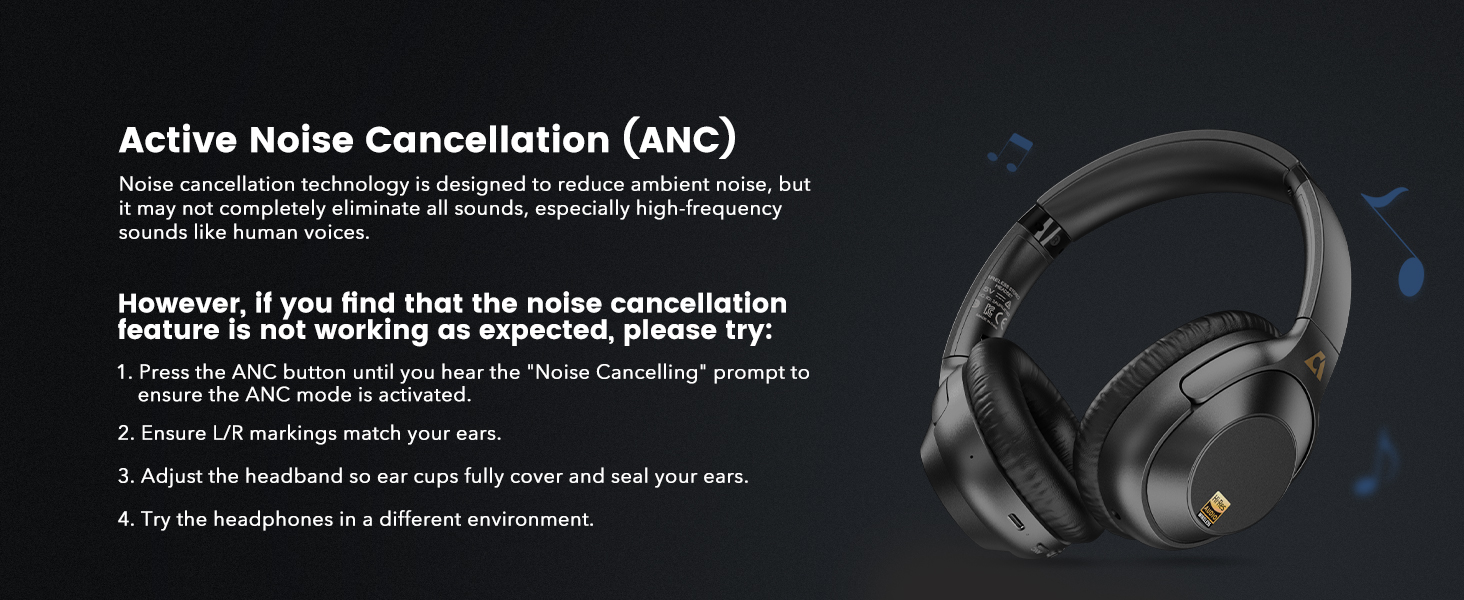
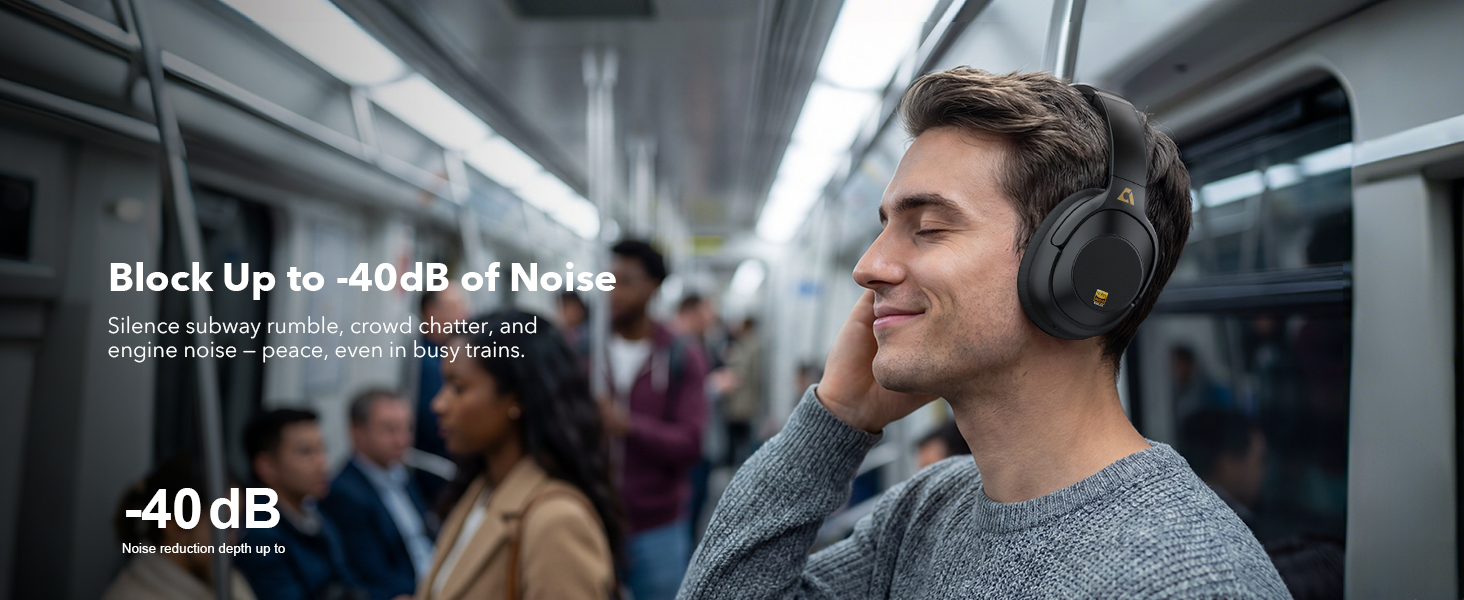
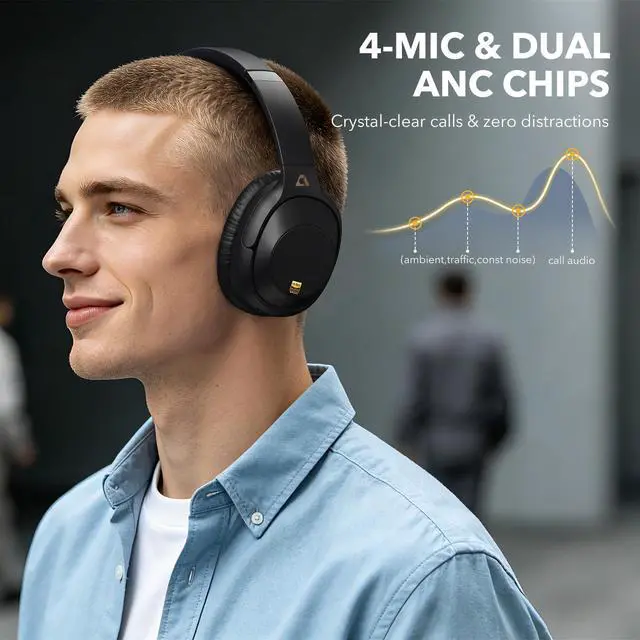
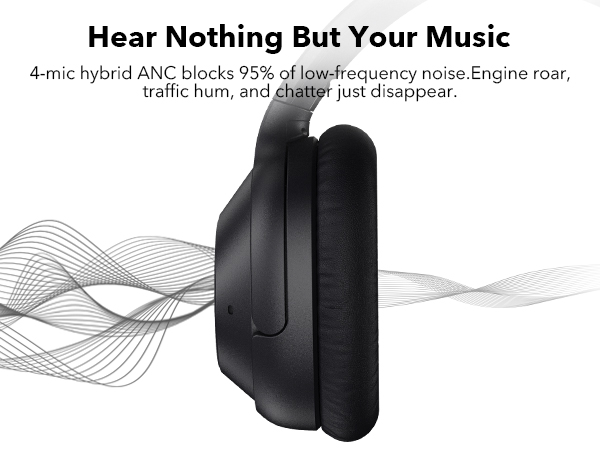
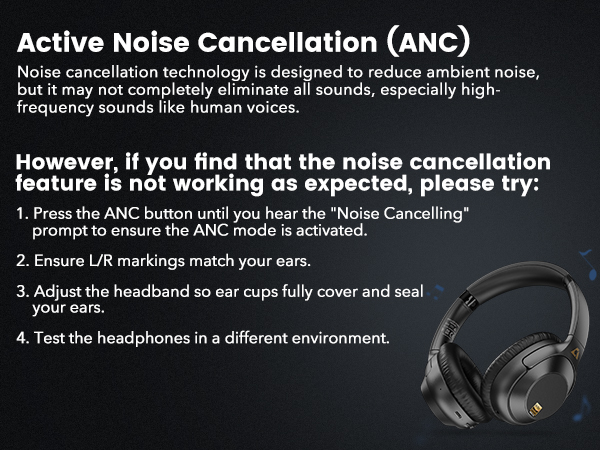
How to use the Active Noise Cancellation (ANC) feature?
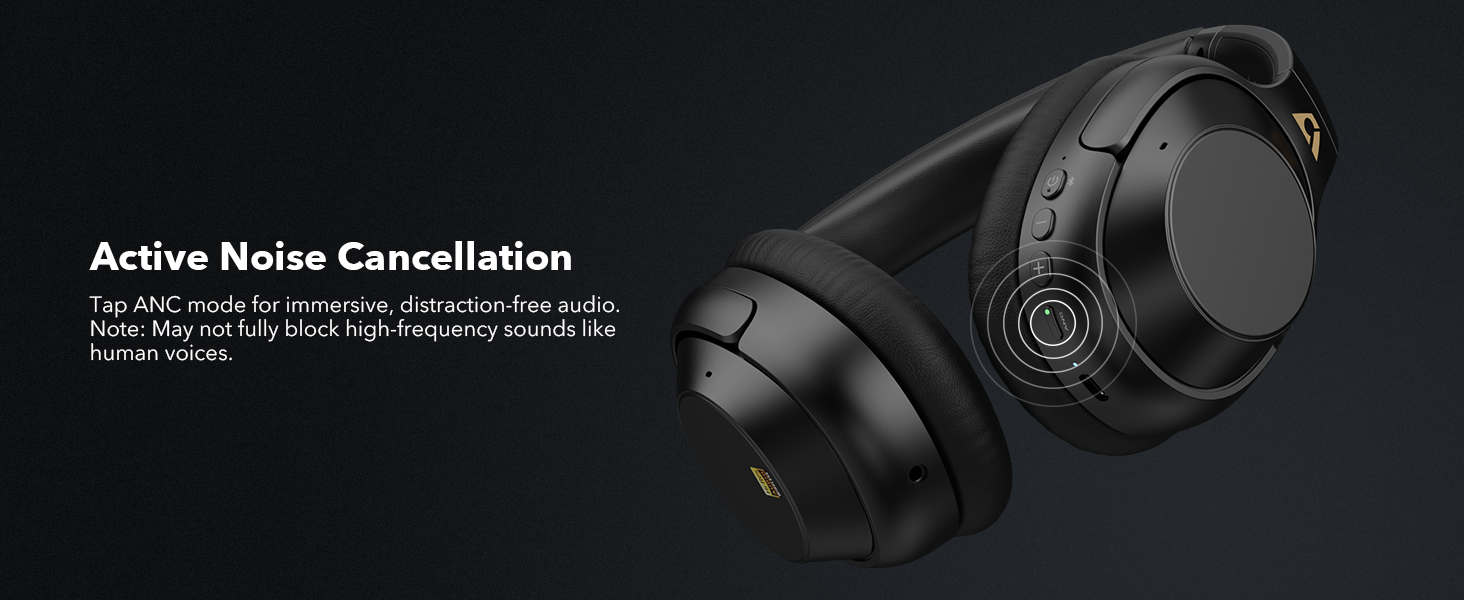
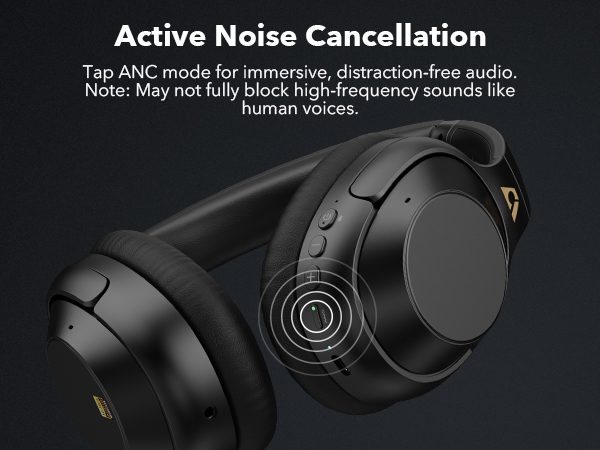
1) Press and hold the power button for 3 seconds to turn on the headphones. ANC mode is enabled by default.
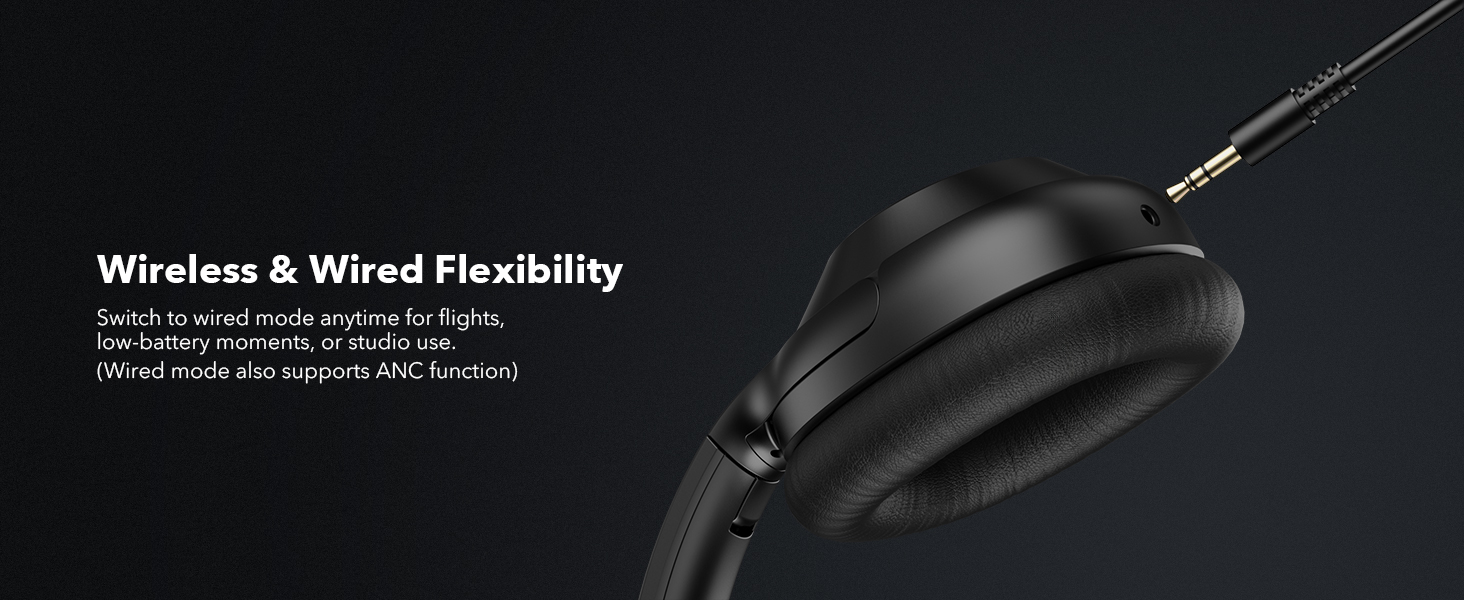
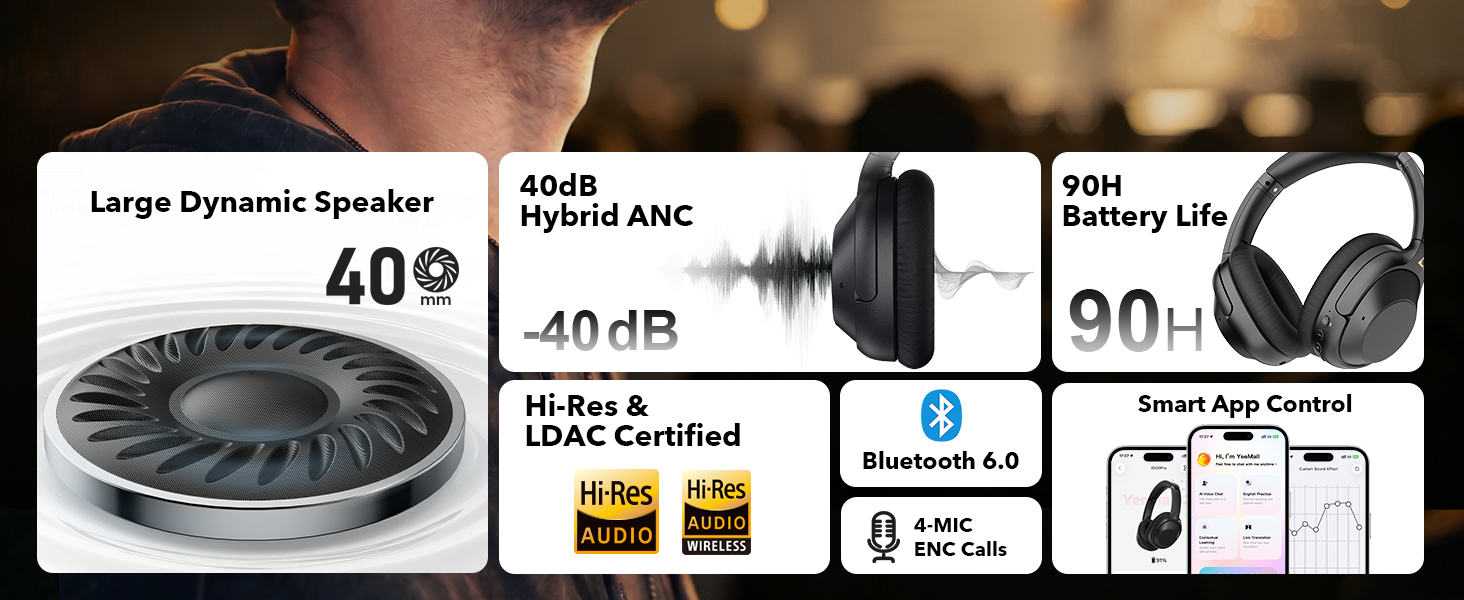
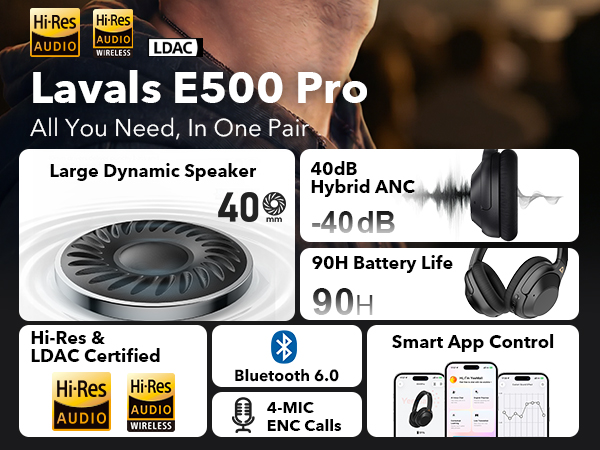
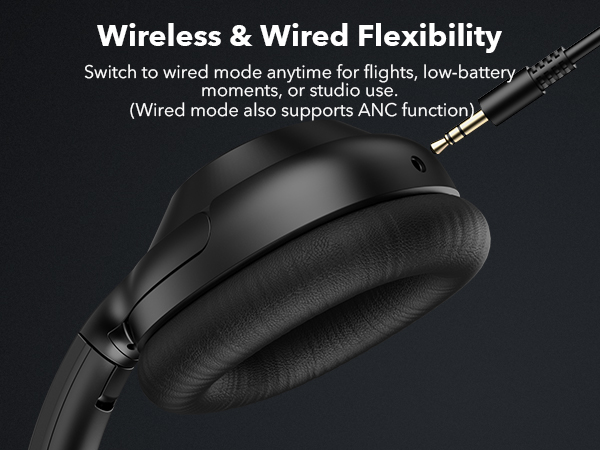
2) Click the ANC button to switch between ANC off, Transparency mode, and ANC on. Both wired and wireless modes can use noise cancellation.
Why the headphones you received not charging?
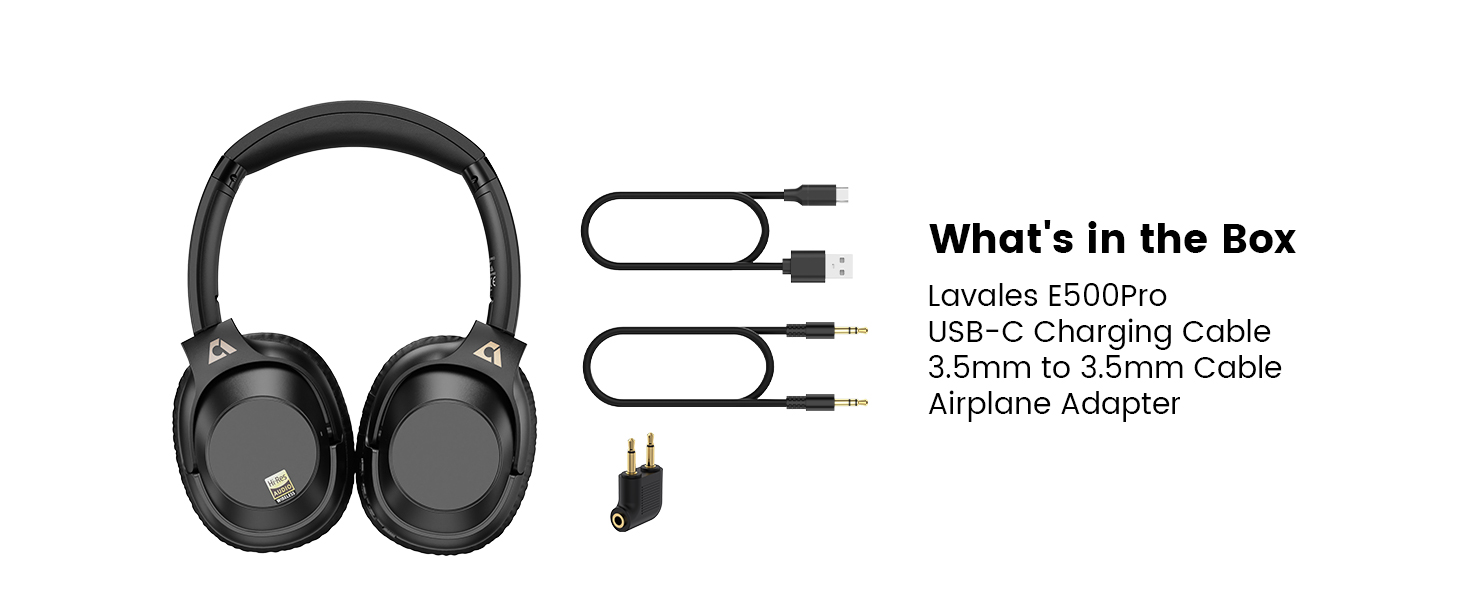
Do not plug the USB data cable into the audio device (computer) and use the charging head of the mobile phone to charge. Please use cable included in package for charge.
About LDAC:
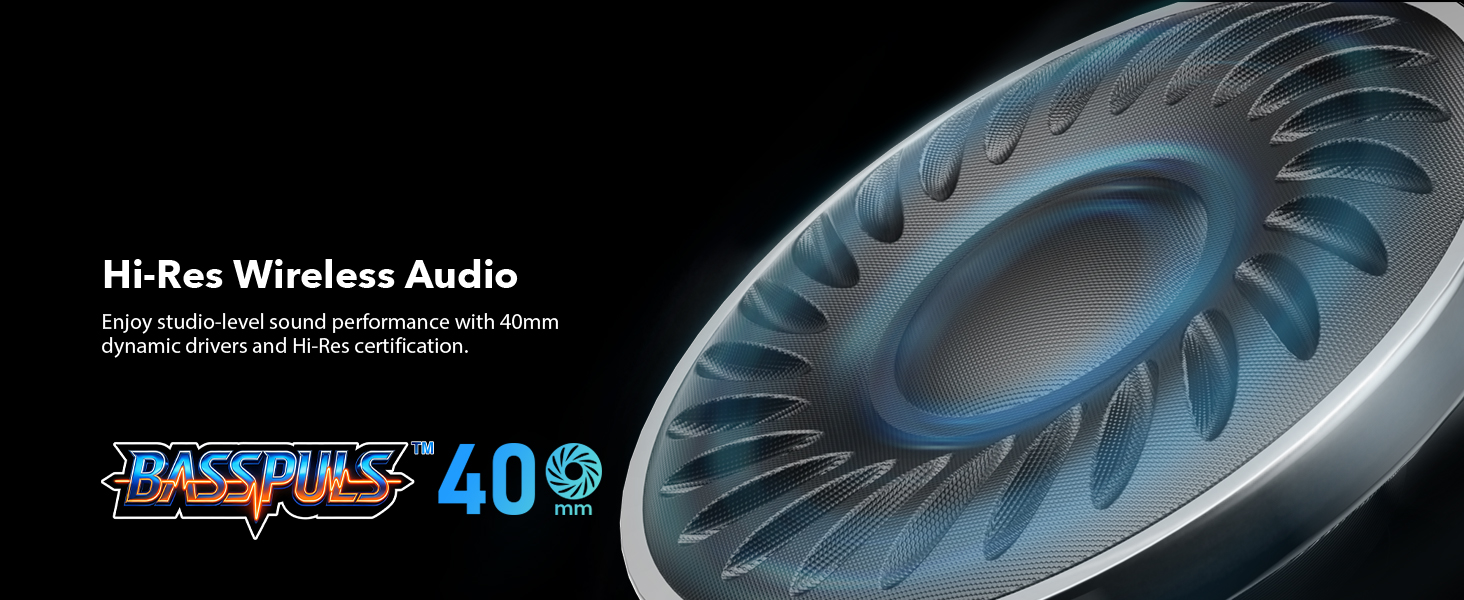
The LDAC feature is compatible with most Android phones (please check if your device supports LDAC), but is not compatible with iPhones.
How to reset Headphones?
Please press and hold both volume "+" and ”-“ at the same time for about 5 seconds until the LED flashes purple three times, then the LED flashes red and blue alternately to enter the pairing mode.


Lavales combines technology with sound quality, engineering with a passion for music. We are constantly innovating our products, including Bluetooth headphones and adapters, to deliver superior performance.
Driven by the concept of "Wireless Sound, Infinite Possibilities", we rigorously test each product to ensure the quality of the product. We're committed to pushing the boundaries of wireless audio so you can explore sound without limitations.



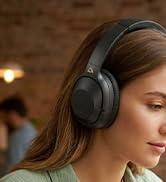







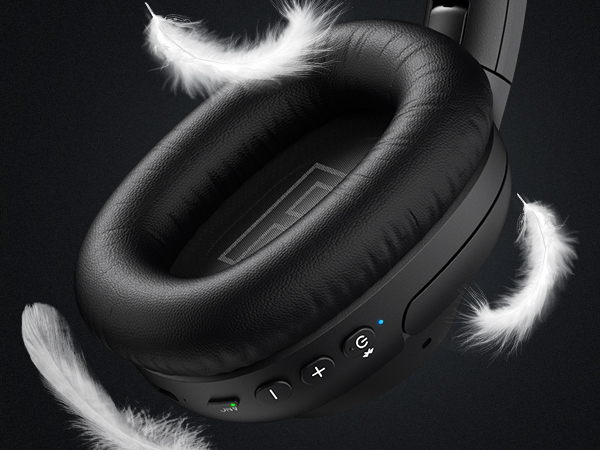
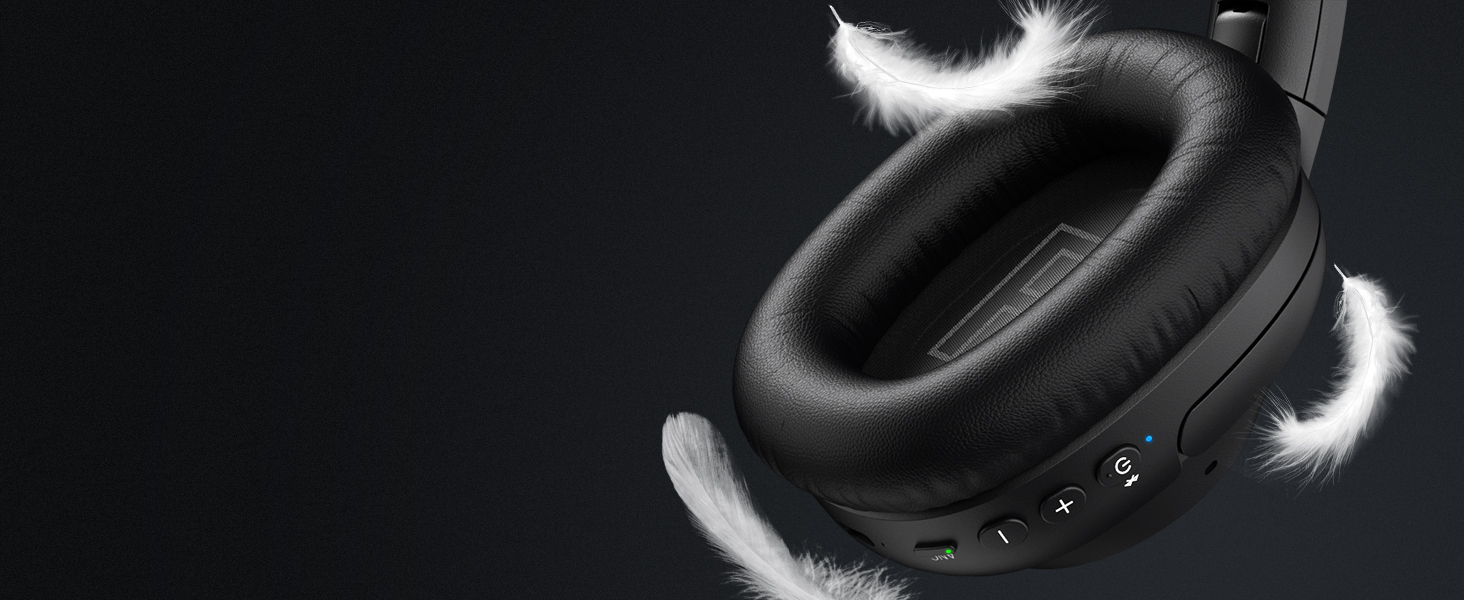
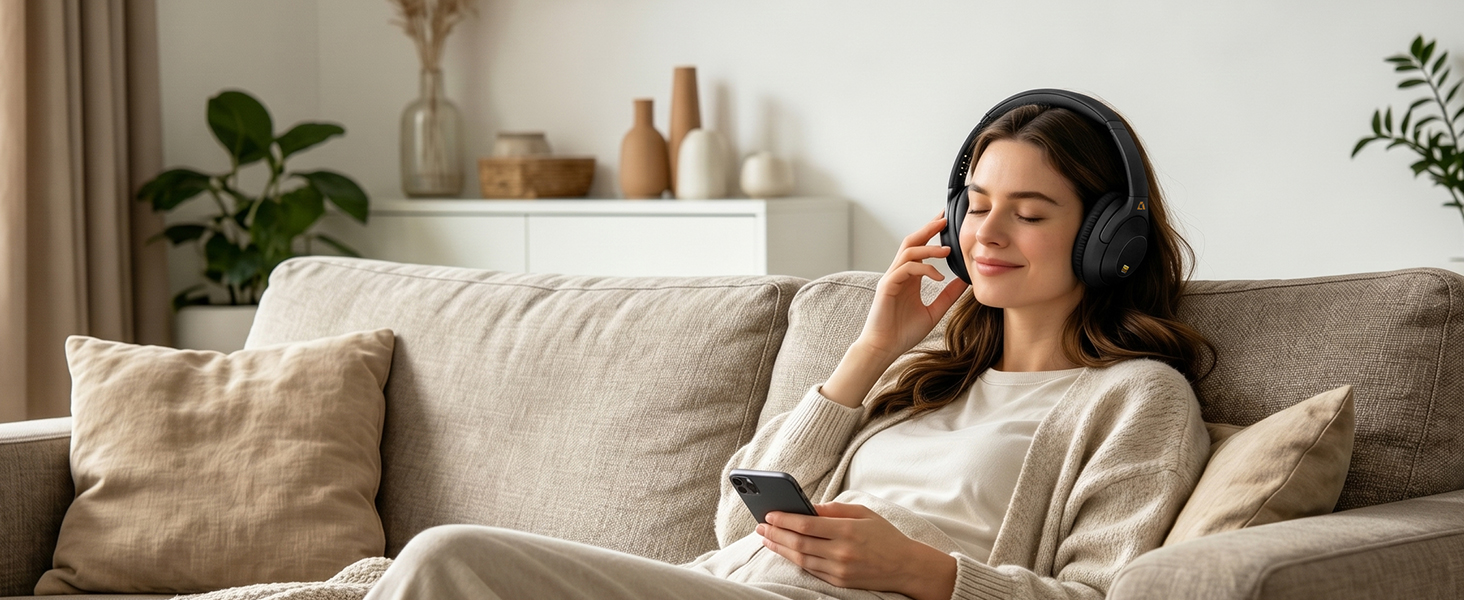
Soft, breathable ear cups for hours of relaxed wear.
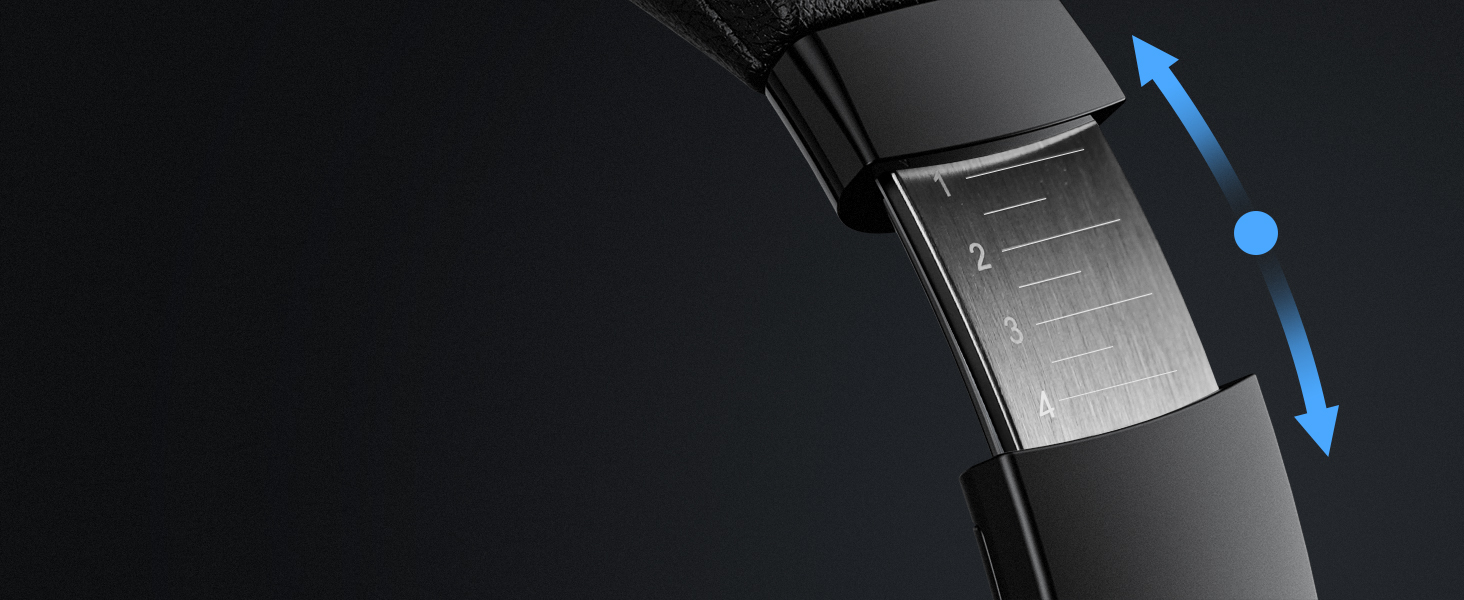
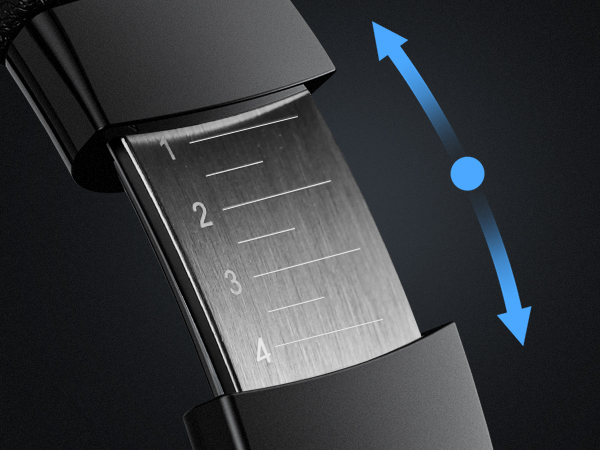
Stable, comfortable fit for any head size and shape.
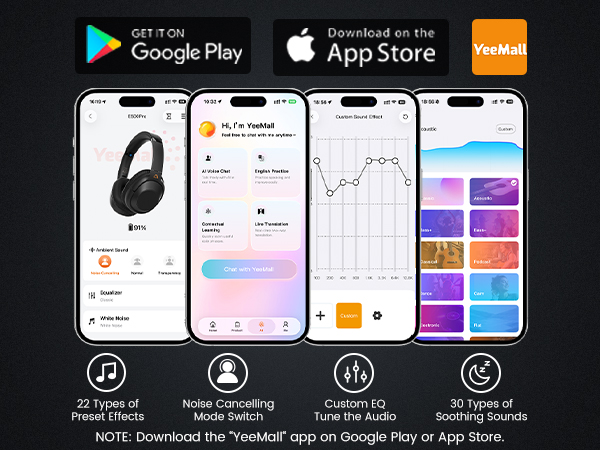
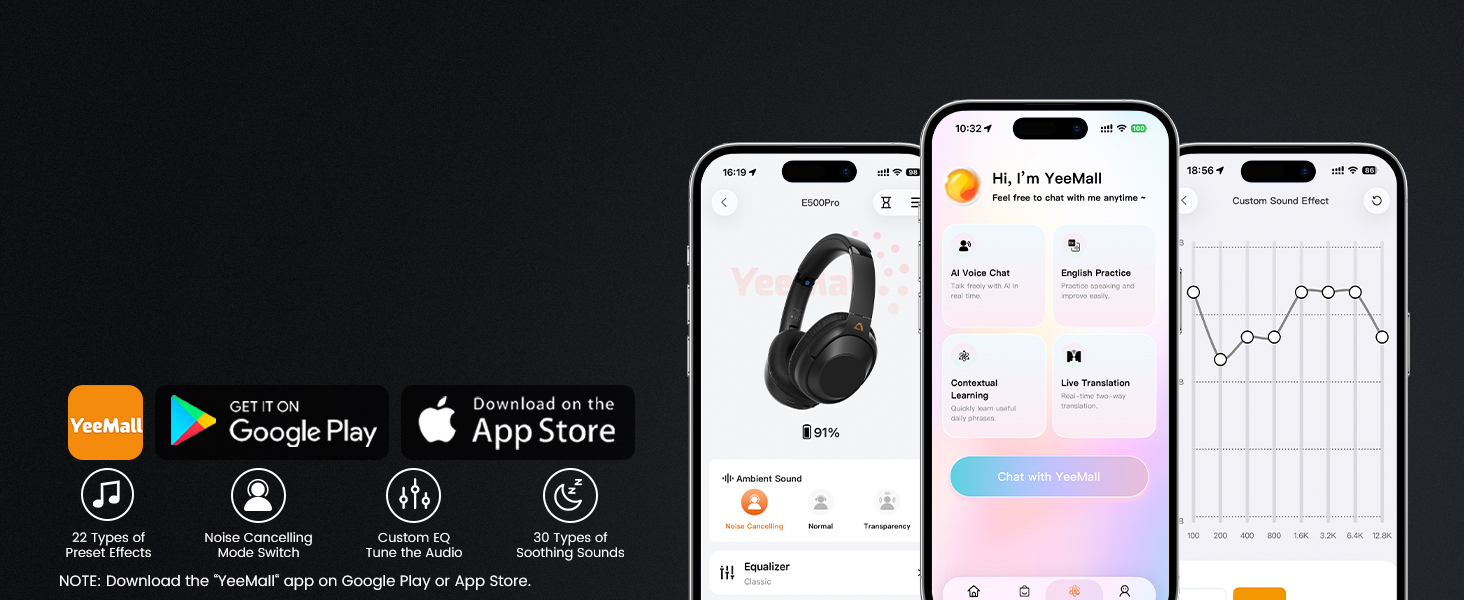
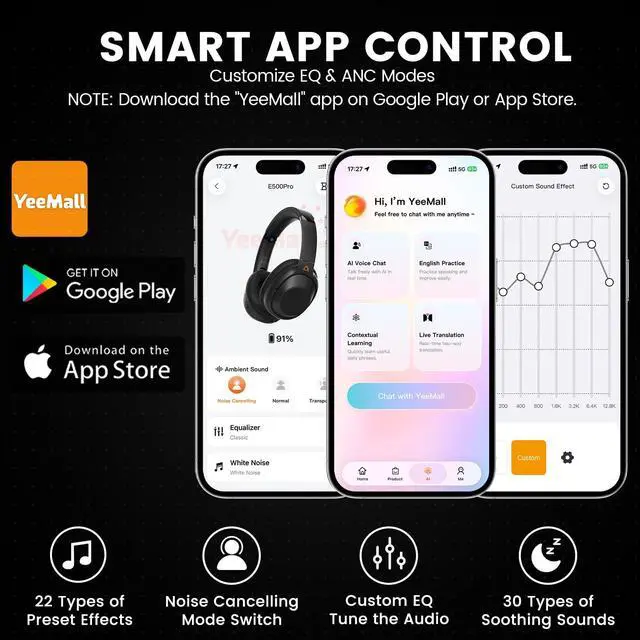
Custom EQ, ANC settings, and more personalized features.
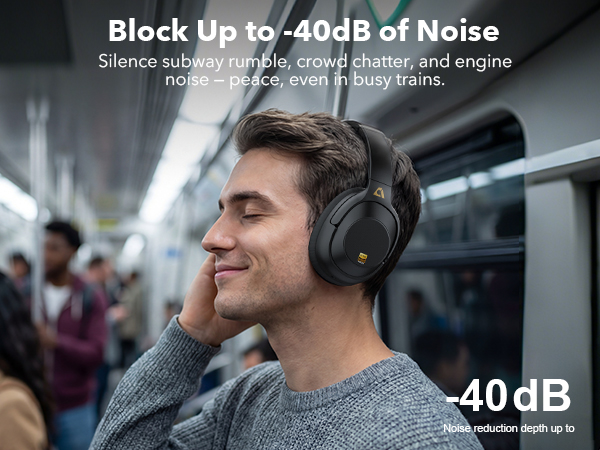
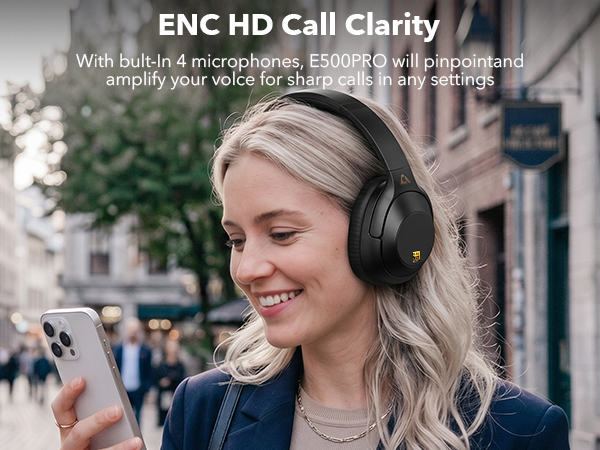
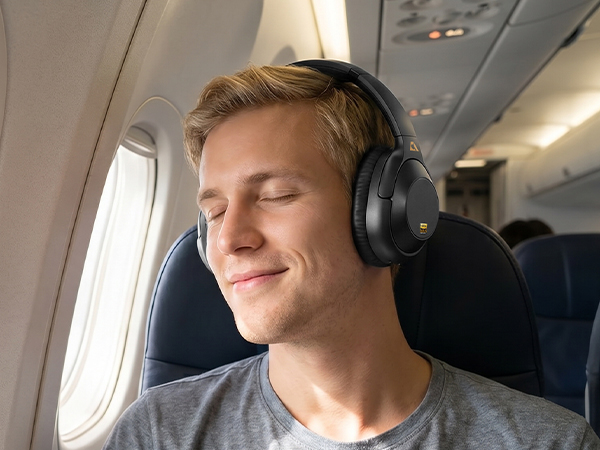
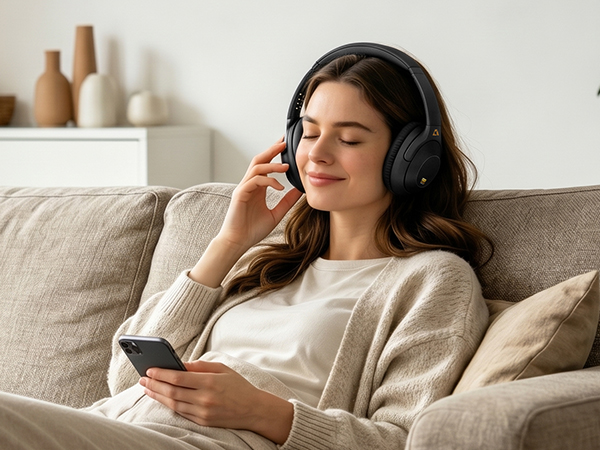
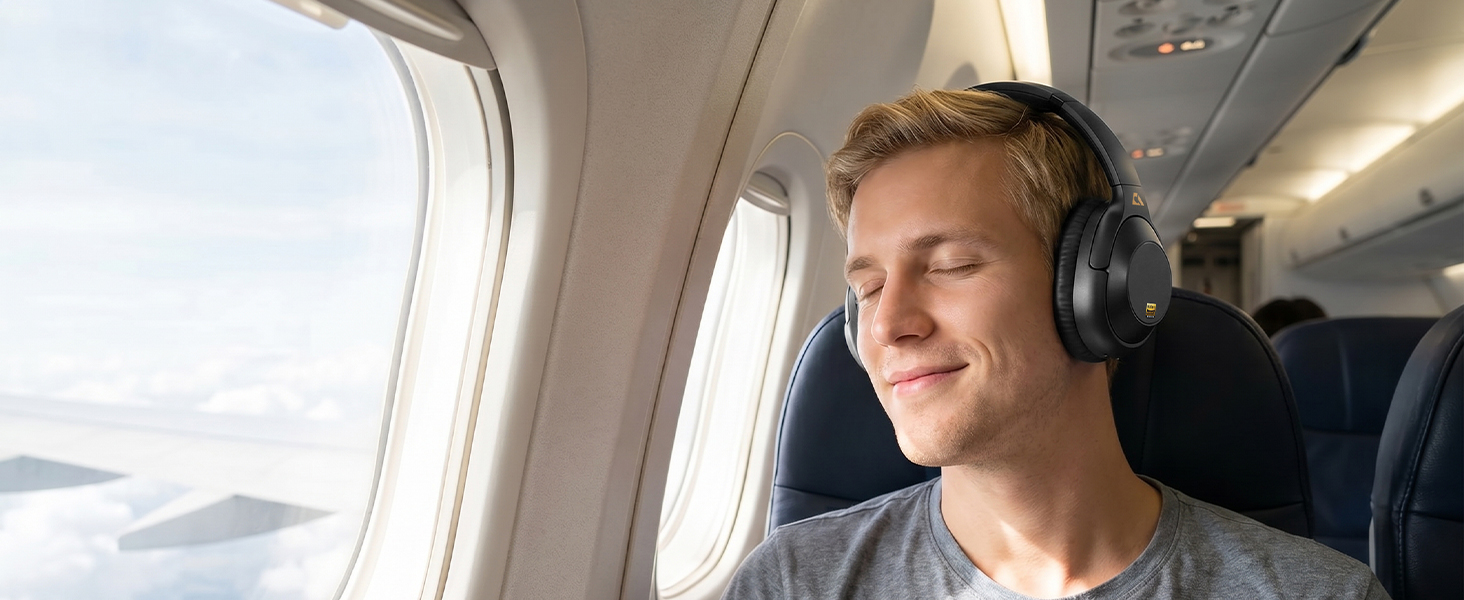
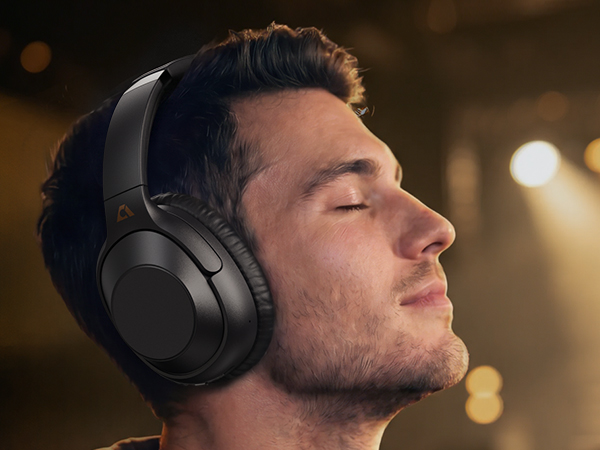
Travel smarter, sleep better
Immersive high quality music and enjoy your leisure time.
How to use the Active Noise Cancellation (ANC) feature?
1) Press and hold the power button for 3 seconds to turn on the headphones. ANC mode is enabled by default.
2) Click the ANC button to switch between ANC off, Transparency mode, and ANC on. Both wired and wireless modes can use noise cancellation.
Why the headphones you received not charging?
Do not plug the USB data cable into the audio device (computer) and use the charging head of the mobile phone to charge. Please use cable included in package for charge.
About LDAC:
The LDAC feature is compatible with most Android phones (please check if your device supports LDAC), but is not compatible with iPhones.
How to reset Headphones?
Please press and hold both volume "+" and ”-“ at the same time for about 5 seconds until the LED flashes purple three times, then the LED flashes red and blue alternately to enter the pairing mode.
Lavales combines technology with sound quality, engineering with a passion for music. We are constantly innovating our products, including Bluetooth headphones and adapters, to deliver superior performance.
Driven by the concept of "Wireless Sound, Infinite Possibilities", we rigorously test each product to ensure the quality of the product. We're committed to pushing the boundaries of wireless audio so you can explore sound without limitations.