






How to Setup Your LaView 2K Camera?
1. Download the LaView App on the App Store or Google Play; Sign up a account.
2. Click the '+' icon on the Home page and choose the Smart Camera
3. Enter the correct wifi information.
4. Scan the QR Code on the App at the appropriate distance.
5. After hearing the beep sound, wait for a second, the set up is finished.

SETUP NOTE:
1. Make sure the device is power on and blinking red and blue alternatively prior to the connection.
2. Make sure the mobile phone and the security camera are using the same 2.4GHz Wi-Fi Network.

2K Outdoor Camera |

2K Outdoor Camera |

1080P Outdoor Camera |

Outdoor Camera Wireless |

1080P Outdoor Camera |

2K Outdoor Camera |
|
| Weather Resistance | IP 65 | IP 65 | IP 65 | IP 65 | IP 65 | IP 65 |
| Resolution | 2K | 2K | 1080P | 1080P | 1080P | 2K |
| Night Vision | Color Night Vision | Color Night Vision | IR Night Vision | IR Night Vision | IR Night Vision | IR Night Vision |
| Storage | SD Card, US Cloud | SD Card, US Cloud | SD Card, US Cloud | SD Card, US Cloud | SD Card, US Cloud | SD Card, US Cloud |
| Included microSD Card | ✓ | |||||
| Recording Method | 24/7 | 24/7 | 24/7 | 24/7 | 24/7 | 24/7 |
| AI Detection | Human, Pet | Human | Human | Human | Human, Pet | Human |
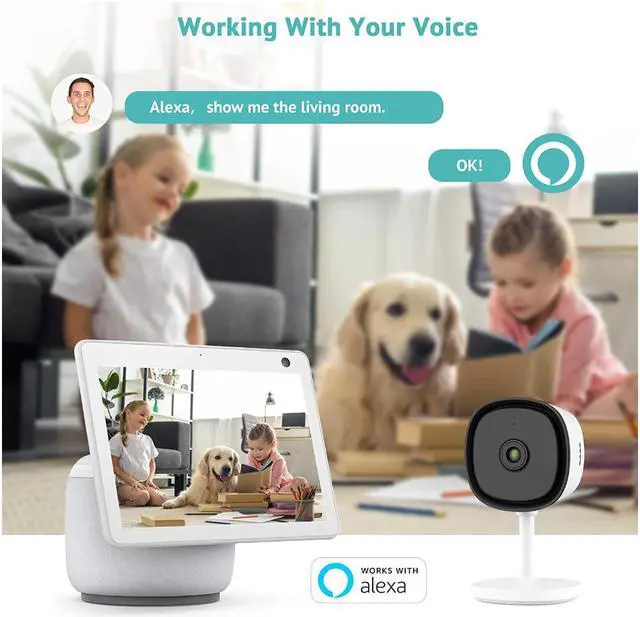
| Smart Integration | Alexa, Google Assistant | Alexa, Google Assistant | Alexa, Google Assistant | Alexa, Google Assistant | Alexa, Google Assistant | Alexa, Google Assistant |