
• $39.99
  • Free 30-day Returns
  • Sold by Firentioner

    Shipped by Firentioner

    Price alert
    Shop it at NeweggBusiness.

    Meet Your Seller

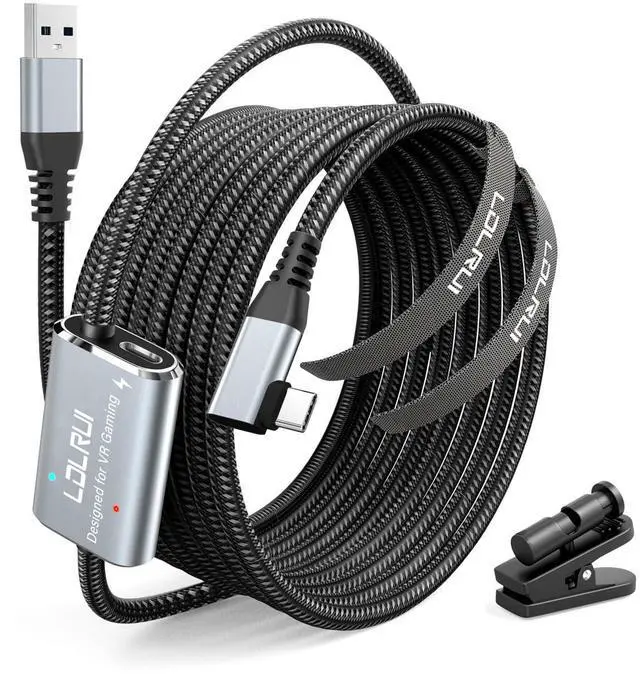
    VR Link Cable 16FT (5M), PD3.0 Fast Charging-Unlimited Playtime, USB 3.0 to USB-C 5Gbps, for Meta Quest 3/2/Pro & Pico 4, PC VR Cable with Clip, Steam VR & Oculus Compatible

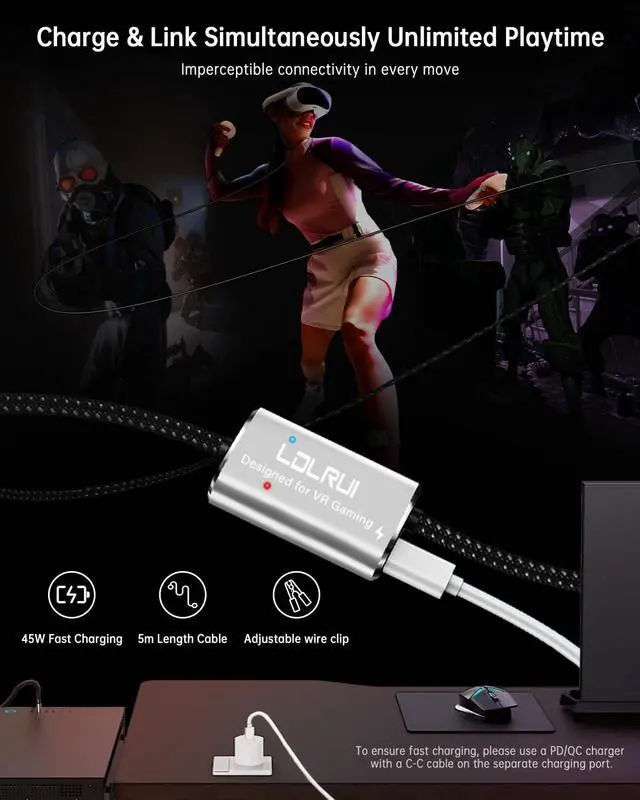
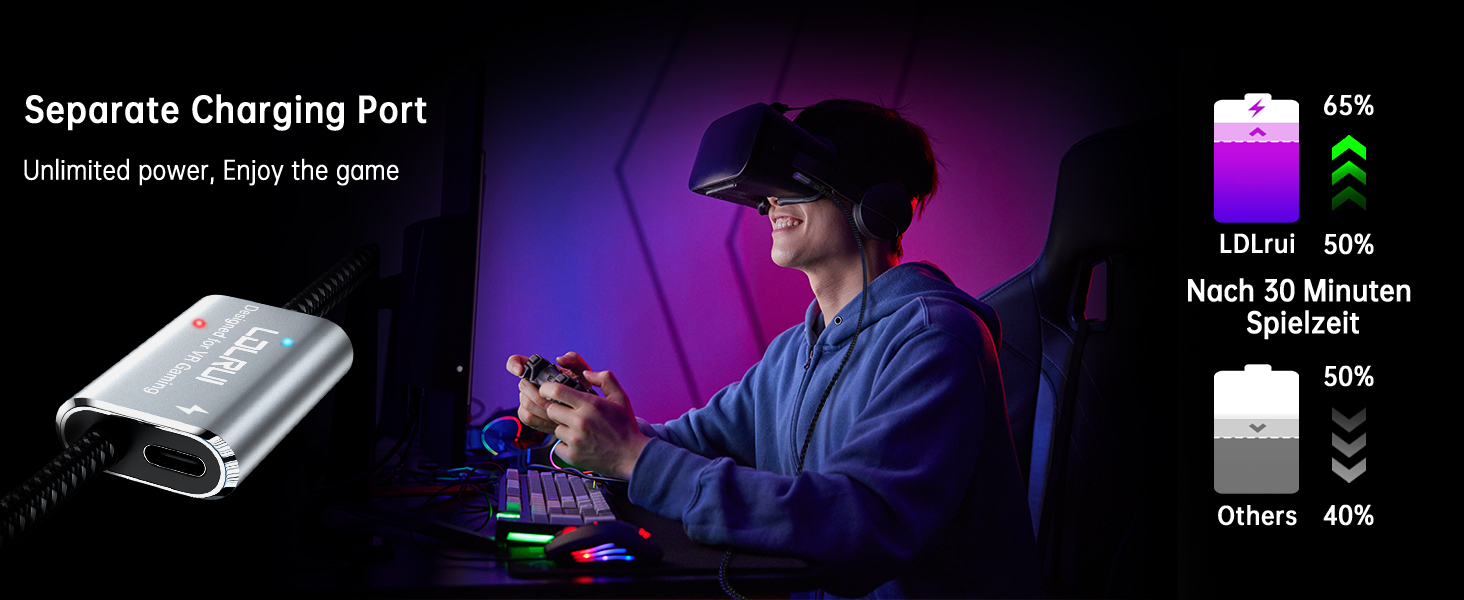
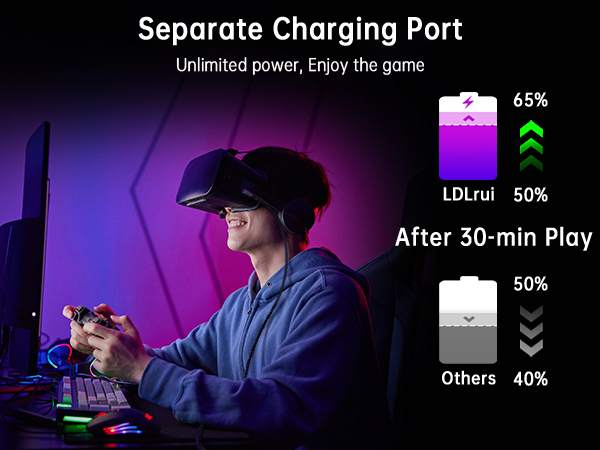
    • [Continuous Play & Charge: Never Stop Gaming] Say goodbye to battery anxiety and game without limits. Our intelligent charging chip efficiently manages power, allowing you to charge your headset while you play. Whether you're diving into epic adventures or intense competitive battles, enjoy longer, uninterrupted PC VR experiences on your Meta Quest or Pico 4
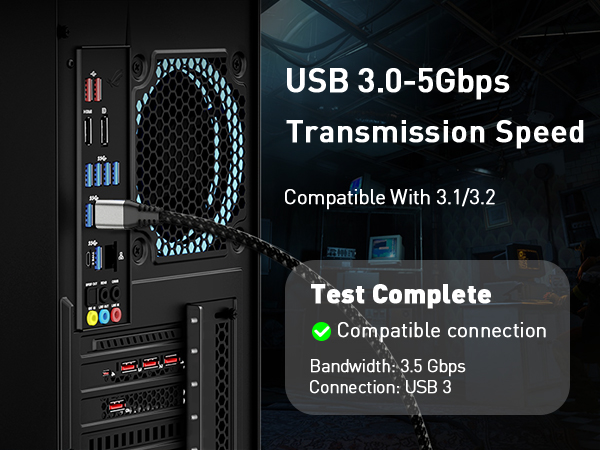
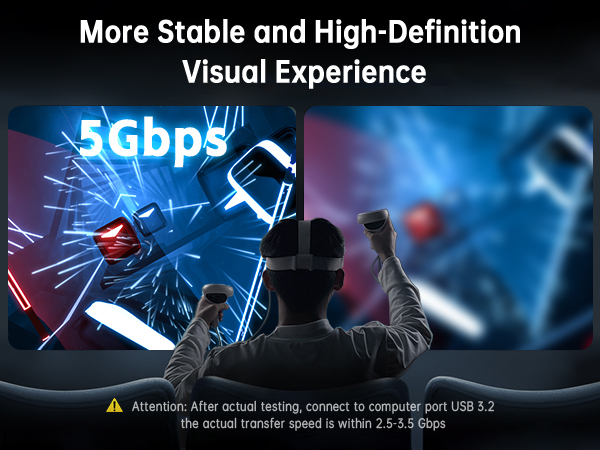
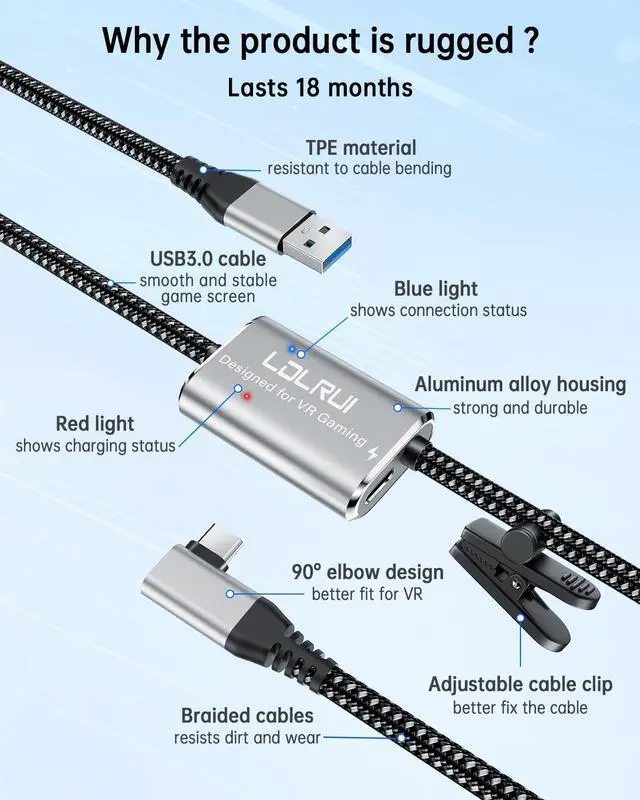
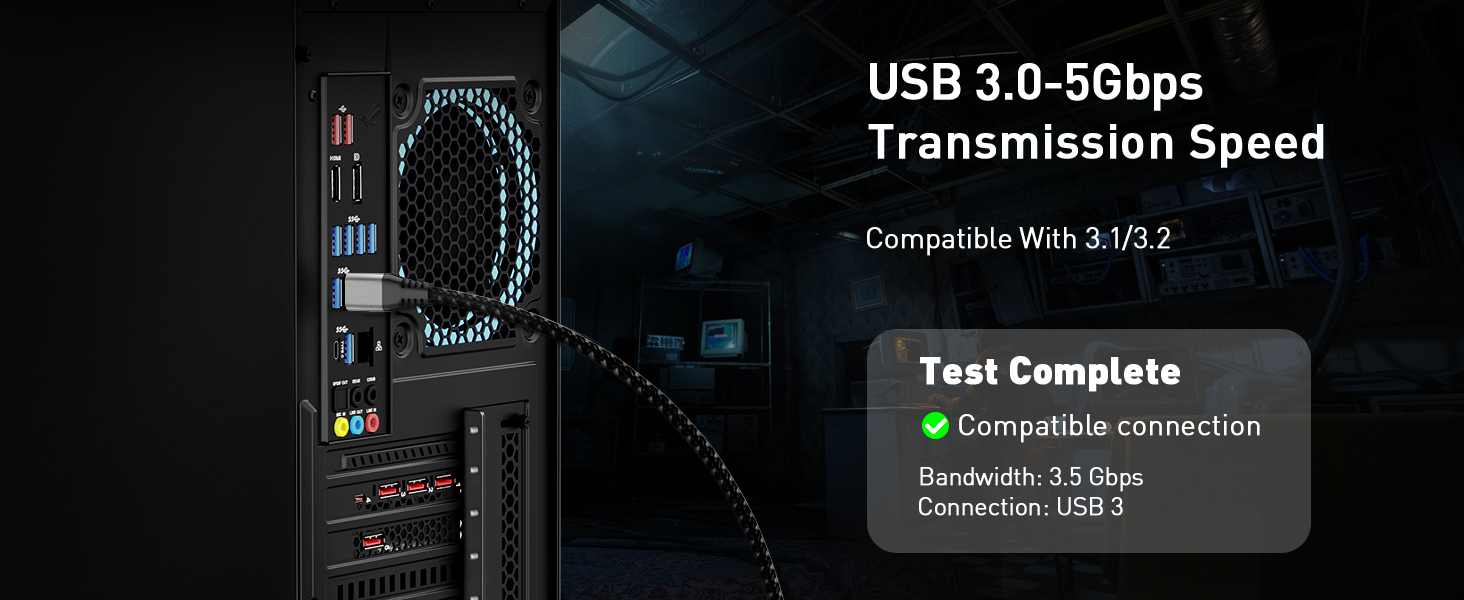
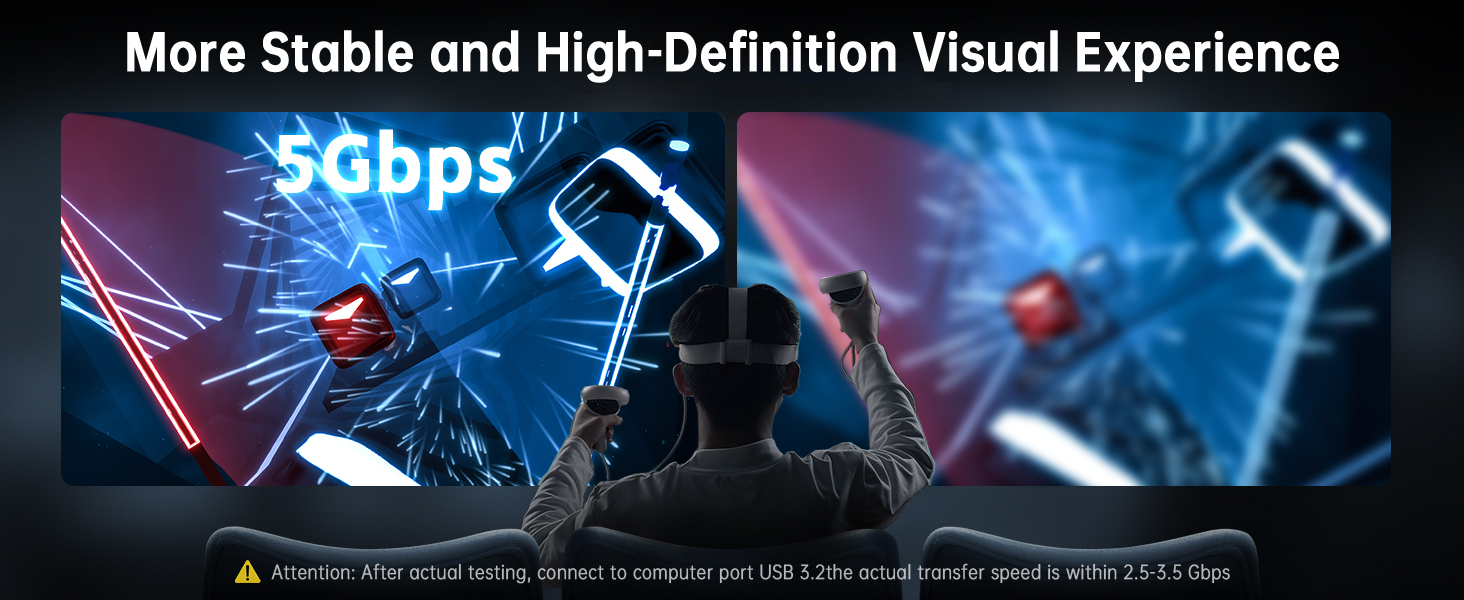
    • [Ultra-Fast 5Gbps Speed for Smooth, Stutter-Free VR] USB 3.0 to USB-C with 5Gbps transfers data up to 10x faster than USB 2.0. Delivers maximum image quality, minimal latency, and seamless performance on SteamVR and Oculus PC Appideal for high-resolution, immersive gaming
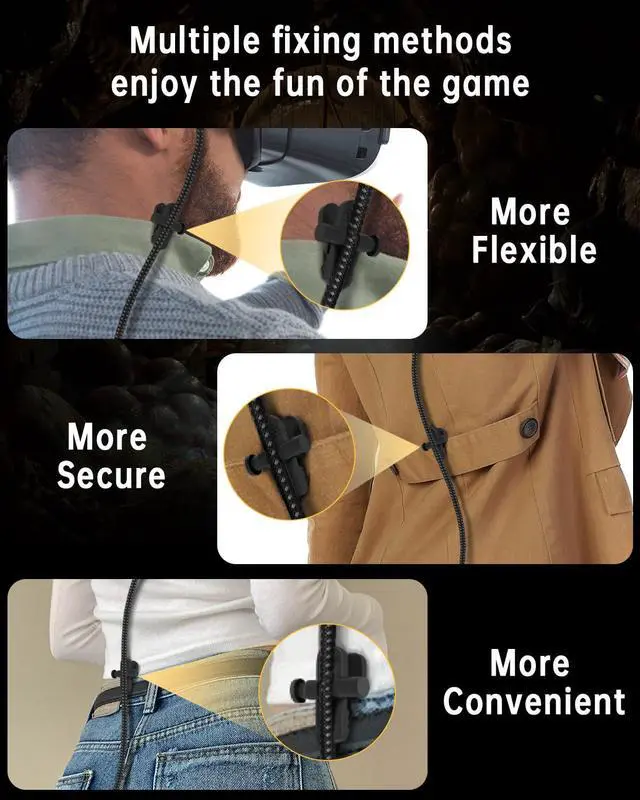
    • [Cable Clip Included: Our unique cable clip design revolutionizes the traditional headset cable clip experience. You can easily attach it to your collar, chest strap, or belt to keep your cable securely in place. This simple solution completely eliminates annoying tugging, tangling, and trip hazards giving you the freedom to move confidently in intense games like "Thrill of the Fight."
    • [Full Plug-and-Play Compatibility in Seconds] Setup takes just seconds. This cable is specifically designed for Meta Quest 3, 2, Pro, and Pico 4 headsets and connects instantly to any Windows PC. No drivers required just plug in and enjoy a stable, high-performance connection for your entire SteamVR and Oculus Rift game library
    +
    +
    Overview
    Specs
    Reviews
    avatar

    Any questions? Our AI beta will help you find out quickly.

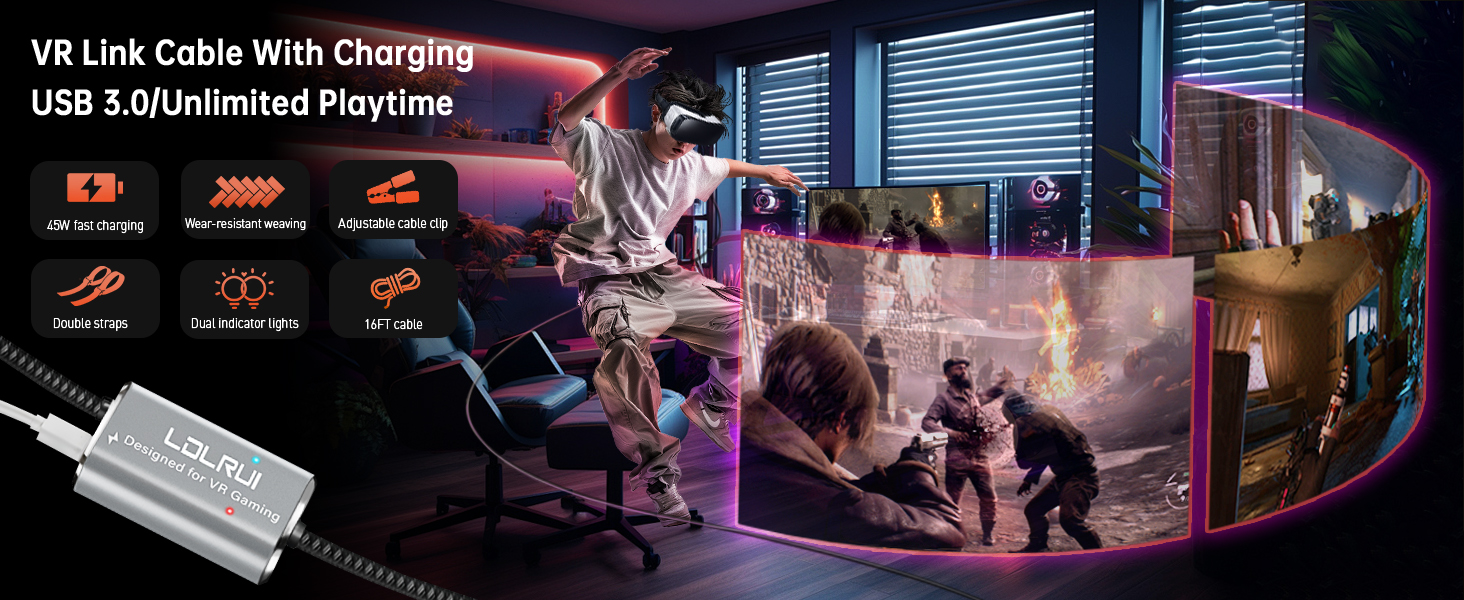
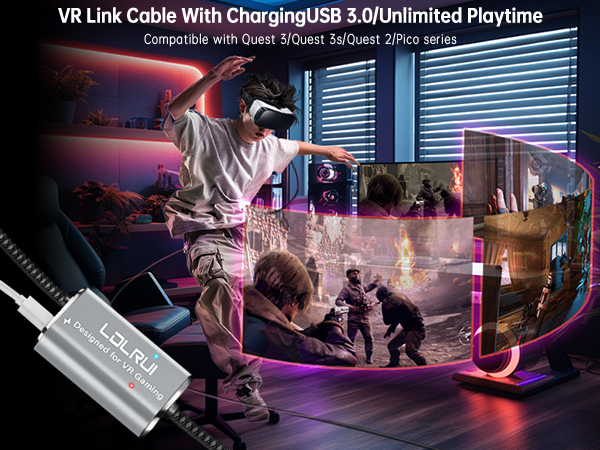
    Text reads 'VR Link Cable With Charging USB 3.0'. Gaming setup with dramatic purple and blue lighting showing VR equipment and cable connection.
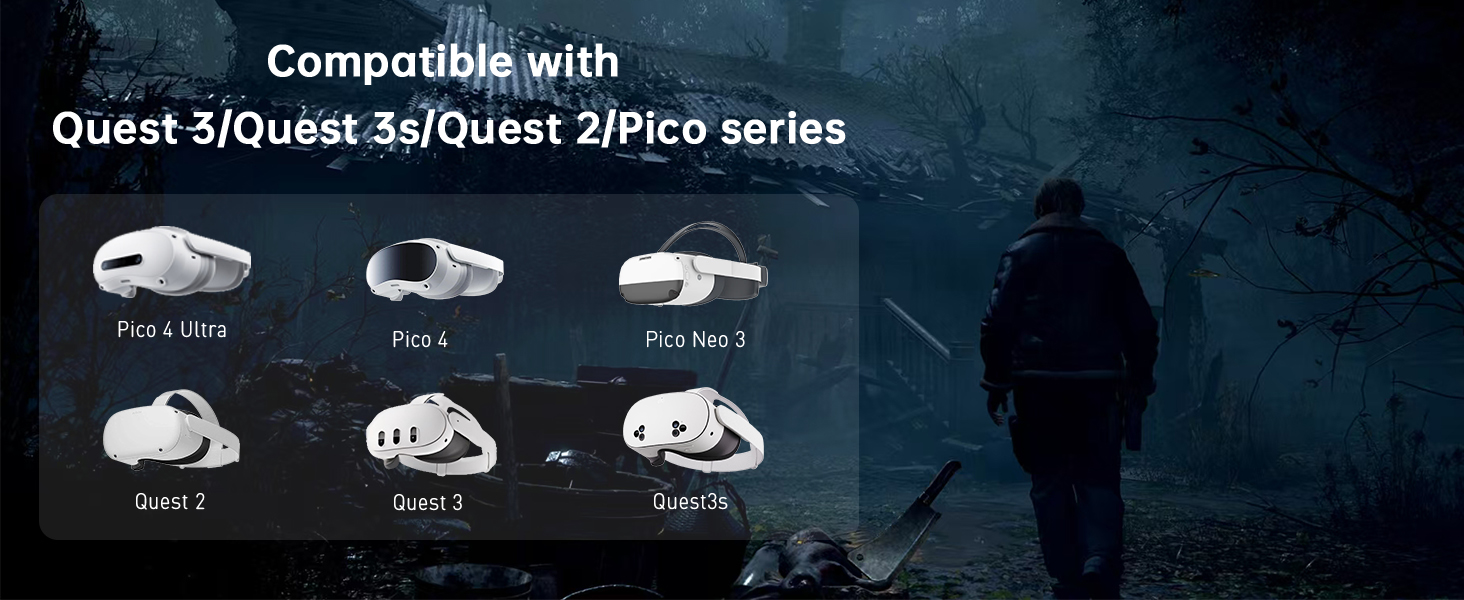
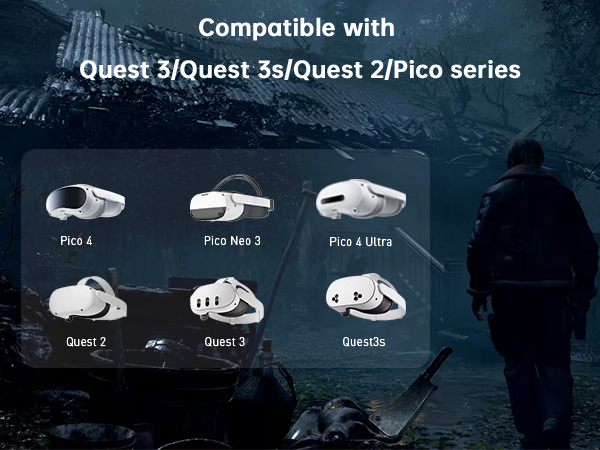
    compatible device
    high definition
    Applicable equipment
    • Firstly, connect the charging port to the original charger, then connect the Type-C port to the device, and finally connect the USB-A port to the computer host (you need to connect the blue USB3.0 port, otherwise you can't play normally).

    • You need to install Steam VR software in advance and open Steam VR software to recognize the VR device before you can experience the games in Steam.

    • First check if the interface on your computer is USB 3.0 interface, if the interface is OK, plug the streaming cable again to solve the problem.

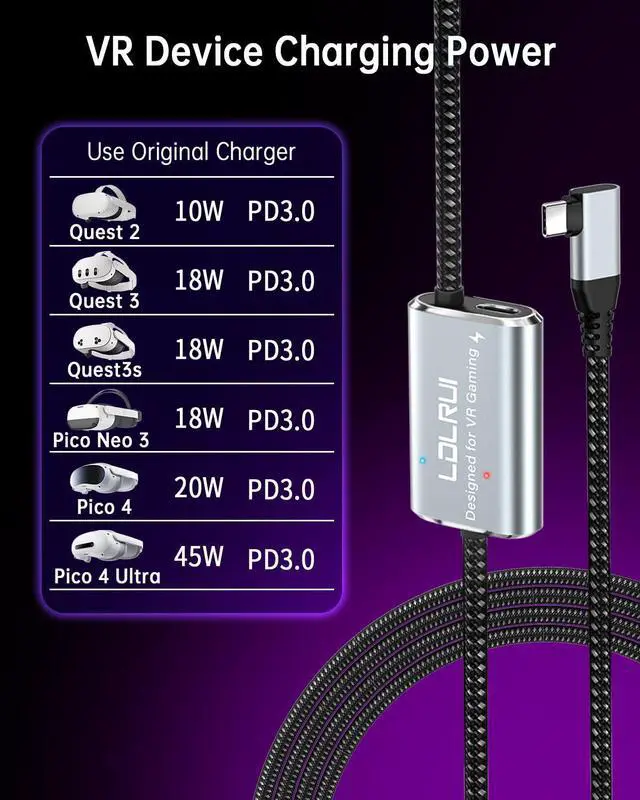
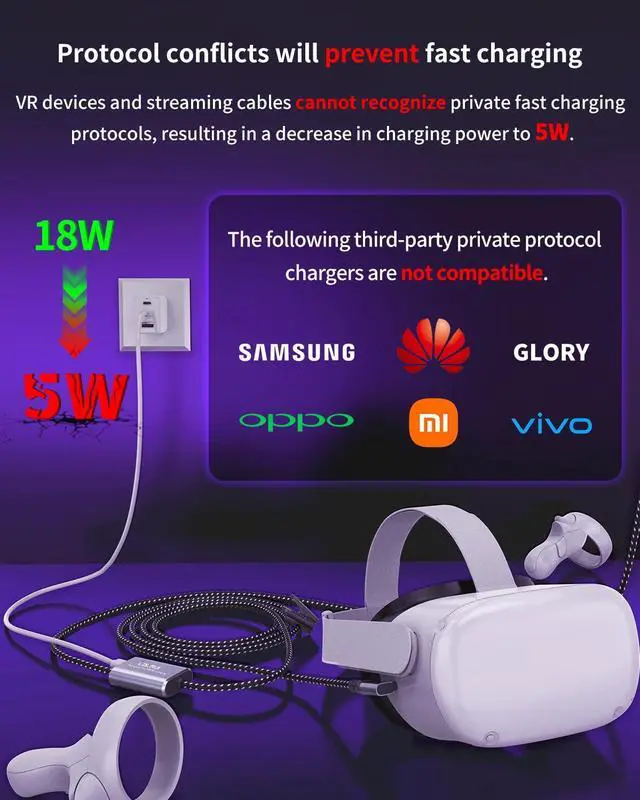
    • According to the actual test, 45W is intelligently allocated by the PD protocol. The device only takes the required power (such as Quest 2 is limited to 22W), and the excess power is automatically recycled, which is safer and more energy-saving!
    meta quest 3 accessories
    compatible device
    oculus quest 3 accessories
    Applicable equipment
    • Firstly, connect the charging port to the original charger, then connect the Type-C port to the device, and finally connect the USB-A port to the computer host (you need to connect the blue USB3.0 port, otherwise you can't play normally).

    • You need to install Steam VR software in advance and open Steam VR software to recognize the VR device before you can experience the games in Steam.

    • First check if the interface on your computer is USB 3.0 interface, if the interface is OK, plug the streaming cable again to solve the problem.

    • According to the actual test, 45W is intelligently allocated by the PD protocol. The device only takes the required power (such as Quest 2 is limited to 22W), and the excess power is automatically recycled, which is safer and more energy-saving!
    VR Link Cable 16FT (5M), PD 3.0 Fast Charging-Unlimited Playtime, USB 3.0 to USB-C 5Gbps, for Meta Quest 3/2/Pro & Pico 4, PC VR Cable with Clip, Steam VR & Oculus Compatible

    Warranty & Returns

    Warranty, Returns, And Additional Information

    Warranty

    • Please contact the Seller directly for warranty information. Warranty information may also be found on the Manufacturer's website.
    • CONTACT

    Return Policies

    Manufacturer Contact Info

    LOADING...