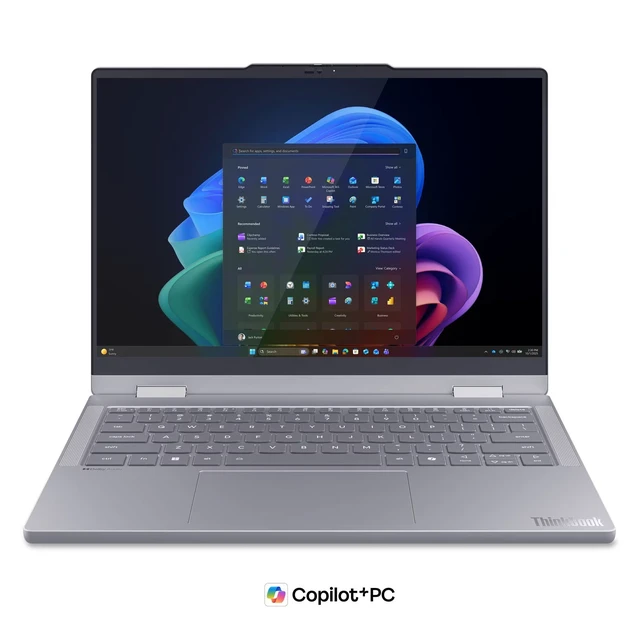
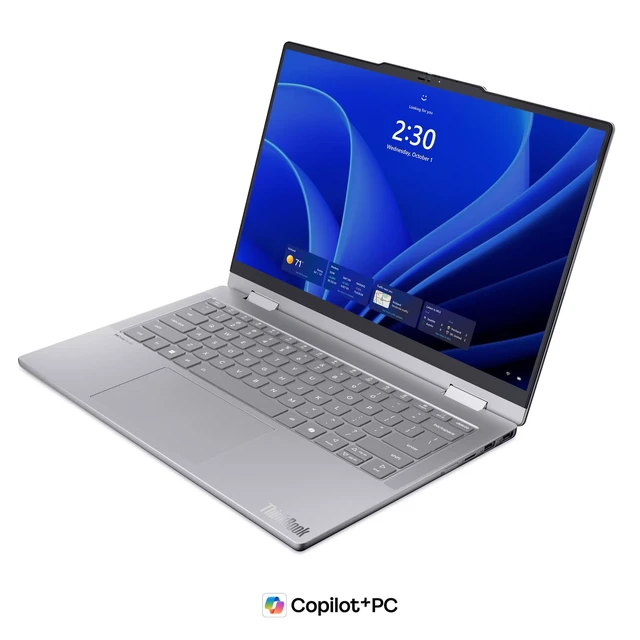
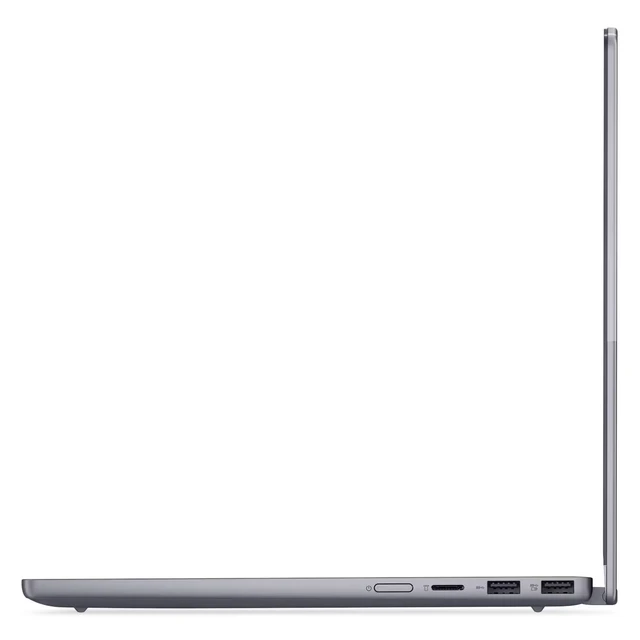
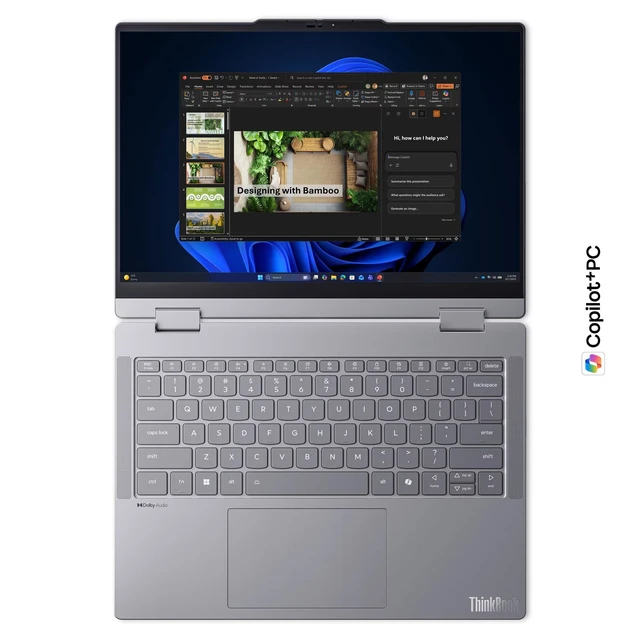
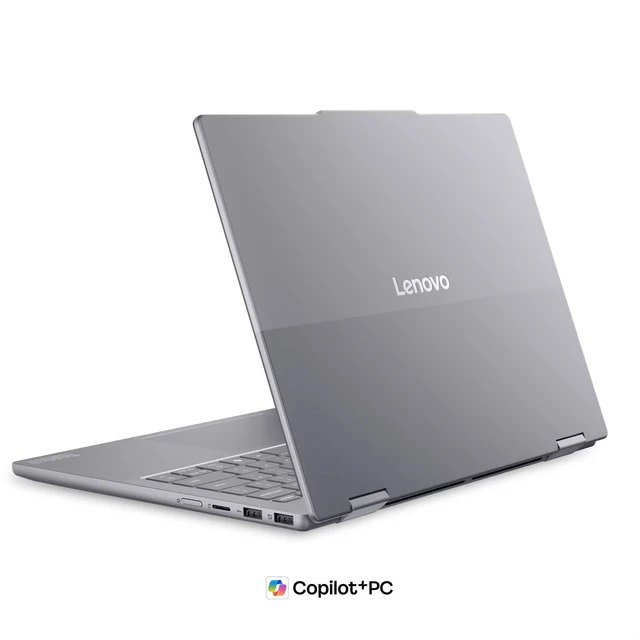
The Lenovo ThinkBook 14 2-in-1 Gen 6 is a Windows 11 Pro convertible laptop with an Intel Core Ultra 7 355 processor, 16GB of DDR5 memory, and a 512GB SSD, suited to professionals and students who want one device for everyday productivity and flexible laptop or touchscreen use.
Recommended For
- Hybrid office workers who switch between typing at a desk and using the touchscreen in tablet or tent mode for meetings, presentations, or quick document review.
- Mobile professionals who need a 14-inch Windows laptop for everyday work such as email, web apps, video calls, documents, and spreadsheets, with a convertible screen for occasional touch interaction.
- People who want a conventional laptop with occasional touchscreen use and a 360-degree hinge, rather than buying a separate laptop and tablet for light presentation or reading tasks.
- Buyers who value memory upgrade options: Lenovo lists two SODIMM slots for the Gen 6 platform, while this configuration starts with 16GB for typical work and multitasking.
Real-World Use Scenarios
- For hybrid work, switch between typing reports and joining video meetings; the convertible design and built-in meeting features support a single-device workflow across desk and remote settings.
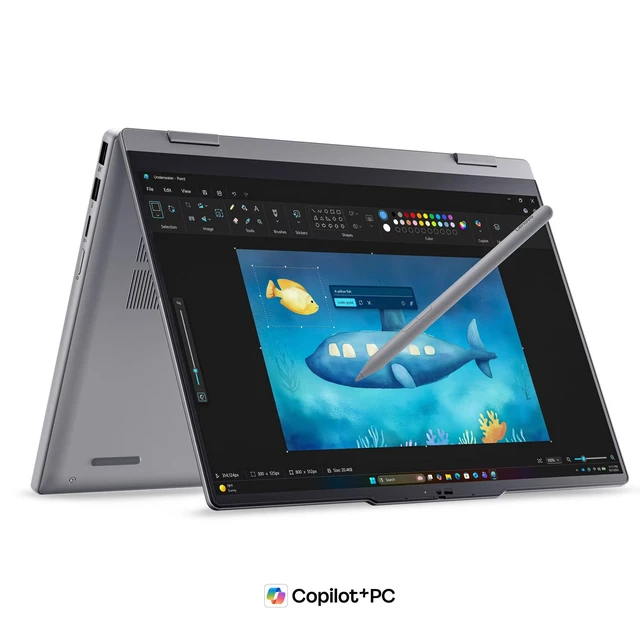
- In tablet mode, use the touchscreen to review documents, write notes, or mark up ideas; Lenovo lists pen support, but check whether a pen is included with this specific configuration.
- For classroom or training sessions, prepare lesson materials at a desk and use the convertible screen to show content or take notes during instruction; Lenovo positions the model for classroom and hybrid teaching.
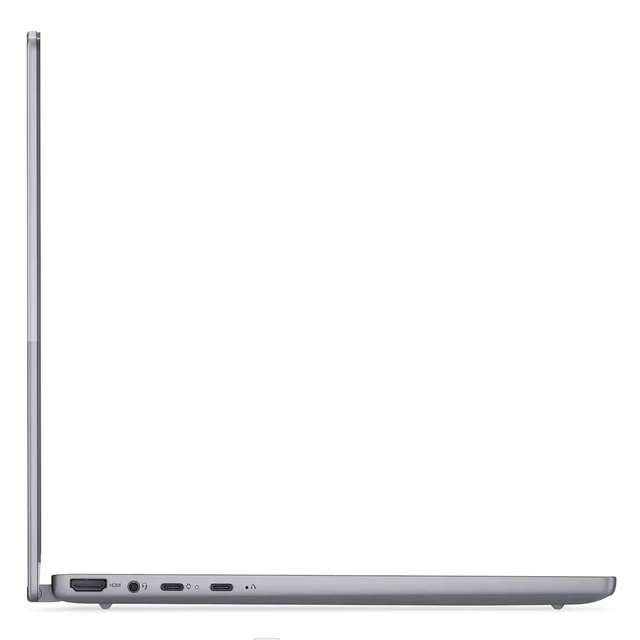
- At a client meeting, fold the screen into presentation mode to share slides or discuss a document; the product page lists HDMI and USB-C display output for connecting an external display.
- For everyday office tasks such as email, documents, spreadsheets, and browser-based work, the listed Core Ultra 7 processor and 16 GB of memory provide a configuration suited to general productivity; this is not evidence of performance in demanding specialist workloads.




 here!