- $429.99
- Free 30-day Returns
Meet Your Seller
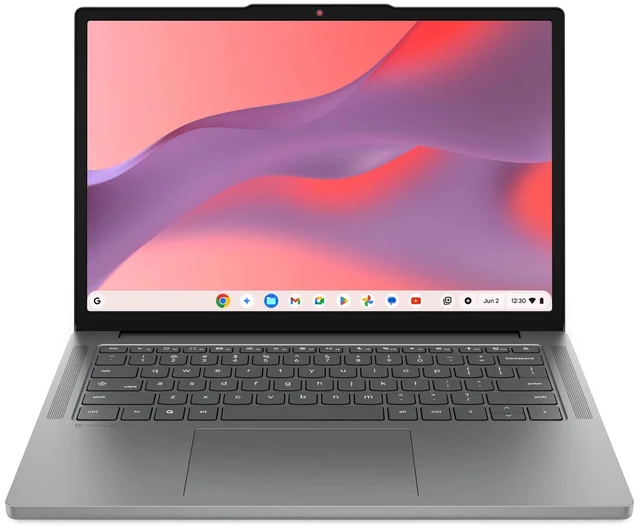
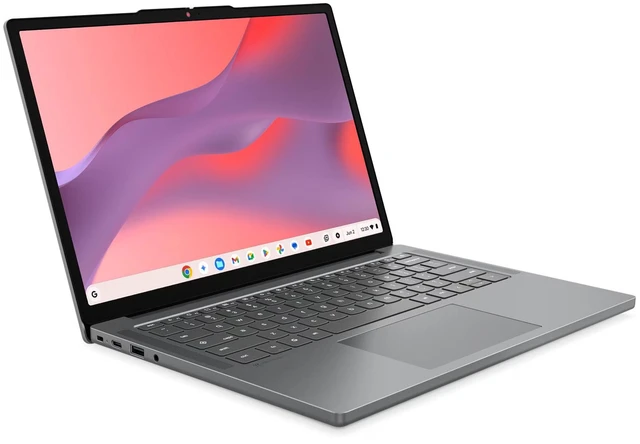
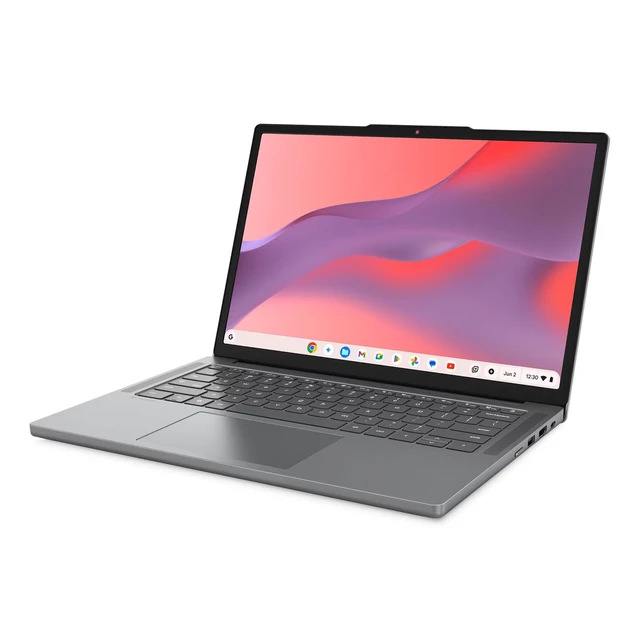
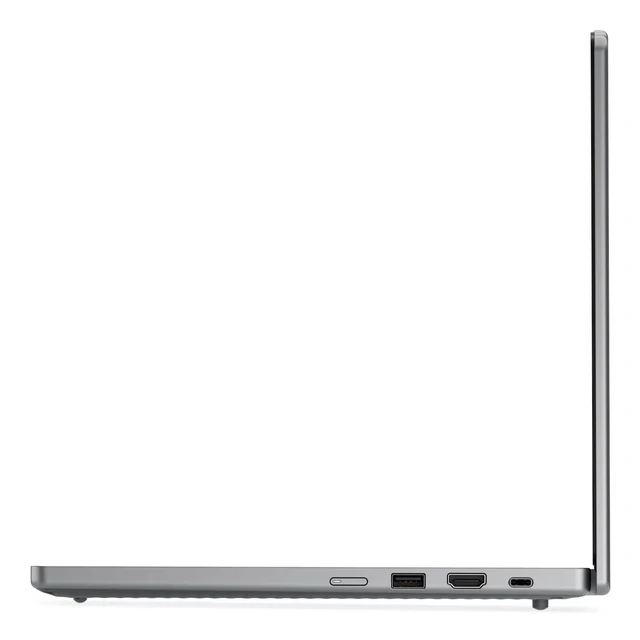
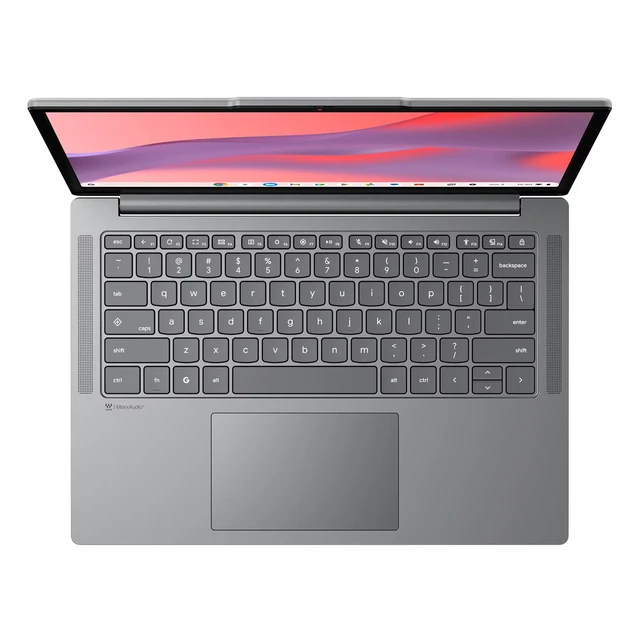
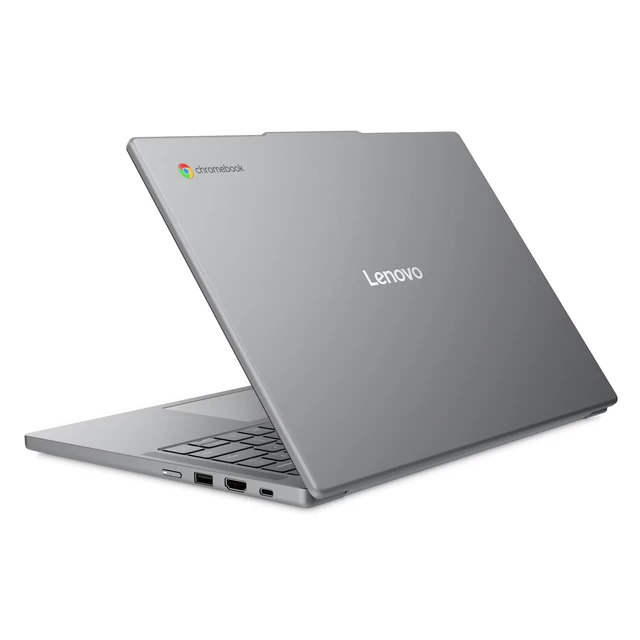
Lenovo Chromebook m Laptop, 14" IPS 60Hz,MediaTek Kompanio 540,4GB, ARM Mali-G57 MC2 GPU, 64GB,Chromeos
- 14" WUXGA (1920 x 1200), IPS, Anti-Glare, Non-Touch, 45%NTSC, 400 nits, 60Hz
- MediaTek Kompanio 540 Processor
- Integrated ARM Mali-G57 MC2 GPU
- 4 GB LPDDR5X-4800MT/s (Soldered)
- 64 GB UFS 2.2
Any questions? Ask CelesteSM will help you find out quickly.
Withstand bumps & spills with military-grade durable design
.Enjoy immersive visuals with the 14 16:10 WUXGA display
.Look your best on video calls with 720p HD webcam
.Lenovo Chromebook m (14" MediaTek) is your dependable partner for busy days and big ambitions. Designed for professionals who teach, lead, or run a small business, it delivers seamless performance and adapts to the way you work in the classroom, in the office, or on the move.
,MediaTek Kompanio 540 Processor (2.00 GHz )
Warranty & Returns
Warranty, Returns, And Additional Information
Warranty
- Please contact the Seller directly for warranty information. Warranty information may also be found on the Manufacturer's website.
- Read full details
- CONTACT
Return Policies
- Return for refund within: 30 days
- Return for replacement within: 30 days
- This item is covered by Lenovo Return Policy
Manufacturer Contact Info
- For a directory of all our manufacturers, please click below.
- Manufacturers Directory
The Lenovo Chromebook m (83SX002YUS) is a 14-inch ChromeOS laptop with a MediaTek Kompanio 540 processor, 4GB of memory, and 64GB of UFS storage, suited to everyday browsing, web apps, and school or home tasks.
Recommended For
- Students who mainly use browser-based coursework, Google Docs, and video streaming, and keep the number of open tabs and apps modest.
- People who need a 14-inch laptop for everyday web browsing, email, and document work, but do not routinely run many demanding tabs or apps at once.
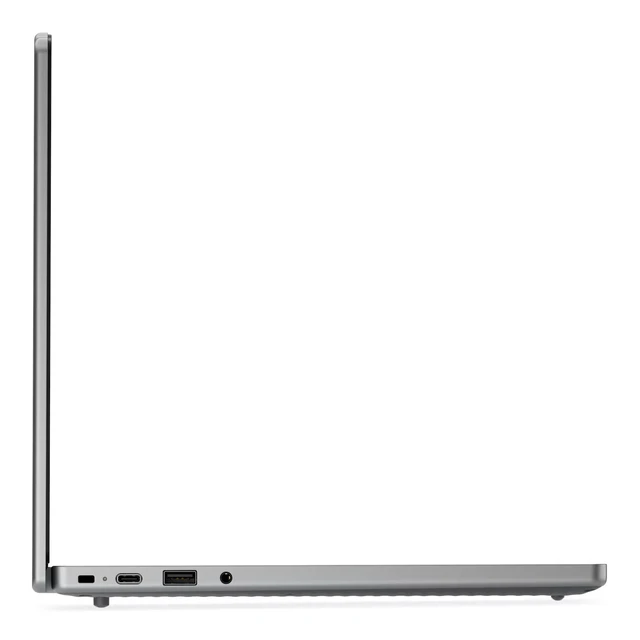
- Students or workers who carry a laptop between home, class, and shared workspaces and mostly rely on ChromeOS web apps; the 14-inch matte display and standard ports suit desk-to-desk use.
- Chromebook users seeking a fanless machine for routine browsing, document editing, and occasional online meetings, provided they keep other apps and tabs limited during calls.
Real-World Use Scenarios
- For everyday browsing, email, and Google Docs, it should handle routine tasks well; keeping the number of open tabs and apps modest is sensible with 4GB of memory.
- For online classes or homework, it can be used for browser-based assignments and learning tools; running several demanding tabs or apps at once may feel more constrained.
- For watching streamed video or listening to music online, the 14-inch screen and ChromeOS-focused hardware suit casual media use; it is not a touchscreen device.
- For light educational games or simple Android games, it is a reasonable fit for casual play; demanding games and heavy multitasking are less suitable for this 4GB configuration.
- For household tasks such as checking bills, searching for product manuals, and filling out web forms, it can serve as a straightforward secondary or everyday computer, provided the work stays mostly in the browser.