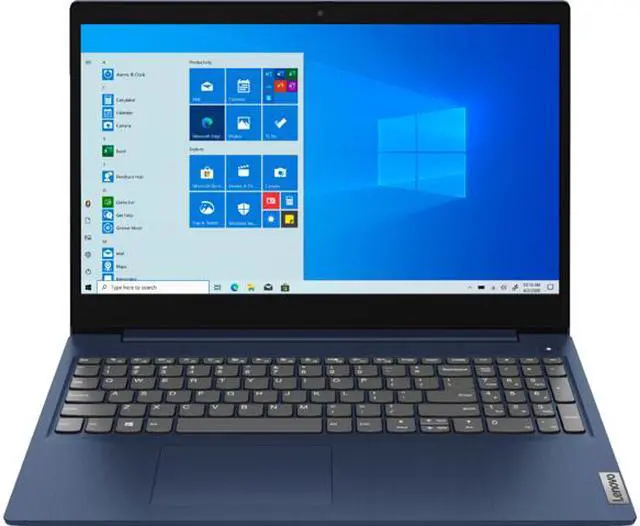
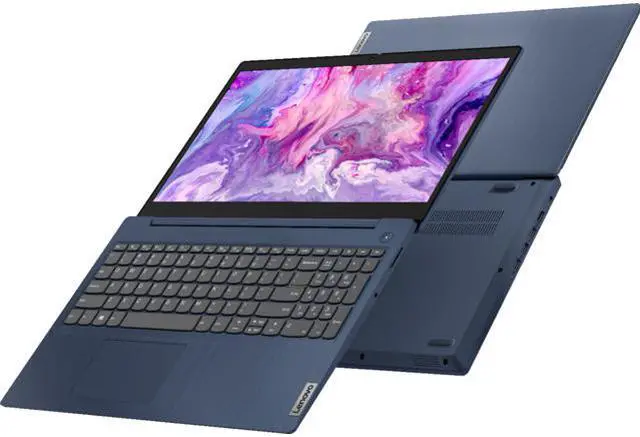
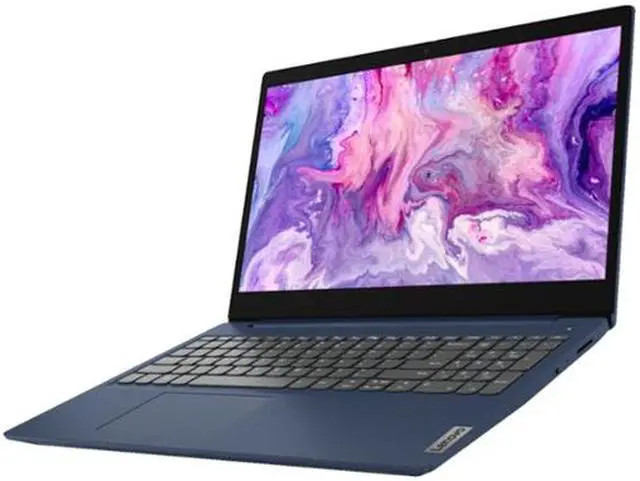
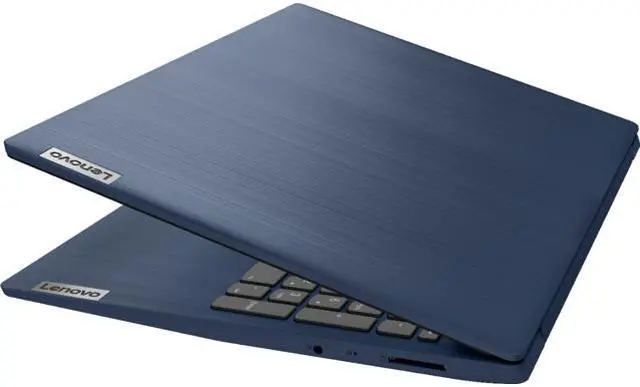
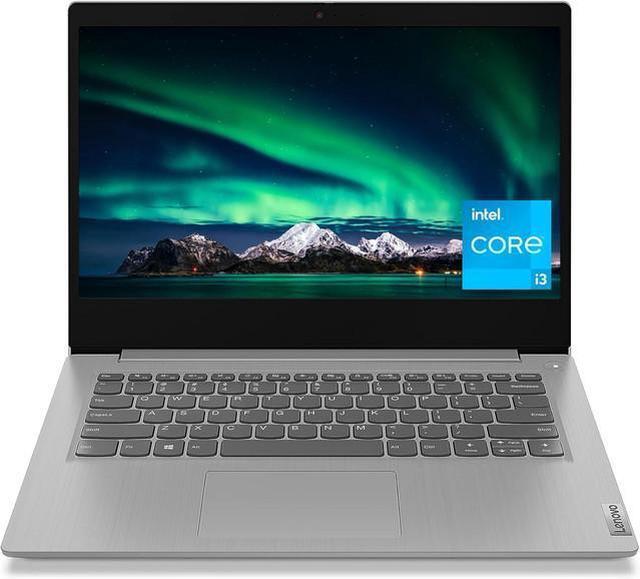
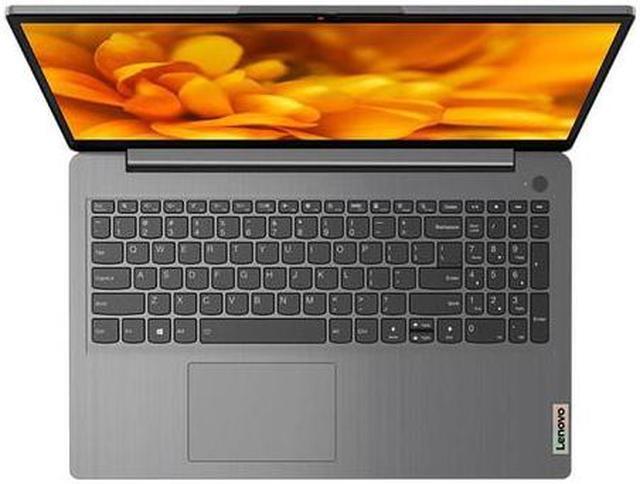
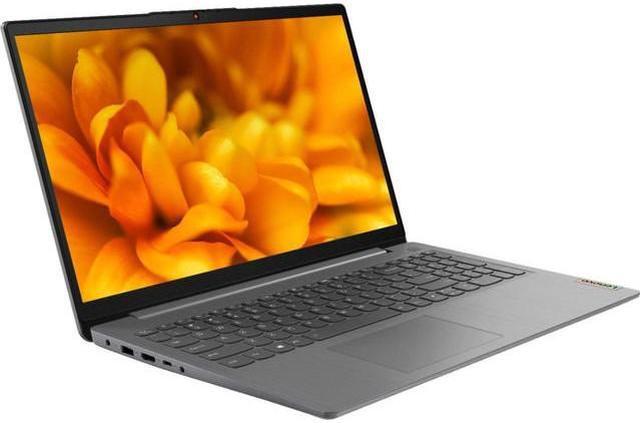
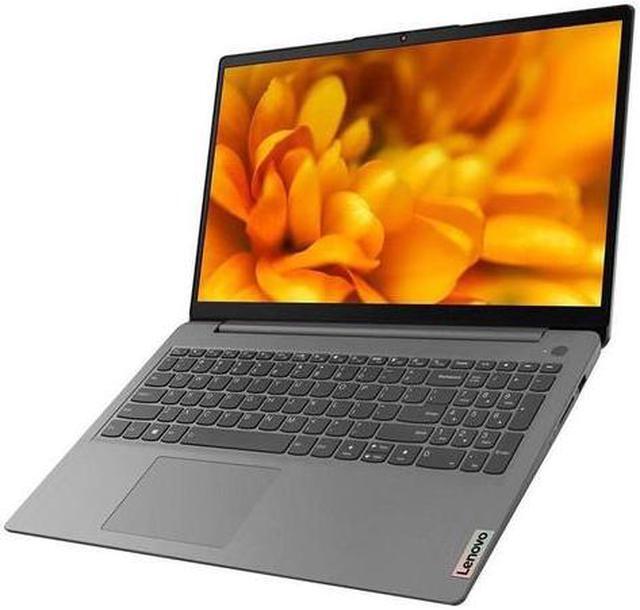
This computer is sold with professional upgrades and customization. The manufacturer box is opened to install the upgrades to achieve the specifications/configurations as advertised, and the computer is tested and inspected before selling. Defects & blemishes are significantly reduced by our in-depth inspection & testing.
How to switch s mode to windows 10
1. On your PC running Windows 10 in S mode, open Settings > Update & Security > Activation.
2. In the Switch to Windows 10 Home or Switch to Windows 10 Pro section, select Go to the Store. (If you also see an " Upgrade your edition of Windows" section, be careful not to click the " Go to the Store" link that appears there)
3. On the Switch out of S mode (or similar) page that appears in the Microsoft Store, select the Get button. After you see a confirmation message on the page, you'll be able to install apps from outside of the Microsoft Store.
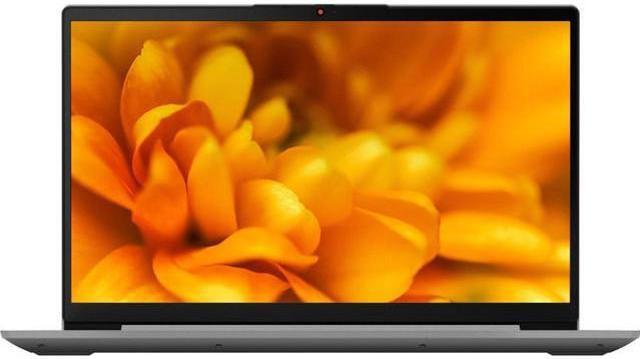
Display: 15.6" HD 10-point multitouch screen
Processor:10th Gen Intel Core i3-10110U processor
Processor Speed:2.1 gigahertz
Graphics: Intel UHD Graphics
Operating system:Windows 10 Home in S mode
Ram and Storage: 20GB RAM and 512GB SSD
Webcam:Built-in HD webcam with dual array microphone
Audio:Dolby Audio, High Definition Audio
Network:Wireless-AC and Bluetooth
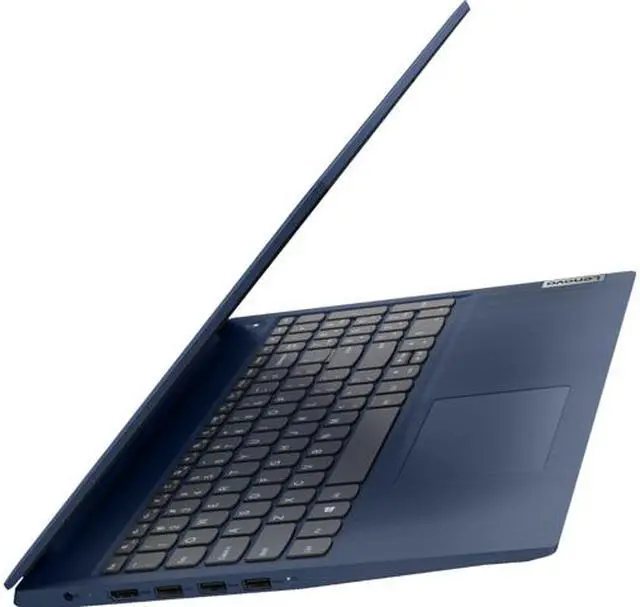
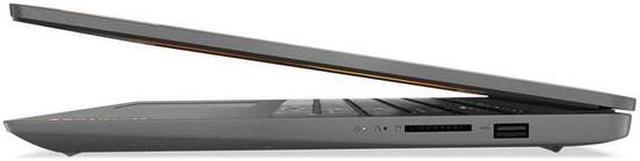
Ports:
2 X USB 3.0
1 X USB 2.0
1 X HDMI
1 x Headphone/microphone combo jack
Dimensions: 14.3 X 10 X 0.8 inches
Weight: 4lb
Color: Abyss Blue