- Free 30-day Returns
Meet Your Seller
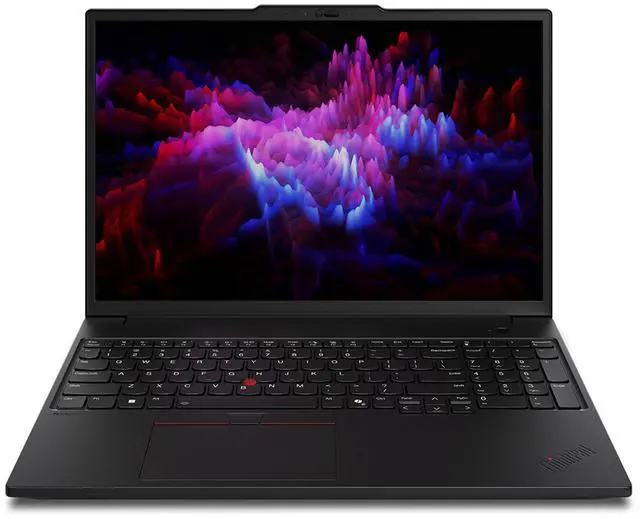
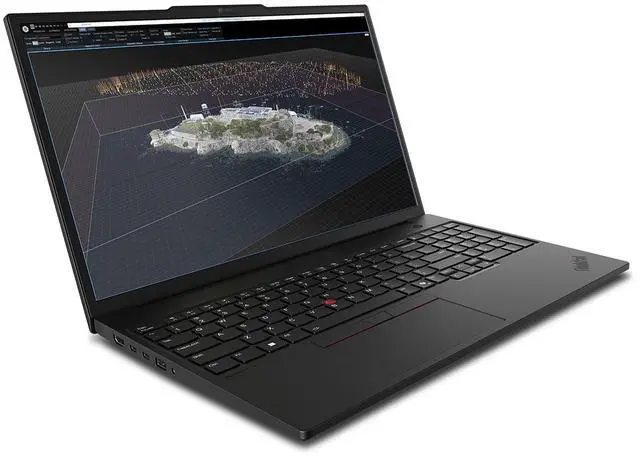
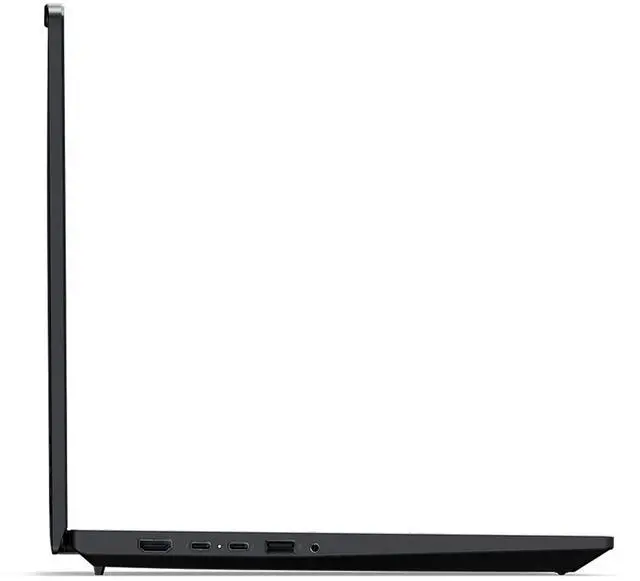
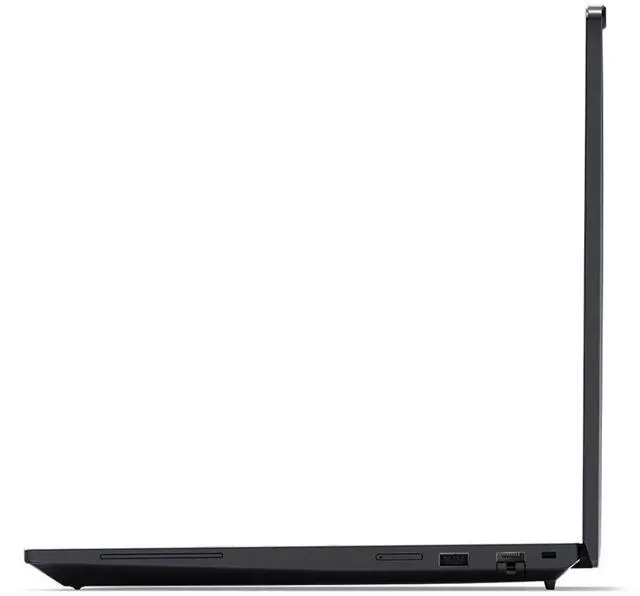
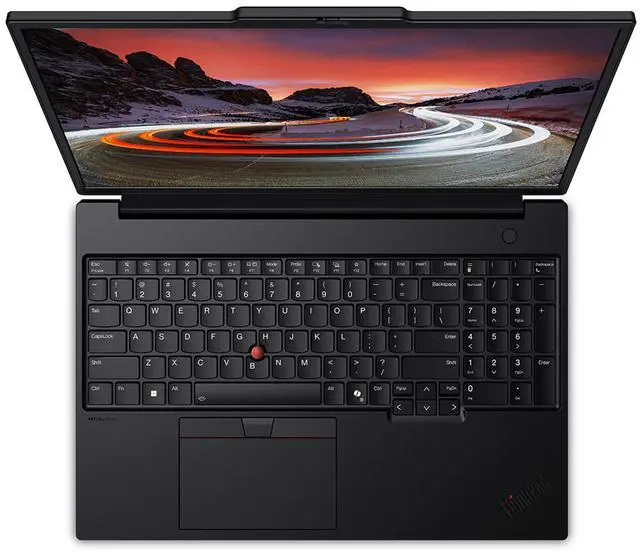
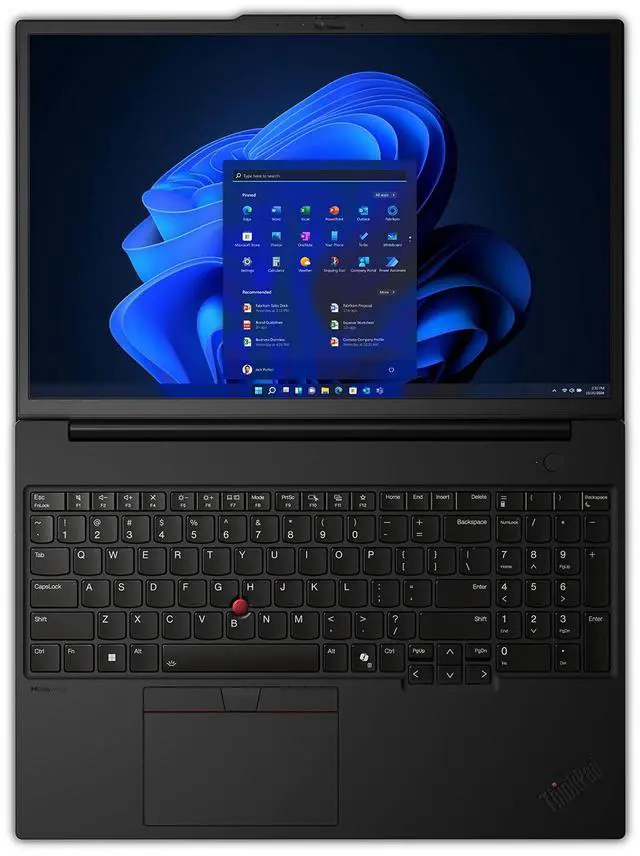
Lenovo ThinkPad P16s Gen 4 Intel Laptop, 16", Intel Core Ultra 7 265H vPro, 96GB, 2TB SSD
- LCD
- Intel® Core Ultra 7 265H vPro® Processor
- 2 TB SSD M.2 2280 PCIe Gen5 Performance TLC Opal
- NVIDIA RTX PRO 1000 Blackwell Laptop GPU 8GB GDDR7
Any questions? Ask CelesteSM will help you find out quickly.
Enterprise-grade performance, security & manageability with optional Intel vPro®
.Boosted AI productivity with Intel® Core Ultra processors with dedicated NPU
.Extended lifecycle with upgradable memory & customer-replaceable battery & SSD
. |®®
| ||Maximize Productivity
|®
|Creativity for Professional Workflows
||Accelerate & Streamline Complex Tasks
|| || |||||®
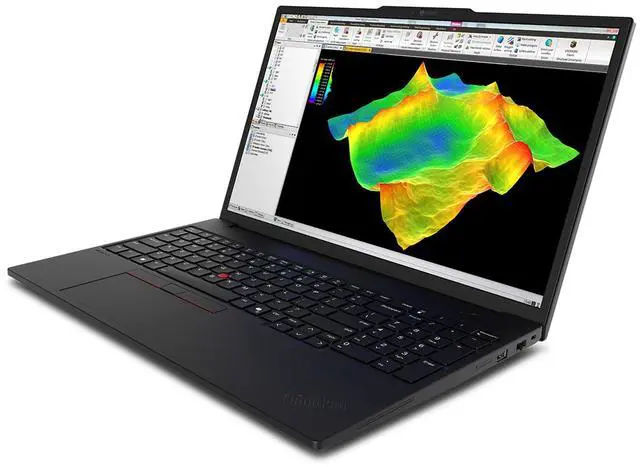
||| |Run your CAD, BIM, and creative apps with confidence, backed by independent software vendor (ISV)* certifications from ANSYS®, SOLIDWORKS®, AutoCAD®, and more. Delivering pro-level performance, the ThinkPad P16s Gen 4 mobile workstation amplifies work efficiency for smarter, more intuitive workflows.
| |||||||| |||| ||
Specifications may vary depending upon region / model.
Warranty & Returns
Warranty, Returns, And Additional Information
Warranty
- Please contact the Seller directly for warranty information. Warranty information may also be found on the Manufacturer's website.
- Read full details
- CONTACT
Return Policies
- Return for refund within: 30 days
- Return for replacement within: 30 days
- This item is covered by Lenovo Return Policy
Manufacturer Contact Info
- For a directory of all our manufacturers, please click below.
- Manufacturers Directory
The Lenovo ThinkPad P16s Gen 4 Intel is a 16-inch mobile workstation with a Core Ultra 7 265H vPro processor, 96GB memory, 2TB SSD, and NVIDIA RTX PRO 1000 Blackwell graphics, suited to professionals who need strong compute, dedicated graphics, and ample room for demanding work files.
Recommended For
- Engineers and architects running supported CAD or BIM software who want a mobile workstation with ISV-certified app support, a dedicated RTX PRO GPU, and a large 16-inch display.
- Developers and technical professionals who work away from a desk and need a large screen, a Core Ultra 7 processor, and 96GB of memory for code, virtual machines, data analysis, or many simultaneous applications.
- Creative professionals who prioritize a high-resolution, color-calibrated screen for reviewing images and media: this configuration has a 16-inch 4K OLED panel with 100% DCI-P3 coverage, though its GPU is better suited to lighter creative work than sustained heavy rendering.
- Mobile professionals who need a workstation-class Windows laptop for travel between offices or job sites, but can accept a 16-inch, roughly 4-pound system rather than an ultraportable.
Real-World Use Scenarios
- When engineers review CAD models or work with moderate 3D projects away from their desk, the workstation-class graphics and 16-inch display are aimed at keeping those tasks workable on a portable system; very demanding rendering is better treated as a separate performance check.
- For workloads with many applications, browser tabs, and large files open at once, the 96GB of memory gives users room to switch between tools without closing work as often; PCWorld also found the P16s Gen 4 handled routine office and multitasking workloads well.
- When developers or analysts run CPU-heavy work alongside everyday business applications, the Core Ultra 7 configuration is suited to sustained productivity tasks; a P16s Gen 4 review found it completed a long video-encoding test in a little over 12 minutes.
- For professionals who move between an office, client site, and home workspace, the P16s Gen 4 combines a workstation-oriented design with a full-size 16-inch laptop; TechRadar’s reviewer reported carrying the tested model in a regular backpack, while noting that battery life may still make frequent charging practical.
- When users need to work through spreadsheets, video calls, and media edits on one machine, the P16s Gen 4 is positioned for mixed professional workloads; PCWorld found it handled those common tasks well, but noted that its tested RTX PRO 500 configuration was not suited to treating demanding graphics work like high-end gaming or rendering.