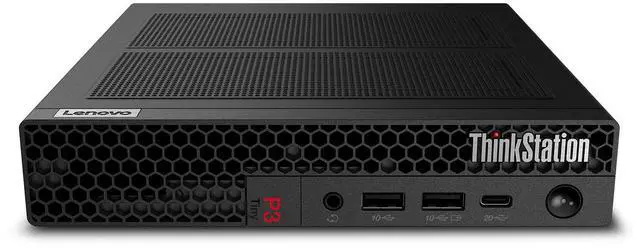
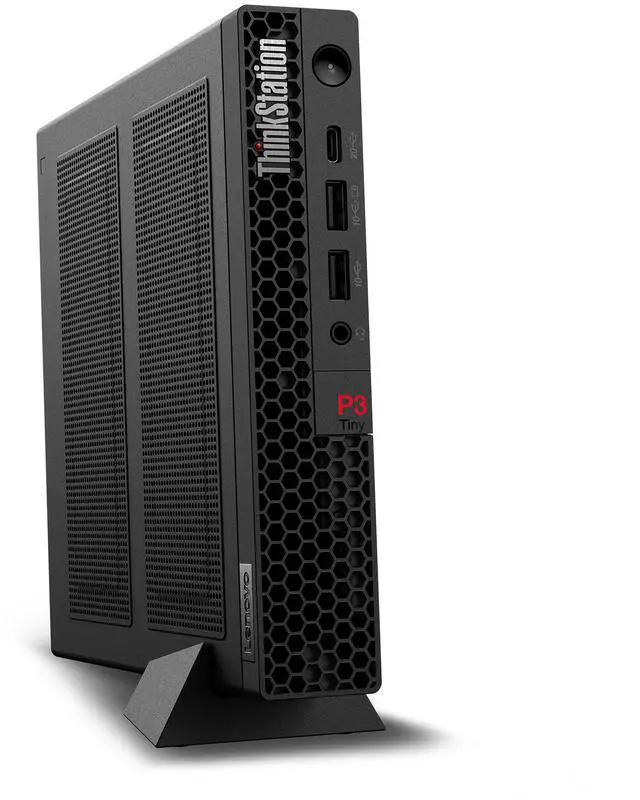
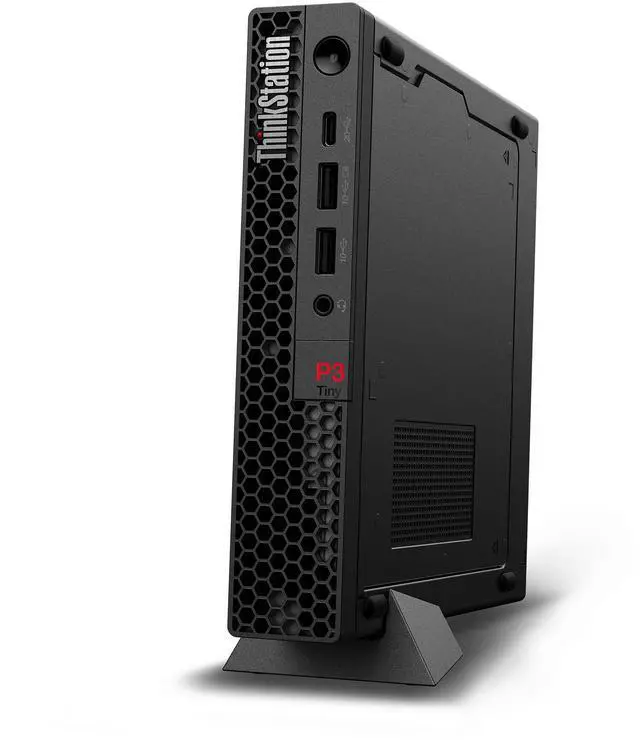
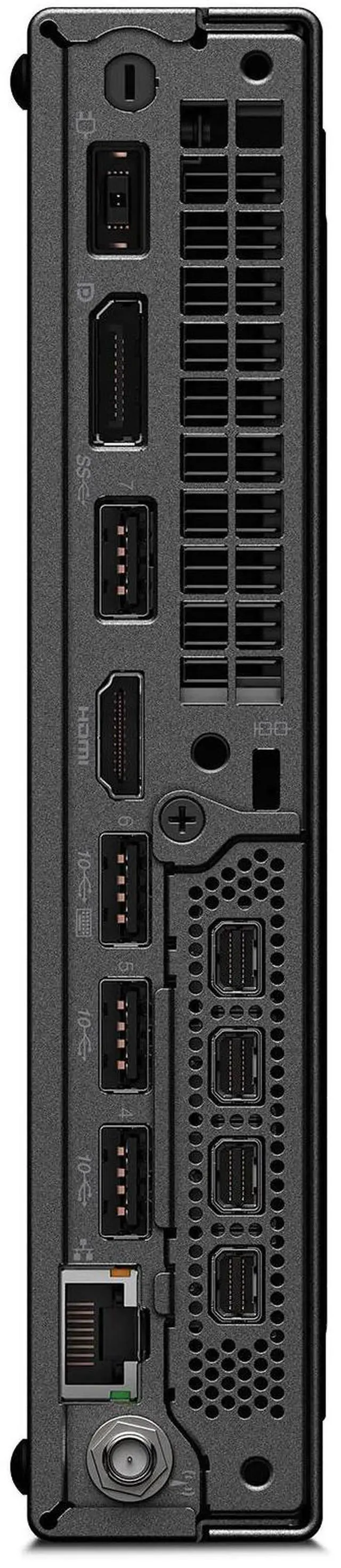
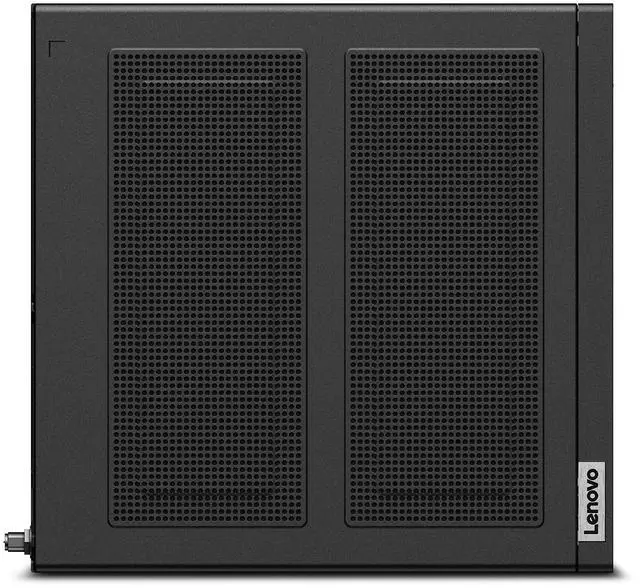
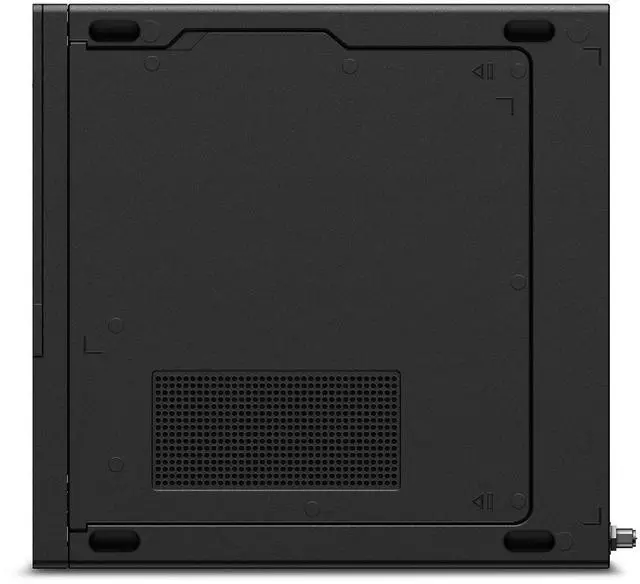
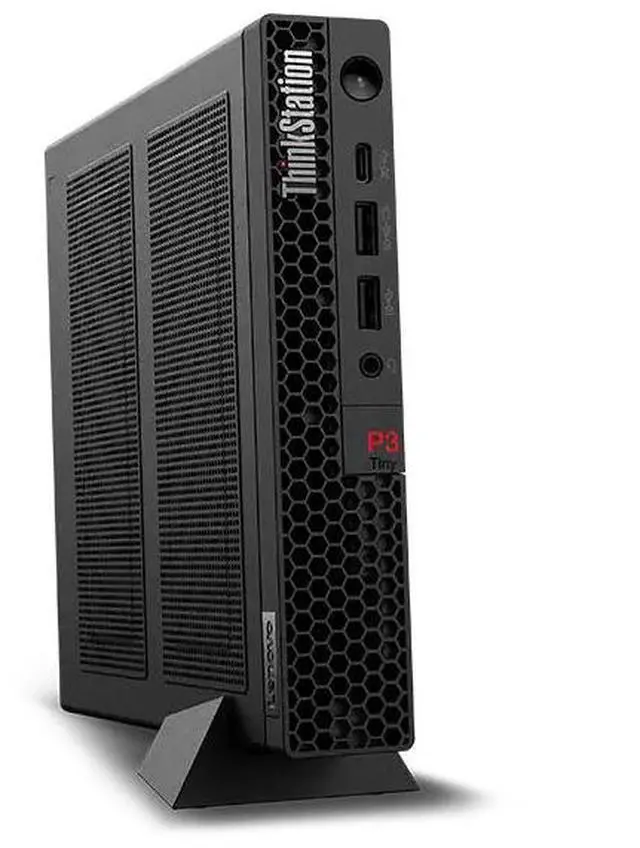
The Lenovo ThinkStation P3 Tiny Gen 2 (30K6000AUS) is a compact desktop workstation with an Intel Core Ultra 5 235 vPro processor, 16GB DDR5 memory, a 512GB PCIe Gen 5 SSD, and Windows 11 Pro. It suits professionals who need workstation features and business-ready computing in a small footprint.
Recommended For
- IT teams deploying compact, centrally manageable Windows desktops for office staff: the ThinkStation P3 Tiny Gen 2 is positioned as a space-saving workstation, and this configuration includes Intel vPro and Windows 11 Pro.
- Businesses needing a fixed workstation for a front desk, shared office, or space-constrained desk: TechRadar describes the Tiny as suitable for front-desk and other setups where a reliable computer must fit into a small space.
- Professionals running business software, server access, and CPU-focused office or analysis tasks who want workstation-class desktop management in a one-liter footprint; this specific configuration uses integrated Intel Graphics rather than a discrete GPU.
Real-World Use Scenarios
- In a small office, an employee uses the P3 Tiny for email, documents, browser-based business tools, and video calls; it can handle this everyday productivity role while staying out of the way on or under a desk.
- When desk space is limited, a business can mount or tuck the PC behind a monitor, under a desk, or in another out-of-the-way spot; it provides a desktop workstation without taking up much work surface.
- For a front desk, reception area, or basic digital-signage setup, the P3 Tiny can run a fixed business application or display from a compact, tucked-away location; it is suited to a dedicated endpoint rather than a graphics-intensive display workload.
- At a workstation with two business monitors, a user can spread documents, spreadsheets, and business applications across separate screens; the reviewer tested multi-monitor use on the P3 Tiny Gen 2, though this configuration lists integrated Intel Graphics rather than a discrete GPU.
- An engineer handling 2D drawings, technical documents, or modest models can use it for lighter design and review tasks; this integrated-graphics configuration is a less suitable choice for demanding 3D rendering or other GPU-heavy work.




 here!