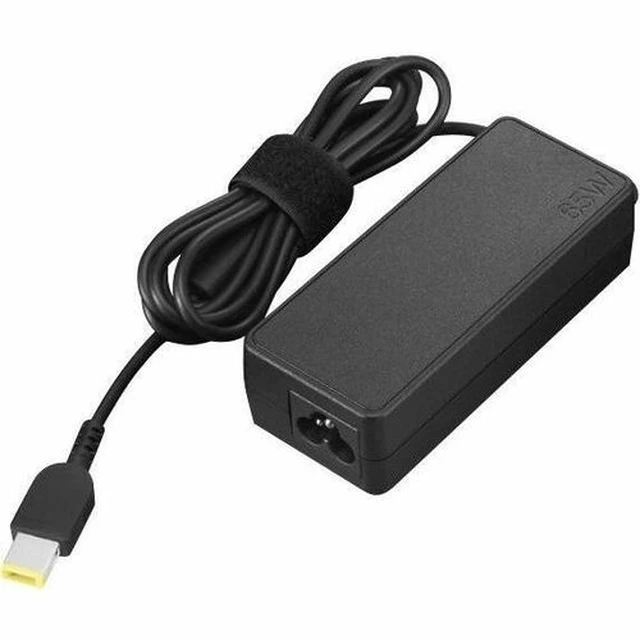
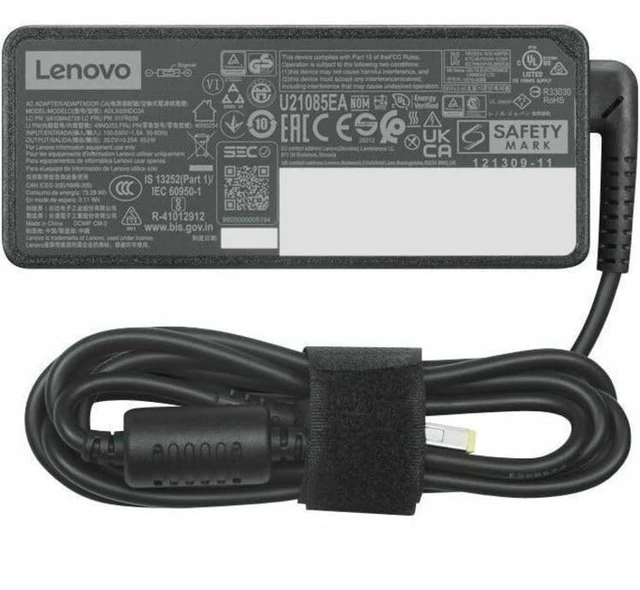
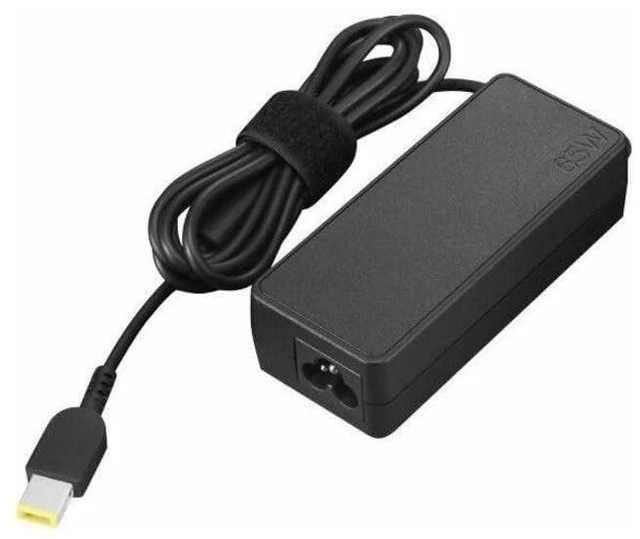
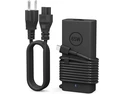
The Lenovo ThinkCentre 65W AC Adapter (Slim Tip), model 4X21J81436, is a black power adapter for users who need a replacement or spare for a compatible Lenovo system that uses a Slim Tip connector and requires 65W.
Recommended For
- ThinkCentre owners replacing a lost or failed adapter who have verified that their specific system supports the 65W Slim Tip model.
- People who use a compatible ThinkCentre at a regular desk and want a spare adapter to keep at a second work location or home office.
- IT teams maintaining compatible ThinkCentre desktops that need a matching replacement or spare power adapter for workstation setups.
Real-World Use Scenarios
- When a compatible ThinkCentre’s original power adapter is lost or no longer works, use this as a replacement after checking the exact system model; it provides the adapter’s rated power through a slim-tip connector.
- For a compatible ThinkCentre used at more than one work location, keep this adapter as a spare at the second desk; it avoids having to move the primary adapter between setups.
- In a fixed home or office setup, connect a compatible ThinkCentre to a nearby AC outlet; the adapter supplies power for desktop use rather than acting as a battery or power bank.
- When arranging a compatible ThinkCentre on a desk, route the adapter’s 1.8-meter DC cable from the unit toward the power brick; check that the cable can reach your chosen placement and outlet.




 here!

 Top Rated