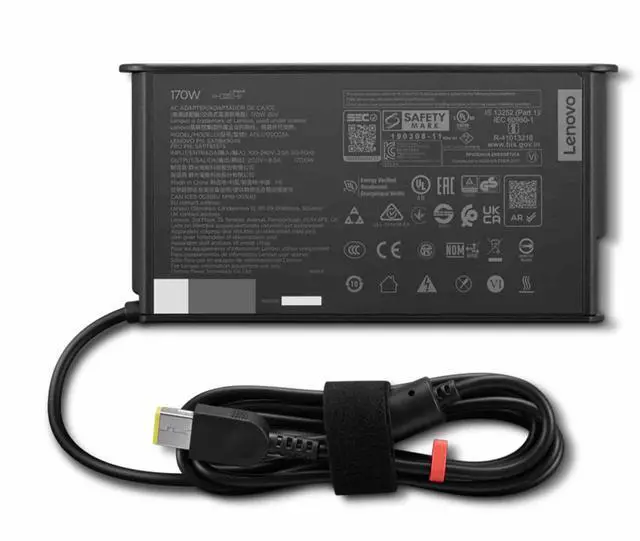
The Lenovo ThinkStation Slim 170W AC Adapter (Slim tip), model 4X21U26035, is a Lenovo power adapter for users who need a replacement or spare and whose device requires a 170W Slim Tip adapter.
Recommended For
- ThinkStation owners replacing a missing or failed adapter when their system calls for Lenovo part 4X21U26035 and a 170W slim-tip connection.
- Office or home-workstation users who want a dedicated adapter to keep with a compatible ThinkStation setup, rather than rely on a shared charger.
- Users whose compatible Lenovo system uses slim tip and who prefer that dedicated connector over USB-C charging.
Real-World Use Scenarios
- Replacing a missing or failed power adapter: Use it to restore power to a compatible ThinkStation workstation, provided the system requires a 170W adapter with a slim-tip connector.
- Keeping a backup at a workstation: If the original adapter is misplaced or stops working, a compatible spare can help get the workstation back in use without waiting to locate another power supply.
- Setting up a second work location: Keep the adapter at another desk or office so a compatible workstation can be powered there without moving its usual adapter back and forth.
- Moving a compatible workstation to a temporary desk: Bring this adapter along to power the system at the new setup; confirm the workstation calls for 170W and uses the matching slim-tip connector before connecting it.




 here!