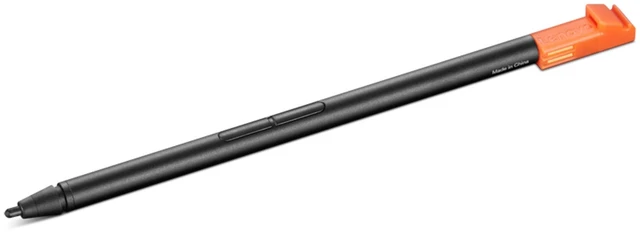
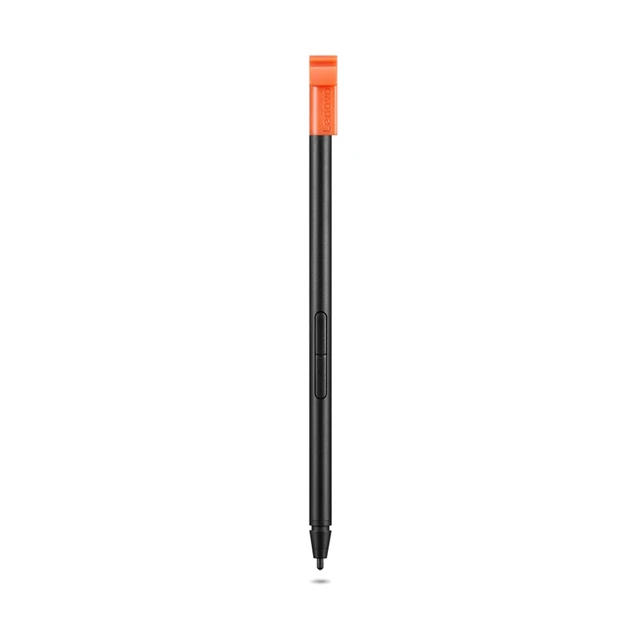
The Lenovo Integrated Pen for 13w Yoga G3 is a stylus accessory for the Lenovo 13w Yoga G3, suited to owners who want to write, annotate, or sketch on their compatible device.
Recommended For
- Owners of a Lenovo 13w Yoga G3 who need a replacement or spare pen: this model is designed for that laptop and supports writing, sketching, and up to 4,096 pressure levels.
- Students and meeting-heavy workers who use a 13w Yoga G3 to handwrite notes or mark up documents; the pen is rechargeable and stores in the laptop’s pen slot, keeping it with the device between classes or meetings.
- 13w Yoga G3 users who make casual sketches or pressure-sensitive digital marks on the touchscreen; Lenovo positions the pen for sketching and supports up to 4,096 pressure levels.
- Mobile users who switch between typing and pen input on their 13w Yoga G3; the pen fits into the laptop’s built-in garage for storage and charging instead of needing to be carried separately.
Real-World Use Scenarios
- During a class or meeting, jot down handwritten notes directly on the 13w Yoga’s screen; the pen is designed for writing, and its onboard storage and charging help keep it available between sessions.
- While reviewing a digital worksheet or PDF, write comments, circle details, or underline passages on screen; this is a practical way to mark up material without printing it.
- In tablet mode, sketch a quick diagram, chart, or visual explanation during a lesson or discussion; the pen gives a more controlled way to draw and label than using a finger.
- For informal drawing or brainstorming, make rough sketches and vary stroke weight with pen pressure; it suits quick visual work more than a dedicated drawing-tablet setup.
- When presenting or collaborating around the convertible, point to, select, or write directly on screen; the pen offers a more precise input option than touch for small controls and handwritten annotations.




 here!