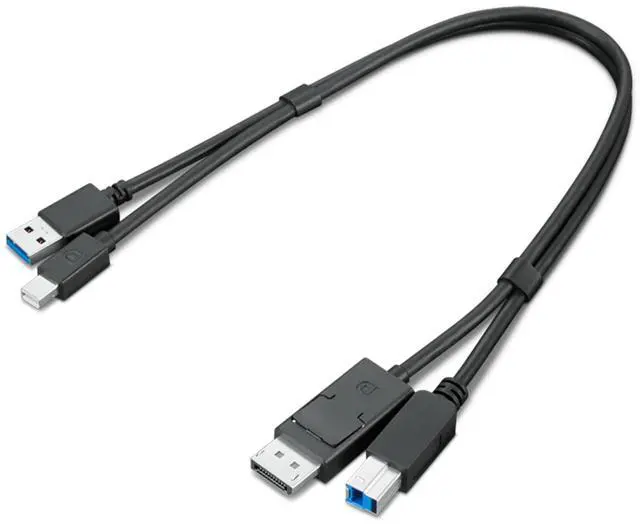
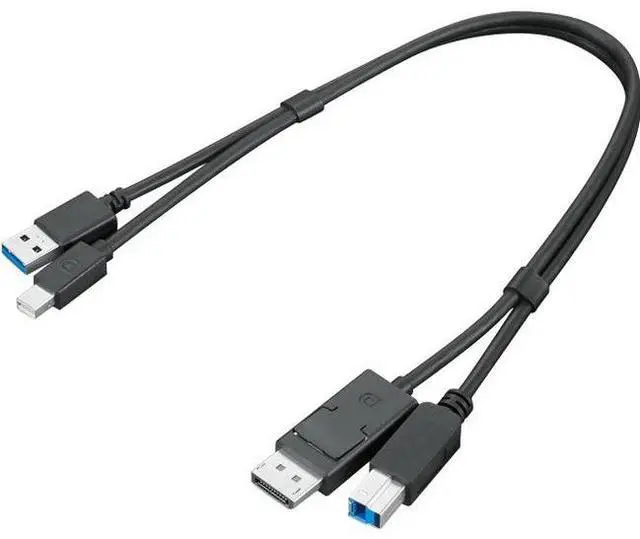
The Lenovo ThinkStation 4X91D11453 is a black dual-head cable with Mini DisplayPort and USB-A 3.0 connections on one side and DisplayPort and USB-B 3.0 on the other, suited to users whose ThinkStation setup requires this exact connector combination.
Recommended For
- ThinkStation P340 or P350 Tiny users connecting a Mini DisplayPort-equipped workstation to a DisplayPort monitor; Lenovo’s compatibility matrix lists this cable for those Tiny models.
- Desk-based users whose computer has Mini DisplayPort and USB-A while the display or connected device has DisplayPort and USB-B; the cable carries the video and USB connections together.
- Fixed workstation setups with the computer and display close together: Lenovo specifies a 0.43-meter cable, making it suited to short runs rather than routing across a room.
Real-World Use Scenarios
- At a workstation with Mini DisplayPort output and a DisplayPort monitor, connect the two video ports to send the computer’s picture and audio to the screen.
- When the monitor has a USB-B upstream port and built-in USB ports, connect the cable’s USB-A and USB-B ends as well as the video ends; this lets the computer use the monitor’s USB hub. The USB leg carries data, not a second video signal.
- For a desk setup where the computer and monitor are close together, use the combined cable to connect the display and its USB hub without running separate video and USB cables across the desk.
- When setting up or reconnecting a compatible ThinkStation and DisplayPort monitor, use the Mini DisplayPort-to-DisplayPort leg for the screen and the USB-A-to-USB-B leg if you also need the monitor’s USB hub; check that the computer has Mini DisplayPort video output.




 here!