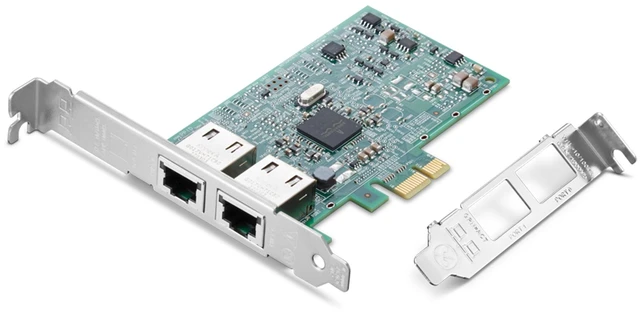
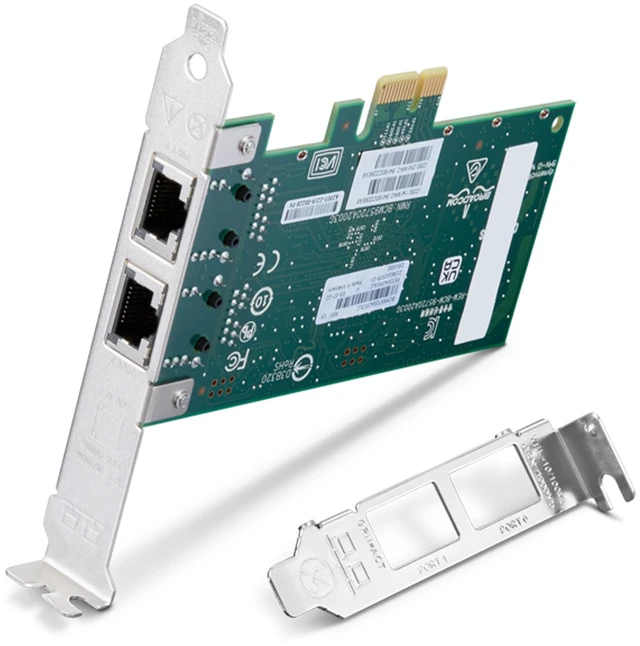
The Lenovo ThinkStation Broadcom BCM5720-2P (4XC1K83390) is a PCIe x1 network adapter with two Gigabit Ethernet ports, suited to workstation users who need two wired network connections.
Recommended For
- ThinkStation desktop users who need two wired Ethernet connections—for example, to connect to separate networks or dedicate a port to a specific network task—rather than relying on one onboard port.
- Workstation administrators who need wired 1GbE connectivity for a fixed desktop setup and want Broadcom’s receive-side scaling and network offload features.
- IT teams configuring supported workstation or server-network workflows that use features such as VLANs, jumbo frames, PXE boot, or NIC teaming; confirm compatibility with the specific system and operating environment before purchase.
- Users adding a second wired network link to a compatible desktop who need ordinary Gigabit Ethernet rather than a higher-speed 10GbE connection.
Real-World Use Scenarios
- A ThinkStation with too few wired network ports can use the adapter to add two Ethernet connections, letting the user connect additional wired equipment without replacing the workstation.
- A user running virtual machines can dedicate one port to host management and the other to virtual-machine or service traffic, making network connections easier to separate in the virtualization setup.
- For a workstation used as a small router or firewall, the two ports can connect separate sides of the network—such as an internet-facing connection and an internal LAN—when the operating system and network configuration support routing.
- A user who needs an isolated network for lab devices, storage, or home automation can connect it through one port while keeping the other on the regular LAN; isolation depends on the network and computer being configured not to route between them.
- In a workstation or server setup, the two ports can be configured for a backup network path if the operating system, switches, and network settings support failover; having two ports alone does not guarantee automatic failover.




 here!