Your Browsing History
- $33.99
- Free 30-day Returns
$25.99
Best Sellers
- $39.99
- + FREE SHIPPING
- $43.27
- + FREE SHIPPING
Meet Your Seller
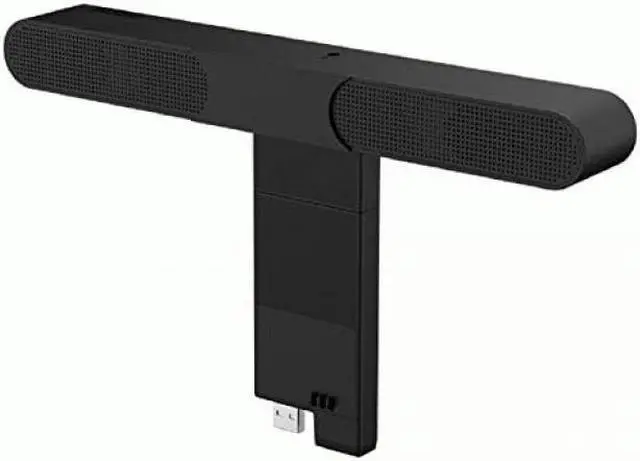
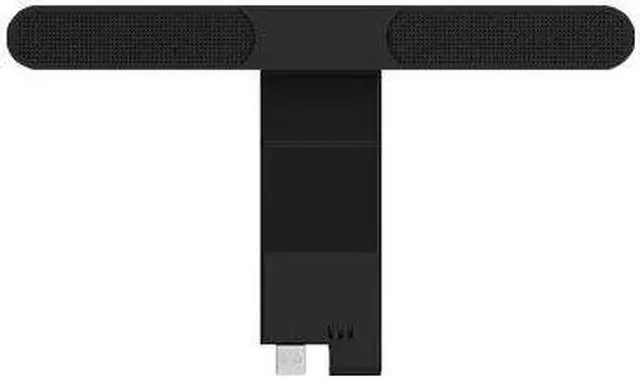
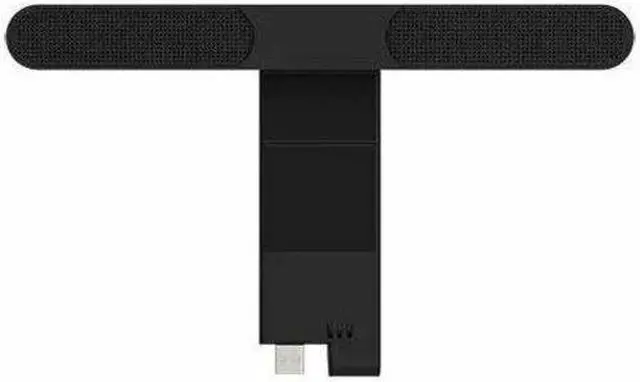
Lenovo ThinkVision MS30 Monitor Sound Bar Speaker 4 W RMS 4XD1J05151, Black
- Manufacturer: Lenovo
- Manufacturer Part Number: 4XD1J05151
- UPC: 195892048428
- The front-facing 2 X 2W sound experience is perfect for virtual meetings and online classroom sessions
- Flexible setup by lift functionality to support selected P/T - 30 series monitors and be in the position for your needs
+
+
Overview
Specs
Reviews
See all Q & A
Any questions? Ask CelesteSM will help you find out quickly.
Try me now
The ThinkVision MS30 Monitor Soundbar delivers crystal clear and quality sound directly from the front 2 X 2W speakers, so your virtual meetings and classroom experiences are always rich. Its sleek, less than 30mm, modular design is free of cable clutter and pairs perfectly with your ThinkVision P and T Series monitors. It comes with a Security Lock that keeps it safe from physical theft once connected. Lenovo ThinkColour software enables convenient display features for a stress-free experience.
Warranty & Returns
Warranty, Returns, And Additional Information
Warranty
- Please contact the Seller directly for warranty information. Warranty information may also be found on the Manufacturer's website.
- Read full details
- CONTACT
Return Policies
- Return for refund within: 30 days
- Return for replacement within: 30 days
- This item is covered by Lenovo Return Policy
Manufacturer Contact Info
- For a directory of all our manufacturers, please click below.
- Manufacturers Directory
LOADING...
LOADING...
The Lenovo ThinkVision MS30 is a USB-A monitor soundbar with front-facing 2 × 2 W speakers, suited to people who want clearer audio for virtual meetings or online classes with selected ThinkVision P- and T-series monitors.
Recommended For
- Remote and hybrid workers who mainly need clear, front-facing audio for video calls and prefer a soundbar attached to a compatible ThinkVision monitor over a separate desktop speaker.
- Schools and home-learning setups that need monitor-mounted audio for online lessons, where speech playback matters more than music or cinematic sound.
- ThinkVision owners with a compatible selected P/T-30 series monitor who want a compact, lift-adjustable speaker mounted at the display.
- Desk-based users who need basic spoken-audio playback from a USB-A monitor accessory and do not need a portable speaker for use away from the workstation.
Real-World Use Scenarios
- During work-from-home video meetings, use the MS30 to hear other participants from the front of the monitor without adding separate desktop speakers.
- For online classes or remote lessons, place it on a compatible ThinkVision monitor so spoken instruction plays from the front of the display.
- When following workplace training or tutorial videos at a desk, use the soundbar for the video’s spoken audio without occupying desk space with separate speakers.
- For a streamlined workstation, attach it to a compatible ThinkVision P- or T-series monitor; the monitor-mounted setup keeps the speaker off the desk and reduces cable clutter.