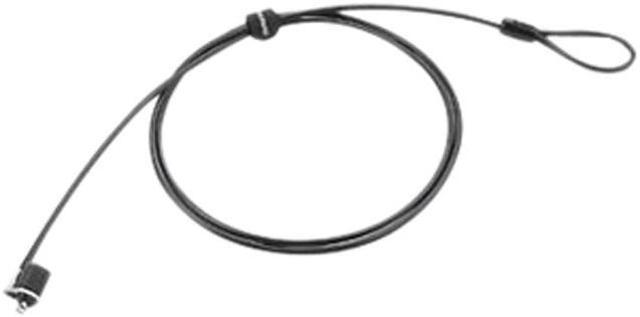
The Lenovo 57Y4303 is a keyed security cable lock for users who want to secure a compatible notebook in an office, school, library, or other shared space. Its 5-foot galvanized steel cable and slim T-bar lock mechanism are designed for notebook use.
Recommended For
- Office, school, and library users who leave a compatible laptop at a shared desk and want to tether it to a fixed point during routine use.
- People who travel with a compatible notebook and want a lightweight keyed lock for temporary use at a desk or other fixed anchor point.
- IT and facilities teams securing desktops, docking stations, or monitors that have a compatible Kensington T-bar lock slot.
Real-World Use Scenarios
- At a shared office or school desk, a user loops the cable around a fixed fixture and locks a compatible laptop in place; this can deter someone from quickly walking off with it while the user steps away.
- In a library or other public study area, a student can tether a compatible laptop to a fixed desk or fixture before taking a brief break; the lock helps discourage a quick grab, but is not a substitute for keeping an eye on the device.
- While traveling for work, a user can carry the lock in a laptop bag and tether a compatible notebook to a secure fixture at a temporary workstation; the key lock adds a physical obstacle when the laptop is left briefly unattended.
- At a reception desk, classroom, or shared workstation, staff can secure a compatible laptop, monitor, or docking station to a fixed object; this makes casual removal less convenient in areas used by multiple people.
- Before using it with a thin notebook, a buyer can check that the laptop has a compatible T-bar security slot; when compatible, the small lock head is intended to fit thin-designed notebooks without adding a bulky attachment.




 here!

 Hot Seller
 Top Rated