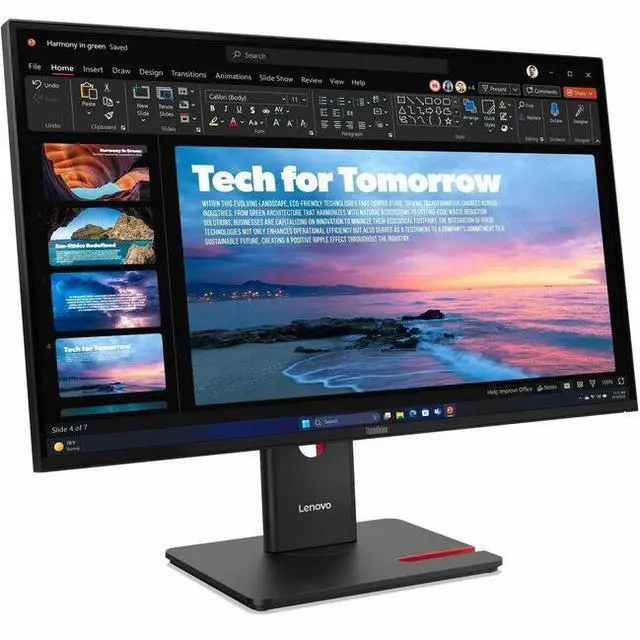
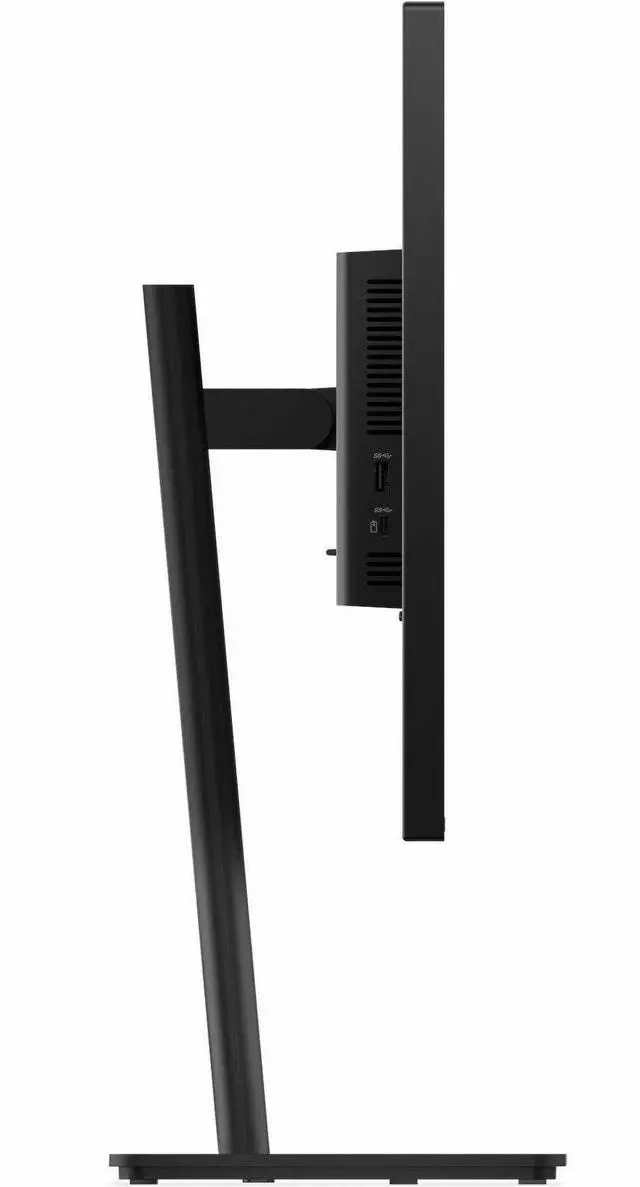
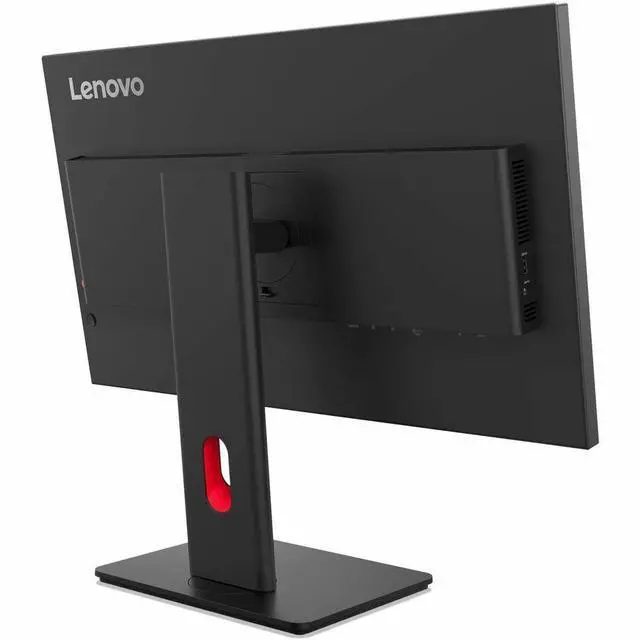
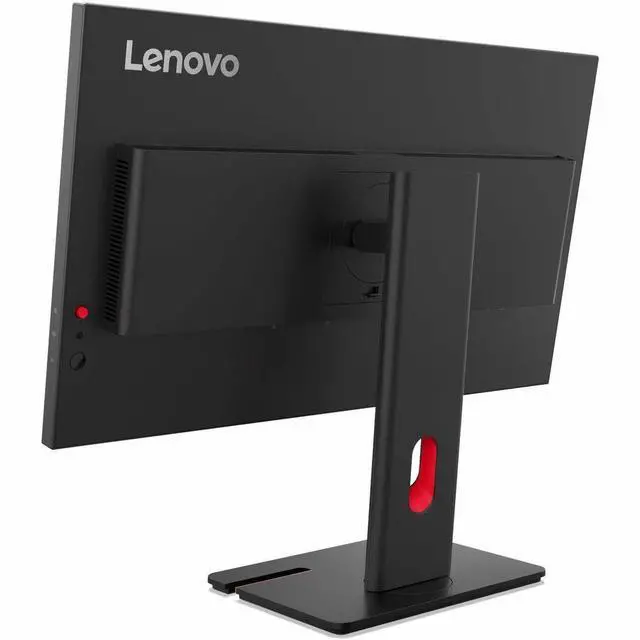
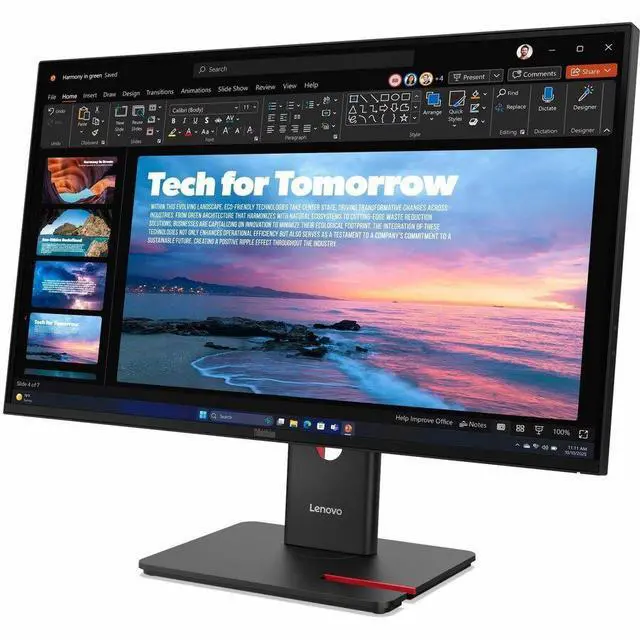
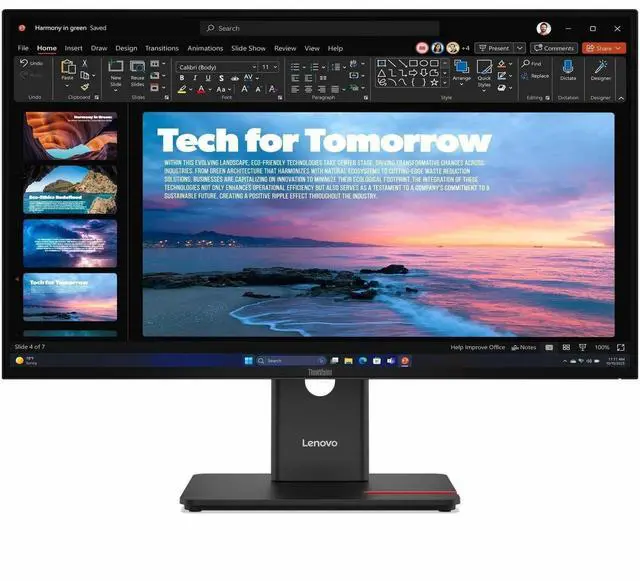
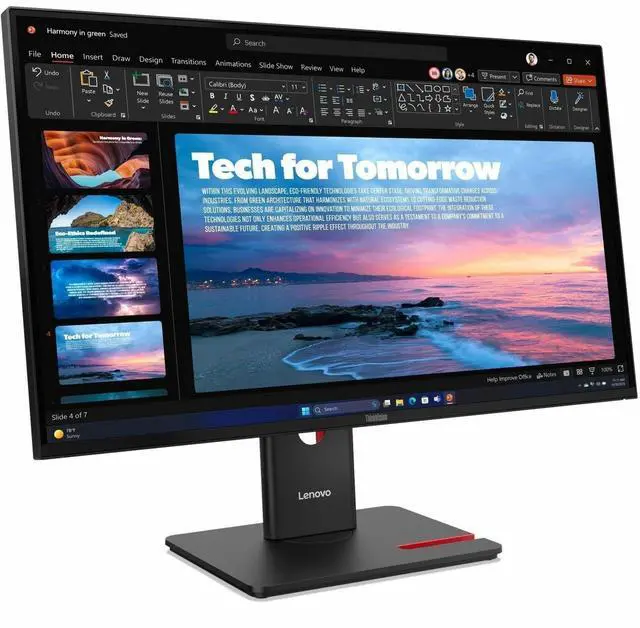
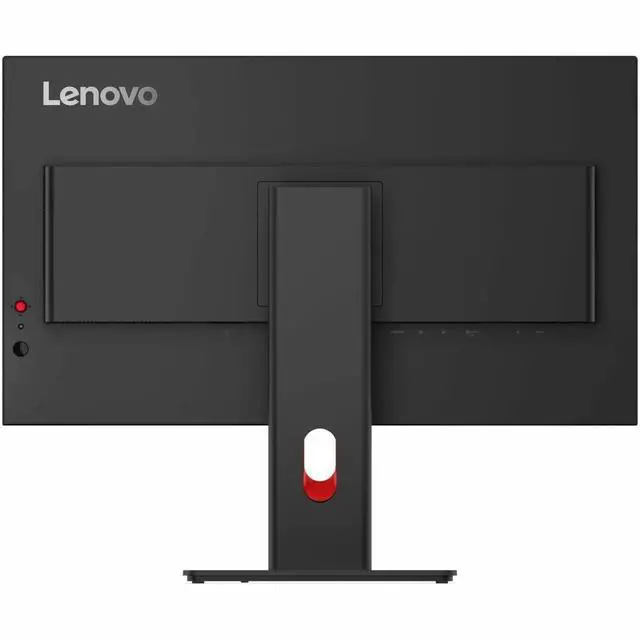
The Lenovo ThinkVision T27QD-40 is a 27-inch QHD IPS monitor with a 120Hz refresh rate, USB hub, and adjustable stand, suited to professionals who want a sharp, fluid display for everyday office work and multitasking.
Recommended For
- Laptop-based office workers who want a single USB-C connection for display, USB peripherals, and laptop charging, provided their laptop supports USB-C DisplayPort video and the monitor’s power delivery is sufficient for it.
- Desk-based spreadsheet, document, and coding users who want a 27-inch QHD workspace, an IPS viewing panel, and an adjustable stand for changing screen position during the workday.
- Office users connecting several displays who want to explore a daisy-chained setup through the monitor’s DisplayPort output, subject to their computer and display configuration supporting it.
- Web and office-content creators working primarily in standard sRGB or BT.709 who want a QHD display with stated 99% coverage of those color gamuts.
- People who mix everyday work with casual gaming and prefer a 120 Hz display over a standard 60 Hz office screen, without requiring a gaming-focused monitor.
Real-World Use Scenarios
- For spreadsheet work, writing, and keeping several windows visible, the QHD screen gives a 27-inch desktop workspace where users can compare documents or reference material without constantly switching tabs.
- At a desk with a compatible laptop, users can connect over USB-C for display, data, and power, reducing cable clutter; the monitor’s USB ports can also keep common peripherals connected at the workstation.
- For everyday browsing, office apps, and video playback, the IPS screen’s wide viewing angles help keep the picture consistent when the user shifts position or shares the screen with someone nearby.
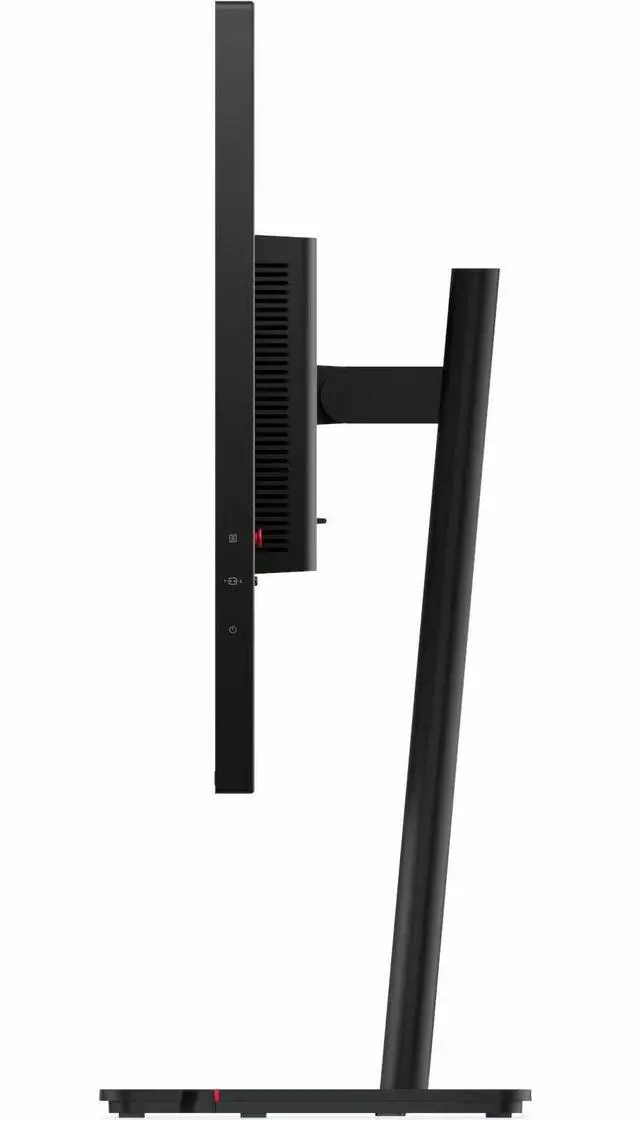
- For a flexible work setup, users can raise, tilt, swivel, or rotate the display to suit their seating position; portrait orientation can also make long documents or code easier to view.
- For casual gaming or fast-moving video, supported refresh rates up to 120 Hz can make motion appear smoother than on a standard 60 Hz display, provided the computer and connection support the higher rate.




 here!

 Top Rated