• $159.99
  • $189.99
  • Save: $30.00 (15%)
  • Free 30-day Returns
  • Sold by Direct from manufacturerLenovo
    Top Rated
    4.5 (1,125 seller ratings)

    Shipped by Direct from manufacturerLenovo

    Price alert
    Shop it at NeweggBusiness.

    Meet Your Seller

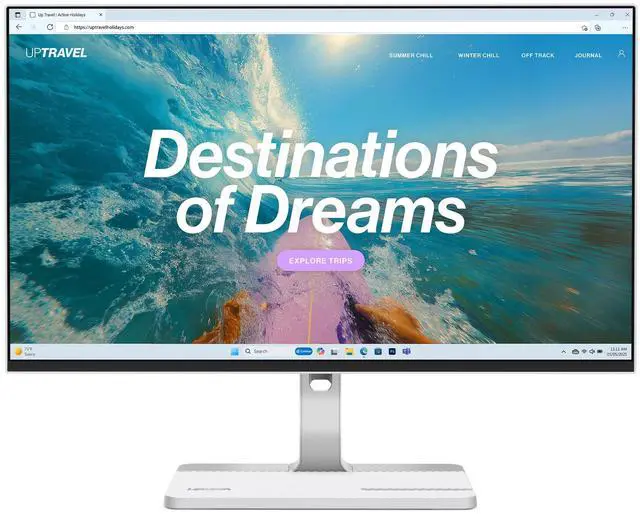
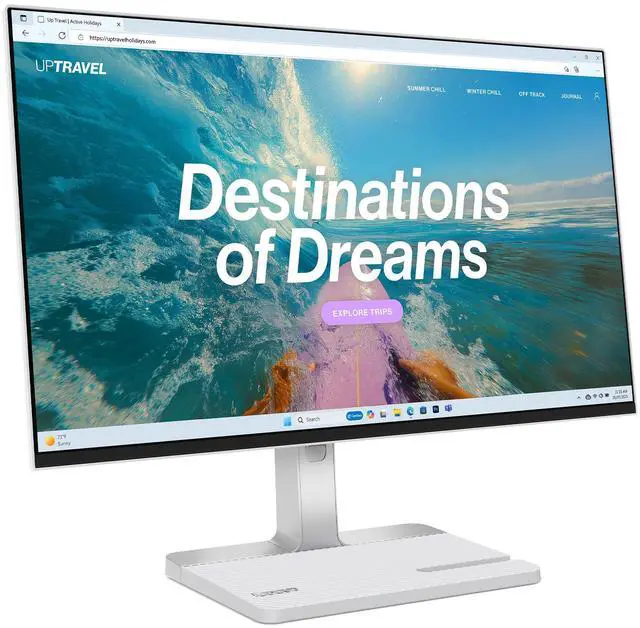
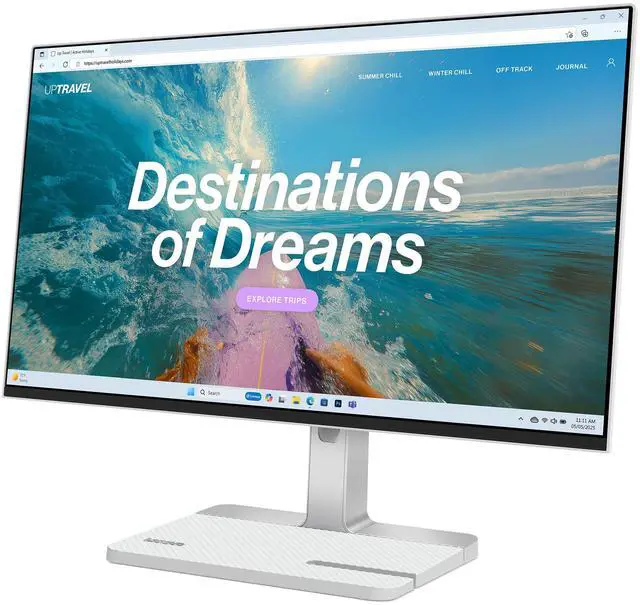
    Lenovo L24D-4C 24-inch IPS FHD 144Hz USB-C Monitor

    • 67DCUCC6US
    +
    +
    Overview
    Specs
    Reviews

    Any questions? Ask CelesteSM will help you find out quickly.

    Vivid Visuals And Seamless Performance

    Upgraded Screen Performance

    |

    Dive into detailed clarity on a 23.8" FHD display featuring a 144Hz refresh rate, 99% sRGB color accuracy, and a 1,500:1 contrast ratiodelivering smooth, vivid, and realistic visuals.

    |

    Eye Care for Extended Comfort

    |Enjoy longer hours of work or play with low blue light technology and TÜV-certified flicker-free performanceengineered to minimize eye strain and reduce fatigue over time.|

    Fluid, Responsive Visuals

    |

    Experience smooth, uninterrupted action with ultra-fast response times4ms GTG and 1ms MPRTdelivering sharp, seamless visuals even in the most fast-paced scenes.

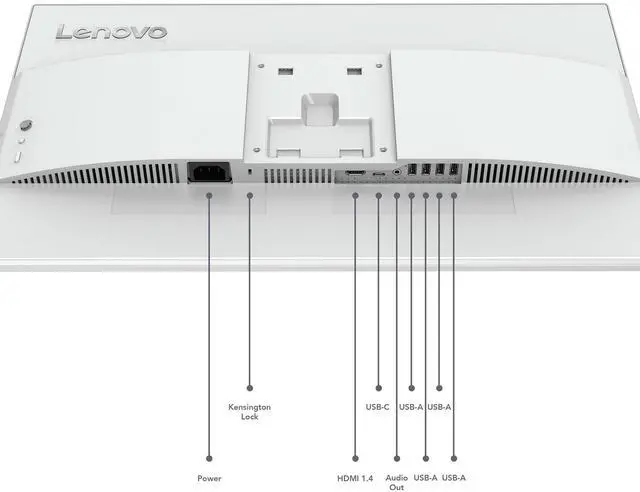
    | Powerful USB-C Connectivity|Connect and power your devices effortlessly with built-in USB-C docking, featuring DisplayPort support and up to 75W Power Delivery.|Integrated USB Hub|Four USB-A 3.2 ports let you connect your favorite accessories directly to the monitorno extra adapters or hubs required.|Built-In Convenience|Easily integrate your devices and audio gear into your setup with a built-in HDMI 1.4 port and audio-out connection.|

    Form and Function, Blended for Modern Productivity

    Seamless Visual Experiencet

    |Enjoy smooth gaming and video playback with AMD FreeSync and VESA® MediaSync, which work together to eliminate screen tearing and stuttering for a more fluid viewing experience.|

    Immersive Sound

    |

    Dive into rich, detailed audio with the monitors built-in dual 3W speakers.

    |

    Smart Software for Customized Experiences

    Personalized Display Experience

    |

    Take control with Lenovo Artery (Lenovo Accessories and Display Manager)* softwareeasily fine-tune display settings, manage audio, and activate advanced gaming features for a more tailored experience, whether you're working or playing.

    *Formerly Lenovo Display Control Center. Supports Windows 10 & 11, Mac OS (functions vary across systems).

    |

    Warranty & Returns

    Warranty, Returns, And Additional Information

    Warranty

    • Please contact the Seller directly for warranty information. Warranty information may also be found on the Manufacturer's website.
    • CONTACT

    Return Policies

    • Return for refund within: 30 days
    • Return for replacement within: 30 days
    • This item is covered by Lenovo Return Policy

    Manufacturer Contact Info

    LOADING...

    The Lenovo L24D-4C is a 23.8-inch IPS Full HD monitor with a 144Hz refresh rate and USB-C connectivity, suited to users who want one display for everyday work, entertainment, and smoother gaming.

    Recommended For

    • Laptop-based remote workers who want a one-cable desk setup: USB-C carries the display signal, powers compatible laptops at up to 75W, and connects the monitor’s USB hub.
    • People who split their desk time between documents, browsing, and casual gaming: the 144Hz IPS display makes scrolling and games feel smoother, while FreeSync is intended to reduce tearing with compatible systems.
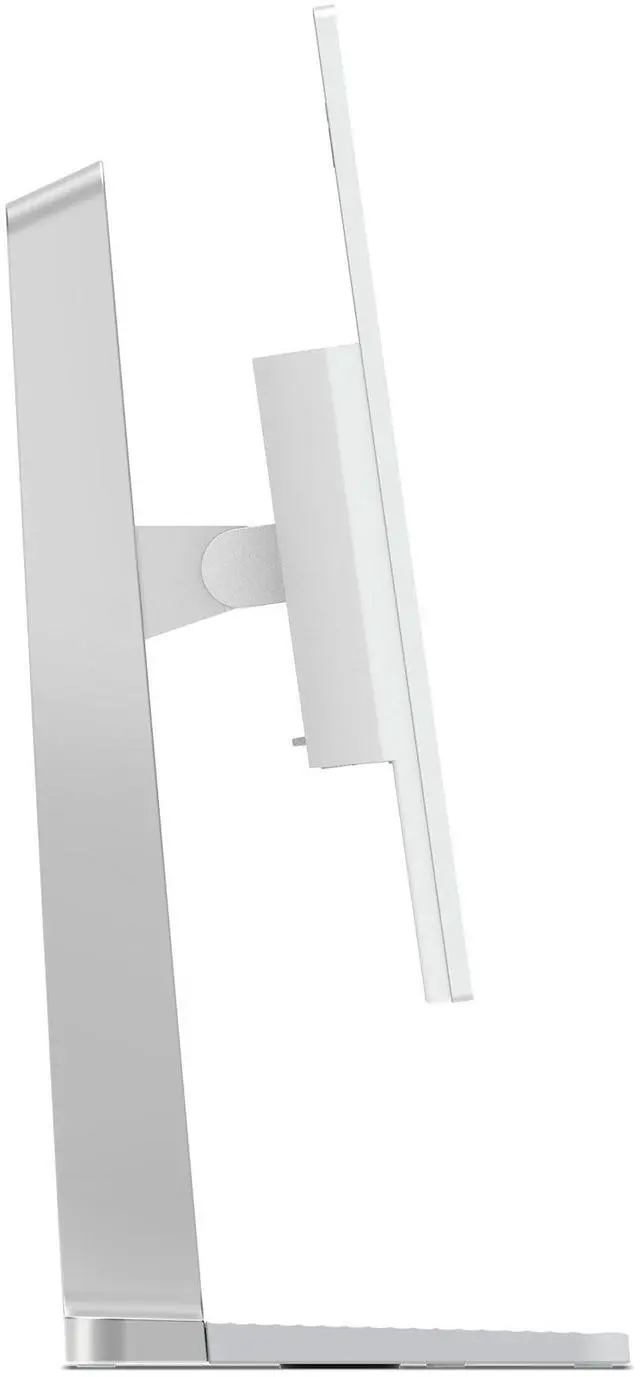
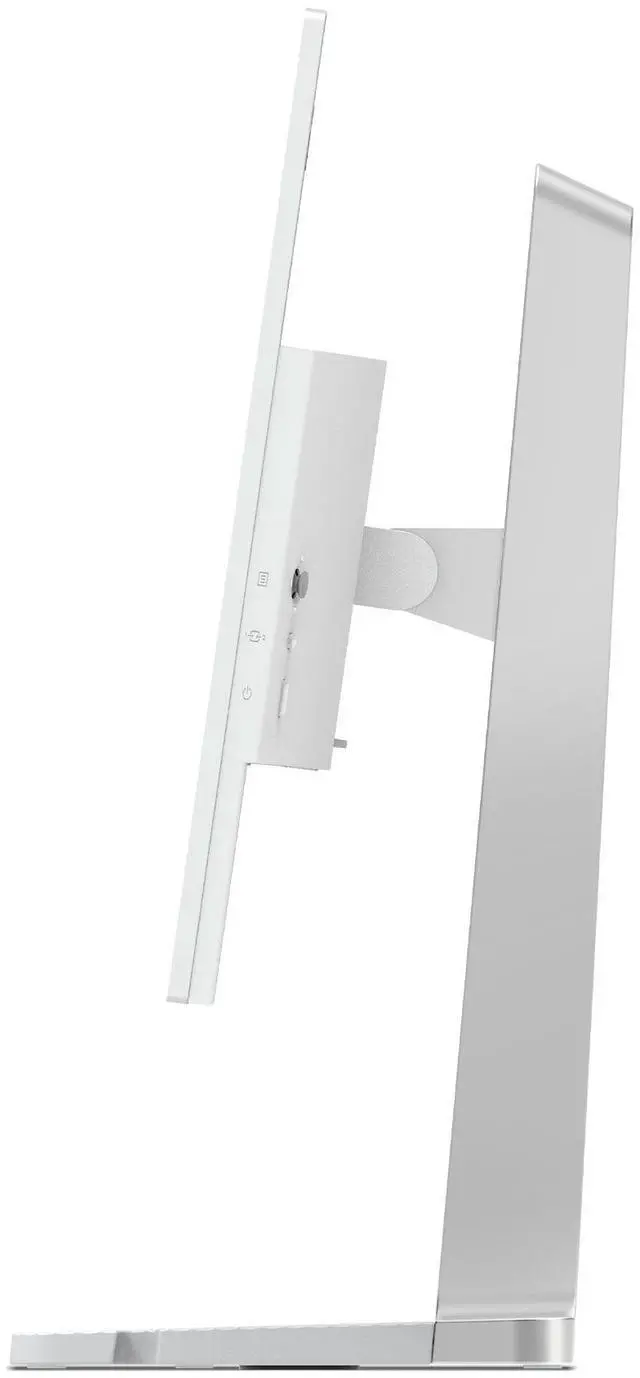
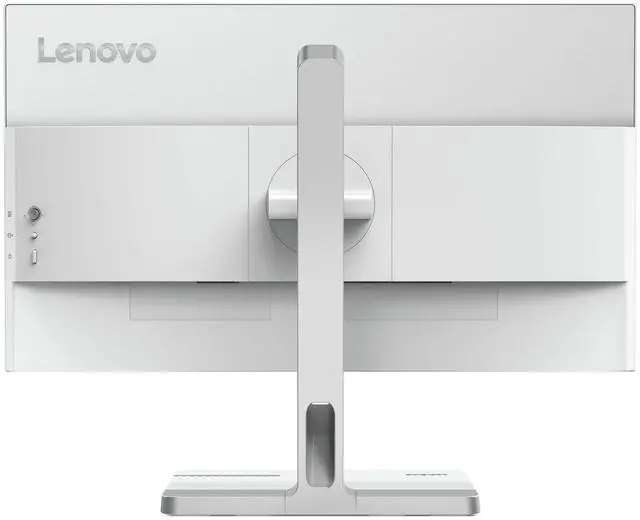
    • Students and home-office users with limited desk space who want an adjustable monitor for long sessions: reviewers found its stand practical, with height adjustment and tilt, and its compact base suited smaller desks.
    • Social-media creators and presenters who do light photo or video edits: the review describes its colors as natural for everyday creative work, and Lenovo specifies 99% sRGB coverage.

    Real-World Use Scenarios

    • At a home or hybrid-work desk, connect a compatible laptop by USB-C to send video, charge the laptop, and use peripherals plugged into the monitor; this can replace several separate desk connections with one cable.
    • For everyday office or study tasks such as writing, browsing, email, and spreadsheets, use it as a larger screen than a laptop display; the 23.8-inch Full HD panel provides a straightforward workspace for routine work.
    • After work, play PC games that benefit from smoother motion, including casual or competitive titles; the 144Hz refresh rate and adaptive-sync support are intended to make motion feel smoother when the connected system supports them.
    • For light creative work—such as preparing presentations, editing social-media photos, or making simple video edits—the monitor can serve as an everyday preview screen; it is not positioned as a professional color-grading display.