





Smooth Round Keycaps

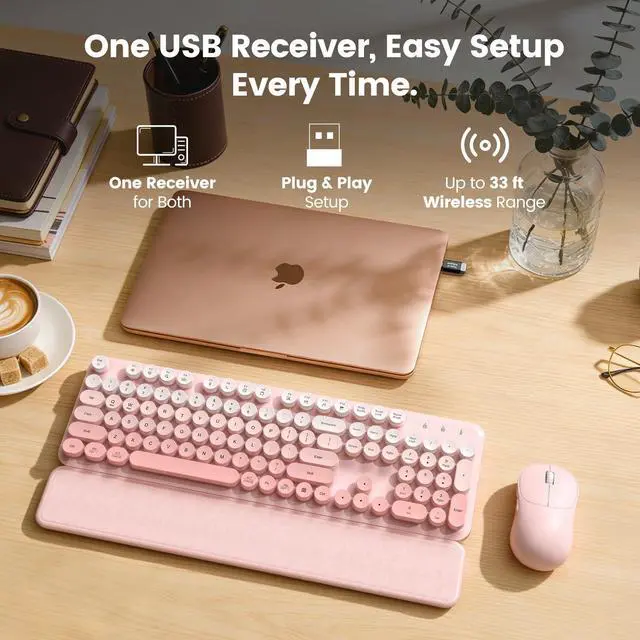
Plug and Play Wireless

Splash Resistant Design

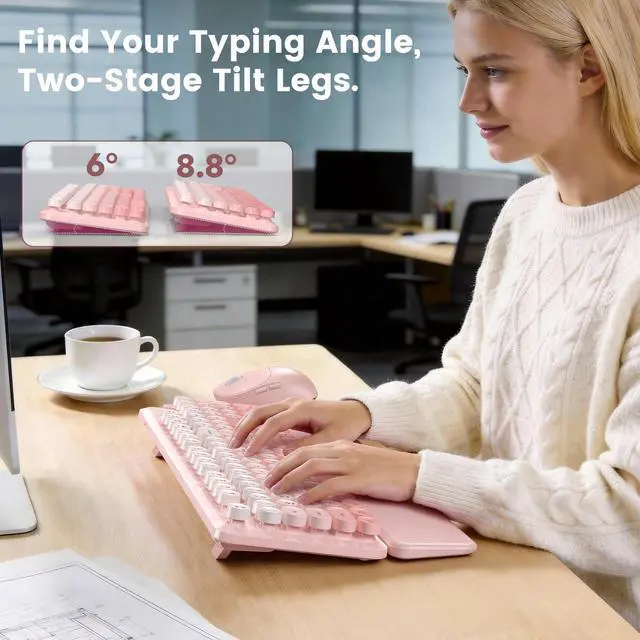
Two Stage Tilt Legs
Q1: Does this typewriter keyboard and mouse combo work with Mac?
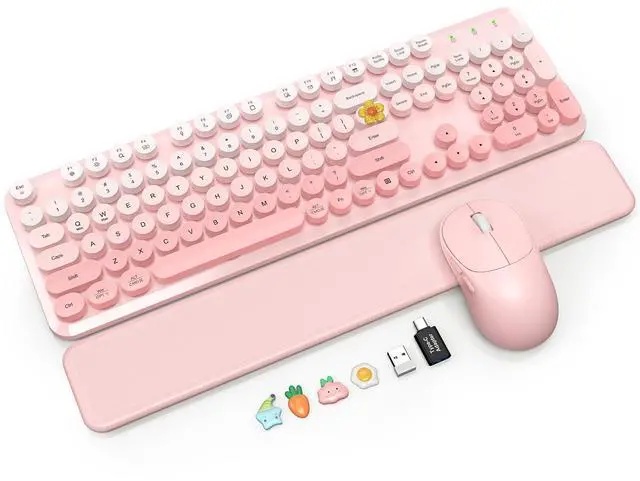
A: Yes! While specially designed for Windows, it works on Mac using the included adapter. Please note that some top shortcut keys are not compatible with macOS. Let us know via Messaging if you have questions.
Q2: Is this typewriter-style keyboard loud? Is it okay for office use?
A: This keyboard makes a normal typing sound and is not completely silent. It lacks the loud click of a mechanical keyboard, making it great for regular office hours rather than ultra-quiet spaces.
Q3: Is the magnetic wrist rest comfortable for long hours of typing?
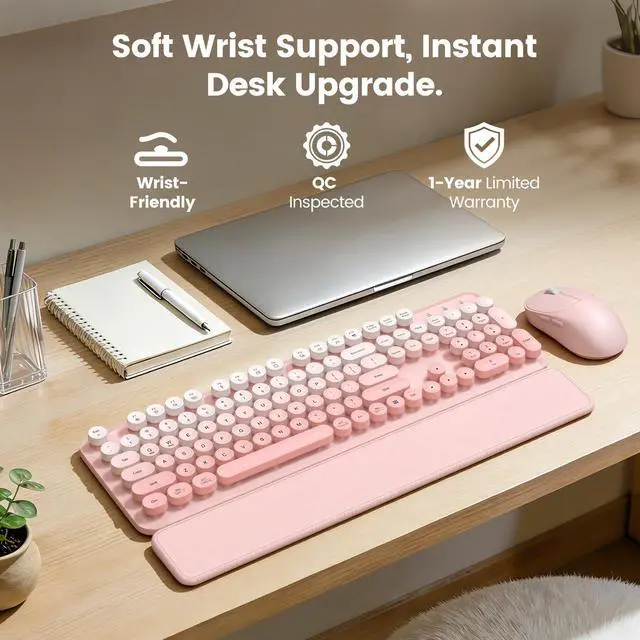
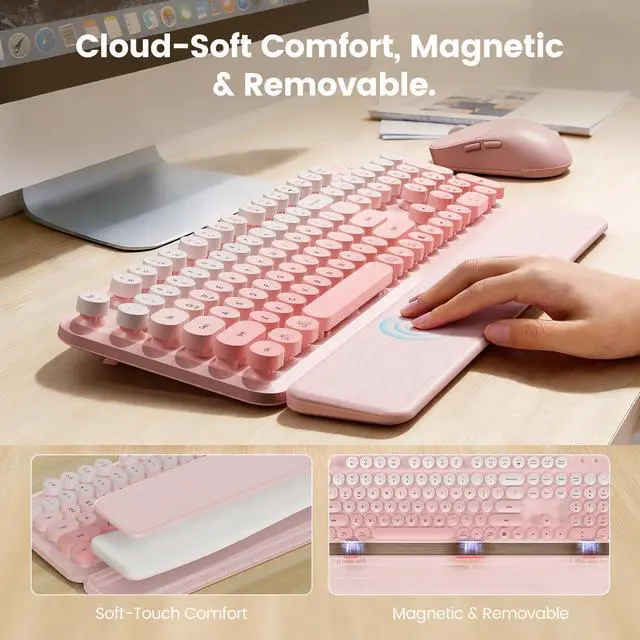
A: Yes! The wrist rest has a soft-touch cushioned surface that supports your wrists during long workdays. The internal magnets make it very easy to disassemble and use.
Q4: How do I connect the keyboard and mouse? Do they need separate USB receivers?
A: Setup is easy! The keyboard and mouse share one single USB receiver stored inside the battery compartment under the mouse. Just plug it in to start, or message us if you need connection help.
Q5: Can you take off the round keycaps to clean the keyboard?
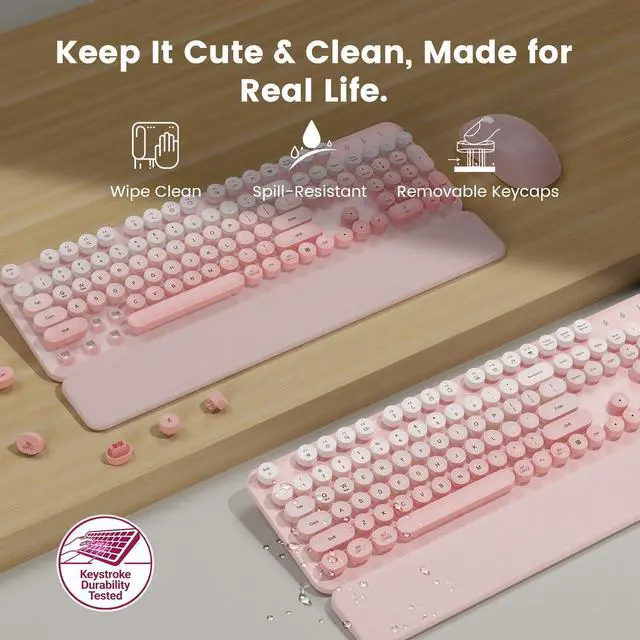
A: Yes! The round keycaps are fully removable, making it easy to clean out any dust or crumbs. The leather surface of the magnetic wrist rest can also be wiped down easily to keep the set looking clean.


Smooth Round Keycaps
Plug and Play Wireless
Splash Resistant Design
Two Stage Tilt Legs
Q1: Does this typewriter keyboard and mouse combo work with Mac?
A: Yes! While specially designed for Windows, it works on Mac using the included adapter. Please note that some top shortcut keys are not compatible with macOS. Let us know via Messaging if you have questions.
Q2: Is this typewriter-style keyboard loud? Is it okay for office use?
A: This keyboard makes a normal typing sound and is not completely silent. It lacks the loud click of a mechanical keyboard, making it great for regular office hours rather than ultra-quiet spaces.
Q3: Is the magnetic wrist rest comfortable for long hours of typing?
A: Yes! The wrist rest has a soft-touch cushioned surface that supports your wrists during long workdays. The internal magnets make it very easy to disassemble and use.
Q4: How do I connect the keyboard and mouse? Do they need separate USB receivers?
A: Setup is easy! The keyboard and mouse share one single USB receiver stored inside the battery compartment under the mouse. Just plug it in to start, or message us if you need connection help.
Q5: Can you take off the round keycaps to clean the keyboard?
A: Yes! The round keycaps are fully removable, making it easy to clean out any dust or crumbs. The leather surface of the magnetic wrist rest can also be wiped down easily to keep the set looking clean.