here!
here!
I’m your shopping assistant for PC builds, upgrades, and everything tech.
Got questions? Ask away!
Start a conversation
here!
I’m your shopping assistant for PC builds, upgrades, and everything tech.
Got questions? Ask away!
Start a conversation



Any questions? Ask CelesteSM will help you find out quickly.



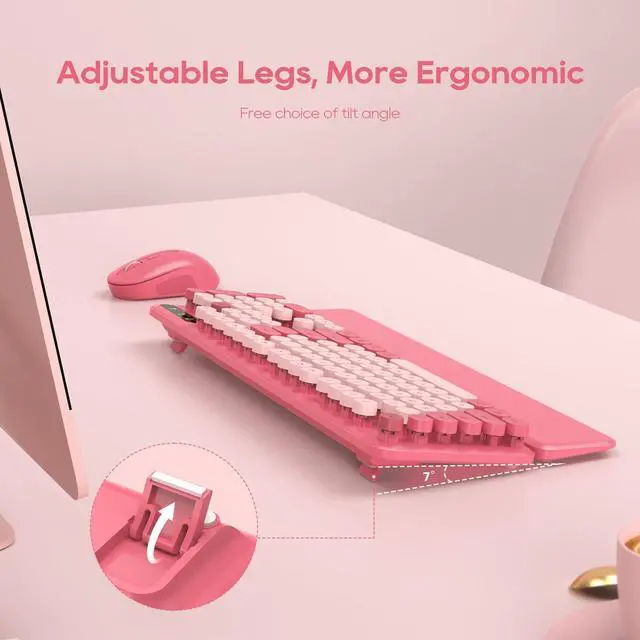
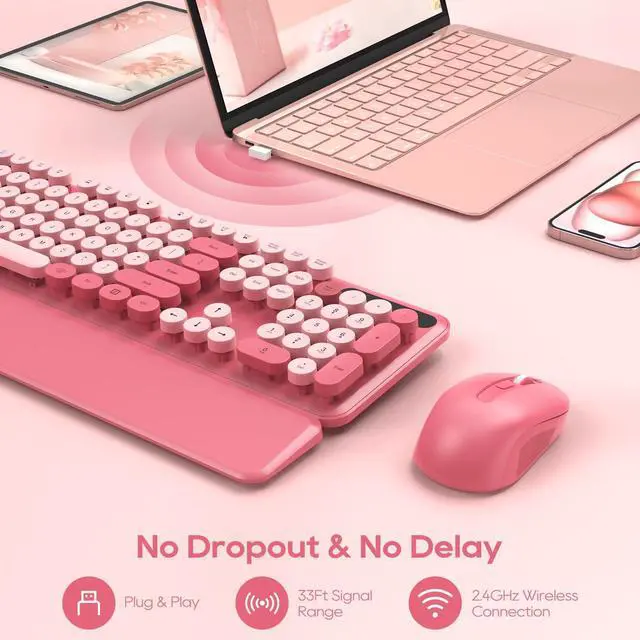
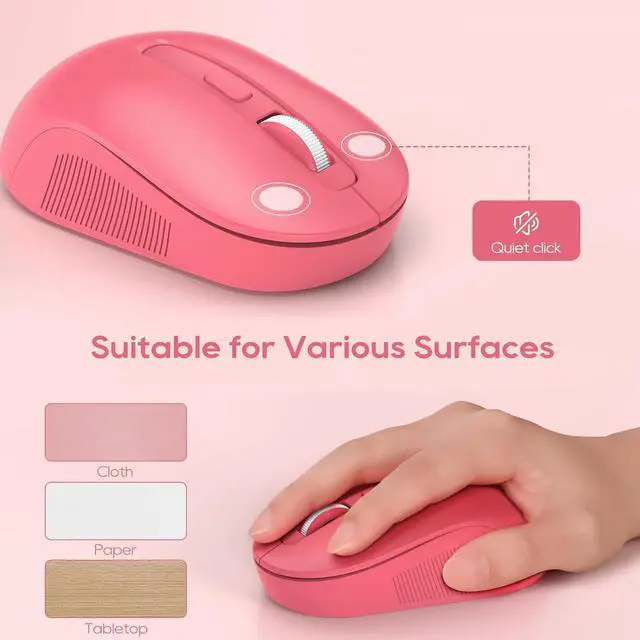
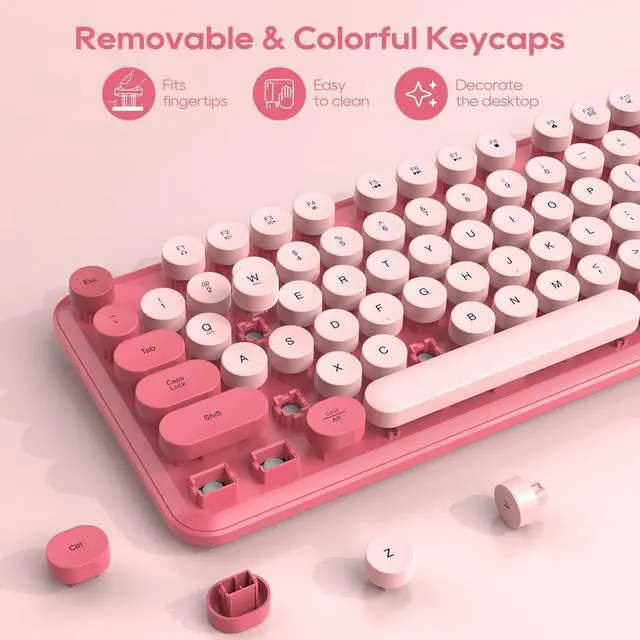
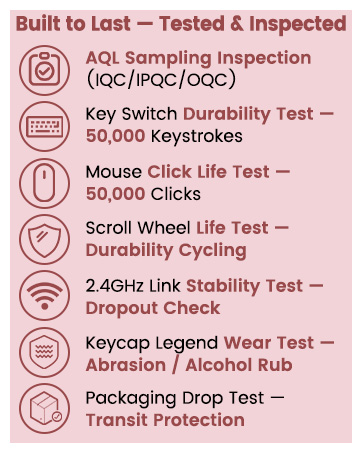
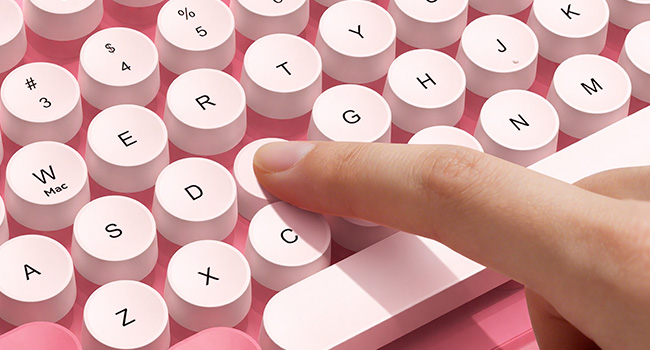
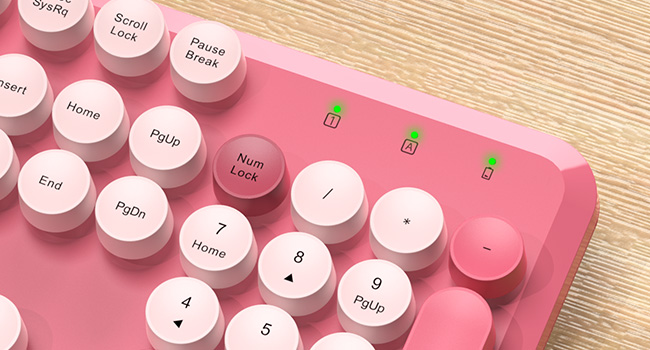
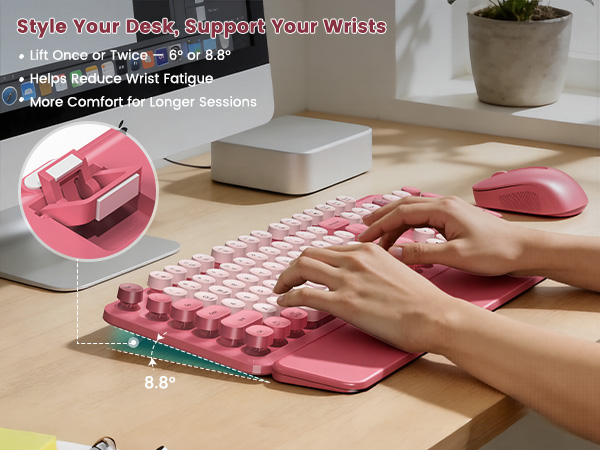
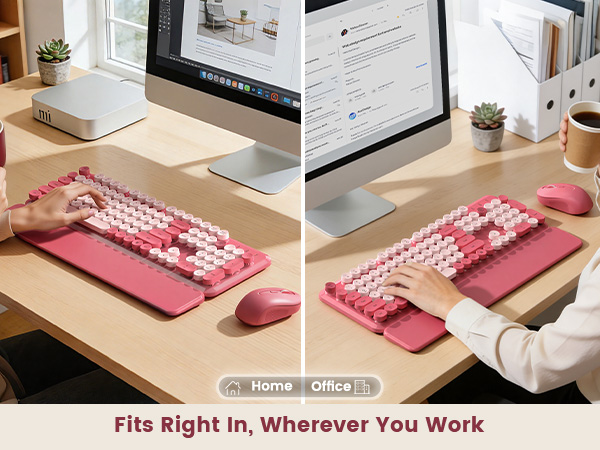
SABLUTE designs premium keyboards and mice to boost productivity and user satisfaction. Inspired by customer feedback, in 2023 we designed a keyboard with a vibrant retro typewriter style. Merging nostalgic aesthetics with modern functionality, it elevates workspaces by blending tactile engagement with ergonomic efficiency. Crafted for daily inspiration, it redefines workspaces as hubs of individuality and focused productivity.





1. Where is the USB receiver, and do the keyboard and mouse need separate ones?
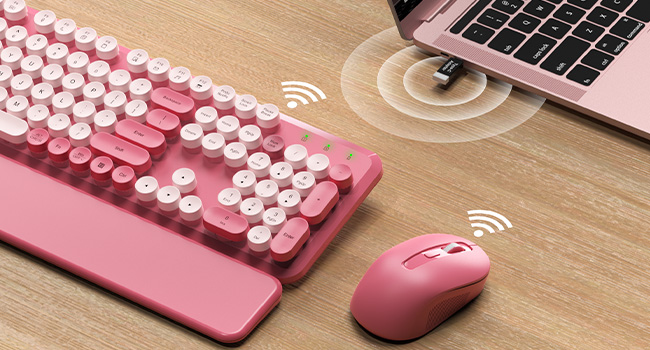
Both devices share one single USB receiver to save your computer ports. It is located inside the battery compartment on the bottom of the mouse.
If you cannot find it or have any setup issues, please call our staff immediately.
2. Are batteries included in the package, and what are the specific battery requirements?
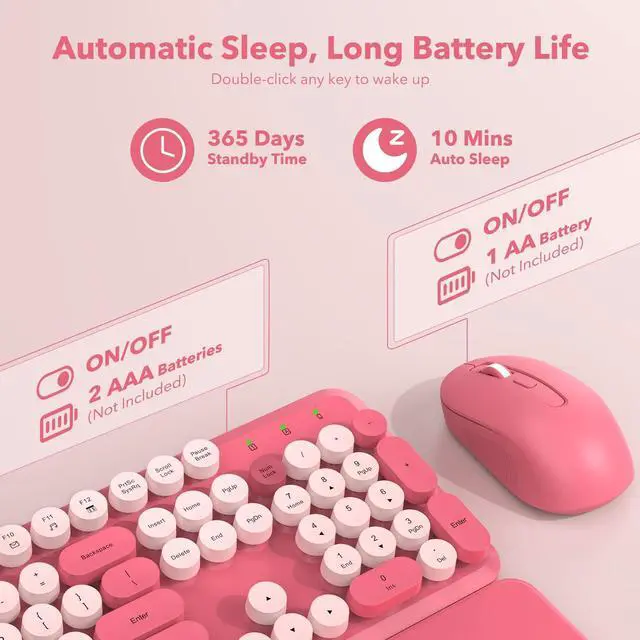
Batteries are not included. The keyboard requires 2 AAA batteries, and the mouse requires 1 AA battery.
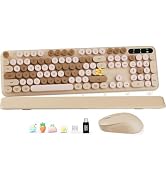
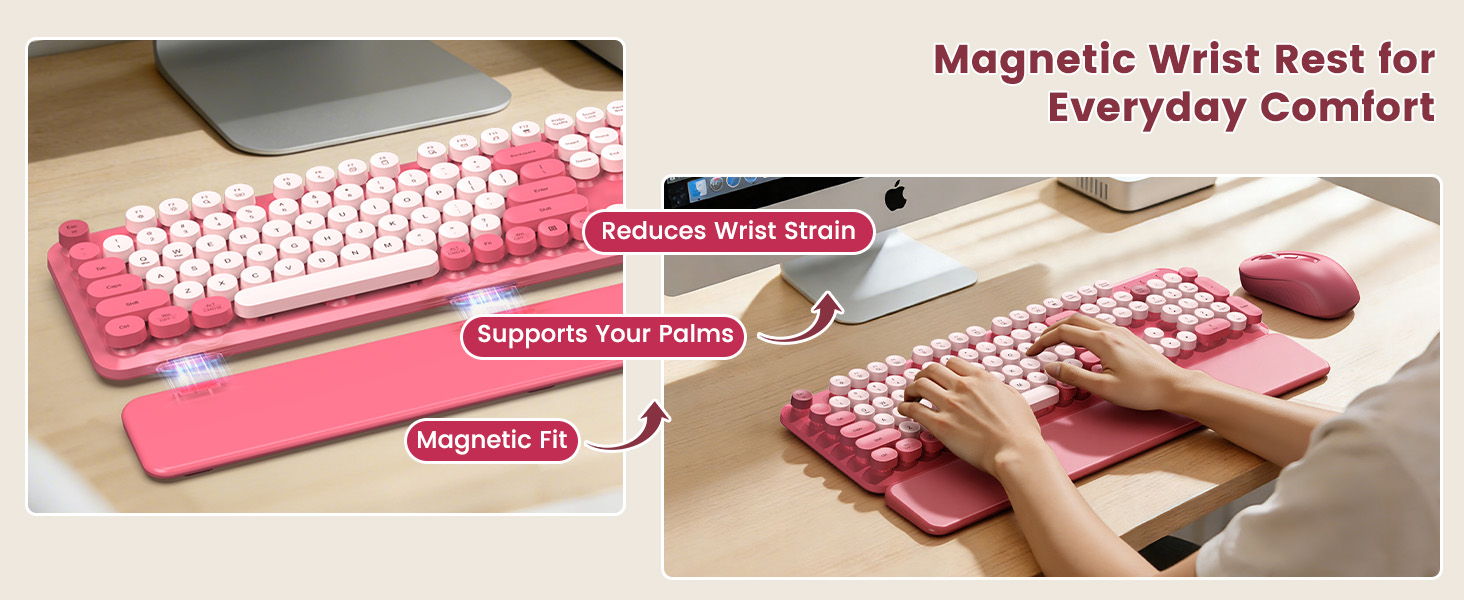
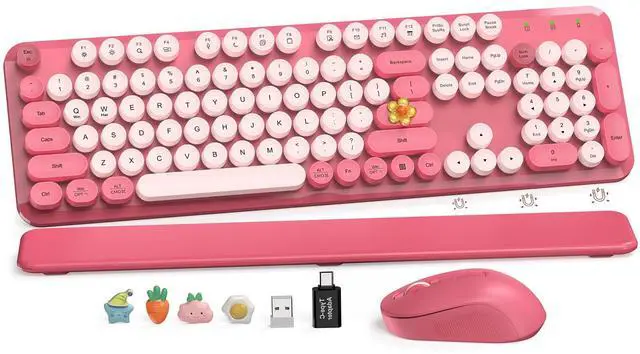
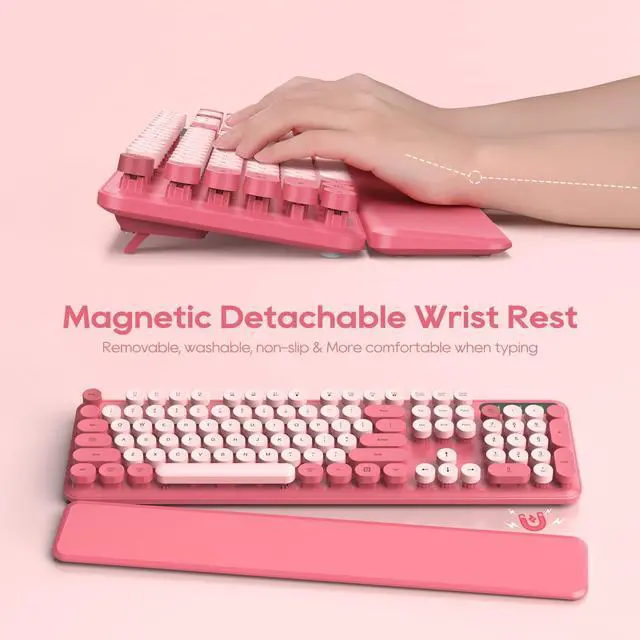
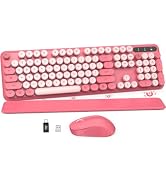
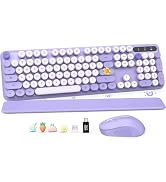
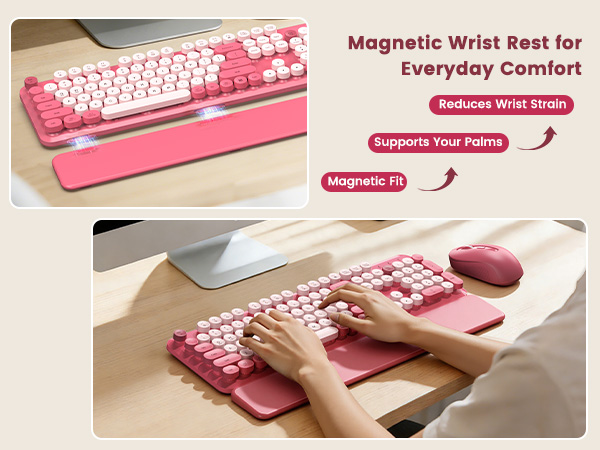
The package includes: 1 keyboard, 1 mouse, 1 USB receiver, 1 Type-C adapter, 1 wrist rest, and 1 instruction manual.
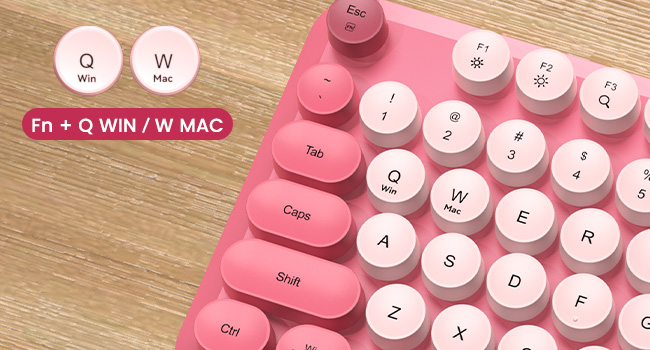
3. Does this typewriter-style keyboard and mouse set work with MacBooks?
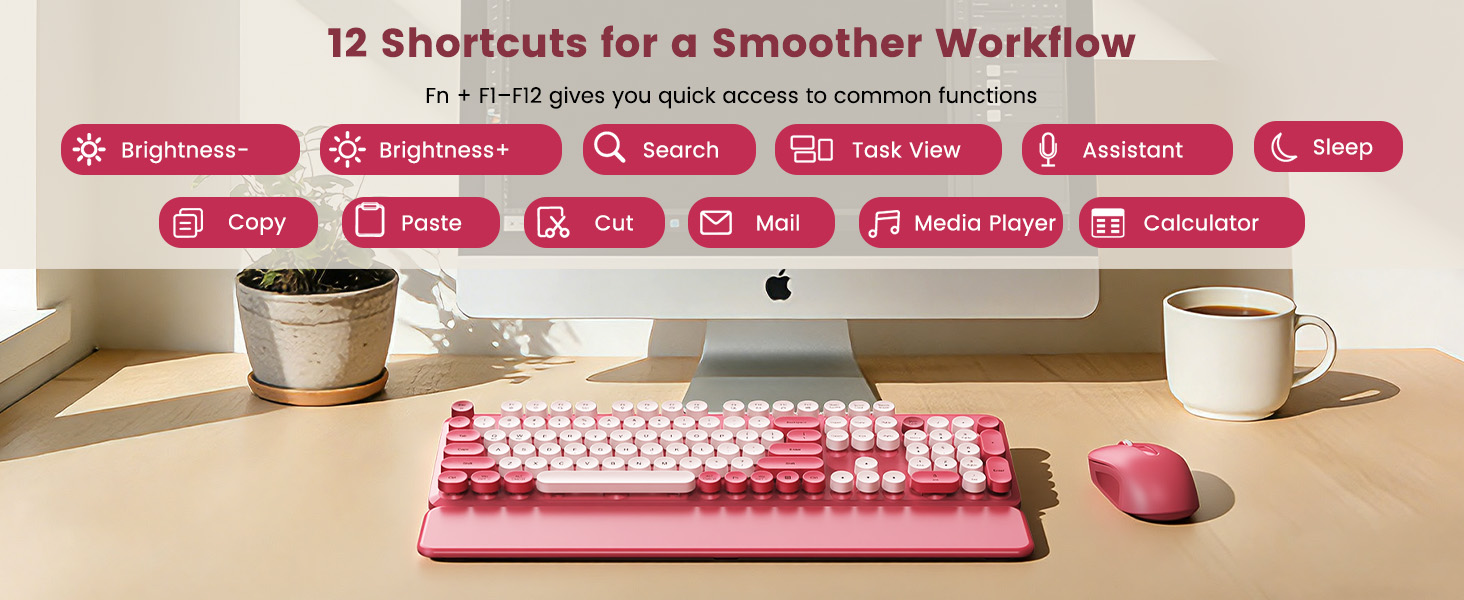
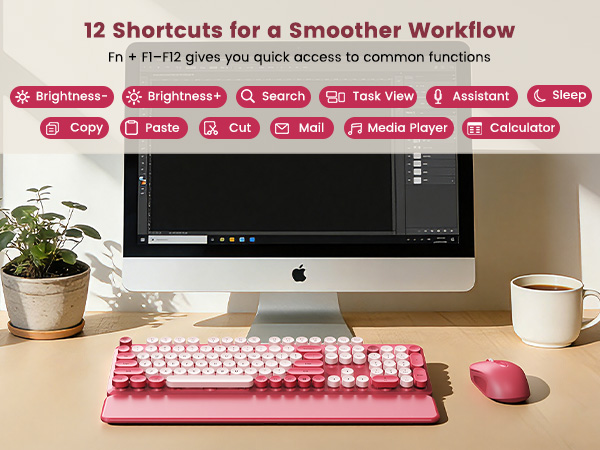
This set works best with Windows. While standard typing works great on a Mac using the included adapter, the top shortcut keys (F1-F12) do not fully work with Mac systems.
If you need any assistance with connection, our support is always here.
4. Is this typewriter keyboard very loud when typing?
It makes a standard, comfortable typing sound and does not have the loud, sharp clicking of a mechanical keyboard. While it is not completely silent, the sound level is normal and great for a regular office space.
5. What should I do if the keyboard or mouse stops responding after a break?
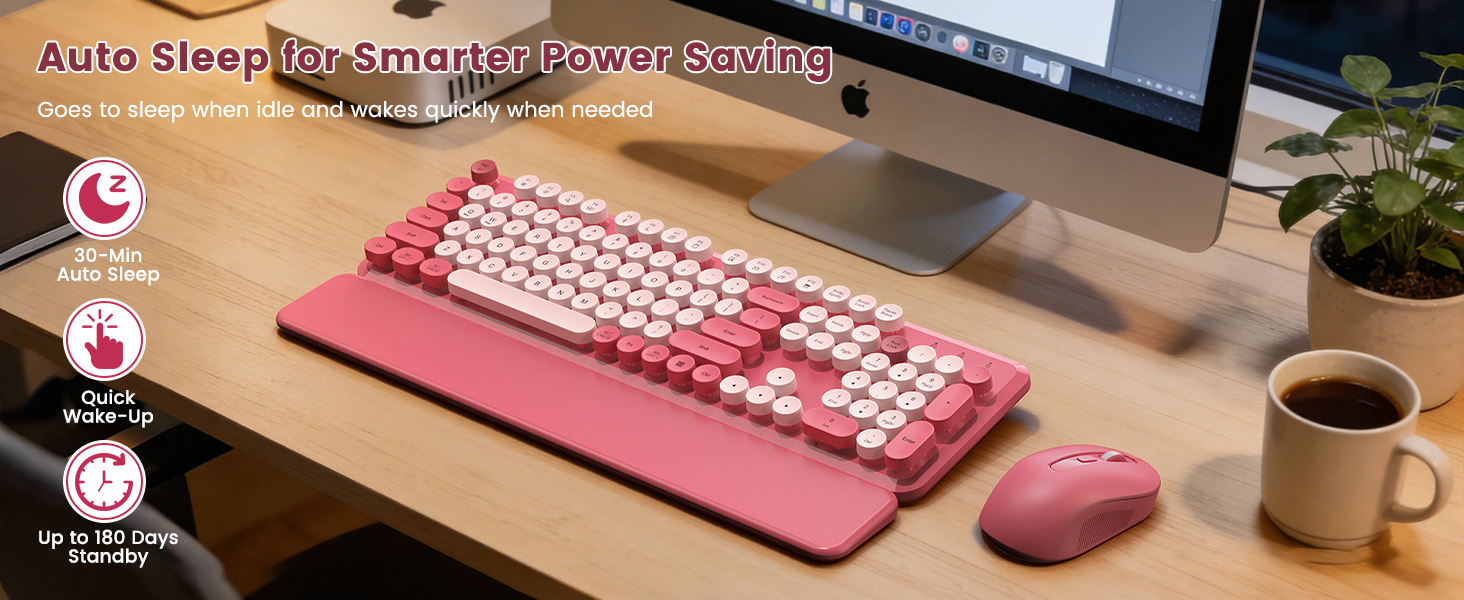
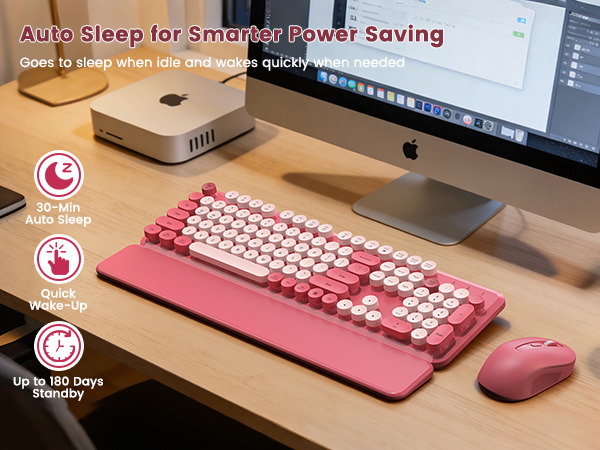
To save battery, both devices go into a sleep mode after 30 minutes of no use. Simply double-click any key or mouse button to wake them up instantly.
1. Where is the USB receiver, and do the keyboard and mouse need separate ones?
Both devices share one single USB receiver to save your computer ports. It is located inside the battery compartment on the bottom of the mouse.
If you cannot find it or have any setup issues, please call our staff immediately.
2. Are batteries included in the package, and what are the specific battery requirements?
Batteries are not included. The keyboard requires 2 AAA batteries, and the mouse requires 1 AA battery.
The package includes: 1 keyboard, 1 mouse, 1 USB receiver, 1 Type-C adapter, 1 wrist rest, and 1 instruction manual.
3. Does this typewriter-style keyboard and mouse set work with MacBooks?
This set works best with Windows. While standard typing works great on a Mac using the included adapter, the top shortcut keys (F1-F12) do not fully work with Mac systems.
If you need any assistance with connection, our support is always here.
4. Is this typewriter keyboard very loud when typing?
It makes a standard, comfortable typing sound and does not have the loud, sharp clicking of a mechanical keyboard. While it is not completely silent, the sound level is normal and great for a regular office space.
5. What should I do if the keyboard or mouse stops responding after a break?
To save battery, both devices go into a sleep mode after 30 minutes of no use. Simply double-click any key or mouse button to wake them up instantly.
SABLUTE designs premium keyboards and mice to boost productivity and user satisfaction. Inspired by customer feedback, in 2023 we designed a keyboard with a vibrant retro typewriter style. Merging nostalgic aesthetics with modern functionality, it elevates workspaces by blending tactile engagement with ergonomic efficiency. Crafted for daily inspiration, it redefines workspaces as hubs of individuality and focused productivity.