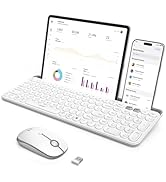
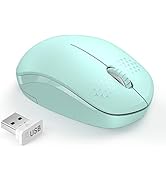
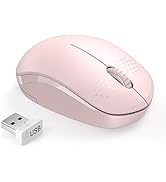
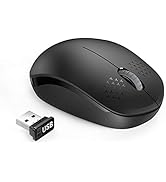
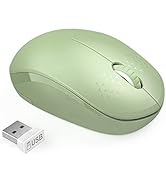
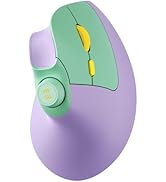
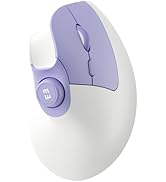
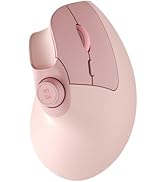
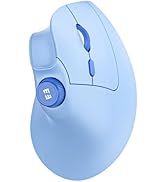
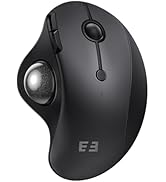
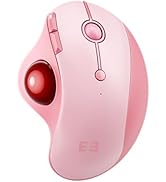
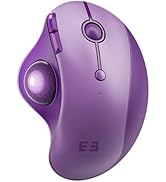
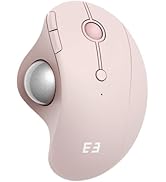
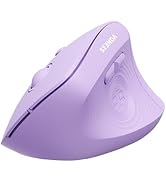
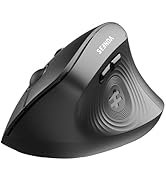
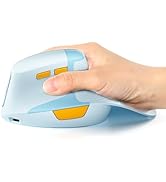
here!
here!
I’m your shopping assistant for PC builds, upgrades, and everything tech.
Got questions? Ask away!
Start a conversation
here!
I’m your shopping assistant for PC builds, upgrades, and everything tech.
Got questions? Ask away!
Start a conversation
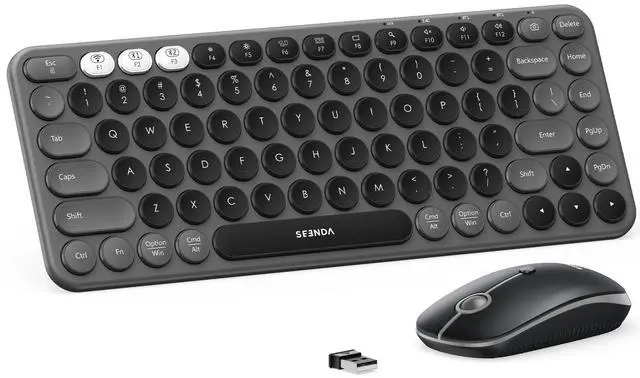

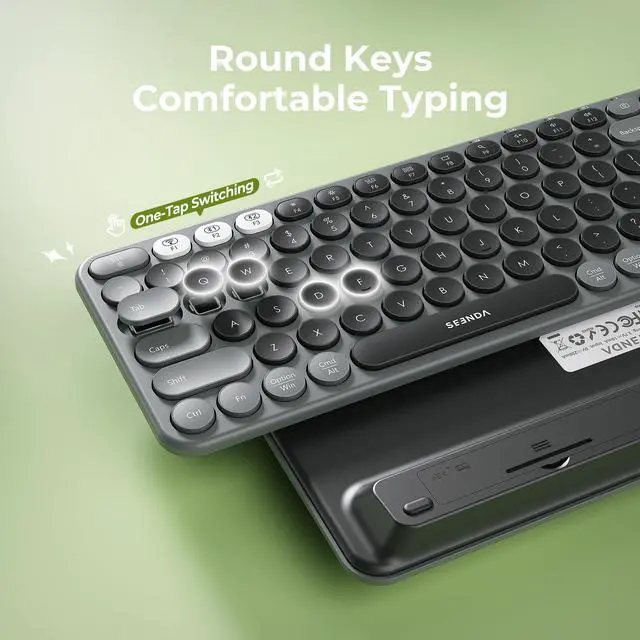
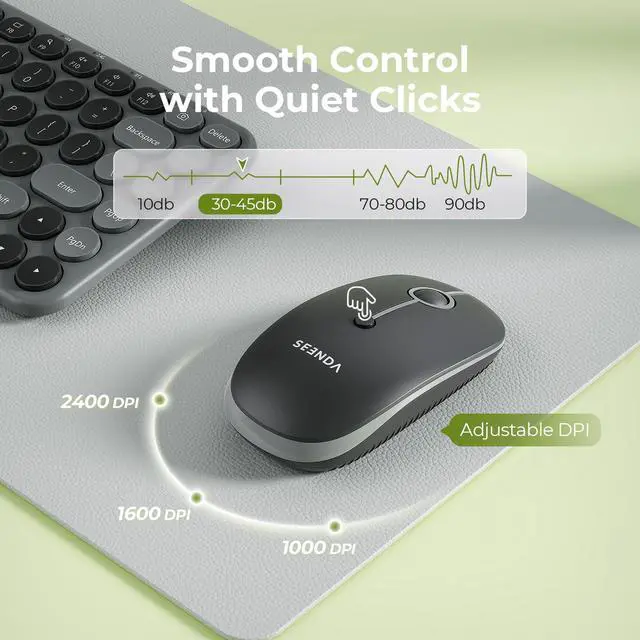
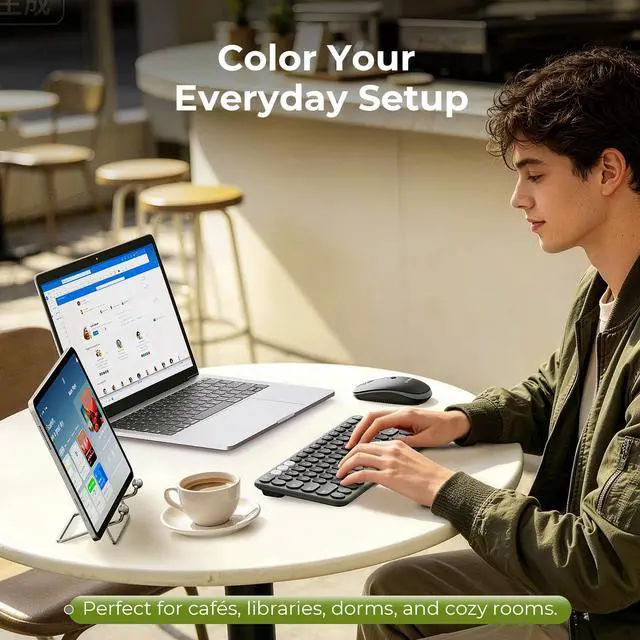




Any questions? Ask CelesteSM will help you find out quickly.

How to deal with keyboard/mouse won't turn on or stops working?
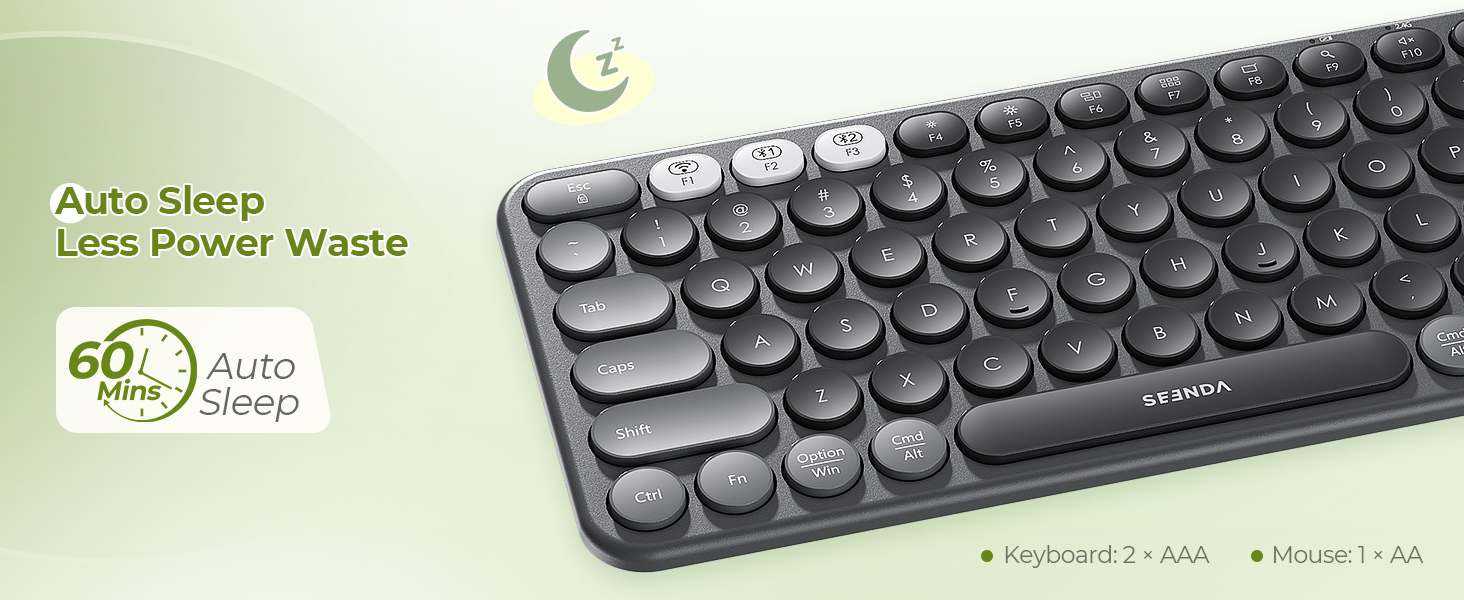
1.Check the positive and negative terminals before batteries install.
2.Replace the batteries if the keyboard or mouse stops working.
3.If the power indicator on either the keyboard or the mouse does not light up, plz let us know.
What should I do if keys/mouse buttons stop working or feel sticky?
1.Clean debris with compressed air (for keys) or a cotton swab dipped in isopropyl alcohol (for buttons).
2.Avoid water or debris entering the keyboard,as these are the main causes of unresponsive keys.
How to deal with disconnection issues, keys repeating or typing delay?
1.Please replace batteries. A low battery can affect the performance.
2.Unplug and replug the USB receiver. Try using a different USB port if needed.
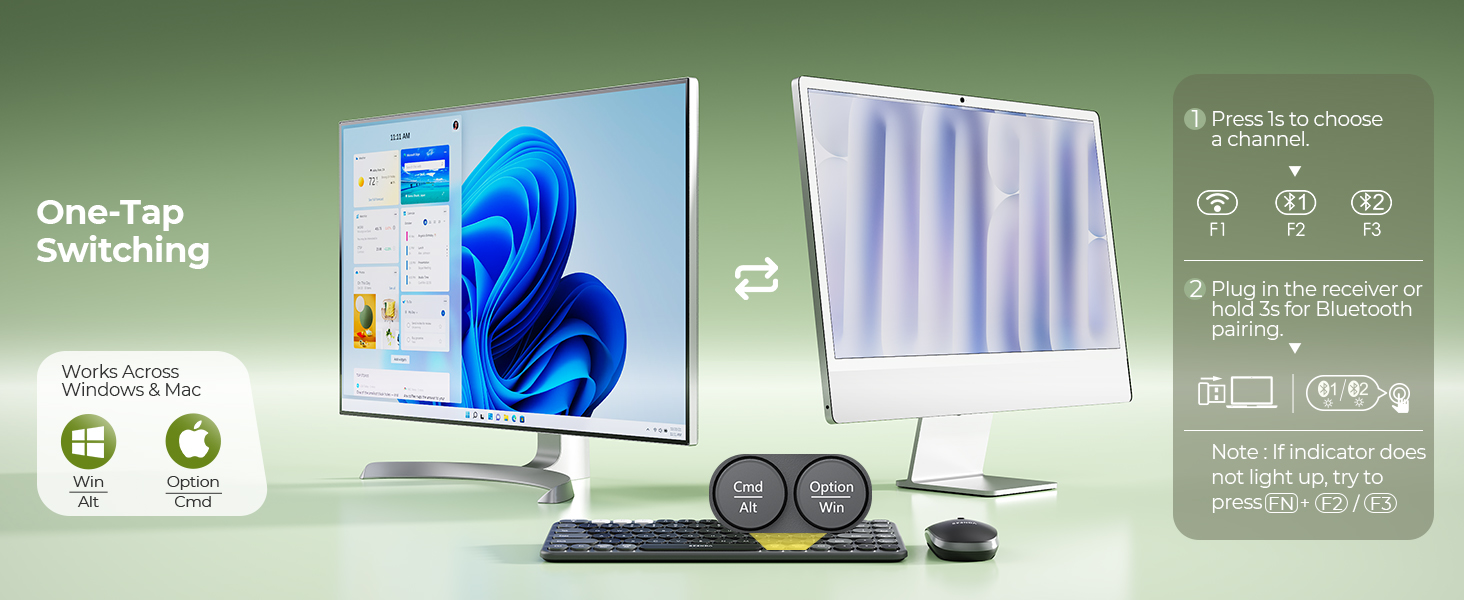
3.Delete the Bluetooth name from your list, restart your device, and re-pair thekeyboard/mouse.
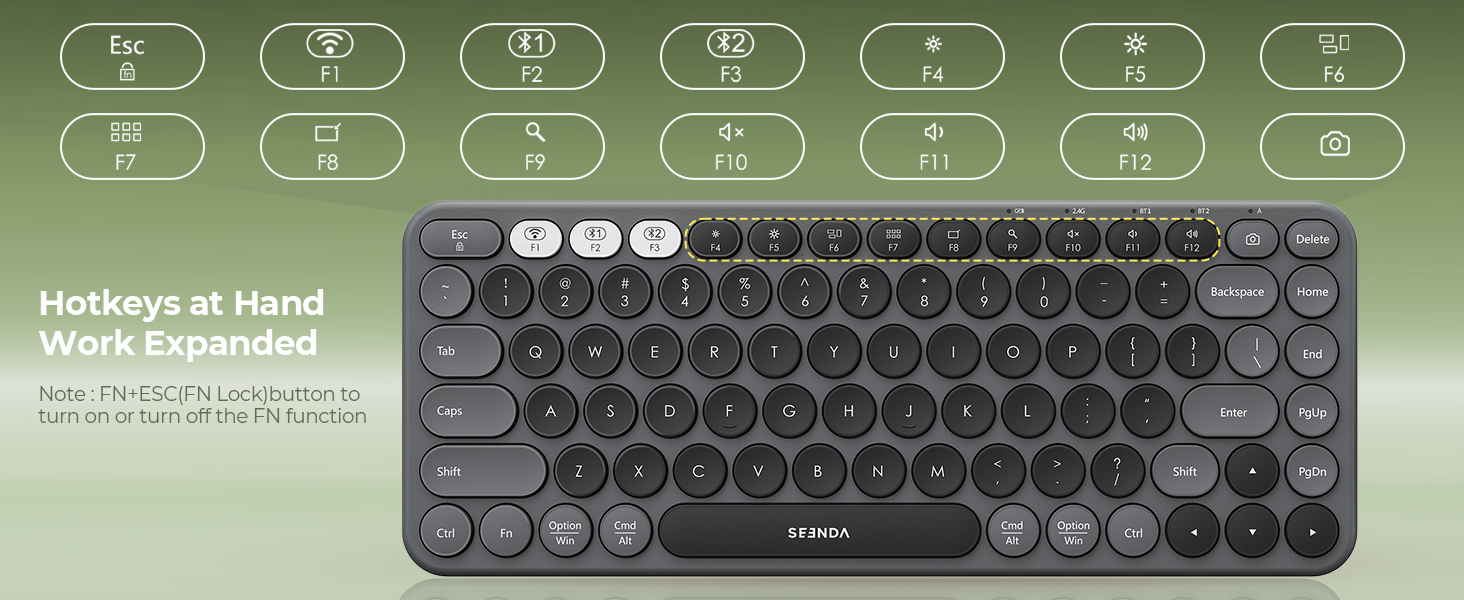
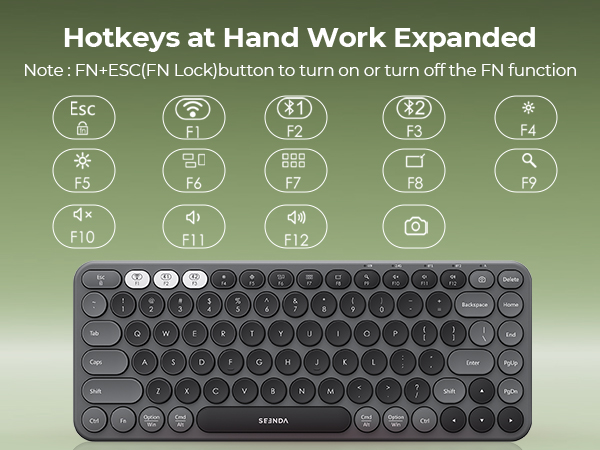
How to activate the Fn Lock?
Press Fn + Fn lock.



How to deal with keyboard/mouse won't turn on or stops working?
1.Check the positive and negative terminals before batteries install.
2.Replace the batteries if the keyboard or mouse stops working.
3.If the power indicator on either the keyboard or the mouse does not light up, plz let us know.
What should I do if keys/mouse buttons stop working or feel sticky?
1.Clean debris with compressed air (for keys) or a cotton swab dipped in isopropyl alcohol (for buttons).
2.Avoid water or debris entering the keyboard,as these are the main causes of unresponsive keys.
How to deal with disconnection issues, keys repeating or typing delay?
1.Please replace batteries. A low battery can affect the performance.
2.Unplug and replug the USB receiver. Try using a different USB port if needed.
3.Delete the Bluetooth name from your list, restart your device, and re-pair thekeyboard/mouse.
How to activate the Fn Lock?
Press Fn + Fn lock.